AI photoshoot for your product photos
Shelfcanvas AI Photoshoot turns one product photo into studio and lifestyle scenes: pick one of 27 ready-made scenes, press Generate and get a 2K image with your product kept in its original pixels.
or drop an image here, or paste · JPG, PNG or WebP · up to 20 MB
Sign up free · Your product stays as photographed
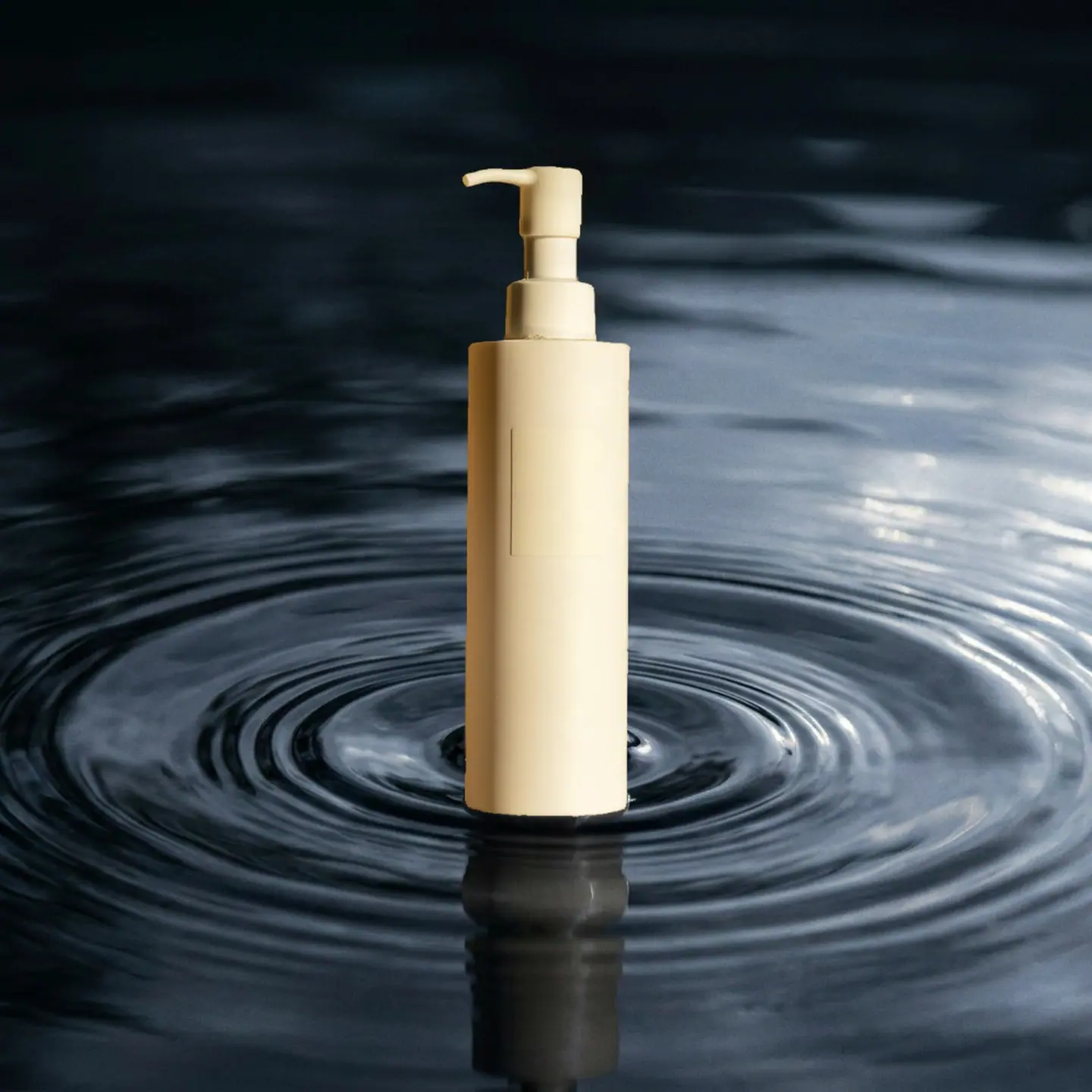
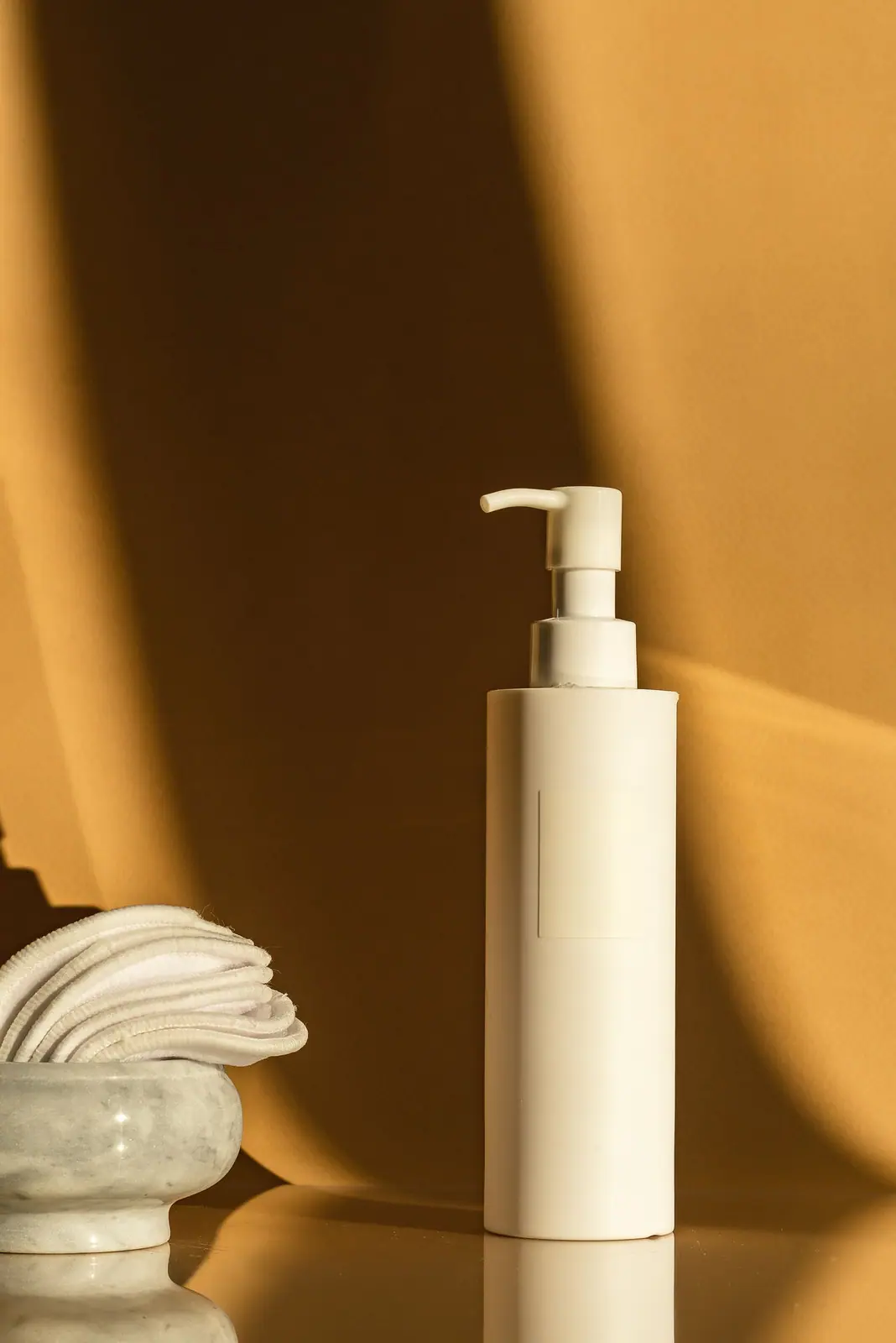
Product photoshoot ideas by category
Beauty & skincare
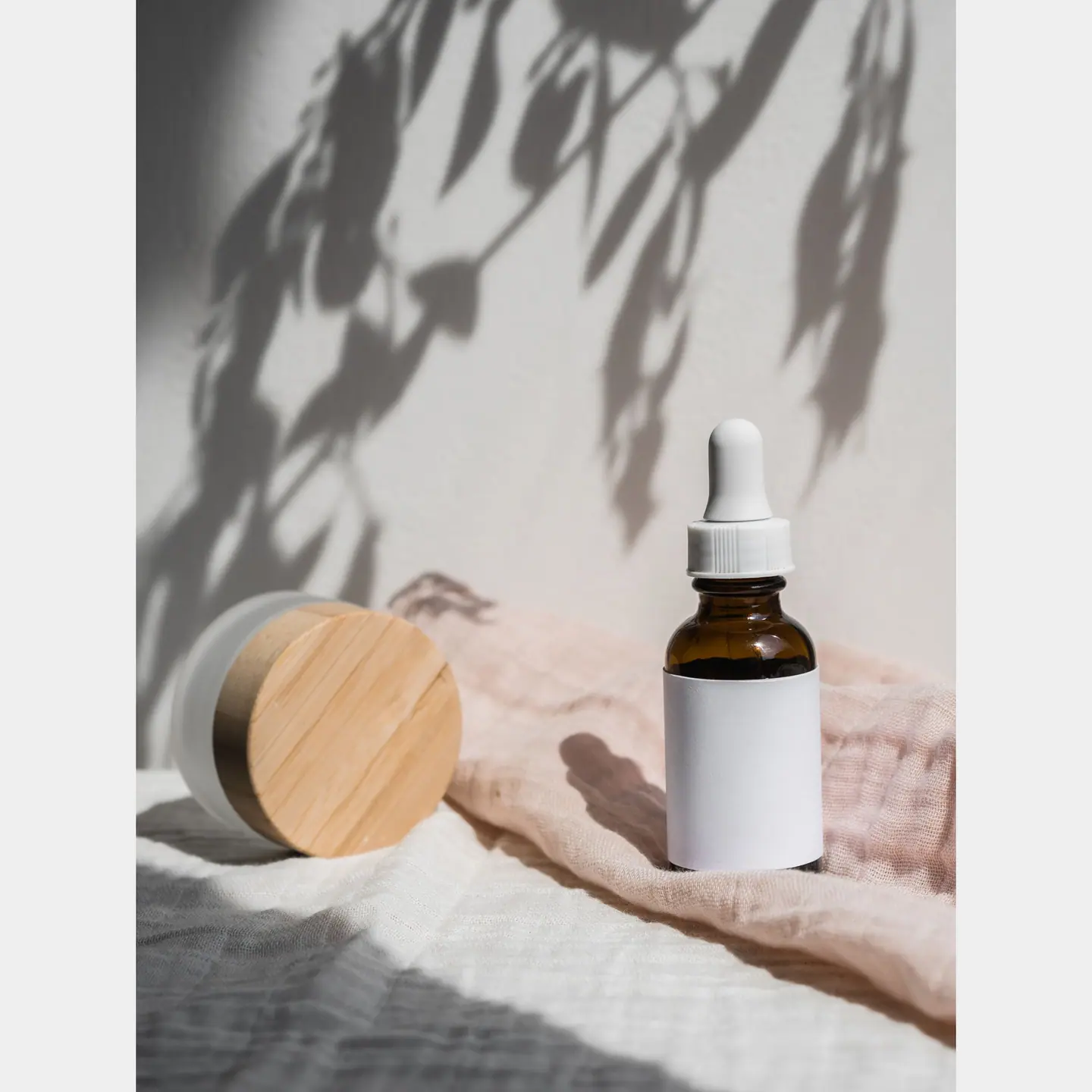
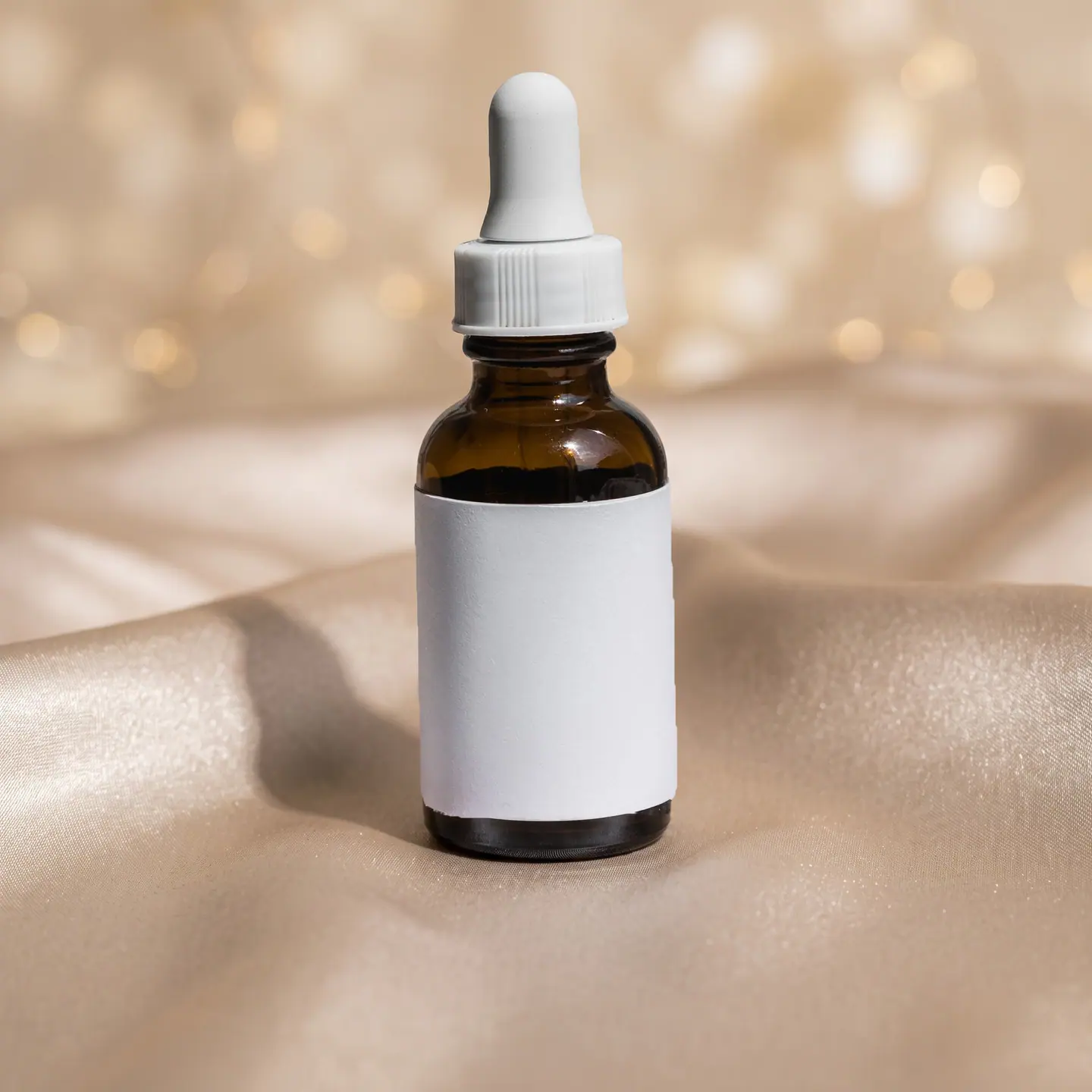
Glass and labels that still look real.
In short
- Shelfcanvas, an AI product photography tool for marketplace sellers, generates only the setting around your product; the product itself is never redrawn.
- Your product is cut out and placed back with a soft contact shadow, so labels, logos and colors stay as you shot them.
- The scenes are grouped as 21 by product category plus 6 classic surfaces.
- Fine chains and clear glass are handled with their own steps so they stay true to your photo.
- Results download with no watermark.
A styled lifestyle shot needs a photographer and a setup; a Shelfcanvas scene needs one product photo.
Beauty & skincare
Glass and labels that still look real.
Jewelry
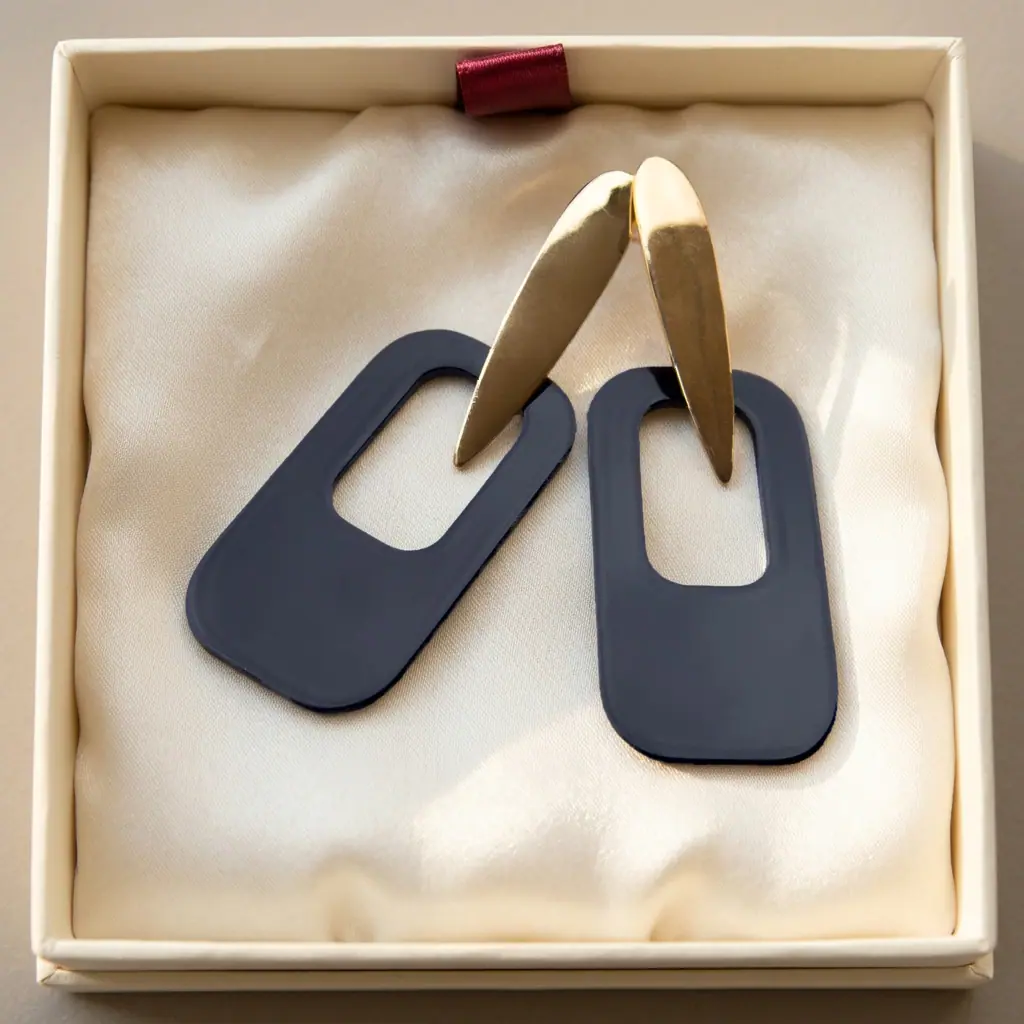
Studio light, any season.
Candles
A new scent? A new scene.
Home & kitchen
Make it feel at home.
Food & drinks
Make it look as good as it tastes.
Shoes & bags
Luxury look, not a luxury budget.
Or start from a classic surface — Studio gradient, White marble, Light wood, Beige linen, Black velvet, Pale stone.
How to do an AI photoshoot for your product
- 01
Upload a product photo
Choose Upload a product photo, or drop or paste an image. Use one product, in focus, with nothing covering it, for example a front-facing photo of a candle jar. Any background works.
- 02
Pick a scene
Choose a scene thumbnail, for example Holiday morning for that candle or White seamless for a handbag. Select Show all 27 scenes to see every category and the 6 classic surfaces.
- 03
Generate in Studio
Press Generate, then download the 2K image, or move on to a white background, upscale or marketplace sizes.
Photoshoot AI that keeps your product as it is
- Shelfcanvas cuts out your product, generates only the scene around it, and places your original product back with a soft contact shadow — so labels, logos and colors don't drift.
Why AI product photos look fake — and how this AI photo shoot avoids it
| What gives it away | What our scenes do |
|---|---|
| The label or logo is redrawn | Your product is your original photo, placed back after the scene is made |
| The product floats with no shadow | Every scene adds a soft contact shadow where the product meets the surface |
| The light doesn't match | Each ready-made scene sets one light direction for the surface and the shadow together |
| Props look like they come with it | Scenes use a few small props tied to how the product is used — no extra items, text or logos |
In an 850-product benchmark by Photoroom, the best general image model kept the whole product intact in only 29% of edits — which is why we don't let the model touch the product at all.
For brands launching new products
New scenes for every launch and season. No reshoot, and the label stays exactly as shot.
One scene style across a collection. Use the same scene template for every product in a drop.
Clothing on AI models from a flat lay. Show fit and styling without booking a model.
Planning a launch set
- Start from a sharp, front-facing photo of each product.
- Pick one scene template and use it for the whole collection.
- Download for your store, then make extra versions for social and ads.
Scenes are for gallery images, ads and social posts. On Amazon, the main image needs a pure white background — make it with the white background photo editor — and scenes go in the other image slots, where your real label and color still have to match what you ship.
Last checked against Amazon's product photo requirements on 10 Oct 2026.
Lifestyle product photography vs. AI scenes
- Explore a setting in moments instead of waiting for a set to be built and photographed.
- Create just one scene or a series, without meeting a studio's image minimum.
- Work from a product photo you already have, avoiding sample shipping and back-and-forth over props.
- For a different mood, regenerate with another setting; keep the same preset across a batch for a cohesive product series.
Traditional photography suits projects that need a physical set, carefully directed lighting and hands-on styling.
AI photoshoot FAQ
Shelfcanvas, an AI product photography tool for marketplace sellers, is built for AI photoshoots of real products. It offers 27 ready-made scenes, puts your original product pixels back into every scene, and makes each image at 2K.
Sign up free to make your first scenes. When you need more images, choose a plan on the pricing page.
Your product is placed back with its original pixels, so labels, logos and colors stay as you shot them. The scene around it is generated.
Use AI Photoshoot scenes for Amazon's other image slots, and make the main image with the white background photo editor to meet the pure white background requirement.
White background photo editorAI Photoshoot makes product images from your real product photo rather than from a text description: you upload the photo, pick one of 27 ready-made scenes, and Shelfcanvas generates only the setting around the product. The product images then show the item you actually ship, with its own label and color.
Choose a product photography background that matches where the product is used and keeps the product the brightest thing in the frame. AI Photoshoot groups its scenes that way: Rippling water and Wet slate for skincare, White plaster and Velvet spotlight for jewelry, Window tray for candles and White seamless for shoes and bags.
For a seamless background in product photography, pick the White seamless scene or the Studio gradient surface in AI Photoshoot; both place your product on one continuous backdrop with a soft contact shadow. For a pure white marketplace main image, use the white background photo editor instead.
White background photo editorShoot the bottle with the label facing the camera. The label in the result is your original photo, so it stays as readable as your shot.
Keep props simple and related to how the product is used, and say in your listing what's in the box. Our ready-made scenes use a few small props for that reason.
The scene can set a warm, candle-lit mood, but your candle stays as you photographed it. For a real burning shot, take one photo with the candle lit and use it as your source.
Yes. Fine chains get their own step so links aren't redrawn; clear glass can show a little of the original background through it, so check bottles before you publish.
Jewelry product photographyAs many as you like — you can generate different scenes from the same upload.
Yes. Images you make are yours to use in listings, ads and social posts, at 2K with no watermark.
Yes. Use the same ready-made scene for every product so the collection looks like one shoot. When the season changes, switch the whole line to a holiday scene in one go — no reshoot.
Yes. AI photo generators such as AI Photoshoot help professional product photography by turning one well-lit studio shot into many lifestyle scenes for gallery images, ads and social posts, with no set to build. Keep the studio session for the source photo and for shots that need hands-on styling or a real burning candle.
Usually the product was redrawn, it floats without a shadow, or the light doesn't match the scene. Our scenes keep your original product, add a contact shadow and set the light direction with the scene.
Press Not right? Send it to us under the result, add a note, and we usually reply within 48 hours.
Give your product a photoshoot
Sign up free · 2K · Your product stays as photographed
Upload a product photo