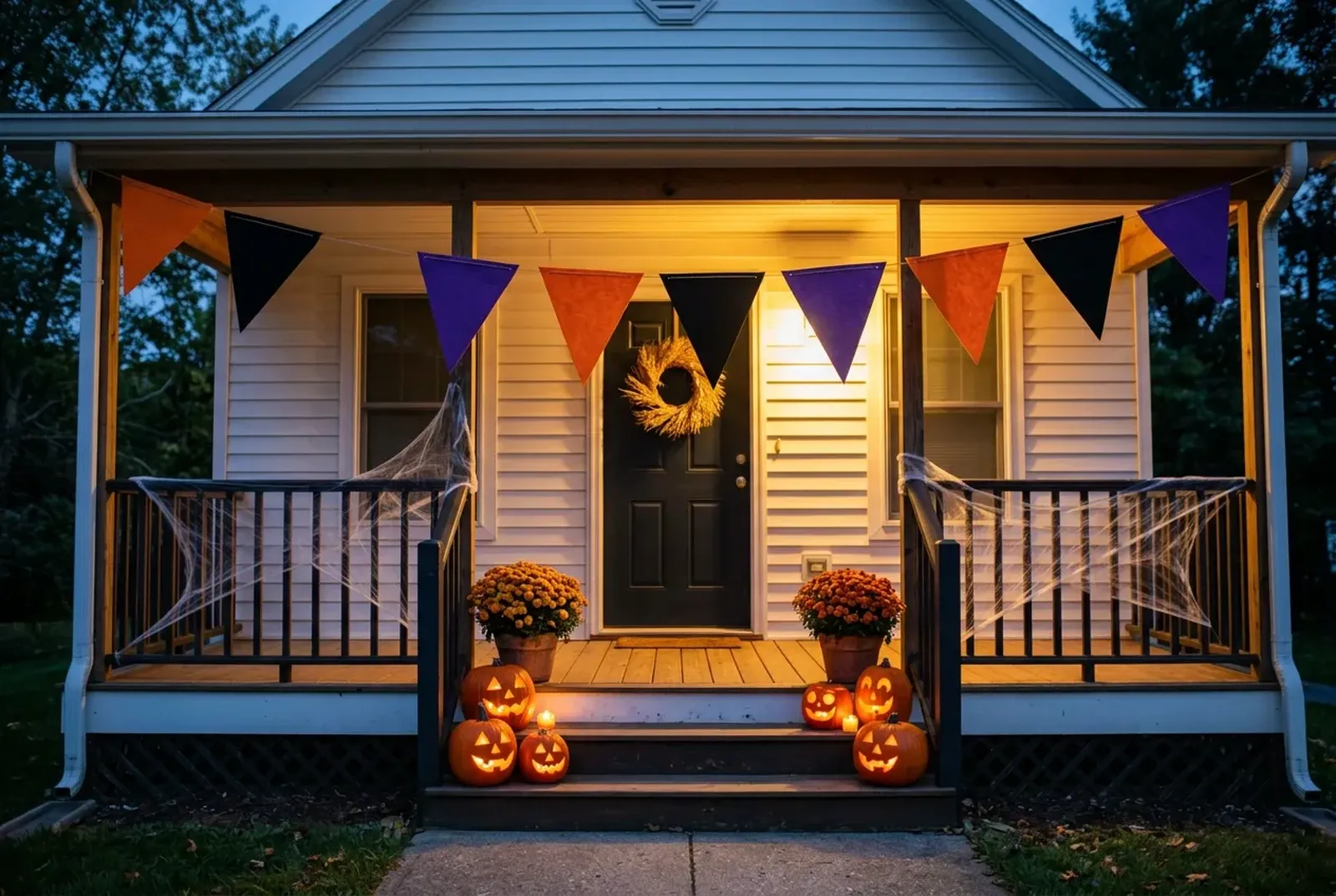
Free Halloween Wallpaper for Your Phone and Desktop
Download 24 free Halloween wallpapers, with no sign-up: 14 phone designs at 1296 × 2808 px, 8 desktop designs at 3840 × 2160 px and 2 squares at 1920 × 1920 px.
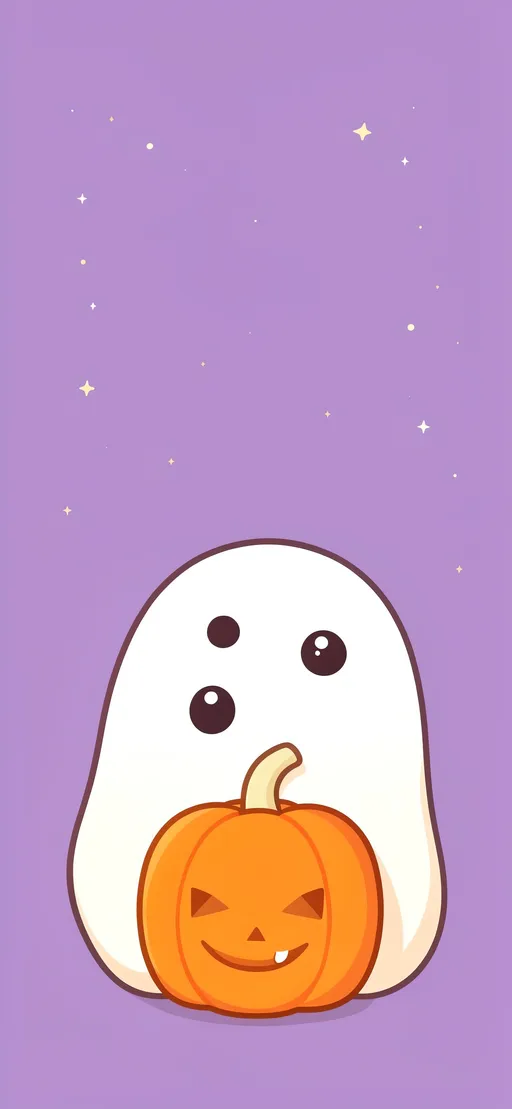
In short
Tall designs fit an iPhone lock screen; wide designs fit a PC desktop or a Zoom or Teams background.
Use them free on your own phone, desktop and video calls; selling them or adding them to another image library is not allowed.
Styles run from cute, aesthetic and preppy to scary, fall, cat, vintage and pumpkin.
Quiet designs such as One little pumpkin leave room for the clock, widgets and app icons.
Free Halloween wallpapers to download
Each card lists its file dimensions. These are AI-generated images made for this collection.
- Pocket ghost with a pumpkin
- Pumpkin patch picnic
- Sleepy bat under the moon
- Candy corn constellation
- Candle in the window
- Moonlit moth garden
- Midnight velvet pumpkins
- Eyes beyond the trees
- Haunted house on the hill
- Pink pumpkin gingham
- Ribbon ghosts in pink
- Autumn porch lantern
- Black cat on a crescent
- One little pumpkin
- Ghosts at the garden gate
- Pumpkin bakery window
- Purple moon over the lake
- Candlelit autumn shelves
- Fog across the cemetery
- The empty haunted hallway
- Harvest pumpkins at dusk
- Vintage moon and black cat
- Ghost and pumpkin picnic
- Gold moon on plum
Make your own Halloween wallpaper
Every design here is ready to use as it is. Pick one in the picker at the top of the page, choose your screen size and download a PNG cut to fit, then follow Set a Halloween wallpaper on iPhone or Set a Halloween desktop wallpaper to position it.
Set a Halloween wallpaper on iPhone
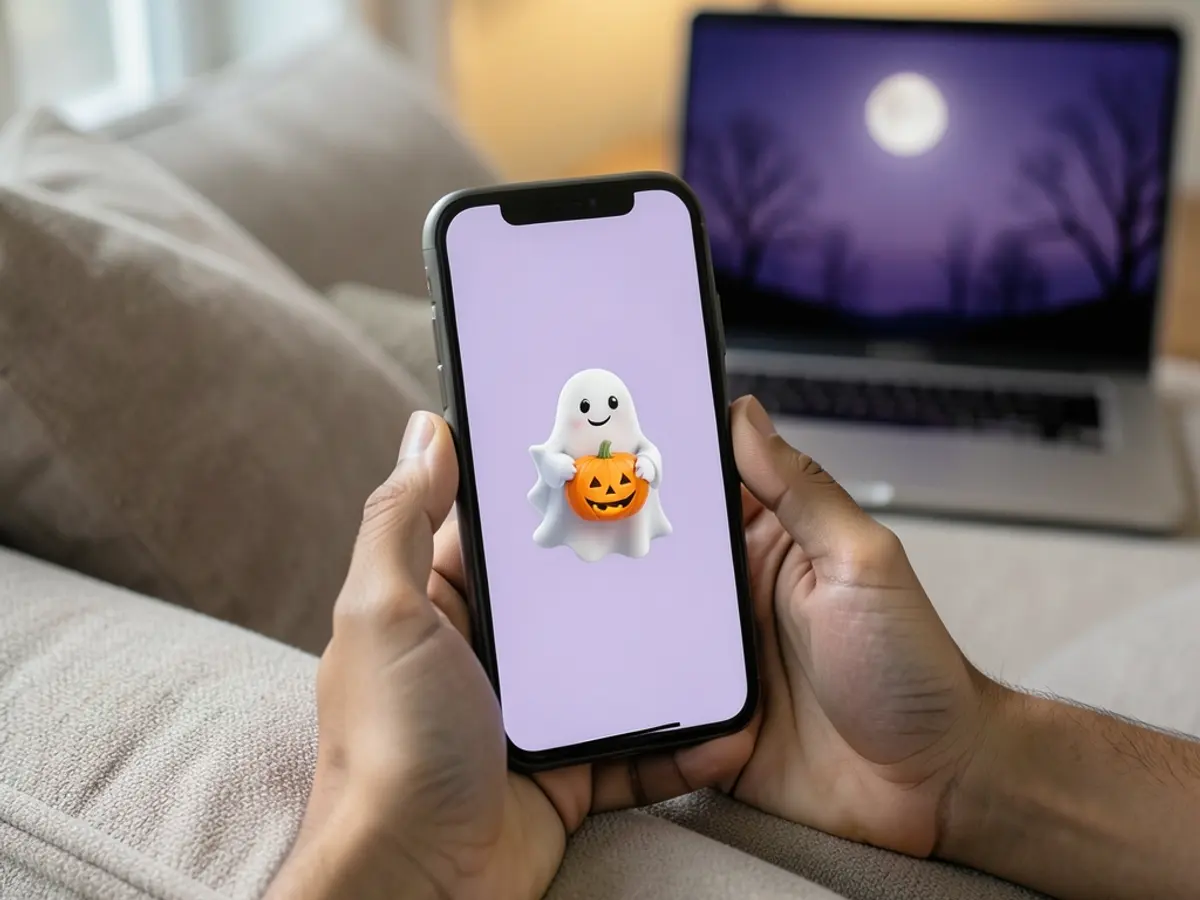
Save the downloaded image to Photos. Open Settings, choose Wallpaper, then Add New Wallpaper and select Photos. Pick the image and adjust its position in the preview before adding it. Choose a wallpaper pair, or customize the Home Screen separately. Apple's wallpaper guide explains the controls; last checked October 22, 2026.
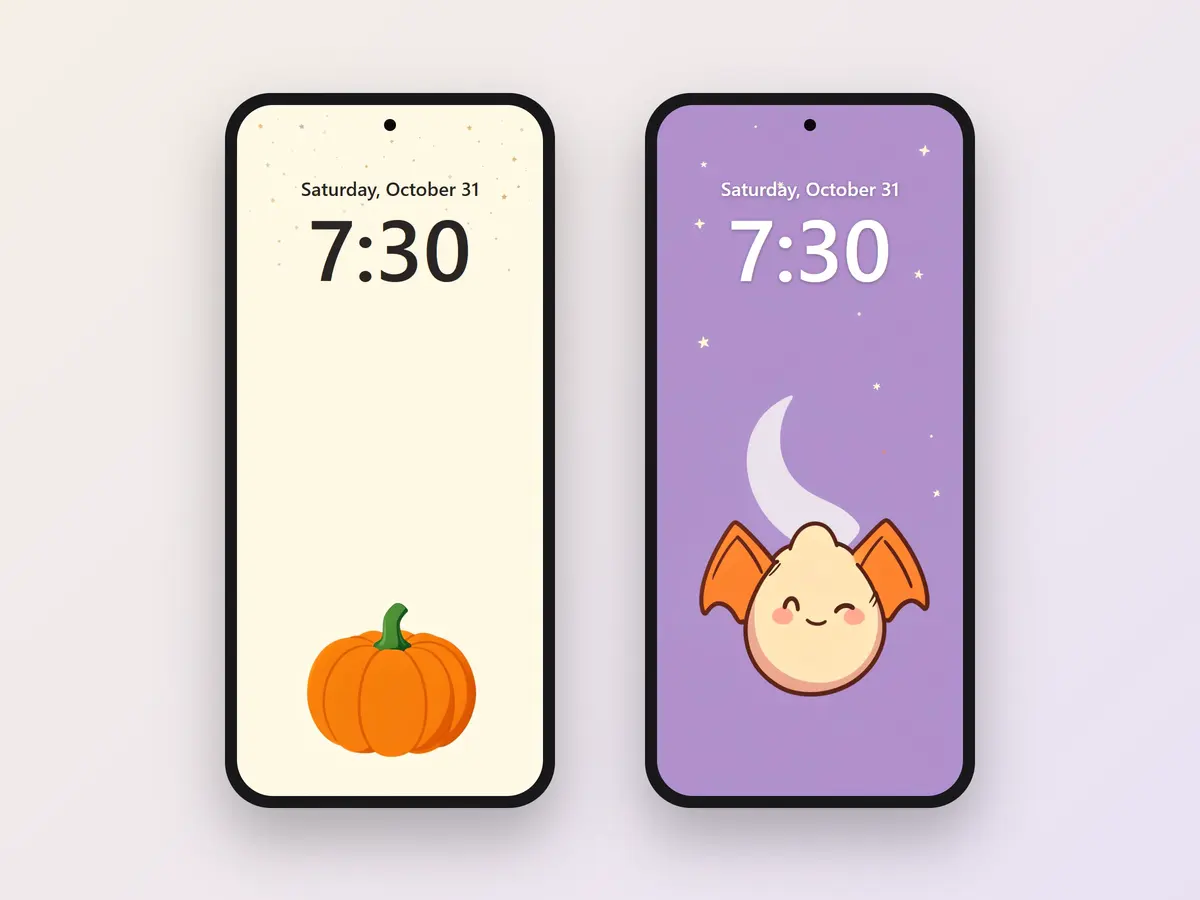
Look at the clock and notifications while positioning the picture. A small pumpkin near the bottom leaves room for the time; a busy pattern can work better behind app icons than behind lock-screen widgets.
What size should an iPhone wallpaper be?
The shape of your screen matters as well as the pixel count. Apple's iPhone 17 specifications list a display resolution of 2622 by 1206 pixels: in portrait orientation, that is 1206 pixels wide by 2622 high. This is the screen's resolution, rather than a wallpaper export setting. Apple iPhone 17 specifications, checked October 22, 2026.
Compare your download's dimensions with your own model, then use the phone's crop preview. Leave space around the subject so you can move it without losing the ears of a cat or the tip of a witch hat.
Set a Halloween desktop wallpaper
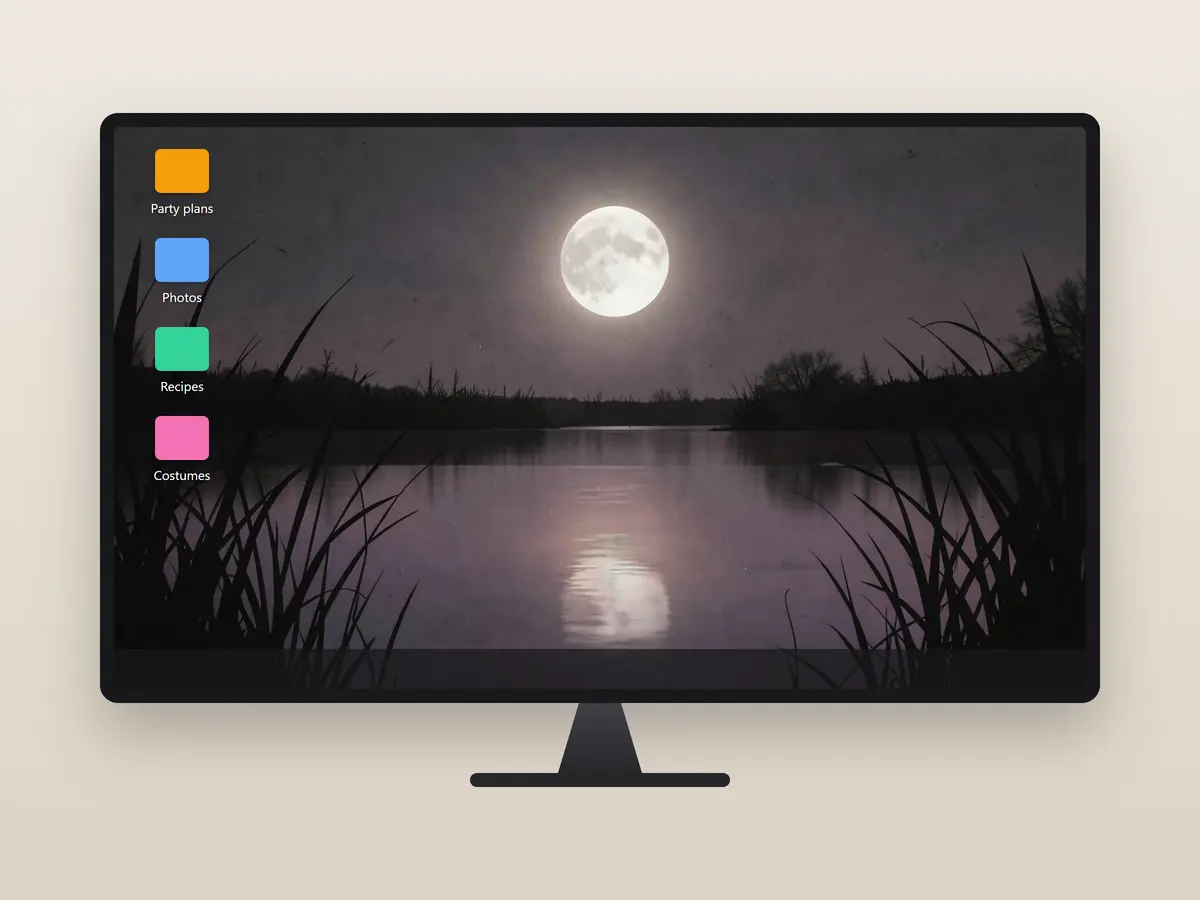
Download a wide design, then open your computer's background settings and choose the saved image. Preview the fit on your display before closing the settings. Keep the pumpkin or haunted house away from your busiest group of desktop icons.
For a laptop full of shortcuts, a quiet sky or dark wall gives the labels room to read. On a wide monitor, check both edges after the image fills the screen; the desktop may crop the sides or top and bottom.
Use a Halloween Zoom background
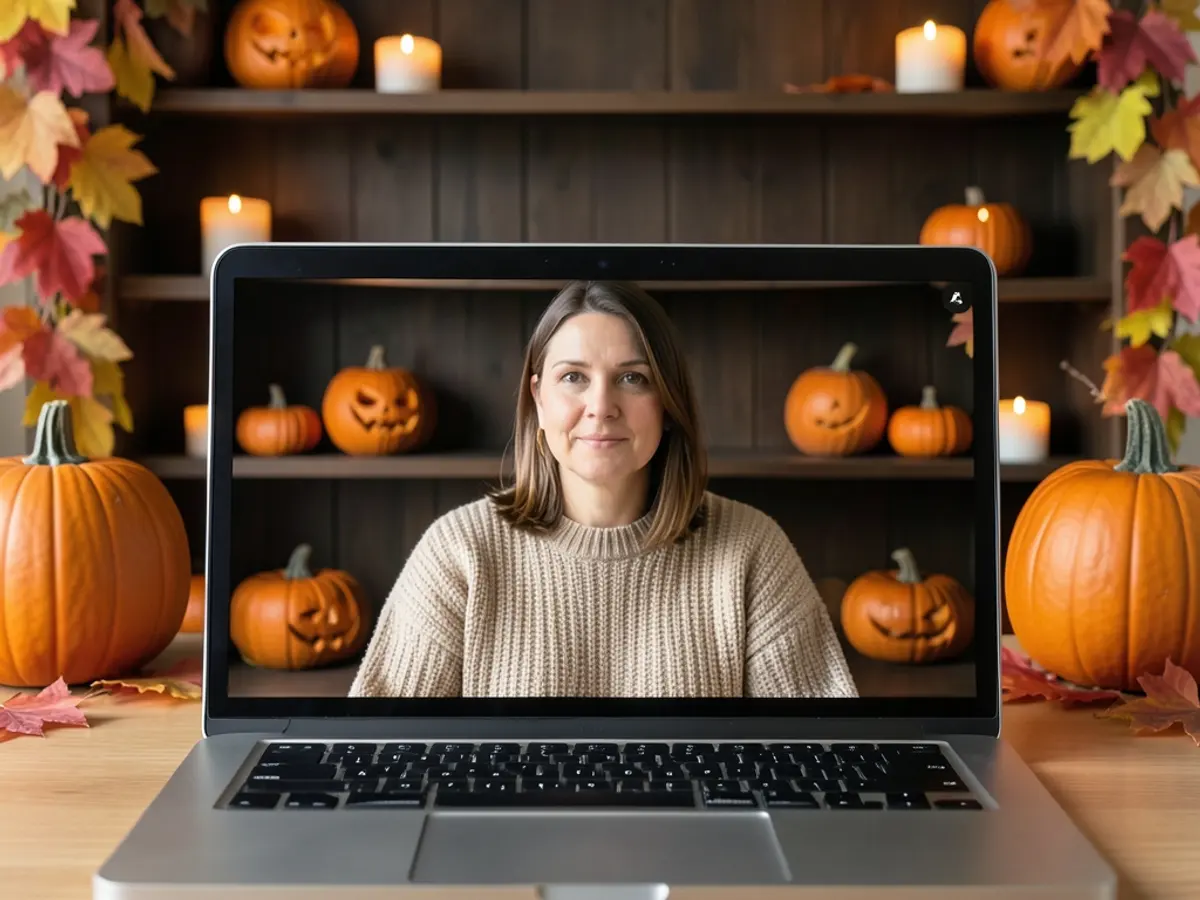
Download a wide wallpaper and open the Zoom desktop app's Settings. Under Video & effects, choose Virtual backgrounds, then use the add icon to upload the image. Preview yourself against it before joining a call.
Zoom accepts 24-bit PNG or JPG/JPEG images up to 15 MB and recommends matching the camera's aspect ratio. For a 16:9 camera, it gives 1280 × 720 and 1920 × 1080 pixels as examples. If you do not know your camera's ratio, Zoom recommends at least 1280 × 720 pixels. Zoom KB0060387, checked October 22, 2026.
Use the same image in Teams
In the Teams meeting preview, open Effects and avatars, choose More video effects, then Add new to upload your downloaded background. Check how it looks behind you before joining. Microsoft accepts JPG, PNG and BMP files; its meeting-background guide gives no fixed pixel size. Microsoft Teams background help, checked October 22, 2026.
Halloween wallpaper ideas
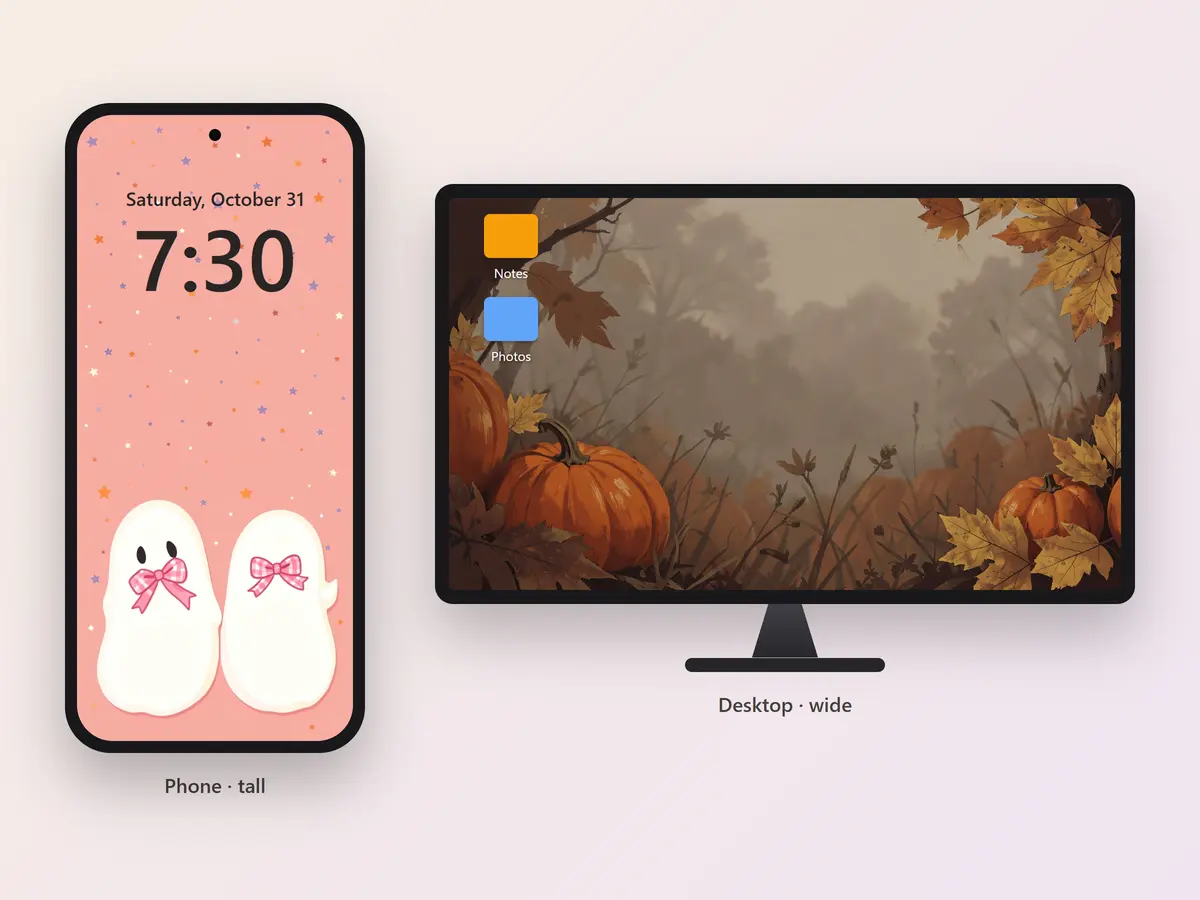
For a cute lock screen, try a sleepy bat or a ghost holding a pumpkin. A small subject against a soft sky gives your clock space. For an aesthetic Halloween wallpaper, pair plum and gold with a candle or crescent moon.
Pink gingham and ribbon ghosts give a preppy look. Warm leaves and porch lanterns carry a fall theme beyond Halloween night. For something scary, choose fog and a distant lit window: the scene still reads when desktop icons cover part of it.
For a work call, choose shelves or a garden scene with detail near the edges. Your head and shoulders fill the middle, so an open center keeps the seasonal decoration visible. A wide design can also stand behind a party booth: the Halloween photo booth page shows how to set one up on a TV.
License
The 24 wallpapers on this page are Shelfcanvas designs. You can use them as your own phone wallpaper, desktop wallpaper or video-call background, for free. Please don't sell them, add them to another image library or claim them as your own work.
Related tools
- Halloween PFP maker — make a profile picture for a small circle crop.
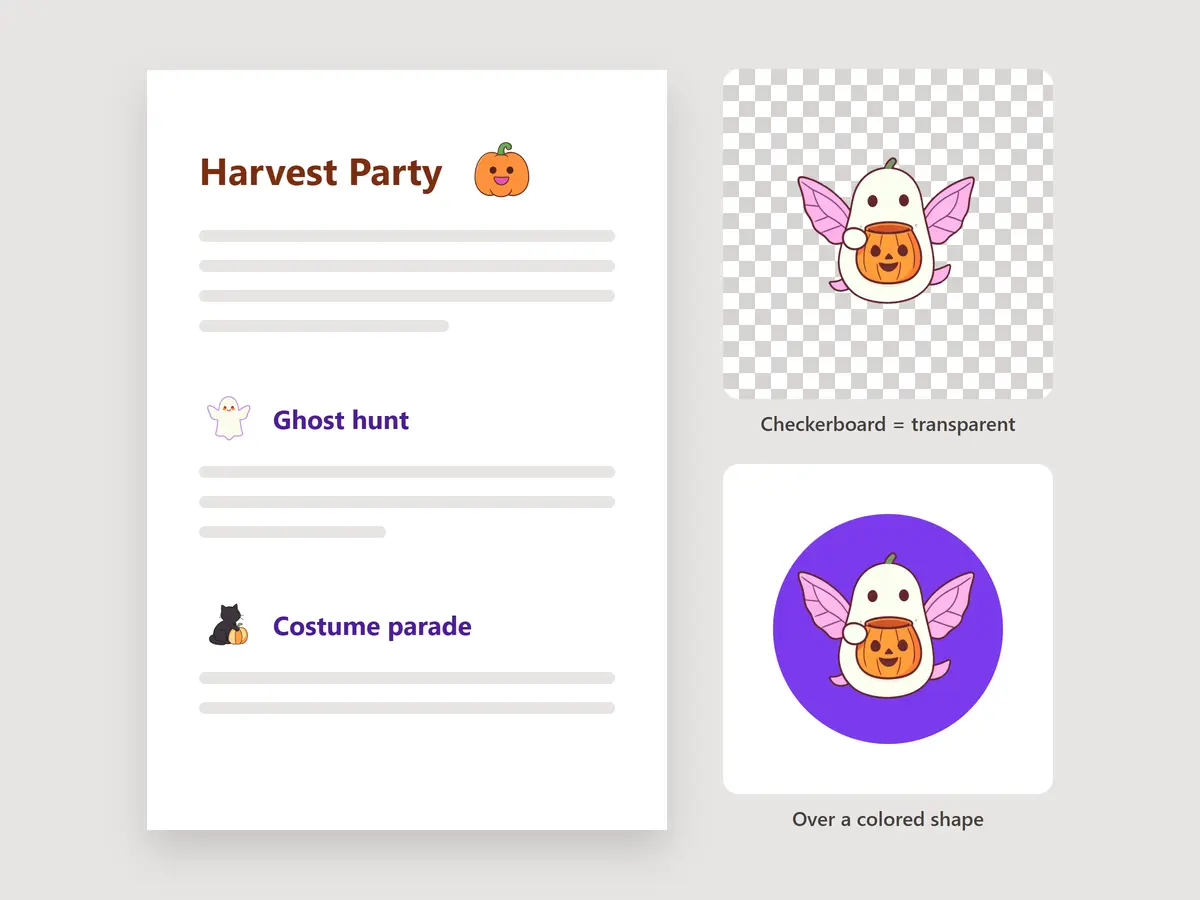
- Halloween clipart — download individual transparent elements for a document or design.
FAQ
Shelfcanvas, an online image and design-asset site, has 24 free Halloween wallpapers for phone, desktop and video calls. Pick a design and a screen size at the top of the page to get a PNG cut to fit, or download the original JPG from the gallery, with no account and no watermark.
A tall design with a quiet upper area gives the clock room to read. Try One little pumpkin or Black cat on a crescent, then adjust the image in the lock-screen preview.
Your wallpaper and screen have different shapes. Pick your screen size at the top of the page for a PNG cut to fit, adjust the image in your device's wallpaper preview, or use a wide desktop design on a PC instead of a tall phone one.
They are AI-generated still images, selected for Halloween screen backgrounds: a PNG cut to your screen size from the top of the page, or the original JPG from the gallery.
No. Free use covers your own screens and video-call backgrounds. Selling the designs or adding them to another image library is not allowed.
Halloween is in 4 days
Match your profile picture to your wallpaper
Upload a photo and get a Halloween profile picture to go with your new background.
- Profile pictures
- Bats
- Pumpkins
Free, no sign-up