Halloween Photoshoot Ideas for Product Photos
Make more for Halloween
Everything else for Halloween, grouped by what you need it for.
Put your product in costume
Your product stays exactly as you shot it; only the scene changes. Then size it for listings, shop banners and ads.
A treat in every box
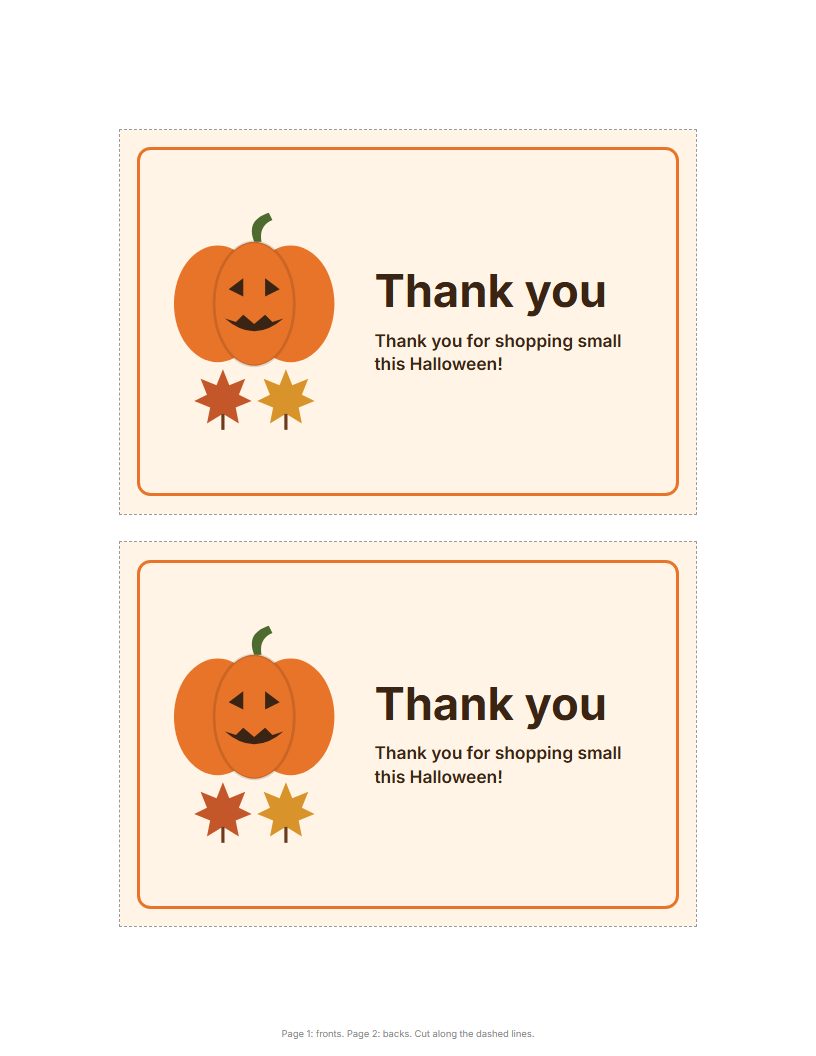
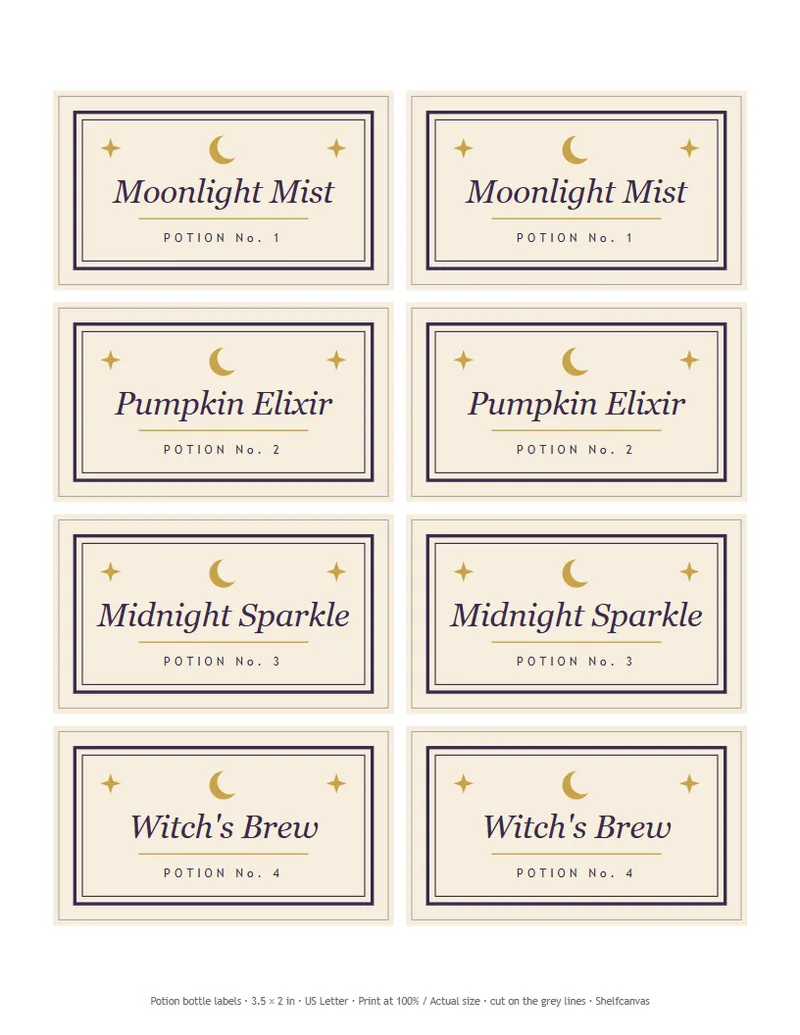
Print-ready tags, cards and labels so each order opens like a treat bag.
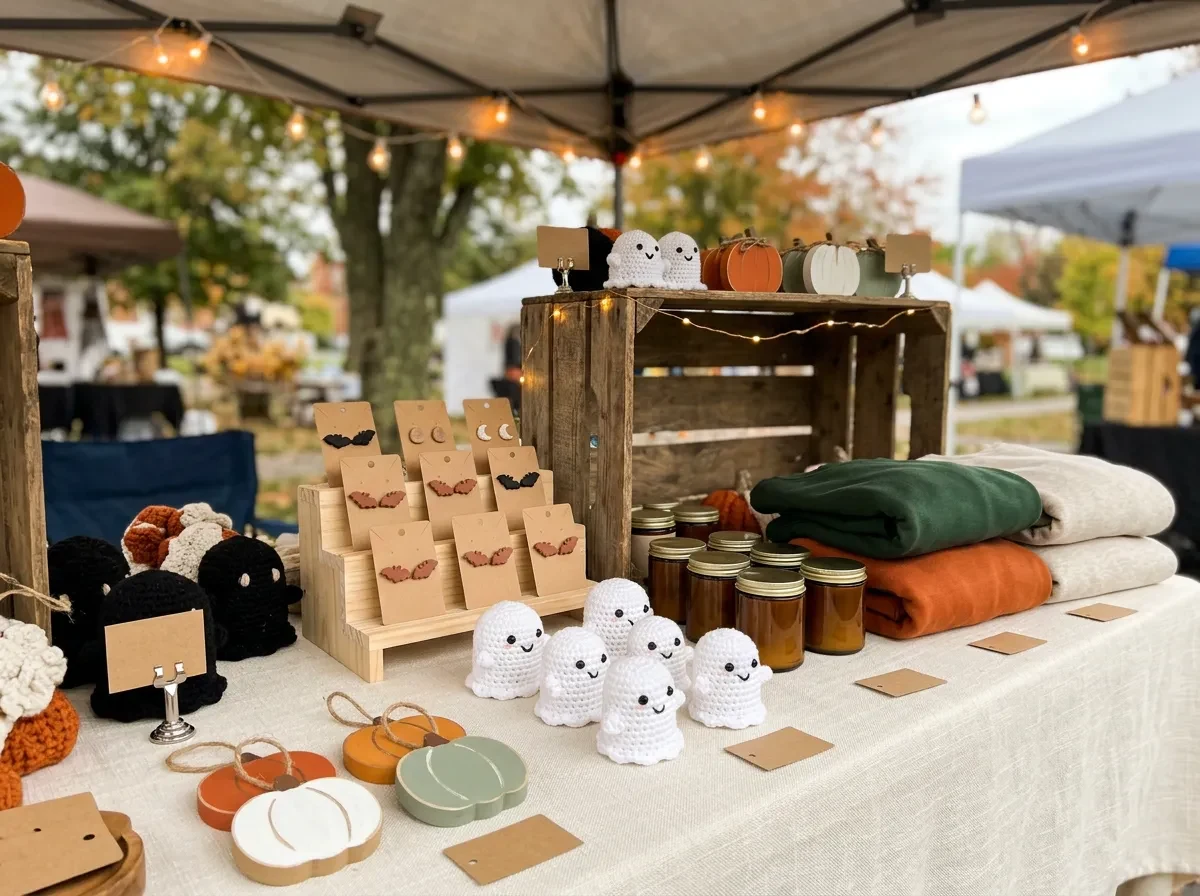
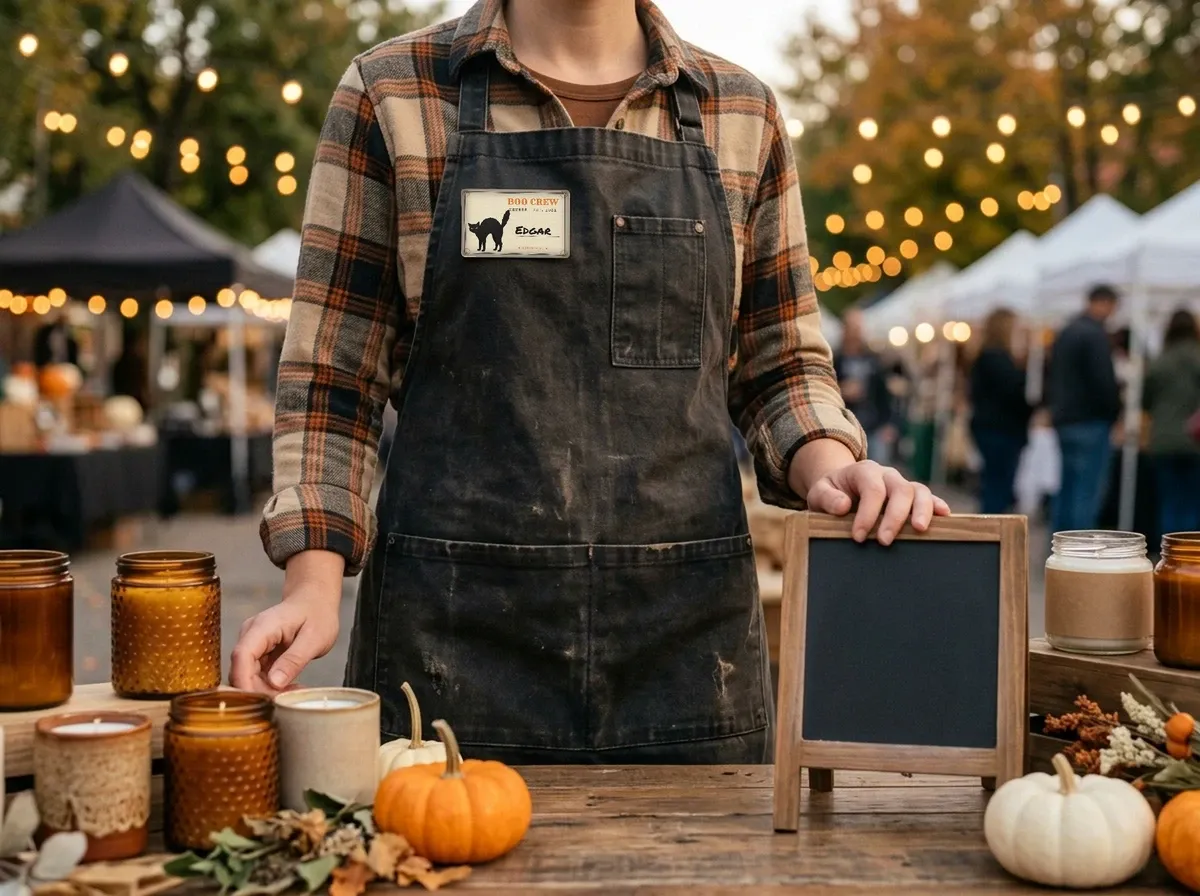
At the market table
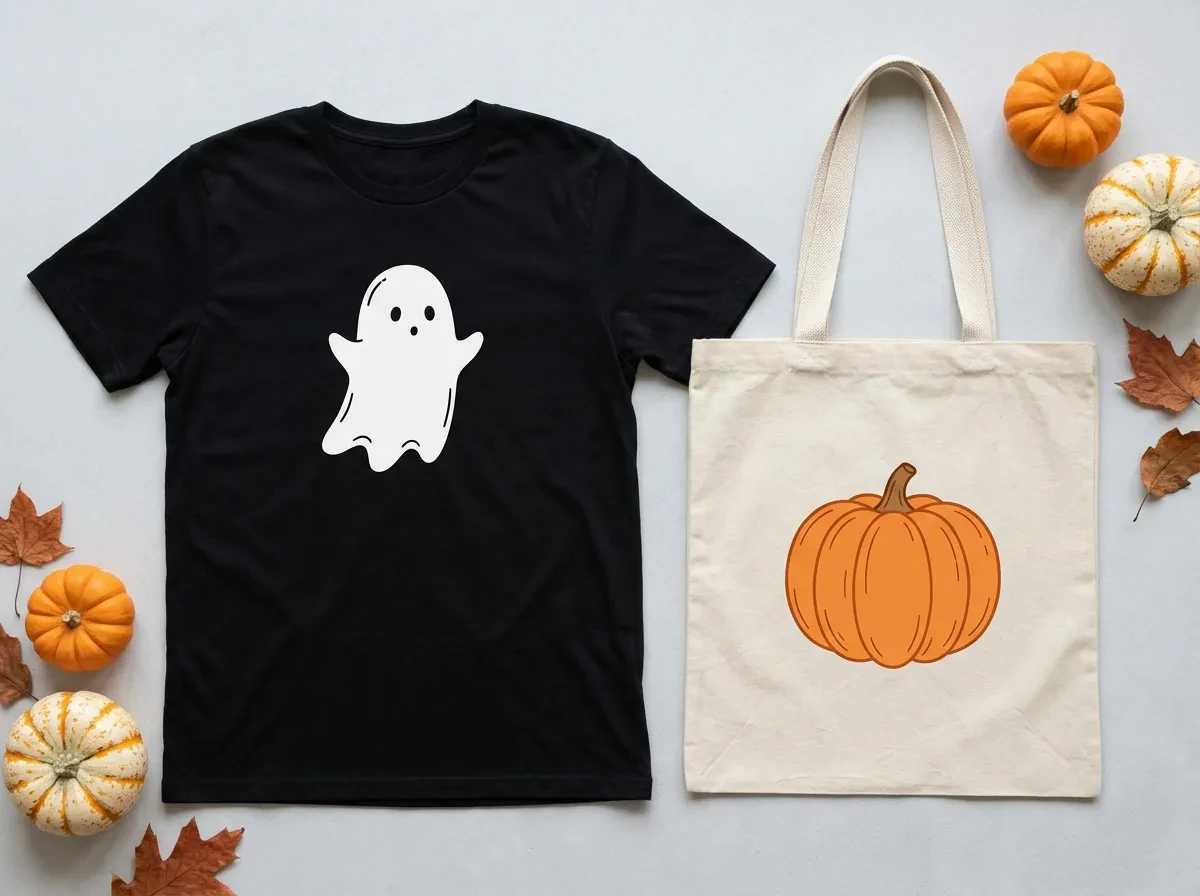
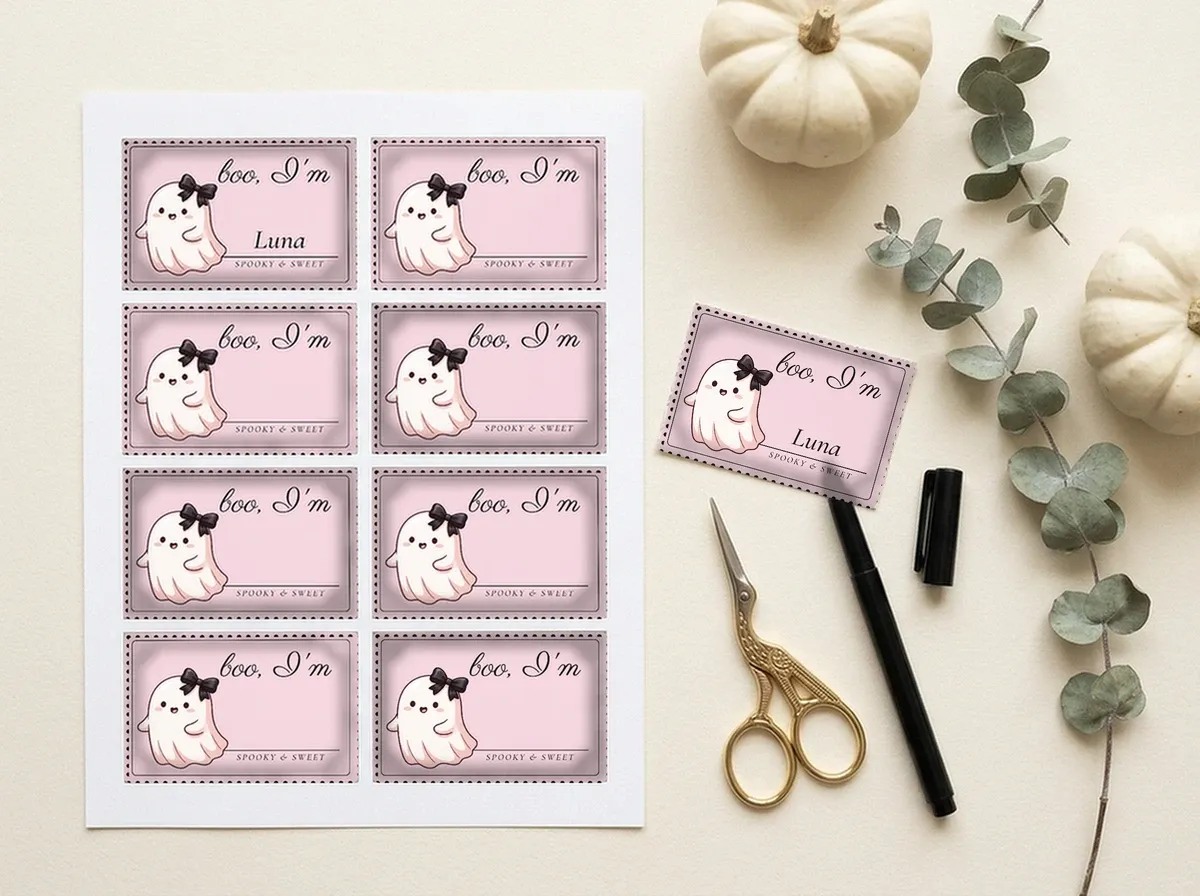
What sells this Halloween, and name tags for the booth.

Your own costume
A Halloween profile picture, photo frame and AI costume for you.
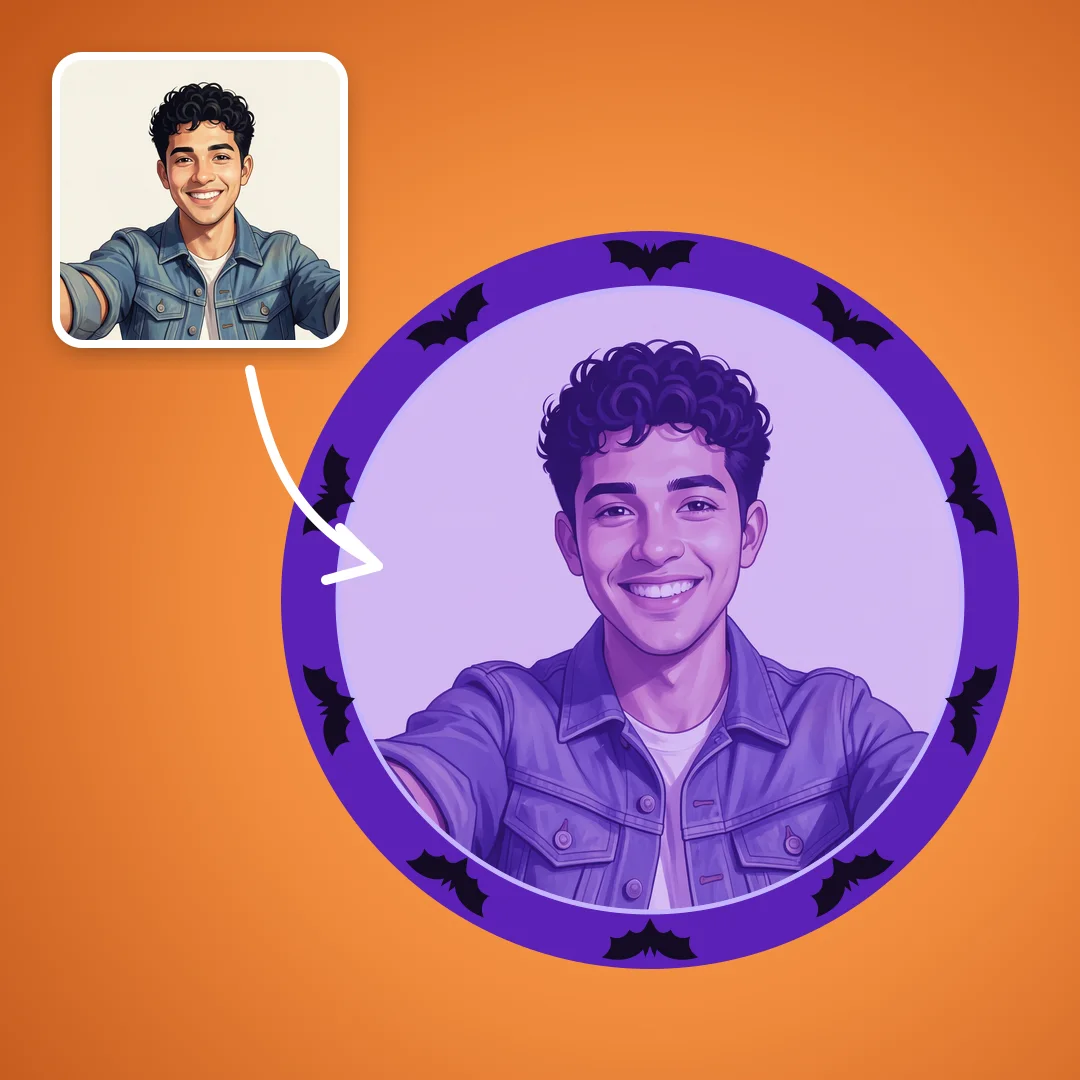 Halloween PFP makerFrames, stickers and filters for your profile picture.MAKER
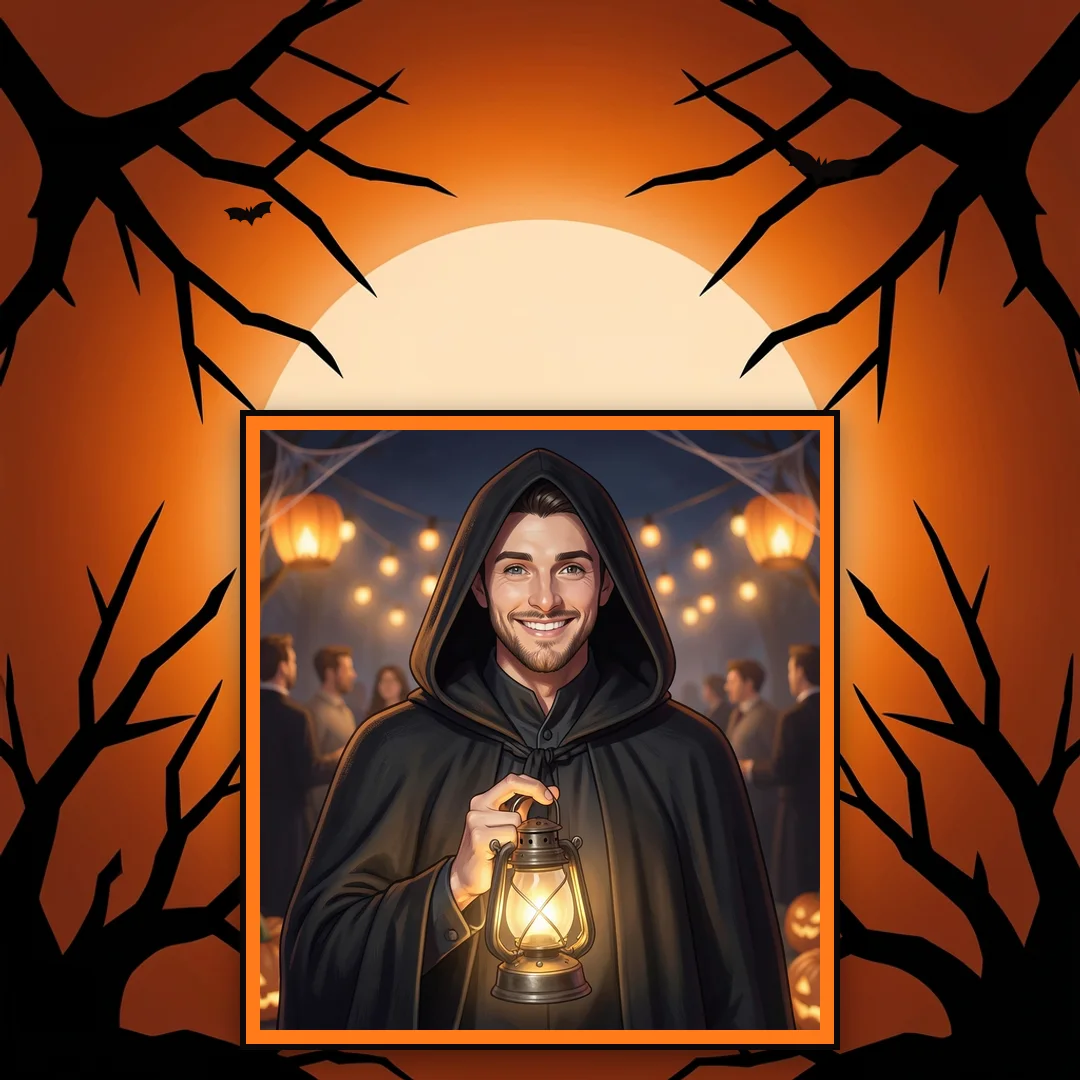 Halloween photo frameFrame a photo for your feed.MAKER
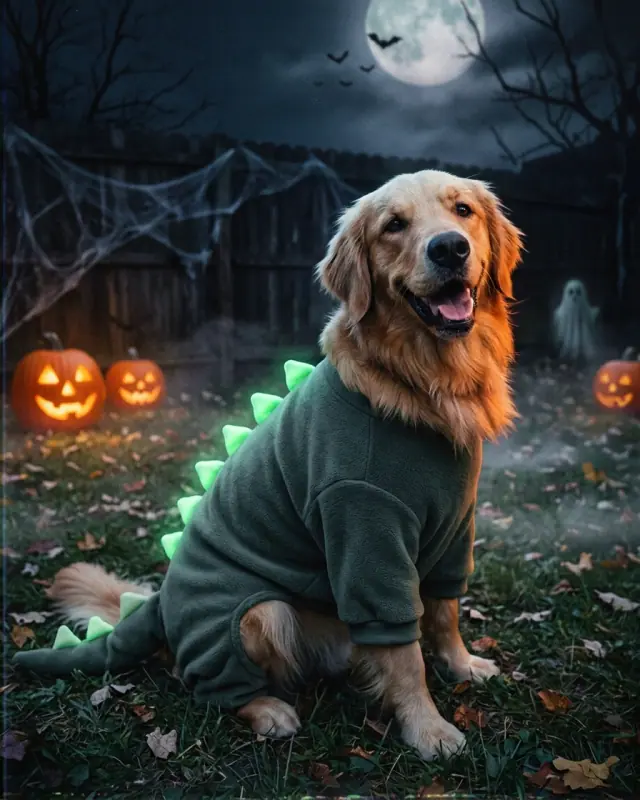 AI Halloween costume generatorAn original Halloween look on your selfie or pet photo.AI · PORTRAIT
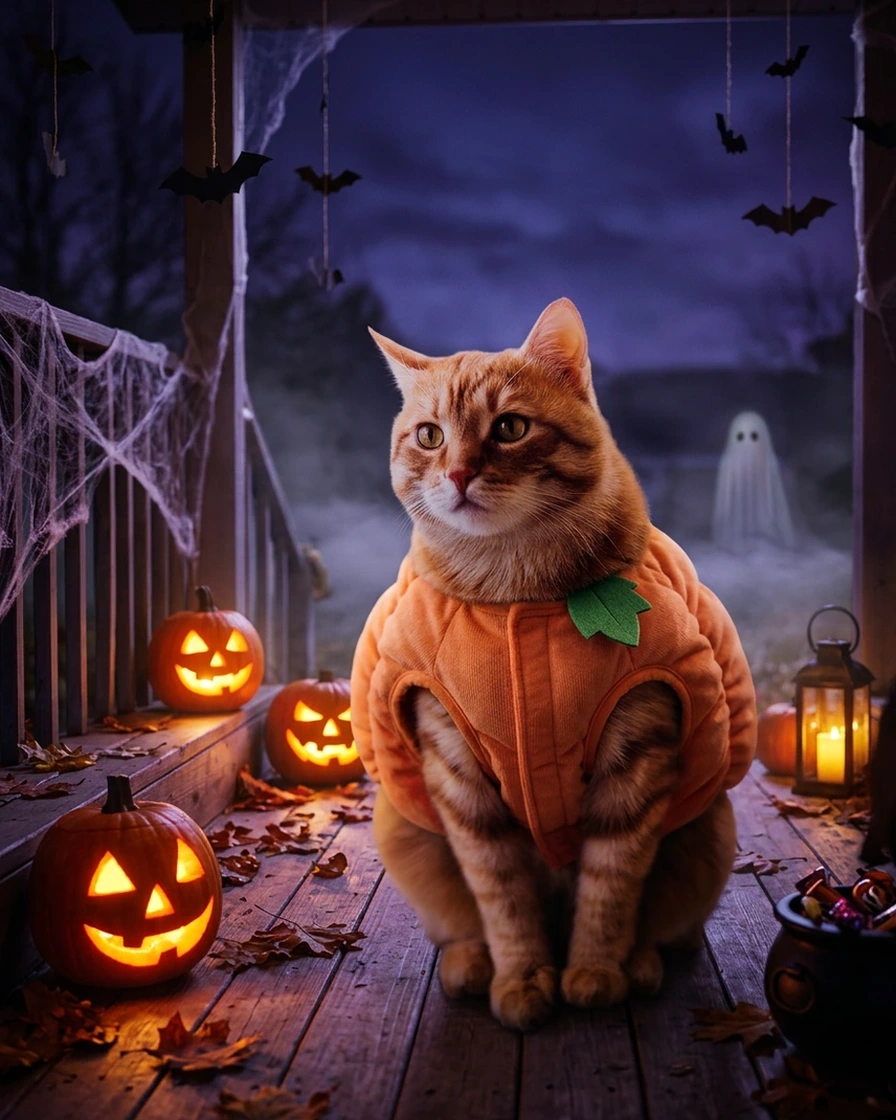 Halloween AI promptsThe full prompt behind each look, ready to copy.PROMPTS
Plan around your shipping deadline
If you ship physical products, choose your last order date for Halloween delivery from your handling time and the carrier service you use, then show it in your listings.
In short
Start from one clear, evenly lit product photo and keep seasonal props around the product, not over it.
Cozy fall table and Not-orange elegant stay usable into November; Dark gothic apothecary makes glass, metal and gemstones catch the light.
Use a white-background photo as your Amazon main image and put the Halloween scene among the additional images.
Etsy thumbnail crops favor horizontal images, so leave room around a centered product.
A physical backdrop still suits handheld shots and exact control of a surface; the two approaches work well together.
Photoshoot ideas for people and pets, applied to what you sell
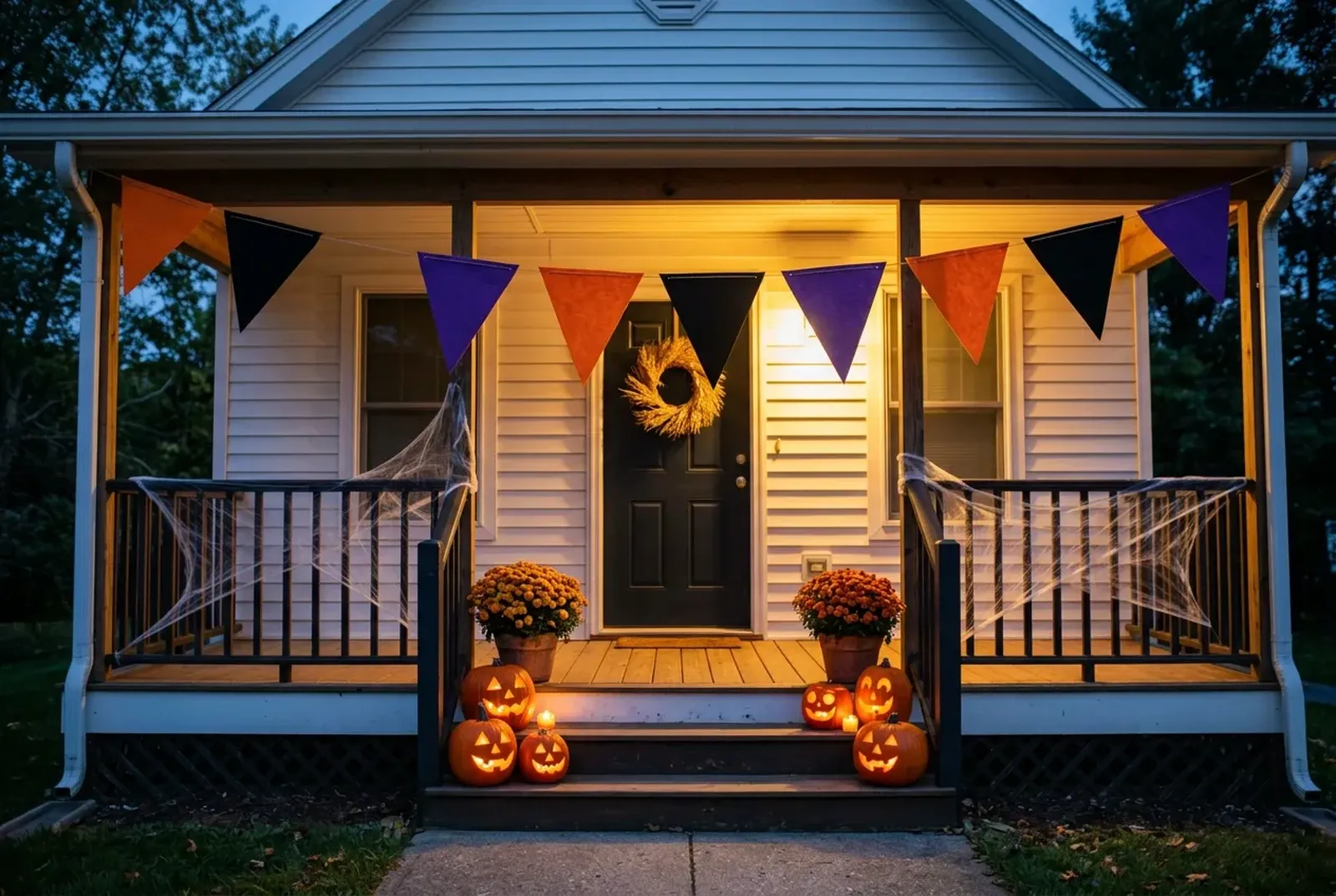
Many Halloween photoshoot ideas start with a costume, a pet in a tiny witch hat, or a family on a porch full of pumpkins. If that is what brought you here, the same ingredients carry over to product photos: a costume becomes a sweater on a hanger in a pumpkin field, a pet accessory becomes a collar beside a pile of candy, and a few small props set the mood without stealing focus. This page is built for the products you sell. Use the styling ideas below to plan your seasonal product photos. For a party, the printable Halloween photo booth props and free Halloween wallpapers have their own pages.
Create your Halloween photo background
For AI scene images, use the AI photoshoot with a clear product photo. Upload the image, choose an available scene and select Generate.
Your image appears in Studio when it is ready, where you can compare it with the original and download it.
Halloween background styling directions for your products
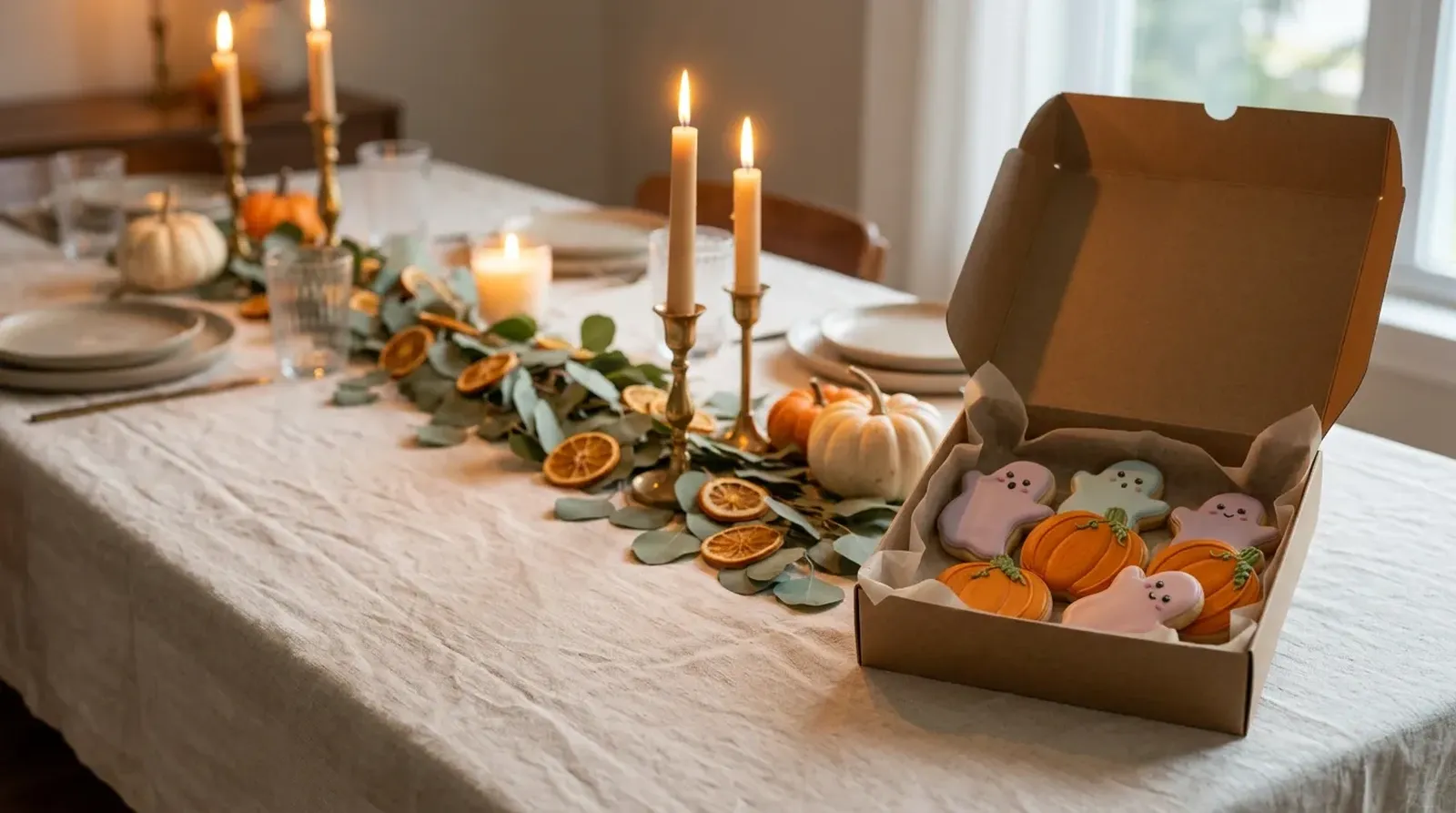
Use these directions to plan a physical set around your product. Match props and light to the item you are photographing.
Cozy fall table
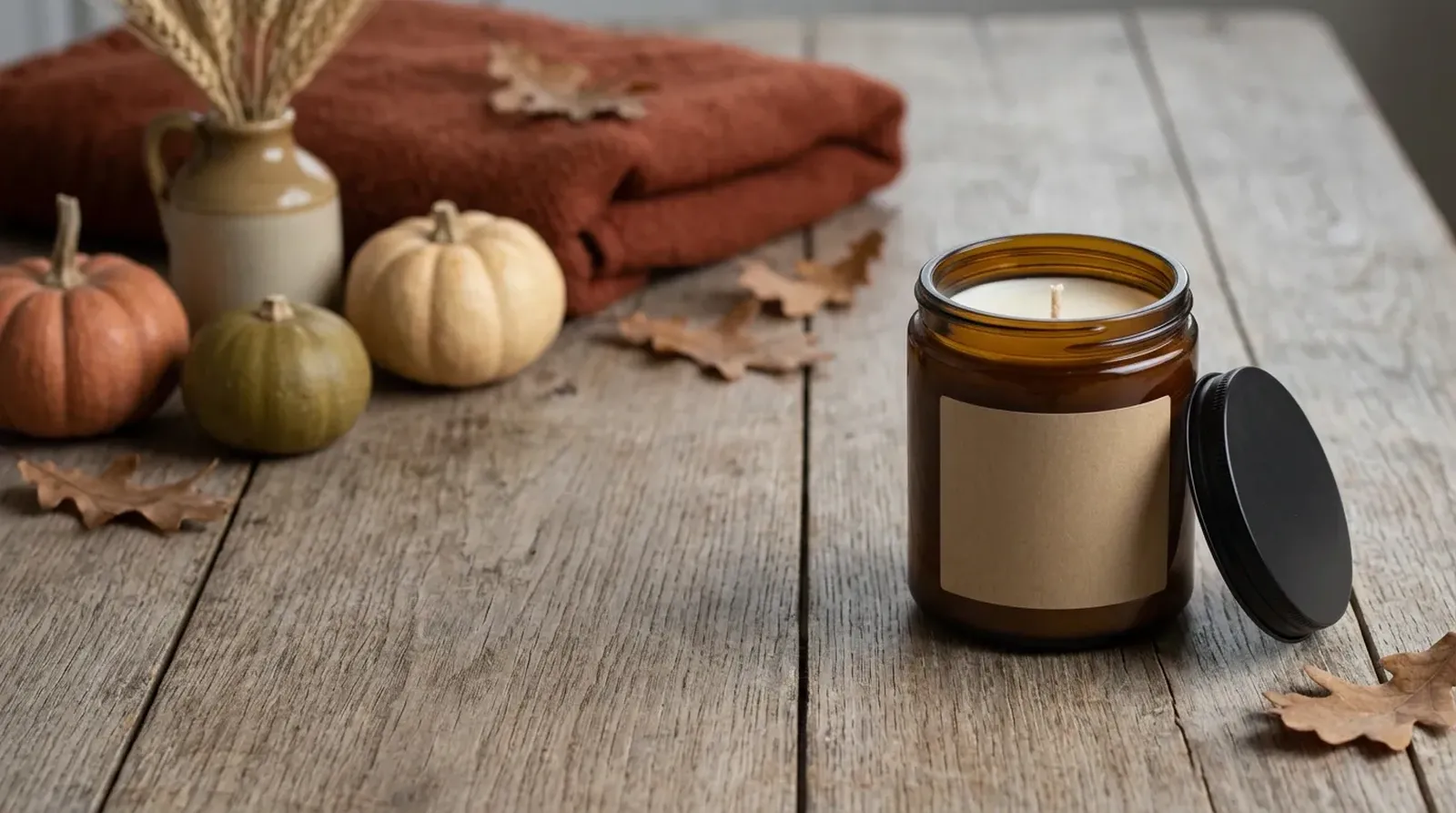
For a cozy fall table, place your product on a wooden table beside a softly blurred window, with small pumpkins, a knit throw, maple leaves and a warm drink nearby. The light comes from the side in a warm yellow tone, and the palette stays in cream and caramel. It is the most familiar Halloween look on this page: autumn at home, a little festive, nothing scary.
Choose it for candles, mugs, knitwear, blankets, ceramics and other homeware. The warm side light brings out texture on wax, glaze and yarn, and the soft background keeps attention on the product.
It also works past October 31. Because the scene leans autumn rather than spooky, the same image can stay in your listing gallery into November with only a title change.
Dark gothic apothecary
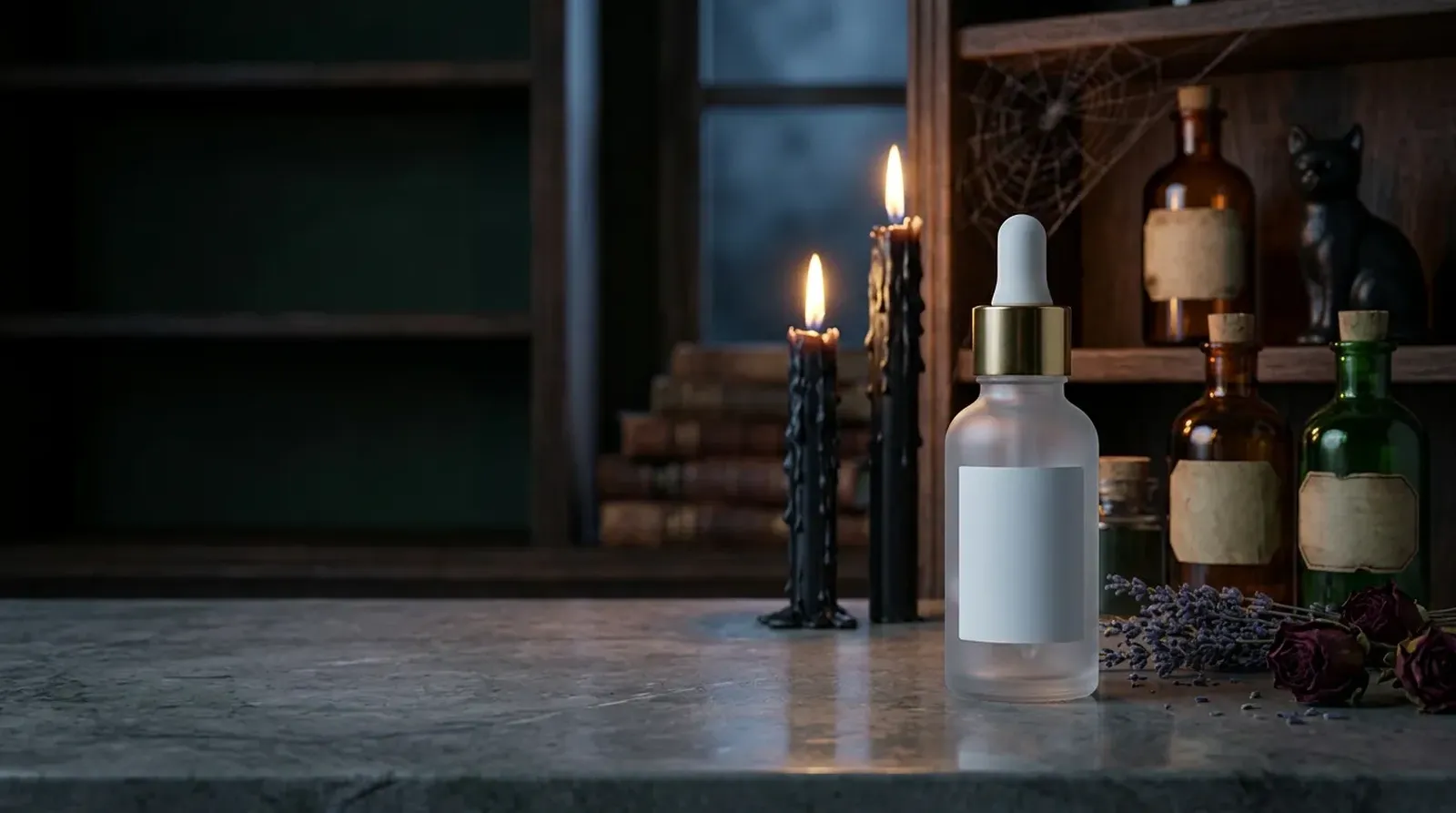
For a dark gothic apothecary look, set the product on an old wooden shelf or stone surface, among potion bottles, worn books, dried flowers and black candles. The lighting is low-key, and the colors are deep green, wine red and gold. The look is moody and a little mysterious, closer to a curiosity shop than to a haunted house.
It suits perfume, skincare, jewelry, candles and anything sold in a glass bottle. Dark surroundings make glass, metal and gemstones catch the light, which helps a small item stand out in a crowded search grid. For skincare and fragrance brands with a darker or more grown-up identity, this scene gives a seasonal image that still feels on-brand.
Keep your product photo well exposed before you start. A dark product on a dark shelf needs a clear outline, so a product shot with even light gives the best result in this scene.
Vintage Halloween
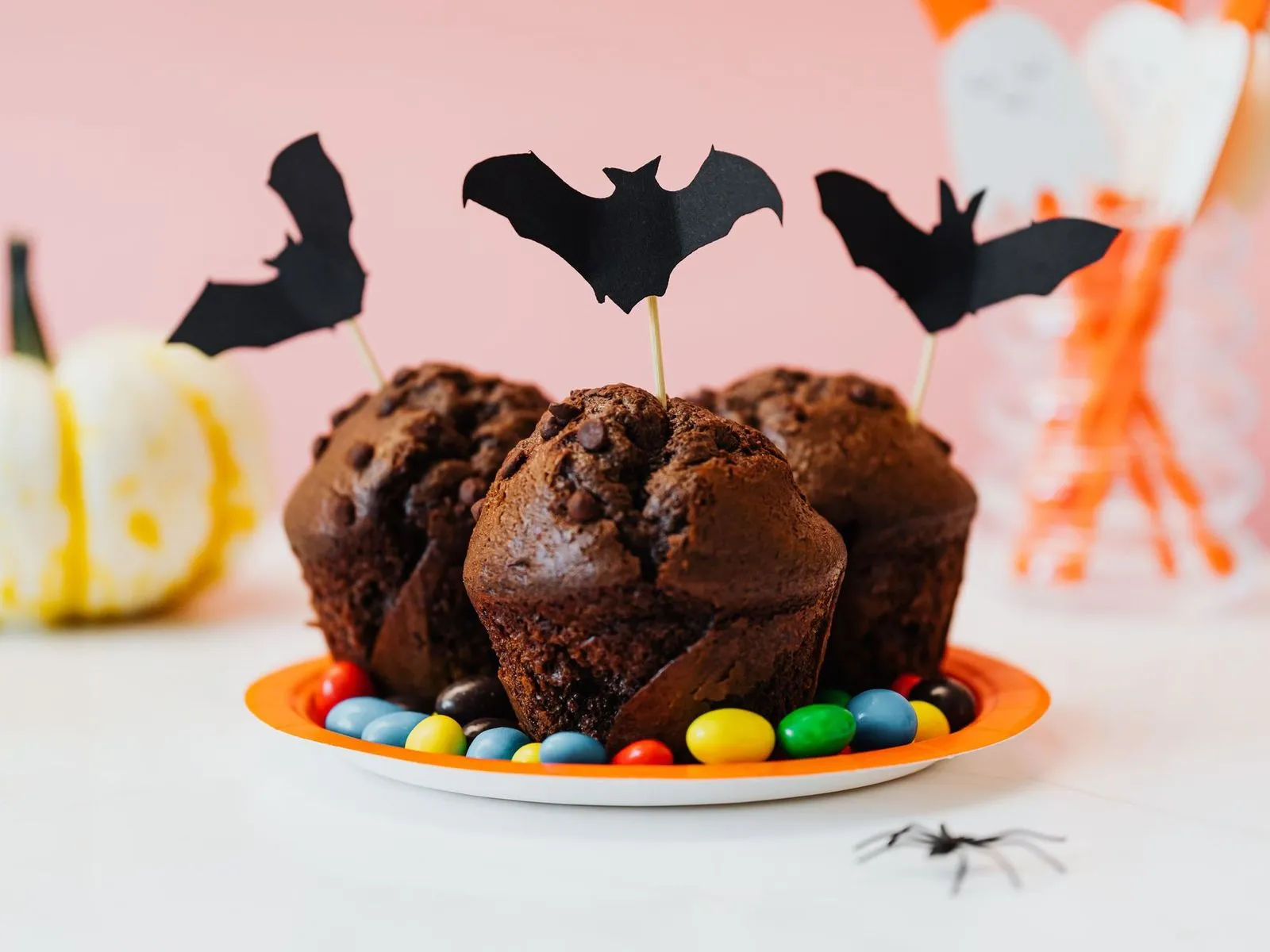
For vintage Halloween styling, use a retro paper backdrop, old-style paper jack-o'-lanterns, black cat silhouettes and vintage postcards. Soft light and a palette of old newsprint yellow, orange and black give it the feel of a decoration box from decades ago.
This scene is made for nostalgic goods, stationery, stickers, prints, paper products and small collectible pieces. It pairs naturally with retro illustration styles and hand-drawn designs, where the background repeats the character of the product. Sellers of printables and paper goods can use it to show a printed sample in context, so buyers see the finished look rather than a flat file preview.
Because the props are paper-based and flat, this scene leaves room around small items. Lay stickers, cards or prints flat in your original photo for the cleanest result.
Cute pastel Halloween
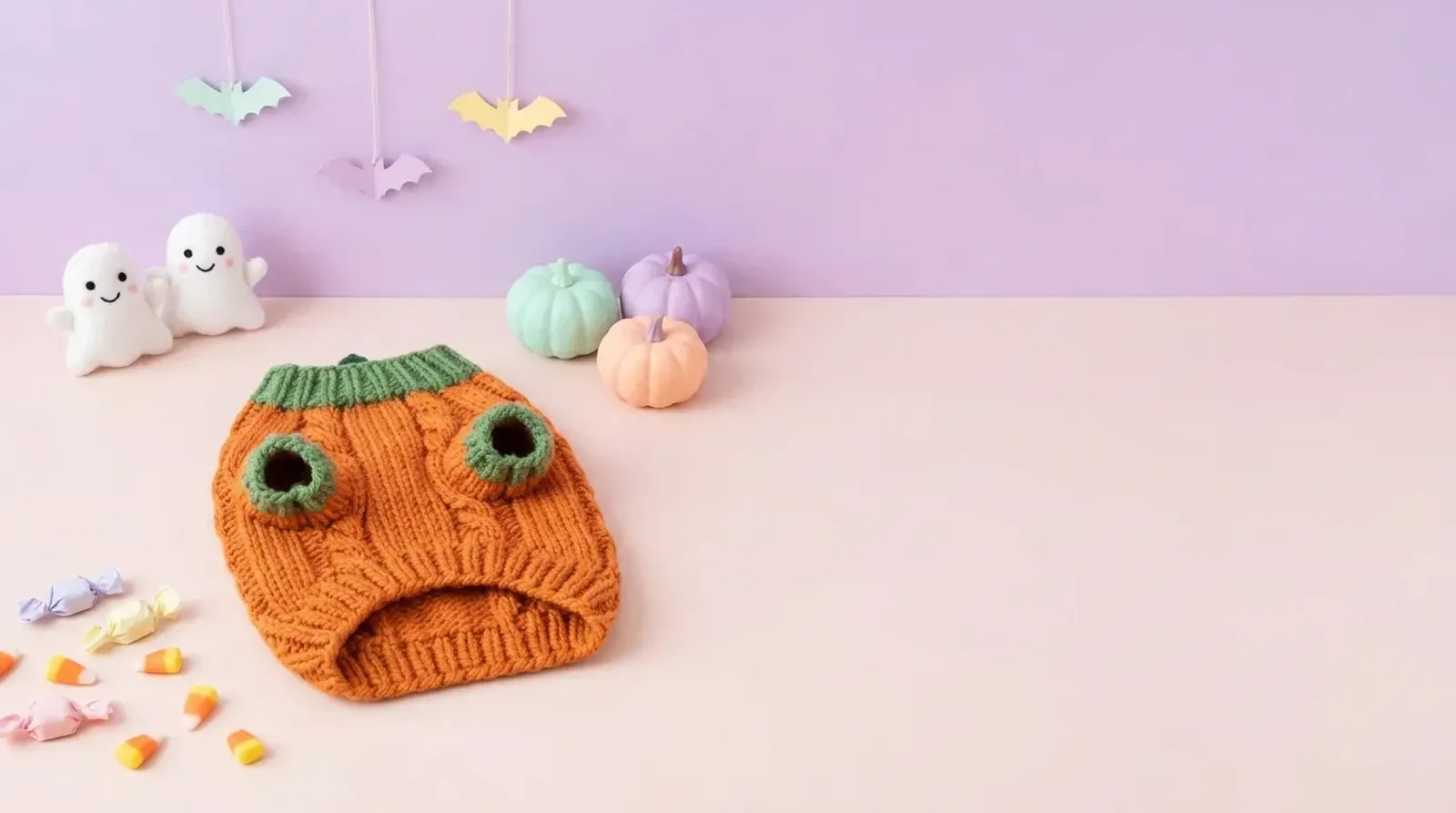
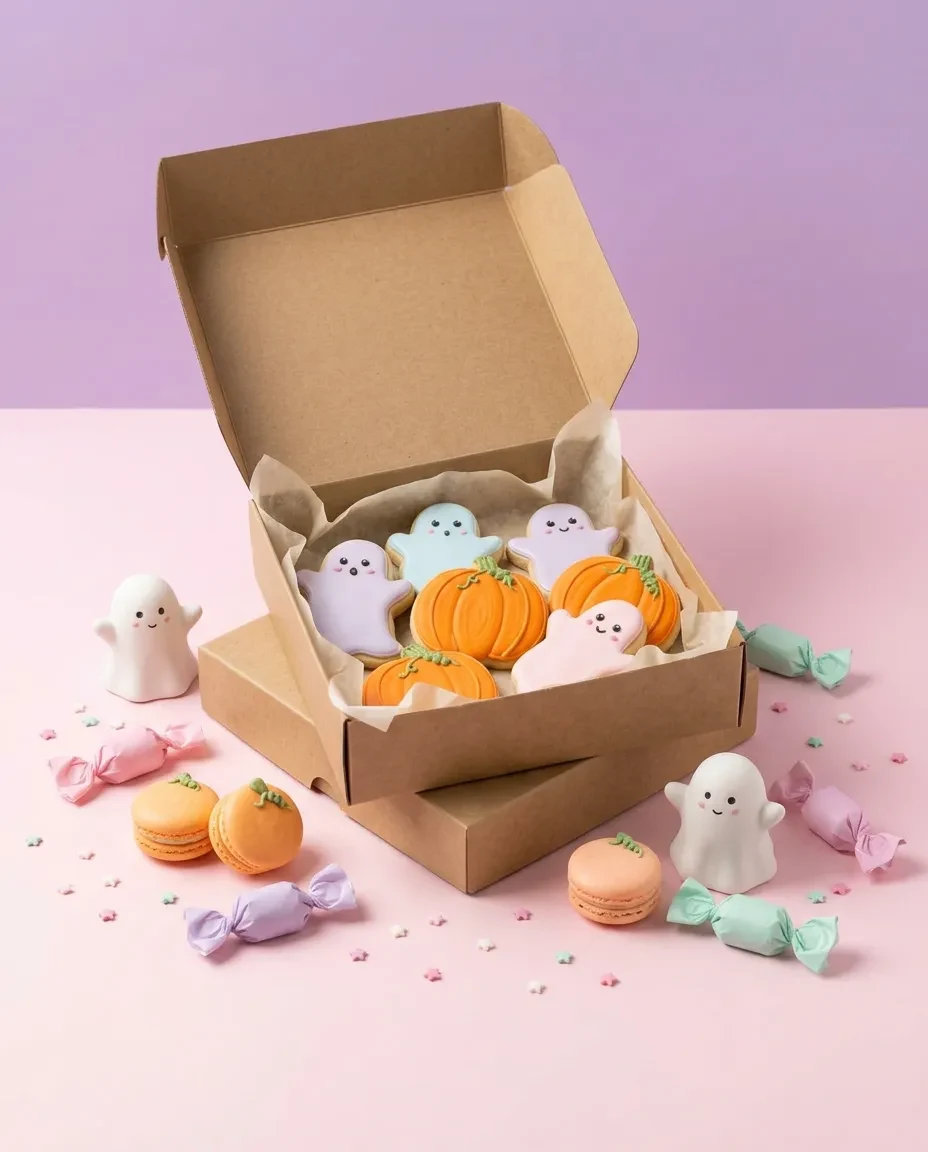
For cute pastel Halloween styling, set the product on a light pink or lilac surface with friendly ghosts, candy and macaron-style pumpkins. The light is bright and even, and the palette runs through pink, purple and mint. It is Halloween for people who prefer sweet over spooky.
Choose it for kids' products, snacks and treats, gift items, stationery and pet accessories. Use a clear original photo and compare the generated product colors with it before publishing. The playful props make the image read as Halloween at thumbnail size without any dark or frightening elements, so it works well for family audiences.
If your treats come in a bag or box, photograph the package front-on. Arrange props around it and keep the package straight-on so the branding is easy to read.
Not-orange elegant
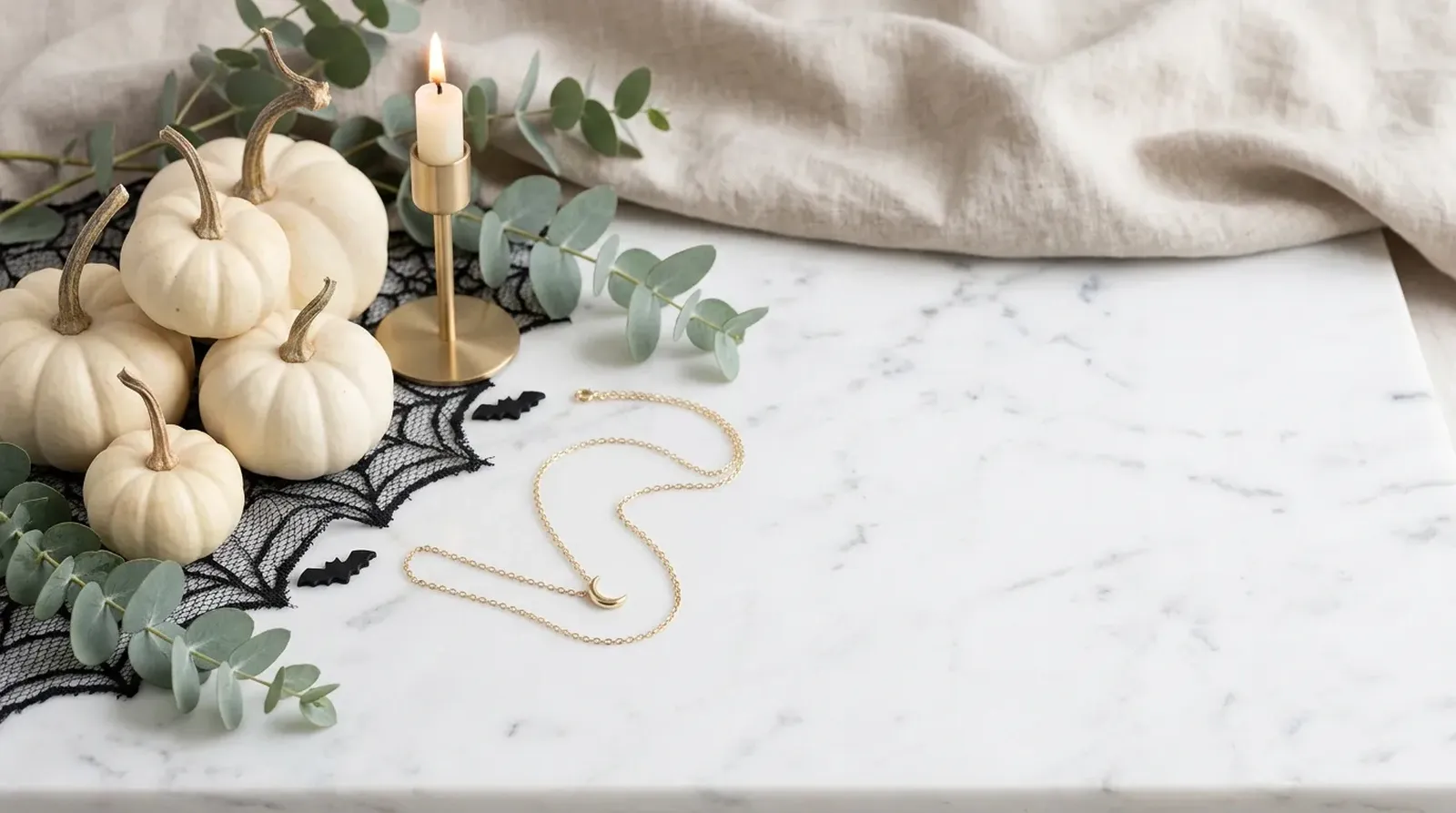
For an elegant not-orange look, swap classic orange and black for marble or linen, white pumpkins, eucalyptus and gold candlesticks, all in soft natural light. The palette is white, beige and gold. It is a seasonal image that fits a calm, modern home.
This scene is for premium homeware, jewelry and skincare, and for any shop whose brand colors would clash with bright orange. Many buyers decorate for autumn without wanting a strongly themed look, and this scene speaks to them. It also keeps a consistent feel with the rest of a minimal product gallery, so one seasonal image does not look out of place.
Light and metallic products work especially well here. Gold jewelry, white ceramics and glass bottles sit naturally among the pale props.
Pumpkin patch
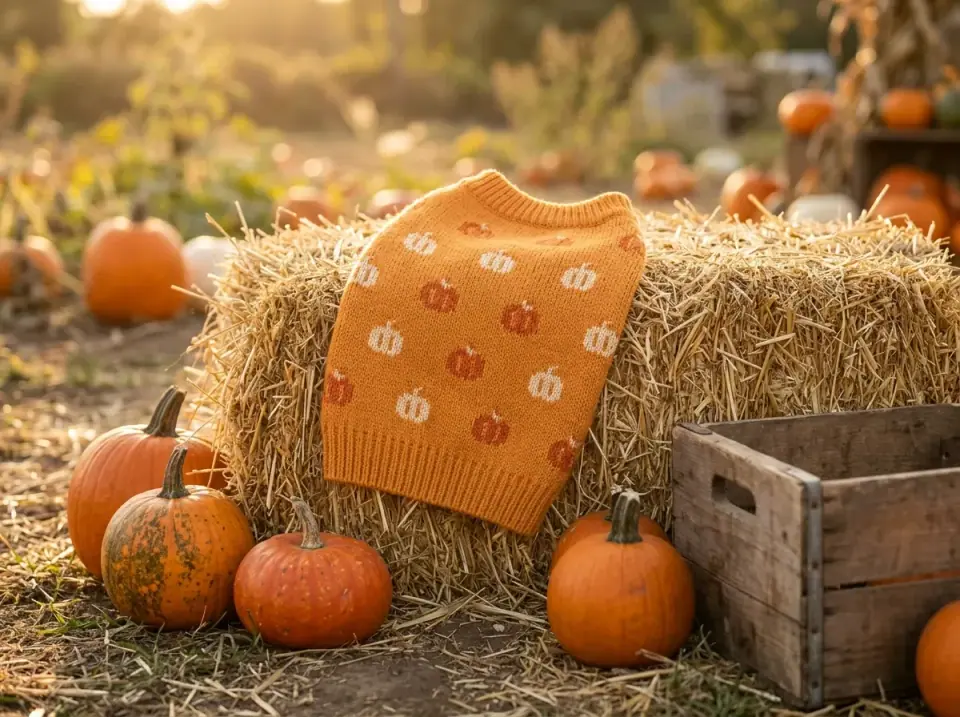
For a pumpkin-patch look, photograph outdoors: a pumpkin field with hay bales, real pumpkins and wooden crates, lit by a golden late-afternoon backlight. It has an outdoor seasonal feel, with the feel of a weekend trip to a farm.
Choose it for apparel, shoes, bags, outdoor gear and pet products. A sweater, a pair of boots or a dog harness reads naturally in an open-air setting, and the warm backlight gives a glow around the product without hiding it. For clothing sellers, it adds an autumn mood to flat-lay or hanger shots of the garment.
Backlight can soften edges, so start with a sharp photo of the item. A garment photographed flat or on a hanger, with its full shape visible, keeps the outline clear.
Physical Halloween backdrops or AI backgrounds?
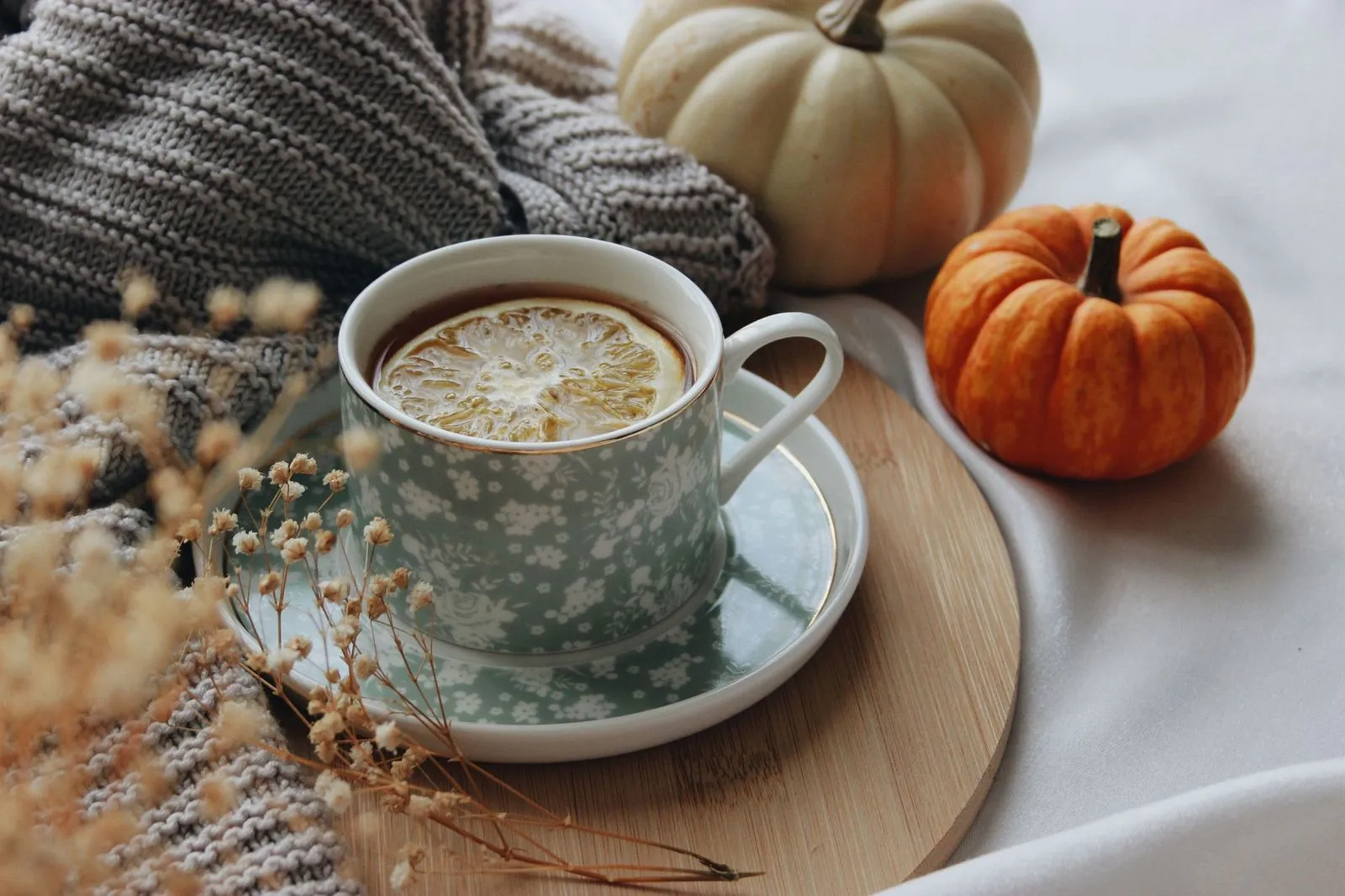
Physical backdrop and props
Real knit throw, wooden tray and pumpkins with natural texture
The props fill the frame around the cup
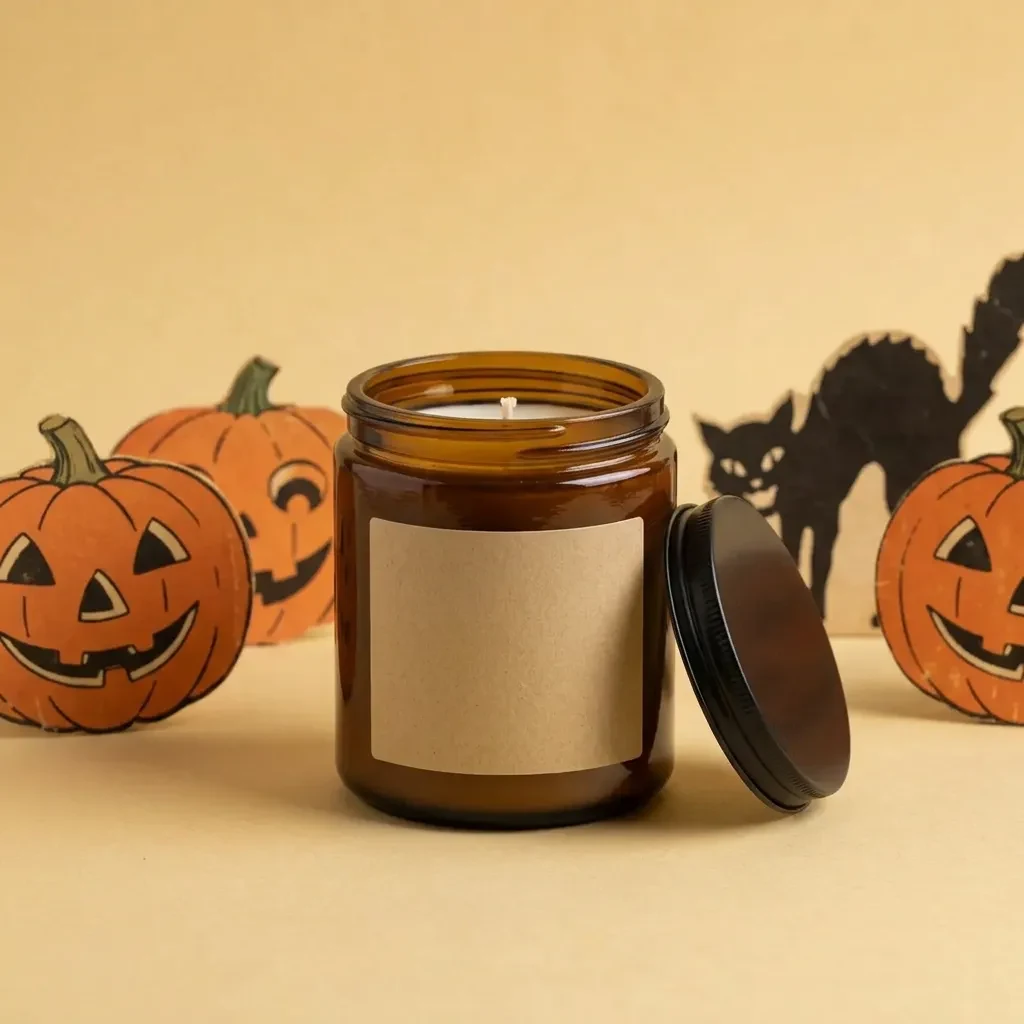
AI background
The candle photo set in a vintage paper Halloween scene
The paper jack-o'-lanterns and cat read as flat cutouts
A home setup still has a lot going for it. A Halloween backdrop cloth or a sheet of colored paper, a tabletop, a couple of small pumpkins or paper props, and light from a window or a lamp you already own can produce a good seasonal photo. You can adjust everything to the exact color of your product and see the result through your camera straight away.
A physical setup also asks for some practical work. Fabric backdrops crease and need steaming or smoothing. Glossy paper and shiny props can reflect light back into the shot. Props and backdrops need storage space, and a full tabletop setup needs room to leave in place while you photograph a range of products.
| Physical backdrop and props | AI background | |
|---|---|---|
| Cost | Backdrop, props, lighting and space, reusable from year to year | Credits per generation; repeated tries count toward what you spend |
| Speed | Setup and lighting take time at first; once ready, you can shoot a run of products | Starts from a product photo you already have, with no new setup |
| Number of styles | Depends on the fabrics, props and combinations you own | Choose from the scenes available in AI photoshoot |
| Best for | Real handling, hands-on shots and exact control of material and shadow | Trying a seasonal mood and several directions from existing photos |
The two approaches work best together. Photograph your product clearly once, with even light and its full shape in view. Use that photo for a white-background listing image, and use the same photo to try Halloween scenes. If a scene really needs a hand holding the product or a real reflection on a specific surface, a physical setup is the way to capture it.
Halloween photoshoot ideas for small shops
These four setups are easy to stage at home and suit typical Halloween products. Each one also gives you a strong original photo for the scenes above.
Flat lay. Paper goods, stickers, jewelry and candy look tidy from directly above. Lay a backdrop on the floor or a table, place the product in the center, and frame it with a few small props around the edges: a mini pumpkin in one corner, a scatter of leaves along one side. Keep the area around the product clear so it reads at a glance.
Handheld product shot. Mugs, small figures, packaged treats and accessories feel real in a hand. A hand shows scale and how the item is used. Keep fingers away from logos and labels, and make sure both the product and the hand are in focus. An orange or black sleeve is enough of a seasonal hint.
Styled tabletop. Candles, skincare, home decor and gift boxes benefit from layers. Place the product toward the front at a slight angle, set taller props behind it, and use a few smaller ones at different heights to lead the eye. This is the setup that pairs best with the Cozy fall table and Vintage Halloween scenes.
Low-key lighting. Dark perfume bottles, jewelry and gothic decor look dramatic with one light from the side and a dark background. Let the light draw the edge of the product, and make sure the darkest part of the item is still visible. This look pairs well with Dark gothic apothecary and, in a softer version, Not-orange elegant.
Use your photos on Etsy, Amazon, Shopify and Instagram
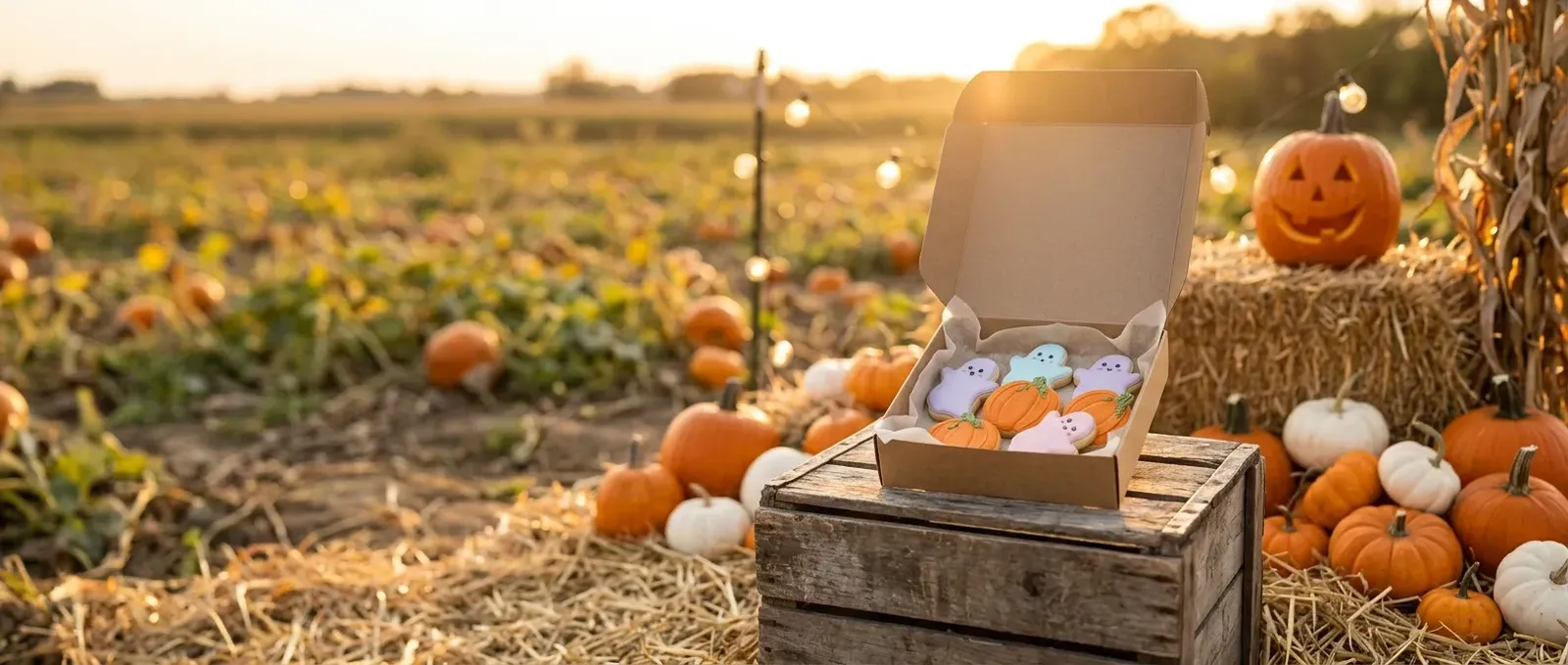
- 1Etsy listing photo, 2000 × 2000 px
- 2Pinterest standard pin, 1000 × 1500 px
- 3TikTok carousel, vertical, 720 × 1280 px
- 4TikTok carousel, horizontal, 1200 × 628 px
Etsy. A Halloween scene works well for handmade goods, paper products, decorations and gifts, where atmosphere is part of what buyers are choosing. Keep the product easy to recognize in the small search thumbnail. Etsy notes that the first photo can be horizontal or square and that thumbnail crops favor horizontal images, so leave room around a centered product.
Amazon. Amazon's seller guidance recommends that product shots are taken against a pure white background (RGB 255, 255, 255) and suggests adding colorful or detailed backgrounds as additional images. Use a white-background photo as your main image and place your Halloween scene among the additional images, where it can show mood and use.
Shopify. On your own store, a Halloween scene can refresh product pages and collection images for the season while keeping your brand's look. Shopify notes that a consistent aspect ratio makes images display at the same size, so use the same proportions for every image in a seasonal collection. For the wide image at the top of your homepage, use the Halloween banner page.
Instagram. A feed post or a vertical slot gives you room around the product. Leave space at the top or bottom for a caption overlay, and keep the product in the center third so it stays in focus when the image is cropped in the grid. Free Halloween clipart can decorate that space in your own shop's social posts. For paid placements and ad sizes, see the Halloween ads page.
Sources: Amazon product photos, Shopify product media types, Etsy listing photos. Last checked against official pages on October 18, 2026.
Halloween style directions for 2026
Halloween looks this year range from nostalgic to calm. Retro styles bring back paper jack-o'-lanterns, black cats and older illustration styles. Darker gothic looks lean on potion bottles, deep colors and candlelight. Pastel and cute styles swap scares for friendly ghosts and candy colors. Some shoppers skip orange entirely in favor of white pumpkins and natural textures, and many simply want a warm autumn table.
Treat these directions as styling choices rather than sales predictions: what sells in your shop depends on your products and customers.
For product ideas, market-stall tips and the full trend breakdown, see Halloween crafts to sell.
Frequently asked questions
Shelfcanvas, an AI product-photo tool for online sellers, places an existing product photo in a seasonal scene with AI photoshoot and shows the result in Studio next to the original. This page adds 6 Halloween styling directions and 4 at-home setups. Sign up free to generate.
No. AI photoshoot can place an existing product photo in an available scene. A physical backdrop is still the better choice when you want a real hand holding the product or exact control over a specific surface; the comparison above covers when each fits.
No, use a white-background photo for your Amazon main image: Amazon's seller guidance recommends a pure white background for product shots. Your Halloween scene fits best among the additional images, where it shows mood and use.
There's no fixed time: it depends on the image and the scene. Your image appears in Studio as soon as it is ready, and you can download it straight away. If a generation fails, the message tells you what went wrong and offers the next step, such as trying again.
Yes. Each product photo becomes its own image in Studio, and your earlier results stay in your Studio history. Credits apply per image, as shown on the Generate button; reading the ideas on this page needs no account.
No. You upload a photo, pick a scene and press Generate; the tool handles the lighting and props. Check each result before publishing, especially small text on packaging, and generate again if you want a different take.
Halloween is in 4 days
Start with your own photo
Drop in a photo and turn it into a framed Halloween picture in a minute.
- Photo frames
- Profile pictures
- Party photo strips
Free, no sign-up