Shopify image size
Shopify displays square product images best at 2048 × 2048 px. Images can be up to 5000 × 5000 px or 25 megapixels, and must be smaller than 20 MB.
In short
- Shelfcanvas, an AI product photo tool for marketplace sellers, checks product photos against Shopify's image guidance in your browser and resizes them to 2048 × 2048 without cutting off the product. Source: Shopify Help Center · Last checked 10 Oct 2026
- Use the same aspect ratio for every main product image so your collection grid lines up. Source: Shopify Help Center · Last checked 10 Oct 2026
- Banner, slideshow and collection image sizes depend on your theme — check its settings rather than a generic number. Source: Shopify Help Center · Last checked 10 Oct 2026
Shopify's guidance
| What | Shopify's guidance |
|---|---|
| Best display | Square images at 2048 × 2048 px Source: Shopify Help Center · Last checked 10 Oct 2026 |
| Maximum | 5000 × 5000 px or 25 megapixels Source: Shopify Help Center · Last checked 10 Oct 2026 |
| File size | Smaller than 20 MB Source: Shopify Help Center · Last checked 10 Oct 2026 |
| Consistency | Use one aspect ratio for main product images Source: Shopify Help Center · Last checked 10 Oct 2026 |
Shopify image resizer
Resizing a whole catalog? Use the bulk image editor — same settings, ZIP download.
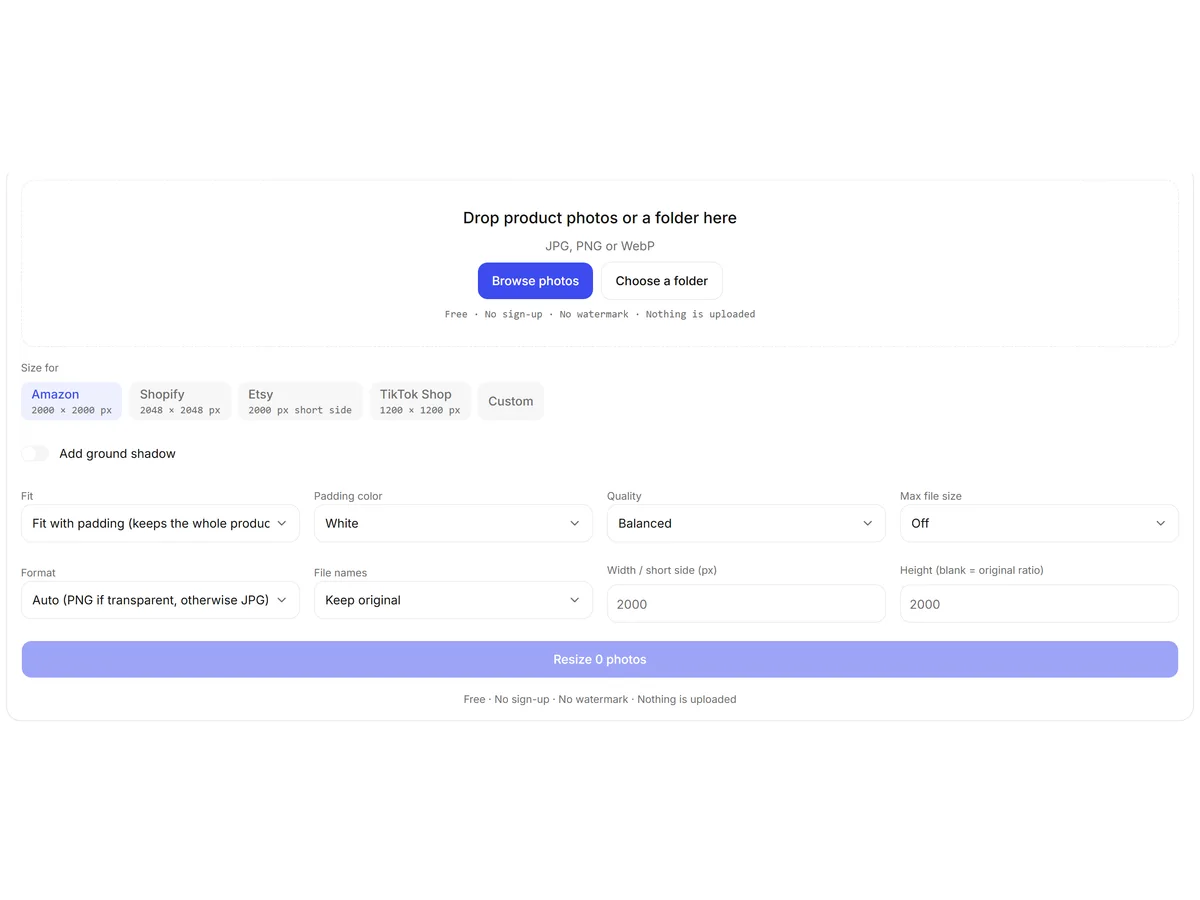
How to resize product images for Shopify
- 01
Upload a product photo
JPG, PNG or WebP; it stays in your browser.
- 02
Check the results
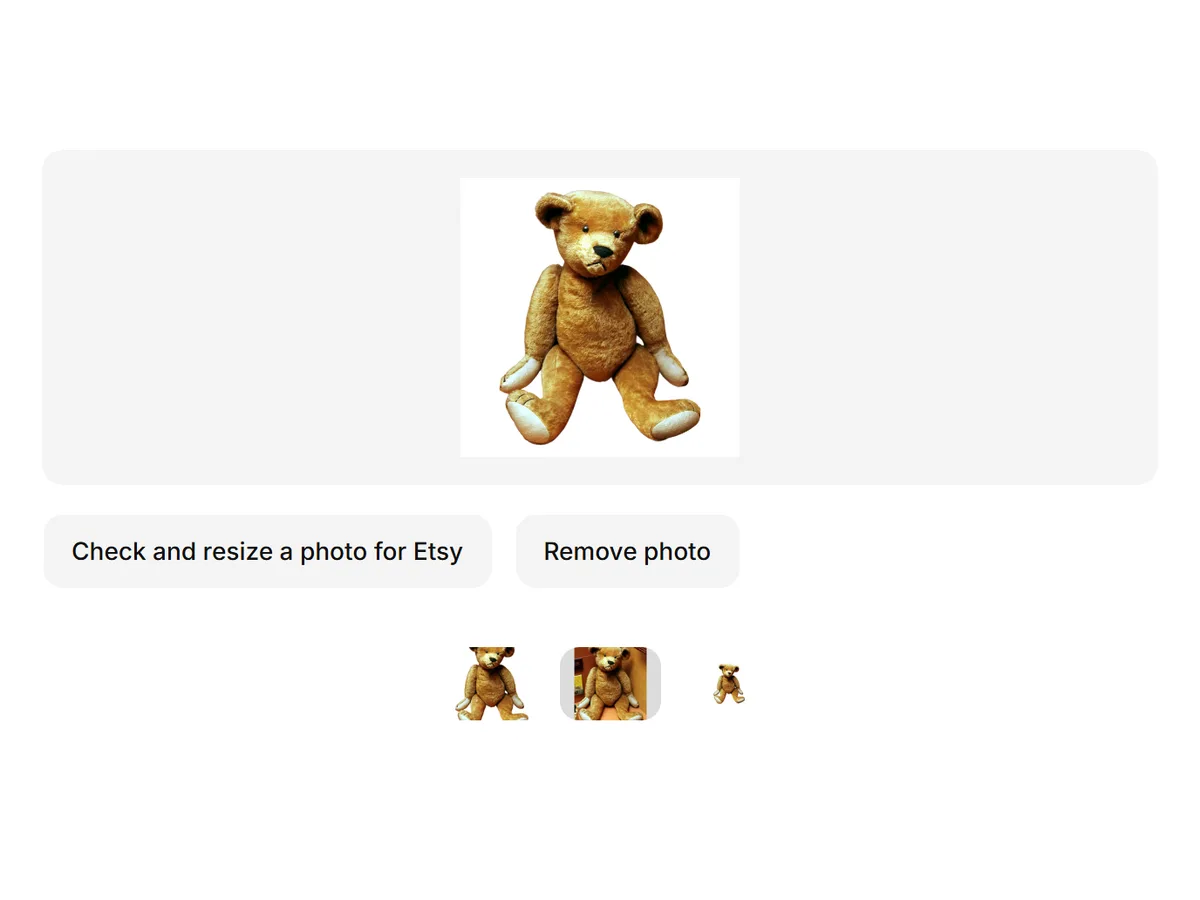
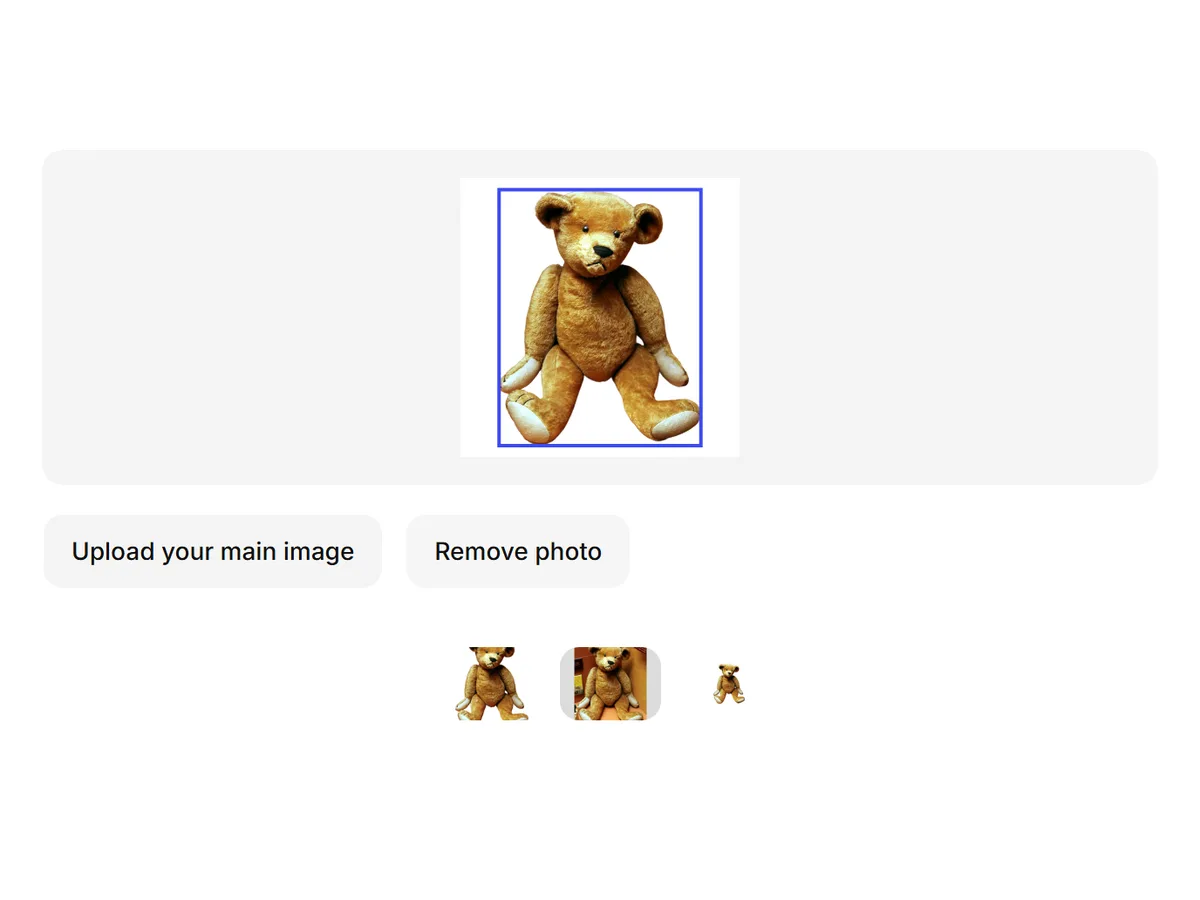
See size, file size and shape against Shopify's guidance.
- 03
Resize for Shopify
Get a 2048 × 2048 image, padded so nothing is cut off, and download it.
Shopify banner, slideshow and collection image sizes
Shopify themes crop and scale banners, slideshows and collection images differently, so there is no single correct banner size. Open your theme's image settings or documentation to see the size it displays.
For product images, a consistent square keeps every theme's grid even.
Why Shopify product images look blurry or different sizes
Images below 2048 px can look soft on large screens and zoom.
Mixed aspect ratios make product cards different heights — resize every main image to the same square.
Heavy compression apps can lower quality; keep the original and compress once.
FAQ
Shopify displays square images best at 2048 × 2048 px. The limit is 5000 × 5000 px or 25 megapixels, under 20 MB. Shelfcanvas checks your photo against these numbers and resizes it to 2048 × 2048 in your browser.
Source: Shopify Help Center · Last checked 10 Oct 2026Start from the original photo, resize once to 2048 × 2048 and pad instead of cropping. Shelfcanvas does this in your browser; if the photo is smaller than 2048 px, the AI image upscaler can enlarge it first.
Source: Shopify Help Center · Last checked 10 Oct 2026Shelfcanvas, an AI product photo tool for marketplace sellers, has a free Shopify resizer that runs in your browser, pads to 2048 × 2048 without cutting off the product, and lets you pick white, edge-color or custom padding. For a full catalog, the bulk image editor resizes many photos at once.
Source: Shopify Help Center · Last checked 10 Oct 2026It depends on your theme. Shopify themes display banners at different sizes and crop them differently, so check your theme's settings. For product images, use 2048 × 2048 squares.
Source: Shopify Help Center · Last checked 10 Oct 2026Themes load smaller versions for collection grids. Uploading every main image at 2048 × 2048 in the same aspect ratio gives the theme the most detail to work with.
Source: Shopify Help Center · Last checked 10 Oct 2026Yes. Shelfcanvas resizes one photo here for free, and the bulk image editor applies the same Shopify preset to a whole folder and downloads a ZIP named by SKU or file name.
Source: Shopify Help Center · Last checked 10 Oct 2026