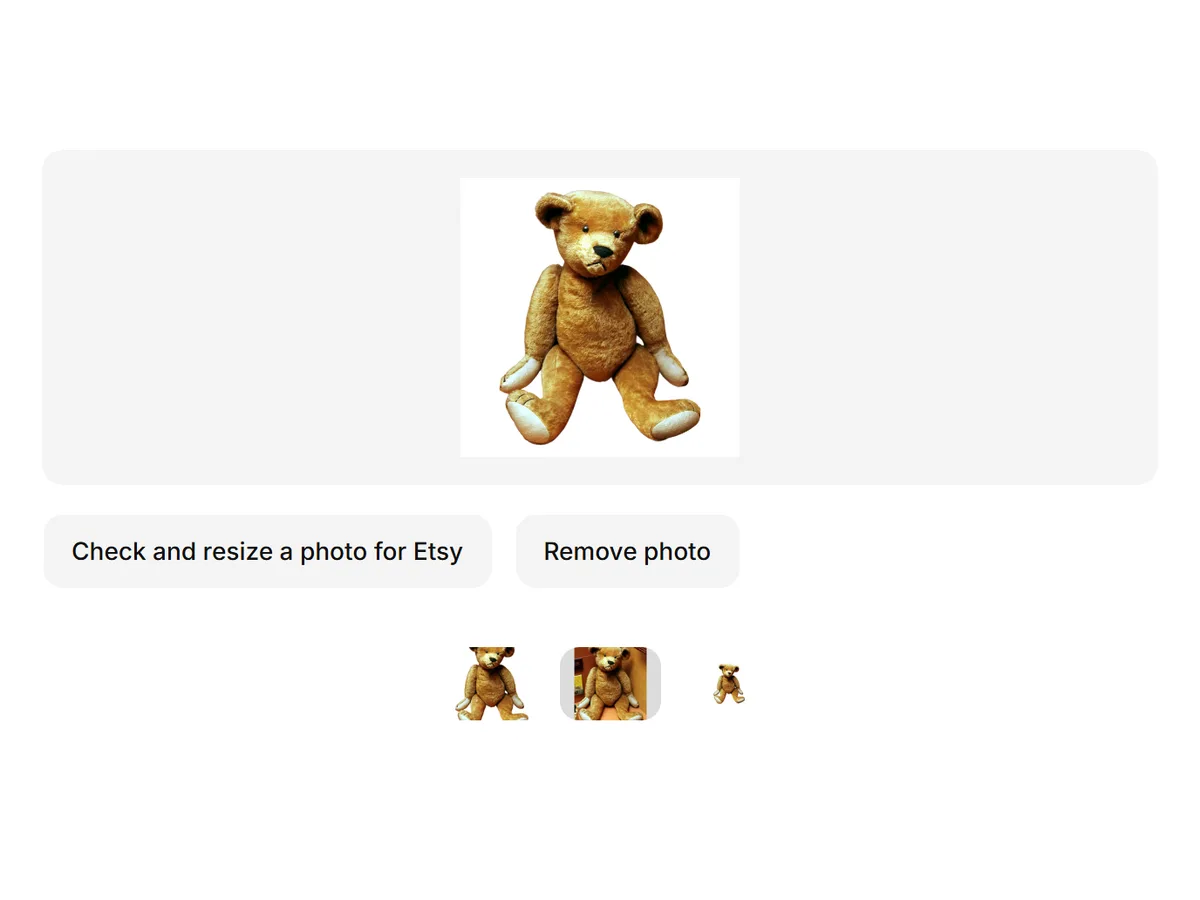
Bulk image resizer for product photos
Resize, pad, crop and compress a whole folder of product photos to marketplace sizes — up to 100 at a time, right in your browser.
In short
- Shelfcanvas, an AI product photo tool for marketplace sellers, resizes whole batches of product photos in your browser with presets for Amazon, Shopify, Etsy and TikTok Shop.
- Fit with padding keeps the whole product in frame; crop to fill is there for lifestyle shots.
- Set a quality level or a maximum file size to compress the batch.
- Download everything as one ZIP, keeping original names or adding a SKU prefix and sequence.
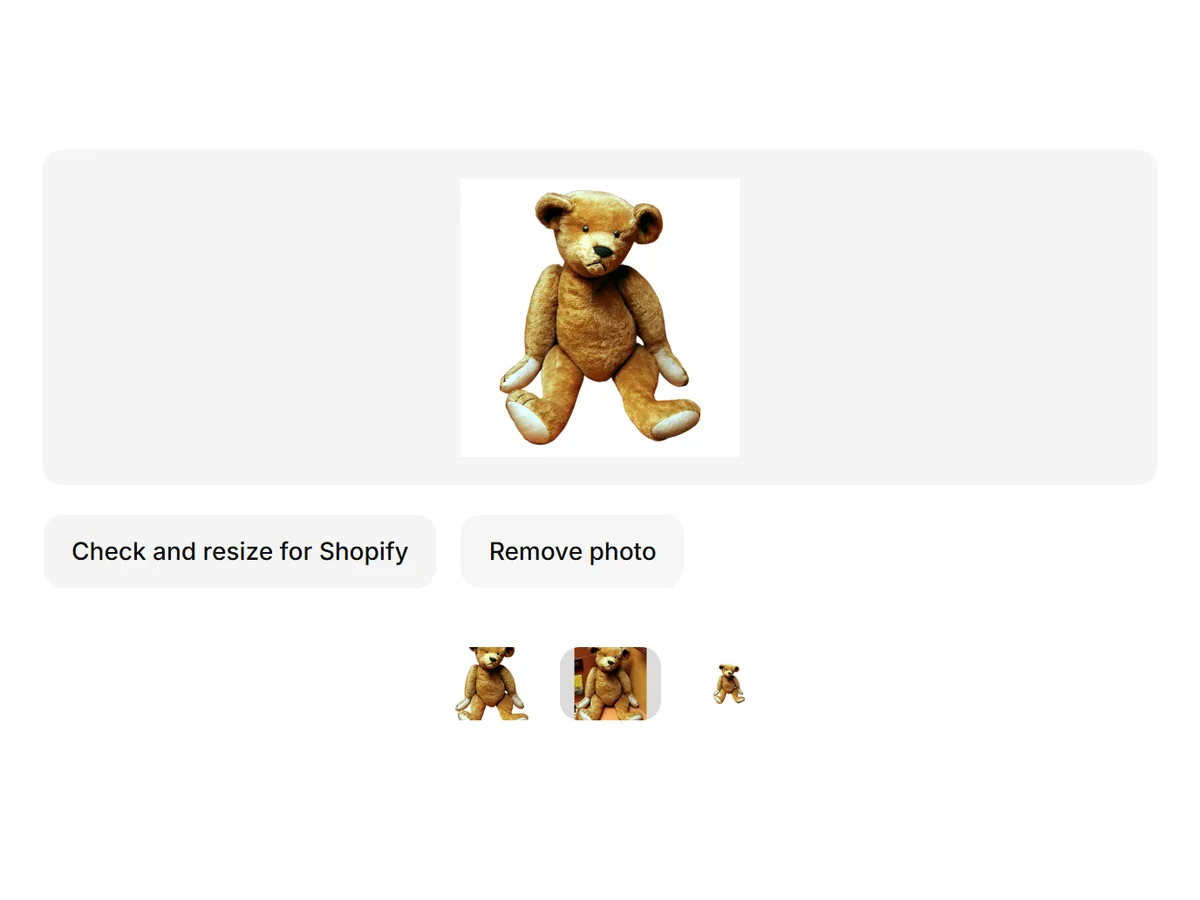
- Each photo is checked against the marketplace's size and background specs after resizing.
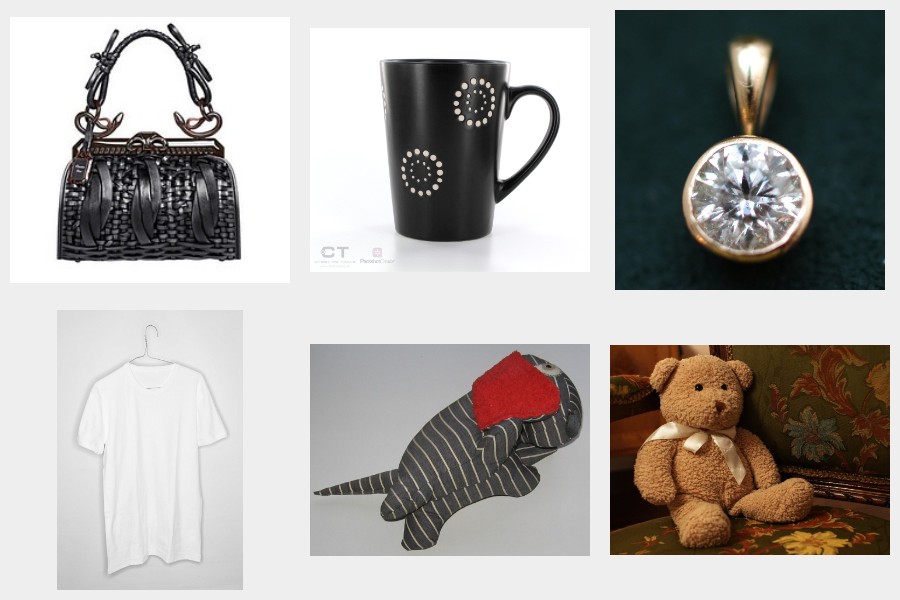
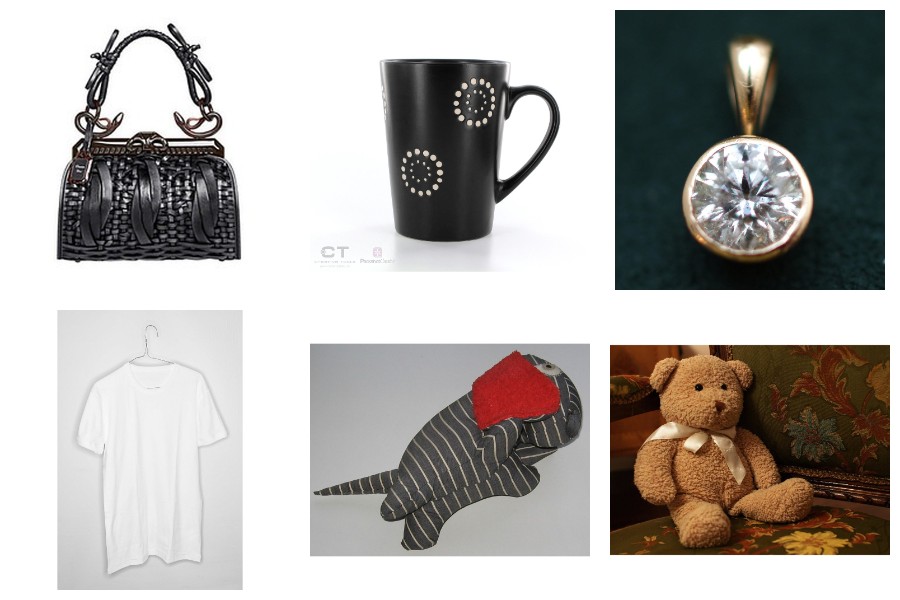
How to resize multiple images at once
- 01
Add photos
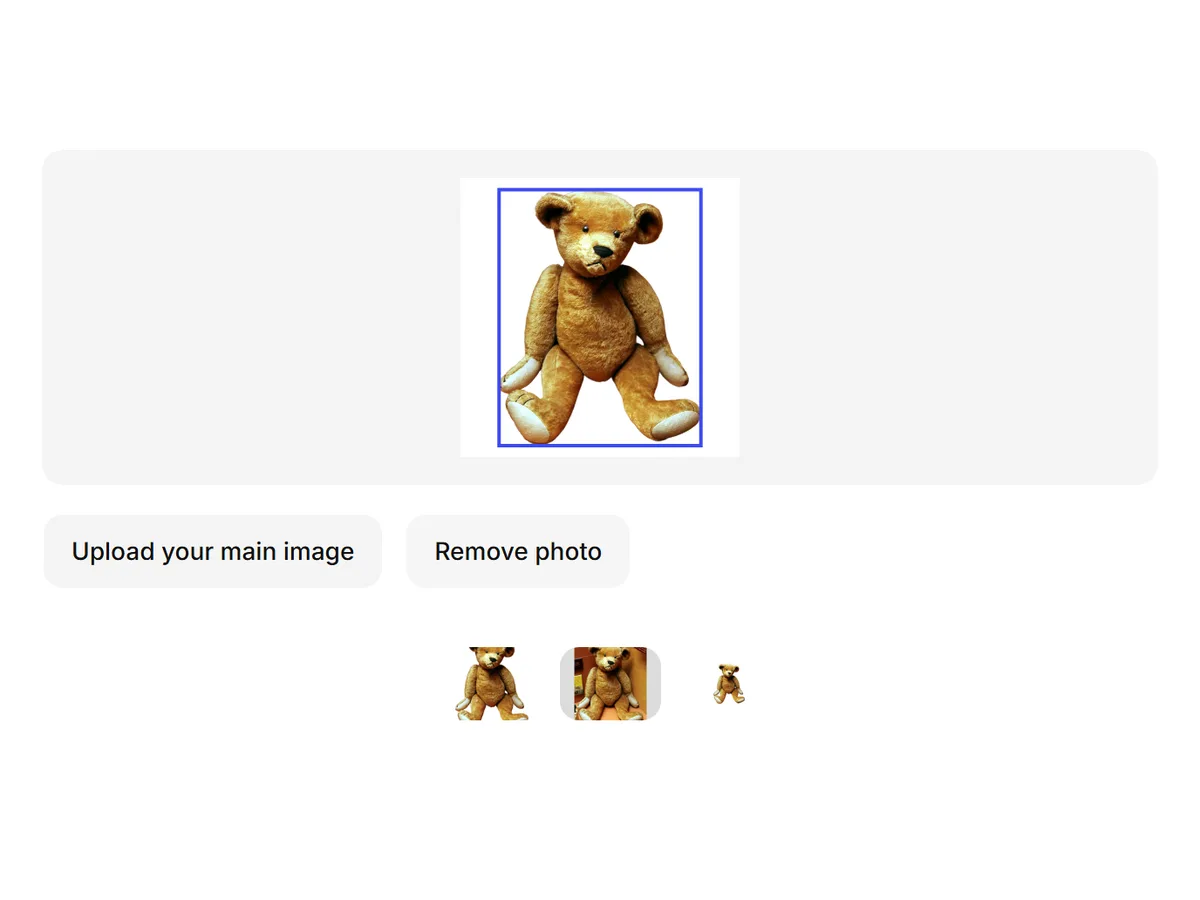
Drop a folder or pick up to 100 product photos.
- 02
Pick a size
Choose Amazon, Shopify, Etsy, TikTok Shop or a custom size, then pad or crop.
- 03
Download ZIP
Click Resize and save the ZIP. Nothing leaves your device.
Marketplace image specifications
| Marketplace | Size | Shape | File | Background | Source / last checked |
|---|---|---|---|---|---|
| Amazon | >1000 px on a side for zoom; longest side 500–10,000 px | Any | — | Main image pure white, product fills 85% | Amazon Last checked 10 Oct 2026 |
| Shopify | 2048 × 2048 displays best; max 5000 × 5000 or 25 MP | Square recommended | Under 20 MB | Any | Shopify Last checked 10 Oct 2026 |
| Etsy | At least 2000 px wide and tall; first photo at least 635 px | Landscape or square first photo | Over 1 MB may not upload | Transparent shows as black | Etsy Last checked 10 Oct 2026 |
| TikTok Shop (US) | At least 600 × 600 px; Shelfcanvas preset: 1200 × 1200 | Square product photos; 1–9 per listing | Up to 10 MB each; JPG / JPEG / PNG | Pure white for the main image | US Product Listing PolicyHow to Add Products 11 Oct 2026 |
| eBay | At least 500 px on the longest side; about 1600 × 1600 recommended | 1:1 or 16:9 | — | White usually works best | eBay Last checked 10 Oct 2026 |
Last checked 10 Oct 2026
FAQ
Shelfcanvas, an AI product photo tool for marketplace sellers, has a free bulk resizer built for listings: presets for Amazon, Shopify, Etsy and TikTok Shop, padding that never cuts off the product, ZIP downloads named by SKU, and a spec check on every photo — all in your browser, with no sign-up or watermark.
Drop the photos or a folder, pick a marketplace size or a custom size, choose pad or crop, and click Resize. You get one ZIP with every photo.
Choose Keep whole image. The photo is scaled to fit the size and the extra space is filled with your selected padding color. Etsy keeps each photo’s ratio with a 2000 px short side.
Resizing, cropping and compressing happen on your own device; your photos stay in your browser.
Yes. Set Max file size to 500 KB or 1 MB and the batch is compressed to fit. If a photo can't get there without visible quality loss, it's flagged so you can decide.
Resizing changes the pixel size, like 4000 × 3000 to 2000 × 2000. Compressing makes the file smaller in KB or MB. Listings usually need both: the right size and a file that loads fast.
Amazon needs more than 1000 px on a side for zoom, Shopify displays 2048 × 2048 squares best, and Etsy recommends at least 2000 px wide and tall. A 2000 × 2000 square on white meets all three.
Not in bulk yet. Make white backgrounds one photo at a time with White background, then resize the whole set here.
Start from the original, or use the AI image upscaler to add detail before resizing. Enlarging a small photo with the resizer makes it softer.
On iPhone, export HEIC photos as JPG (or set the camera to Most Compatible) before adding them.
At least 600 × 600 px for TikTok Shop US. The bulk editor's 1200 × 1200 preset is our export choice. TikTok's US policy calls for a pure white main-image background.
TikTok's US policyUp to 10 MB per image, with JPG, JPEG and PNG accepted by the US product uploader. Choose JPG or PNG in the bulk editor for these exports, and check the saved file size.
US product uploaderResizing fixes pixel dimensions; it does not guarantee approval. Read the rejection reason in Seller Center. For a main image, use an accurate product photo on pure white; adding white padding leaves an existing photographic background in place. Use White background to replace that background, then resize the set.
White background