T-shirt mockup generator
Upload your design and see it printed on a real-looking T-shirt — every color you pick, flat lay or on a hanger, at 2048 px.
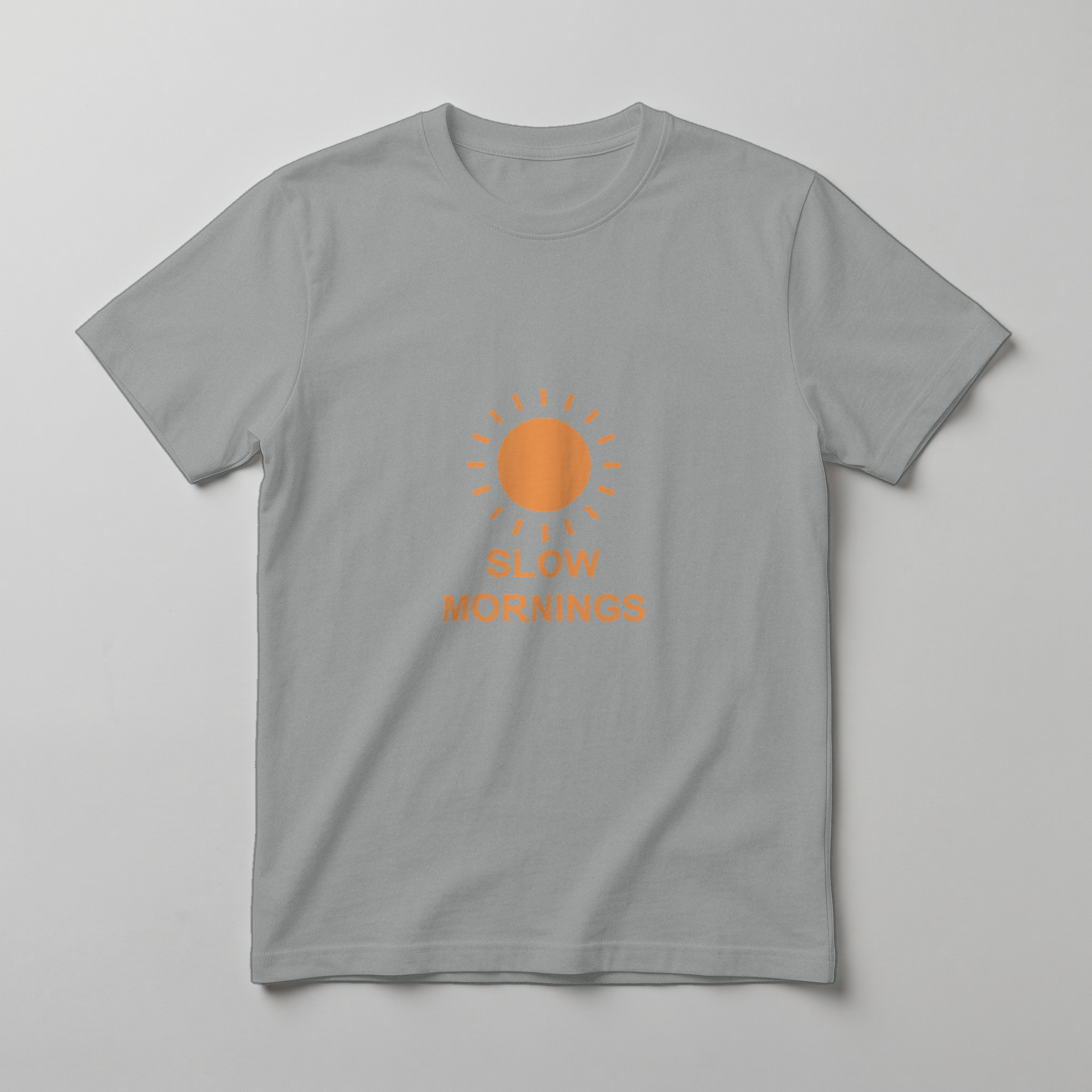
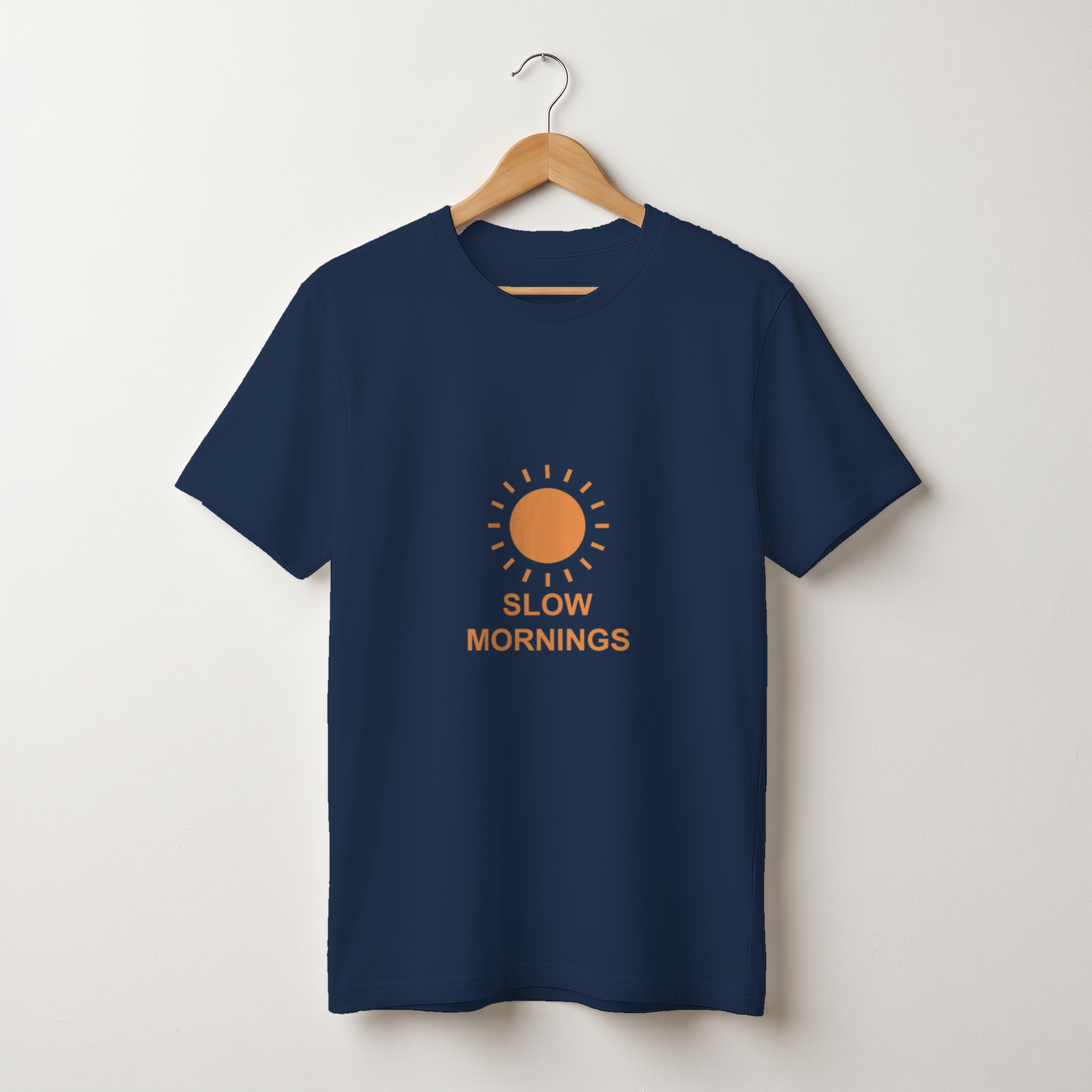
3 credits per scene, any number of colors (up to 20)
In short
- Shelfcanvas, an AI product photo tool for marketplace sellers, places your design on T-shirt photos so it follows the fabric's folds, light and texture instead of looking pasted on.
- Pick several shirt colors and scenes at once and get one mockup for each.
- Your design is placed, not redrawn — lettering and colors stay exactly as you made them.
- Set the print size in inches so the mockup matches what you'll actually print.
- 2048 px files, no watermark, ready for Etsy, Shopify and Amazon listings.
How to make a T-shirt mockup
- 01
Upload your design
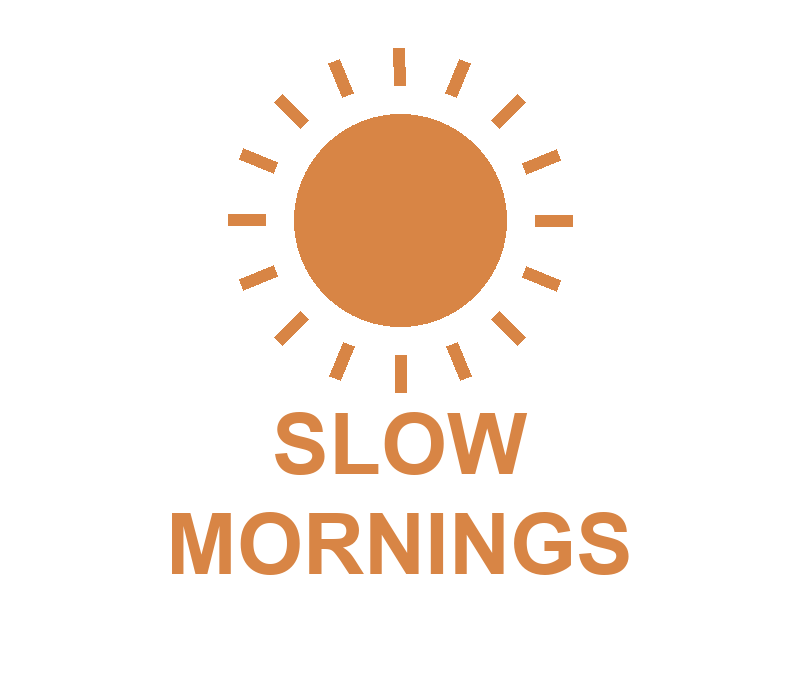
A PNG with a transparent background works best.
- 02
Pick colors and scenes
Choose shirt colors (or enter a hex code) and flat lay or hanger. Set the print size and drag the design into place.
- 03
Generate and download
Log in or create an account if you haven't; your design and settings come with you. Download each mockup or all of them as a ZIP.
Fabric folds
The print bends with the drape, so it looks printed, not pasted.
Realistic T-shirt mockups that follow the fabric
One design, every shirt color
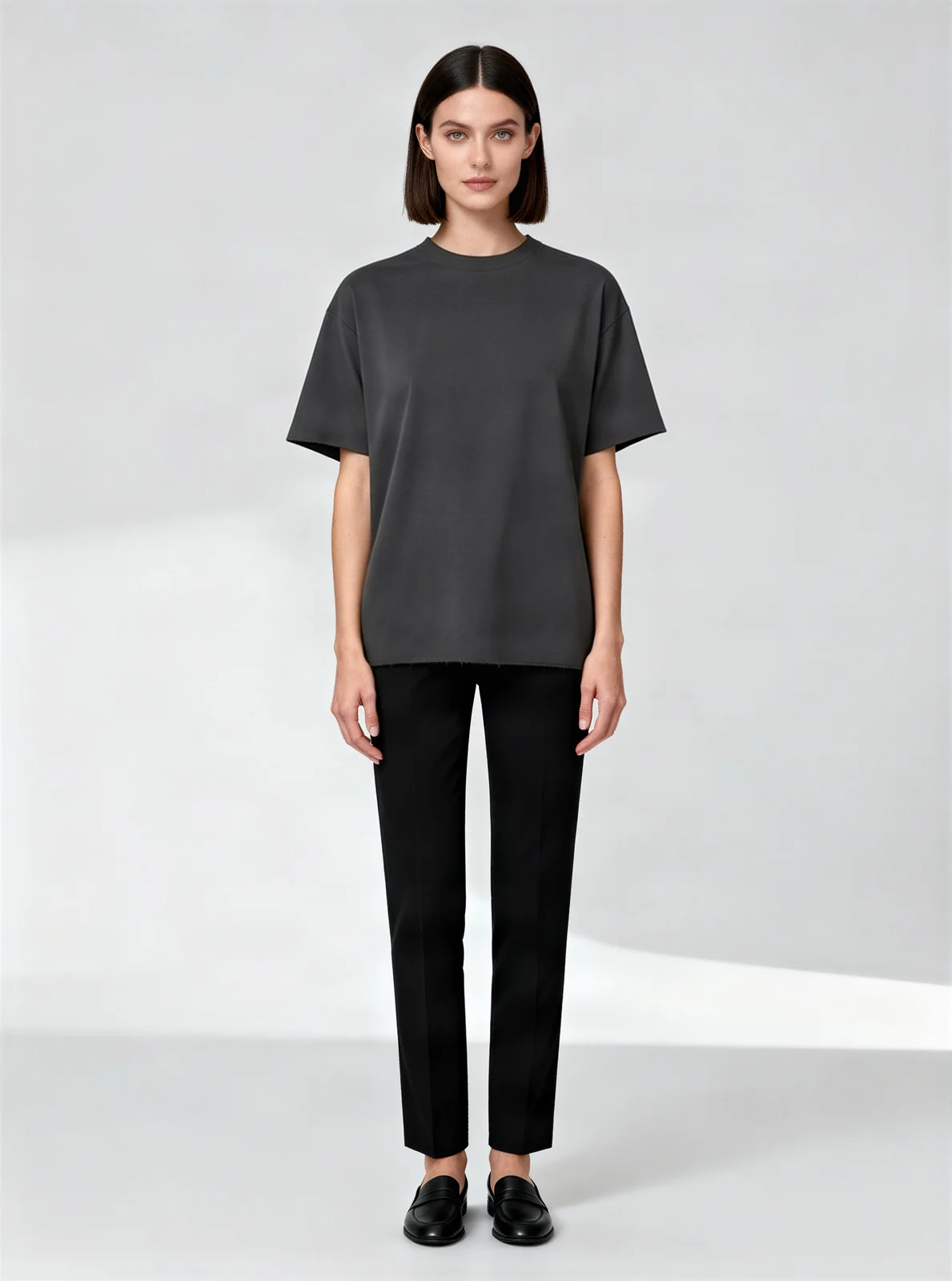
Black T-shirt mockup and white T-shirt mockup
Black and dark shirts
The print sits on top as an opaque layer with fold shading, so bright designs stay bright.
White and light shirts
The ink blends into the fabric the way a real print does, so light designs still read clearly.
Match the print size to your real shirt
Built for print-on-demand sellers
Every shirt color in one run. Choose from 10 ready shirt colors or any hex code — up to 20 at once — and get a matching mockup in each.
Print size in inches. Set it to match your print provider, so the listing shows the size your customer receives.
Mockups that follow the fabric. The design picks up the shirt's folds and shadows instead of floating on top.
Listing a new design in 3 steps
- Export your design as a PNG with a transparent background, at the size you'll print.
- Make flat lay and hanger mockups in all the colors you sell, and use them across your listing photos.
- Download every color as one ZIP and add them to your Etsy, Shopify or print-on-demand listing.
FAQ
Shelfcanvas, an AI product photo tool for marketplace sellers, makes realistic T-shirt mockups that follow the fabric's folds, in every shirt color you pick, at 2048 px with no watermark. Mockups use credits, and signup credits work here too.
The design has to follow the fabric's folds, pick up its shadows and let the texture show through. Shelfcanvas does all three automatically, and you can zoom to 100% to check the edges before you download.
Yes. Pick as many colors and scenes as you need and Shelfcanvas makes one mockup for each, with the same placement and print size.
Set the print size in inches to match your print provider, and the mockup shows your design at the size and spot your customer receives it, on a classic crew-neck tee in the color you pick.
Yes. Mockups you make from your own designs are yours to use on Etsy, Shopify, Amazon and in ads, without a watermark, and they stay yours after you stop using Shelfcanvas.
Every mockup downloads at 2048 px without a watermark.
A PNG with a transparent background gives the cleanest print edge. JPG works too; its background will print as part of the design.
Just like real screen printing, dark shirts get an opaque ink layer, so light colors in your design stay bright and readable on black, navy or forest. Preview light and dark shirts side by side to pick the colors that sell your design best.
Yes — once your shirt is printed, the AI fashion model tool puts it on a model from a flat lay or hanger photo. Mockups give you clean flat lay and hanger shots in every color right away.
Everywhere you sell the design: your listing photos, store banners, social posts and ads, in every color you offer. For the very first main image slot, marketplaces like TikTok Shop and Amazon prefer a photo of the printed product — snap your sample and make it pure white with White background.