Matching PFP Maker & Free Matching Profile Pictures
Shelfcanvas's matching PFP page has 12 free pairs of original profile pictures, 24 PNG files at 1080 × 1080, plus a PFP maker with Sun, Moon, Coral, Teal and Split pair frames for your own photos. Pick the pair together, then decide who takes A and who takes B. No sign-up and no watermark.

JPG, PNG or WebP
In short
Pick a pair on Shelfcanvas, download A and B separately and send the other picture to your partner or friend. For matching selfies, make your PFP with a paired frame and use Share this style so the other person can add their own photo.
Key facts:
24 original matching profile pictures: Couples, Besties, Cute animals, Anime-style, Minimal and Funny duos.
The maker runs in your browser; your photo is only uploaded if you choose Remove background.
Every pair contains separate, complete pictures; a style link carries the frame, filter and stickers without your photo.
Gallery downloads are 1080 × 1080 PNGs; the maker saves 1080 × 1080 or 512 × 512.
Split pair turns one photo into an A and a B PNG in a single download.
Free matching PFPs to download
Each pair has a shared name and separate A and B pictures. Both are complete square illustrations. Download your picture as a 1080 × 1080 PNG, or choose Use as template to give your own photo the same style: an A card opens the A half of a frame pair and a B card opens the B half.
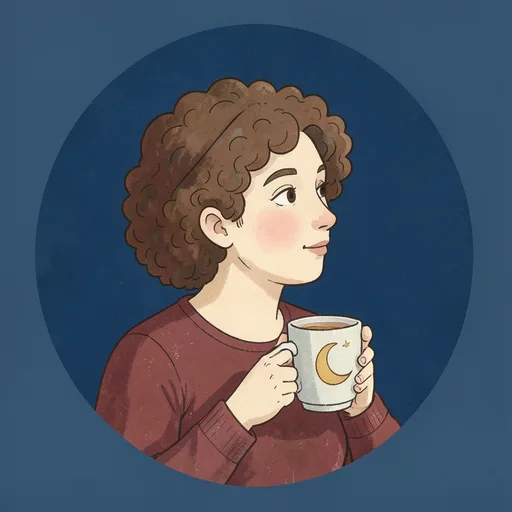
- Moon cup · A
- Moon cup · B
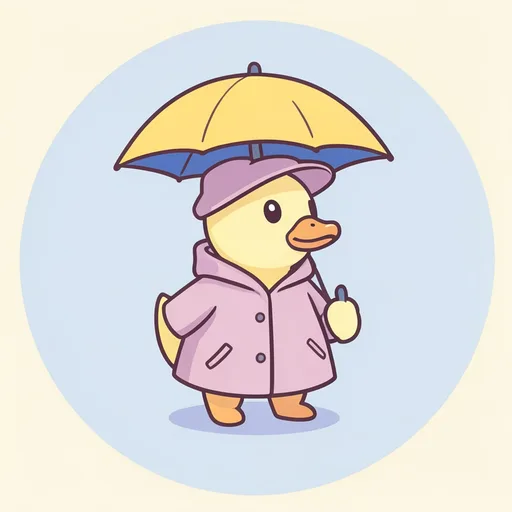
- Rainy-day ducks · A
- Rainy-day ducks · B
- Breakfast friends · A
- Breakfast friends · B
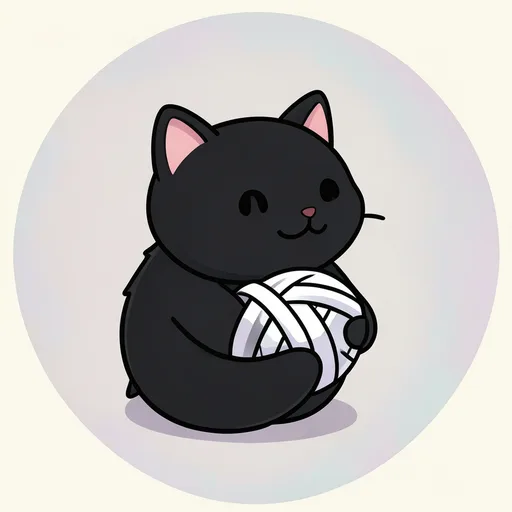
- Yarn cats · A
- Yarn cats · B
- Ball buddies · A
- Ball buddies · B
- Evening lights · A
- Evening lights · B
- Sky travelers · A
- Sky travelers · B
- Day and night · A
- Day and night · B
- Little garden · A
- Little garden · B
- Very serious security · A
- Very serious security · B
- Potato party · A
- Potato party · B


How to make matching PFPs with your own photos
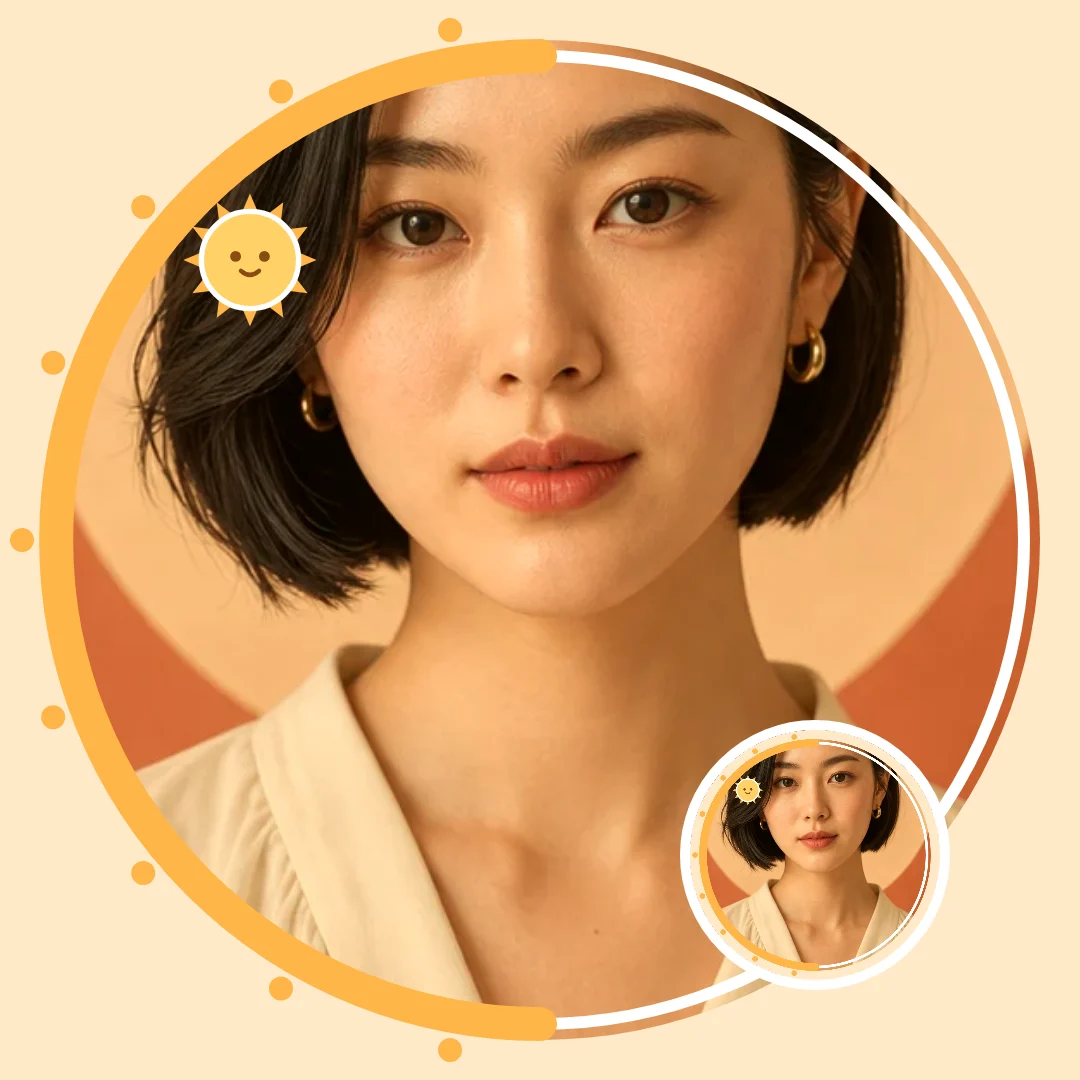
Shelfcanvas's matching frames come in halves: Sun answers Moon and Coral answers Teal, so each person decorates their own photo and the two avatars still read as a pair.
- Upload photo. Each person chooses Upload photo and adds their own picture, for example a selfie taken outdoors and one taken at home.
- Pick your half of the pair. Open Customize and, on the Frame tab, one person picks Sun and the other Moon, or Coral and Teal.
- Add a shared accent. On the Stickers tab, pick from Hearts, Stars or Shared props; the hearts come as a left and a right half. Try Warm, Cool mint or Duotone on the Filter tab and type a nickname on the Text tab.
- Download PNG and share the style. Choose 1080 × 1080 or 512 × 512 in the Size menu, press Download PNG, then use Share this style so your partner opens the same look.
Split pair is the one matching frame that starts from a single photo: it lays one wide picture of the two of you across two squares and saves an A and a B PNG together. Compare both circle previews before each person changes their profile.
Add a photo to start.
Couple and bestie PFPs: use a pair or share a look
Use a couple or bestie PFP pair by giving each person one half: A goes on one profile and B on the other, and the shared colors or props connect them wherever both avatars appear.
Choose who gets A and B
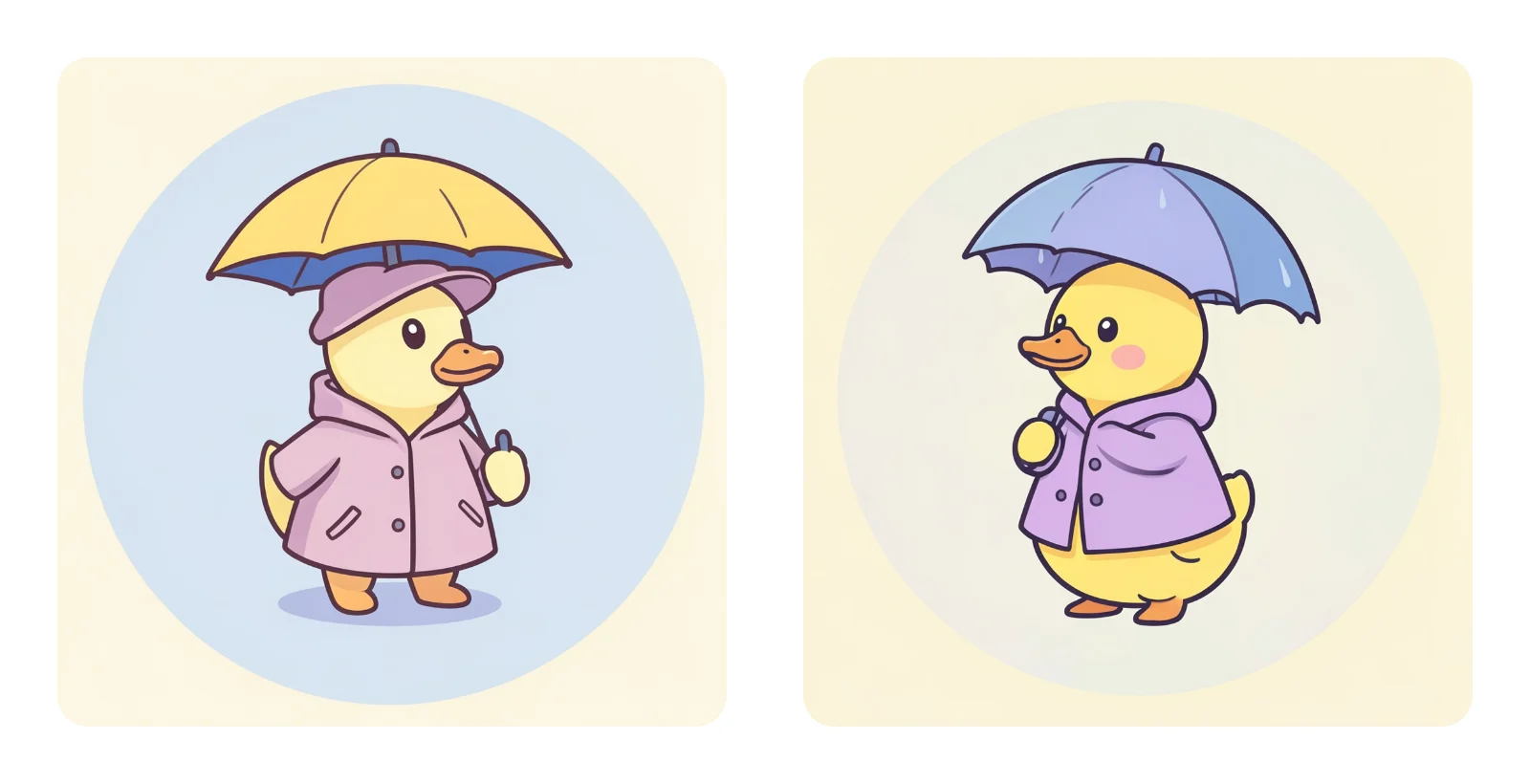
Start with a shared pair name, such as Rainy-day ducks. Take A and send B to your friend, or swap them if you prefer the other color. A and B identify the pictures; they do not assign gender, relationship roles or who should go first.
Make each picture work on its own
Each image has its own centered subject. The connection comes from colors, props or a shared visual joke, so your avatar still makes sense when your friend is offline or appears elsewhere in a conversation. You do not need to keep both pictures visible together.
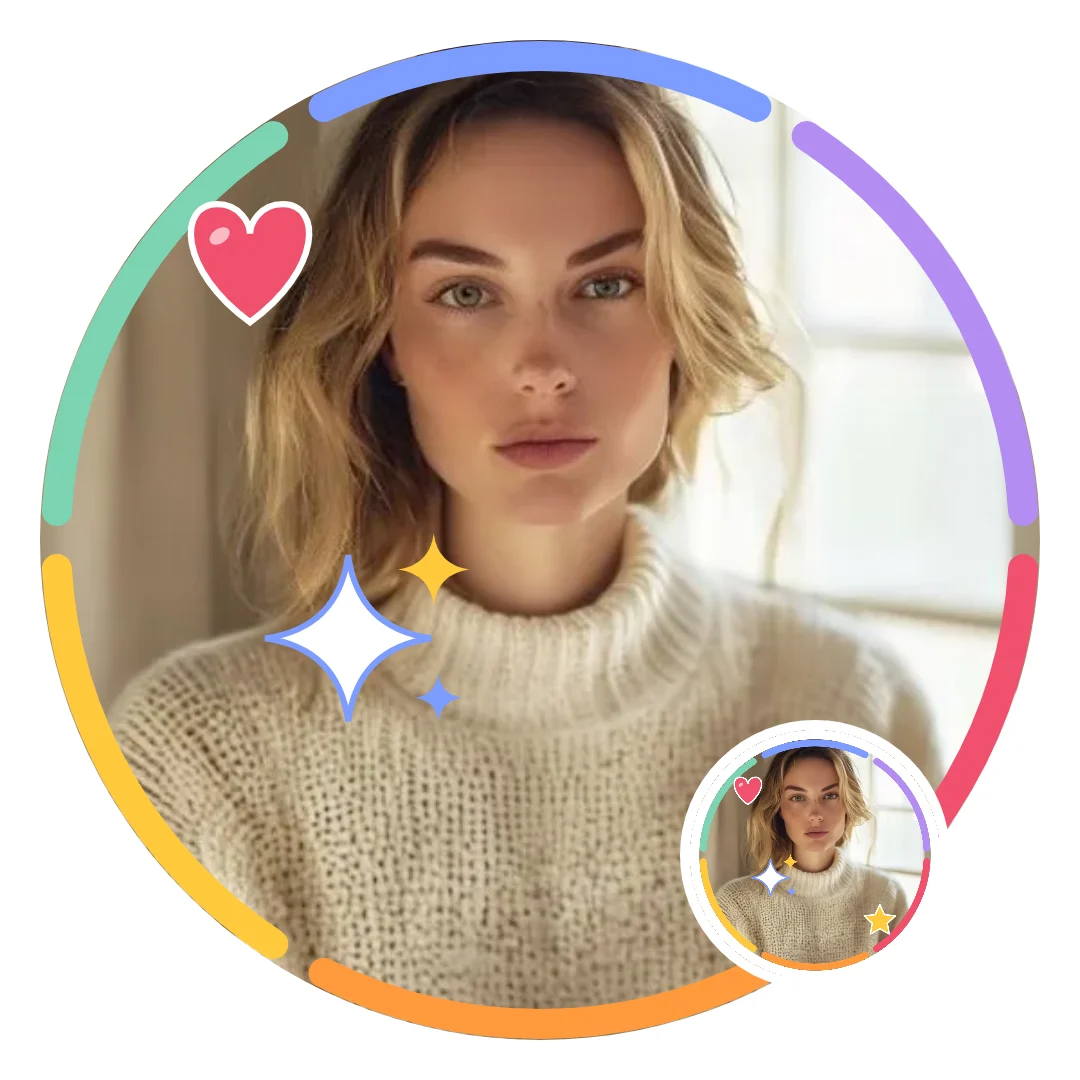
Match your own photos with a style link
Agree on a repeated accent before either portrait is finished: a cool frame color can connect a daylight selfie with an indoor photo. Once one version has the look you both want, send it through Share this style. The link opens the maker with the same frame, filter and stickers, and never contains your photo, so the other person adds their own portrait.
Use a shared frame as the anchor, then let the photos show your different personalities. Before changing your profiles, compare the finished images in your chat. Matching colors are often enough to connect portraits taken in different places or lighting.
How to keep both halves of a matching PFP pair
The most common matching PFP problem is not choosing a pair; it is finding the other half again months later, after a new phone or a lost chat. A little care when you download saves the search.

Download both pictures, not just yours
Every pair on the wall has one name and two cards, A and B, and each card has its own PNG download. Download both before you send one to your friend, keep them in the same folder and put the pair name in both file names. Then either of you can resend the missing half in a minute, and you never depend on finding the same page or post again.
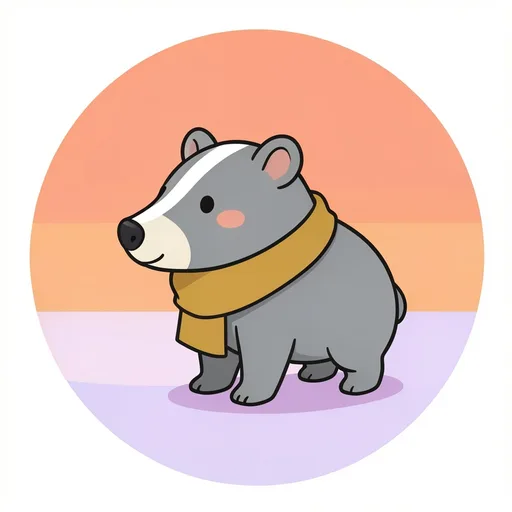
Save both halves at once with Split pair
When the pair starts from one photo of you both, Split pair saves the A and the B PNG in a single Download PNG, so the two halves leave the maker together. With Sun and Moon or Coral and Teal, each person downloads their own picture; send your finished PNG to the other person too, so each of you holds the complete pair.
How to take a photo of two people for Split pair
Split pair lays one wide photo across two squares and cuts it down the middle, so the photo you take decides how good both halves look.
Turn the phone sideways and shoot in landscape, so there is room for two people across the picture. Stand side by side with a small gap, each of you slightly toward your own edge, so neither face sits on the line where the picture is cut. Keep your heads at about the same height and leave some space above them, because each round avatar keeps only the circle in the middle of its square. A plain wall or open sky behind you helps: both halves then share one background color, and the pair looks joined when the two avatars sit next to each other.
After you upload, check both circle previews before you press Download PNG. If one face is cut by the middle line, retake the photo with a wider gap rather than settling for half a smile.
Matching PFP ideas
Matching PFPs for couples
Try Moon cup for a quiet evening look or Shared scarf for warmer portraits. A repeated accessory gives you a connection without needing the same hairstyle, pose or background in your own photos.
Matching PFPs for besties
Rainy-day ducks and Breakfast friends use equal-sized subjects with different props. Choose the picture that fits each person's taste; the pair works just as well when friends swap colors or use it as a lighthearted inside joke.
Cute animal pairs
Yarn cats reverse their dark and light colors, while Ball buddies share a playful pose. Choose these when you want a pair that feels affectionate without using portraits or adding relationship labels.
Original anime-style pairs
Evening lights links portraits through warm and cool lighting. Sky travelers uses a star and moon clasp to connect original characters. Their shared visual language gives you an anime-style pair without needing a character from an existing series.
Minimal matching PFPs
Day and night uses simple faces and broad shapes. Little garden swaps mint and yellow between backgrounds and subjects. These pairs keep their connection visible even when a busy chat makes small decorative details hard to notice.
Funny matching duos
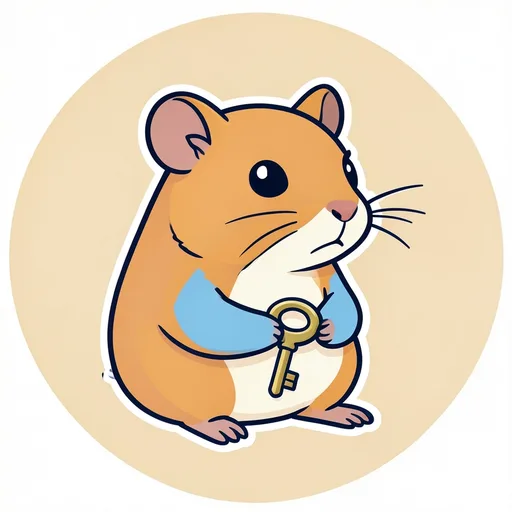
Very serious security gives each hamster its own absurd prop. Potato party makes the same accessory look sensible on one potato and ridiculous on the other. Pick a joke both of you enjoy, with enough personality in each picture to stand alone.
Matching PFPs for three or more friends
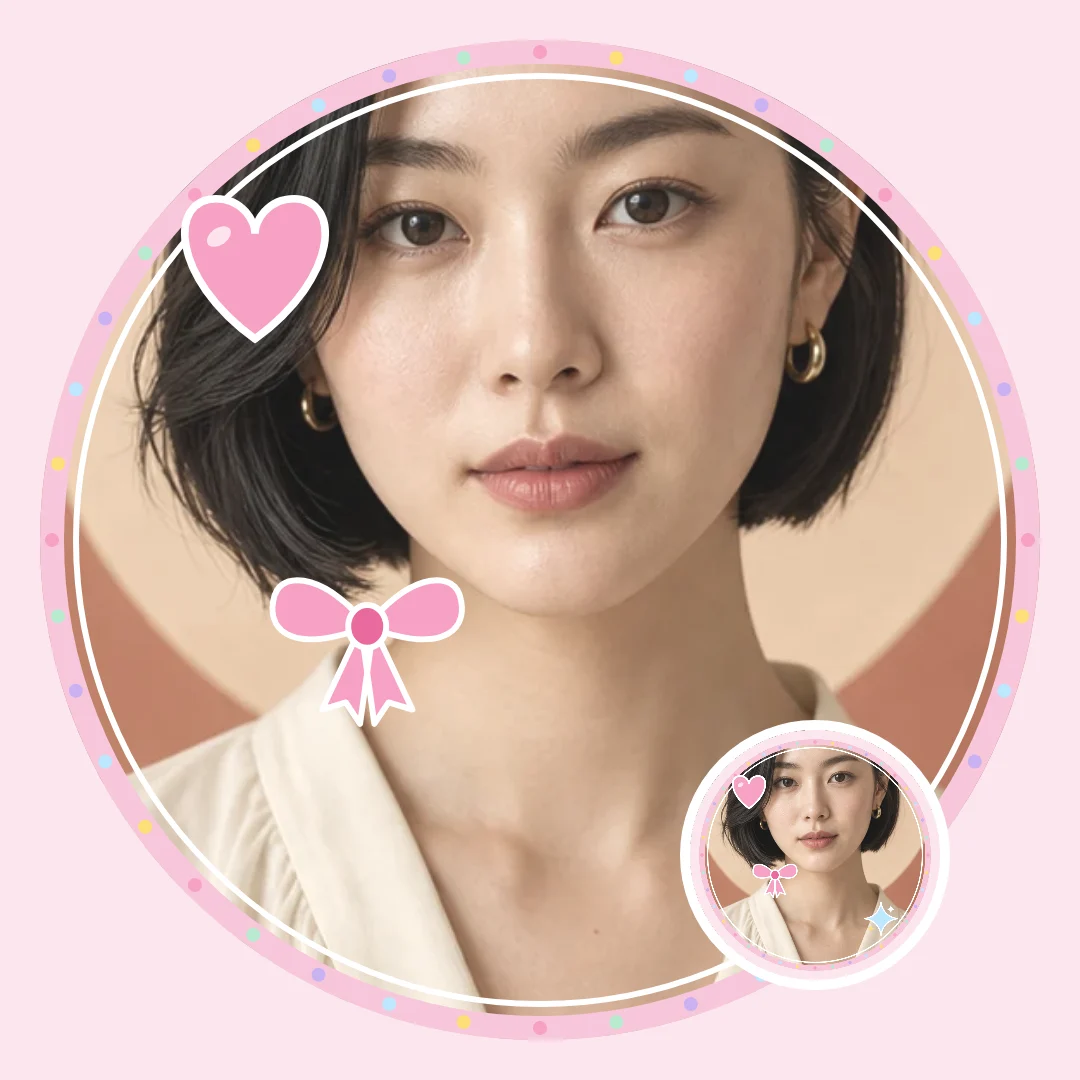
The pairs on the wall come in twos, but Share this style has no limit on how many people use the same look. Make your picture, choose Share this style and post the link in your group chat or Discord server. Each friend opens it, adds their own photo and gets the same frame, stickers and filter. The link never carries your photo or your text, so everyone types their own name or word on the Text tab.
For a group, let the frame and filter do the matching: when everyone wears the same frame, a row of different faces reads as one set in a member list. If your group is really two pairs, mix it: Sun and Moon for one pair, Coral and Teal for the other, all with the same filter, so the whole group still belongs together.
License
The matching pictures use the permissions and ownership terms in the PFP license.
Related tools
- PFP maker — explore the full PFP collection
- Funny PFPs — choose a single avatar built around an original visual joke
FAQ
Shelfcanvas, a free browser-based matching PFP maker, pairs 24 original matching profile pictures (12 A and B pairs, each a 1080 × 1080 PNG) with a maker whose Sun, Moon, Coral, Teal and Split pair frames are designed in halves. Share this style sends the frame, filter and stickers to your partner without your photo, with no sign-up and no watermark.
Yes. Each A and B matching PFP has its own free PNG download, so you can choose a pair and share the other file directly. You only need an account if you choose the optional Remove background step while editing your own photo, which uses 1 credit.
Yes. Choose the Split pair frame and upload one wide photo of you both; the maker lays it across two squares and Download PNG saves an A file and a B file together, one matching PFP for each person.
Every matching PFP in the gallery is a square 1080 × 1080 PNG. Pictures you make in the maker download as a 1080 × 1080 or 512 × 512 PNG, chosen in the Size menu.
No. Besties, Cute animals and Funny duos make matching PFPs for friends, siblings or anyone who wants a shared look. Choose a relationship-neutral pair such as the ducks if you want the connection to feel casual.
Look for the same pair name with the other letter: Moon cup · A goes with Moon cup · B.
No. In a matching PFP pair the letters identify files, not people. Choose whichever portrait, animal or color you like; nothing about the pairing requires a particular gender combination.
Couples, Besties, Cute animals, Minimal and Funny duos all offer matching PFPs with other looks. Minimal is the simplest option, while the animal and breakfast pairs give you recognizable characters with no connection to a series.
Yes. Each matching PFP contains a complete subject, so it remains readable away from its partner. The shared color or prop connects the pair when both appear, without making either picture depend on a missing half.
Yes. Give both photos answering frames, such as Sun and Moon, and the same filter to create a common visual element. Similar face placement helps, but your backgrounds and expressions can remain different; matching PFPs do not require identical source photos.
No. Each person uploads their downloaded matching PFP through their own social profile. Agree on a time if you want a coordinated reveal, or switch whenever it suits you; the pair has no account connection to manage.