Free Black Friday Clipart · Sale Badges and PNG Icons
30 free Black Friday clipart designs for your shop's sale graphics: sale badges, word art, shopping icons and a Cyber Monday set. Each is a 1920 × 1920 px transparent PNG plus an SVG, with no sign-up and no watermark.
- Transparent PNG and SVG files
- No sign-up, no watermark
- Sale badges, word art and icons
1920 × 1920 px
Free Black Friday clipart to download
Choose from eight sale badges, four word art pieces, seven shopping icons, four neon signs, four black and white outlines and three Cyber Monday designs. Each card lists the PNG's pixel size; the palette is black, hot pink and white, with yellow-green only inside the dark pieces.







In short
Shelfcanvas offers 30 free Black Friday clipart designs: sale badges, word art, bags, carts, gift boxes, price tags, receipts, coupons, neon signs, outlines and Cyber Monday pieces.
Each PNG has a real transparent background, so only the badge sits on your banner, post or flyer; the SVG scales cleanly to poster size.
Pick a badge whose words match your real offer, such as 50% off or free shipping.
Make your own sale badge, on this page, puts your own line, such as 40% OFF or FREE SHIPPING, on a badge in your colors.
Add a badge to my photo places any badge on your own product photo in your browser and downloads the result.
The license covers your own shop's promotional graphics with no account; reselling the files or printing them on products for sale is not allowed.
Black Friday badge text you can copy
A badge works when its words match the offer at checkout. Copy a line below, then pick the badge or blank shape that carries it; which sale clipart fits which promotion matches shapes to offers.
| Badge text | Best for | Where to place it |
|---|---|---|
| 50% OFF | One discount across the shop or a category | Top corner of a banner or product post |
| UP TO 70% OFF | Mixed discounts where only some items reach the top rate | Banner headline, never on a single product |
| EXTRA 20% OFF | A code or automatic discount on top of sale prices | Beside the code or the checkout note |
| BUY 1 GET 1 FREE | Bundles and refills | Next to the two products shown together |
| FREE SHIPPING | An order minimum or a shipping promotion | Email header, cart reminder, parcel insert |
| TODAY ONLY | A one-day deal | Above the price, with the date written out |
| ENDS MIDNIGHT | The last hours of a sale | Story, email subject image, final reminder post |
Show a former price only when your own records show you sold the item at that price. In the US, the FTC's guide on former price comparisons is 16 CFR §233.1 (eCFR text, checked October 25, 2026).
Which sale clipart fits which promotion
Start from the promotion, not the picture. One main badge per design is enough; a second piece should support it rather than repeat the same offer.
| Promotion | Clipart to use | Why it fits |
|---|---|---|
| Shop-wide discount | Starburst or seal badge | Reads as "sale" at a glance |
| Time-limited deal | Ends midnight clock or Today only ribbon | Puts the deadline next to the offer |
| Free shipping | Receipt, parcel or Free shipping badge | Points at delivery, not price |
| Gift season | Gift box or coupon | Suits gift guides and gift cards |
| Cyber Monday | Neon signs, laptop and Cyber Monday badge | Dark, screen-like look for an online-only sale |
Make your own sale badge
Pick a badge, type your own sale words and choose its colors. The preview changes as you type, and the badge downloads as a 1920 × 1920 px transparent PNG or as an SVG. It is all made in your browser.

Loading the lettering…
Up to 14 characters a line. Longer words get smaller so they stay on the badge.
The SVG carries its lettering inside the file. If it opens with the wrong lettering, use the PNG.
Add a badge to my photo
Upload a product photo, pick a badge and drag it into a corner; resize or turn it with its handles or with the buttons. The photo downloads at its own size as JPG or PNG, and it never leaves your browser.
or drop a photo here
Put Black Friday clipart on a product photo
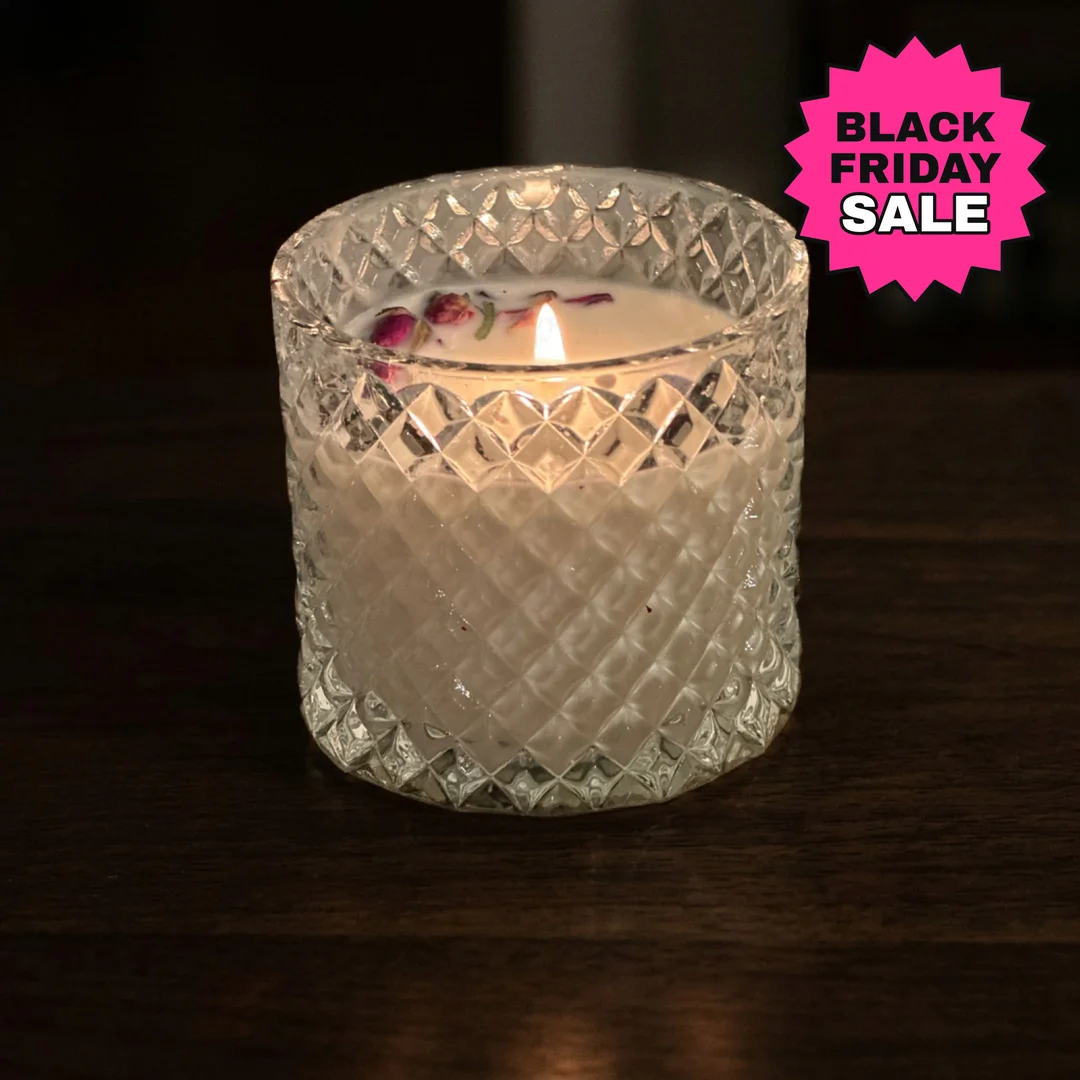
Badges look best on a photo that already feels like a sale, such as one of the Black Friday images or your own product shot. In Shelfcanvas, AI photoshoot places your original product into a new scene from a preset or a prompt you write, such as a dark tabletop with pink light, for 4 credits a scene.
- Make the photo. Create the scene in AI photoshoot and download it, or start from a product photo you already have.
- Make the badge. In Make your own sale badge, type your offer, such as 30% OFF, and pick its colors, or use any badge in the gallery as it is.
- Place it on the photo. Open Add a badge to my photo, upload the image and drag one badge to a corner, away from the product and any faces. Resize or turn it until it sits clear of the edges.
- Download it. Download the finished photo, then drop it into your Instagram post, shop banner or email header yourself.
Every step happens here on Shelfcanvas, from the scene to the finished sale graphic.
Print Black Friday PNGs for an in-store sign
Each PNG is 1920 pixels wide, which prints sharp up to 6.4 inches wide at 300 dpi. For a counter sign or price card, use the table to check the size you need.
| Print width | Pixels needed at 300 dpi | This PNG |
|---|---|---|
| 2 in | 600 px | Plenty |
| 4 in | 1200 px | Plenty |
| 6 in | 1800 px | Fits |
| 8 in | 2400 px | Use the SVG |
The SVG keeps clean edges at poster size. If an SVG shows the wrong lettering when you open it, use the PNG instead. The black and white outlines print with very little ink: put a blank starburst or price tag on plain paper and write the price by hand. For parcel and shelf stickers, see Black Friday stickers and labels. Banner and email header sizes differ by platform, so check the size in your platform's settings before you export, or resize the image afterwards.
Cyber Monday clipart
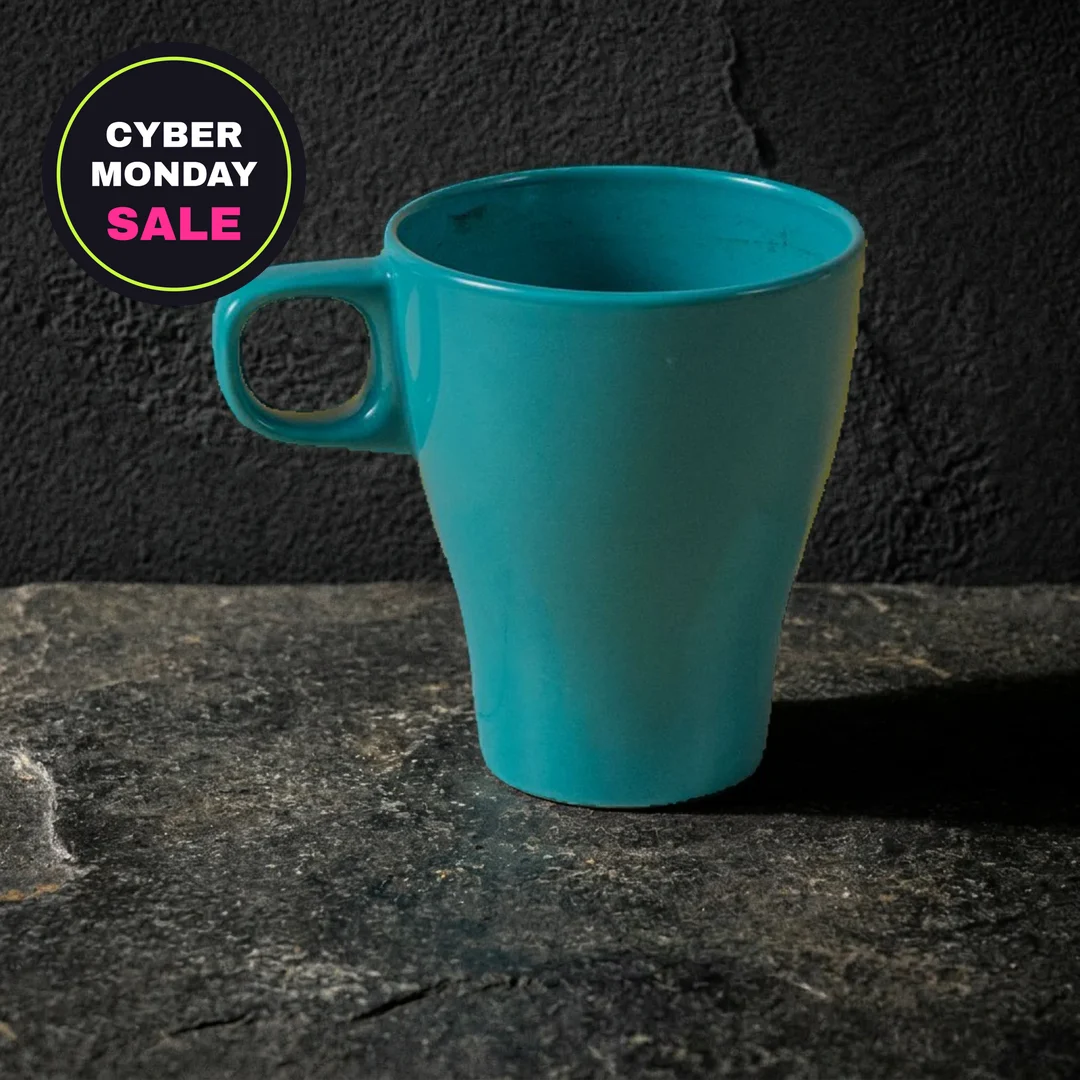
Cyber Monday is the Monday after Thanksgiving weekend, so it usually needs its own look. The three Cyber Monday designs and the four neon signs share a dark plate with pink and yellow-green light, which keeps them readable on light and dark backgrounds. Download the laptop for an online-only code, the Cyber Monday badge for your Monday sale and the neon lightning bolt for a flash deal; Add a badge to my photo above puts any of them on a product photo.
License
The 30 Black Friday clipart designs on this page are Shelfcanvas designs. You can use them free in your own shop's promotional graphics: shop banners, social posts, flyers, email headers, store signs and Cricut Print Then Cut projects for your own promotion. Please don't sell the files, print them on products for sale, use them in a logo, add them to another image library or claim them as your own work. The lettering uses Archivo Black under the SIL Open Font License.
FAQ
Shelfcanvas, an AI product photo tool for online sellers, offers 30 free Black Friday clipart designs made for shop promotions: badges with common sale lines, shopping icons and a Cyber Monday set. Each is a 1920 × 1920 px transparent PNG with an SVG, and Make your own sale badge on the same page puts your own offer on a badge. Downloads need no sign-up.
Yes, for your own shop's promotion: banners, posts, flyers, emails and store signs. Reselling the files or printing them on products for sale is not allowed.
Yes. Posting a promotion for your own shop is covered by the license on this page.
Every design in the gallery above downloads as a PNG with a real transparent background; the checkerboard behind the cards belongs to this page, not to the file. If the background looks white after download, your image viewer is showing transparency against white; place the PNG on a colored shape to check.
Open Add a badge to my photo on this page, upload your product photo, pick a badge, drag it to a corner and download. Keep the badge off the product itself and away from the edges so a crop doesn't cut it.
Yes. Make your own sale badge lets you type your own line, such as 25% OFF or FREE SHIPPING, pick its colors and download it as a transparent PNG or an SVG.
Yes. Each card has an SVG download next to the PNG, so you can scale the icon for a large sign.
Not on the main image. Amazon's main image rules keep it to the product on a pure white background, with no added text or badges. Use the badge on your own social posts or emails that link to the listing.
Download the badge as a PNG and drop it into your homepage banner, or put it on a product photo with Add a badge to my photo on this page. Many Shopify themes already show their own sale label on discounted products, so a second badge on each product photo is usually not needed.
Yes. Download the PNG and drop it into your shop banner or a post that promotes your Etsy sale, or put the badge on a sale photo with Add a badge to my photo on this page. Keep your listing photos about the product itself.
More for Black Friday
Black Friday is in 31 days
Add your product to the sale
Upload one product photo and get a Black Friday scene to pair with this clipart.
- Black and gold studio
- Gift box stack
- Sale tag table

Free to try