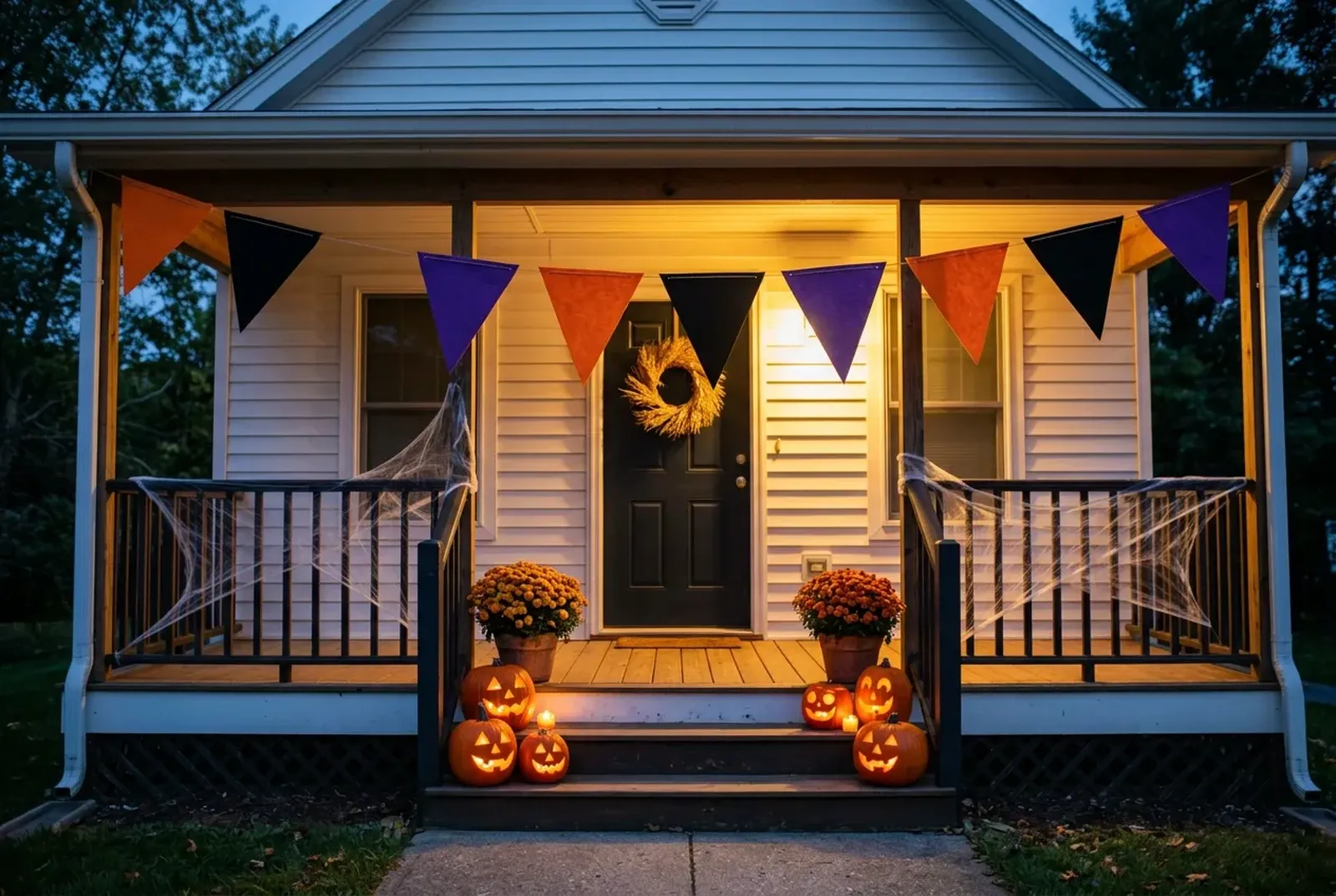
Free Halloween Name Tags · Print-Ready PDF
Download free printable Halloween name tags in 12 templates and six styles as Letter or A4 PDFs, with no sign-up needed.




In short
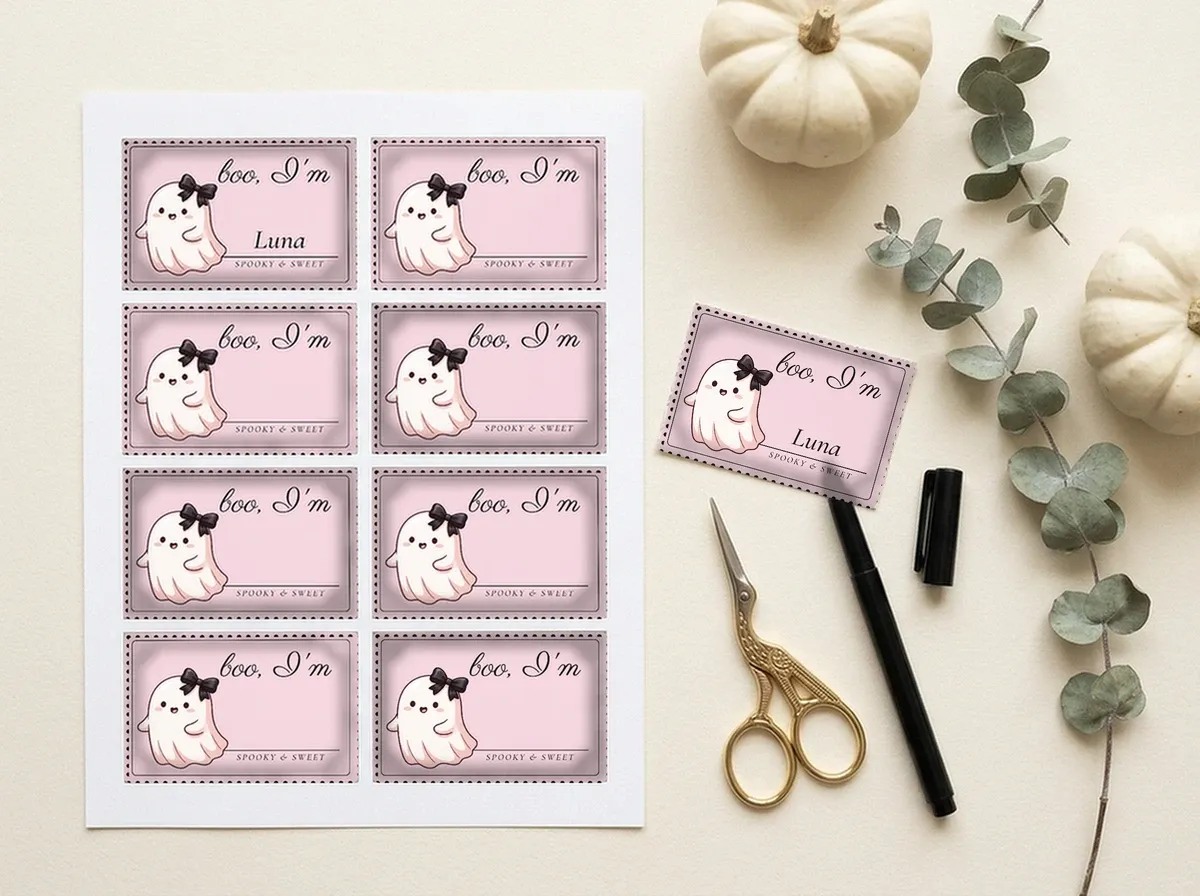
- Print a sheet of 8 Halloween name badges, each 3-3/8 × 2-1/3 in, and write the names by hand.
- Each style (Classic, Vintage paper, Spooky coquette, Disco, Mystic or Pastel) has its own three-colour palette and lettering.
- Because names are handwritten, one sheet works for a whole class, party or stall team.
- Each badge is drawn at 300 dpi, 1013 × 700 px, so lettering and borders print sharp.
- The badges match the Avery 5395 badge size, but the sheet is centred for hand cutting rather than precut labels.
Free printable Halloween name tags
Pick a template by style and download the sheet for your paper. Every sheet has grey cut lines around each badge; print on plain paper or cardstock, then write the names by hand.
- Elegant moon name badges
- Cute classroom name labels
How to print Halloween name tags at home
Printing Halloween name tags at home takes five steps, and every template works on plain paper or cardstock.
- Filter by style. Select a style chip such as Classic, Vintage paper, Spooky coquette, Disco, Mystic or Pastel, or select Browse 12 free templates to see the whole gallery.
- Download the sheet for your paper. On a template card, select Download Letter PDF for US Letter or Download A4 PDF for A4. For example, Download Letter PDF on Cute classroom name labels saves one sheet of 8 classroom badges.
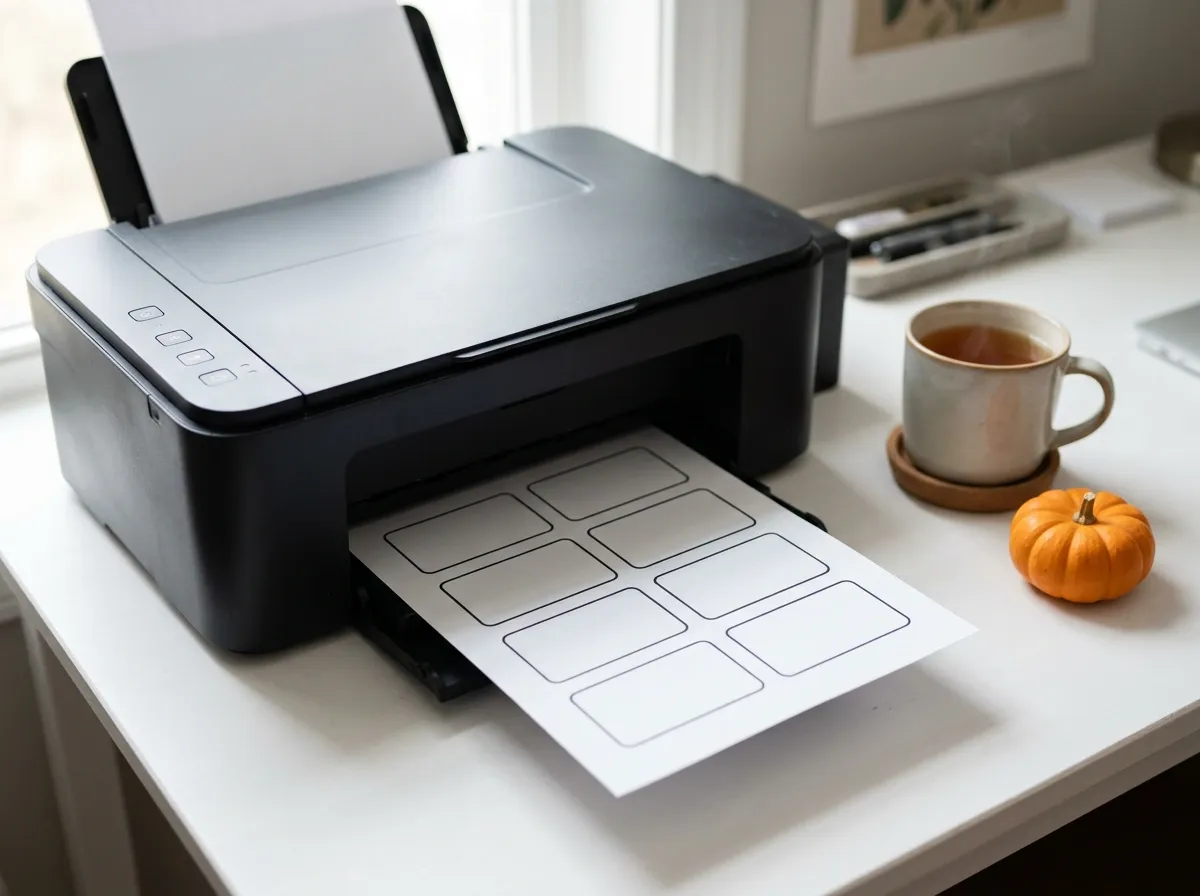
- Print at 100% / Actual Size. Set the print scale to 100% / Actual Size so each badge stays 3-3/8 × 2-1/3 in, and use cardstock for badges that go in a holder.
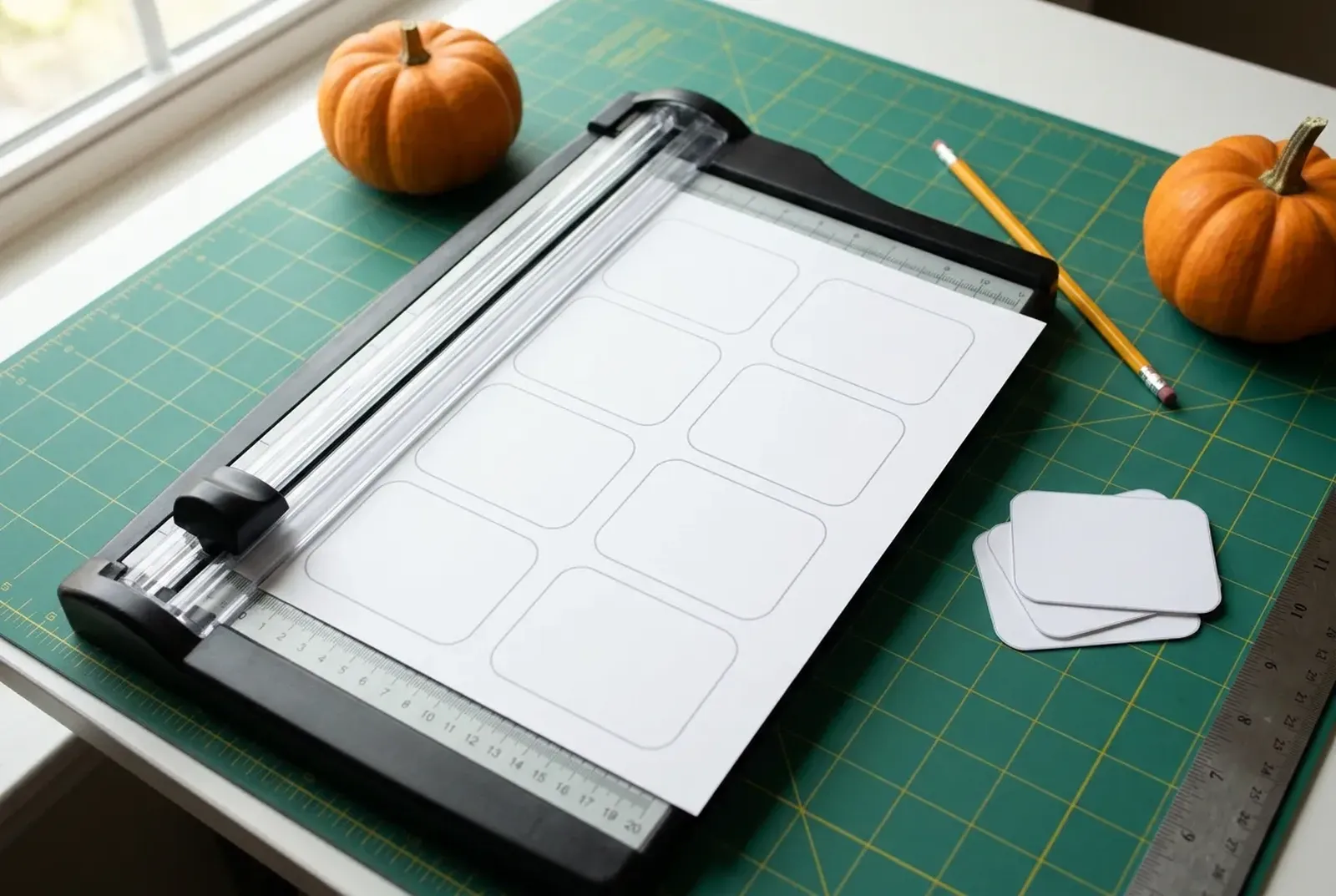
- Cut along the grey lines. Cut each badge with scissors or a paper trimmer.
- Write the names. Write each guest's preferred name in the center with a marker, then pin, clip or slide the badge into a holder.
Make a Halloween name tag that feels like you
Pick a cute style for a children's celebration or an elegant style for an evening event. Give the name room to stand out, with Halloween details around the edges.
Choose the format around how people will wear or display the badge: on clothing, inside a holder or beside their workspace. The six Shelfcanvas name tag styles cover both ends: Pastel and Disco for children and parties, Mystic and Vintage paper for evening and office events. For the rest of your seasonal shop and party visuals, see halloween photoshoot ideas.
Classic
Bebas Neue
Vintage paper
Rye · Special Elite
Spooky coquette
Parisienne · Cormorant Garamond
Disco
Shrikhand
Mystic
Cinzel · Cormorant Garamond
Pastel
Fredoka
Turn costume names into a party icebreaker
A costume badge gives guests an easy opening line. Start with “Hello, I'm haunting as ___”, then add a character, a made-up spooky job or a name people can actually use in conversation.
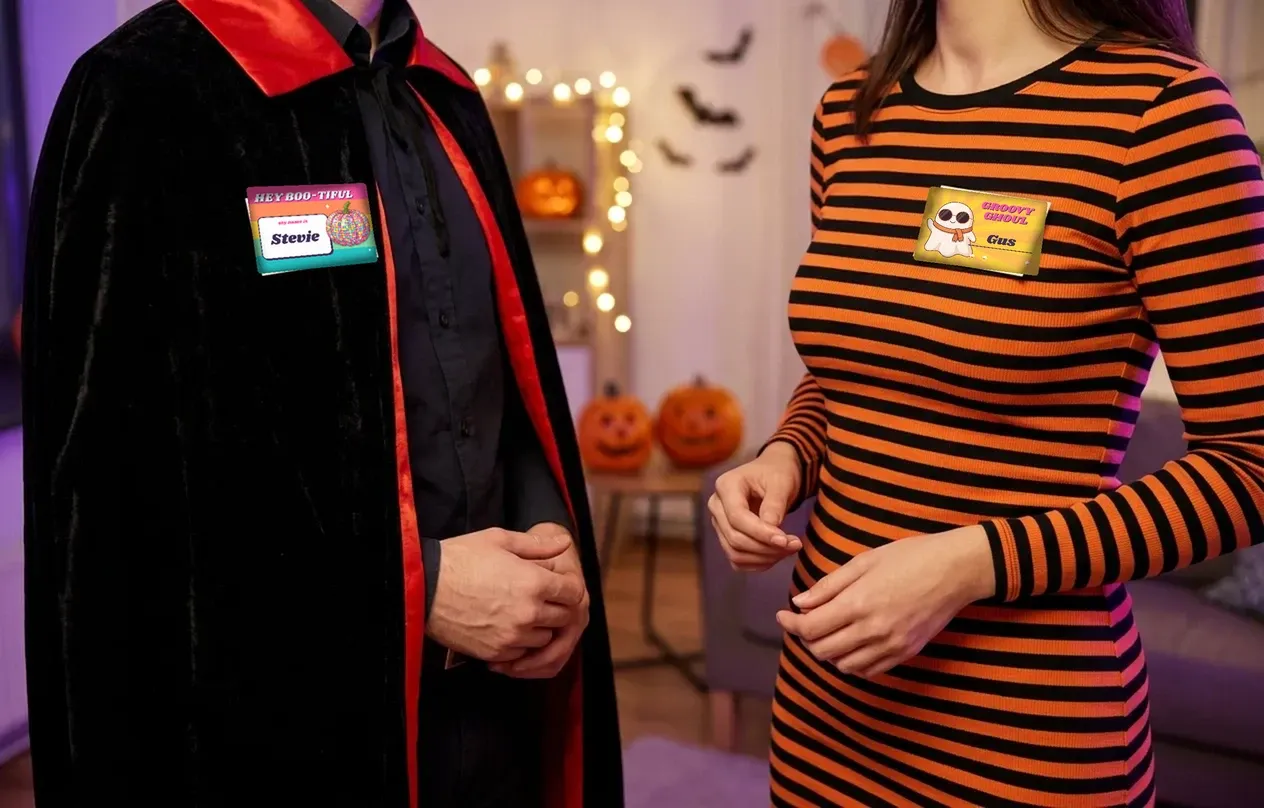
Guess the character
Try “Night-shift vampire,” “Retired ghost hunter” or “The witch next door.” Let guests ask questions about the costume before revealing its full story. A short clue leaves space for a large name and makes the badge part of the outfit rather than a paragraph to read.
For a quieter version, put the guest's preferred name first and the character underneath. People can join the conversation without having to explain the costume every time they meet someone.
Pair up a couple or a whole cast
Use matching borders for related costumes, then change the names. A haunted-house group might include “The caretaker,” “The unexpected guest” and “The resident ghost.” Couples can try “Moonlight” and “Midnight,” with their real names below.
Keep children's badges friendly
Use cheerful pumpkins, smiling ghosts and simple wording such as “Pumpkin helper” or “Friendly little ghost.” Offer a blank badge for a child who wants to invent their own character. The fun comes from choosing an identity, so a familiar nickname works just as well as an elaborate costume reference.
Halloween name tags for classrooms and offices
For a classroom party, make the student's preferred name the most prominent part of the design. A light center with a small pumpkin or bat border leaves the lettering easy to spot across an activity table. Cute Halloween name labels can keep the seasonal theme gentle and familiar.
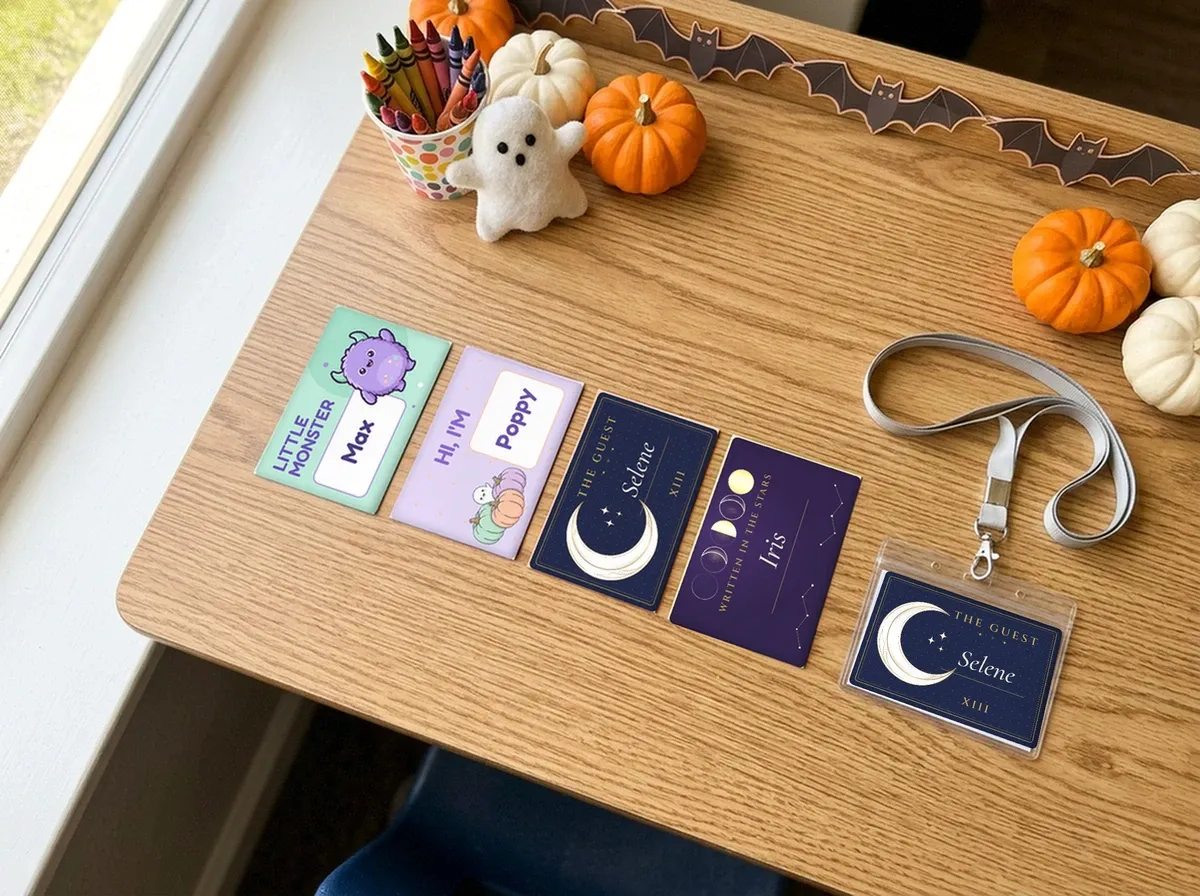
Use the same visual style for desk cards and helper badges so children can recognize the group. A “Reading helper” or “Craft table” line can sit beneath the name. If students decorate their own badges, leave an open area around the lettering so the finished name still reads clearly. For matching treat-bag tags, see Printable Halloween gift tags.
At an office gathering, an elegant badge can feel festive alongside everyday work clothes. Try a quiet moon, a simple botanical detail or a dark border around a clear name area. Put the name first and the team or hosting role below it.
For a larger event, separate “Guest,” “Host” and “Event team” with written role labels. Keep the name treatment consistent across those groups. Someone looking for help can read the role directly, while introductions stay personal. A costume name can be an optional extra line for people who want it.
Make your market-stall team easy to recognize
A seller badge helps visitors connect the person at the table with the shop they are browsing. Start with the shop logo, the person's name and a role such as “Maker,” “Owner” or “Team.” Keep the name larger than the supporting details.
For an Instagram-led shop, add a short handle.
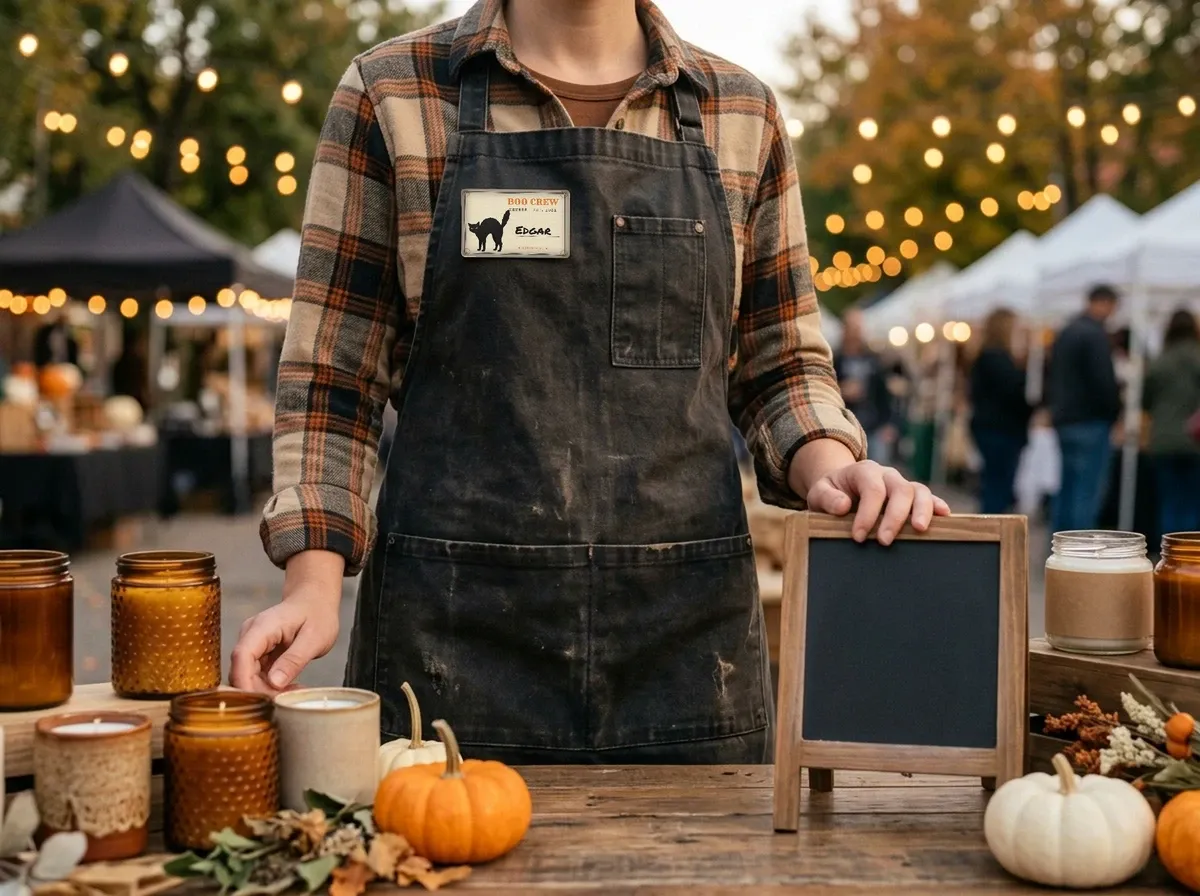
For a busy pop-up, give everyone the same badge design and change the name and role. A consistent logo position helps the team look connected in stall photos; a clear center keeps the person recognizable when the background is full of products and visitors. To match the badges with your bag seals and packaging, see Halloween stickers.
Choose Halloween details that suit the stall: playful pumpkins for a cheerful craft table, or a restrained moon-and-leaf border for an evening event. Keep product selection and stall planning together with Halloween crafts to sell.
Prepare your own Halloween name-tag templates for Etsy
Selling your original name-tag design is a different task from making badges for your own event. Build the product around a clear buyer need: classroom names, costume-party introductions or branded vendor badges. Choose the layout and delivery files before creating the listing images.
Tell buyers what they will receive
Describe the finished badge shape, its dimensions, the paper layout and which text buyers can edit. Distinguish a single badge image from a full printable sheet. If your product includes both A4 and Letter layouts, name those files clearly so buyers can find the right one.
A PDF suits a finished print layout. A PNG can show an individual badge. If you sell an editable template, explain how buyers access and edit your own design, including any software they need.
Etsy allows up to 5 digital files, with a maximum of 20 MB per file. Organize your download package around those limits. Source: Etsy digital-listing help. Last checked against help.etsy.com on 2026-10-22.
Show the name, the sheet and the finished badge
Make the main listing image readable at a glance. Follow it with a close view of the lettering, a sheet-layout preview and a printed example. A mockup can show scale and context; a real print photo shows the physical finish.
A descriptive title might be “Editable Halloween Classroom Name Tags, Cute Ghost Design, Printable PDF.” Match every format and editing claim to what your own product includes. These examples describe original seller-created templates.
Print names clearly and cut them neatly
Match the sheet to the badge
Print our PDF on plain paper or cardstock at 100% / Actual Size, then cut along the grey lines. Each Shelfcanvas name tag badge is drawn at 300 dpi, 1013 × 700 px, so the printed lettering and borders stay sharp at 3-3/8 × 2-1/3 in. The badges match the Avery 5395 badge size, but the sheet is centred for hand cutting rather than lined up with precut labels. Avery 5395 is listed as adhesive name badges, 2-1/3 × 3-3/8 in, 8 per sheet. Last checked against avery.com on 2026-10-22. If you bought Avery 5395 sticker sheets, use Avery's own template.
Use Cricut Print Then Cut for shaped badges
Cricut Print Then Cut uses a home printer for the artwork and a compatible Cricut machine for cutting, with a bleed option that extends color beyond the cut edge. Source: Cricut Print Then Cut instructions. Last checked against the official guidance on October 18, 2026.
The cuttable area depends on the machine, paper size and design proportions, and it is not a fully usable rectangle. Check the limits for your machine and page before laying out a sheet of shaped badges. Source: Cricut's official size guide. Last checked against the official guidance on October 18, 2026.
Halloween name-tag FAQ
Shelfcanvas, a product-photo and print tool for online sellers, offers 12 free printable Halloween name tag templates in six styles, from Classic and Vintage paper to Mystic and Pastel. Each one is a single-page Letter or A4 PDF with 8 badges of 3-3/8 × 2-1/3 in and grey cut lines.
To make Halloween name tags, download a free Letter or A4 PDF, print it at 100% / Actual Size on plain paper or cardstock, cut along the grey lines, then write the names by hand.
No sign-up is needed for the Halloween name tags. Every name tag template is a single-page PDF, so Download Letter PDF and Download A4 PDF save the file at once, with no credits.
“Hello, I'm haunting as ___” gives guests a character prompt they can fill in themselves. Add a preferred name underneath for easy introductions.
Check each student's preferred name and spelling before laying out individual badges. Leave enough room for the longest name while keeping the class's badge style consistent.
The Halloween name tag badges are 3-3/8 × 2-1/3 in, the same badge size as Avery 5395, with 8 per sheet for plain paper or cardstock. The sheet layout is centred for hand cutting, so if you bought Avery 5395 sticker sheets, use Avery's own template. If the printed badges come out smaller or shifted, print again at 100% / Actual Size on the paper size you downloaded, Letter or A4.
Halloween is in 4 days
Frame a photo for your Halloween party
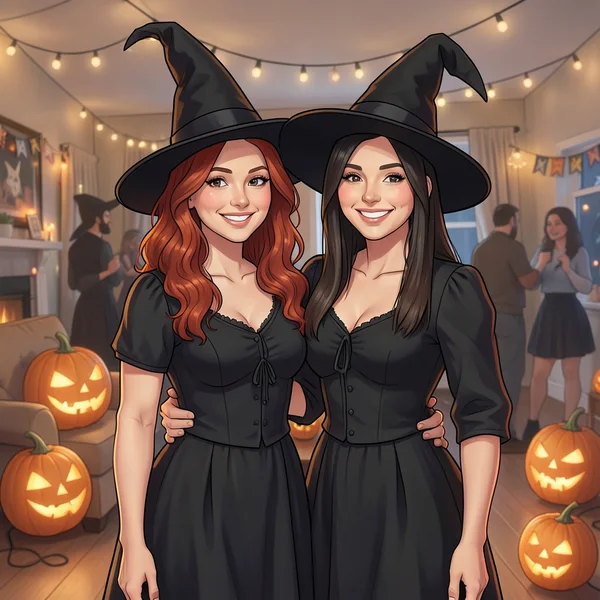
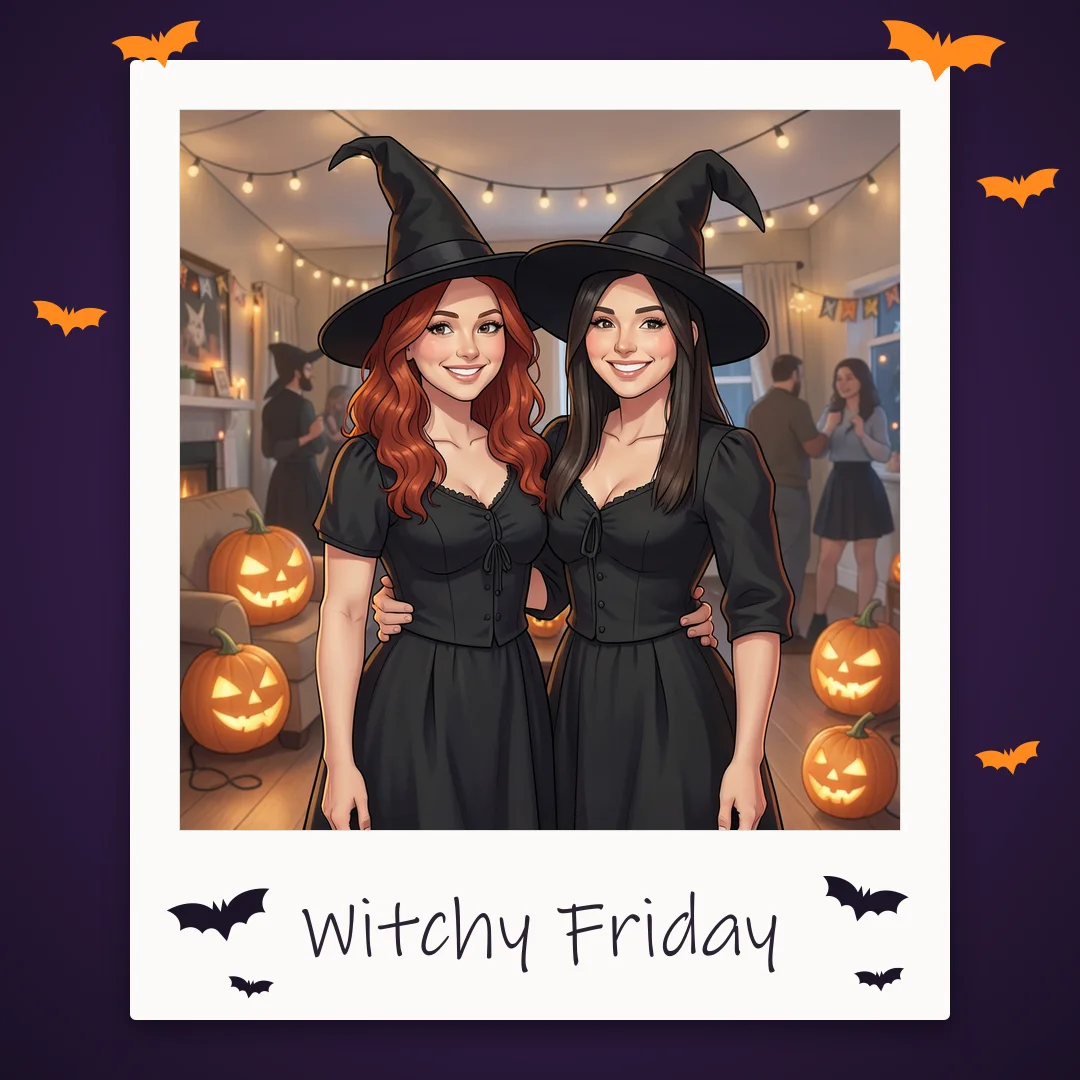
Pair your name tags with a framed party photo to print or share.
- Polaroid frames
- Captions
- Print at home
Free, no sign-up