
Halloween Banners for Your Online Shop
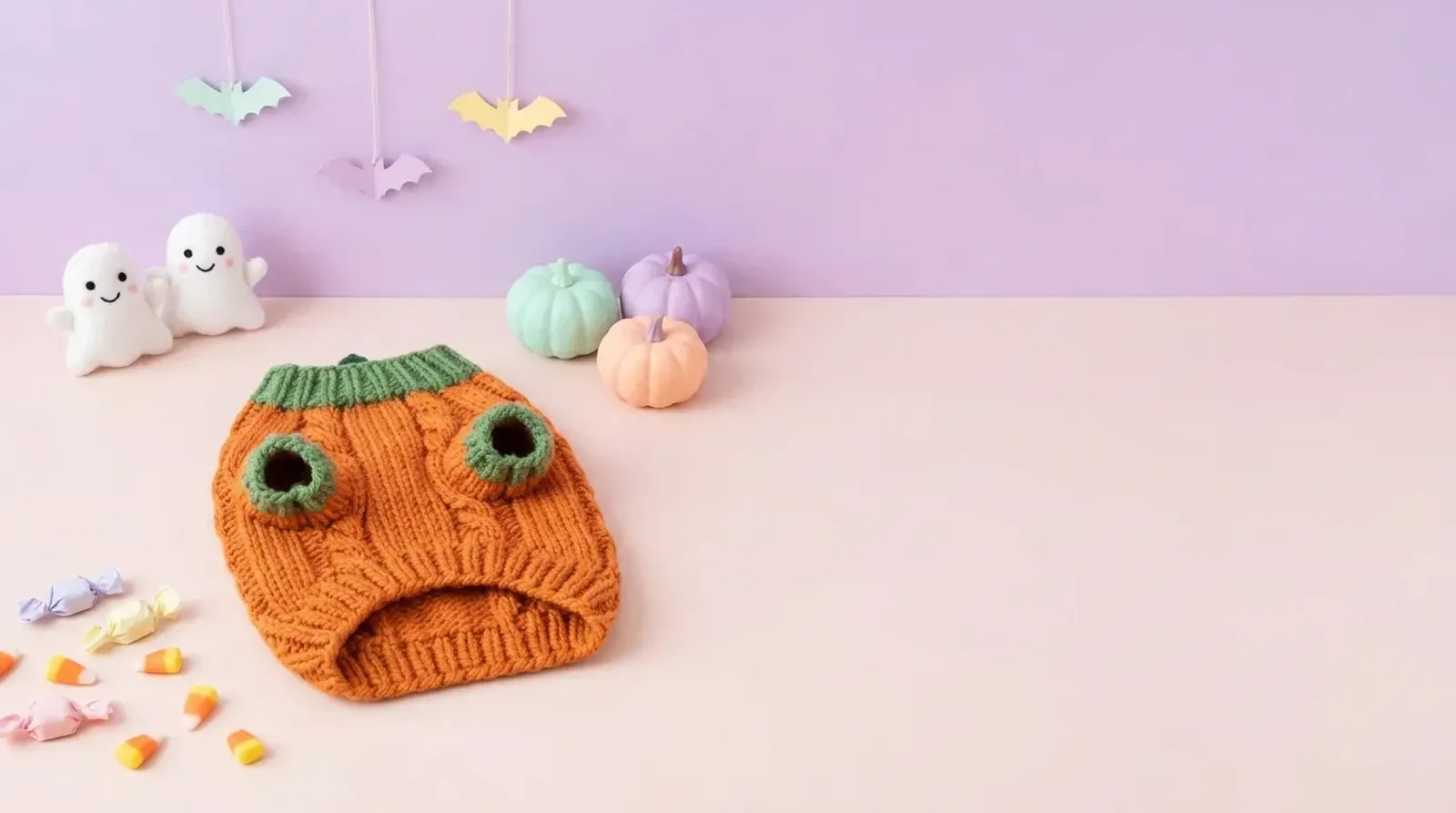
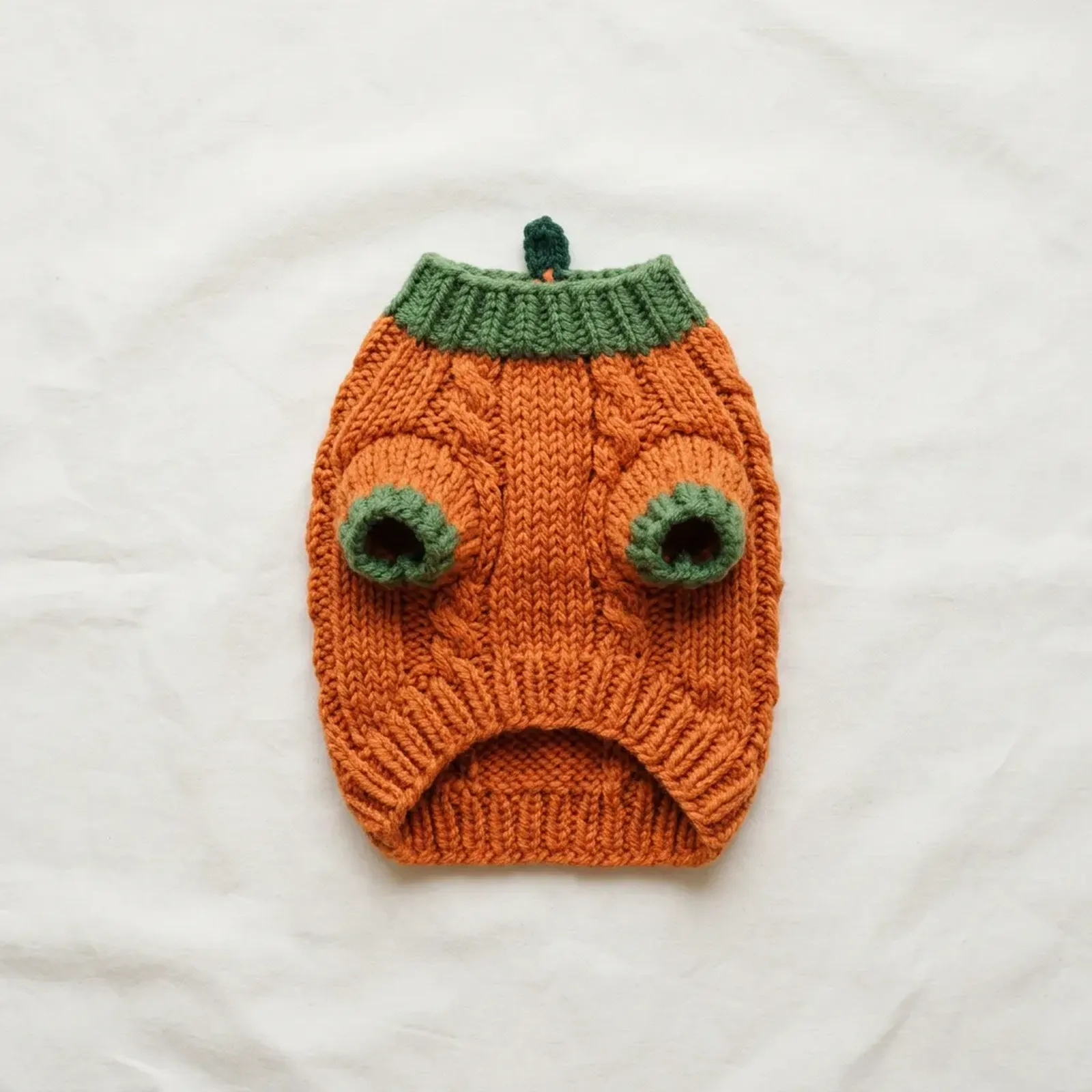
Make a Halloween banner from one product photo: generate a 2K product scene with the AI photoshoot card on this page, then set one of 30 ready-made Halloween banner lines on it with Add headline.
In short
- A Halloween banner works best as two layers: a product scene with clear space, and a short headline set on top.
- Etsy's big shop banner is recommended at 1600 × 400 px; an Amazon Store hero needs at least 3000 × 600 px.
- Five shop placements need their own crop: Etsy shop banner, Shopify homepage banner, Amazon Store hero, email header and Facebook cover.
- Preview each placement’s phone crop and keep the complete product and headline visible.
- Put the banner up in September, switch to your main offer in October and change it on November 1.
Make your Halloween banner
A shop banner has two jobs: show what you sell and tell visitors what's happening this season.
First, the product scene. Leave open space beside the product for the headline. For the product scene itself, the AI photoshoot tool places your product photo in a new setting.
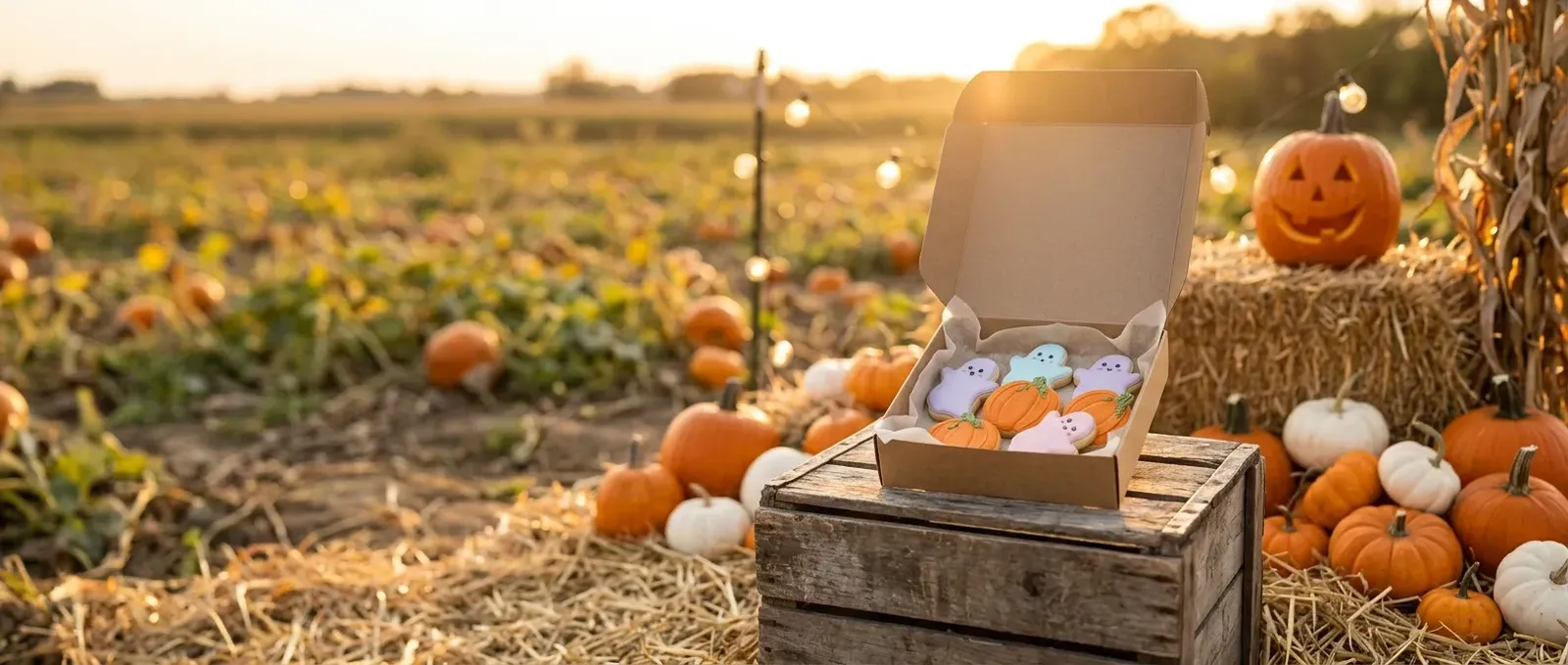
Second, the words. On the finished picture, select Add headline: pick one of the 30 banner lines or write your own, add an optional subline, choose a style and a left, center or right position, then download the PNG.
Making a Halloween shop banner with Shelfcanvas takes five steps:
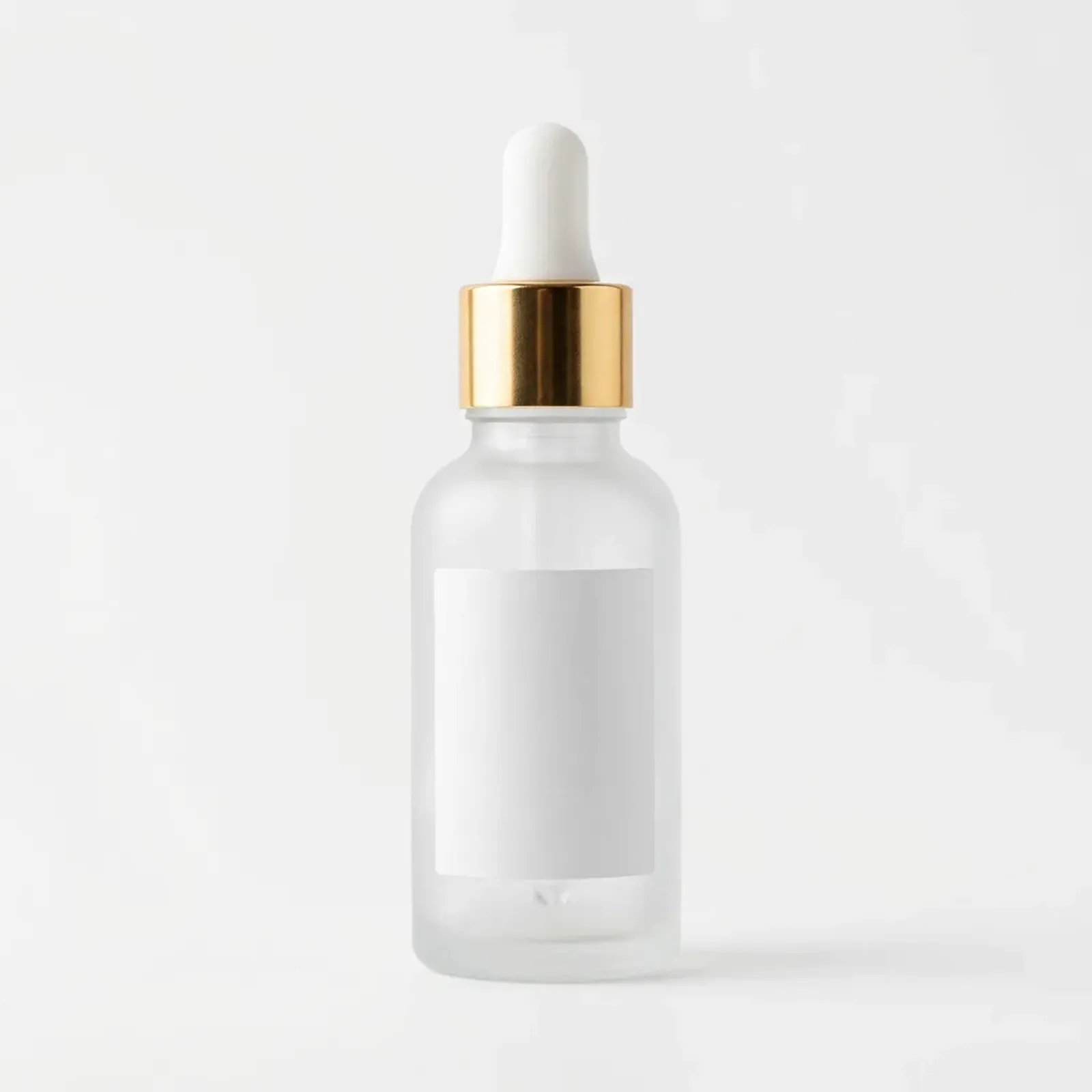
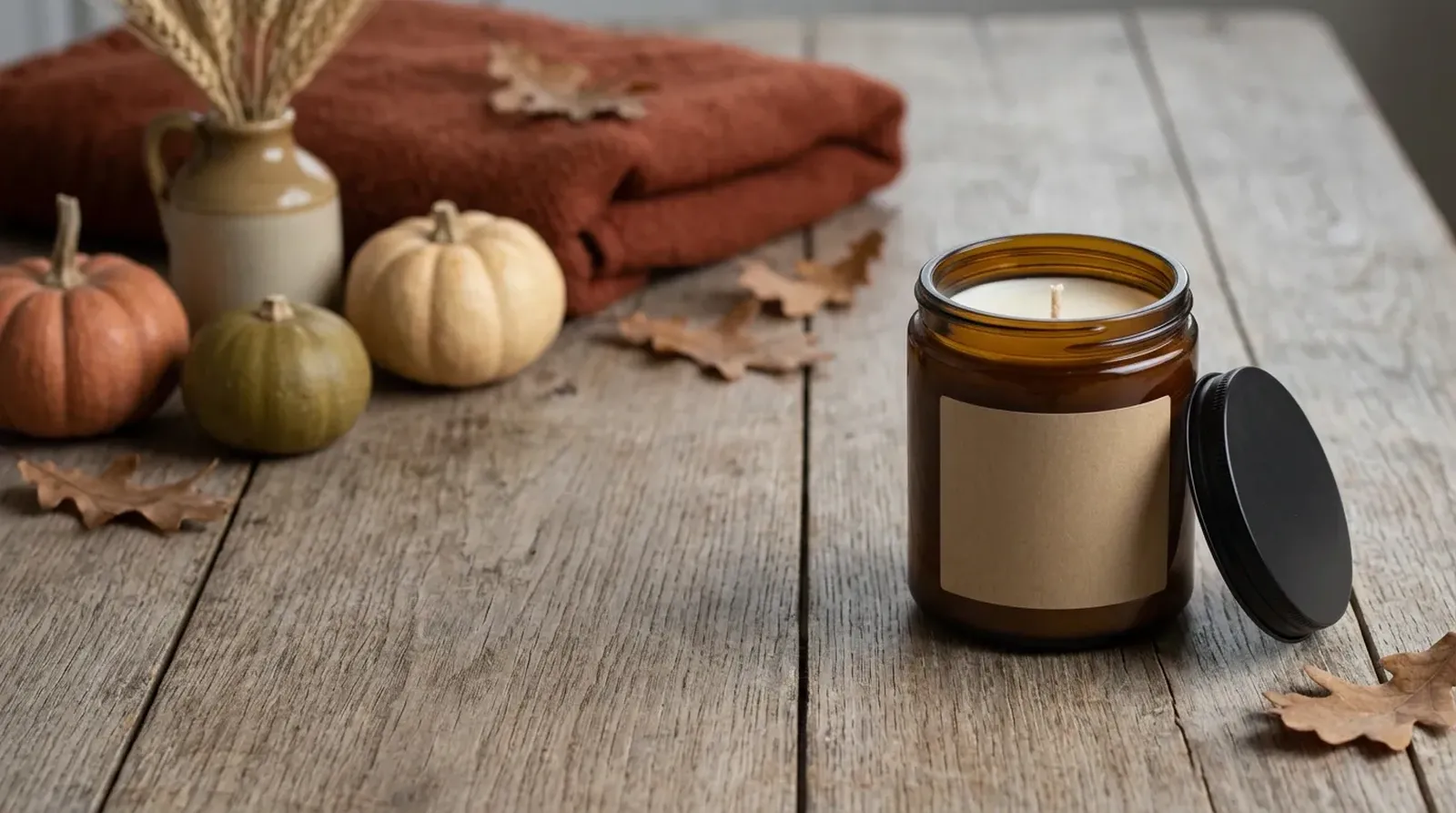
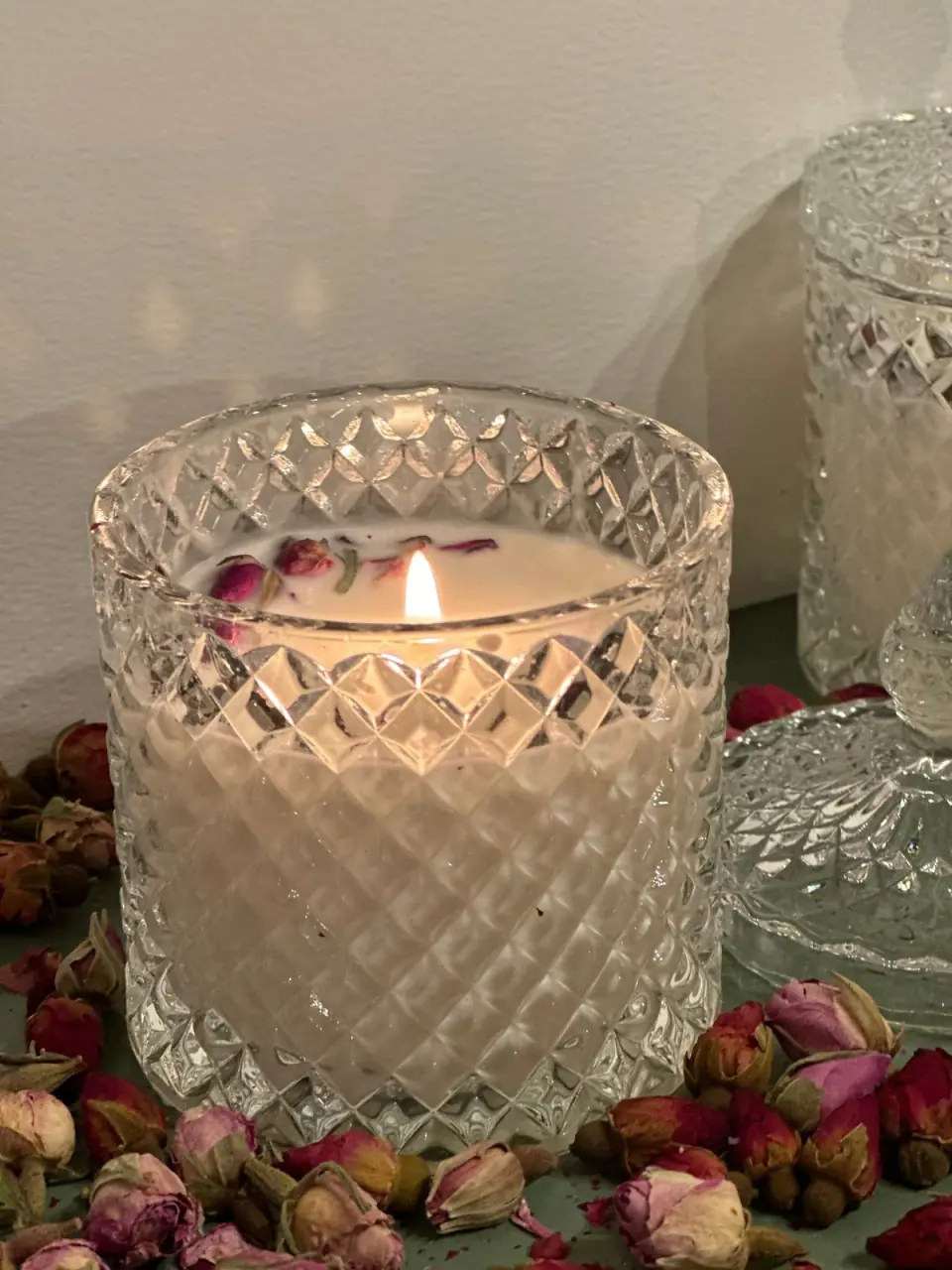
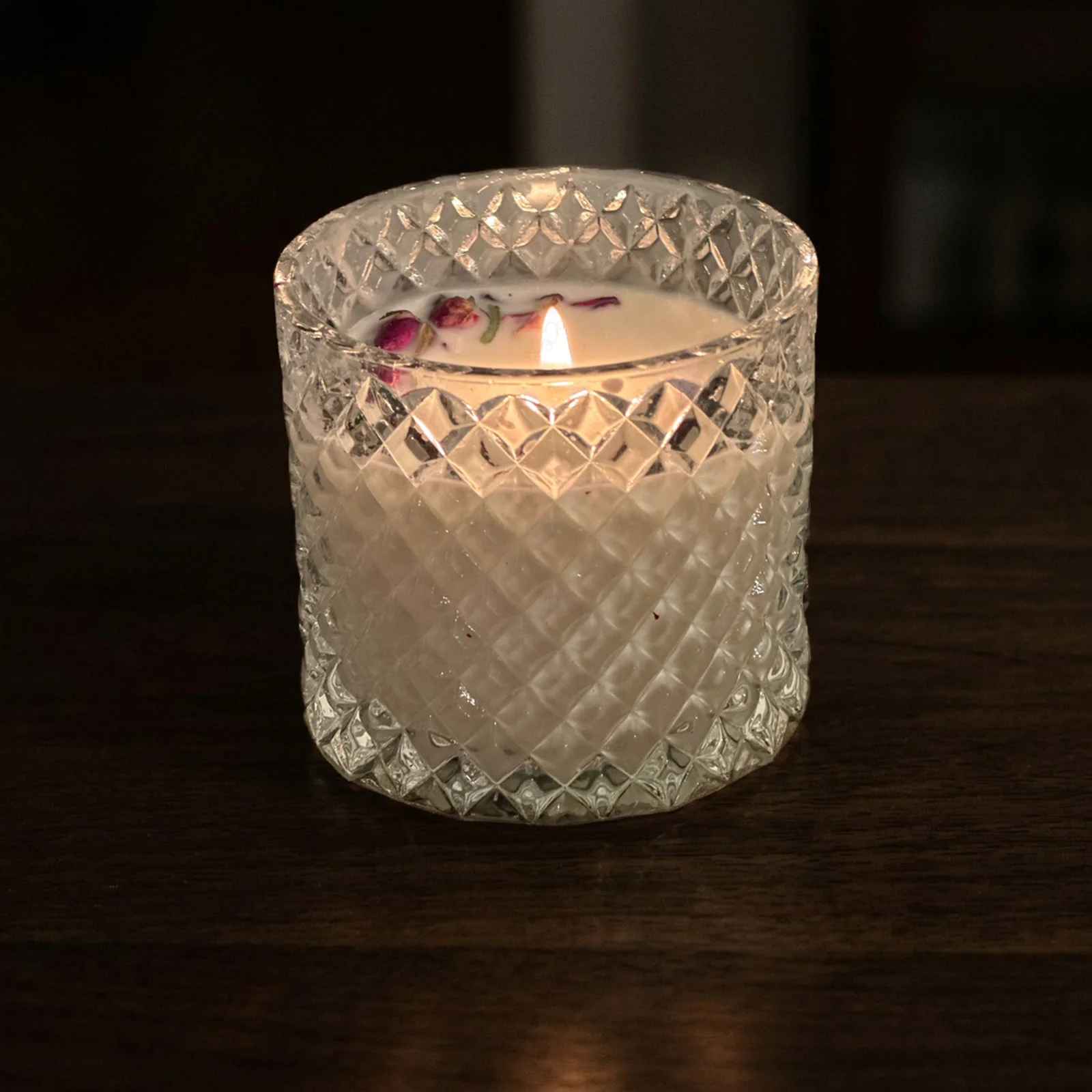
- Upload a product photo. In the Make your banner's product scene with AI card on this page, select Upload a product photo and choose one clear shot, for example a candle jar on a plain table.
- Pick a scene. Under Pick a scene, choose a dark or warm setting that leaves open space beside the product for the headline.
- Select Generate. The 2K scene is made from your photo.
- Add one headline. On the finished picture, select Add headline, pick one of the 30 Halloween banner lines, place it over the open space and download the PNG.
- Crop for the placement. Cut the PNG to the size in the banner sizes table below with Crop image, for example 1600 × 400 px for an Etsy big shop banner.
Halloween banner sizes by platform
Halloween banner sizes differ by platform: Etsy's big shop banner is recommended at 1600 × 400 px and an Amazon Store hero needs at least 3000 × 600 px. Use the platform's placement requirements, then check the crop on a computer and a phone. Last checked against Etsy image requirements and Amazon Store specs on 2026-10-22.
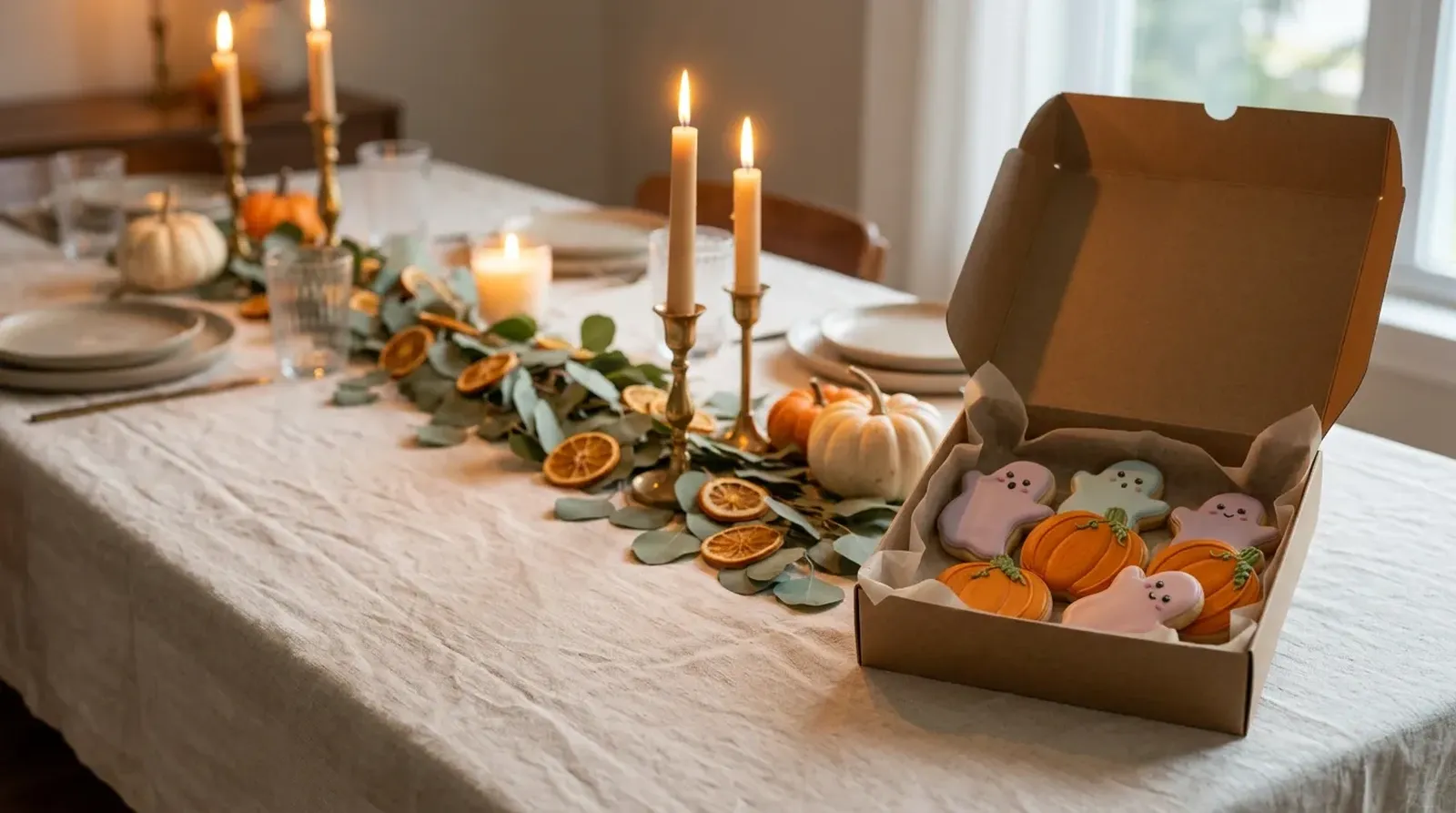
- 1Etsy big shop banner · 4:1 · 1600 × 400 px
- 2Etsy mini shop banner · 7.5:1 · 1600 × 213 px
- 3Amazon Store hero · 5:1 · 3000 × 600 px · Safe area
| Placement | Official image dimensions | Crop guidance | Official source |
|---|---|---|---|
| Etsy big shop banner | Minimum 1200 × 300 px; recommended 1600 × 400 px | Check the result on desktop and mobile | Etsy image requirements |
| Etsy mini shop banner | Minimum 1200 × 160 px; recommended 1600 × 213 px | Check your selected banner format | Etsy image requirements |
| Amazon Store hero | Minimum 3000 × 600 px; maximum file size 5 MB | Up to 15% can be cropped from each side; keep essential content in the center safe zone | Amazon Store header specs |
Shopify homepage banners: dimensions depend on the theme, theme version and section settings. Choose the image area's shape in your theme editor and preview it on different screen sizes; add words using the theme's text overlay. Shopify's theme image guidance. Last checked against help.shopify.com on 2026-10-22.
Email headers: use the dimensions required by your email template and check a test email on a phone.
What each placement is for
Etsy shop banner. This is the first thing a visitor sees on your shop page after clicking through from a listing. Use it to show the feel of your Halloween collection: one or two products in a seasonal scene and a short line. Shoppers have already found you, so a welcome works better than a hard sell.
Shopify homepage banner. On your own store, the top banner usually carries a button to a collection. Pair a clear headline with a button such as "Shop Halloween", and link it to your seasonal collection. This is the placement where an offer line fits best. Check where your theme puts the heading and collection button before choosing the picture. A product placed behind those elements can disappear when the image crops. Use the seasonal scene to lead into the collection below, with related colors and the same products.
Amazon Store hero. Your brand Store header sets the tone for everything below it. Keep it calm and on-brand, with your product clearly shown, and let the Store's own sections handle the details. Plan the hero alongside the first row of Store content so a shopper can recognize the collection as they scroll. An image with one clear focal product is easier to crop than a wide arrangement of small items.
Email header. Many people read email on a phone, and the header is often all they see before they decide to scroll. Keep the headline short and the product large, and repeat the offer in the email text so it still reads if images are turned off. Review the header together with the subject line and opening paragraph: each can add information rather than repeating the same sentence. Keep the collection link in the email body as well as any linked image.
Facebook cover. A cover sits at the top of your Page for everyone who visits, so it should stay true for a few weeks. A seasonal scene with your shop name or a simple "Halloween collection now in" works longer than a dated sale line. Look at the Page header with its profile picture and interface controls in place. Place the seasonal detail where it remains visible beside those elements, then review the result after changing the cover.
30 Halloween banner lines for your shop
Pick a line, swap in your own product or offer, and keep it short enough to read on a phone. Replace [CODE] and [X%] with an offer you are actually running.
30 messages · tap to copy
Cozy
Halloween is coming. Our new collection is here.
Early treats: shop the Halloween collection first.
Step inside: our Halloween shop is open.
Your Halloween table, sorted.
Make it a cozy Halloween.
Ready-made Halloween gifts, in stock now.
Pick up locally: Halloween orders ready [day].
From spooky to cozy: shop the fall collection.
Thankful for you: [X%] off fall favorites.
Spooky
Spooky season starts now.
Spooky season sale: [X%] off with [CODE].
Wickedly good gifts for Halloween.
Something wicked this way ships.
Ghostly good deals, all month long.
The ghosts are gone. The deals aren't.
Cute
Get your decorations up before the neighbors do.
Trick or treat yourself: [X%] off this week.
Boo! Free gift with every order over [amount].
Witch way to the sale? Right here.
Treats for every boo-dget.
Still need a costume? We've got you.
Download, print, party: last-minute Halloween printables.
Leftover treats: last chance on Halloween stock.
Elegant
New for Halloween: handmade and ready to ship.
Our Halloween bestsellers are back.
Costumes, candles and everything in between.
Last call for Halloween: shipping cutoff [date].
Only a few days left to shop Halloween.
Halloween clearance: [X%] off what's left.
Black Friday starts here.
Use one line per banner. Your headline is the line; a short subline can carry the code or the date. If your shop has a voice, rewrite the line in it: a gothic apothecary shop and a pastel candy shop should not sound the same.
Halloween banner design tips
Give the product and the headline their own space. Split them into left and right columns within the phone-safe area, with open background between them. Keep both columns away from the outer edges. When props crowd the text, neither reads well.
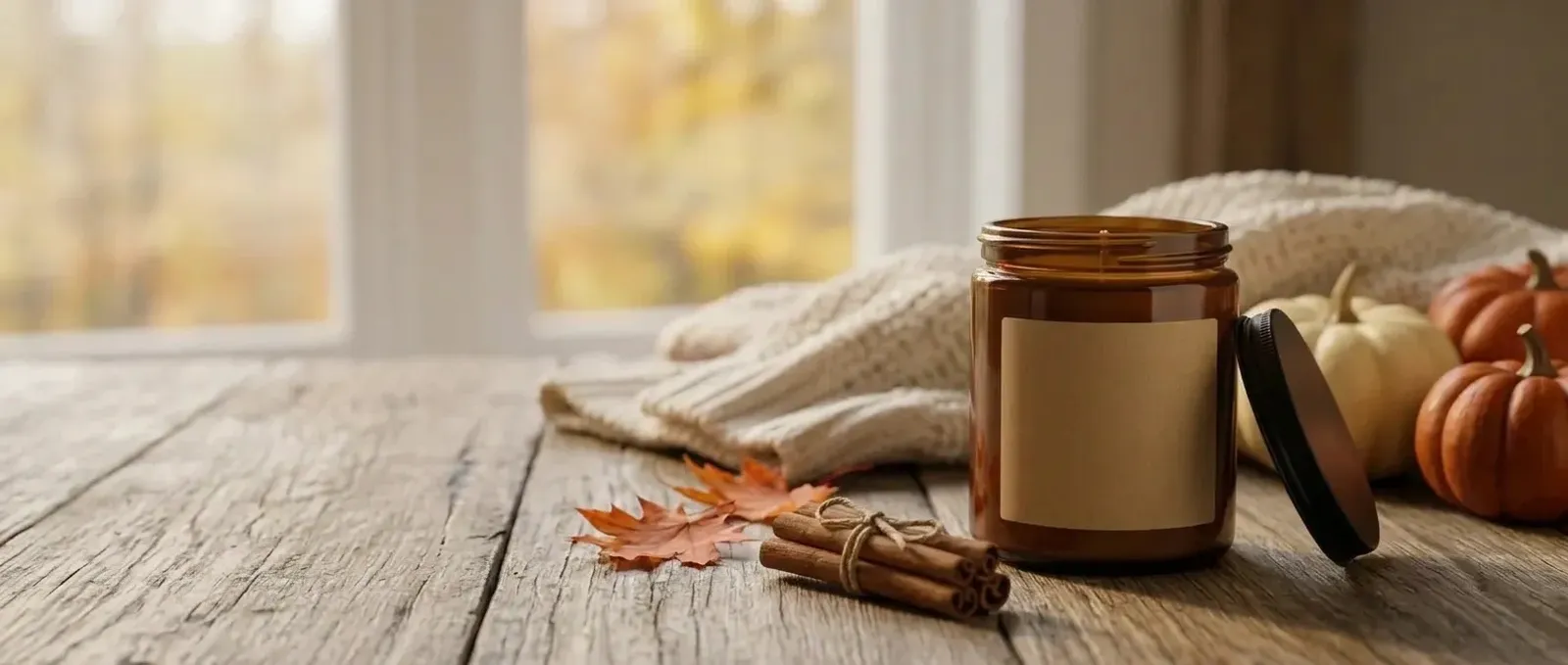
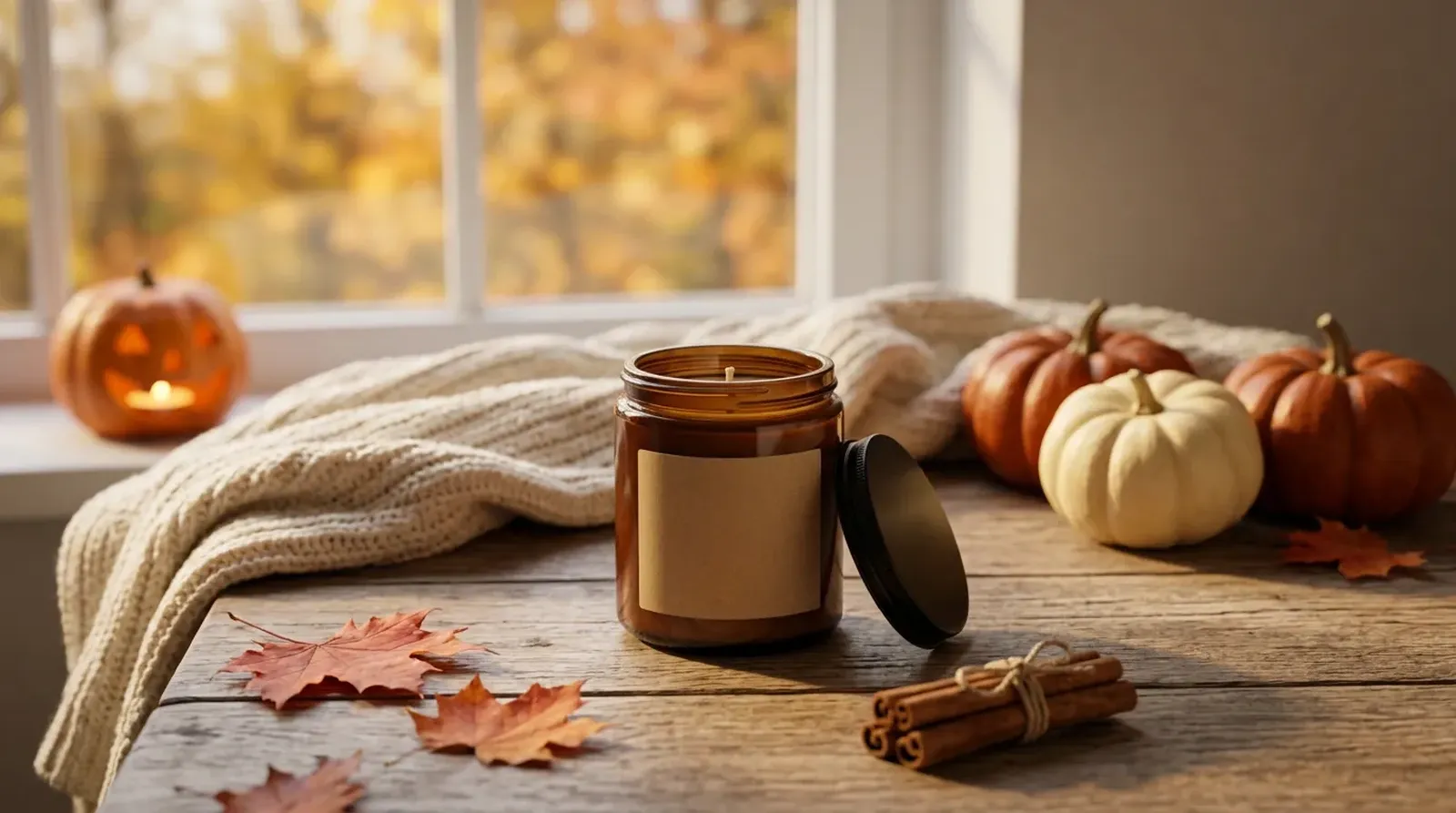
Keep strong contrast behind the words. Light text on a dark Halloween scene, or dark text on a pale one, is easiest to read. If a busy part of the scene sits behind your headline, choose a calmer scene or move the text to the quieter side.
Design for the phone crop. Keep both columns inside the visible phone-safe area, and let the outer edges carry only background. Check the crop for your selected placement.
Use two or three text sizes at most. A large headline, a smaller subline and an optional button are enough. A decorative Halloween font works for a short headline; keep the subline and any code in a plain, readable face.
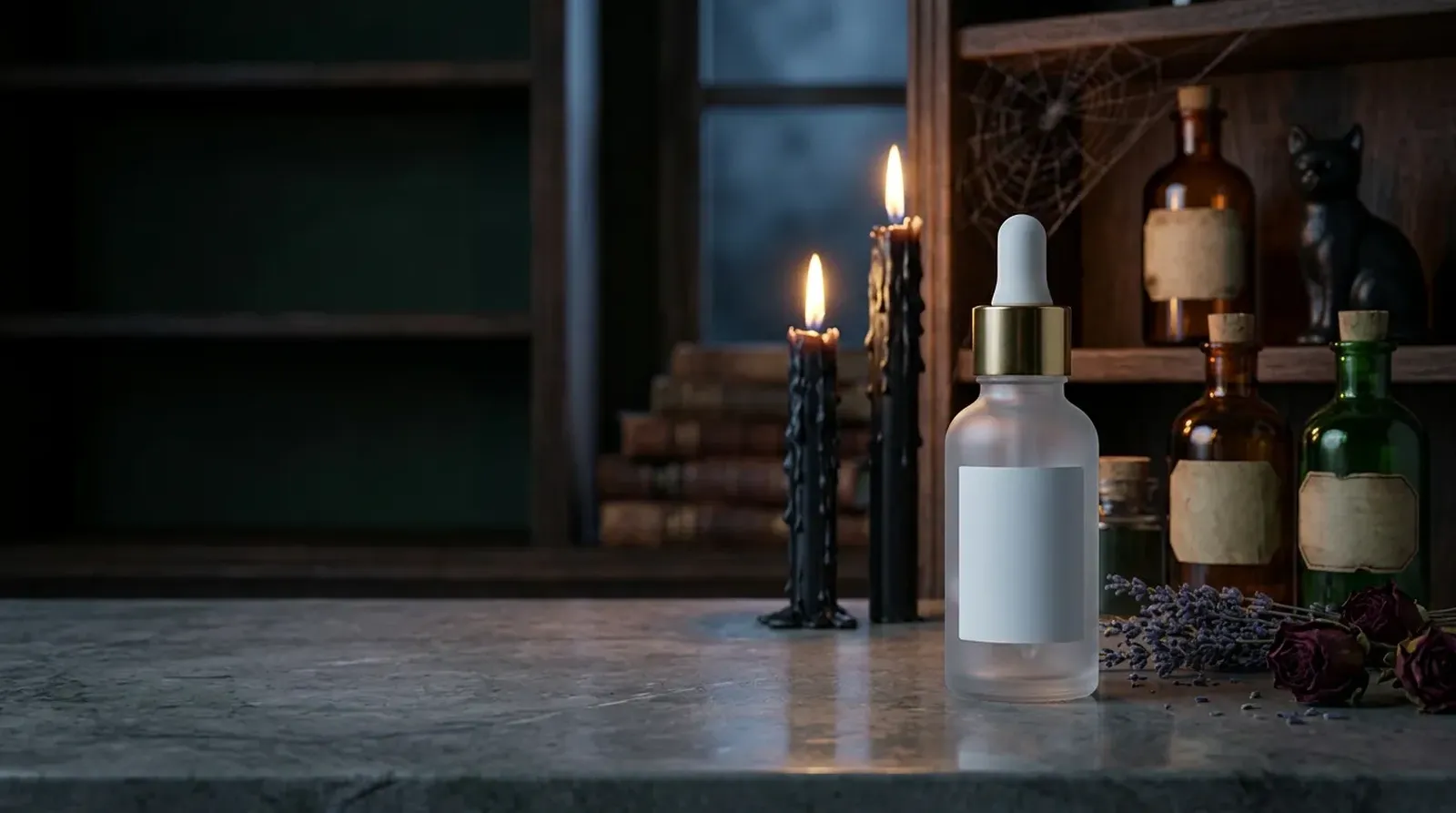
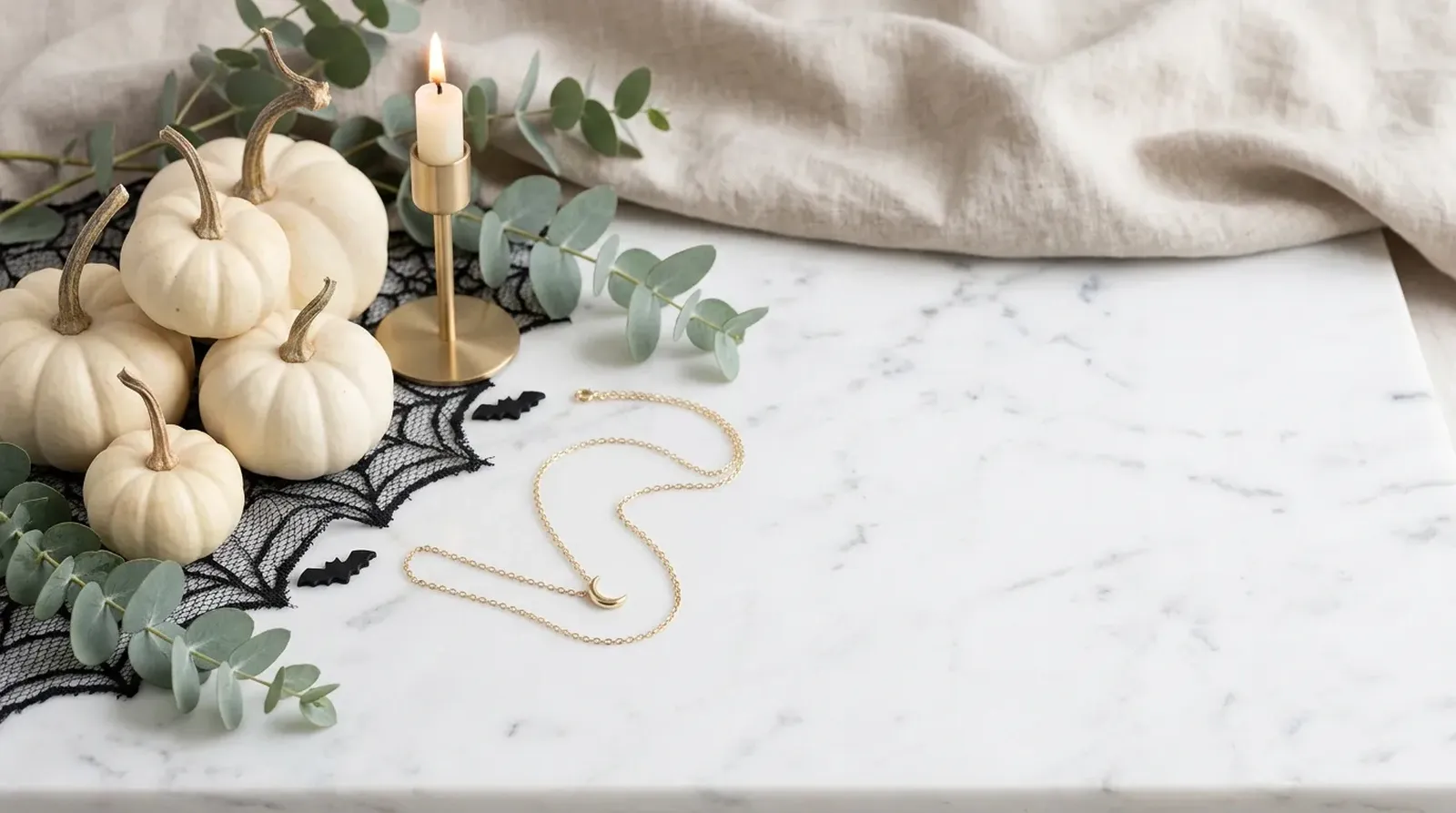
Match the scene to the shop. Plan your banner around these directions: Cozy fall table and Not-orange elegant for a calm background; Dark gothic apothecary for light lettering; Vintage Halloween and Cute pastel Halloween for playful color; Pumpkin patch for apparel and seasonal goods. For the scene directions, see halloween photoshoot ideas.
Keep one banner, one message. A sale banner, a new-collection banner and a shipping-cutoff banner are three banners. Rotate them through the season instead of fitting all three on one image.
When to put up and take down your Halloween banner
September: set the scene.
Put up a seasonal banner that introduces your Halloween collection. No offer is needed yet; the goal is to show visitors you're ready. Early-season lines 1–6 fit here.
October: run your main offer.
Switch to a sale, a bestseller or a gift idea. October 31, 2026 falls on a Saturday, so consider the days just before for a final-weekend message. Last checked October 19, 2026. Toward the end of the month, use a last-order message based on your own shipping or pickup times.
November 1: change the message.
The day after Halloween, replace the banner with a clearance line for remaining stock, or move straight to an autumn look.
Thanksgiving and Black Friday.
The 2026 US calendar places Thanksgiving on Thursday, November 26, and Black Friday on November 27. Last checked October 19, 2026. Your banner can move from Halloween clearance to a fall theme and then a Black Friday offer.
To fill in [date] on a last-order banner, start with the date the customer needs the order, work backward by your carrier service's delivery estimate, then subtract your processing time and a buffer for delays. Count working days according to your shop and carrier calendars. Use the result as your order cutoff and state the destination and service it covers.
Halloween banners for parties and porches
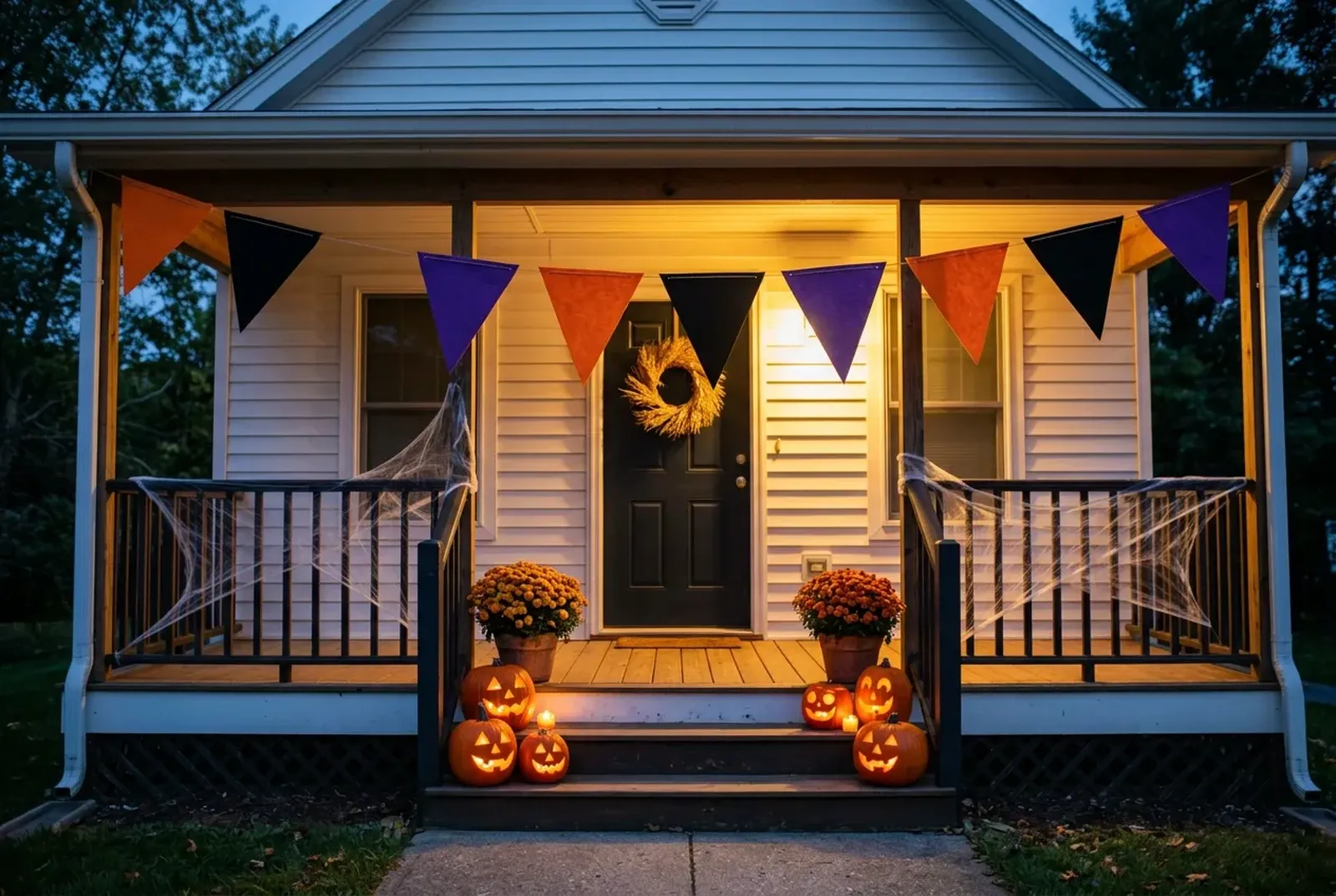
Searches for a Halloween banner often mean a physical banner: a printed garland or fabric sign for a party, a porch or a classroom. Those are hung, folded and reused year after year. The banners on this page are digital images for an online shop, an email or a social profile. If you sell physical party banners, the photo you need is a product photo of the banner itself, and the photoshoot ideas page covers scenes for that. For more seasonal product ideas, see Halloween crafts to sell.
Frequently asked questions
Shelfcanvas, an AI product-photo tool for online sellers, makes the product scene for a Halloween shop banner from one product photo at 2K and sets one of 30 Halloween banner lines on it with Add headline. The banner page adds Etsy and Amazon Store banner sizes checked on 2026-10-22. Sign up free to generate.
A Halloween banner looks right on phones when the product and headline sit toward the center of the image. Check each placement's phone preview; for an Amazon Store hero, keep essentials in the center safe zone, because up to 15% can be cropped from each side.
Shelfcanvas lists 30 Halloween banner lines in four moods, Cozy, Spooky, Cute and Elegant, each with a Copy button. Sale lines such as "Spooky season sale: [X%] off with [CODE]" leave placeholders for an offer you are actually running.
No. A Halloween banner decorates your own shop, email or profile. A Halloween ad runs in paid placements on social platforms and needs different sizes and ideas. For those, see Halloween ad ideas.
Halloween ad ideasReplace a Halloween banner on November 1 with a clearance message for remaining stock or an autumn look, then update the offer for Thanksgiving and Black Friday.
Choose a last-order banner date by working backward from the customer's required arrival date, using your carrier's delivery estimate, your processing time and a buffer for delays. State the destination and service the cutoff covers.
Halloween is in 4 days
Put your product in a Halloween scene
Upload one product photo and get a Halloween scene for your banner background.
- Product scenes
- Banner backgrounds
- Ad images
or drop a photo here · Free to try