Free Black Friday Backgrounds with Room for Your Product
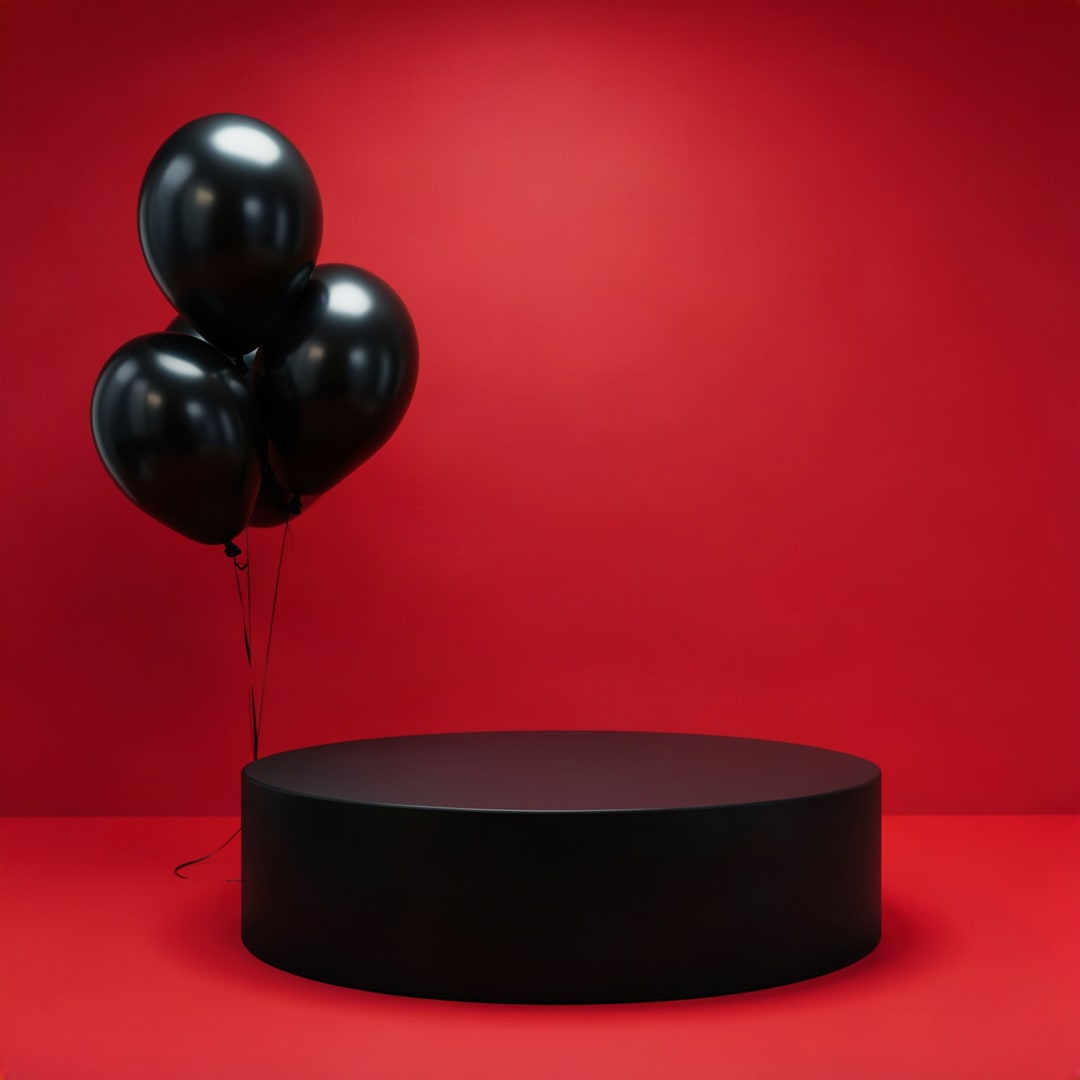
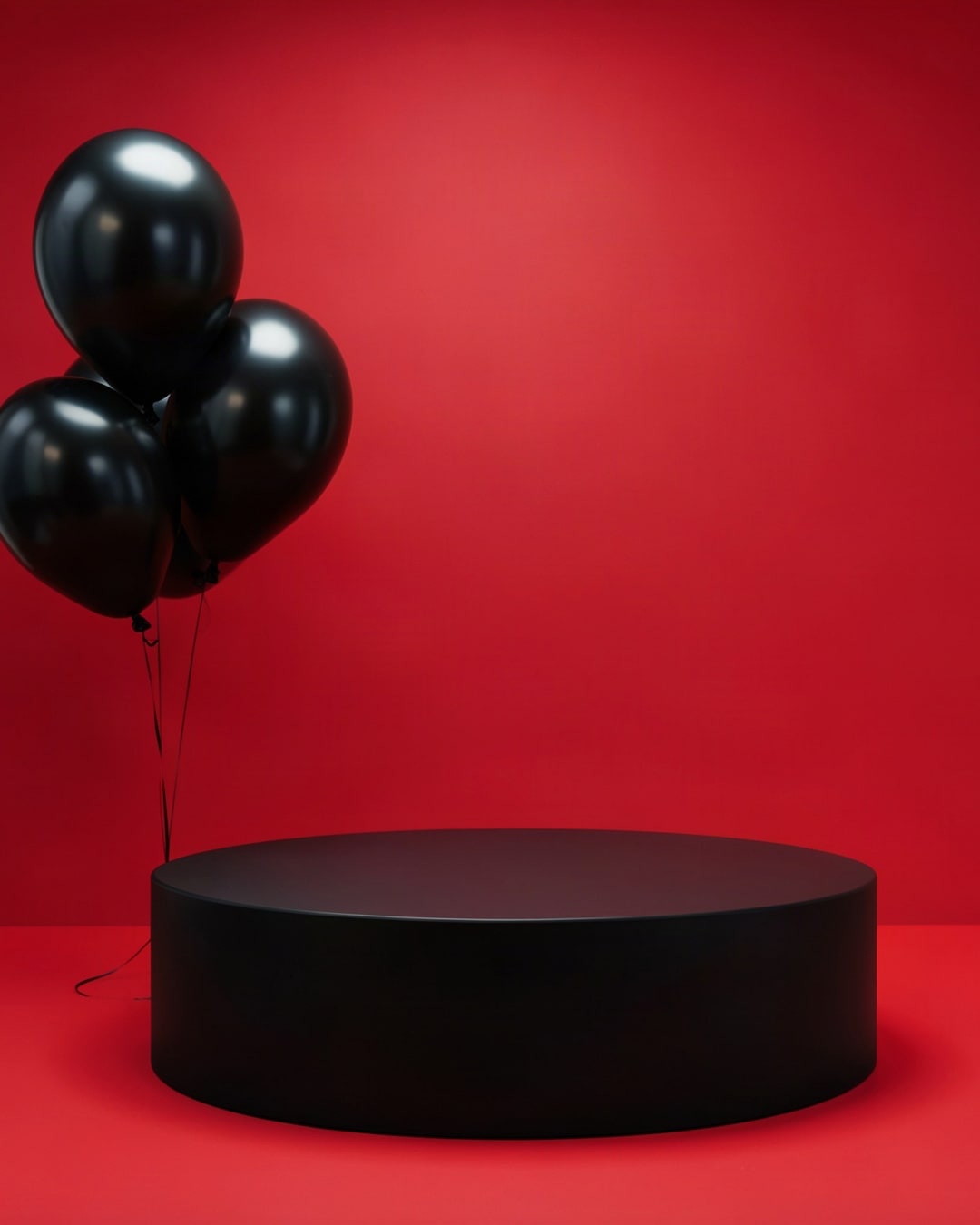
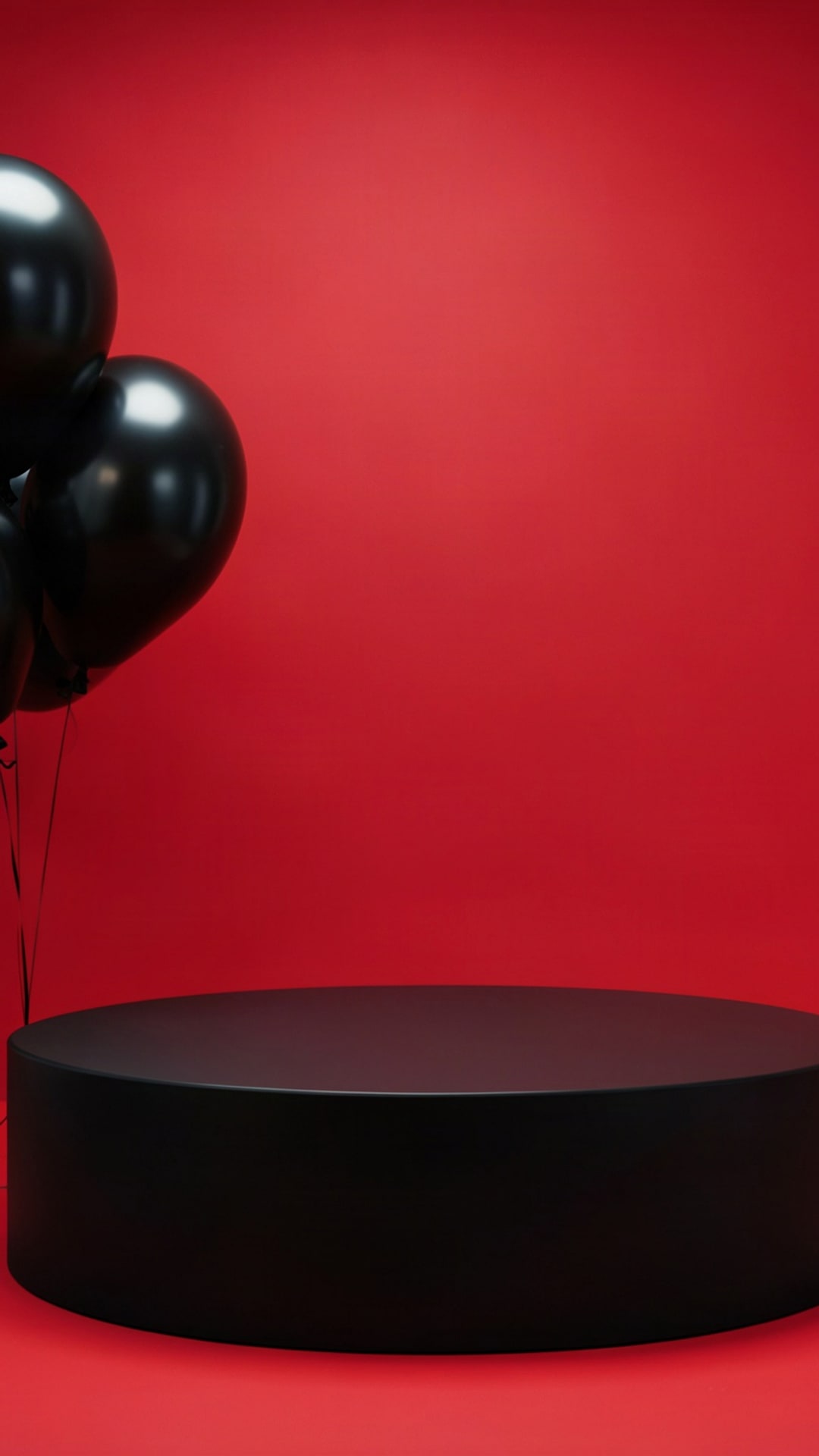
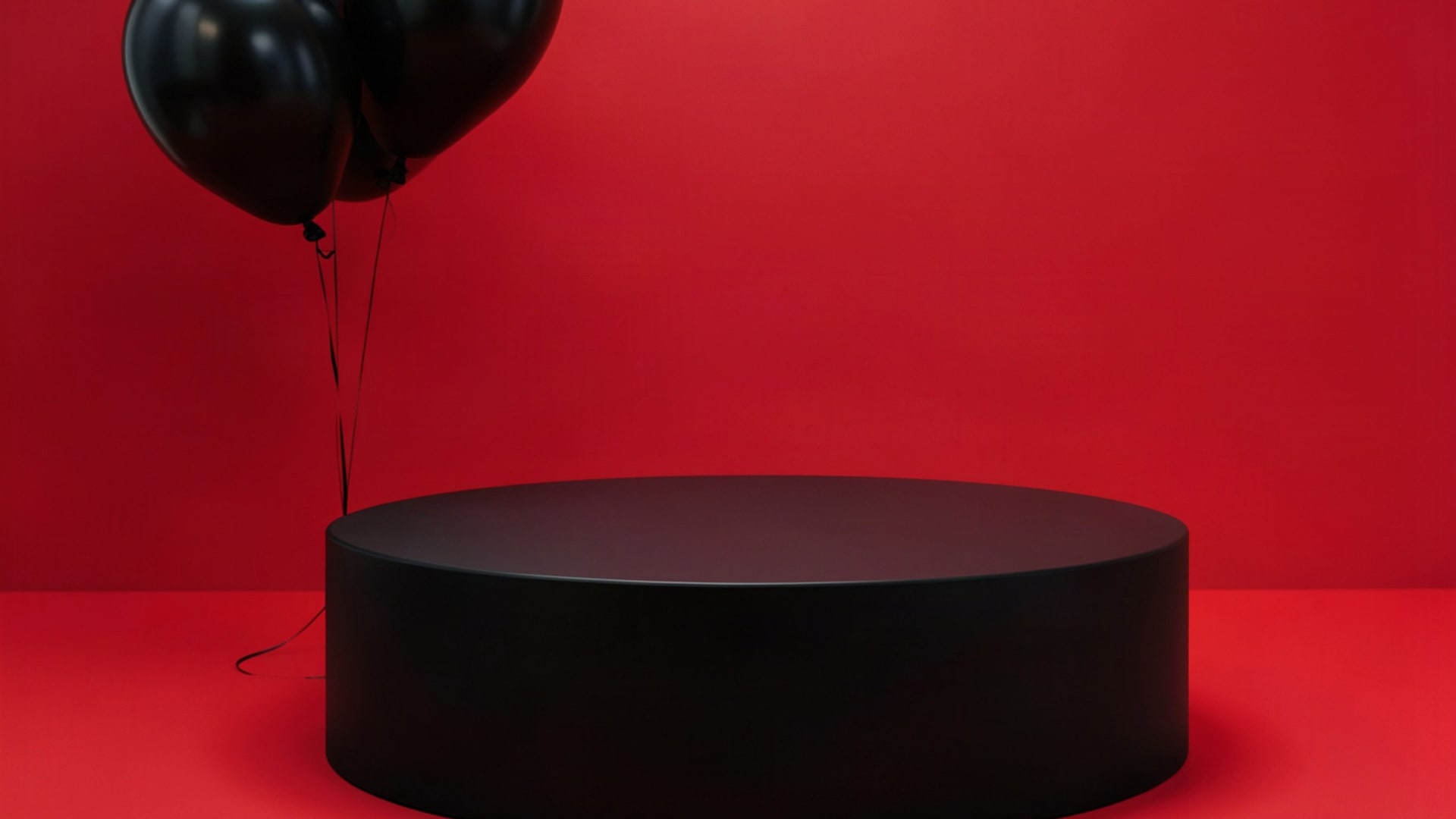
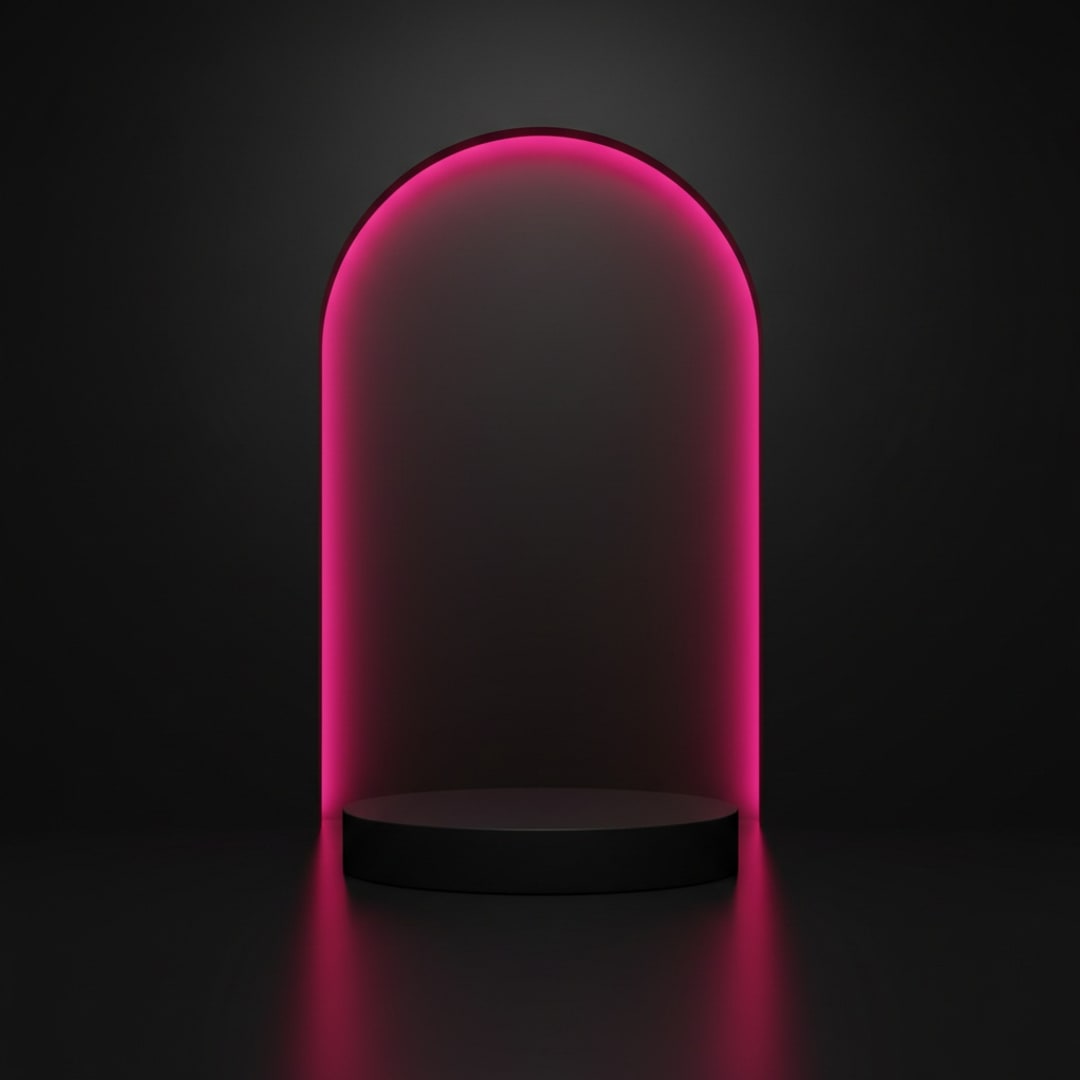
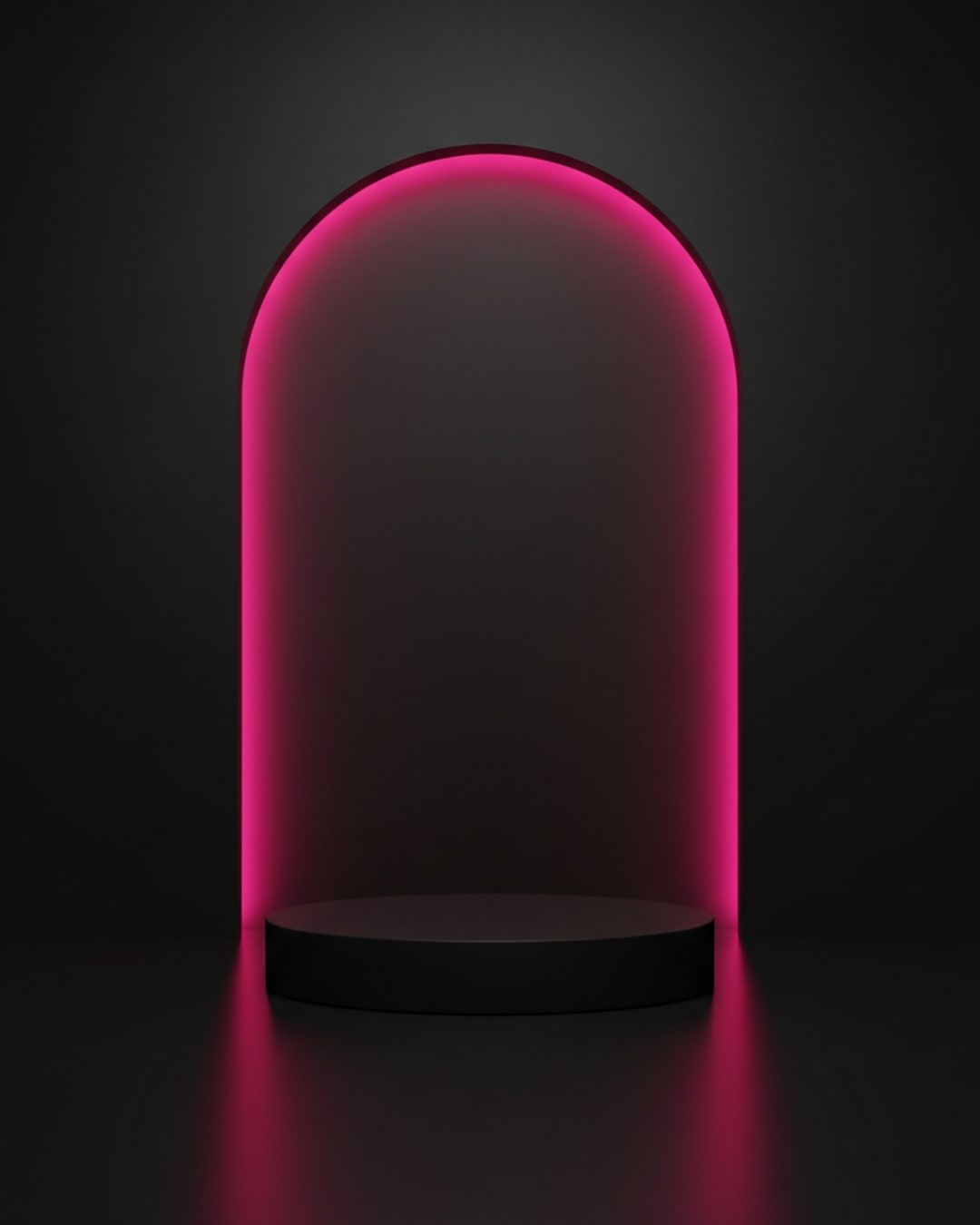
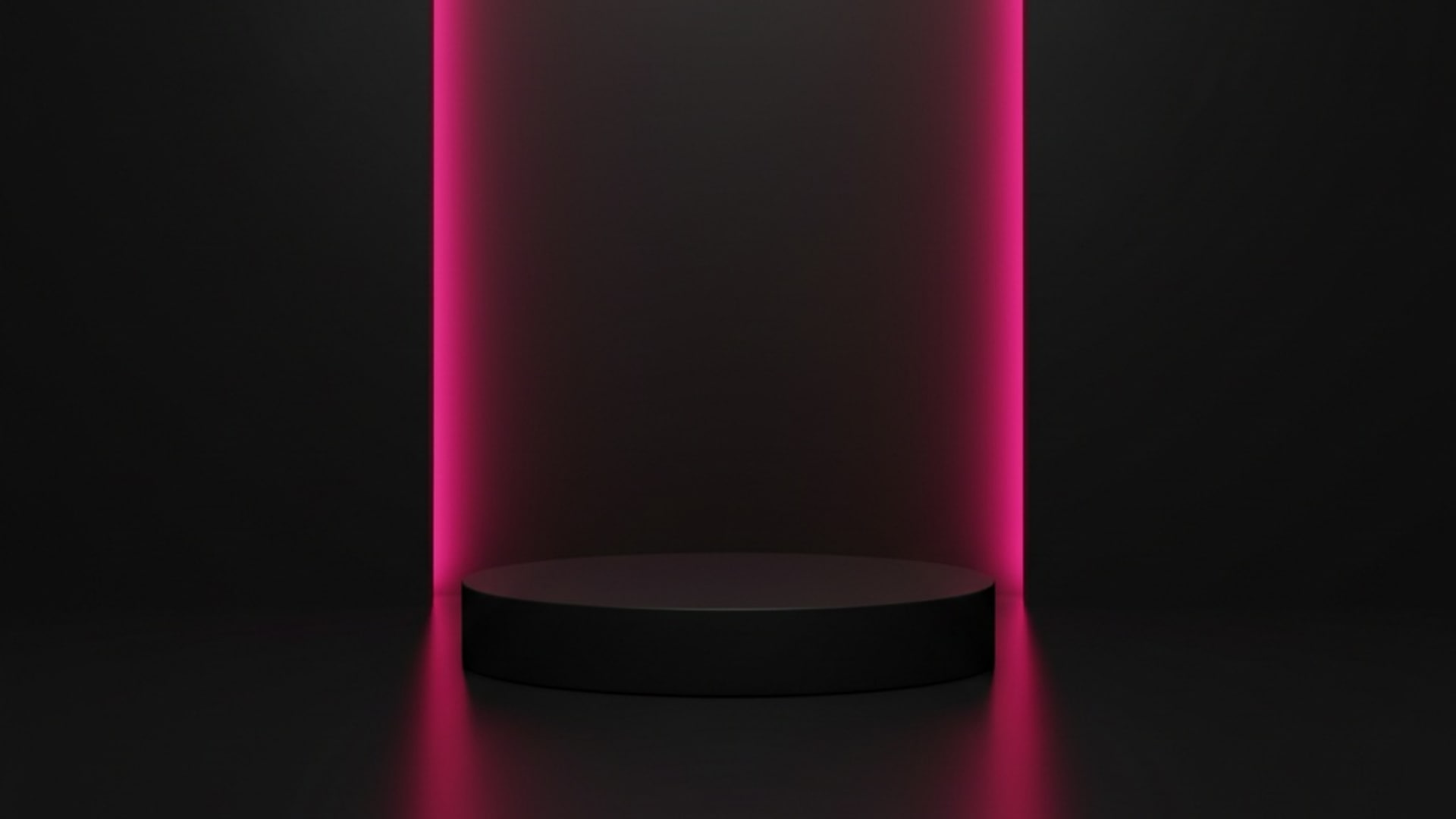
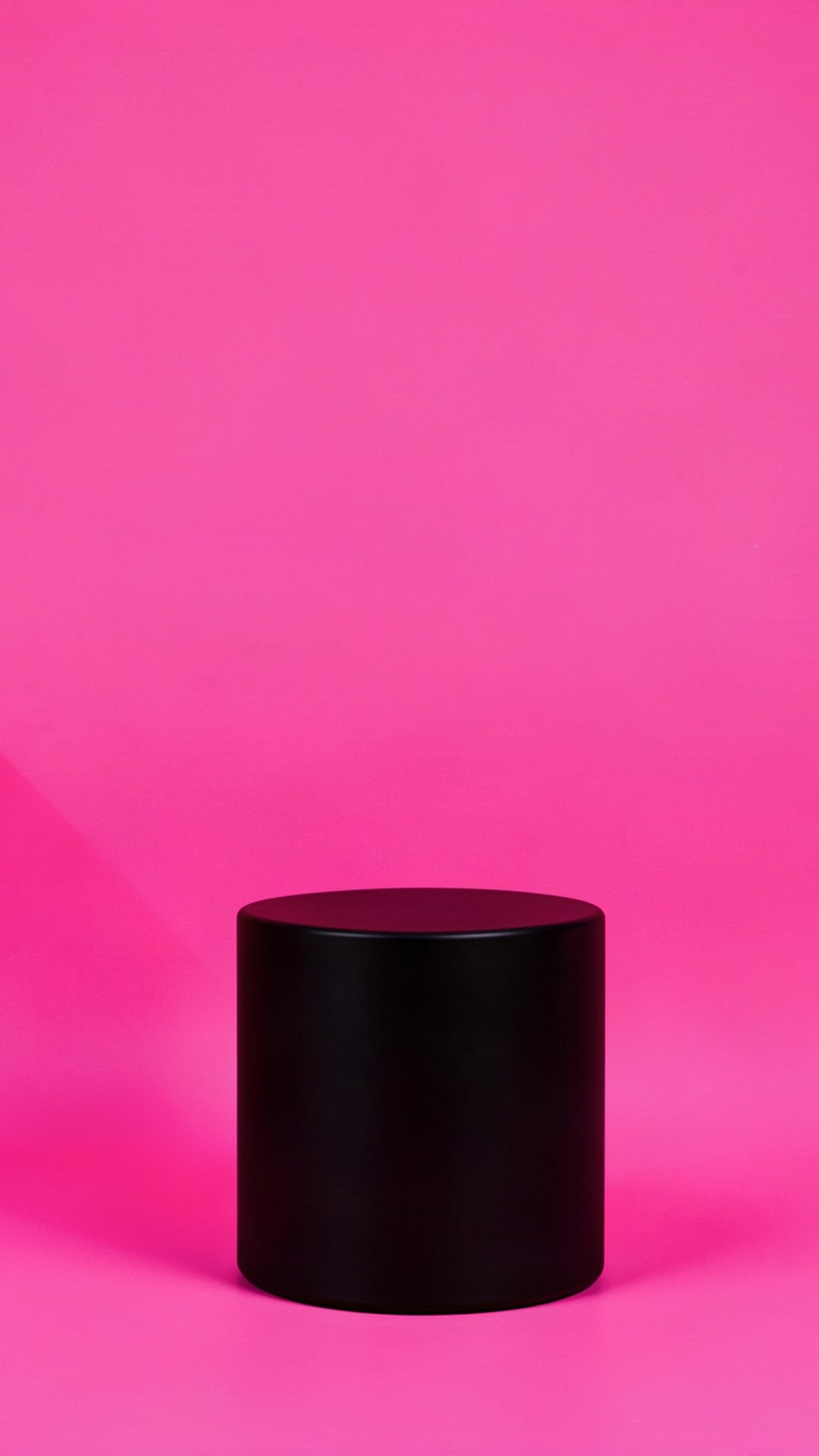
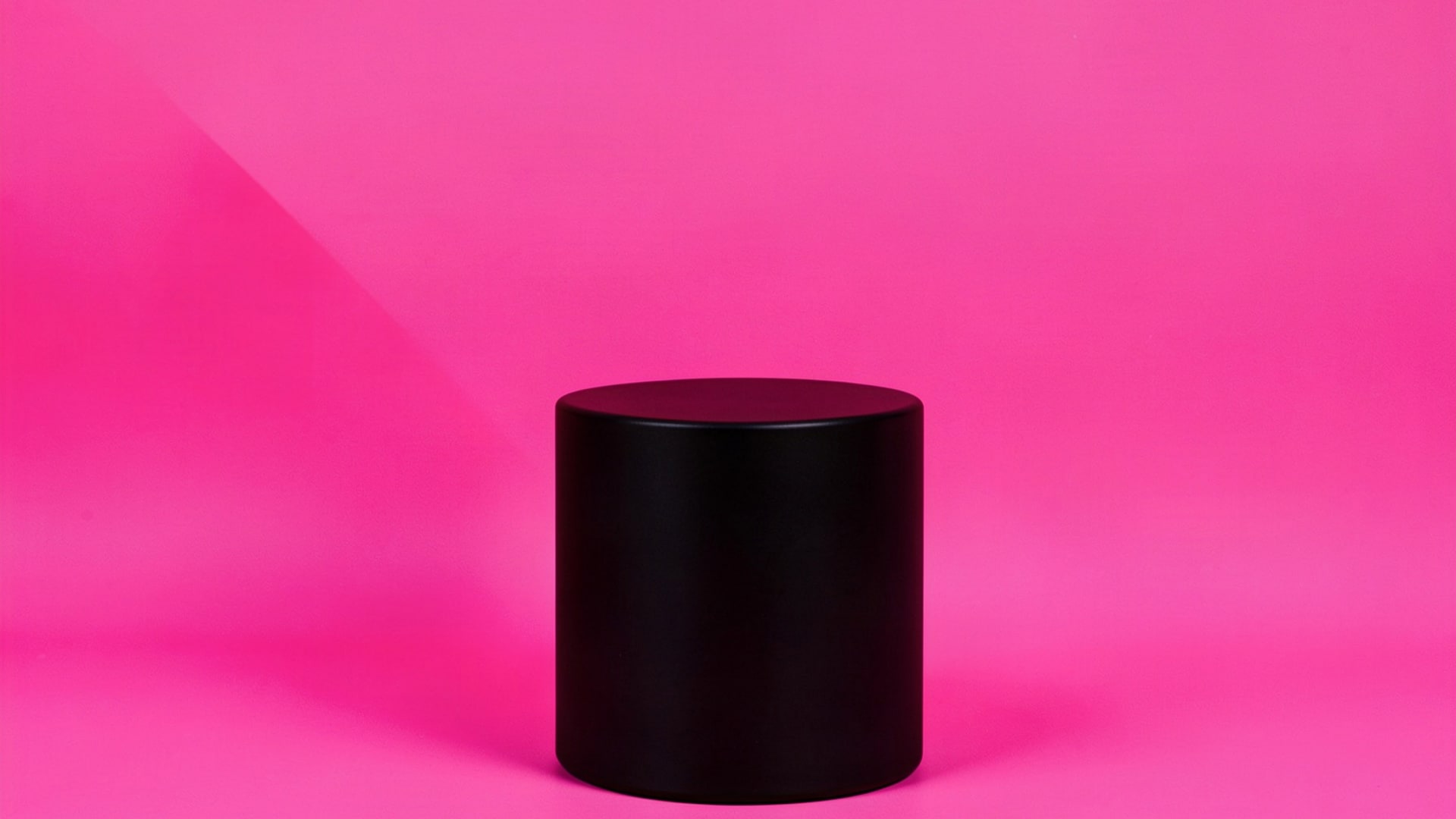
28 free Black Friday backgrounds with an empty spot for your product and open space for your discount. Every design downloads in 1:1, 4:5, 9:16 and 16:9 with the same layout, with no sign-up and no watermark.
- Free in 1:1, 4:5, 9:16 and 16:9
- No sign-up, no watermark
- No words on the backgrounds

Free Black Friday backgrounds to download
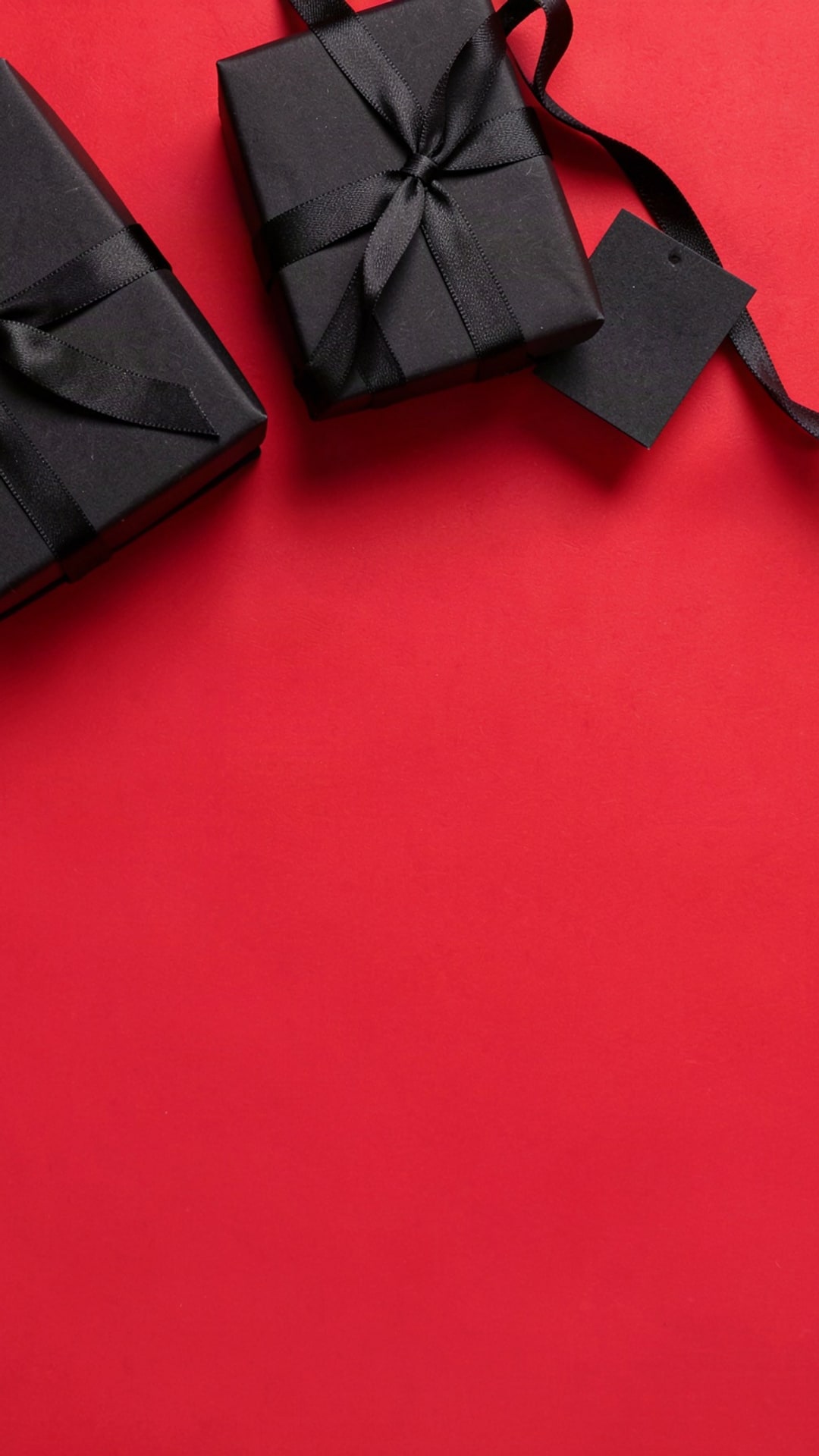
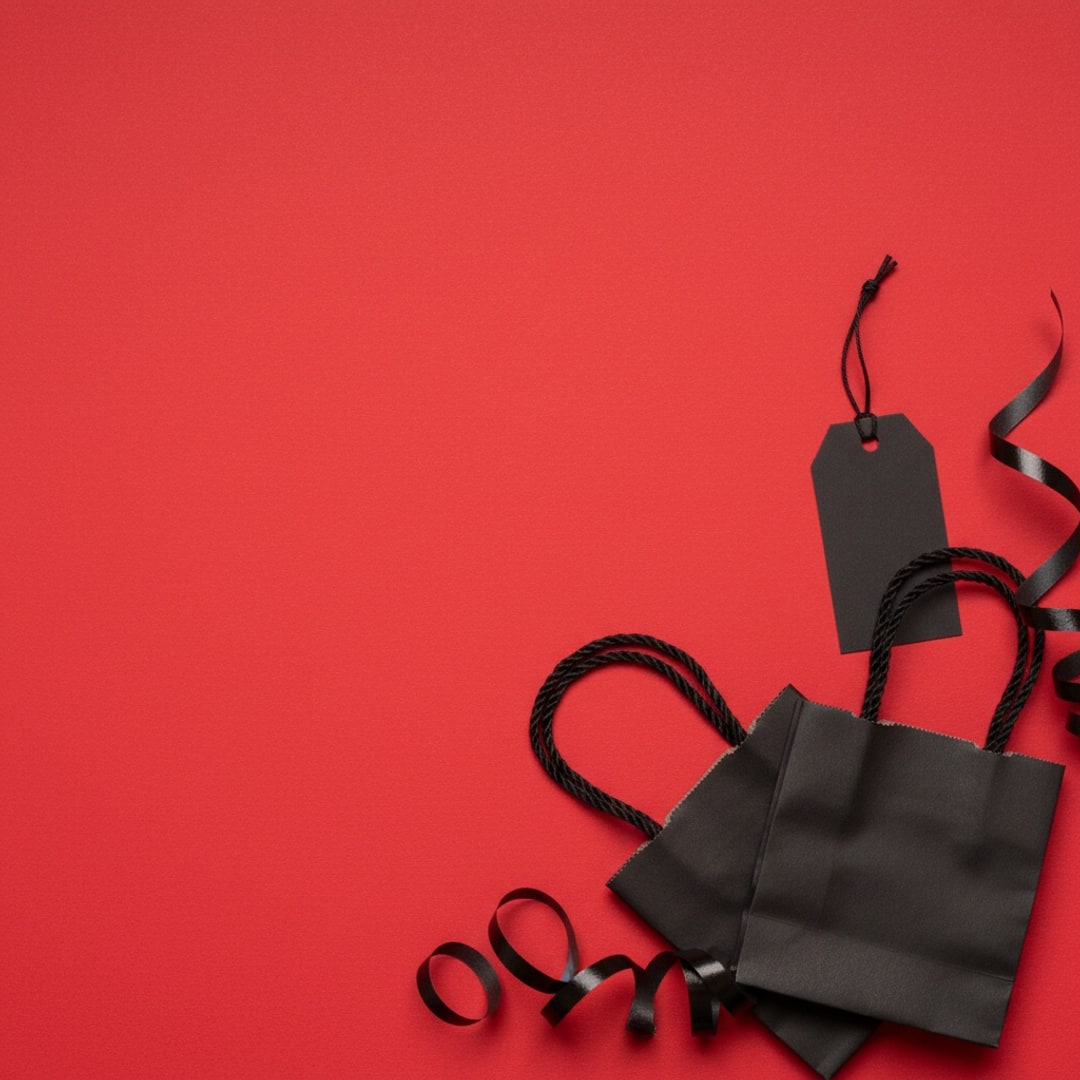
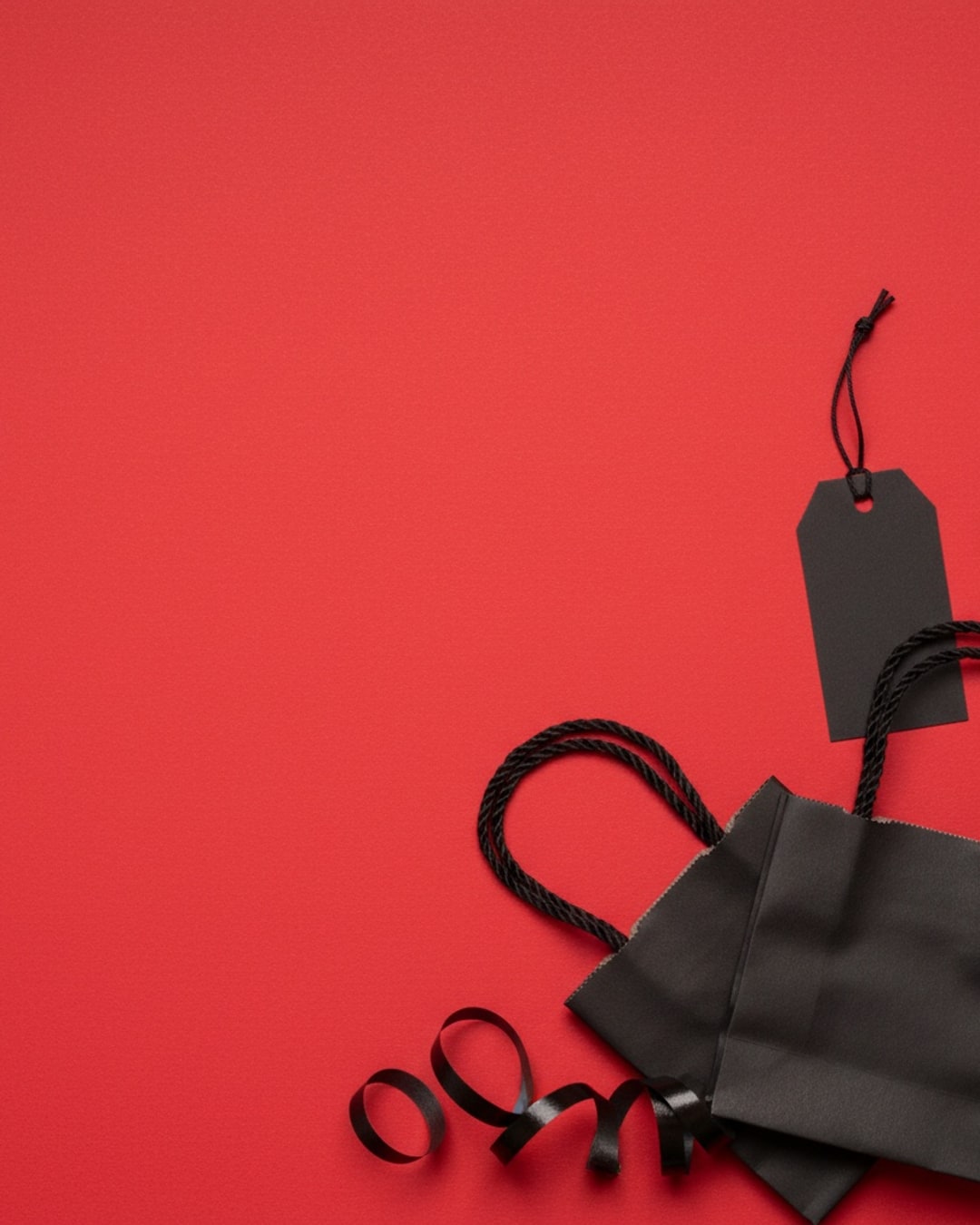
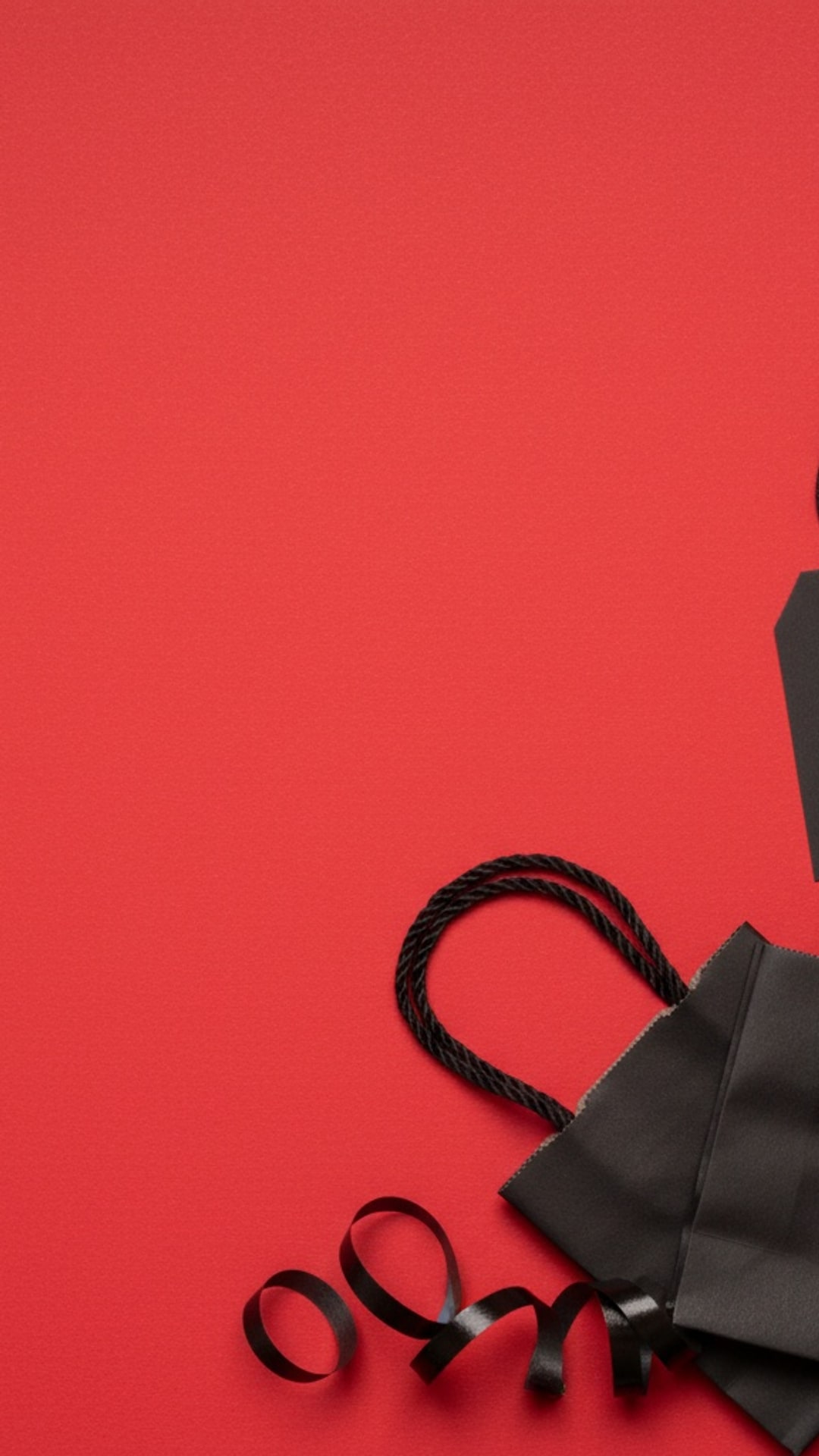
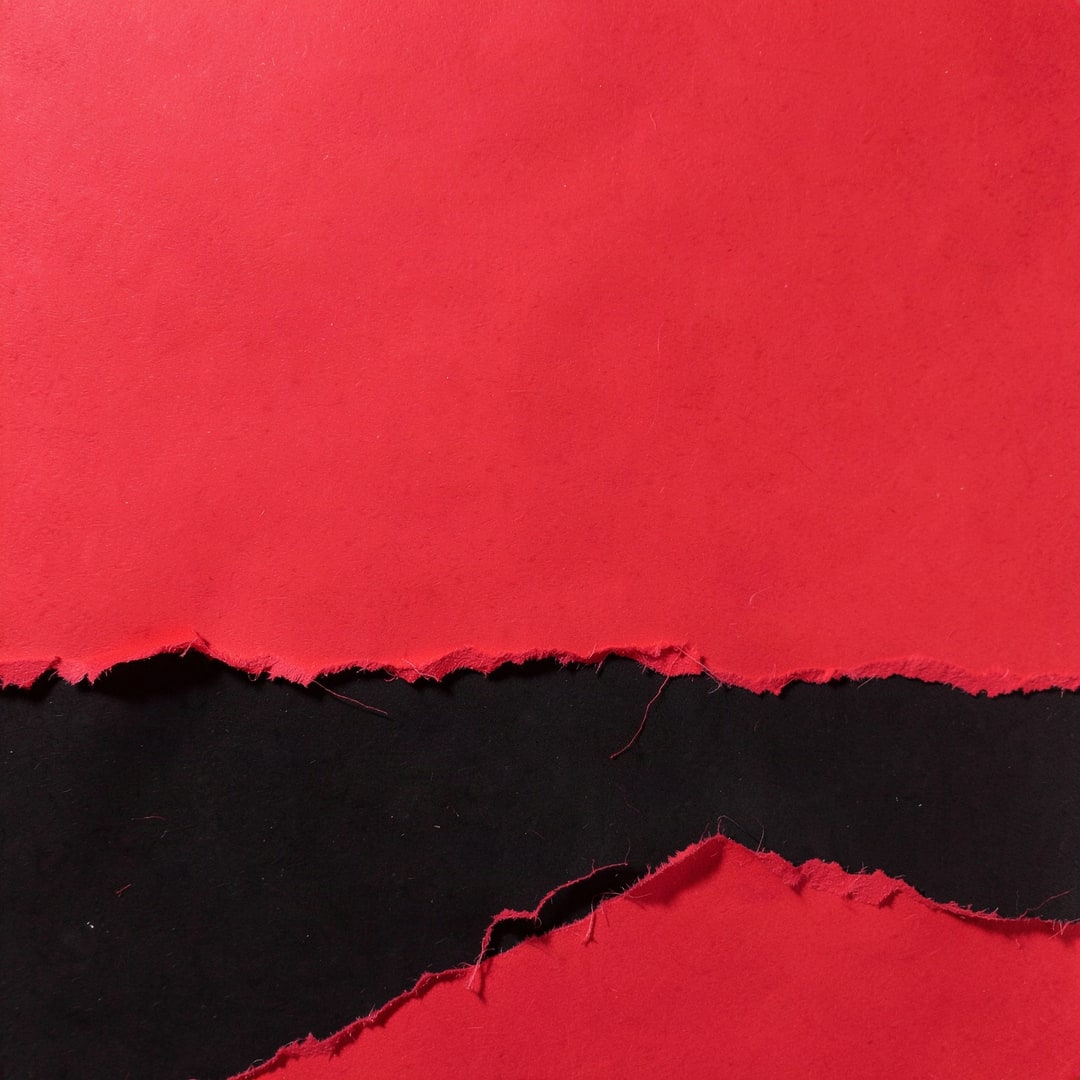
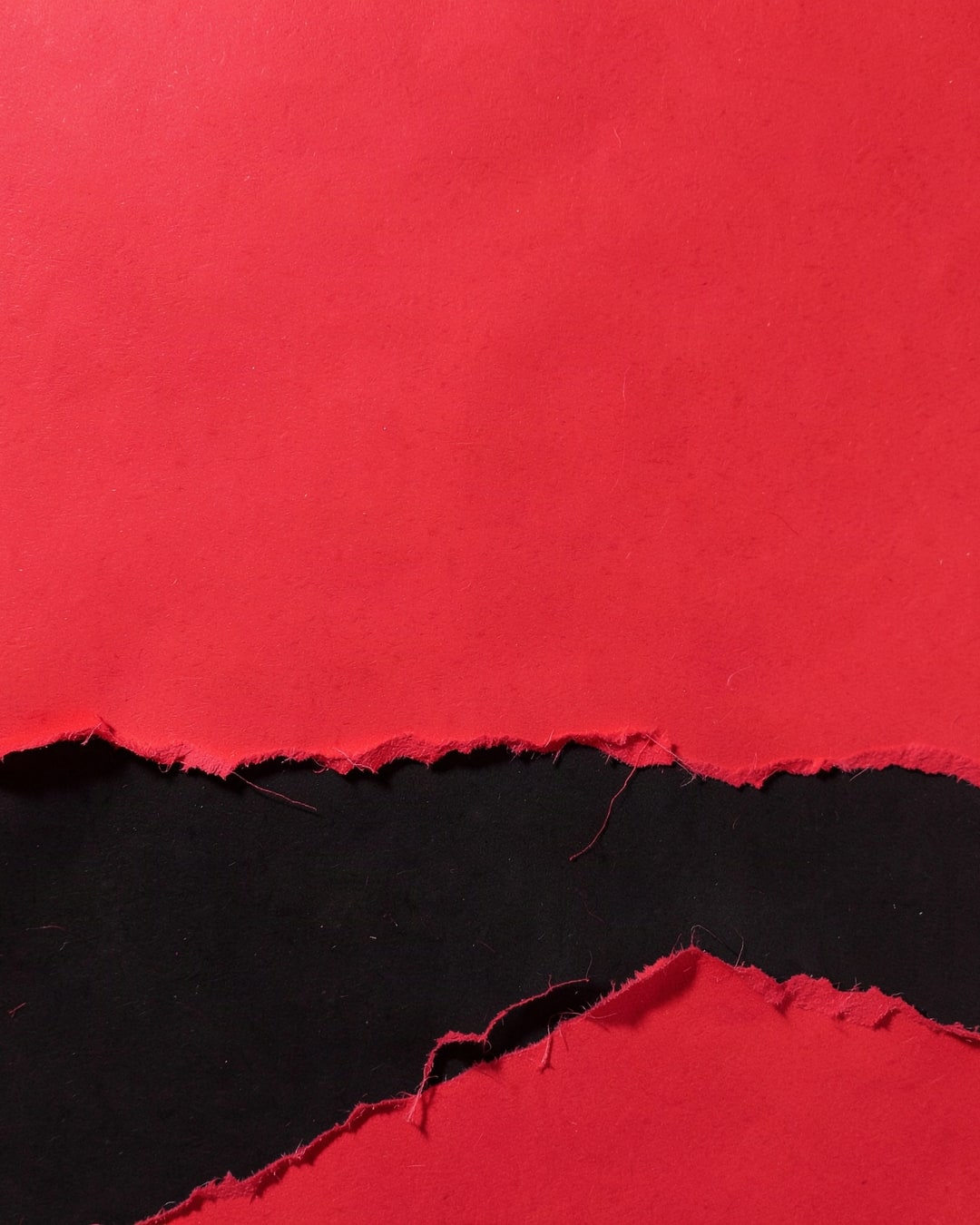
Seven groups: props around the edge, podiums, neon, color blocks, confetti and textures, Cyber Monday, and phone and desktop wallpapers. Every card lists its shapes. The photos are AI-generated; the neon, texture and wallpaper designs are drawn as vector graphics. None has words in it. To place your own product, see Put your product on a Black Friday background.


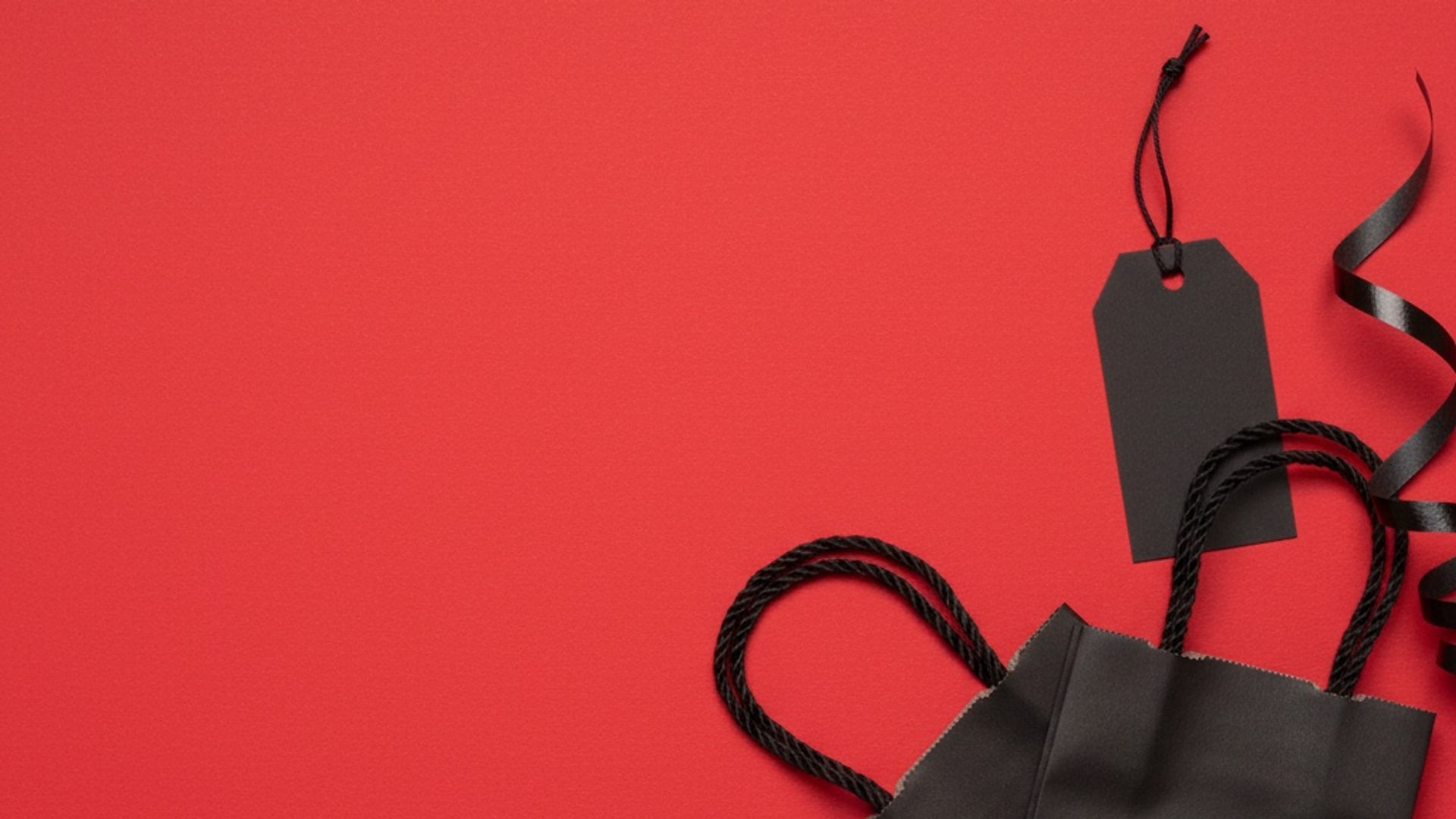

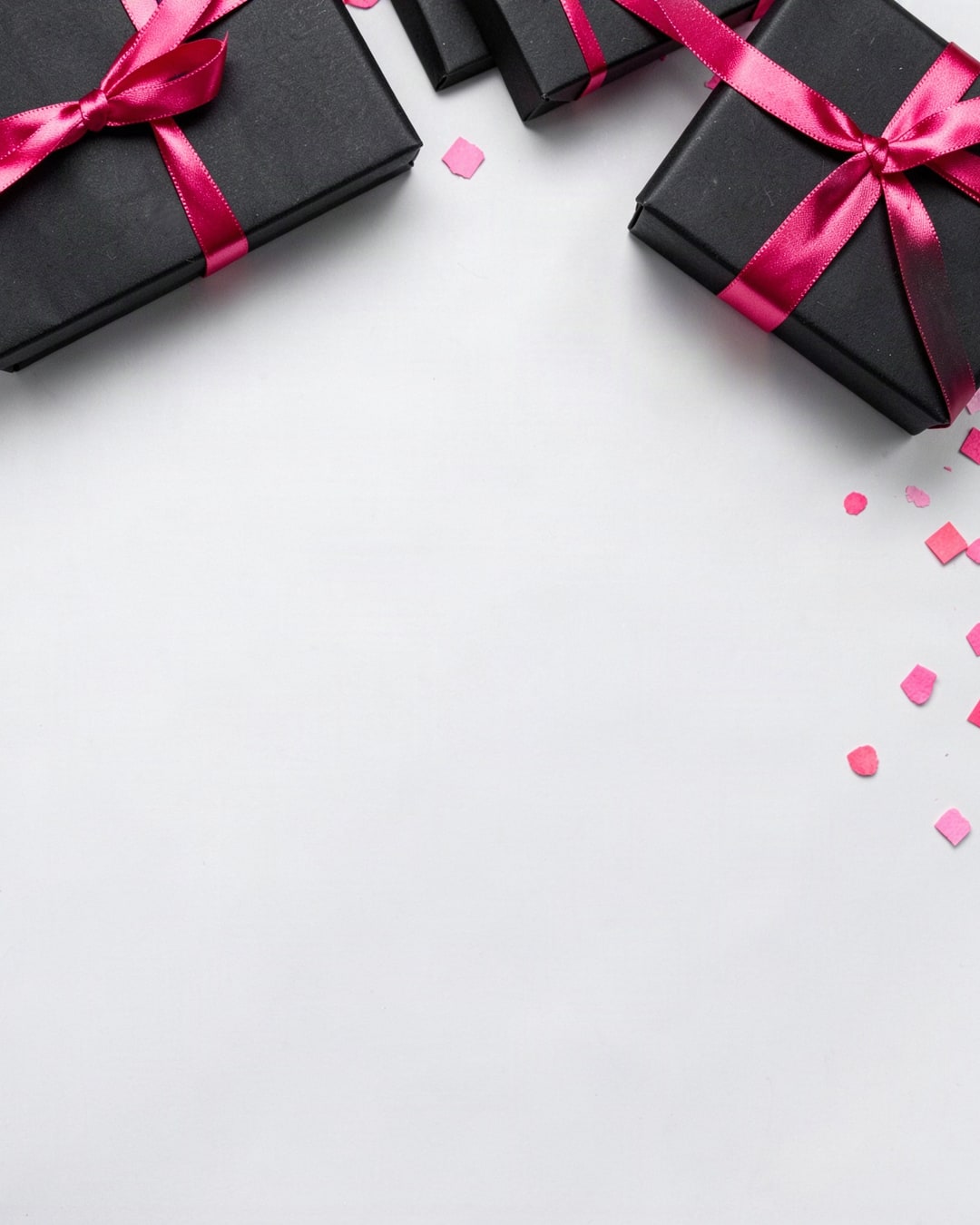

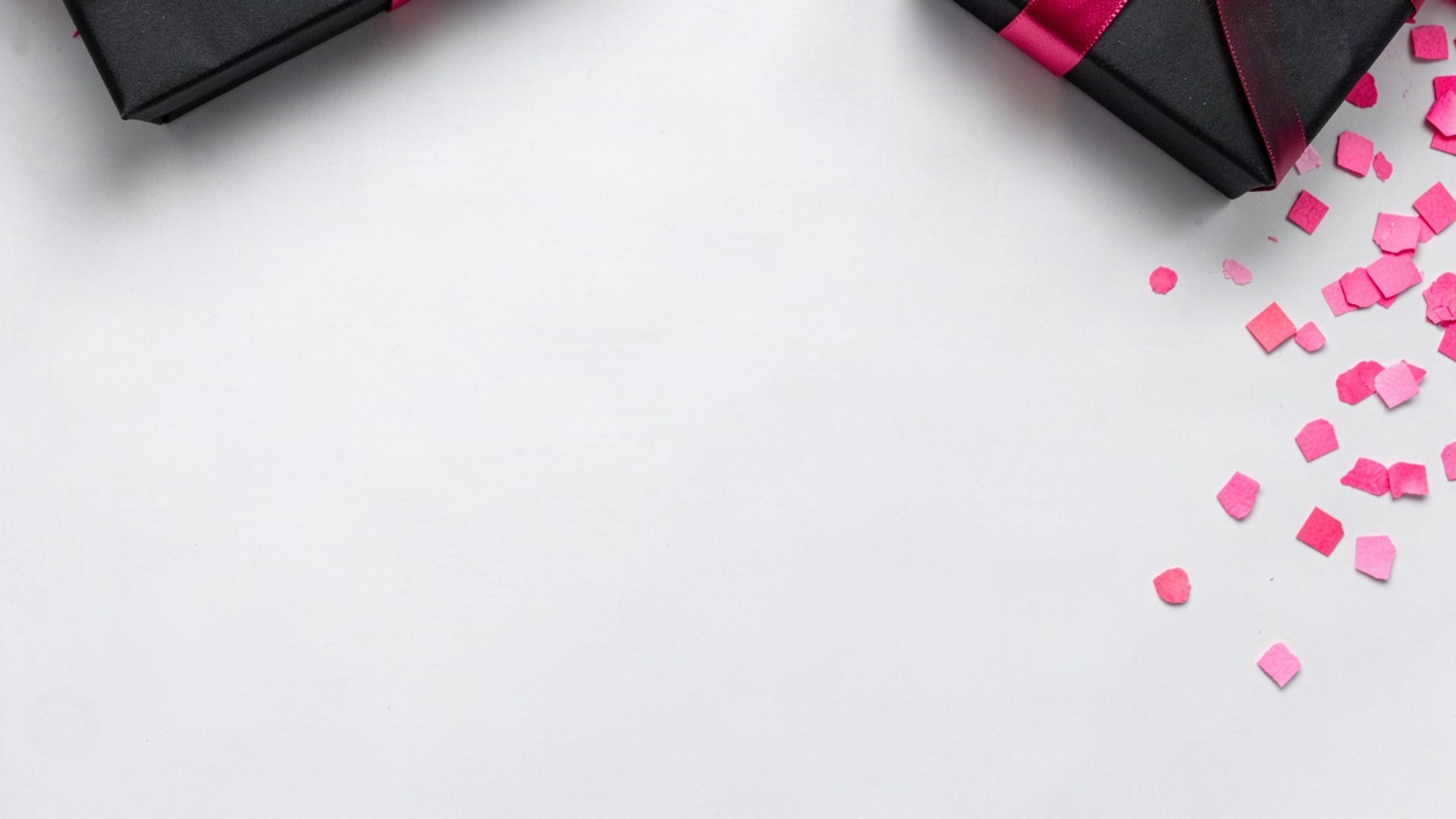

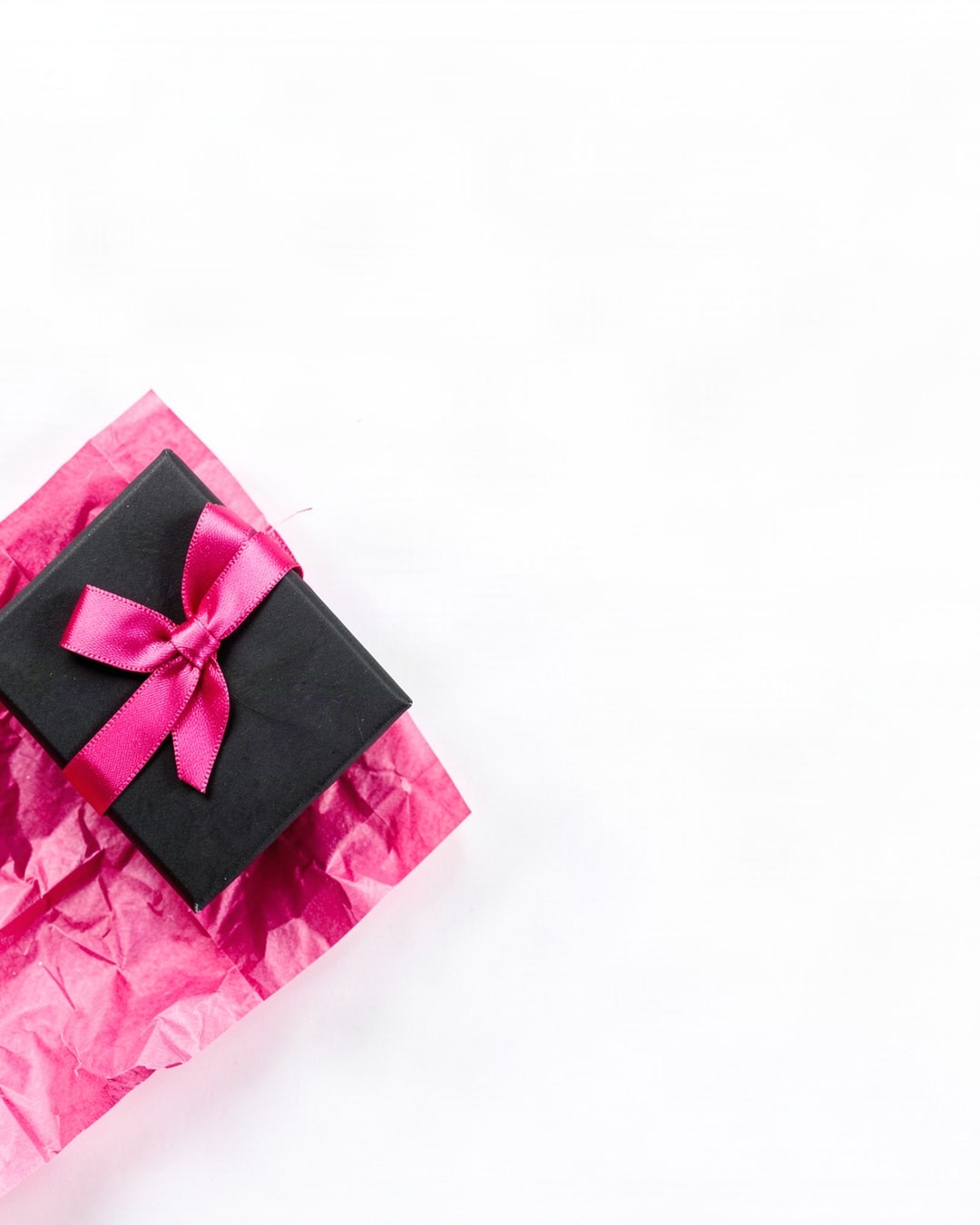
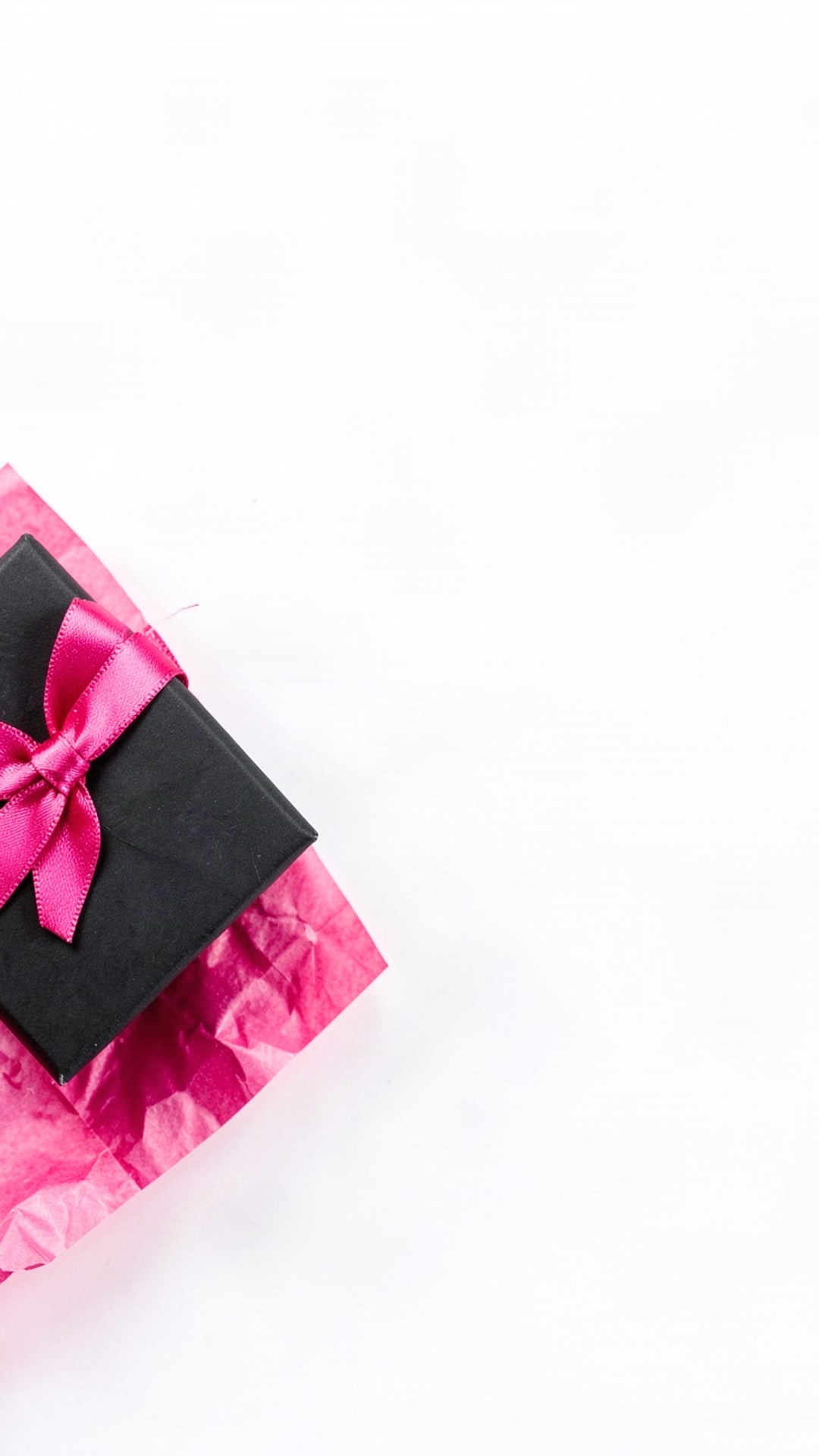
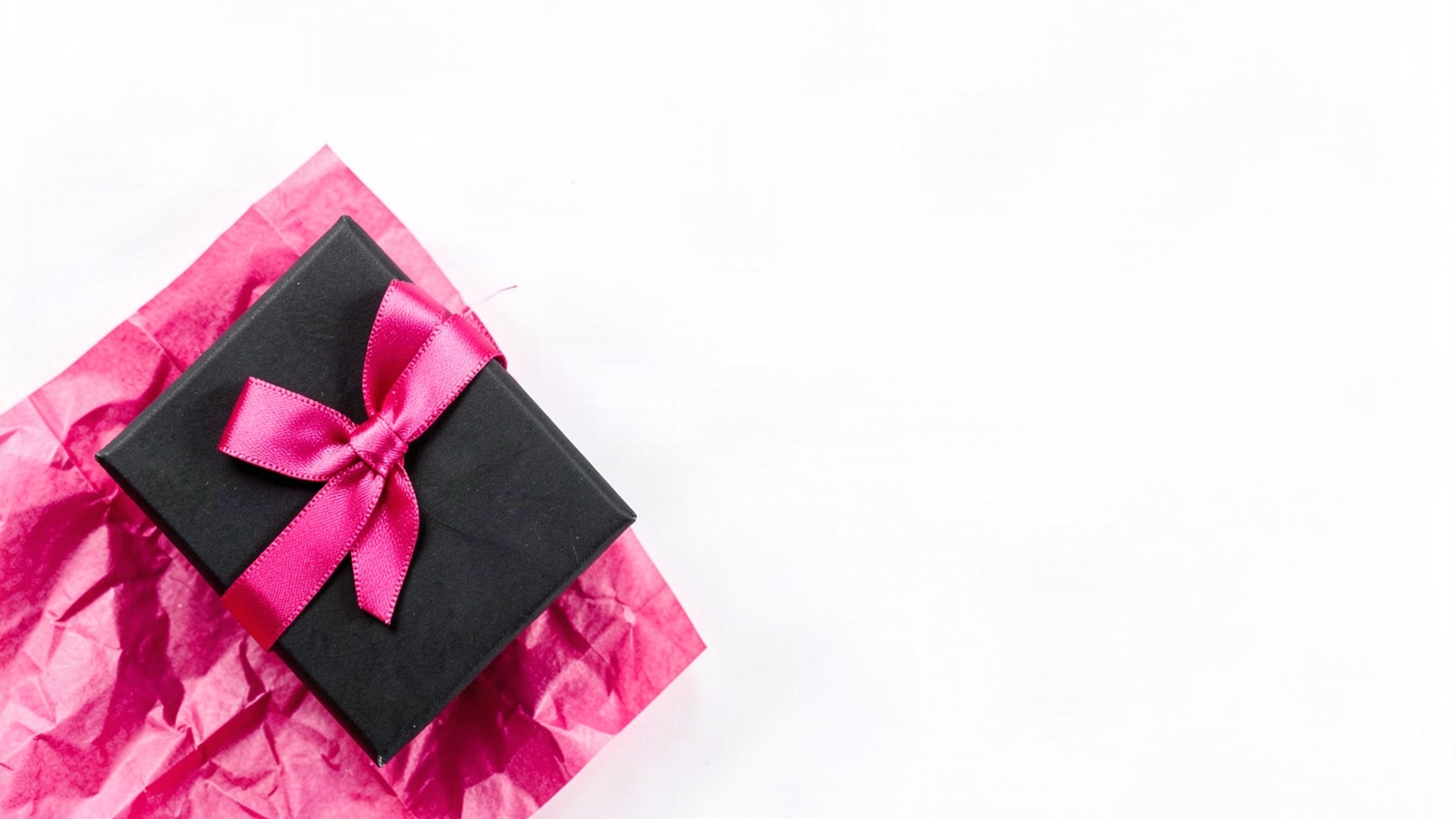


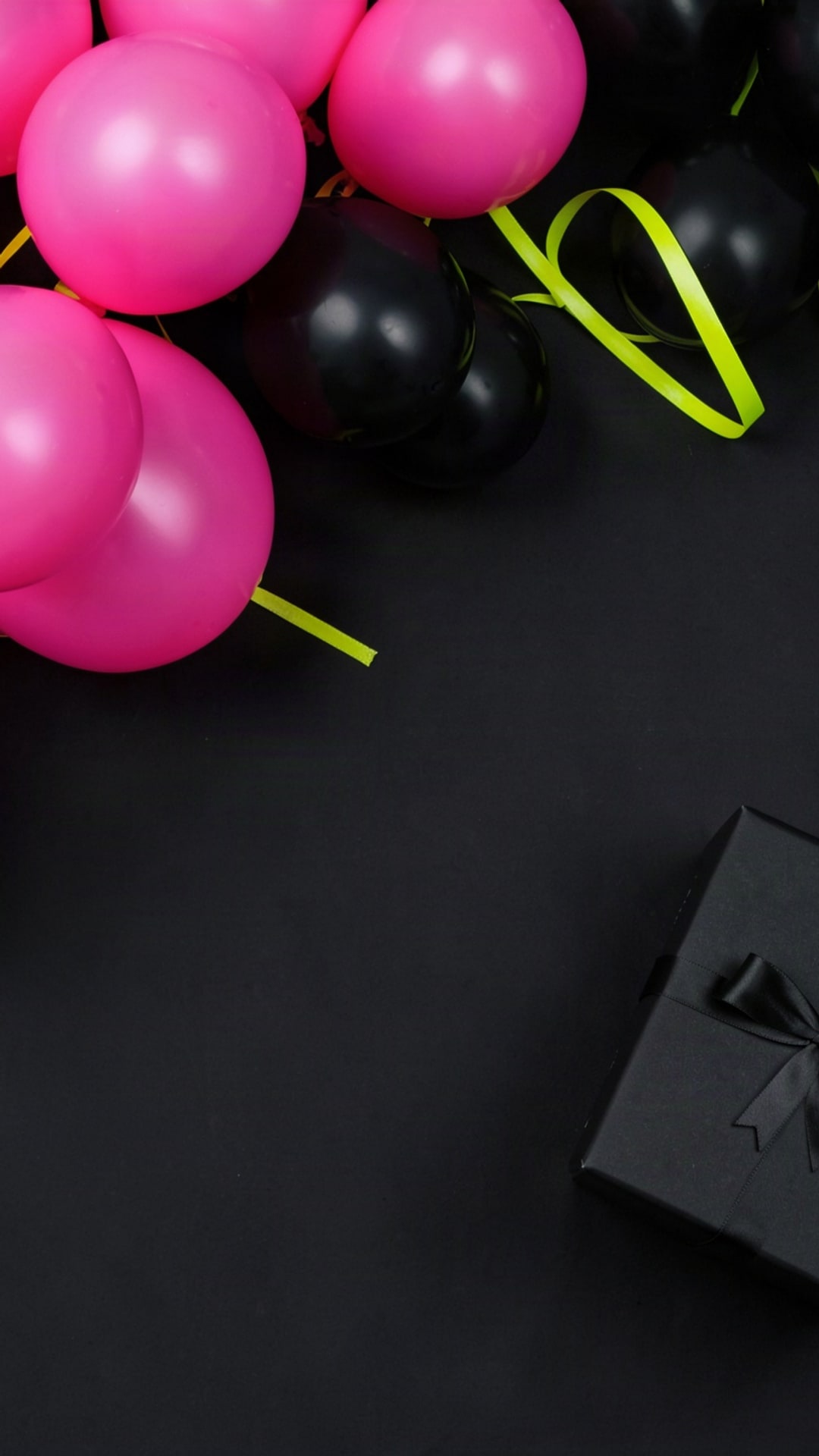
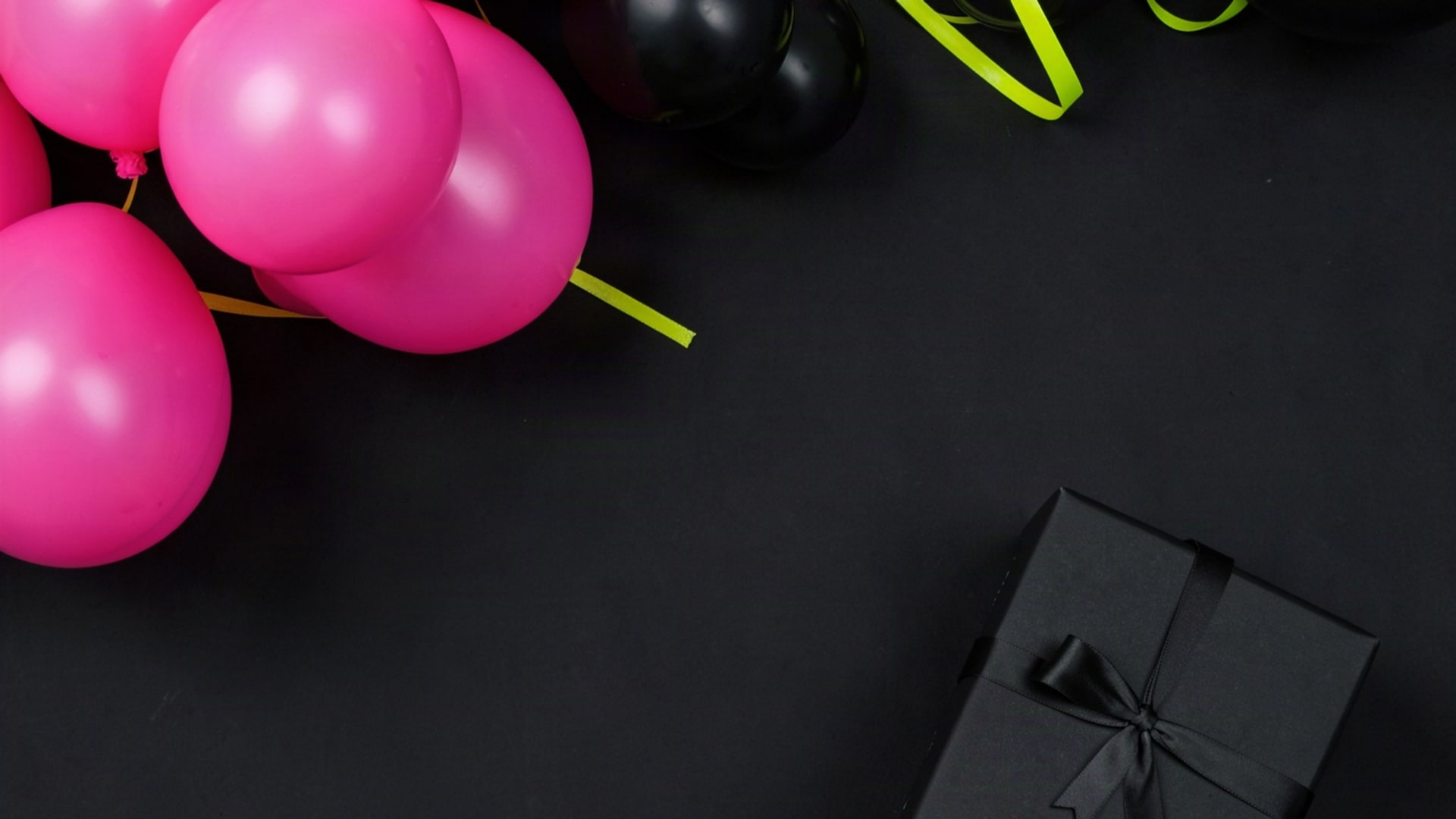






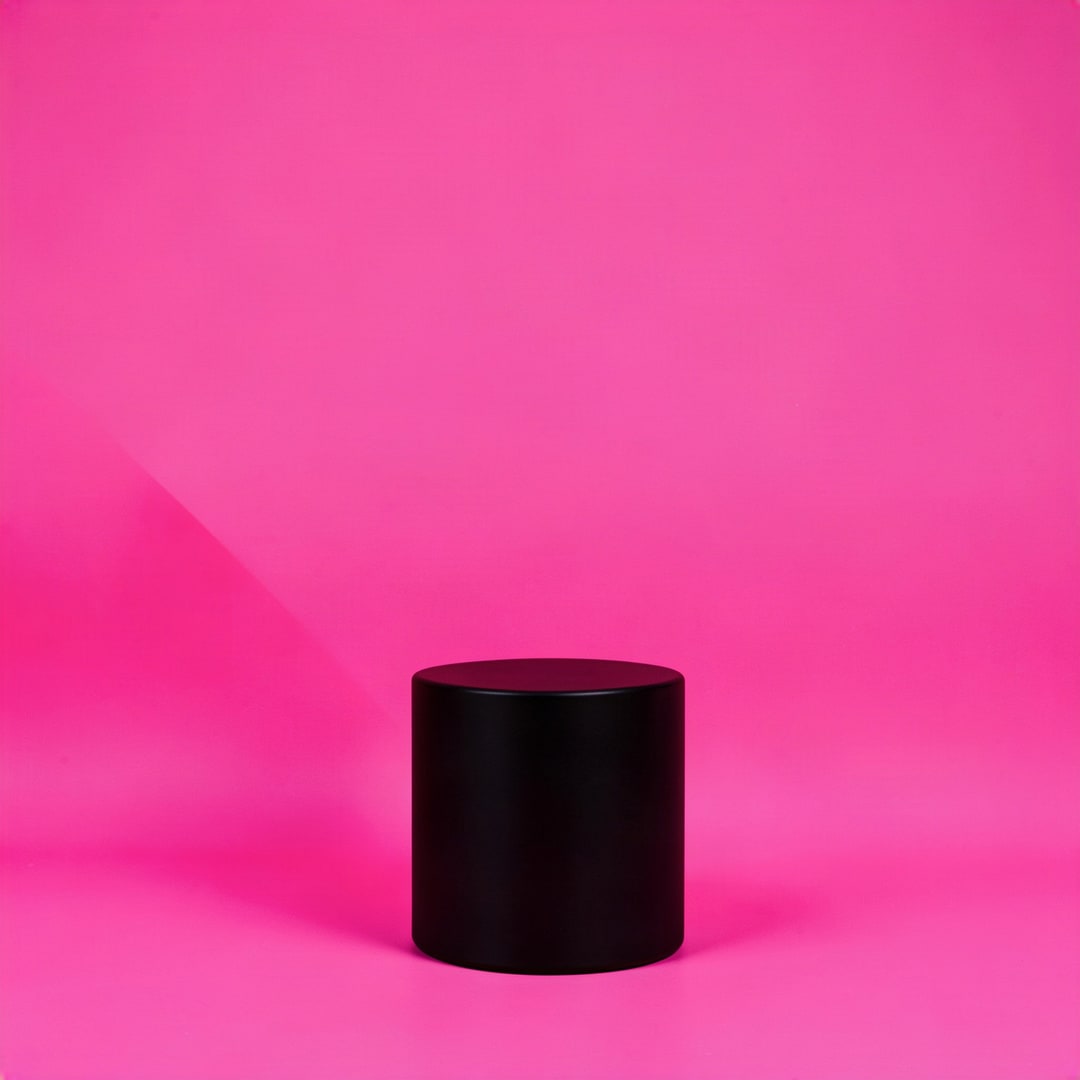
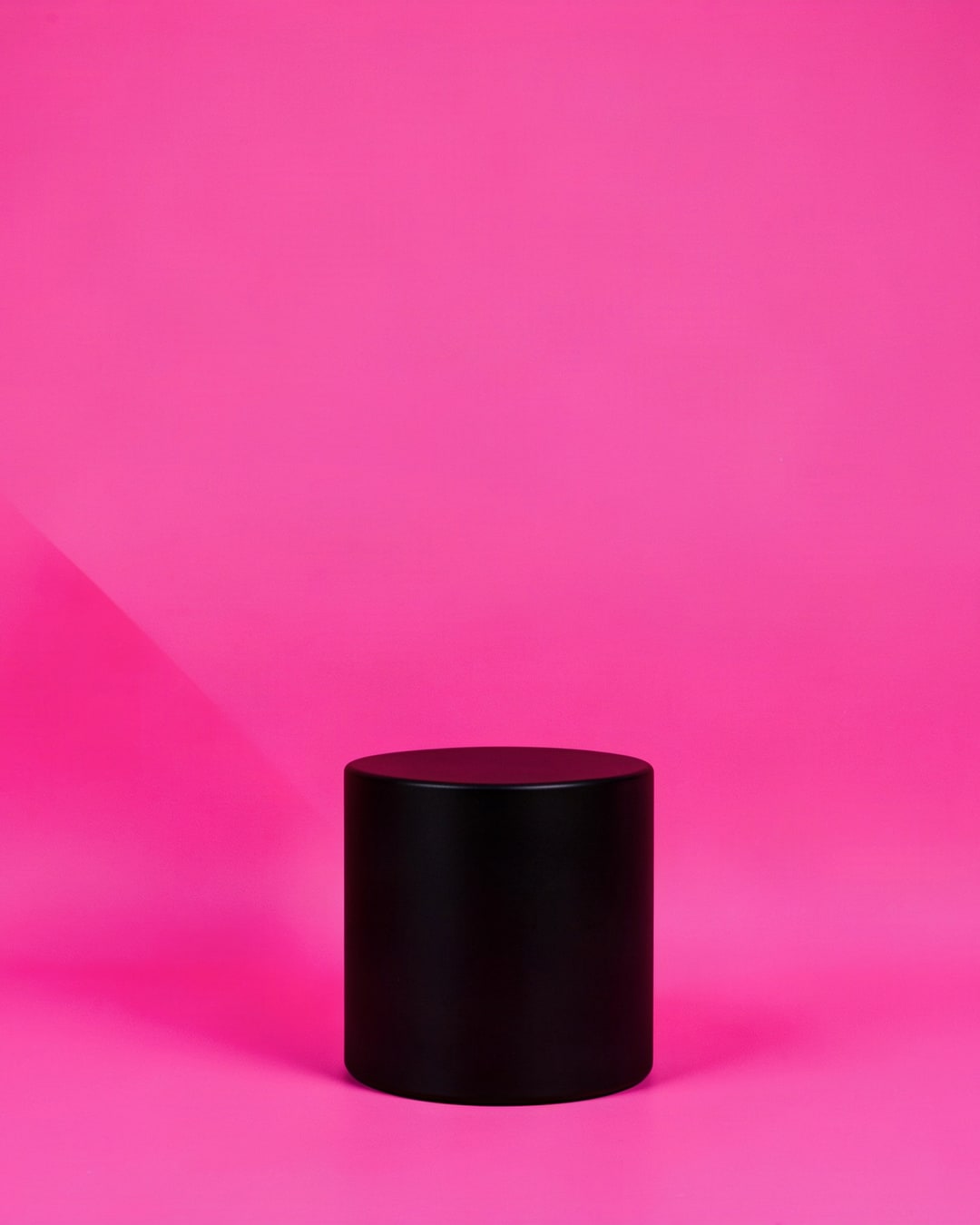

























In short
Shelfcanvas offers 28 free Black Friday backgrounds: 12 AI photos of empty sets and 16 drawn designs, including 2 phone and 2 desktop wallpapers.
The files are 1080 × 1080 (1:1), 1080 × 1350 (4:5), 1080 × 1920 (9:16) and 1920 × 1080 (16:9) px, so a post, a Story and a banner share one look; one Cyber Monday flat lay comes in 1:1 and 4:5 only.
Pick by the job: a podium for one hero product, props around the edge for a gift guide, neon for a Story countdown, confetti for a store-wide announcement.
Add your headline and price, on this page, types your headline, price or discount and a button line on the background you picked, then downloads the finished image.
No words, prices, logos or people in any frame, and the license for your own shop's promotion needs no credit line.
Put your product on a Black Friday background
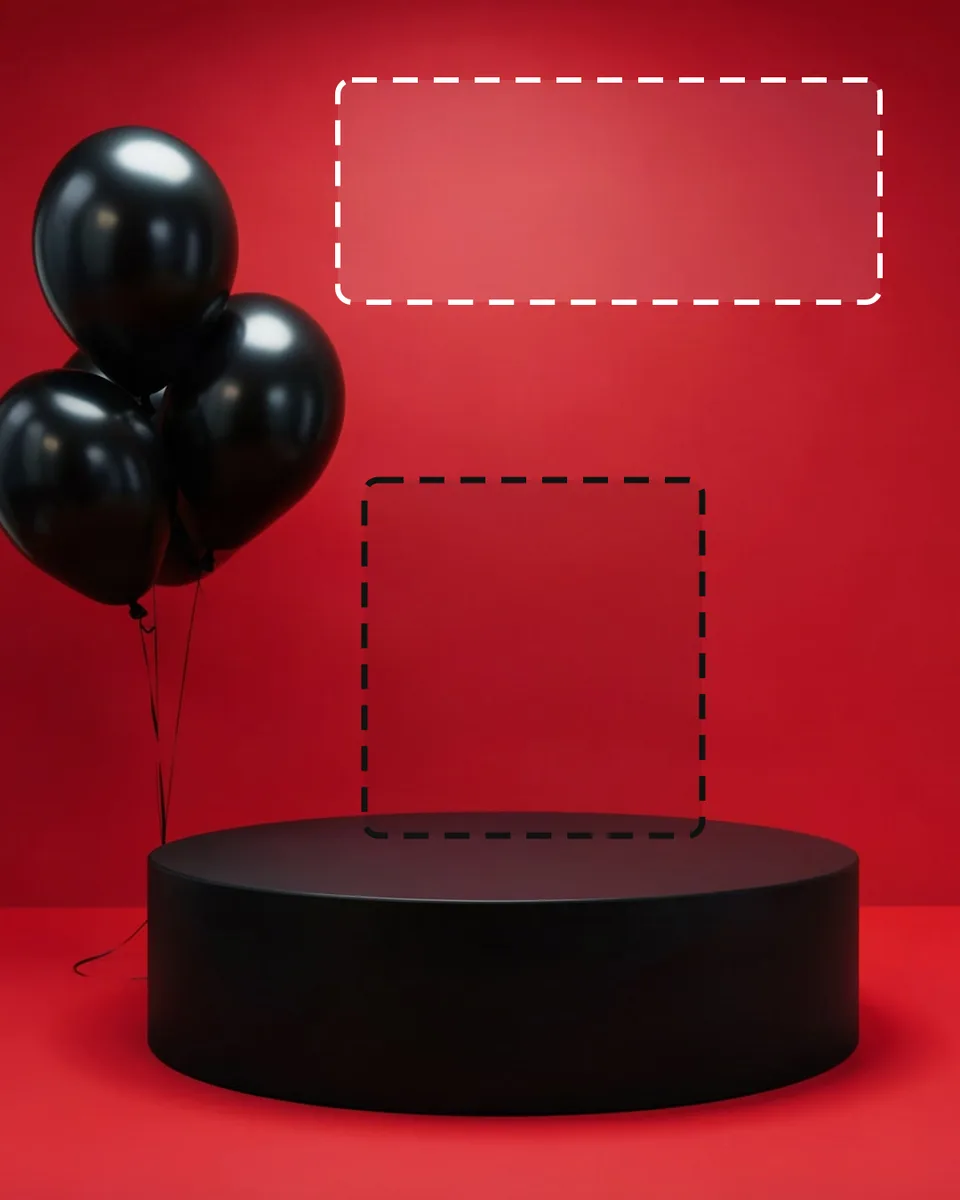
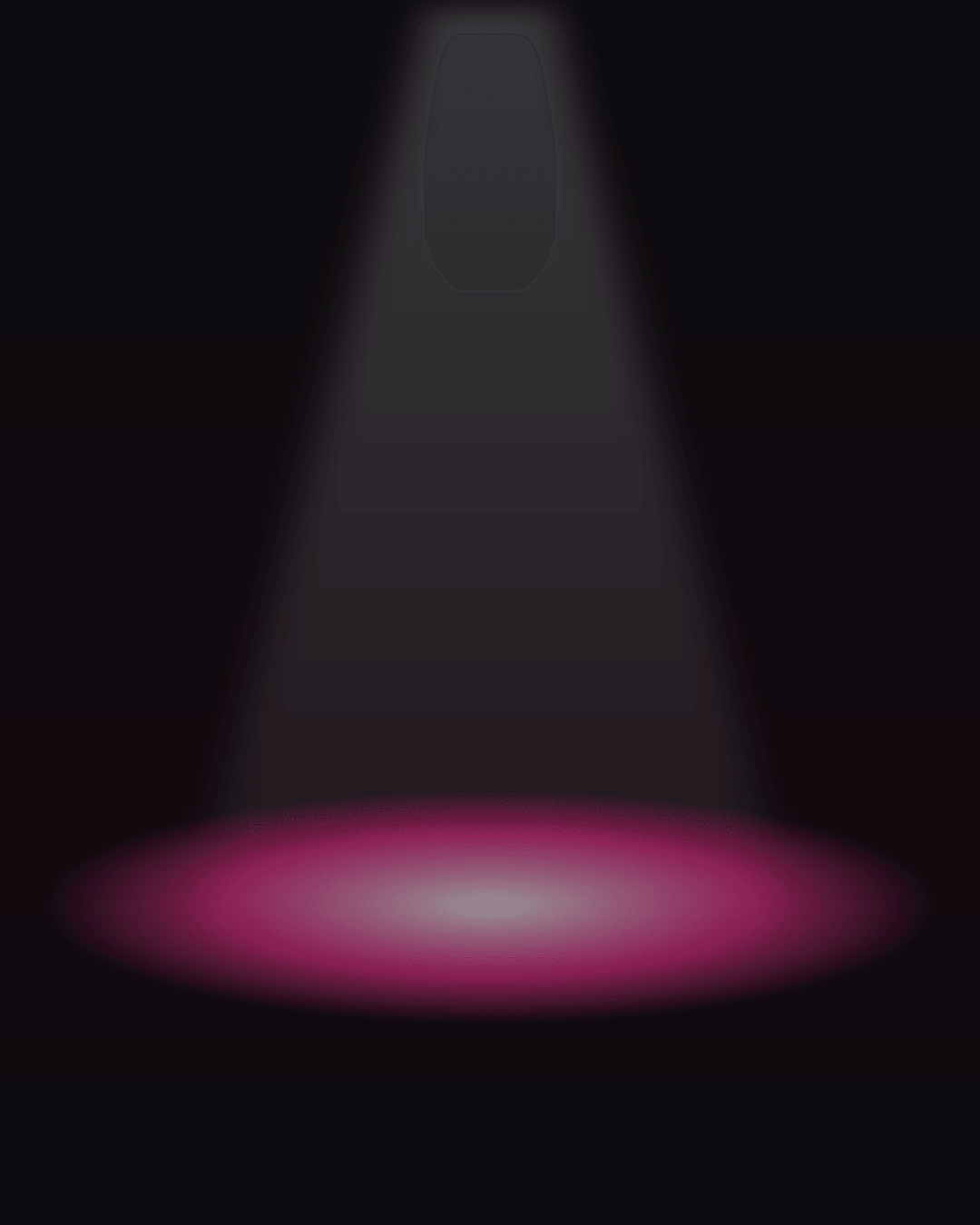
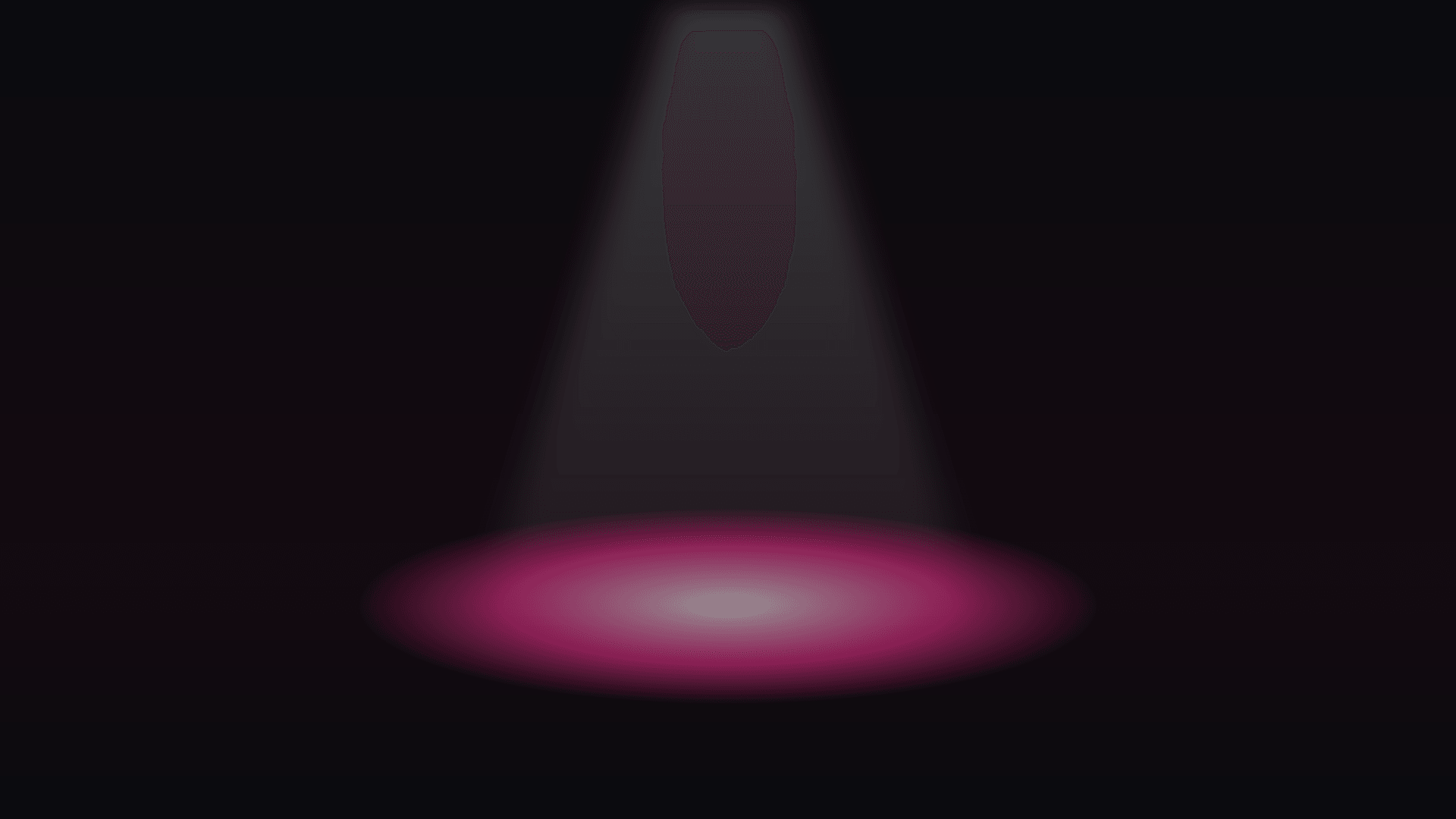
Every background here leaves the middle empty. On a podium set the product stands on the empty top: the dark box marks that spot, and the white box marks the calm area for your words. On the flat lays the props stay at the edges, so the product goes in the open middle.
Shelfcanvas, an AI product photo tool for online sellers, fills that spot for you: it places a real product photo into a new scene. Upload it to the AI photoshoot and describe a set like the ones here, for example "red seamless room, round matte black podium, black balloons on the left," or start from one of its preset scenes. A scene costs 4 credits, and signing up is free.
Add your headline and price
Pick a background, type a headline, a price or discount and a button line, then choose a layout and a shape. The words shrink to fit and stay inside the safe area. The file is made in your browser at that shape's size: 1080 × 1080, 1080 × 1350, 1080 × 1920 or 1620 × 1080 px.

Loading the background…
1080 × 1080 px
Add your sale text: safe zones and colors
Use Add your headline and price above to type a headline, a price or discount and a button line on the background you picked, choose a left-aligned, centered or bottom-bar layout, and download the finished image. These rules keep the words easy to read:
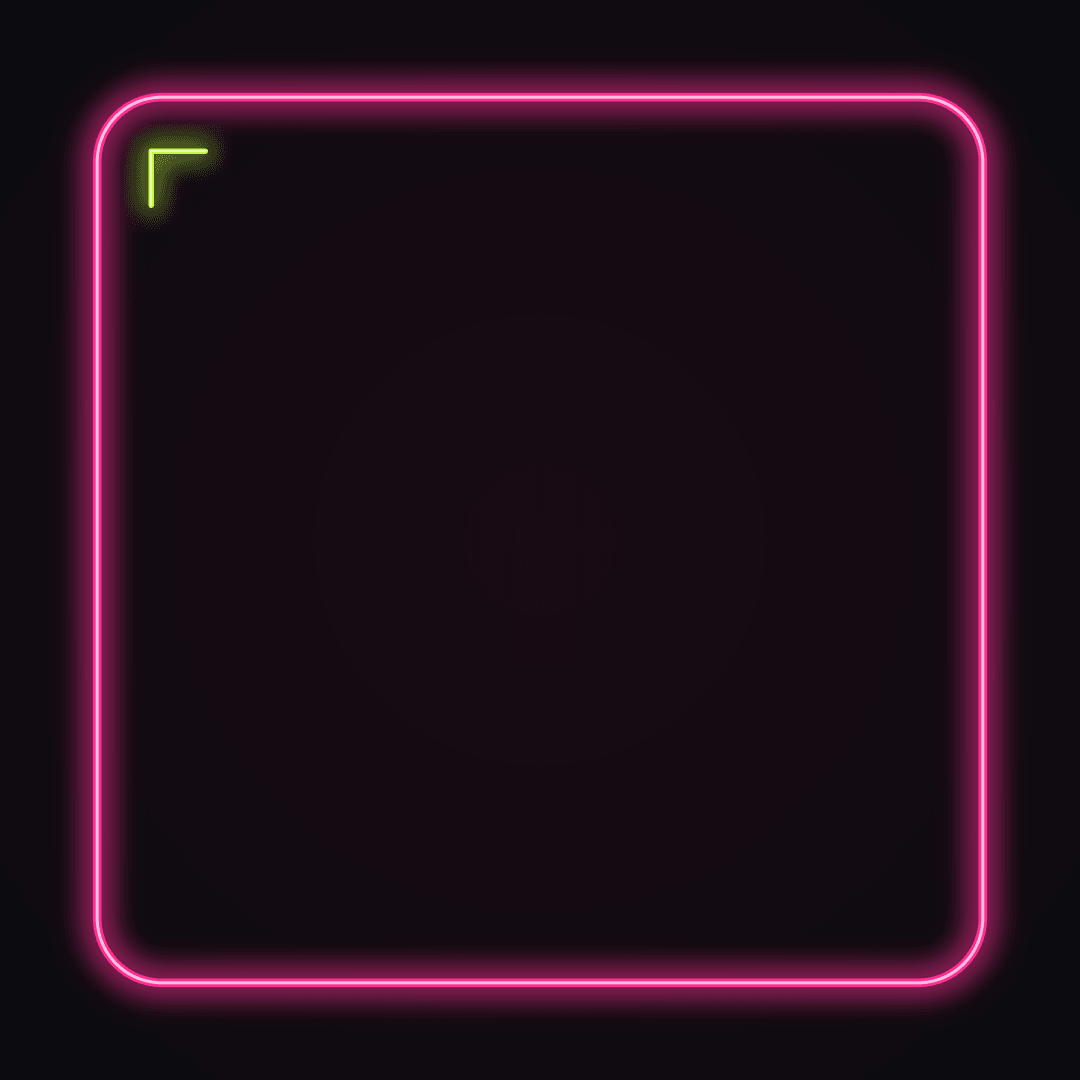
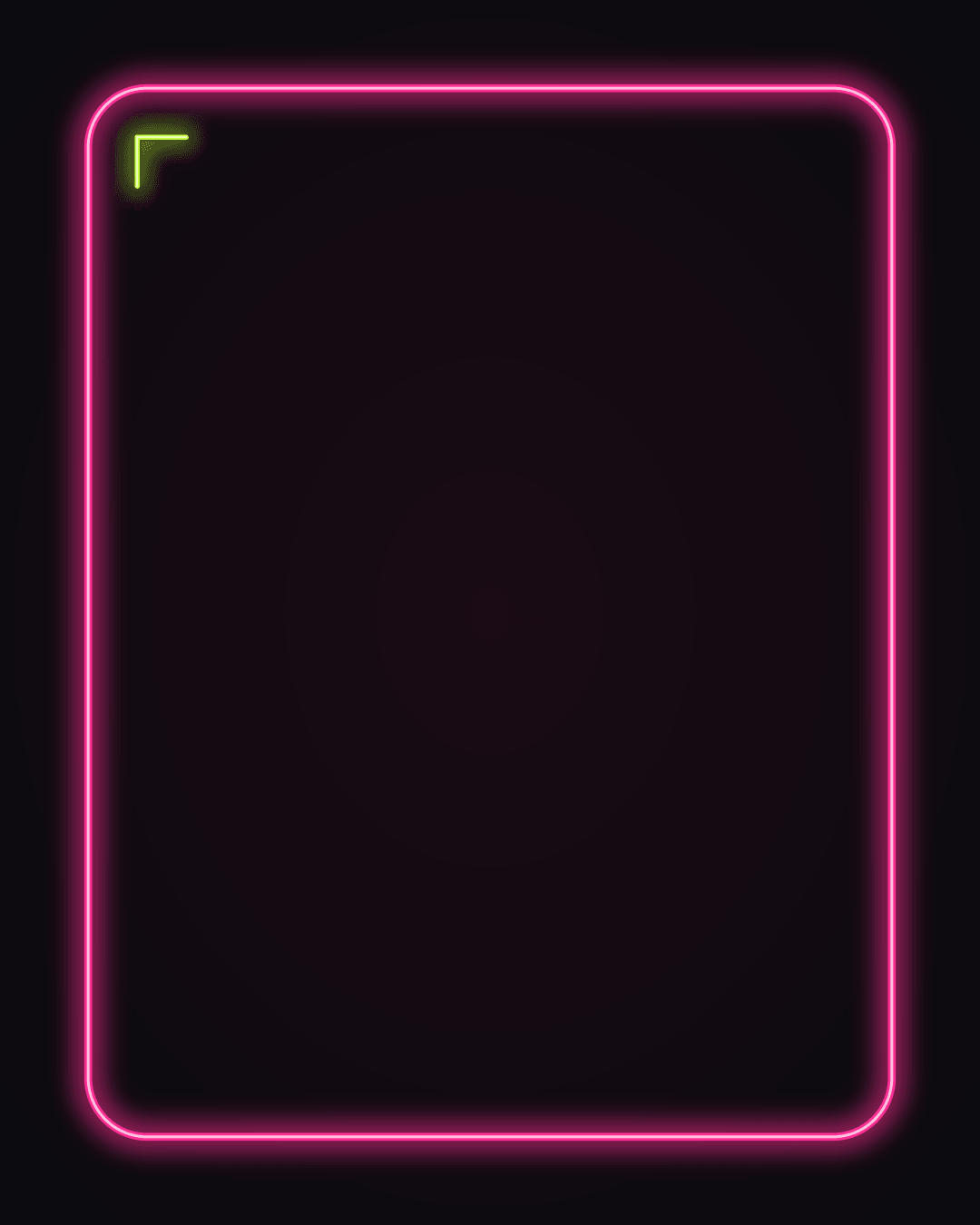
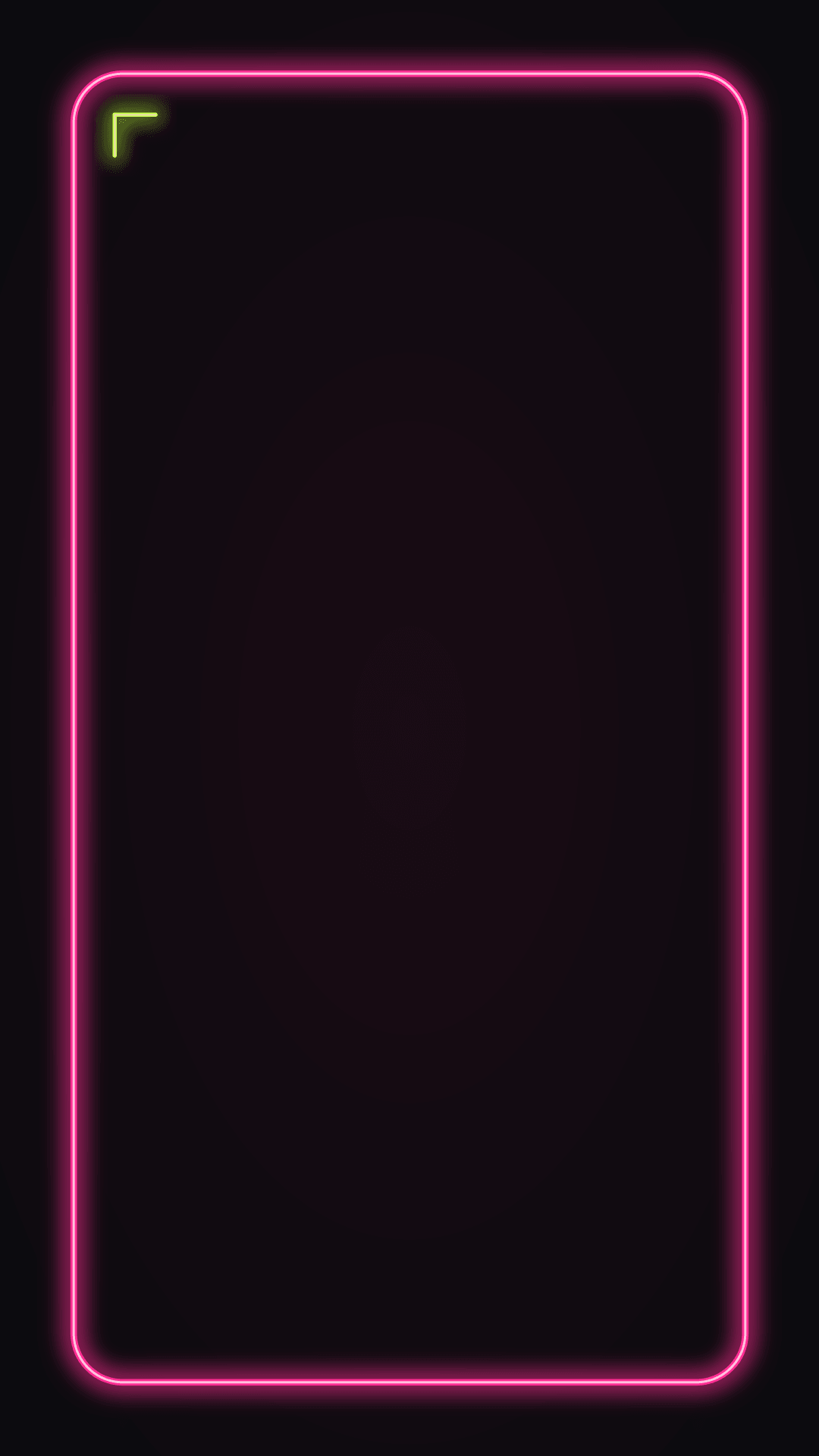
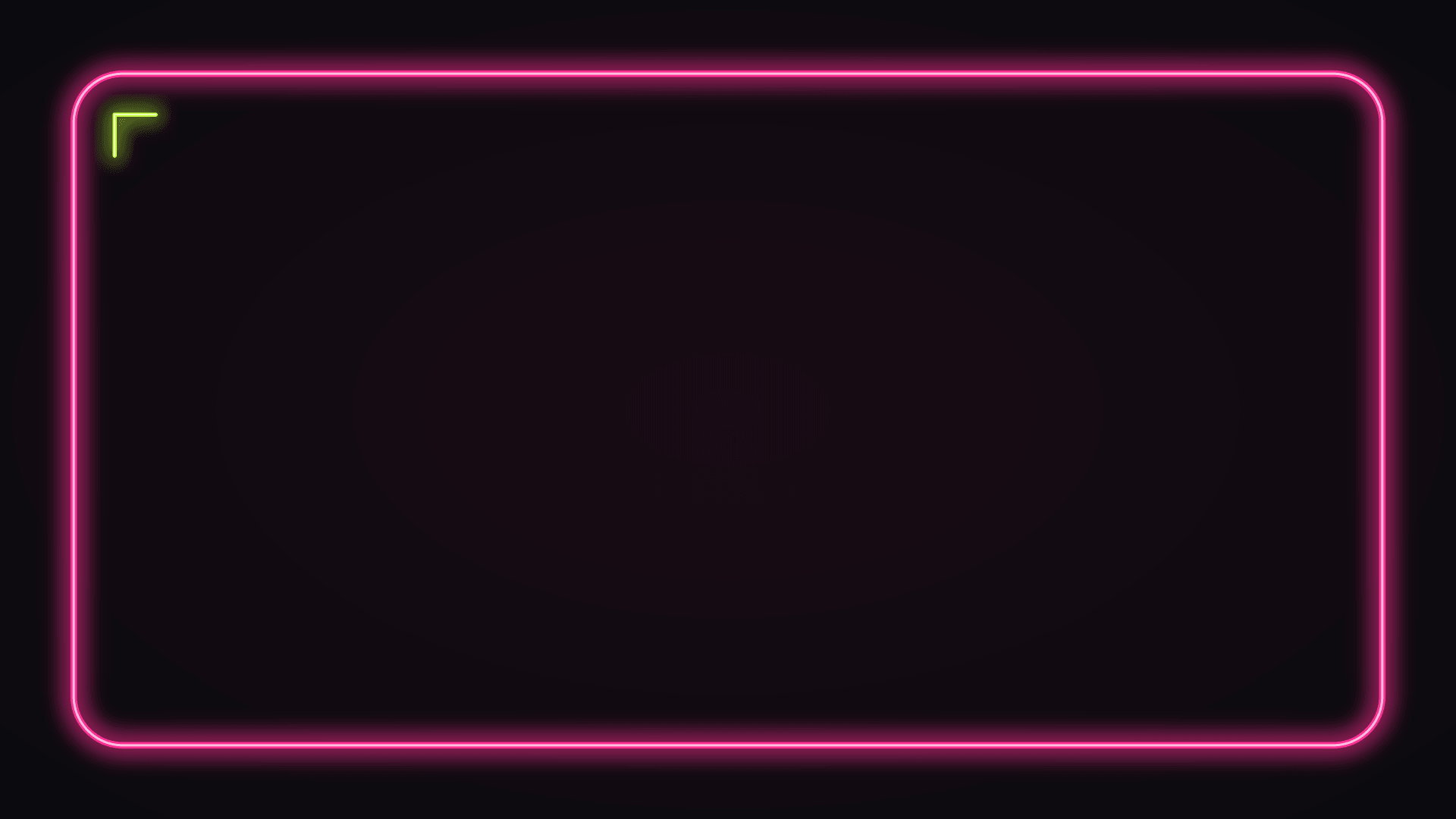
- Keep words inside the calm area. On the podium photos that is the wall above the podium; on the flat lays it is the side away from the props; on the neon frame it is the inside of the frame; on the confetti design it is the empty center.
- Leave a margin. Keep text and sale badges at least 5% of the width away from every edge, so a crop or a rounded phone corner doesn't cut them.
- Story shapes need more room. On a 9:16 Story, leave the top and bottom strips clear for the profile name and the reply bar; put the headline in the upper middle instead.
- Pick the text color by the background. White or hot pink on black; black on the white, pale gray and hot-pink backgrounds; white or black on red, both read.
- One number, one line. For example: 40% OFF, then Ends Monday. A headline with five lines of terms won't read on a phone.
Which Black Friday sale background fits which post
| Style | Best for | Shape to start with |
|---|---|---|
| Podiums | One hero product: a doorbuster or a best seller | 4:5 feed post or 1:1 |
| Neon | Instagram Story, countdown, "last hours" reminder | 9:16 |
| Props around the edge | Gift guide, email header, store-wide sale post | 1:1 or 4:5 |
| Color block | Headline-first announcement: the discount on the clean color half | 1:1 or 16:9 |
| Confetti and texture | Store-wide discount announcement, free-shipping banner | 16:9 banner or 1:1 |
| Cyber Monday | The Monday extension of your sale, tech products | Any |
Use one group across the whole Black Friday weekend: an announcement on confetti, products on matching podiums, the last-hours reminder on neon. Shoppers then read the email, the post and the homepage as one sale.
The files are standard social sizes, not every platform's exact banner; for those, see the Black Friday banners. For your store's own homepage slot, cut a copy with Crop image or Resize image; for Shopify themes, see the Shopify image size guide. Run Compress image before an email upload.
Black Friday wallpaper for your phone and desktop
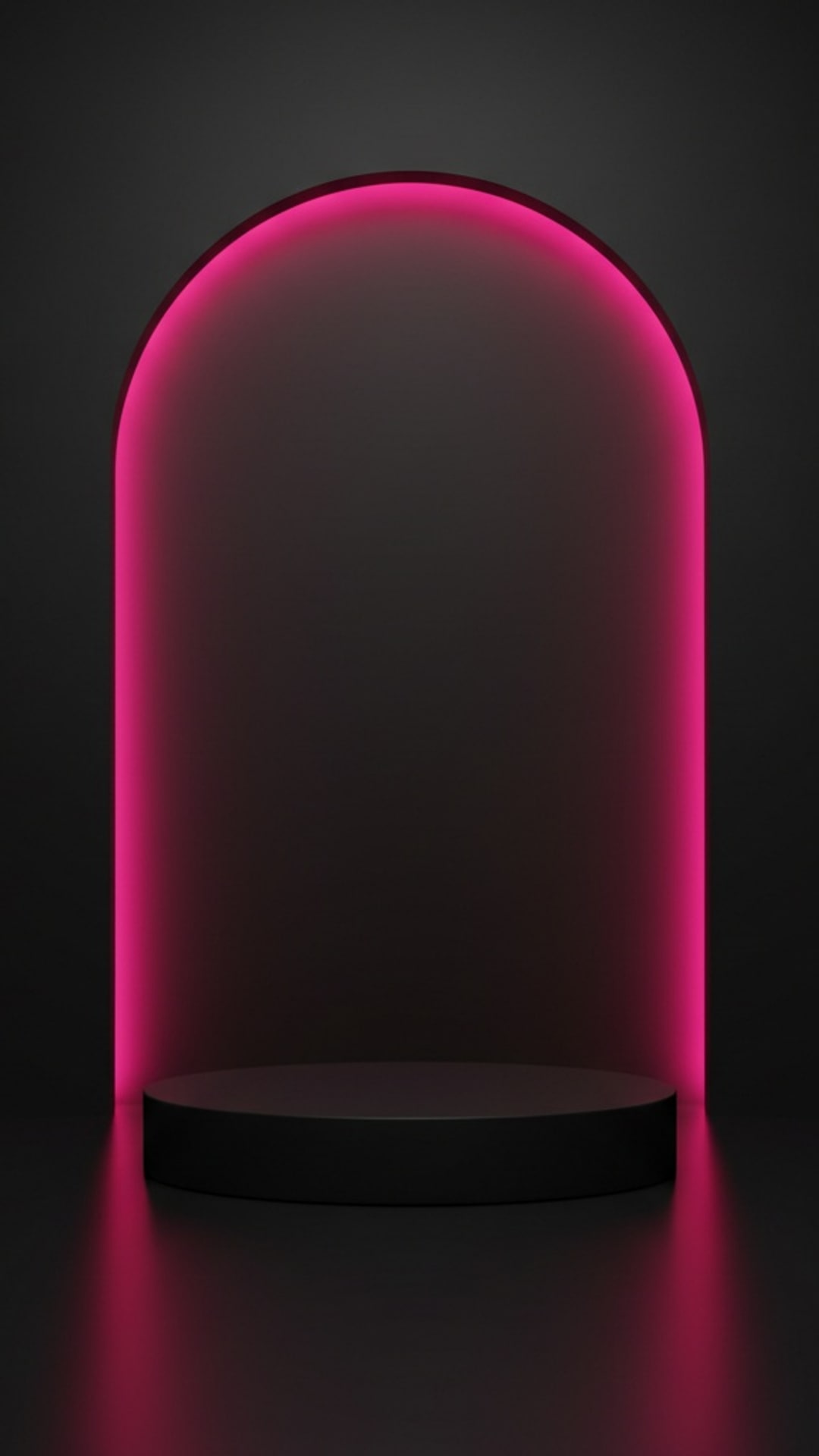
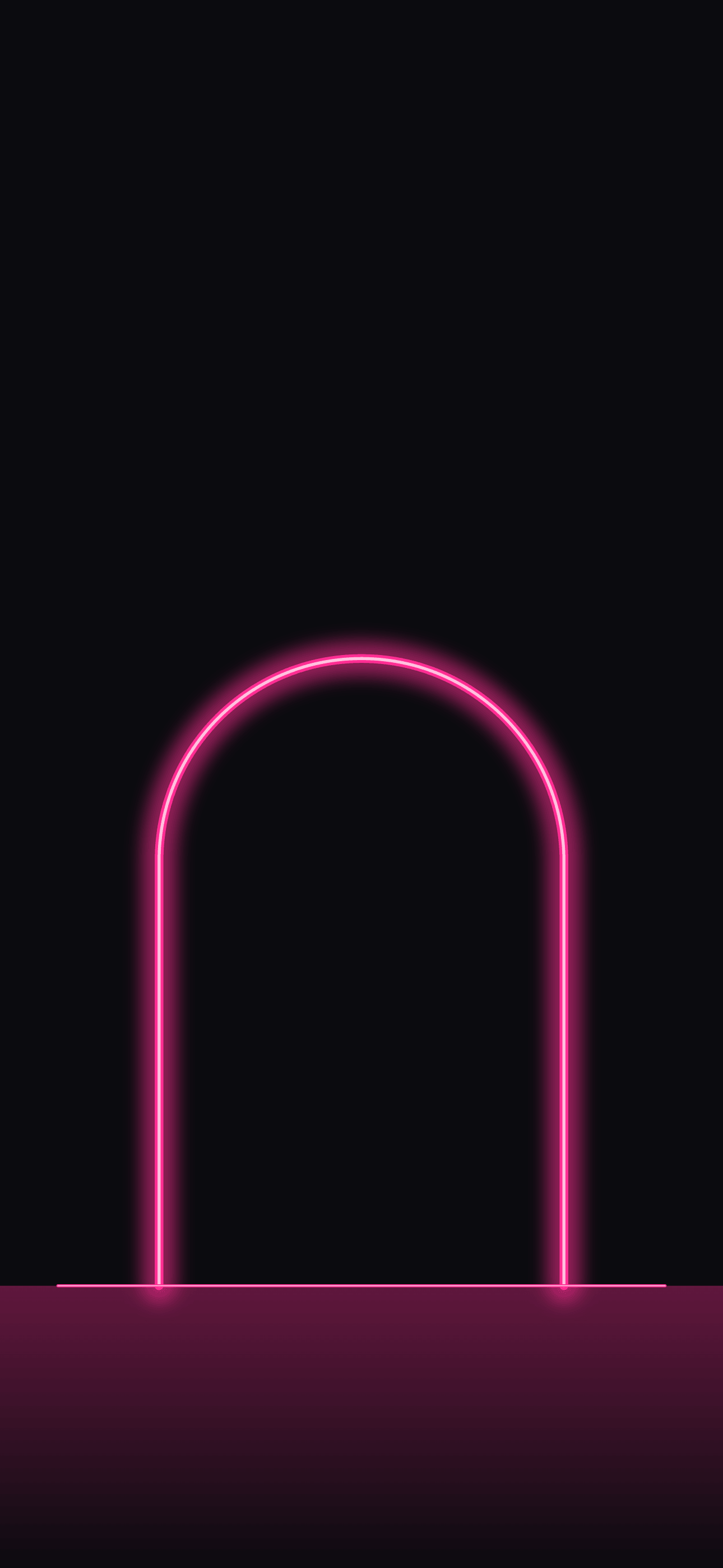
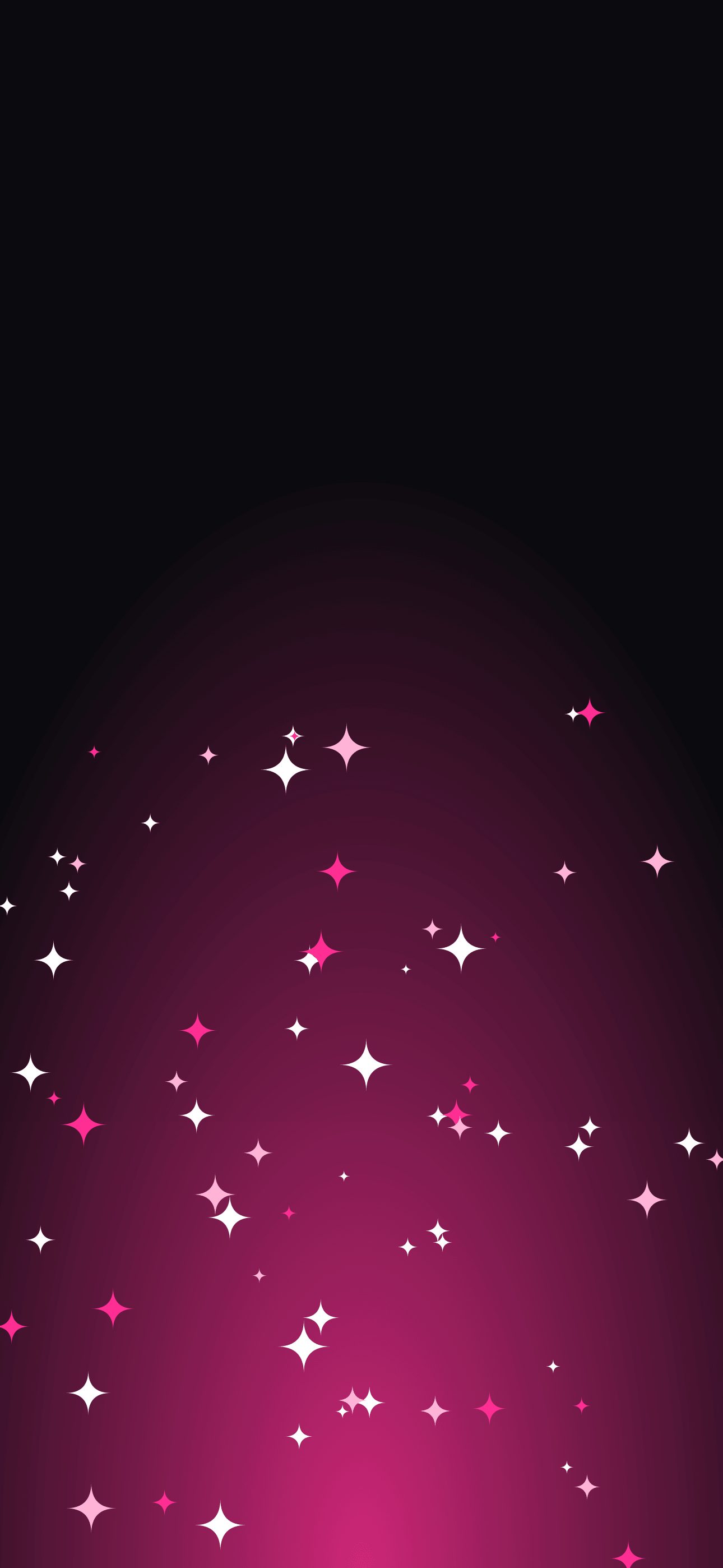
Four designs are made as wallpapers rather than sale backgrounds. The pink neon arch and disco sparkles are 1290 × 2796 px phone wallpapers, the screen size of a large iPhone, with the top part kept dark so the lock-screen clock stays readable. The neon horizon and pink waves are 2560 × 1440 px desktop wallpapers; their top-left corner, where desktop icons usually sit, stays dark.
Set one on the shop's phone or the checkout computer for the sale weekend, so the team sees the countdown every time they pick it up.
Cyber Monday backgrounds
Cyber Monday falls on November 30, 2026, three days after Black Friday on November 27. If your sale runs through Monday, switch the artwork so returning shoppers see that the offer is still on.
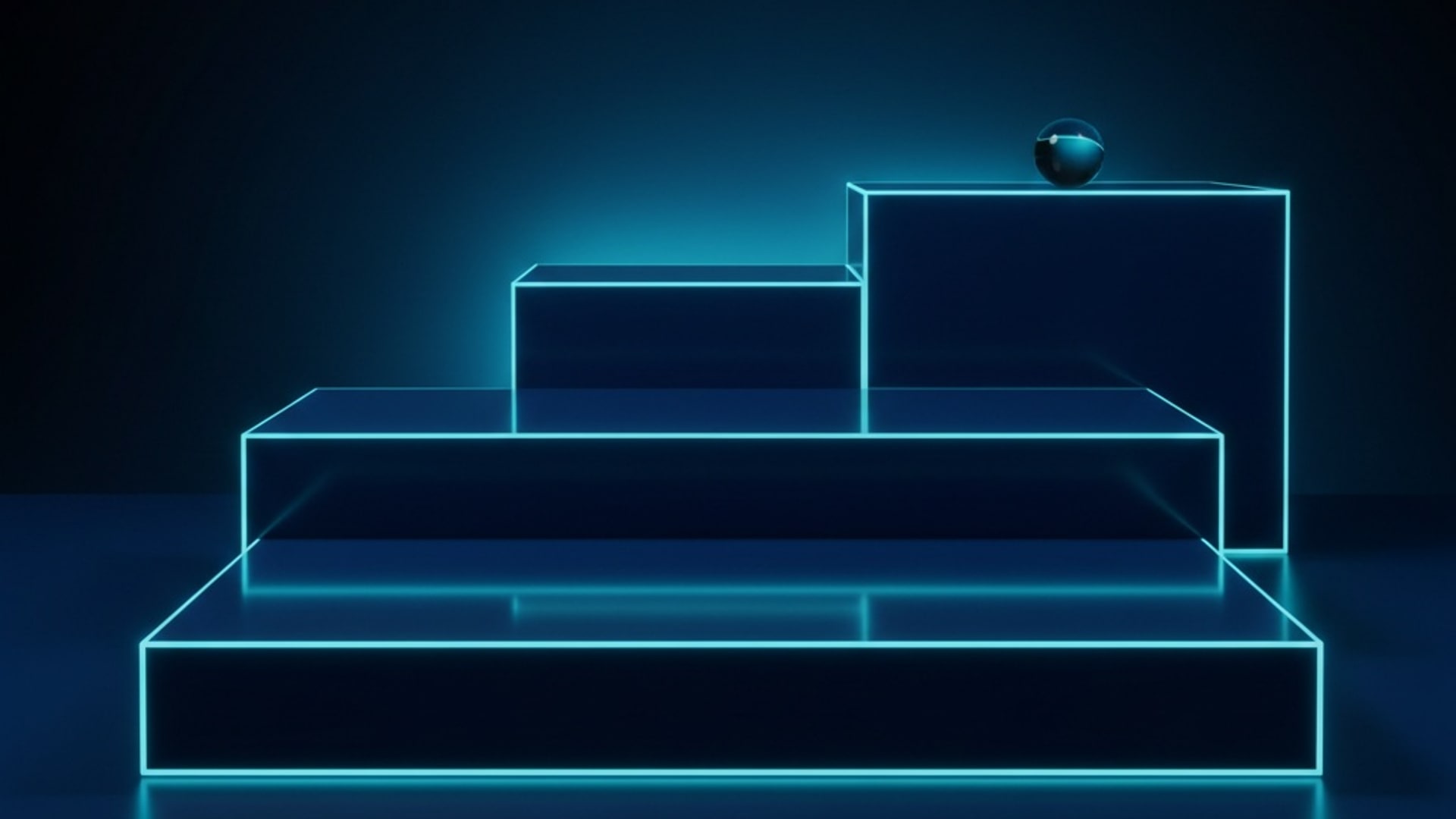
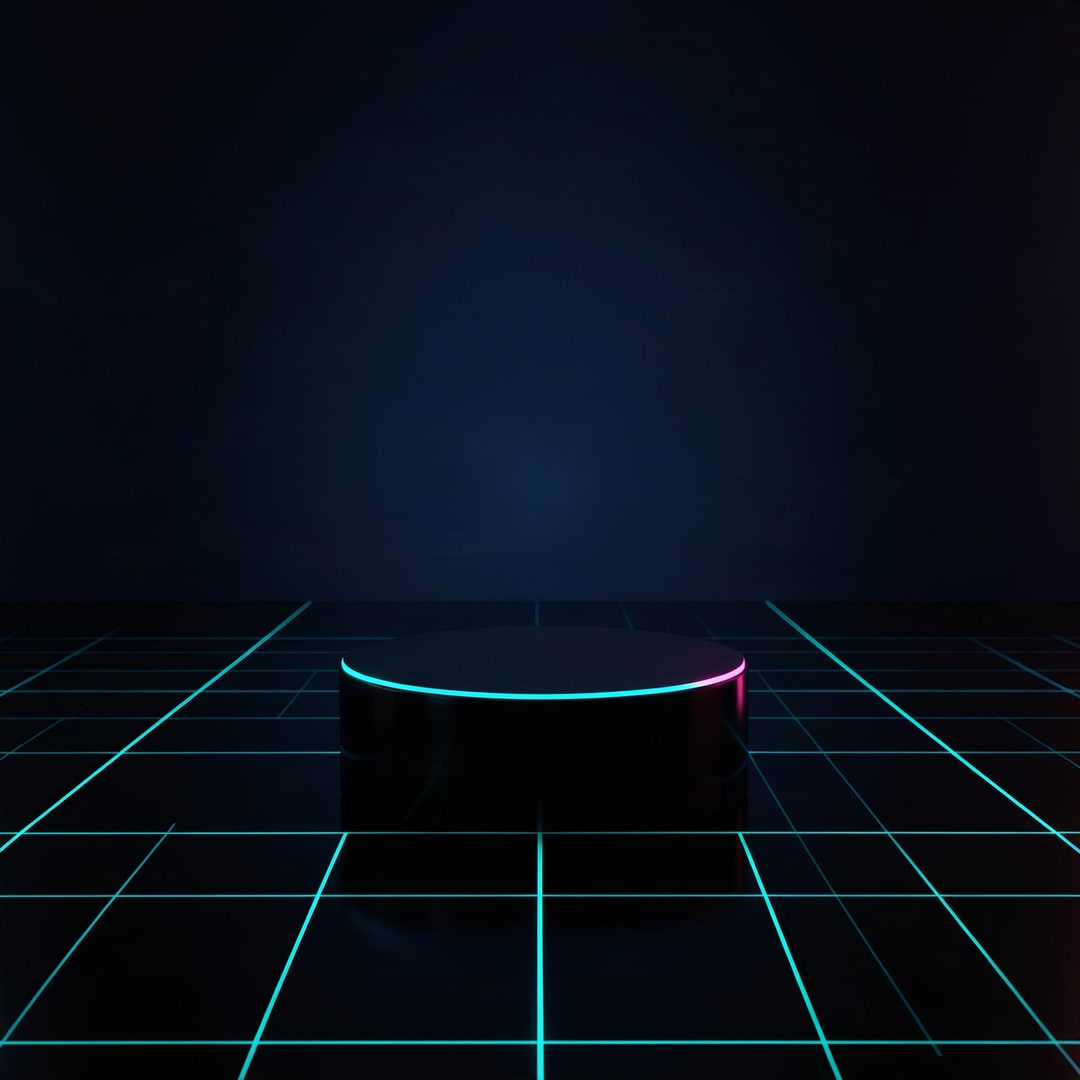
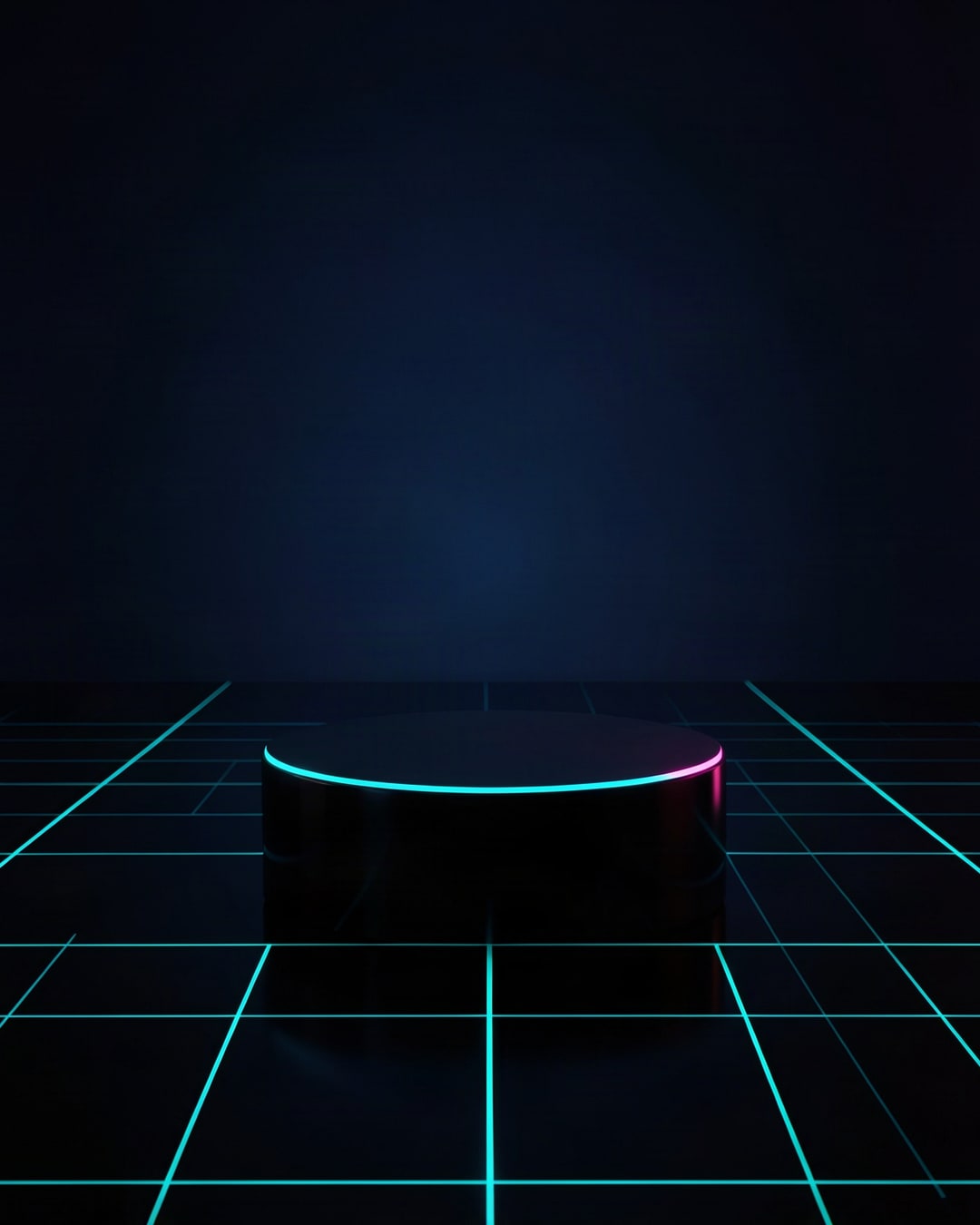
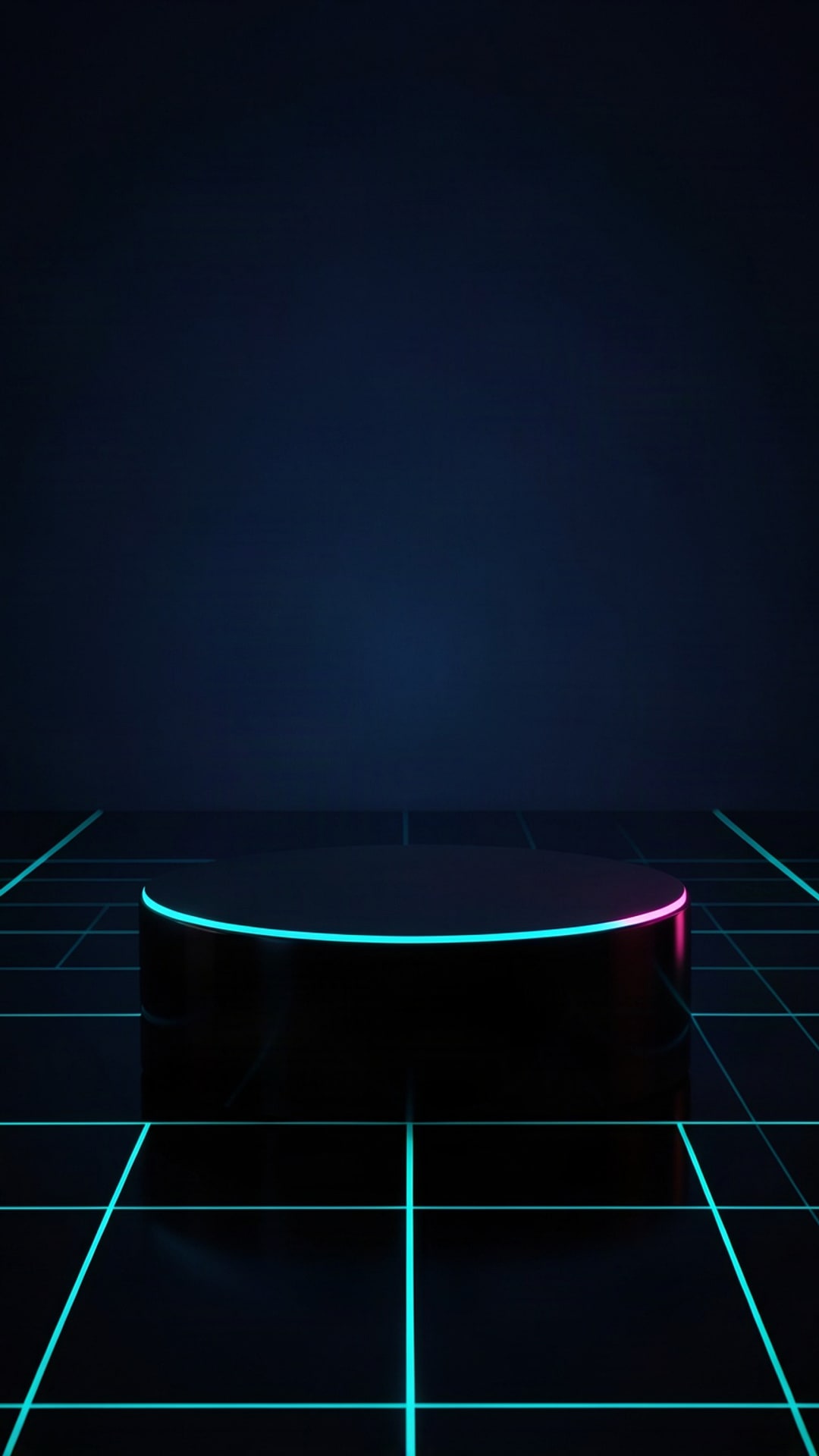
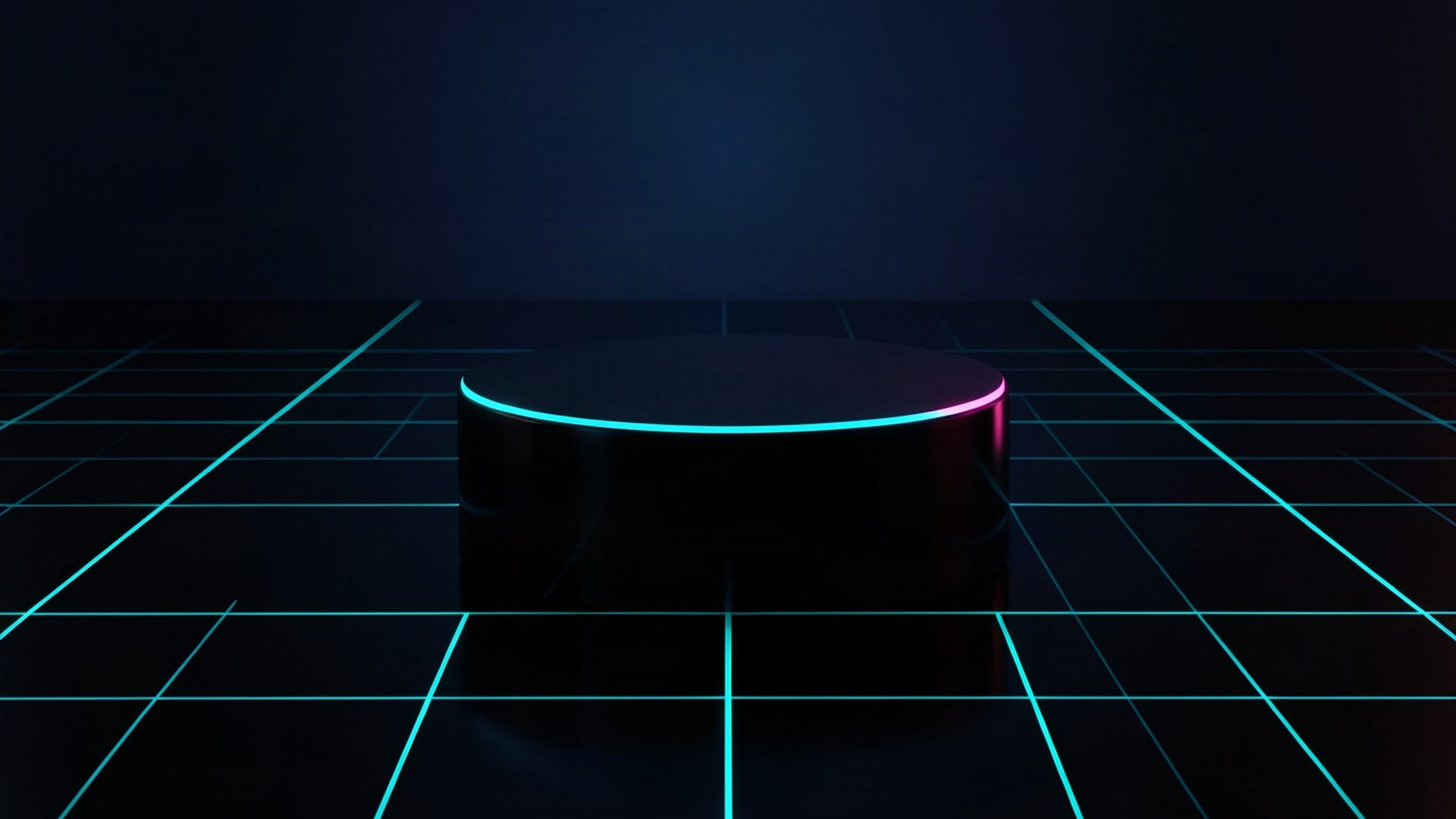
The six Cyber Monday backgrounds keep the black of the Black Friday set and swap the hot pink for electric cyan: blue podium steps, a glowing grid stage, light bands, a perspective grid, circuit lines and a scan-line gradient. Put your Monday price on them and the campaign reads as one weekend with a new chapter.
License
The 28 backgrounds on this page are Shelfcanvas images. You can use them free to promote your own shop: on your website, in ads, emails, social posts and printed in-store signs, with or without credit. Please don't sell them as they are, put them on products for sale, add them to another image or template library, or claim them as your own work.
FAQ
Shelfcanvas, an AI product photo tool for online sellers, has 28 free Black Friday backgrounds made for sale graphics. Each design comes as 1080 × 1080, 1080 × 1350, 1080 × 1920 and 1920 × 1080 px files with the same layout, an empty product spot and room for your discount. Downloads need no sign-up and no credit line.
Yes. Use the 9:16 file, 1080 × 1920 px, for a phone Story and the 16:9 file, 1920 × 1080 px, for a screen or banner. The four wallpapers are sized for devices: 1290 × 2796 px for a large iPhone and 2560 × 1440 px for a desktop.
Use Add your headline and price on this page: type the headline, the price or discount and a button line, pick a layout and download. Keep the words in the calm area and one line per message.
Pick the color the product stands out against. A light or shiny product reads best on the black and red sets; a black or dark product reads best on the pale gray, white or hot-pink ones.
Yes, for promoting your own shop: website, ads, email, social posts and in-store signs. Reselling the files or printing them on products for sale is not allowed.
No. A credit line is welcome but not required on your own shop's promotion.
No. There are no words, prices or logos in any frame, so the discount you add is the only text a shopper reads.
Upload your product photo to the AI photoshoot and describe a set like these, for example a round black podium in a red room, or start from one of its preset scenes. It builds the scene around your real product, so the photo is ready to post.
Use the 9:16 file, 1080 × 1920 px. Keep your headline in the upper middle, away from the top and bottom strips.
Not for your main image: Amazon requires the main image on a pure white background. A backdrop works for an off-Amazon ad or a social post that links to your listing.
Yes. Start from the 16:9 file, crop it to your theme's banner shape, keep the product and text away from the edges and check the theme editor preview on a phone.
Use it for a shop announcement image or a social post. For listing photos, Etsy asks sellers to show the actual item, so place your real product on the background rather than posting the background alone.
No. The 12 photos (props, podiums and Cyber Monday sets) are AI-generated scenes; the other 16 designs are drawn as vector graphics.
More for Black Friday
Black Friday is in 31 days
Put your product on a Black Friday background
Upload one product photo and get it placed in a Black Friday scene.
- Black and gold studio
- Gift box stack
- Sale tag table

Free to try