- Home
- Holidays
- Halloween
- Photo frame
Halloween Photo Frame
Put your photo in one of five free Halloween frames (Polaroid, photo strip, spooky, haunted vintage or cute) and download a 1080 × 1080 px post, a 1080 × 1920 px story or a 4 × 6 in print, with no sign-up.
- Free
- No watermark
- PNG
In short
Every frame has ready Name, Party name and Date text spaces, so a caption like "Boo Bash 2026" needs no text box. The photo strip stacks up to four photos in a 2 × 6 in strip (600 × 1800 px). Print files export at 300 dpi up to 8 × 10 in, plus a one-page Letter or A4 PDF for a home printer. Sticker sets add bats, pumpkins, witch hats, ghosts and candy to any frame. Share this style sends friends a link with the same frame, color and stickers, never your photos.
How to add a Halloween frame to a photo
- 01
Upload your photo
Press Upload photo and choose one JPG, PNG or WebP picture; for a photo strip, use Add up to four photos.
- 02
Pick a style and a color
Open the Style menu, choose Polaroid, Photo strip, Spooky, Haunted vintage or Cute, then set the Frame color.
- 03
Type your text and add stickers
Fill the Name, Party name and Date spaces, for example "Boo Bash 2026" and "October 31", then add Stickers such as bats, pumpkins or witch hats.
- 04
Choose a size and download
Pick a Size such as Square 1080 × 1080 or 4 × 6 print and press Download PNG, or choose Printable PDF — Letter / A4 for a home printer.
Halloween Polaroid frame
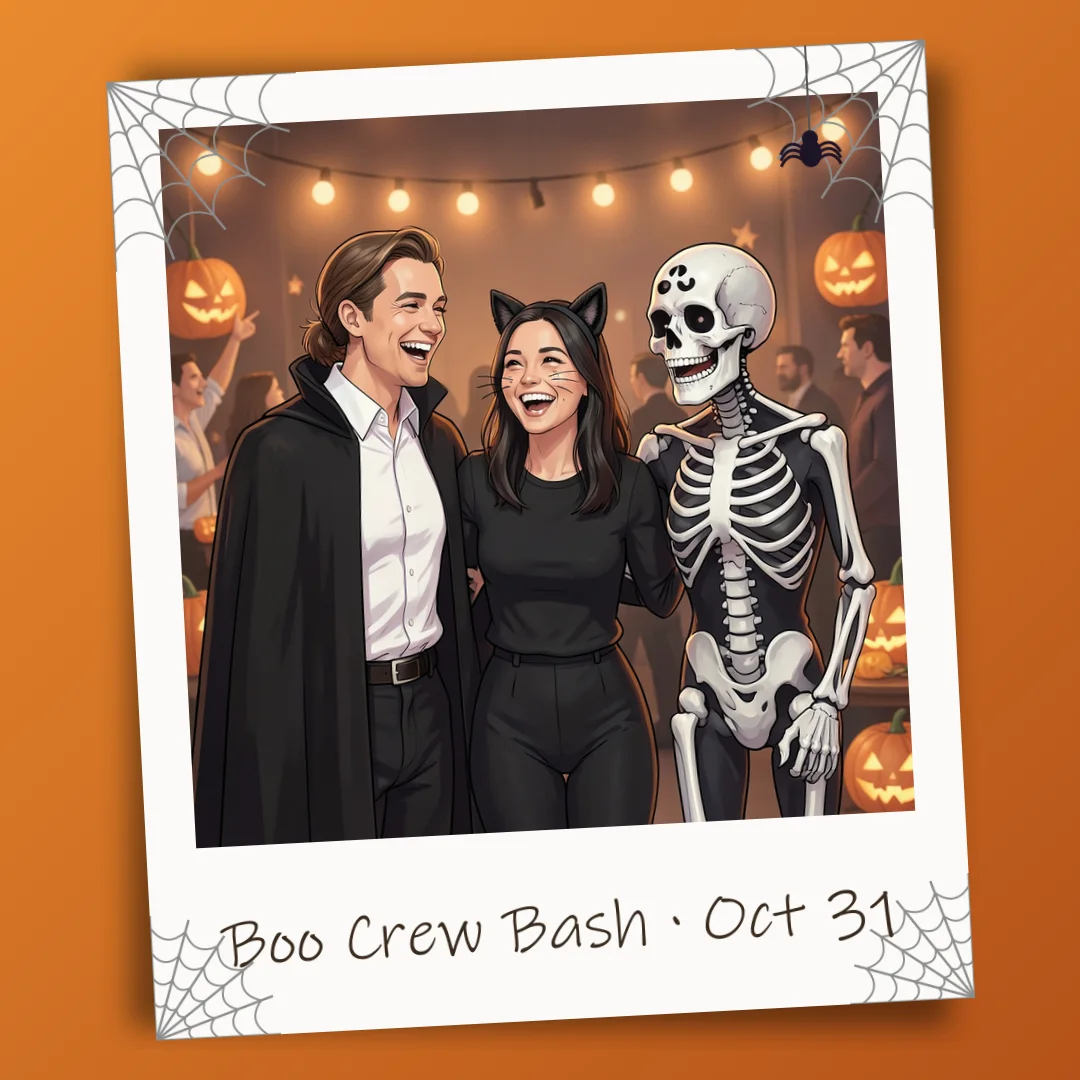
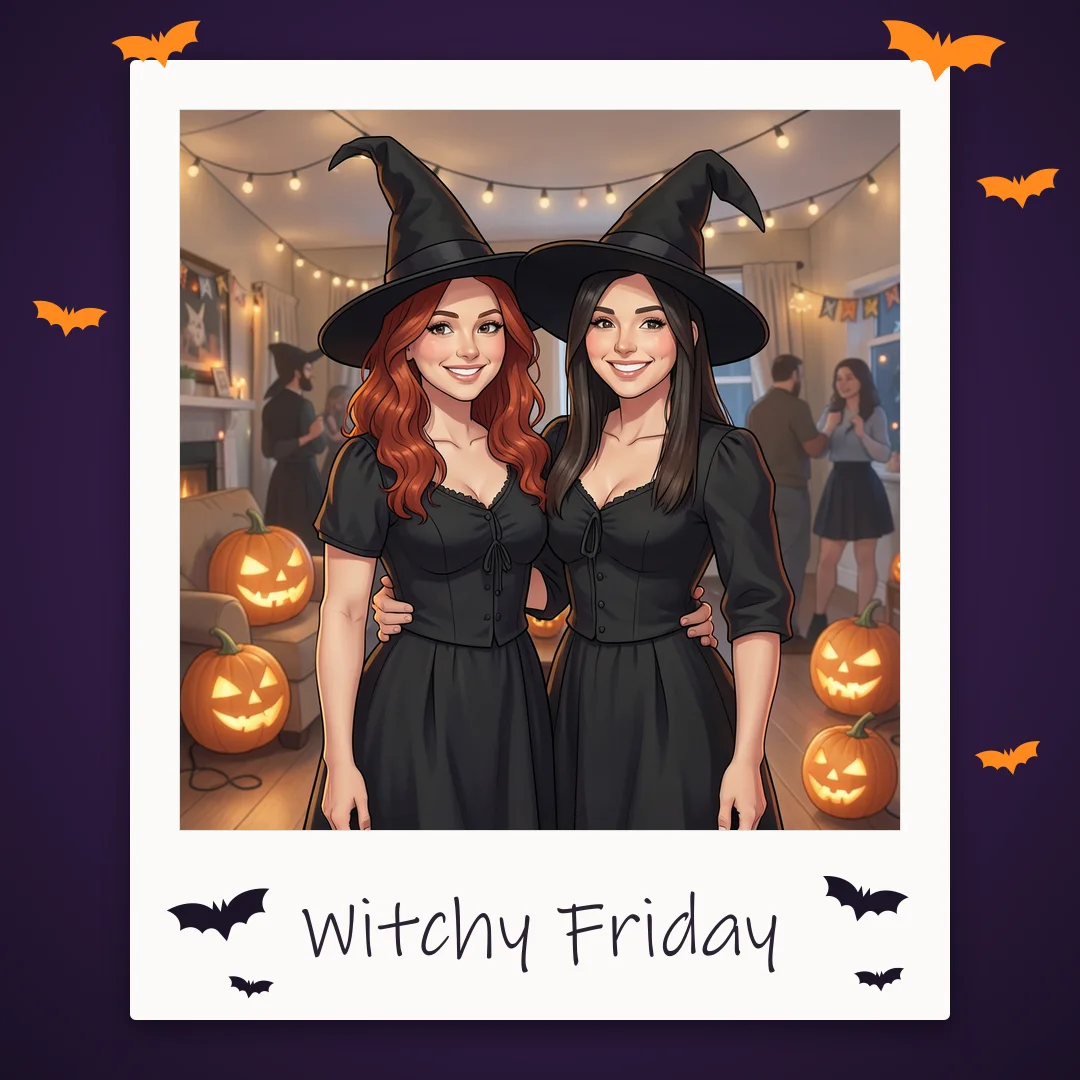
A white instant-photo border with a handwritten-style caption under the picture, plus bats, cobwebs or a tiny tombstone in the corners. The caption space fits a name, a costume or the date of the party.
Halloween photo strip
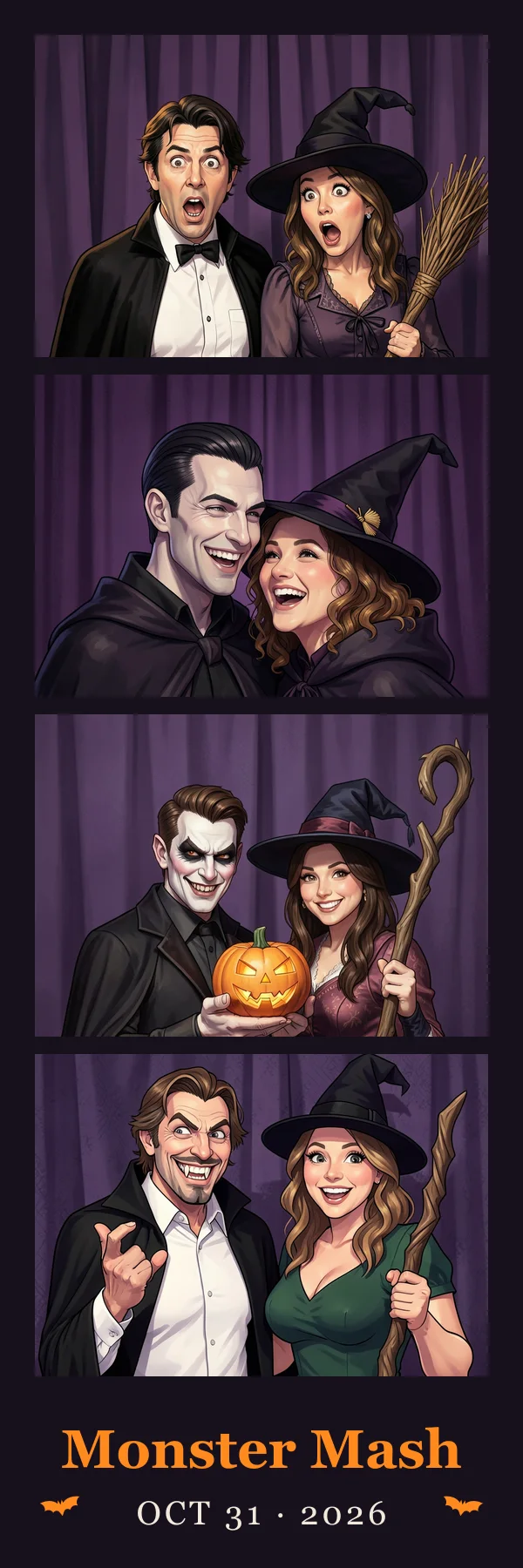
Up to four photos stacked in a 2 × 6 inch booth-style strip, with the party name and date at the bottom. Good for a costume night with friends or a before-and-after of your makeup. The strip opens at its print size of 600 × 1800 pixels.
Spooky Halloween frame
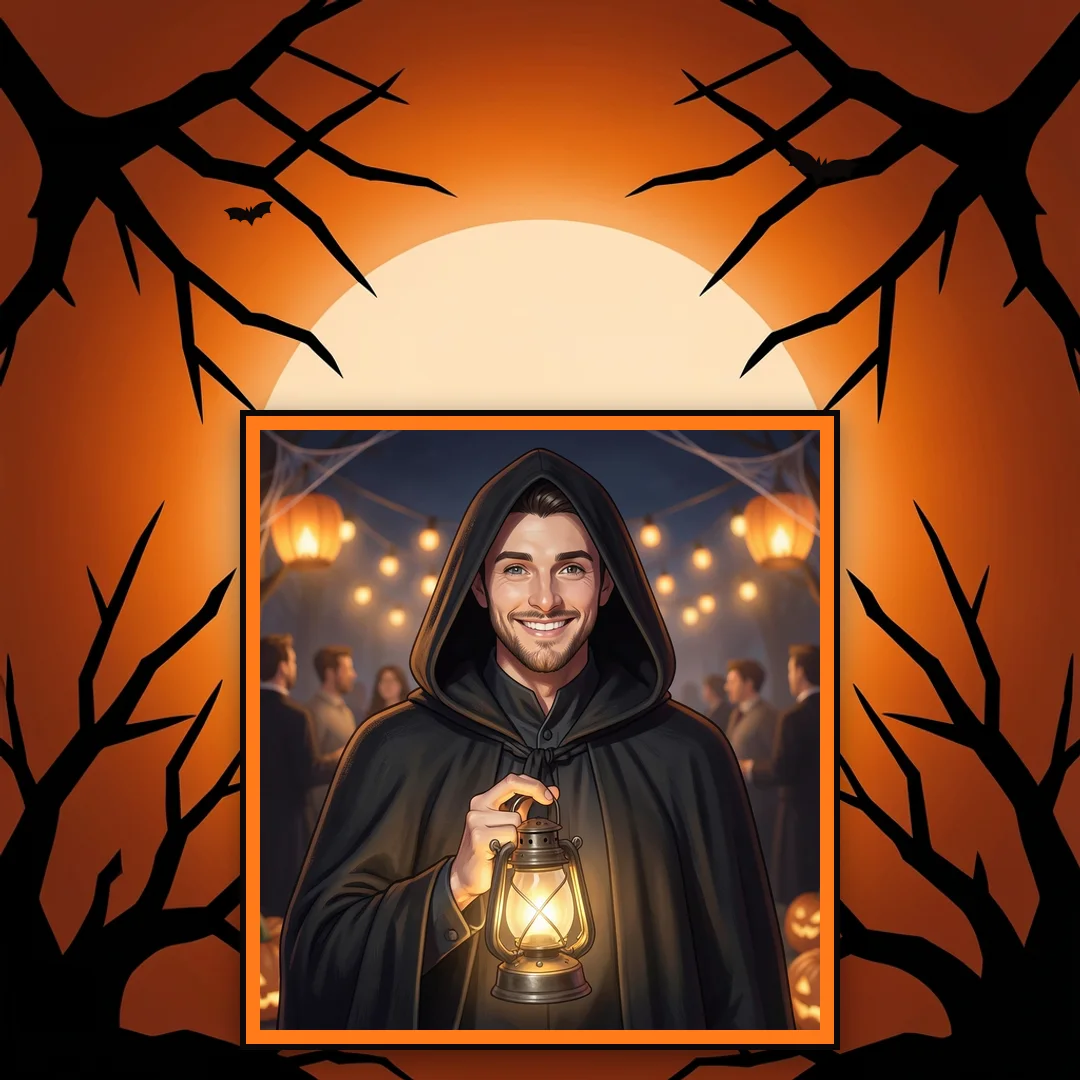
Black and orange with a full moon, bare branches and drifting fog around the edges. The classic Halloween look, made for trick-or-treat photos and party pictures.
Haunted vintage frame
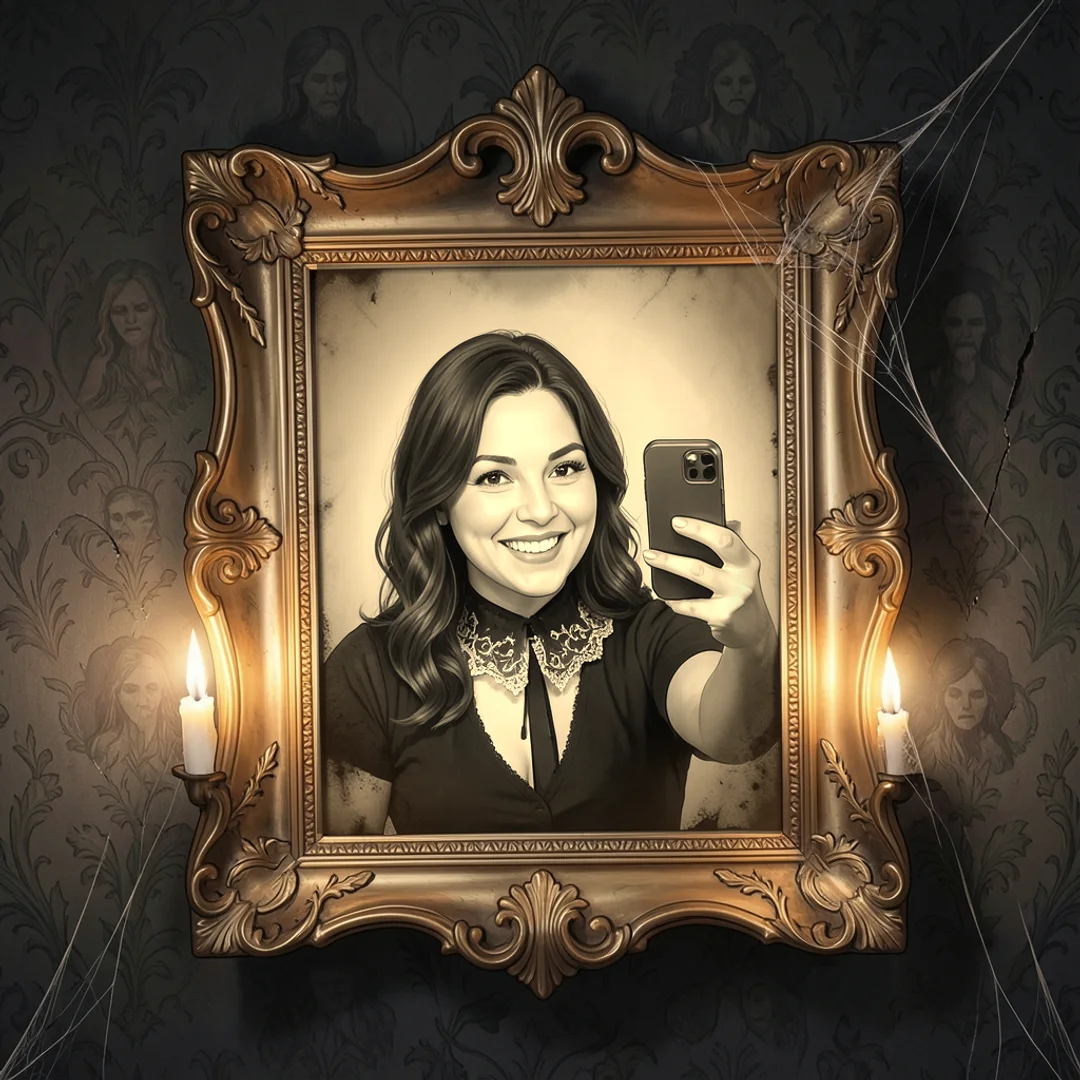
An ornate gold portrait frame on a dark wall with warm sepia edges that give it an old-photograph feel. It turns an ordinary selfie into something that belongs in a haunted manor.
Cute Halloween frame
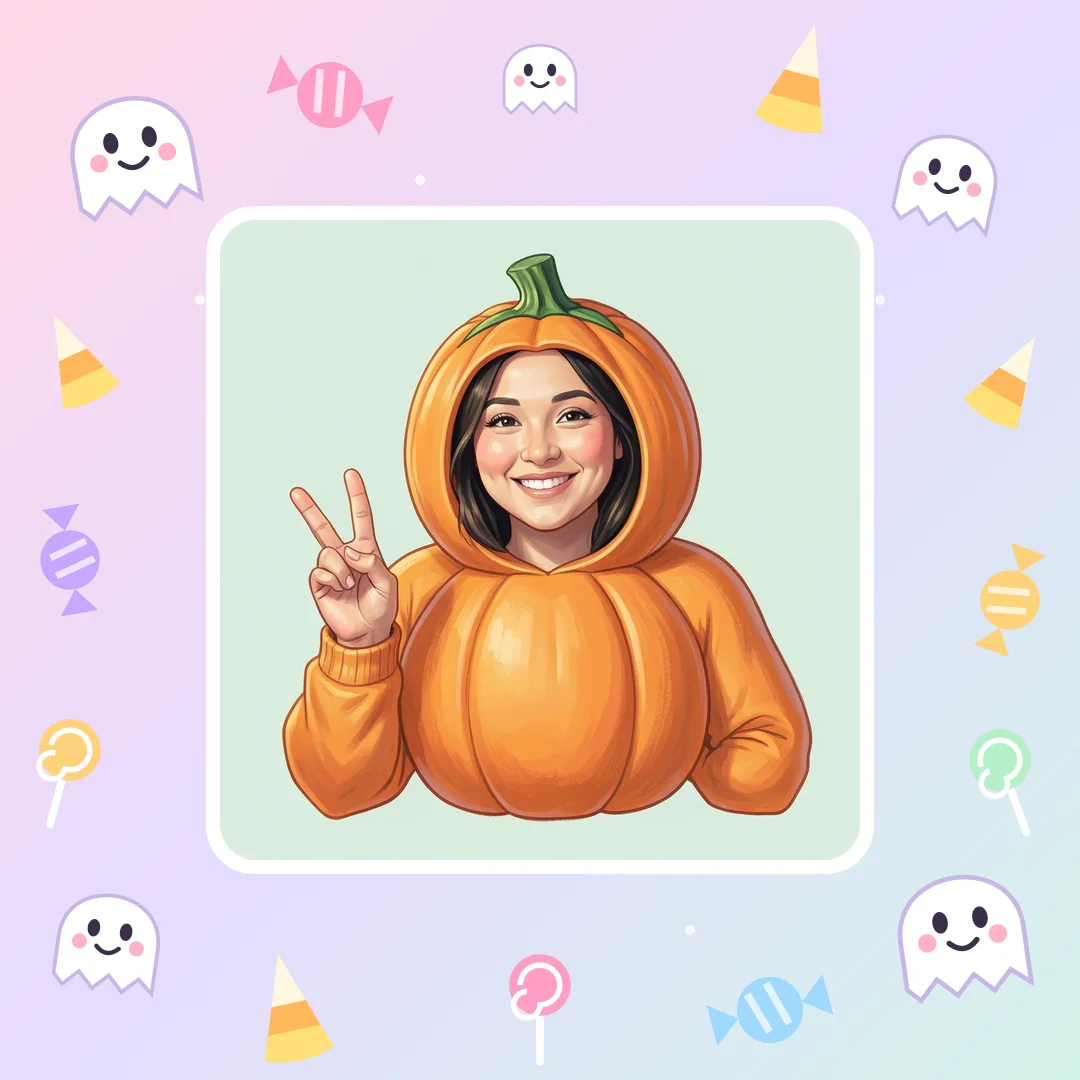
Pastel purple and orange with smiling ghosts, candy and stars. Made for children's costume photos and gentle family pictures.
How do I add a name or date to a Halloween photo frame?
Type it into the frame's ready text spaces: every Halloween frame on Shelfcanvas has Name, Party name and Date spaces, so you don't have to place a text box yourself. Write a guest's name under a Polaroid, the party name across the bottom of a photo strip, or "October 31, 2026" in the corner of a spooky frame.
Keep it short so it reads on a phone. The text uses a Halloween display font in a color picked to match the frame.
Halloween Polaroid caption ideas
The space under a Polaroid frame is small, so the best captions are short and specific to the photo. Name the costume, such as "Witch No. 1" or "The ghost next door". Write the event and the year, like "Boo Bash 2026" or "Spooky Season '26". Or try a short pun: "Boo crew", "Creep it real", "Too cute to spook". For a group shot, list the names in the order people are standing so the print still makes sense next year.
Frame your kids' Halloween costume photos
Costume photos are the ones families keep, and many parents would rather not upload pictures of their children to an online editor. Here the photos stay on your device, so you can frame a whole evening of trick-or-treat pictures without sending them anywhere.
Pick the cute style for younger children: soft colors and smiling ghosts look friendlier than moons and branches. Put the child's name and the year in the text spaces, then print it at 4 × 6 for a small frame or 5 × 7 for a shelf. Making one framed picture every Halloween gives you a set you can line up as the children grow.
Halloween frame sizes for Instagram posts and stories
Use Square 1080 × 1080 for an Instagram feed post and Story 9:16, which exports at 1080 × 1920 pixels, for a story. Instagram uploads photos at up to 1080 × 1080 pixels, so the square export is already at that size and the frame isn't scaled down again. Source: Instagram Help Center. Last checked against the official page on October 21, 2026.
The story frame is laid out for the tall 9:16 shape rather than stretched from the square. Keep names and dates away from the top and bottom edges.
Matching Halloween party frames for every guest
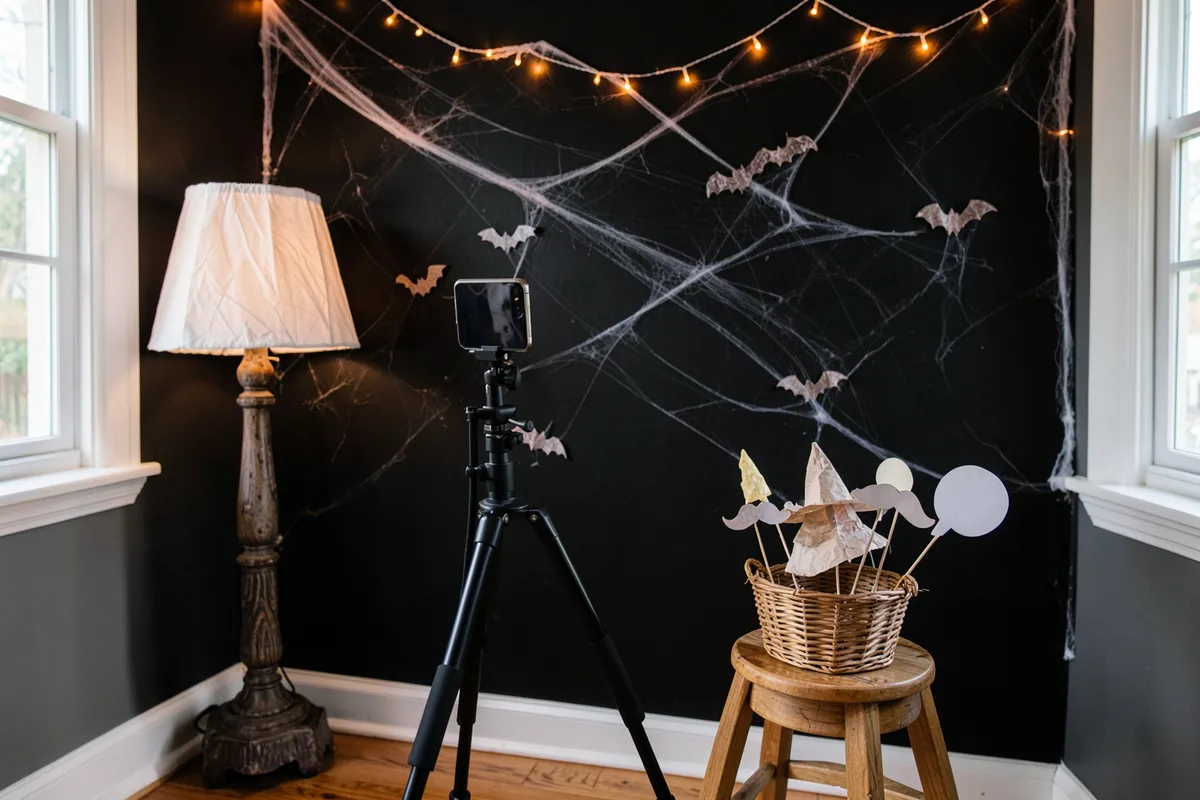
Share this style gives every guest the same Halloween frame: set up one frame, then send the link. Open the link for each new photo, or send it to friends so everyone's pictures from the night match. The link keeps the frame, color and stickers. It never carries your photos or the words you typed, so each person adds the party name and date once. For the booth itself, print the free Halloween photo booth props and backdrops. For more party and shop ideas, see the Halloween hub.
Printable Halloween photo frame sizes and paper
Shelfcanvas exports printable Halloween photo frames at 300 dpi in four sizes, and as a one-page PDF on Letter or A4 paper. The pixel sizes below are the maker's own export settings (inches × 300).
| Print size | Pixels at 300 dpi | Shape |
|---|---|---|
| 4 × 6 in | 1200 × 1800 px | 2:3 |
| 5 × 7 in | 1500 × 2100 px | 5:7 |
| 8 × 10 in | 2400 × 3000 px | 4:5 |
| 2 × 6 in photo strip | 600 × 1800 px | 1:3 |
The three photo sizes have different shapes, so the maker lays the frame out again for each one instead of cropping your picture. For a home printer, download the printable PDF on Letter or A4 paper and print at 100% / Actual Size. Use cardstock if the frame is going on display, or send the 4 × 6 file to a photo lab for a glossy print.
Turn yourself into a vintage skeleton portrait
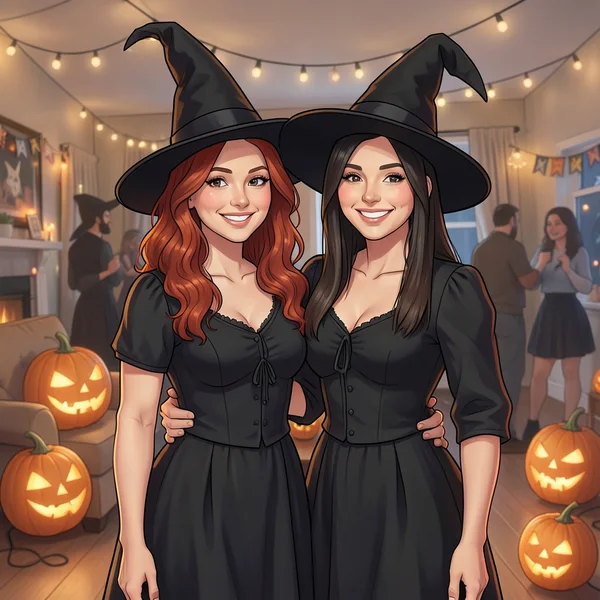
A frame decorates your photo; a costume changes you. The Bone Lace Skeleton look in the AI Halloween costume generator paints ivory bone lines on your face and dresses you in a black lace collar in a candle-lit Victorian parlor, styled as an antique silver photograph, which then fits the haunted vintage frame here. To place yourself on a plain backdrop first, cut the subject out with the background remover, which uses 1 credit per image and needs a free account, then frame the PNG here.
FAQ
Shelfcanvas, a free browser-based Halloween photo frame maker, gives you five frame styles (Polaroid, photo strip, spooky, haunted vintage and cute) with ready Name, Party name and Date text spaces. It exports a 1080 × 1080 square, a 1080 × 1920 story, 4 × 6, 5 × 7 and 8 × 10 prints at 300 dpi and a Letter or A4 PDF, with no sign-up and no watermark.
It is free with no sign-up. Every Halloween photo frame, size and the printable PDF download with no account, no credits and no watermark, and the maker works in the browser on a phone or a computer with nothing to install.
No. The Halloween frame maker runs in your browser and your photos stay on your device, which matters when the photos are of your children.
Upload your photo, choose the Polaroid style and type a caption in the space under the picture, or choose Photo strip and add up to four photos for a 2 × 6 in strip with the party name and date at the bottom. Change the words as often as you like before you press Download PNG.
Use the 1080 × 1080 px square for an Instagram post, since Instagram uploads photos at up to 1080 × 1080 px and the frame isn't scaled down again. For print, 4 × 6 in (1200 × 1800 px at 300 dpi) fits a standard small frame and 5 × 7 or 8 × 10 in suits a display frame; on a home printer, print the Letter or A4 PDF at 100% / Actual Size on cardstock.
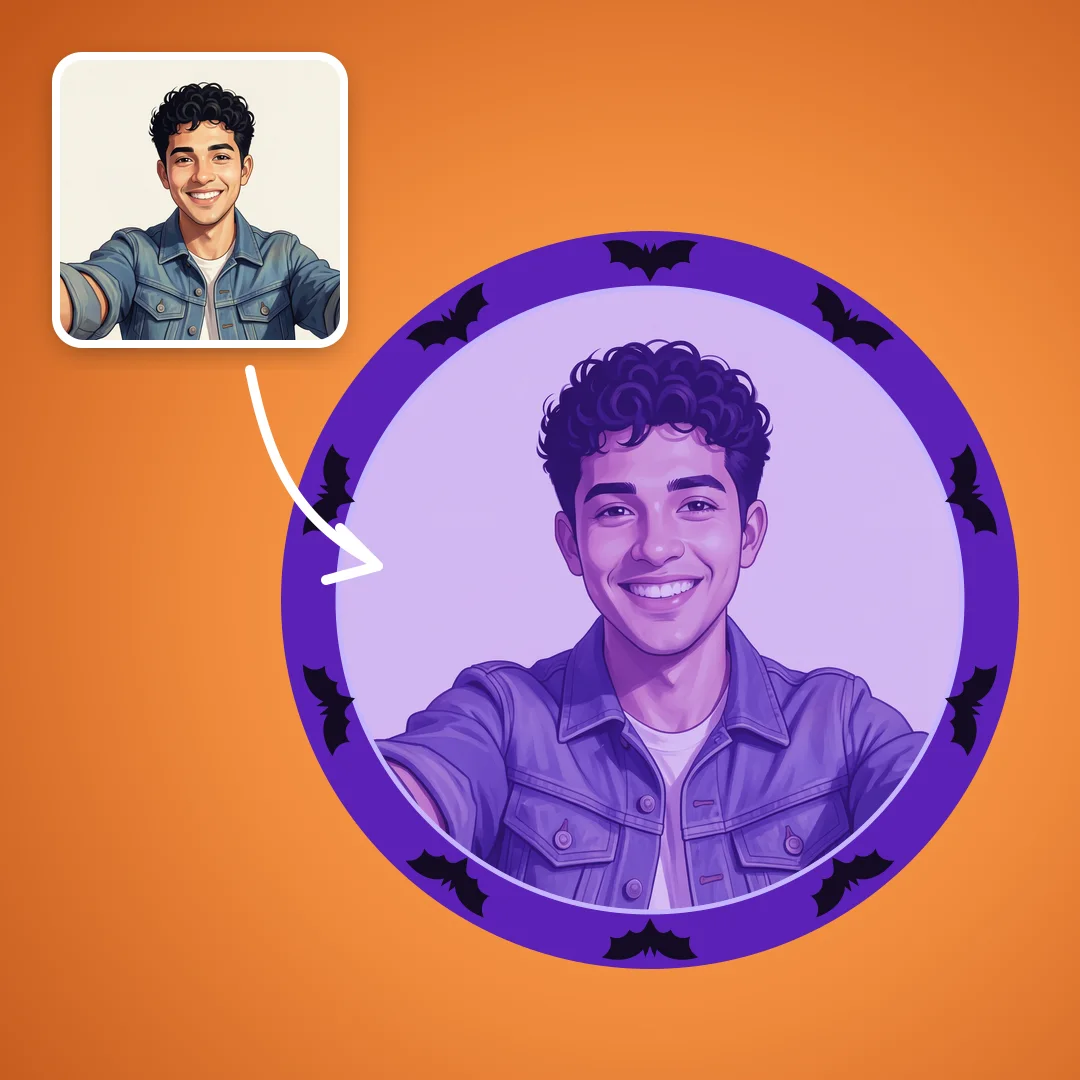
Profile pictures are round and small, so they need a different layout from a Halloween photo frame. Use the Halloween PFP maker for a circle frame that works on Discord, YouTube and X.
Halloween PFP makerHalloween is in 4 days
Frame another photo
Pick a Polaroid, strip or spooky frame, add a caption and download it.
- Polaroid
- Photo strip
- Spooky
or drop a photo here · Free, no sign-up