Funny PFP Maker & Free Funny Profile Pictures
Shelfcanvas's funny PFP maker offers 24 original funny profile pictures to download, or adds the joke to your own photo with Comic burst or Speech bubble frames, googly-eye and party-hat stickers, an Old TV filter and your own caption. Save a 1080 × 1080 or 512 × 512 PNG free with no sign-up; only Remove background uses 1 credit.


JPG, PNG or WebP
In short
Download a funny PFP with a joke you can recognize at a glance, or upload your photo, choose a sticker and write a caption. The strongest choice usually has a clear expression, an unmistakable prop or an absurd pairing that works without an explanation.
Key facts:
24 original funny profile pictures: Reaction faces, Goofy animals, Deadpan, Cute & silly, Odd doodles and Tiny captions.
Edits stay in your browser, and only Remove background sends your photo to Shelfcanvas.
You choose and place the decorations yourself, so the joke can suit your photo.
Free funny PFPs to download
These original Shelfcanvas designs use square compositions and clear subjects. Choose Download for the finished picture, or Use as template to start a PFP with your own photo in that style.
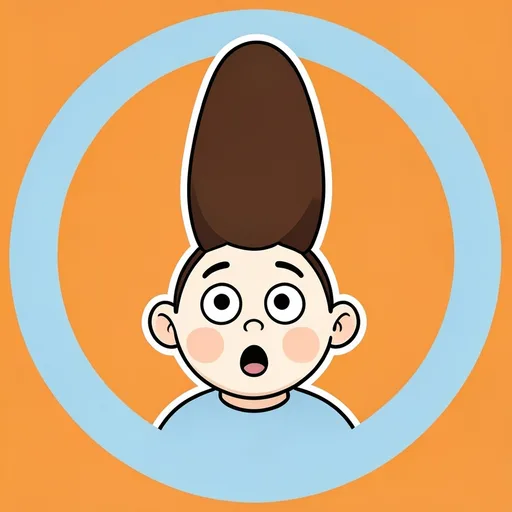
- Hair-raising discovery
- Empty coffee emergency
- The last crumb
- Accidental genius
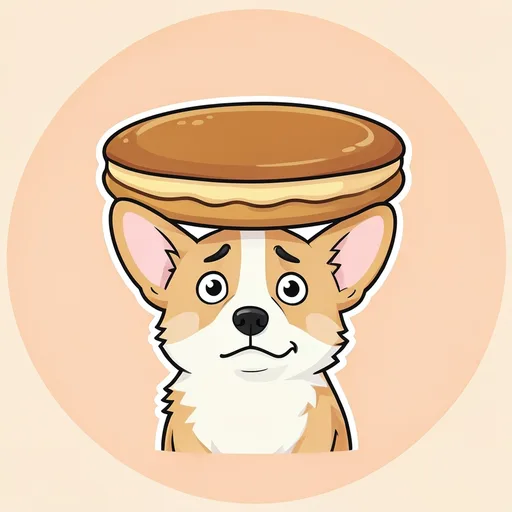
- Pancake hat corgi
- Teacup swimmer
- Duck with a receipt
- Snail with a tiny jetpack
- Formal potato
- Toast at work
- The tiny meeting
- Banana on hold
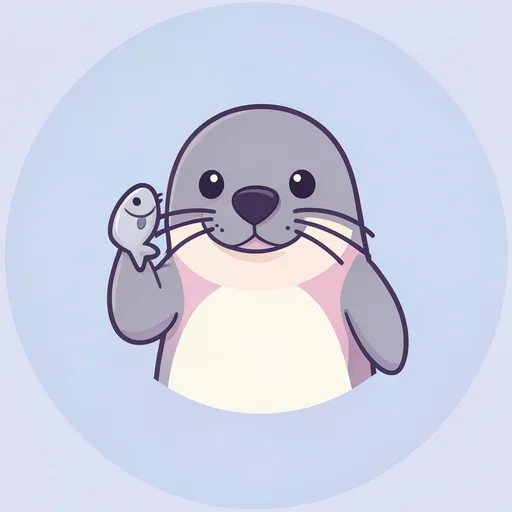
- Fish phone
- Hedgehog hair day
- Bunny and the big spoon
- Otter with a floatie
- Missing glasses
- Cloud gardener
- Boot in a boot
- Moon with a sleep mask
- Mushroom pause
- Bean mistake
- Cloud confusion
- Potato declines


How to make a funny PFP with your own photo
The Shelfcanvas funny PFP maker builds the joke around the reaction already in your photo, in four steps.
- Upload photo. Choose Upload photo and add a JPG, PNG or WebP picture, for example a straight-faced selfie or your dog staring blankly at the camera.
- Choose a funny frame. Open Customize and pick Doodle ring, Speech bubble, Tape corners, Comic burst or Halftone on the Frame tab, or choose Use as template under a wall picture.
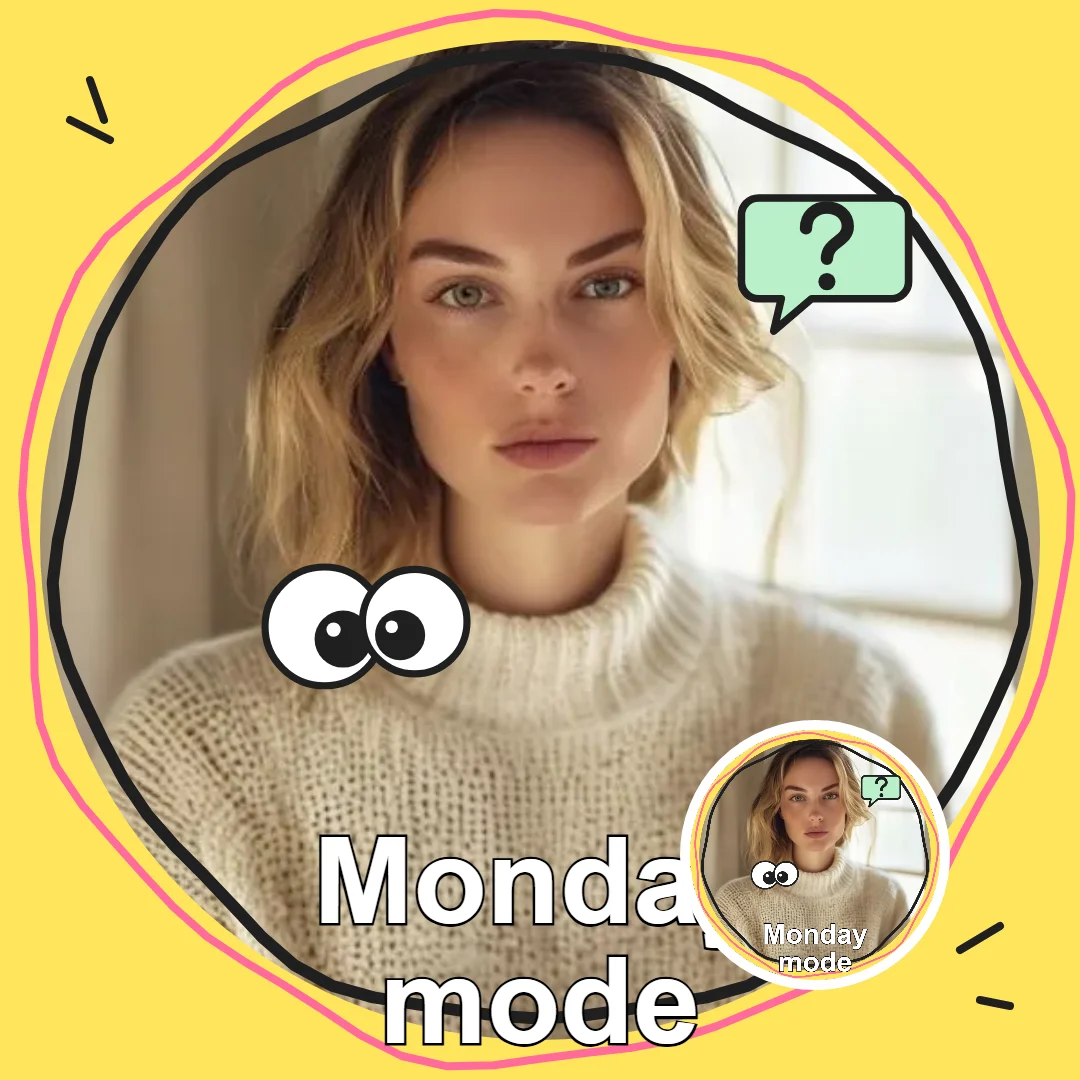
- Add one prop and a caption. Drag Googly eyes, Sweat drops, Party hats or Speech bubbles into place on the Stickers tab, try Black & white, Retro or Old TV on the Filter tab, and type a caption such as Monday mode on the Text tab.
- Download PNG. Set the Size menu to 1080 × 1080 or 512 × 512 and choose Download PNG to save the joke.
Try the picture with and without the filter or caption, and keep the version where the visual joke still reads. A prop beside a straight face is often enough; Remove background is optional and uses 1 credit with a free account.
Add a photo to start.
How to keep a funny profile picture readable at small sizes

Let the expression carry it
Look for raised eyebrows, a blank stare or a puzzled mouth that remains obvious when the picture shrinks. If the expression is the joke, keep the eyes and mouth clear of decorations. Adding a large sticker over the face can hide the reason you chose the photo.
Make the prop impossible to miss
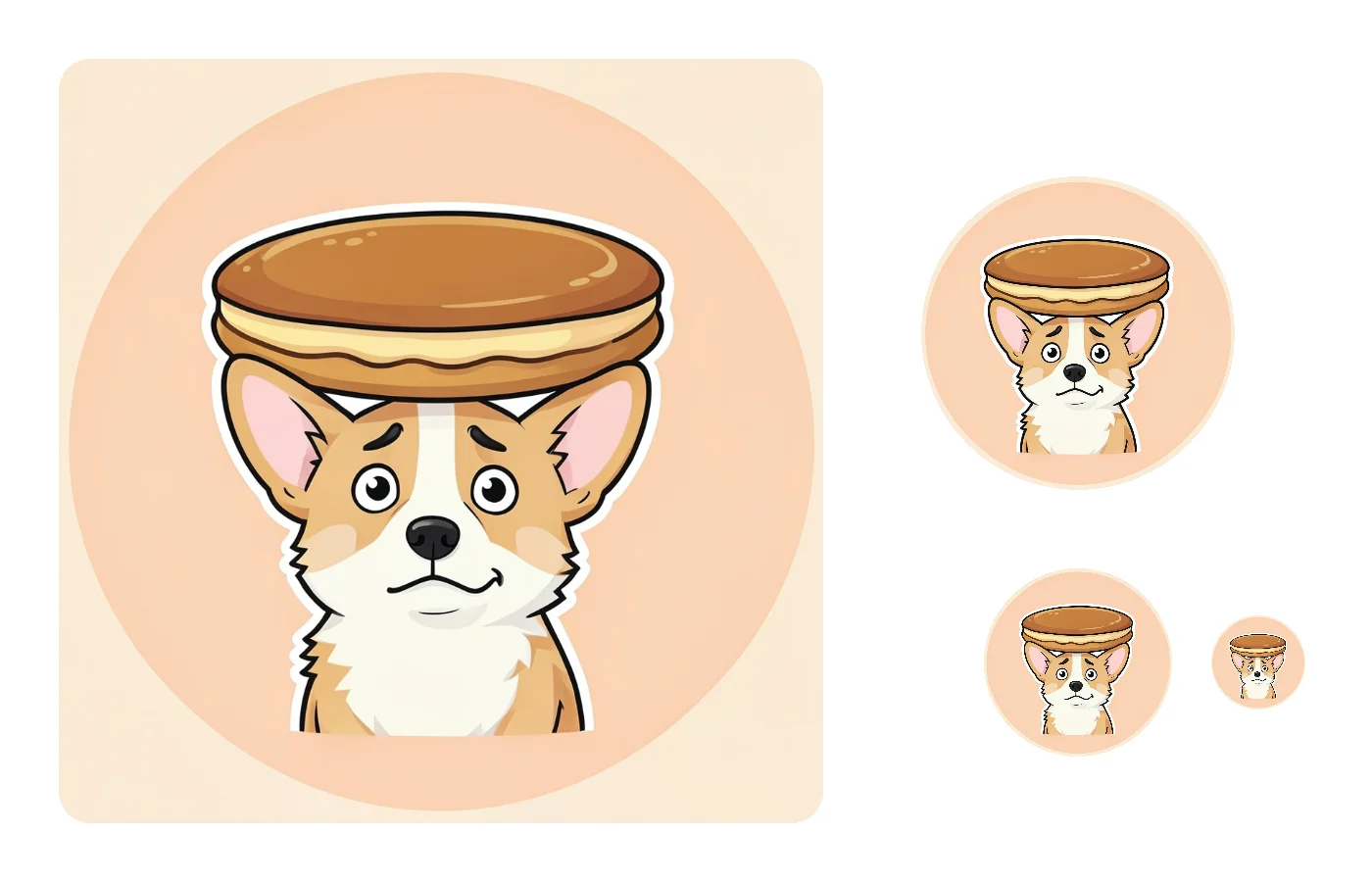
A pancake worn as a hat reads quickly because the face and pancake are both recognizable. A tiny object in a distant hand asks viewers to study the image. Keep the funny object close to the subject, with enough contrast to separate it from the background.
Check the joke without its caption
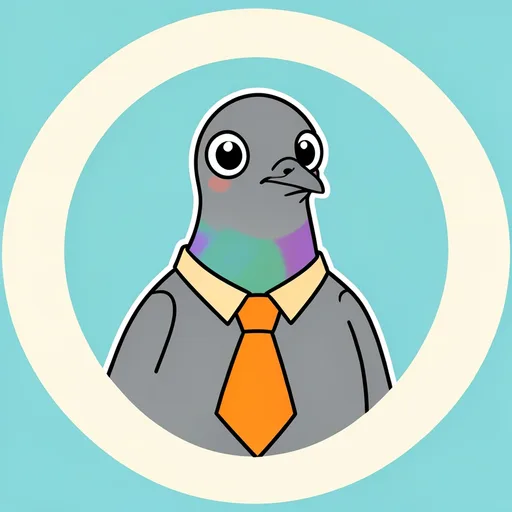
A caption can add attitude, but the picture should still have a personality before anyone reads it. Try a short phrase you would actually say in chat. If it needs a full sentence of explanation, choose a clearer expression or prop and let the text do less work.
Why a meme screenshot looks blurry as your PFP
A meme you screenshot has usually been saved, cropped and reposted many times, and every round shrinks it and adds compression. By the time you cut it down to a square, the face you wanted may be only a couple of hundred pixels wide, so the app stretches it and the edges go soft. Screenshots also bring along things you never wanted on your profile: the logo or watermark of whoever reposted it, half a caption, and a picture that someone else made.
An original picture avoids all three. Every funny PFP on this page is a 1080 × 1080 PNG drawn for a square from the start, so it stays sharp when the app shrinks it. If what you loved about the meme was the line, put the words on the Text tab instead and pair them with a picture in the same mood, such as a puzzled face for huh or a sleepy one for brb.
Funny PFP ideas by type of joke
Reaction faces
Hair-raising discovery and Empty coffee emergency turn familiar reactions into simple visual jokes. For a selfie, start with surprise, suspicion or exhaustion already present in the photo, then choose a decoration that makes that mood more obvious.
Goofy animal PFPs
Try the pancake corgi or teacup frog for an everyday object used completely wrong. A clean background keeps attention on the mismatch. These designs work when you want a silly avatar without making your own face the joke.
Deadpan humor
Formal potato and Toast at work keep the face serious while the situation does the comedy. Muted colors help the tiny tie or oversized folder stand out. This look suits a dry reaction better than a big grin or a loud caption.
Cute and silly PFPs
Fish phone and Hedgehog hair day combine soft shapes with a surprising prop. Keep the animal recognizable and let the object supply the absurdity. The result can feel friendly enough for everyday chats while still earning a second look.
Odd doodles
Cloud gardener and Boot in a boot bend ordinary logic with broad, simple shapes. Choose a doodle when you like strange humor without a specific reference. A plain background gives the impossible action room to read.
Tiny captions
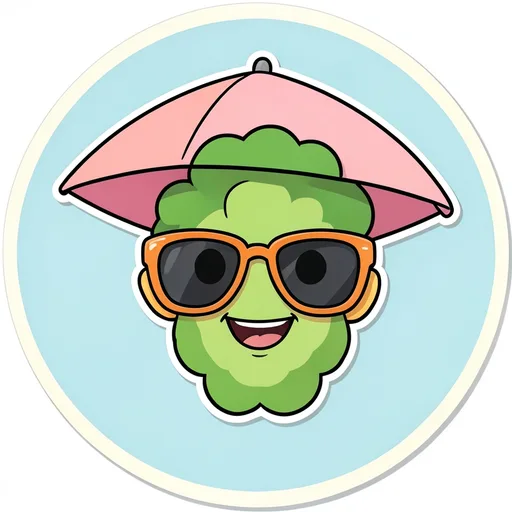
Mushroom pause and Bean mistake use familiar chat words as an extra reaction. For your own picture, match the phrase to the expression instead of explaining the whole scene. One or two words stay large enough to read.
Short funny captions that fit in a PFP
A caption on a profile picture is read at thumbnail size, so it has to be short enough to stay big: one to three words, typed on the Text tab. These starting points are grouped by mood; pair each with a face or prop that already shows the same mood, and the caption only has to confirm it.
Tired
zzz, low battery, Monday mode, need coffee, five more minutes. Put them on a sleepy face or a slumped pet, and keep the letters plain so they look as tired as you feel.

Confused
huh, wait what, says who, pardon, a single question mark. A raised eyebrow or a tilted head does most of the work; the word only names the reaction.
Unbothered
nope, noted, fine, sure, k. These suit a straight face that refuses to react, and they get funnier the calmer the picture looks.
Busy or away
brb, afk, in a meeting, do not disturb. Add a Speech bubble sticker beside your face and the picture reads like a status message, which is exactly how people will take it.
Funny PFPs you can use at work
In a work chat your avatar sits beside every message you send to your manager and to clients, so loud memes wear thin quickly. Deadpan humor is the safe middle: a calm face in an absurd situation is funny the first time and still fine the hundredth. The Deadpan pictures on the wall, Formal potato, Toast at work, The tiny meeting and Banana on hold, all keep a straight face while the prop carries the joke.
For your own photo, keep your expression as it is and add one small prop from Party hats or Speech bubbles, with the Black & white or Retro filter rather than Old TV. Aim the joke at yourself, like Monday mode, rather than at a coworker or the company, and it will still feel right in next quarter's meetings.
License
Check the PFP license for use of these funny illustrations and ownership of your photo-based creations.
Related tools
- PFP maker — browse other looks for your next avatar
- Matching PFPs — choose complete A and B pictures for friends
FAQ
Shelfcanvas, a free browser-based funny PFP maker, adds 5 loud frames, 4 prop sticker groups, 3 filters and your own caption to a photo, then saves a 1080 × 1080 or 512 × 512 PNG with no sign-up and no watermark. It also has 24 original funny profile pictures in six joke styles, from Reaction faces to Tiny captions.
Yes. Download an original illustration such as Formal potato or Fish phone and use it directly as your avatar. The free gallery lets you choose a joke without uploading a personal photo or editing a portrait.
Goofy animals and Odd doodles use recognizable objects in absurd situations. The pancake hat and cloud gardener make sense from the picture itself, so your friends do not need a reference, character name or explanation.
Deadpan keeps the expression calm while the situation is ridiculous; a reaction face makes the emotion obvious. Choose the potato's tiny tie for dry humor or the shocked hairstyle for a more expressive response.
A funny reaction PFP should match the expression you use most in chat: tired, surprised or unconvinced. Choose a portrait or character that already shows it clearly, such as Empty coffee emergency for tired or Hair-raising discovery for shocked.
Yes. In a funny pet PFP, a raised eyebrow, a blank stare or a puzzled tilt can supply the joke on its own. Upload the photo with the real expression first, then add only a prop, such as a party hat, that leaves the face visible.
The prop may sit too close to a square corner. Check whether the whole action remains visible inside the round area, then reposition the decoration. A joke that depends on the tip of an object needs that tip inside the avatar too.
Choose a clear reaction or prop that remains recognizable in your profile preview. Download the PNG, add it through TikTok's profile photo controls and check the preview before saving. Reaction faces are a useful starting point when captions look too small.
Yes. Choose a design the group recognizes, such as the overworked toast or very formal potato. A shared chat icon uses a single picture, so look for a joke that represents the conversation rather than a particular member.
Yes. Use Text to write a phrase that means something to your friends. Keep the underlying expression visible and read the finished avatar at a small size; the private reference should add to the image rather than make it impossible to understand.