Cute PFP Maker & Free Cute Profile Pictures
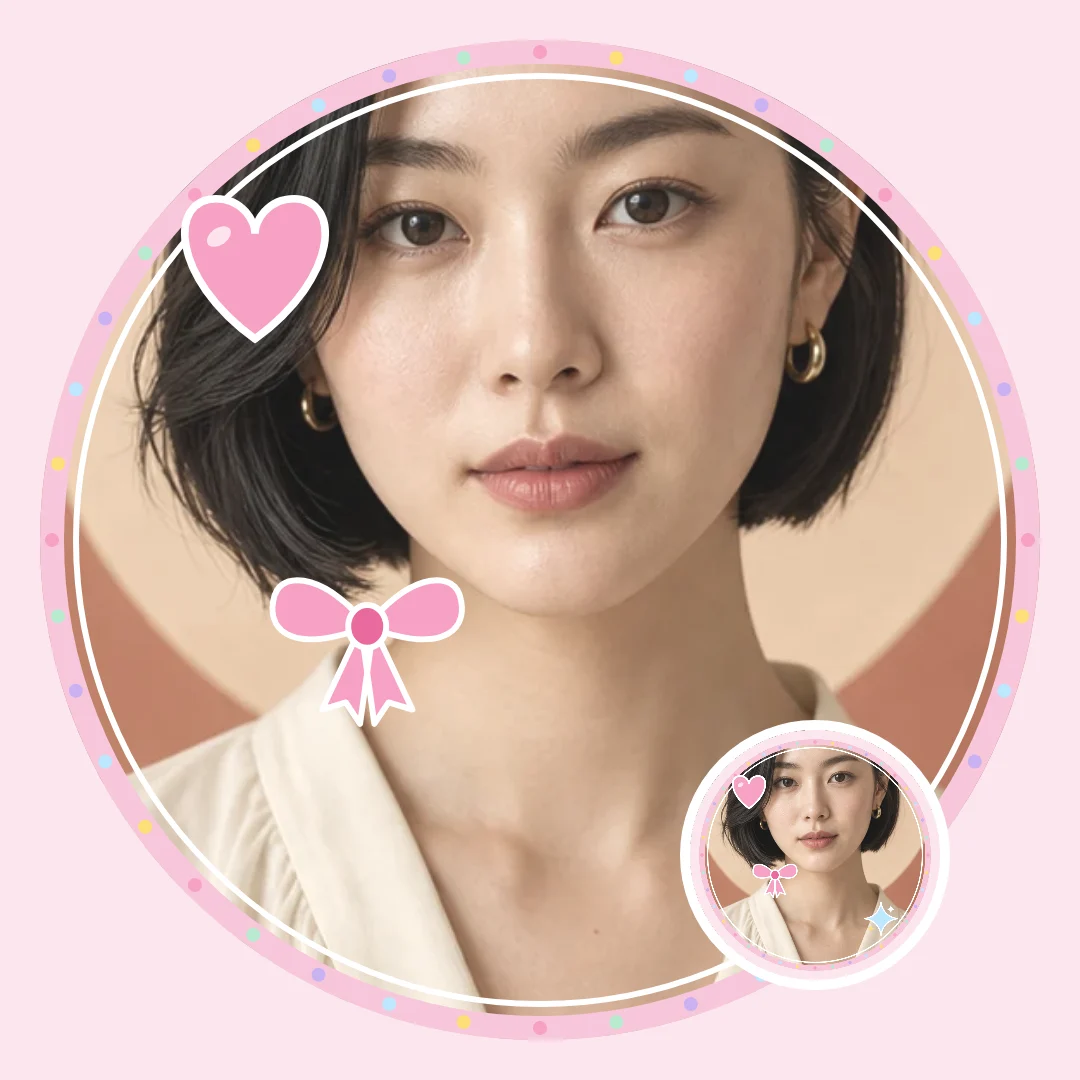
Shelfcanvas's cute PFP maker offers 24 original cute profile pictures to download, or frames your selfie with a Pastel circle, Cloud, Heart or Star border, bow and heart stickers and a Soft, Pastel or Warm glow filter. Save a 1080 × 1080 or 512 × 512 PNG for free with no sign-up; only Remove background uses 1 credit.
JPG, PNG or WebP
In short
Download a cute PFP from the original pictures above, or upload your photo and choose a Pastel circle, Sticker border, Cloud, Heart or Star frame. Add a bow or a gentle filter, then save your picture as a PNG.
Key facts:
24 original cute profile pictures in six looks: Cats, Anime-style, Pastel, Little animals, Doodle and No-face.
Framing and stickers happen in your browser; Remove background is the only step that uploads your photo.
The cute theme includes hearts, stars, bows and clouds, with Soft, Pastel and Warm glow filters.
Free cute PFPs to download
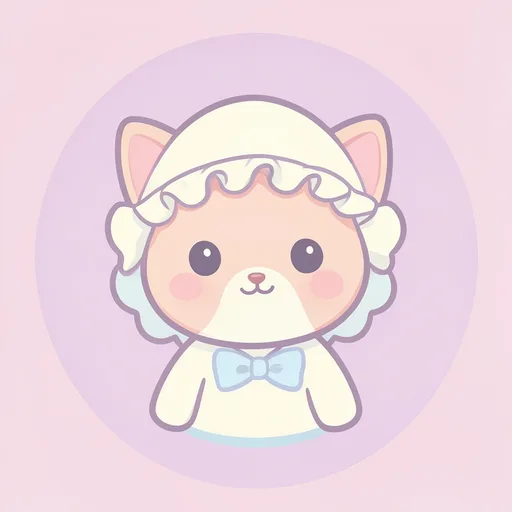
Find a sleepy cat, a small animal or a face-free pastel design in this original Shelfcanvas collection. Download the square picture, or choose Use as template to try its maker style with your own photo.
- Apricot kitten in a bonnet
- White cat and bluebell
- Black kitten with a ribbon
- Sleepy kitten in a mitten
- Tabby and paper crown
- Kitten in a flowerpot
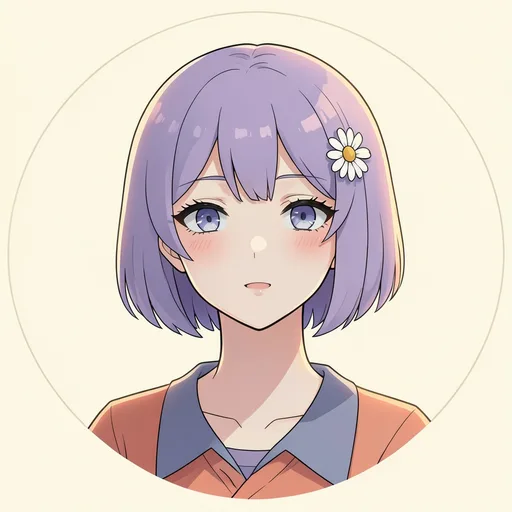
- Lilac bob and daisy clip
- Mint sweater smile
- Coral curls and bow
- Round glasses and blue cap
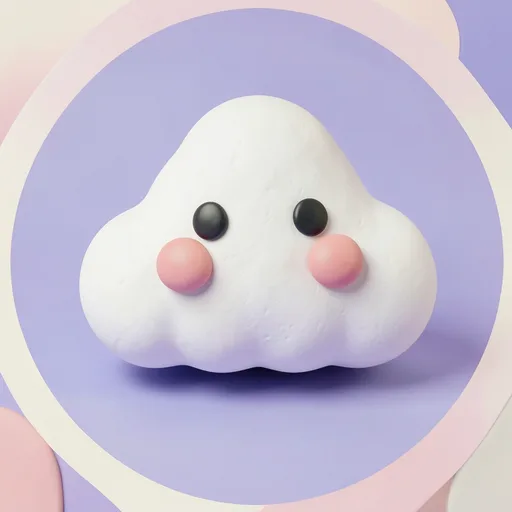
- Blushing cloud
- Bow-tied crescent
- Plush pink star
- Daisy cushion
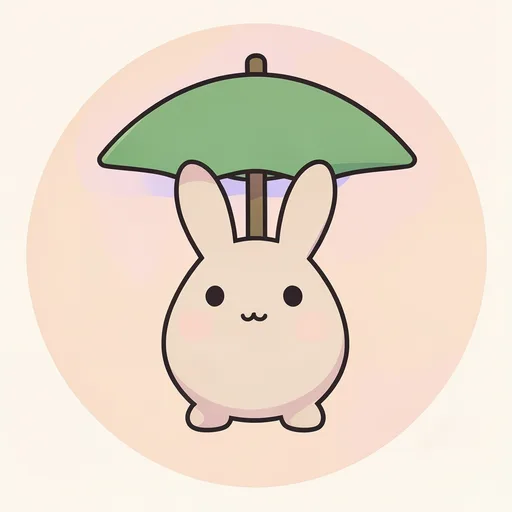
- Bunny with a leaf umbrella
- Bear with a toast pillow
- Duck in a puddle
- Frog in a knitted vest
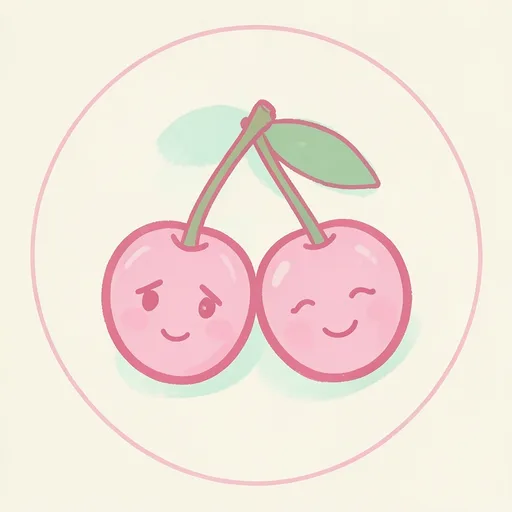
- Shy cherry doodle
- Sprout in a striped sock
- Little pear wave
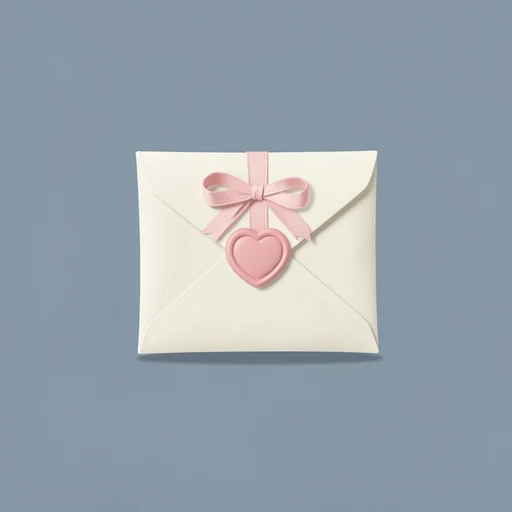
- Ribbon and envelope
- Daisy pocket
- Heart-shaped mittens


How to make a cute PFP from a selfie
The Shelfcanvas cute PFP maker softens a selfie or pet photo with pastel frames and small stickers, in four steps.
- Upload photo. Choose Upload photo and add a JPG, PNG or WebP picture, for example a selfie with short hair or your kitten curled on a blanket.
- Choose a cute frame. Open Customize and pick Pastel circle, Sticker border, Cloud, Heart or Star on the Frame tab, or choose Use as template under a wall picture.
- Add a bow or a heart. Add Hearts, Stars, Bows or Clouds on the Stickers tab, try Soft, Pastel or Warm glow on the Filter tab, and type a nickname on the Text tab if you want a personal touch.
- Download PNG. Select 1080 × 1080 or 512 × 512 under Size and press Download PNG to save the cute avatar.
Compare the curve of the Cloud frame with the sharper points of the Star. Keep the one that complements the outline of your subject; everything except the optional Remove background step (1 credit, free account) stays free in your browser.
Add a photo to start.
What makes a cute PFP work at small sizes?
Pick a rounded shape and a clear face
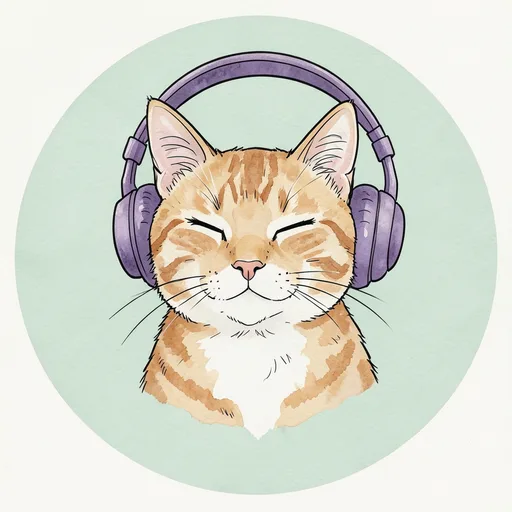
Start with a rounded silhouette and an expression you can recognize at a glance: a kitten's sleepy eyes, a frog's soft cheeks or a cloud's little smile. Keep the background quiet so the subject stays easy to see beside a message.
Keep pastel colors easy to see
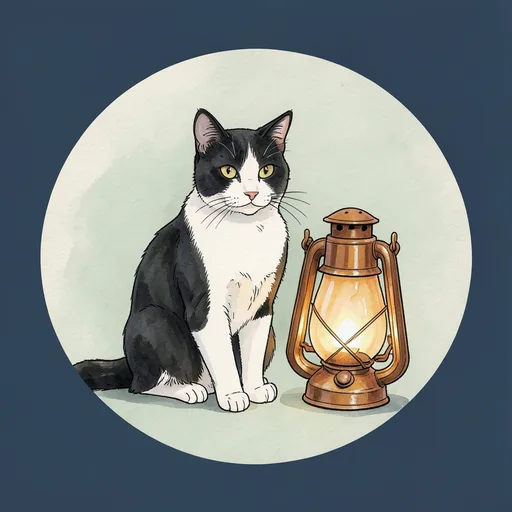
Pastel does not have to mean washed out. A darker outline helps a pale face stand out, while a warm background separates a black kitten from its surroundings. Give ears, bows and cloud edges some room inside the circle.
Keep bows and hearts beside your face
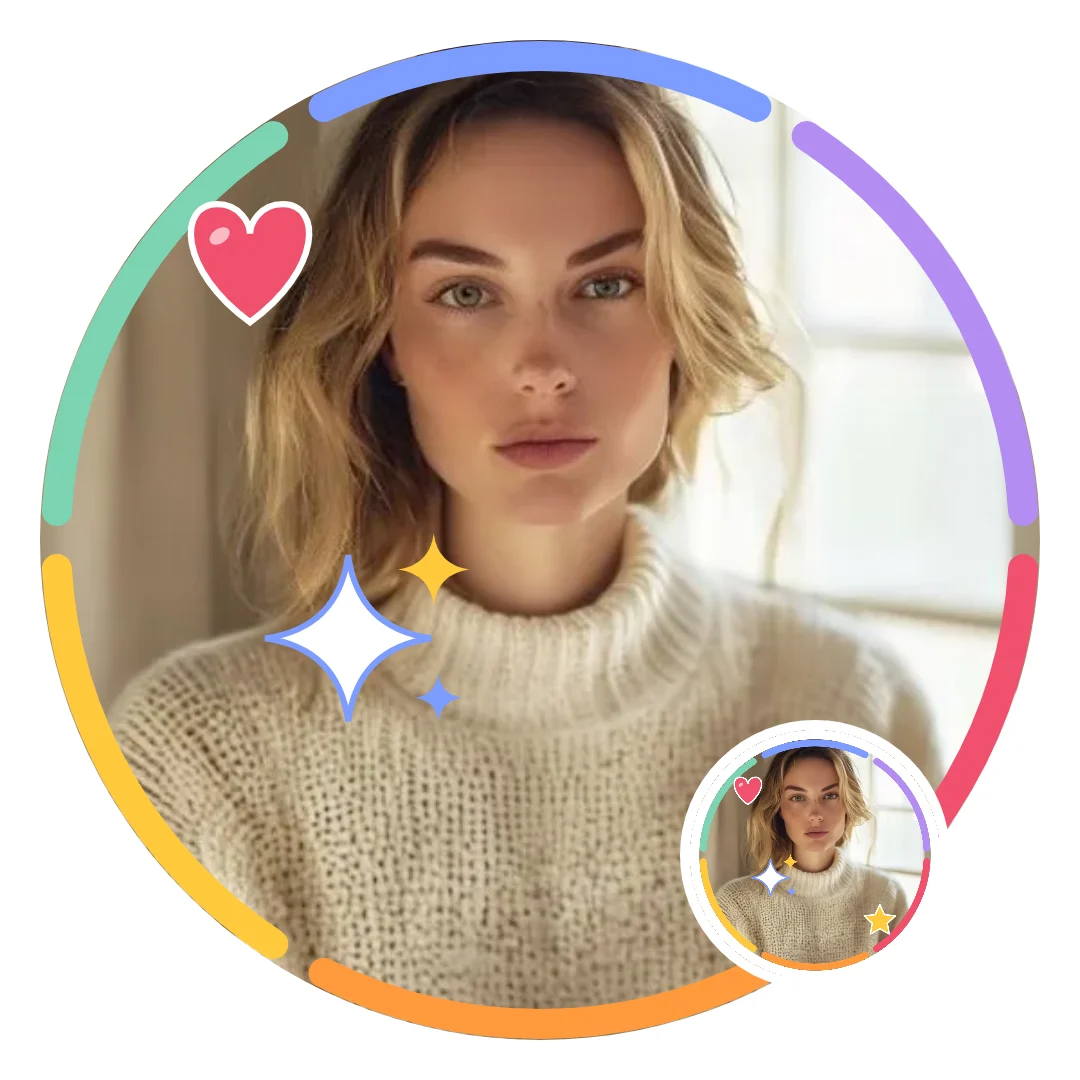
For a selfie, place a bow or heart beside your face rather than over your eyes. Try the filter that keeps your features clearest, then check the preview at the size you usually see your avatar.
How to keep a light cute PFP from turning gray in dark mode
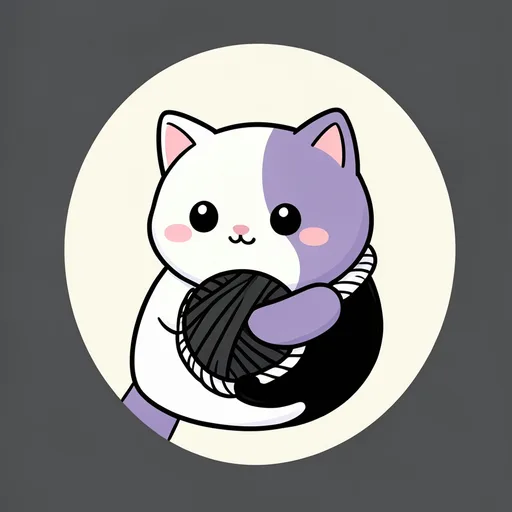
A pale avatar that looks fresh on a white screen can turn flat and gray once your app switches to a dark theme, because the soft colors that read as gentle beside white read as dull beside black. Most chat apps let people choose dark mode, so plan for both backgrounds.
Pick a picture that carries its own contrast. A white cat on a charcoal background, like the yarn cat shown here, or the black kitten with a lilac ribbon on warm yellow, keeps a clear edge on either theme. A cream subject on a cream background has nothing to hold it up. For your own photo, a frame with a defined color ring, such as Pastel circle, gives the picture a pink border that stays visible on a dark screen, and the Warm glow filter keeps skin and pastels from looking cold.
Before you set it, open the downloaded PNG on your phone with dark mode switched on and look at it at the size it will appear in a chat list.
Cute profile picture ideas by style
Cute cat PFP ideas
Choose the bonnet kitten for soft cream and pink, or the ribbon kitten for a darker face on a light background. A close view of the cat's expression keeps the design readable without needing a busy scene.
Cute anime-style PFP ideas
Try the lilac bob for a flower accent, or the mint sweater for a gentle smile. These original illustrated portraits use clear expressions and uncluttered backgrounds; the maker can decorate your selfie but does not redraw it in this style.
Cute aesthetic PFP ideas in pastel
Use the blushing cloud for a cool blue palette or the daisy cushion for warm pink and cream. Repeat the soft curves in your frame rather than adding lots of separate decorations.
Cute animal PFP ideas
A bunny under a leaf, a frog in a knitted vest or a duckling in a puddle gives a small avatar a clear personality. Pick the animal's pose first, then let a simple background keep it visible.
Cute doodle PFP ideas
Try cherries with shy smiles, a waving pear or a sprout tucked into a sock. Thick hand-drawn outlines and a playful shape give these pictures their character without fine detail.
Cute PFP ideas without a face
Choose the ribbon envelope, daisy pocket or heart-shaped mittens for a gentle look without a portrait. A familiar object in soft colors can feel personal even without eyes or an expression.
Kawaii, pastel, soft and doodle PFPs: what each name means

Search for cute PFPs and you'll meet four words used almost interchangeably. They describe slightly different looks, and knowing which one you want makes the wall quicker to scan.
Kawaii is the Japanese word for cute; in PFP searches it usually means round characters with tiny faces, blush marks and simple outlines, like the plush star or the blushing cloud. Pastel describes the palette rather than the subject: pale pink, mint, lilac and butter yellow, as on the bow-tied crescent. Soft is about the finish, with gentle light, low contrast and nothing sharp, which is what the Soft filter adds to a photo. Doodle means hand-drawn, with thick, slightly wobbly outlines, like the shy cherries or the waving pear.
On the wall, kawaii and soft pictures sit mostly under Pastel, Little animals and Cats, and the hand-drawn ones under Doodle.
Cute PFPs that don't look too childish
Cute comes from a friendly expression and soft shapes, not from pink or baby animals. A few choices keep the look grown-up enough for any account.
For work chats
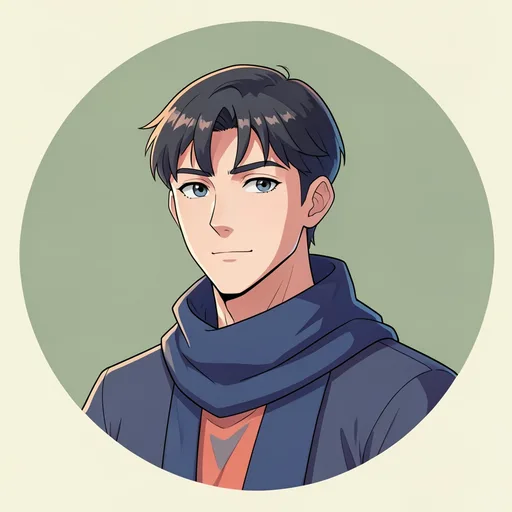
Pick one muted color instead of a full pastel palette, and a subject with a calm expression. The mint sweater portrait or the frog in a knitted vest reads as friendly in a team chat without looking like a sticker pack, and the No-face objects work when you would rather not use a portrait. For your own photo, Pastel circle with the Soft filter adds warmth; leave the hearts off.
For boys and men
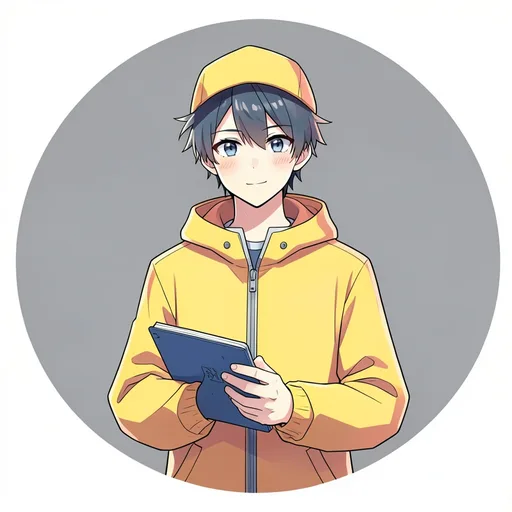
Cute does not need pink. The blue-cap portrait, the mint sweater, the frog and the duckling use blue, green and yellow with a gentle expression. For a photo, a Cloud or Star frame with the Warm glow filter keeps the soft look without bows, and a single star sticker is plenty.
License
For the cute gallery and your own photo edits, see the shared PFP license.
Related tools
- PFP maker — compare styles and make a profile picture from your own photo
- Matching PFPs — find coordinated looks for couples and friends
- Funny PFPs — choose a playful expression for your next avatar
- Halloween PFPs — take the cute look into a seasonal collection
FAQ
Shelfcanvas, a free cute PFP gallery and maker, has 24 original cute profile pictures in six looks (Cats, Anime-style, Pastel, Little animals, Doodle and No-face) to download as PNGs with no account and no watermark. Its maker adds pastel frames, bows and hearts to your own photo and saves a 1080 × 1080 or 512 × 512 PNG.
Yes. The No-face collection uses ribbons, flowers and mittens instead of portraits. Cats, little animals and doodles also give you a cute profile picture without using a selfie.
No. Mint, pale blue, lilac, cream and warm yellow can all give a PFP a soft look. Choose enough contrast between the subject and background to keep the picture clear when it shrinks.
To make a selfie look cute, use the Pastel circle frame and place a heart, star or bow beside your face. Try Soft or Warm glow, then leave your eyes and expression clear of stickers and text.
For a cute cat PFP, look for a relaxed face, half-closed eyes or a gentle head tilt already present in the photograph. Choose that expression first, then add one bow or heart beside the ears rather than over the face.
Pick a picture in blue, green or yellow, such as the blue-cap portrait or the frog. The section on cute PFPs that don't look too childish has frame and filter choices for a photo.
Pale colors can blend together when the subject and background are too similar. Try a picture with a darker outline, or choose a filter that keeps your face distinct from the frame.
Yes. Open Customize, choose Stickers and add a bow from the cute theme. Place it beside your hair or near the frame so it adds detail without hiding your expression.
Yes. You can use these original pictures as your personal profile picture on social media or in group chats. Download the PNG and choose it in the app where you want to update your avatar.