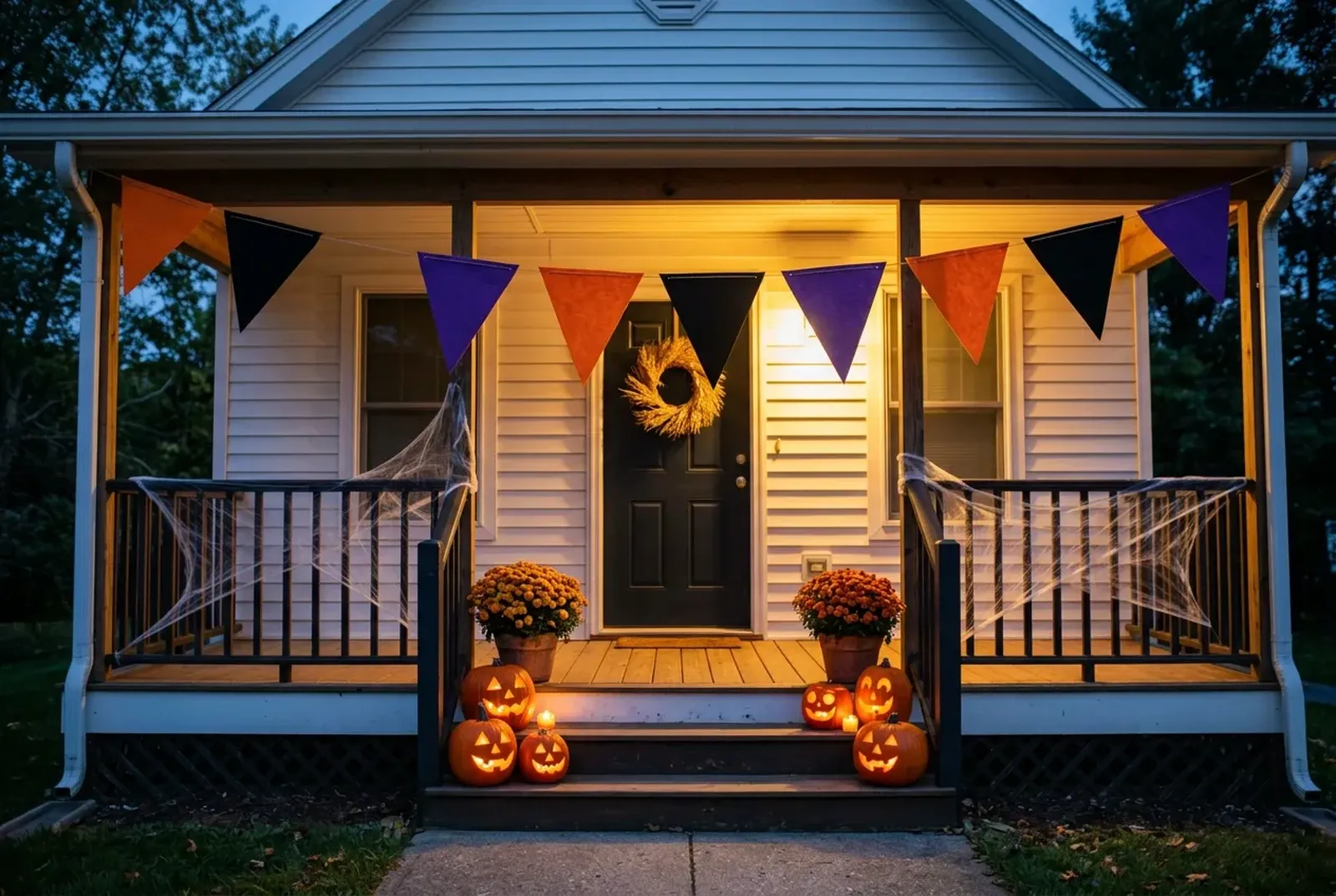
Halloween PFP Maker & Free Halloween Profile Pictures
Download 48 free Halloween profile pictures, or put your own photo in one of 7 Halloween frames and save a 1080 × 1080 or 512 × 512 PNG, with no sign-up.
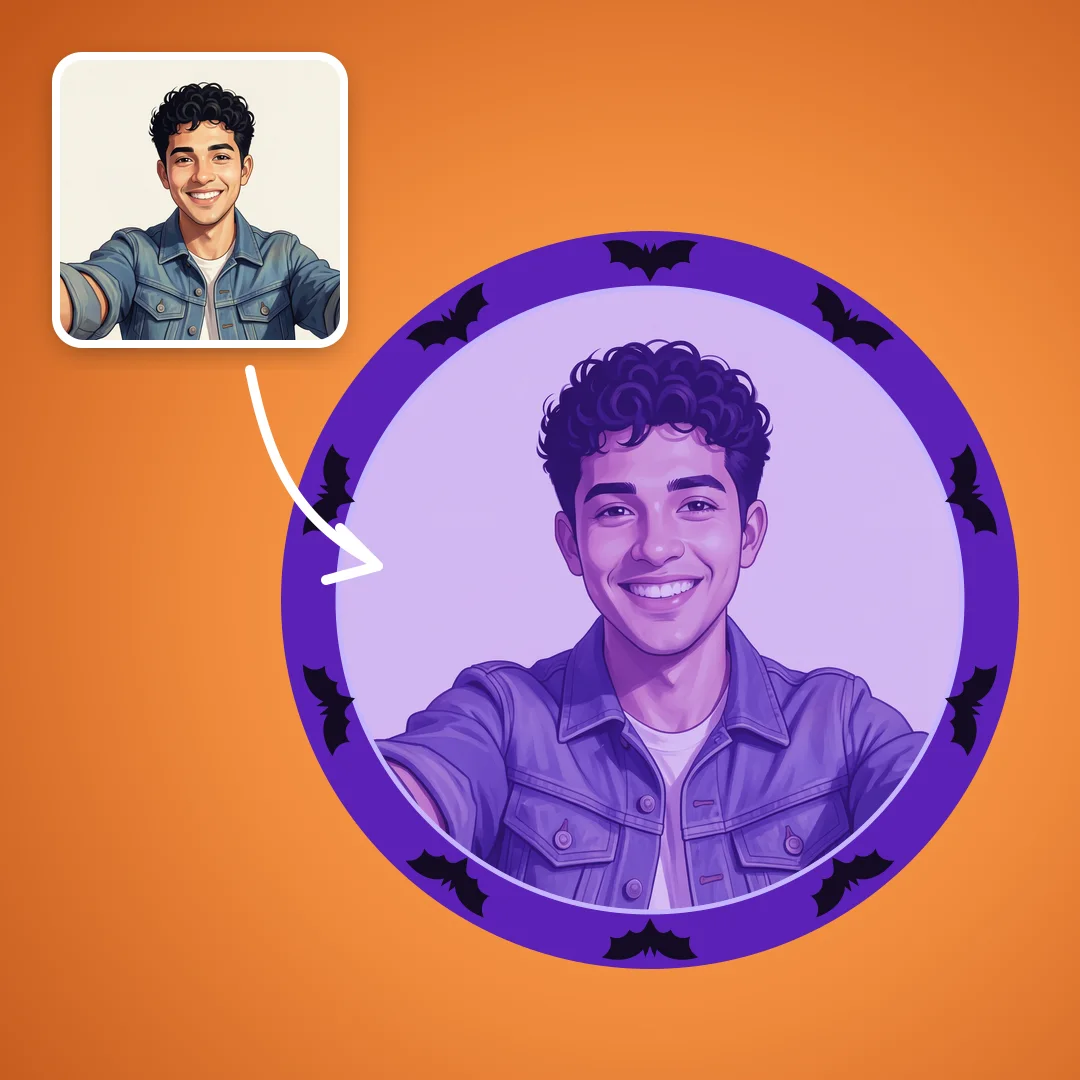
Drop your photo here
We put it in a Halloween frame — pick bats, pumpkins or a witch hat next
JPG, PNG or WebP
In short
The wall and the maker share seven styles: Cute, Aesthetic, Matching, Funny, Discord, Spooky and Pets.
The maker adds 5 sticker groups and 3 filters: Orange & purple, Haunted film and VHS.
The Matching frame saves two square PNGs, one half for each friend; 4 ready-made matching sets are on the wall.
Share this style sends a friend your frame, stickers and filter to use on their own photo.
Discord crops avatars to a circle, so keep faces and lettering away from the corners.
The Halloween PFP maker edits in your browser, so your selfie stays on your device unless you choose Remove background.
Free Halloween PFPs to download
Every picture below is an original Shelfcanvas design, square and ready to use. Download it as it is, or choose Use as template to put your own photo in the same style.
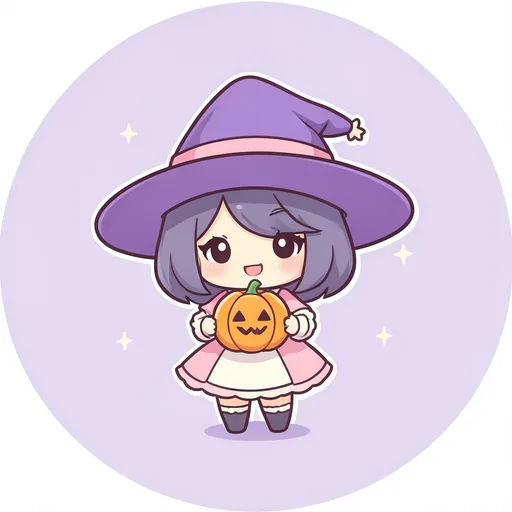
- Little witch with a pumpkin
- Cat-ear ghost with candy
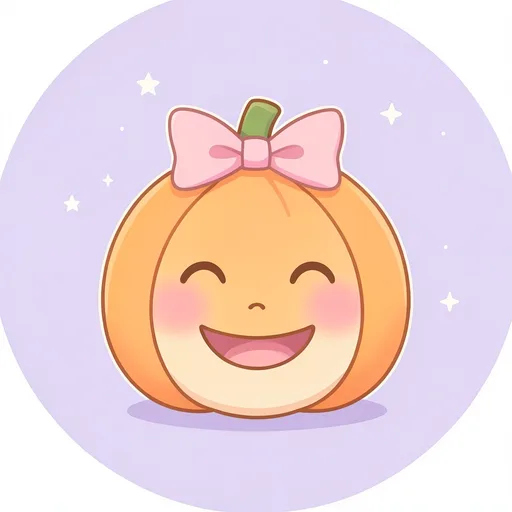
- Pumpkin with a pink bow
- Bat in a cozy sweater
- Candy-corn ghost
- Sleepy mummy
- Strawberry vampire bunny
- Ghost with a latte
- Stitched monster in pastel
- Witch hat full of stars
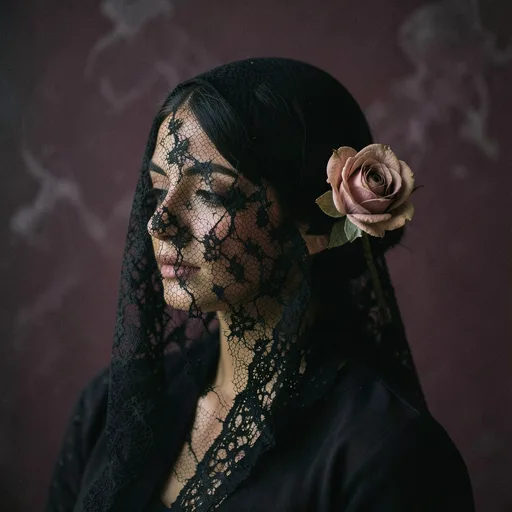
- Lace veil portrait
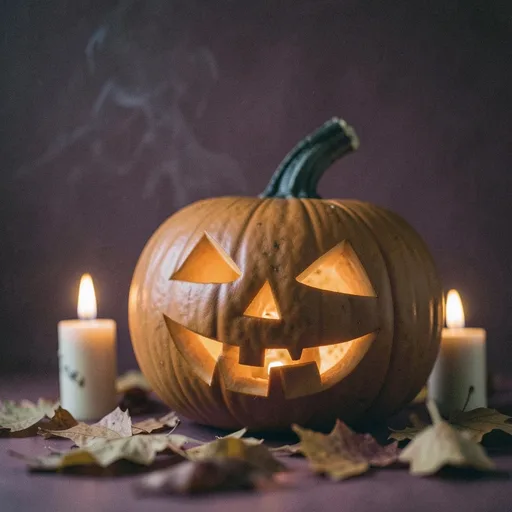
- Candlelit jack-o'-lantern
- Moon and moth
- Witch's window
- Anime girl with bats
- Anime boy with cat ears
- Tarot moon card
- Preppy pumpkin
- Ghost and pumpkin · ghost
- Ghost and pumpkin · pumpkin
- Vampire and bat · vampire
- Vampire and bat · bat
- Witch and black cat · witch
- Witch and black cat · cat
- Skeleton and mummy · skeleton
- Skeleton and mummy · mummy
- Pumpkin in sunglasses
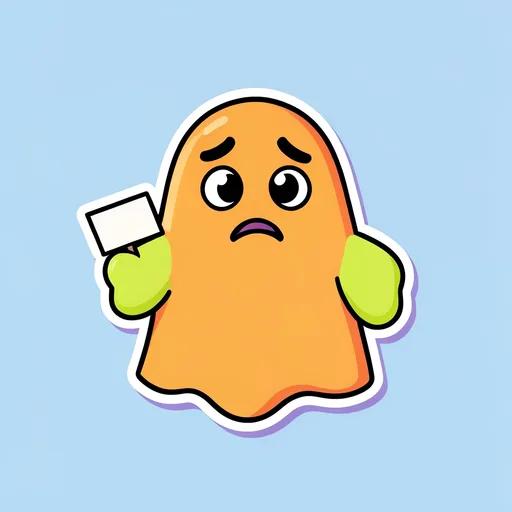
- Ghost that forgot its costume
- Skeleton on a coffee break
- Zombie cat wants snacks
- Vampire hates garlic bread
- Mummy unravelling
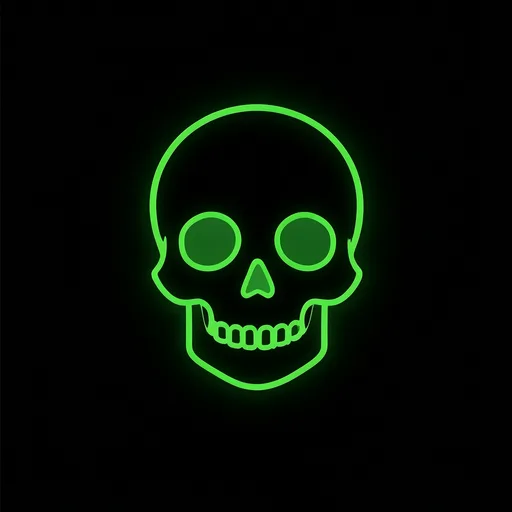
- Neon skull
- Purple ghost icon
- Pixel pumpkin
- Hooded skeleton gamer
- Crescent moon bat
- Witch eye
- Skeleton in the fog
- Old-film vampire
- Haunted doll house
- Raven on a skull
- Glowing eyes in the woods
- Plague mask
- Tabby in a witch hat
- Puppy in a pumpkin hat
- Black cat on the moon
- Dog in a ghost sheet


How to make a Halloween PFP from your photo
The Shelfcanvas Halloween PFP maker shows your photo as a finished circle avatar as soon as it loads, then lets you change every layer.
- Upload photo. Choose Upload photo and add a JPG, PNG or WebP picture, for example a selfie in your costume, a shot from your Halloween photo booth or your cat beside a carved pumpkin.
- Pick a Halloween frame. Choose Use as template under a wall picture, or open Customize and pick Cute, Aesthetic, Matching, Funny, Discord, Spooky or Pets on the Frame tab.
- Add stickers, a filter and text. Add Bats, Pumpkins, Witch hats, Ghosts or Candy on the Stickers tab, try Orange & purple, Haunted film or VHS on the Filter tab, and type a short line such as boo on the Text tab.
- Download PNG. Pick a size in the Size menu (1080 × 1080 or 512 × 512) and press Download PNG to save your Halloween PFP.
Remove background is optional: it lifts you out of your photo so the Halloween frame color sits behind you. It needs a free account and uses 1 credit.
Add a photo to start.
Make matching Halloween PFPs with a friend
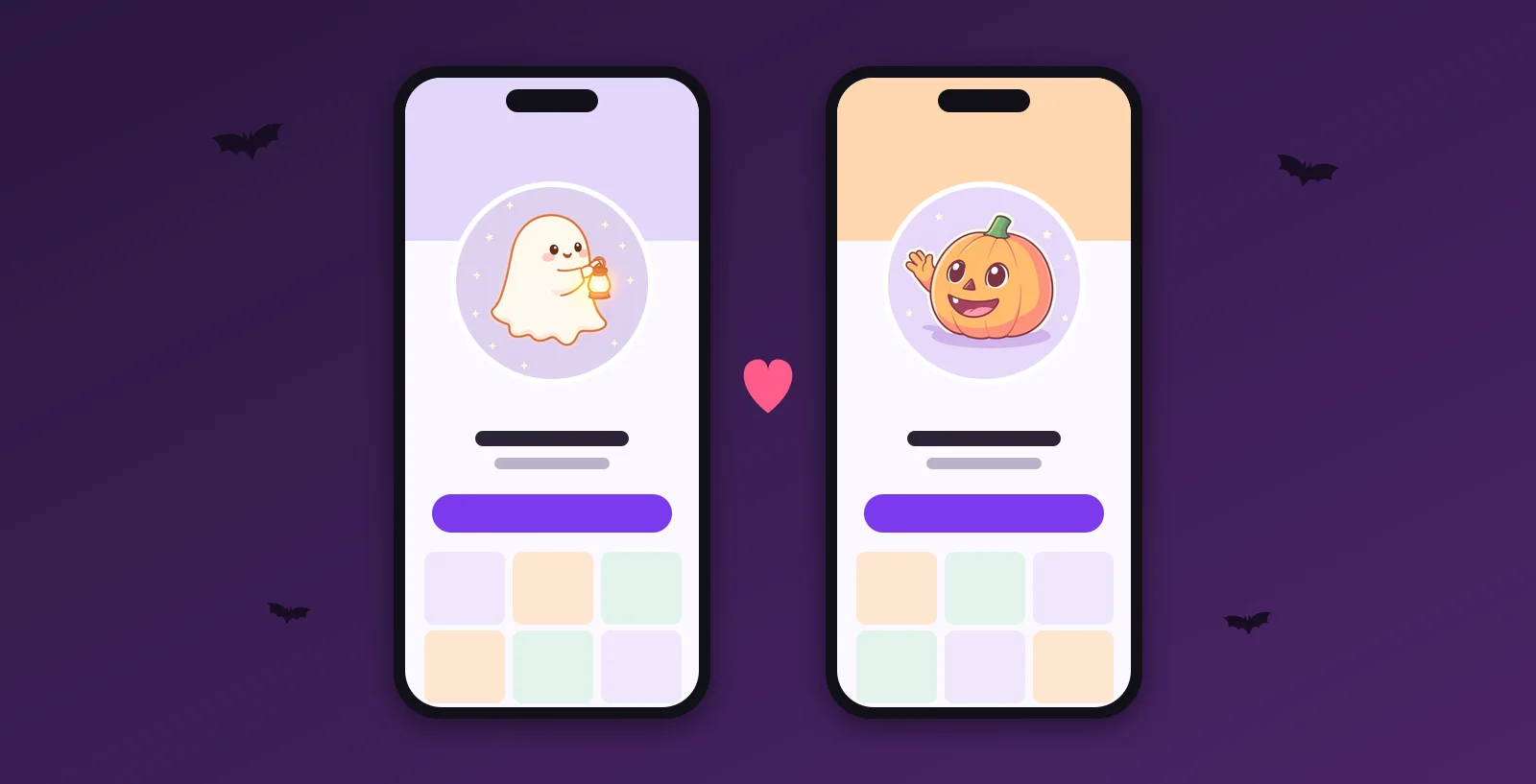
Pick pictures that belong together
A matching PFP is a pair or a set of profile pictures that belong together: the same frame and colors, or two halves of one picture. Couples, best friends and whole Discord servers use them.
Share your look with a friend
Choose Share this style and your friend gets your frame, stickers and filter on their own photo; your photo and text never go into the link, and matching PFPs has more ways to pair up. For a ready-made pair, download both pictures of one of the 4 matching sets on the wall, such as the ghost and the pumpkin.
The Matching frame in the Halloween PFP maker builds one wide picture from two squares, and Download PNG saves the left and right halves as two separate square PNGs, so two people can each take one.
Halloween profile picture sizes by platform
A Halloween PFP from the Shelfcanvas maker is a square PNG at 1080 × 1080 or 512 × 512, which both platforms below accept. Discord shows your picture in a circle, so keep your face and any spooky lettering away from the corners.
| Platform | What to upload | How it shows | Animated? |
|---|---|---|---|
| Discord | Around 200 × 200 px or larger, under 10 MB, PNG or GIF | Cropped to a circle | GIF avatars need Nitro |
| YouTube | JPG, GIF, BMP or PNG, up to 15 MB | Rendered at 98 × 98 px | No animated GIFs |
Last checked against Discord profile tips, Discord Custom Profiles and YouTube channel icon help on 2026-10-22.
The size that matters for Halloween is the one people actually see: a small circle beside a message, often on a dark theme. Dark and spooky designs lose detail first when they shrink, and four Halloween favorites blur most.
Bat silhouettes read when there is one big bat, like the crescent moon bat on the wall. A swarm of small bats turns into a scatter of dots, so if you add Bats stickers, use one or two and make them large.
Thin cobwebs vanish or become a gray haze at chat size. Use a web as a background detail at most and let your face or one clear figure carry the picture.
Orange lettering on a dark background looks bold at full size, but thin letters melt into the black when they shrink. Keep the Text tab to one short word such as boo, in a thick style, and check it in the smallest preview.
Purple and black together merge into one dark shape on a dark theme. Let one bright color, such as pumpkin orange or a green glow, separate the subject from the background.
Discord PFP size for Halloween
For a Halloween Discord PFP, upload a square image of around 200 × 200 pixels or larger, under 10 MB. Discord crops it to a circle, and only Nitro members can use an animated GIF. Discord's own Halloween 2026 avatar decorations come with gifting Nitro to a friend (Discord Halloween 2026); a framed PFP from this page is free.
How scary should your Halloween PFP be?
The same avatar is seen by your grandmother in the family chat, your manager at work and strangers on Discord. Decide who will see it most, then choose how far to go.
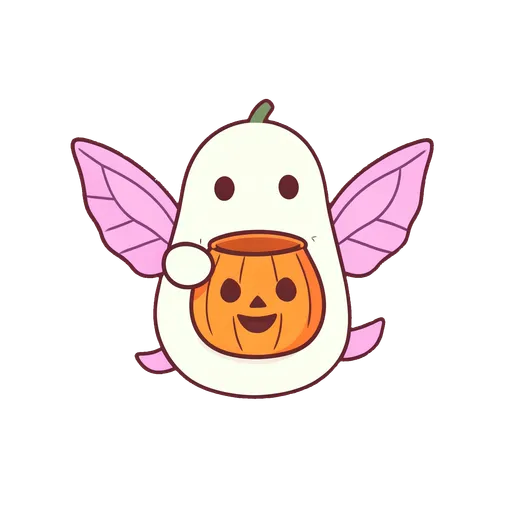
Cute for family chats
Round ghosts, a sleepy mummy and pumpkins with bows are Halloween without a single fright, which makes them right for family chats, school-parent groups and younger cousins. Pair your own photo with the Cute frame and a Candy sticker for the same feel.
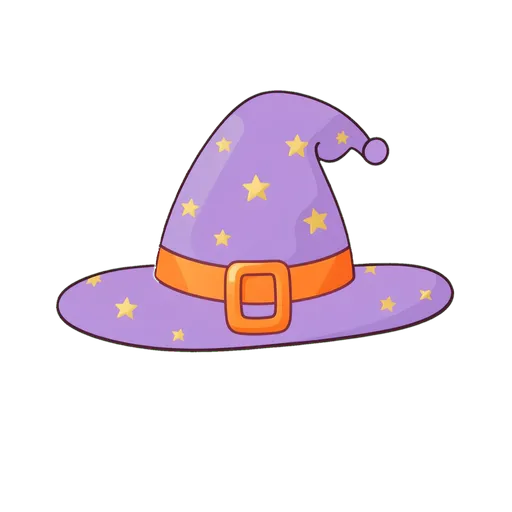
Atmospheric for work and mixed groups
Candle light, a moth on the moon and a witch hat on a windowsill say October without skulls or blood. The Aesthetic set is the safe choice for a work profile or a group where you don't know everyone, and the Orange & purple filter gives your own photo the same mood.
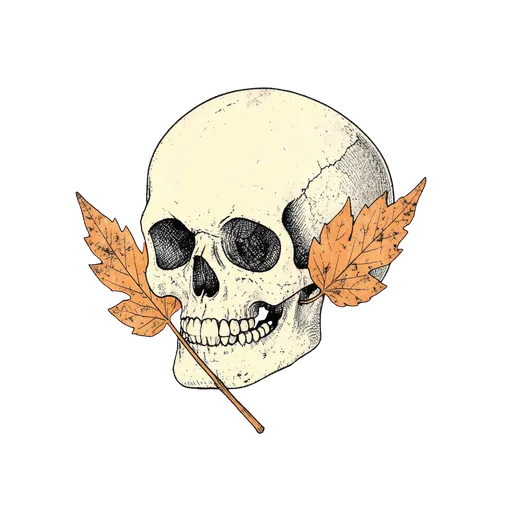
Scary for Discord and horror fans
Save the truly creepy picture for places where people have chosen horror: a horror Discord server, a gaming group, friends who watch scary films together. Your avatar also shows up in member lists of every server you share, so if younger players or strangers will see it there, step back to atmospheric. The scary ideas below pick the pictures.
Halloween PFP ideas
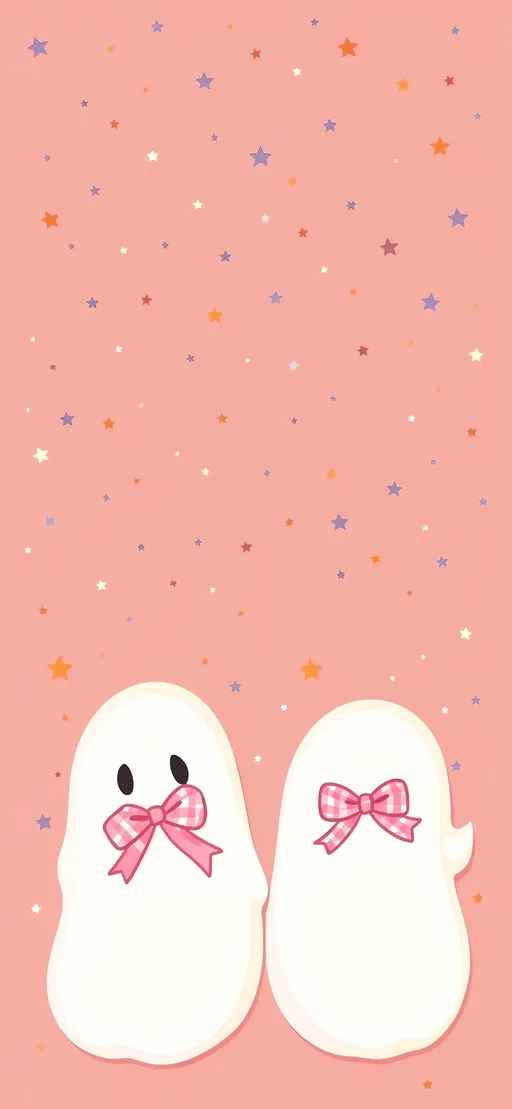
Cute Halloween PFP ideas
Soft pastels, round shapes and friendly faces: a ghost with cat ears, a pumpkin with a bow or a witch hat full of stars. Use a light frame so the picture still reads at small sizes.
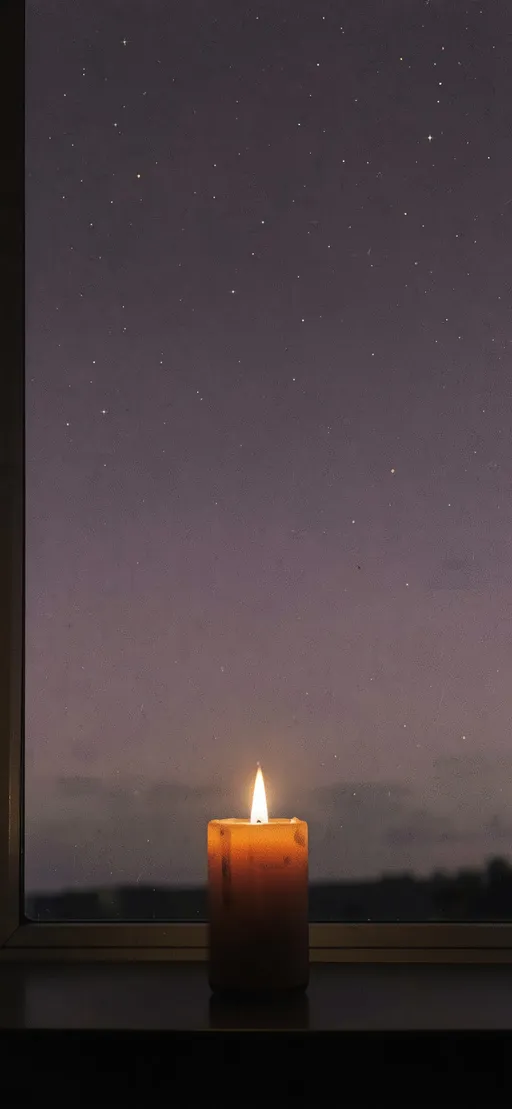
Aesthetic Halloween PFP ideas
Go darker and quieter: plum, black and gold, candle light, a lace veil or a moon. One strong shape in the middle works better than lots of small details. For a lock screen in the same mood, see the Halloween wallpapers.
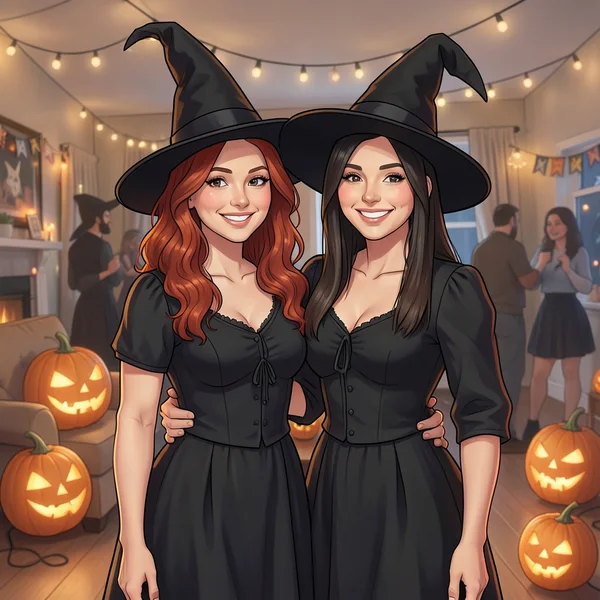
Matching PFP ideas for couples and friends
Split one picture into two, or give each person a different character from the same story, like a witch and her black cat. Keep the colors and frame identical so the pair is obvious side by side.
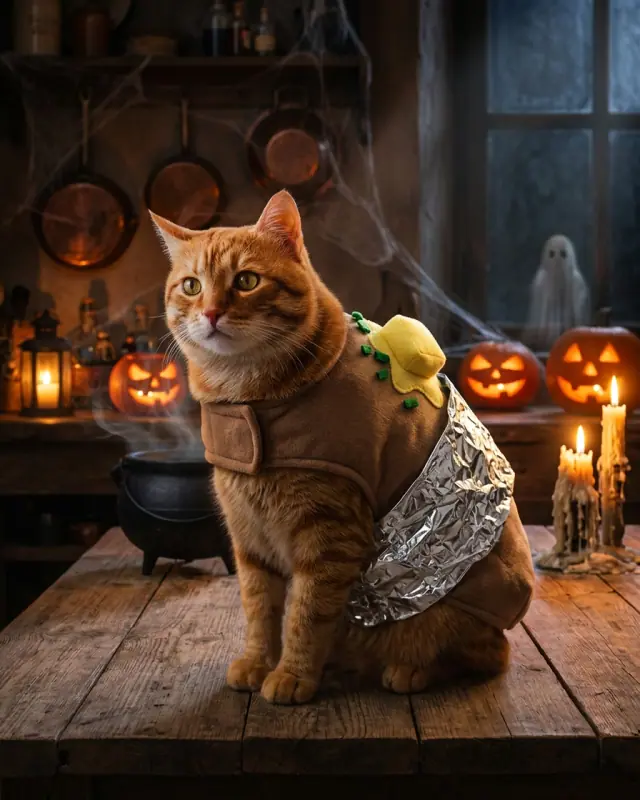
Funny Halloween PFP ideas
A pumpkin in sunglasses or a skeleton on a coffee break gets a laugh in group chats. Big expressions survive the small circle better than jokes in text.
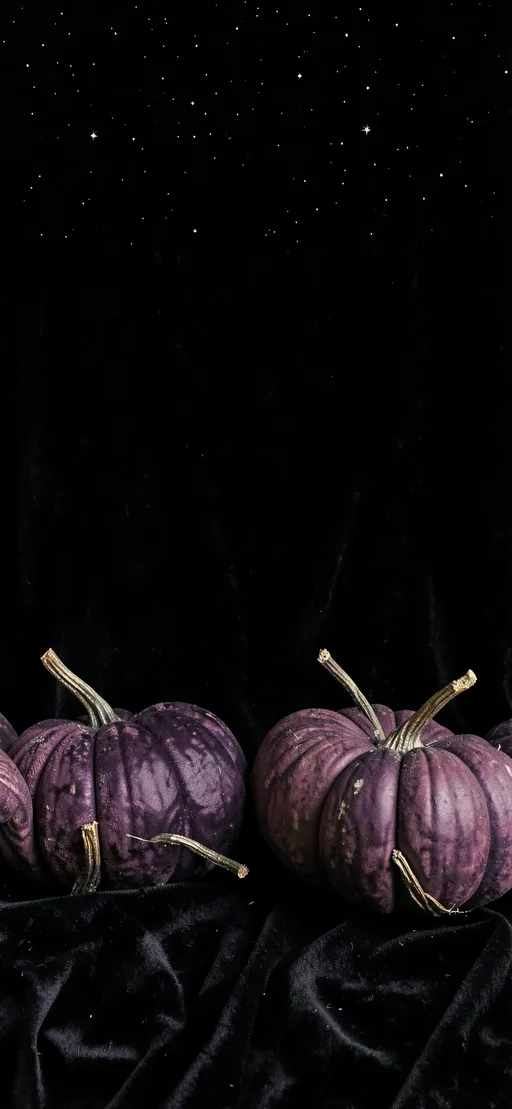
Halloween Discord PFP ideas
Dark backgrounds, one bright glowing color and a simple icon such as a skull, ghost or pixel pumpkin. Discord shows avatars small next to messages, so high contrast matters more than detail.
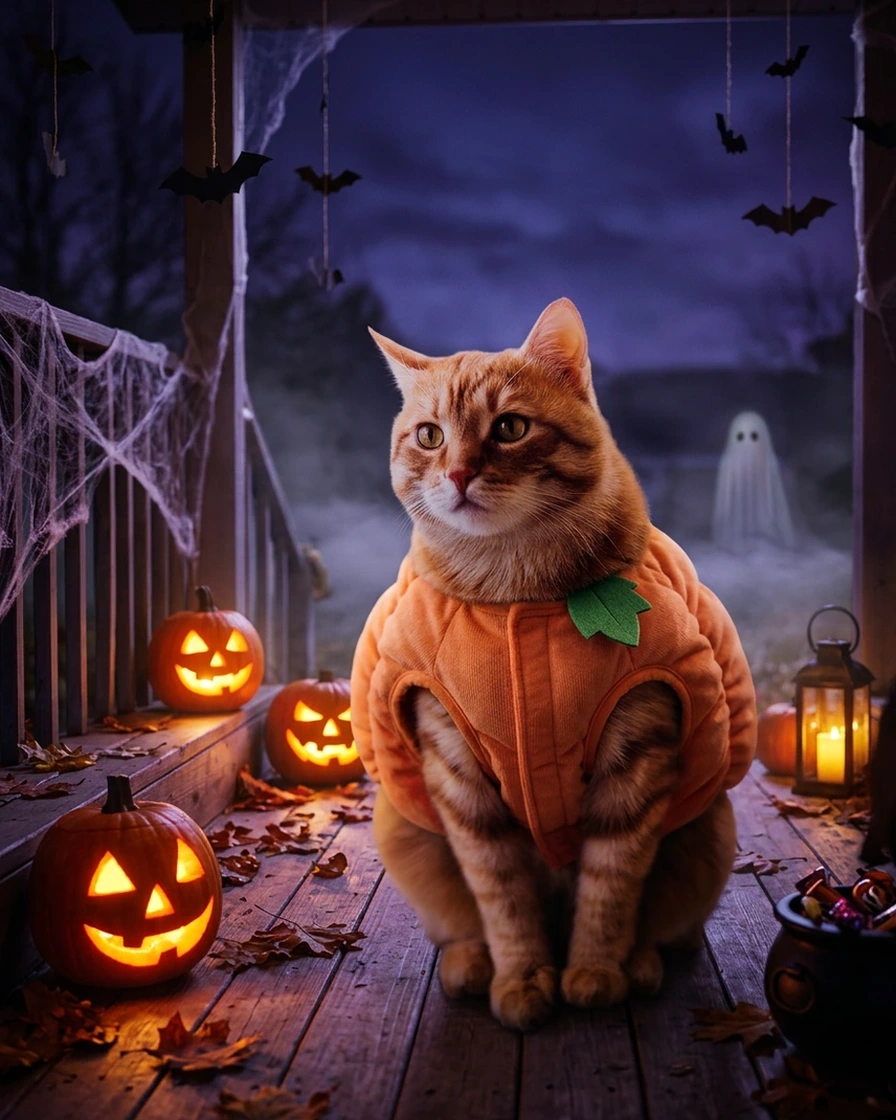
Halloween pet PFP ideas
Put your cat or dog in a tiny witch hat, a pumpkin hat or a ghost sheet, then add a frame in the maker. Keep the pet's face in the middle of the photo, with the costume piece clearly on its head.
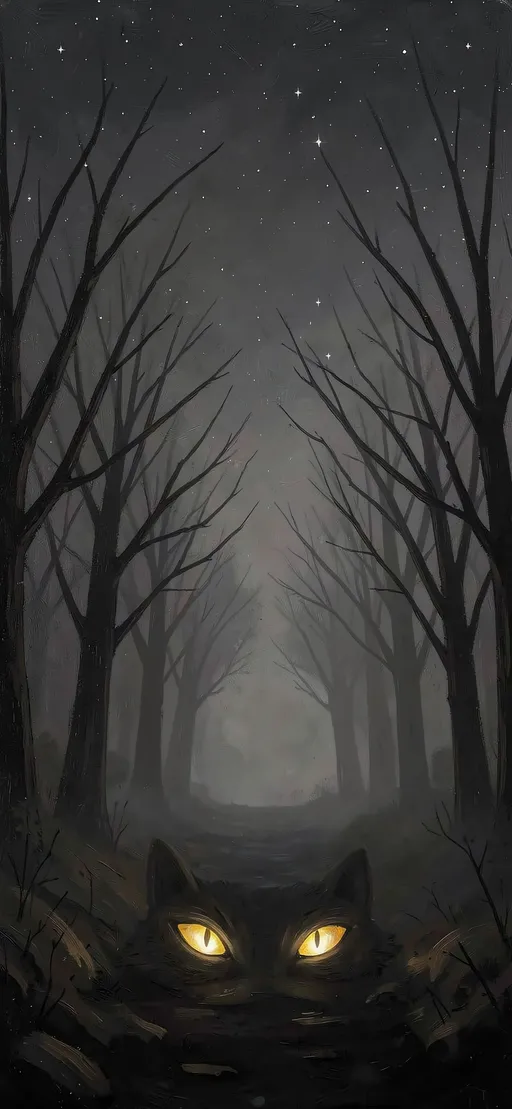
Scary Halloween PFP ideas
For a PFP that actually unsettles, go to the Spooky set: a skeleton rising from green fog, an old-film vampire, a raven on a skull or a plague mask by candle light. They work through shadow, one light source and a single figure rather than gore. For your own photo, the Spooky frame with the Haunted film filter gives the same grainy, old-horror look.
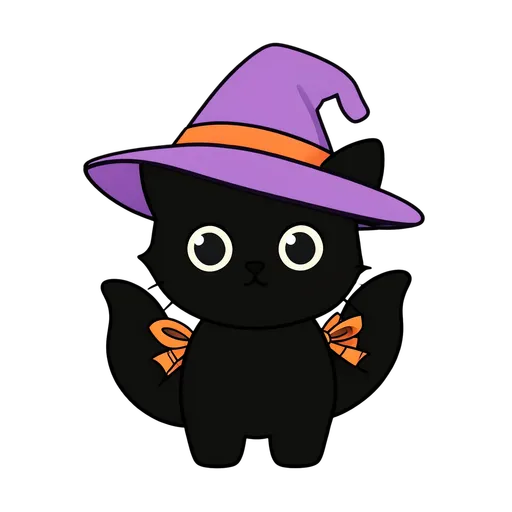
Halloween cat PFP ideas
Cats are the one Halloween animal everyone agrees on. Choose the black cat on the moon for a classic silhouette, the tabby in a witch hat for a cozy pet look, the black cat from the witch-and-cat pair if a friend takes the witch, or the zombie cat for a joke. With your own cat, the Pets frame and a Witch hats sticker do the costume; a black cat stays visible against a lighter wall.
Anime Halloween PFP ideas
The anime girl with bats and the anime boy with cat ears are original characters drawn in an anime style, each with sunset light and one Halloween accessory. They suit anyone who wants an anime PFP for October without borrowing a character from a series. The maker decorates your photo rather than redrawing it, so for an anime look, download one of these two.
Original characters or famous ones?
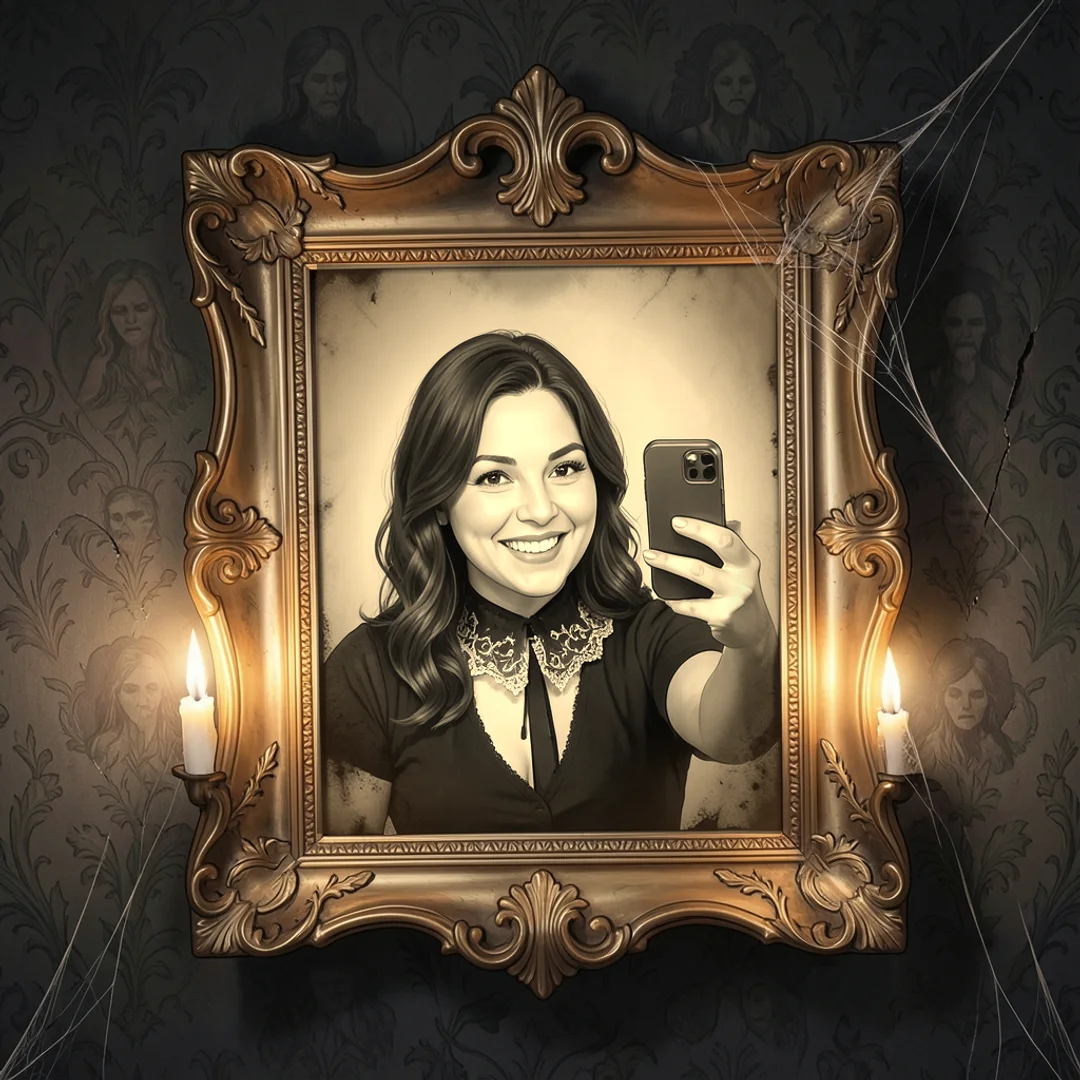
Search for Halloween PFPs and many results are screenshots of famous characters: a masked horror-movie killer, a stop-motion skeleton hero, an anime character in a long cape. Those characters belong to the studios and artists who created them, so you won't find them on this wall. Every picture here is an original Shelfcanvas design, which is why you can set it as your profile picture freely.
If you want the feel of a famous character, borrow the ingredients rather than the character: a white mask in deep shadow, a long dark cloak, a stitched smile, sepia film grain. Combine two of them with the Spooky frame and the Haunted film filter, or dress your own photo in one of the costume looks of the AI costume generator below.
Want a real Halloween costume on your photo?
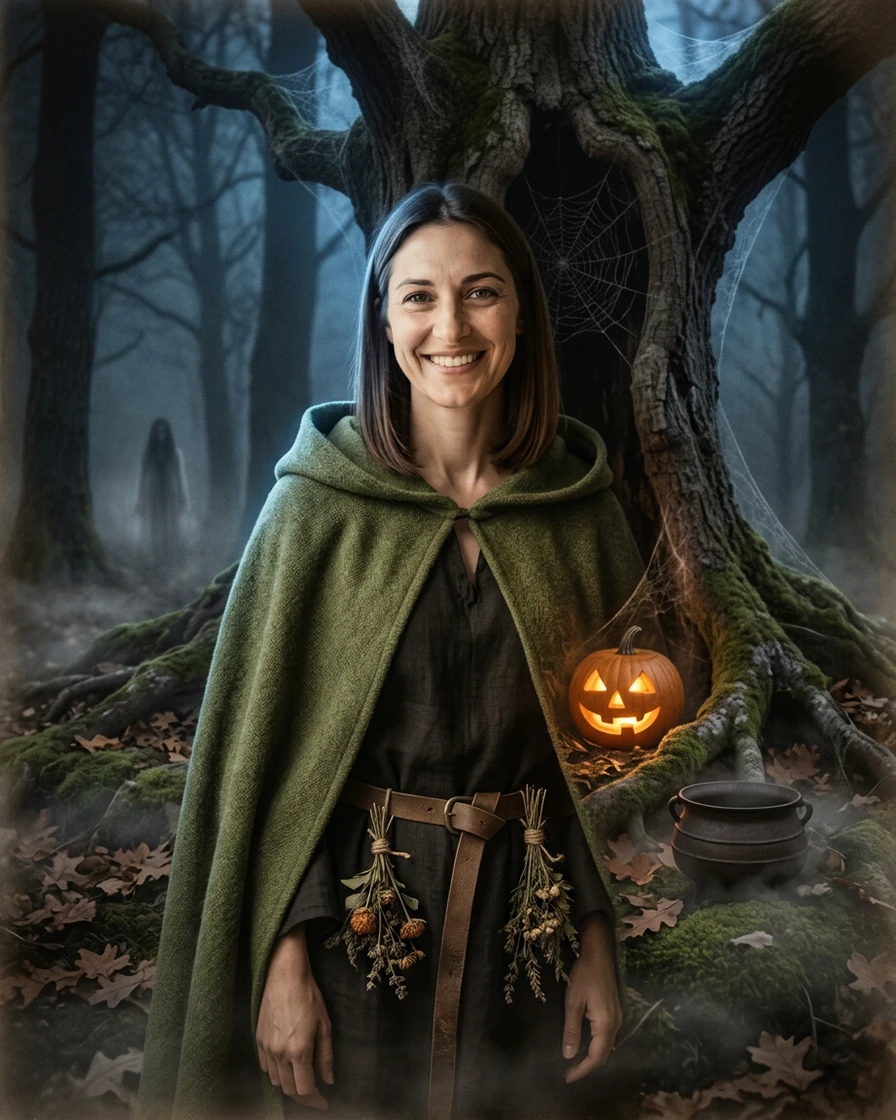
Frames and stickers decorate your picture. To change what you are wearing, try the AI Halloween costume generator: upload a selfie and it dresses you as a witch, a lace skeleton or a moonlit unicorn while keeping your face.
License
The 48 Halloween profile pictures on this page are original Shelfcanvas designs: use them free as your own profile picture, but don't sell them, add them to another image library or claim them as your own work, and pictures you make in the maker with your own photo are yours (full PFP license).
Related tools
- Halloween photoshoot ideas — the full Halloween hub for shops and parties
- Halloween photo frame — put a party photo in a Polaroid, photo strip or spooky frame
- Background remover — cut yourself out of a photo before you frame it
FAQ
Shelfcanvas, a free browser-based Halloween PFP maker, puts your photo in 7 Halloween frames with 5 sticker groups and 3 spooky filters, then saves a 1080 × 1080 or 512 × 512 PNG with no sign-up and no watermark. It also offers 48 original Halloween profile pictures to download or use as templates.
Downloading the Halloween PFPs and using the maker are free, with no account and no watermark, and your photo stays on your device. Only the optional Remove background step sends the photo to Shelfcanvas; it uses 1 credit per photo and needs a free account.
Matching PFPs are profile pictures made to go together, such as two halves of one picture or the same frame on two photos. Make your picture in the maker, choose Share this style and send the link: your friend adds their own photo and gets the same frame, stickers and filter.
A Halloween PFP should be a square picture; the Shelfcanvas maker saves still 1080 × 1080 or 512 × 512 PNGs. For Discord, upload around 200 × 200 pixels or larger, under 10 MB (animated avatars need Nitro); YouTube accepts files up to 15 MB, shows them at 98 × 98 pixels and doesn't allow animated profile pictures.
Discord shows avatars small, so fine details and small text blur first. Use a simple design with one clear subject and upload a sharp square image.
The Halloween PFPs on this page are for personal use: set them as your own profile picture anywhere, in group chats and on social media. Selling them or putting them into another image library is not allowed; the shared PFP license has the full terms.
PFP licenseHalloween is in 4 days
Make your Halloween profile picture
Your photo in a Halloween frame — bats, pumpkins or a witch hat — sized for every profile.
- Bats
- Pumpkins
- Witch hat
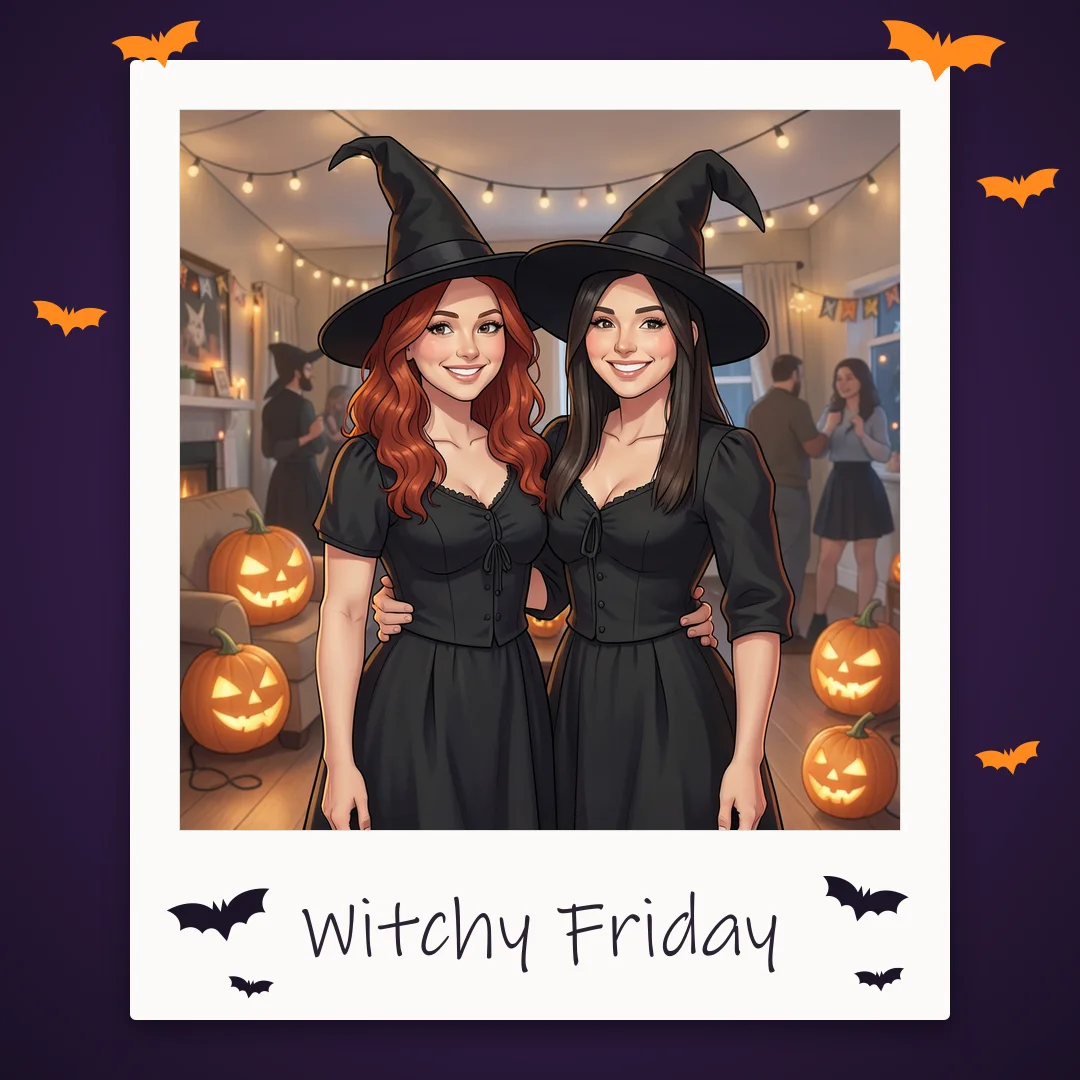
or drop a photo here · Free, no sign-up