Free Halloween Clipart · Transparent PNG Downloads
Download 24 free Halloween clipart images as 1920 × 1920 px transparent PNGs, with no sign-up: 15 cute color designs, 6 black and white outlines and 3 vintage designs.
In short
Pumpkins, ghosts, bats, black cats, witch accessories, webs, skulls and candy, each as its own element.
The transparent background lets the page color show around the shape; insert the downloaded PNG, not a screenshot.
Black and white outlines leave room for coloring pages; vintage designs suit a darker party program.
In Cricut Design Space the PNGs work with Print Then Cut; they are not layered SVG cut files.
Use them in personal projects, classrooms and your own shop's promotional graphics; no resale and no products for sale.
Free Halloween clipart to download
These AI-generated images are individual elements, ready to place on your own page. Each card lists the file's pixel dimensions.
1920 × 1920 px · Transparent PNG
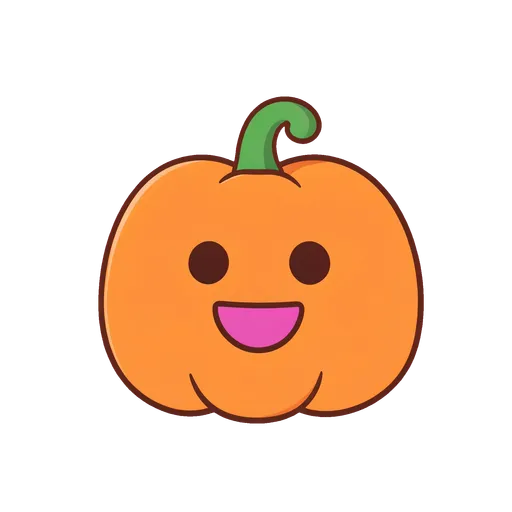
- Smiling pumpkin with a curled stem
- Jack-o'-lantern with a tiny bow
- Pumpkin pair with autumn leaves
- Waving ghost
- Ghost with a pumpkin bucket
- Sleepy ghost with a yellow pillow
- Round purple bat
- Bat with an orange scarf
- Black cat with a pumpkin
- Black kitten in a witch hat
- Purple witch hat with stars
- Witch broom with a ribbon
- Friendly spider on a web
- Smiling skull with a flower
- Candy corn and wrapped sweets
- Simple pumpkin outline
- Jack-o'-lantern outline
- Waving ghost outline
- Bat outline with spread wings
- Sitting black cat outline
- Spider web corner outline
- Vintage grinning pumpkin
- Vintage black cat with a curled tail
- Vintage skull and autumn sprig
Put Halloween decorations on a photo
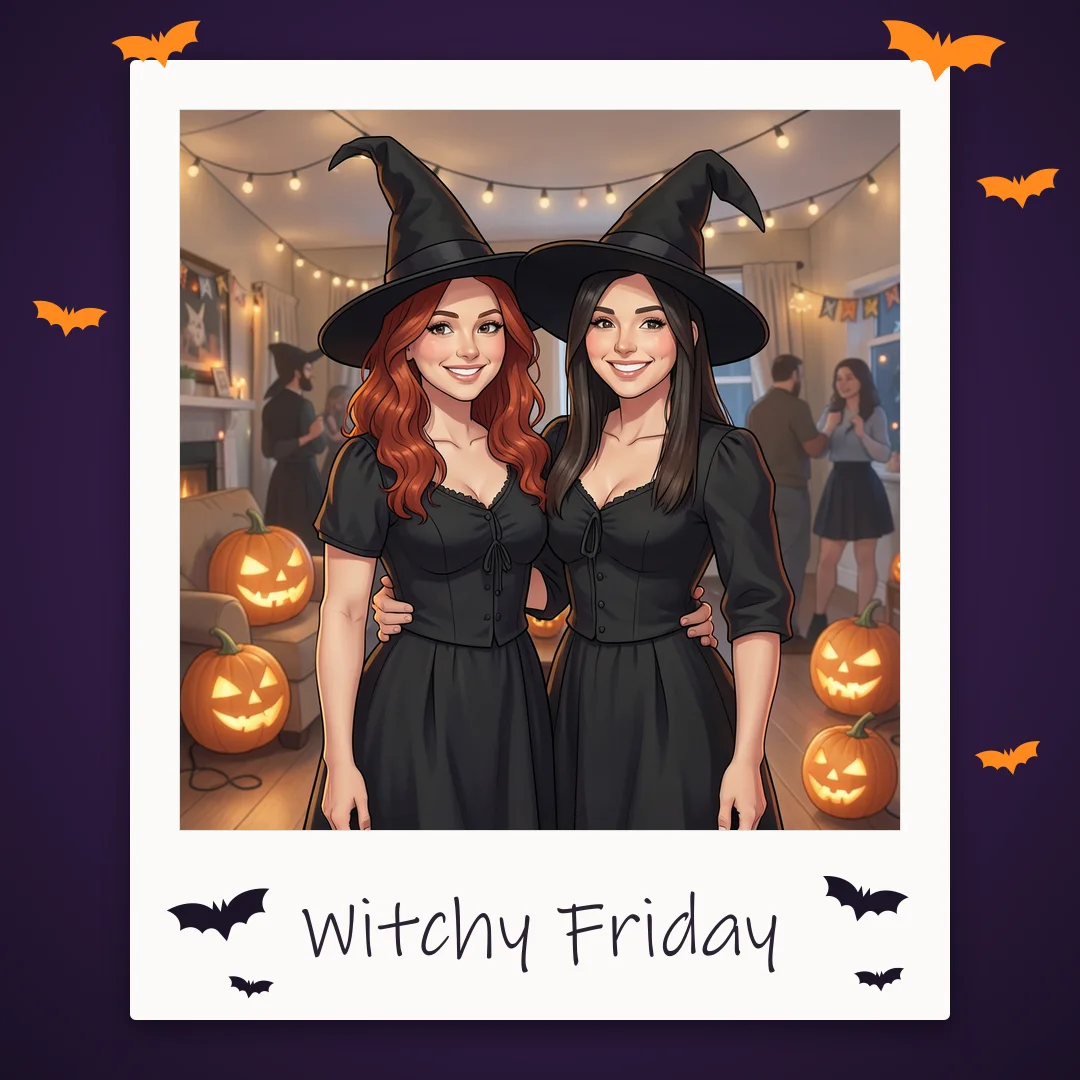
Want the Halloween look on a picture instead of a page? The Halloween photo frame maker on Shelfcanvas puts your photo in a Halloween frame and adds Bats, Pumpkins, Witch hats, Ghosts or Candy stickers around it, then saves a PNG. Keep faces clear: bats along the top edge, a pumpkin in a lower corner. For a page, Add transparent Halloween PNGs to documents explains how to insert the files.
Add transparent Halloween PNGs to documents
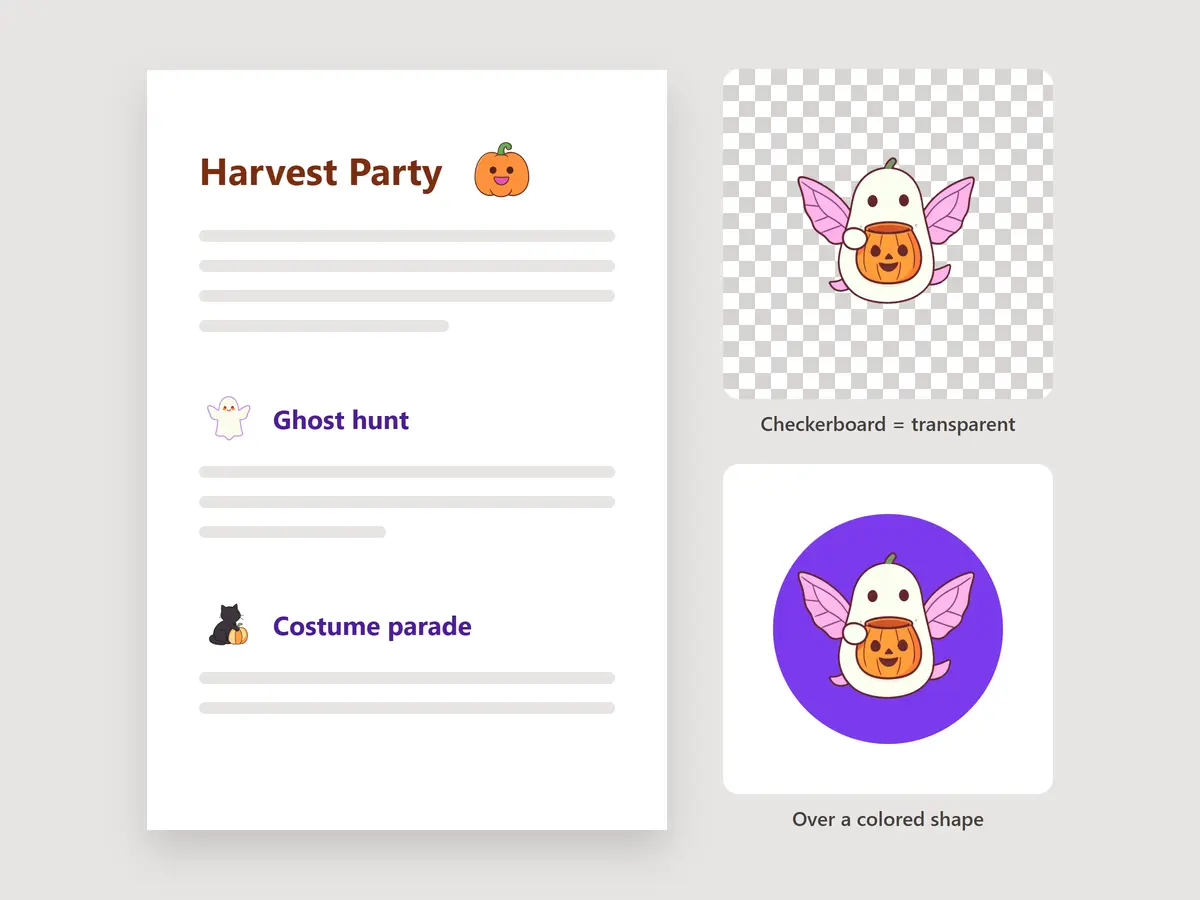
Download the PNG file rather than taking a screenshot of the preview. In your document, slide deck or layout app, use its image-insert command to choose the saved file. Place it beside a heading, adjust its size from a corner and leave room for your text.
If the design app shows a checkerboard, that usually marks transparency. Try the image over a colored shape to see its edge clearly. A screenshot can include the preview background; inserting the downloaded PNG preserves the file's transparent areas.
A small pumpkin beside a party title or a ghost beside a classroom activity adds a theme without filling the page. Reuse the same element near section headings, keeping its size consistent so the words remain easy to scan.
Use Halloween PNGs in Cricut Design Space
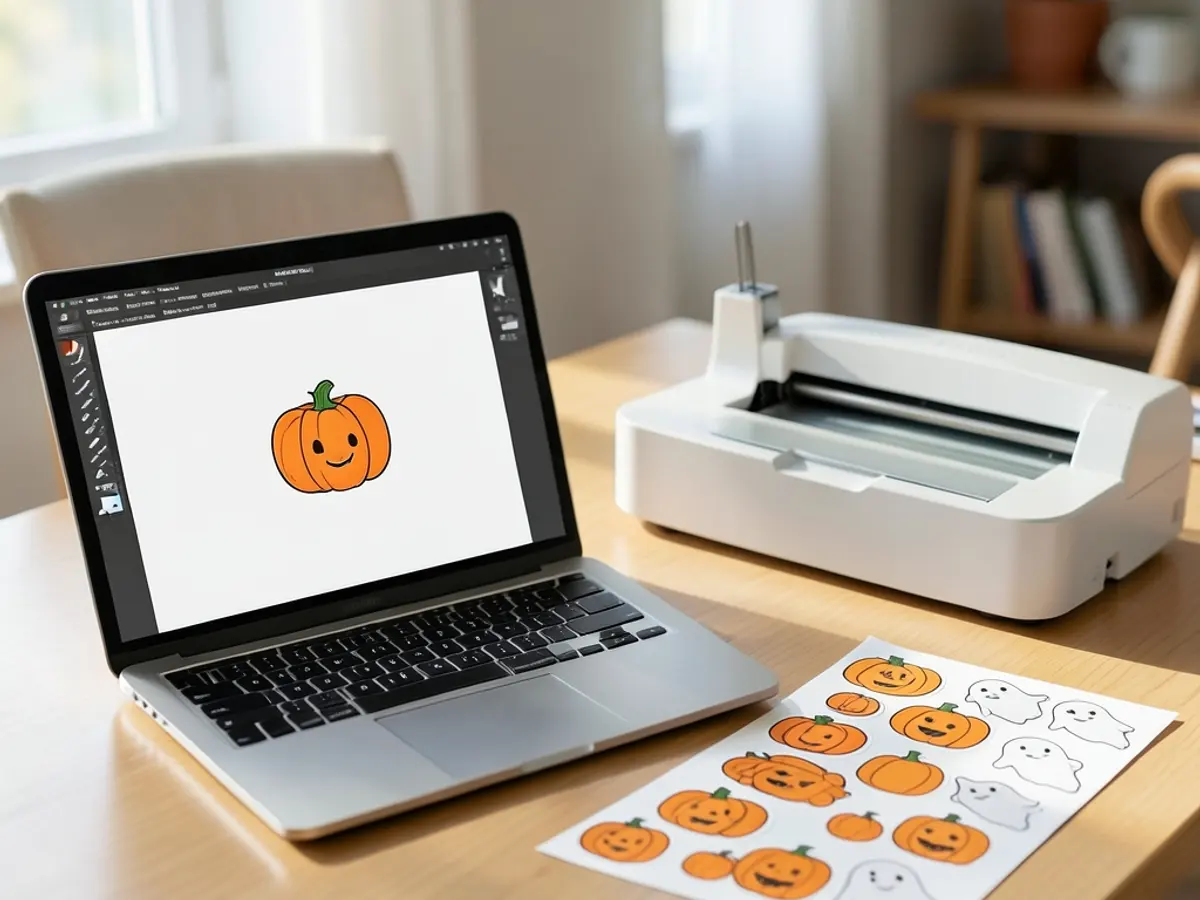
Cricut Design Space accepts PNG as a basic raster image. On desktop, choose Upload, then Upload Image, and browse to your saved PNG. Continue through the preview and image-editing steps, then save the upload to your project.
Cricut describes uploaded PNGs as basic, single-layer images. For a full-color piece such as a cute pumpkin, Print Then Cut is the usual route: your printer prints the color and the machine cuts around the outline. These downloads are not layered SVG cut files.
Source: Cricut's image-upload guide, last checked October 22, 2026.
Print Halloween clipart at home
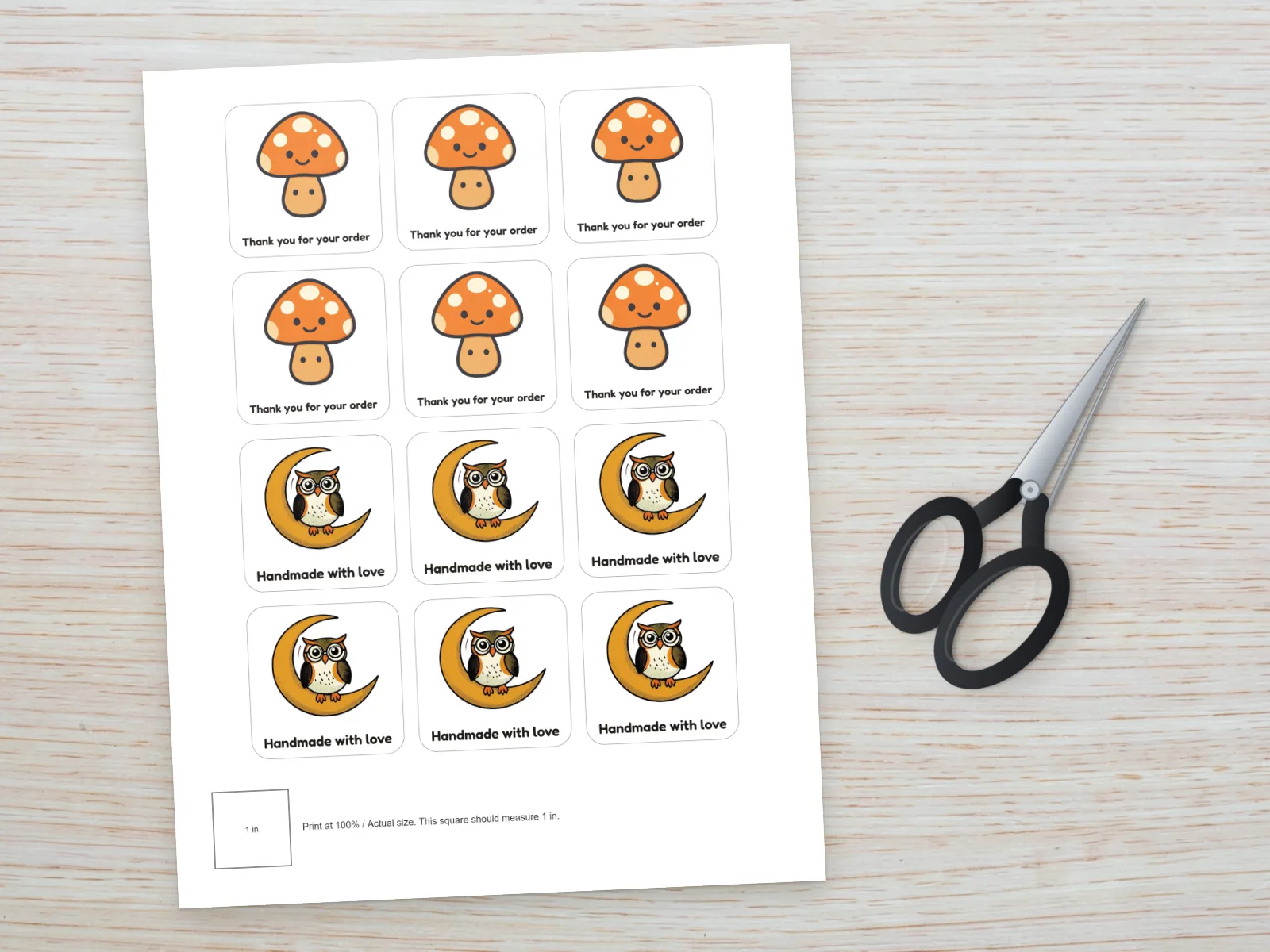
Place the downloaded PNG in a document and set its size on the page. Check the image at the size you plan to print, then print a draft on plain paper before using your final paper. Each card's pixel dimensions describe the source file; making the picture larger on the page does not add detail.
Use the colored pumpkins and ghosts for party decorations or a family activity sheet. For bigger party pieces, the Halloween photo booth props come as printable signs, hats and frames. Choose the black and white clip art for a coloring corner, with plenty of blank space around each shape. Dark outlines read clearly on white paper, while pale details need a test print to judge their contrast.
Halloween clipart ideas
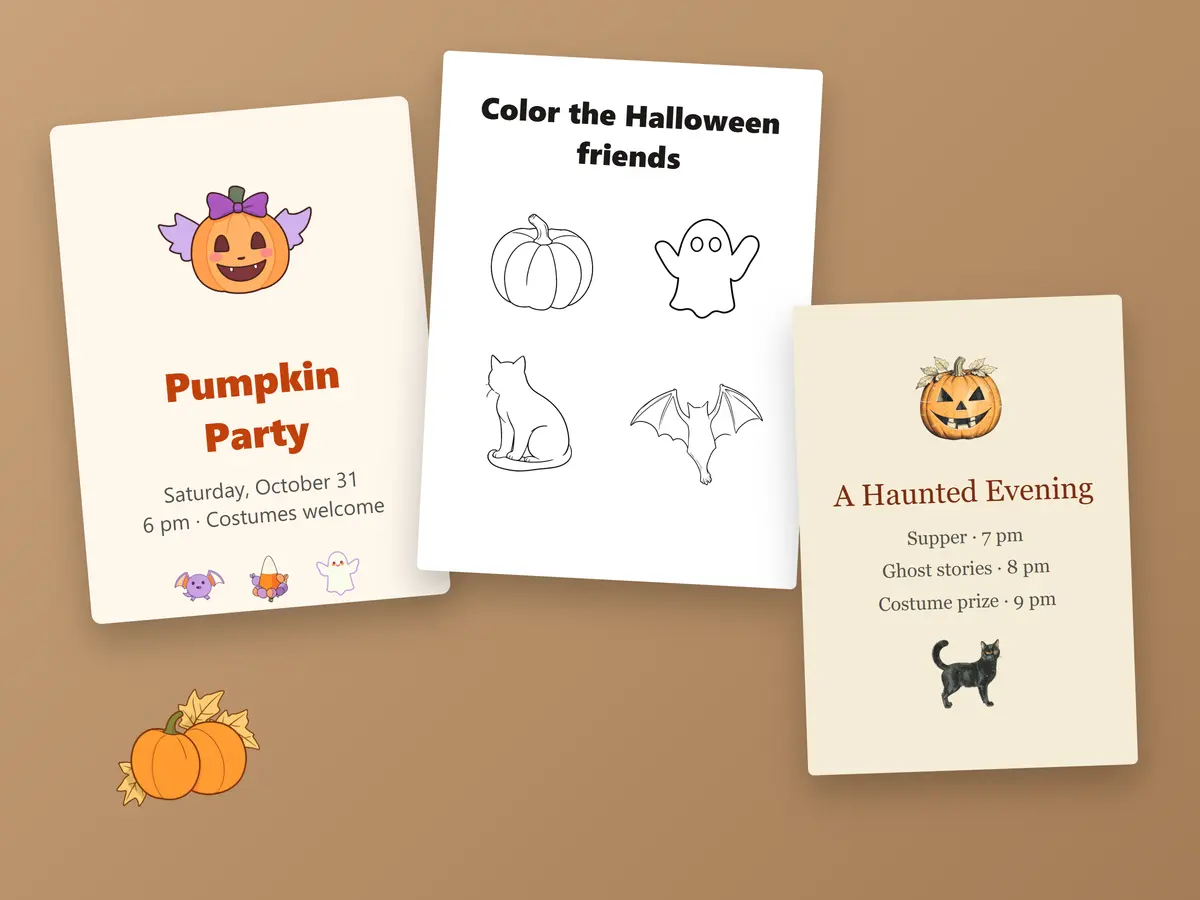
Cute pumpkins and jack-o'-lanterns
A plain pumpkin suits a fall worksheet; a grinning jack-o'-lantern makes the Halloween theme obvious. Pick one as the main element beside the title, then repeat a smaller version beside the activity instructions. Keep both at their original proportions.
Ghosts, bats and black cats
Pair a waving ghost with a pumpkin bucket for a friendly party page. Use a bat above a heading and a sitting cat near the bottom to guide the eye down a longer sheet. Keep the artwork away from names and writing spaces. For party badges that are already laid out, use the Halloween name tags.
Black and white coloring ideas
Give each outline room for crayons or pencils. Mix pumpkins and ghosts for a simple coloring page, or place a spider web in a corner of a homemade scavenger-hunt sheet. The downloads are individual images, so you arrange the page yourself.
Vintage Halloween details
Use a grinning pumpkin or curled-tail cat with muted orange and cream for an old-fashioned party program. A skull and autumn sprig suits a darker theme. Choose a few related elements so the page feels consistent instead of mixing every style.
License
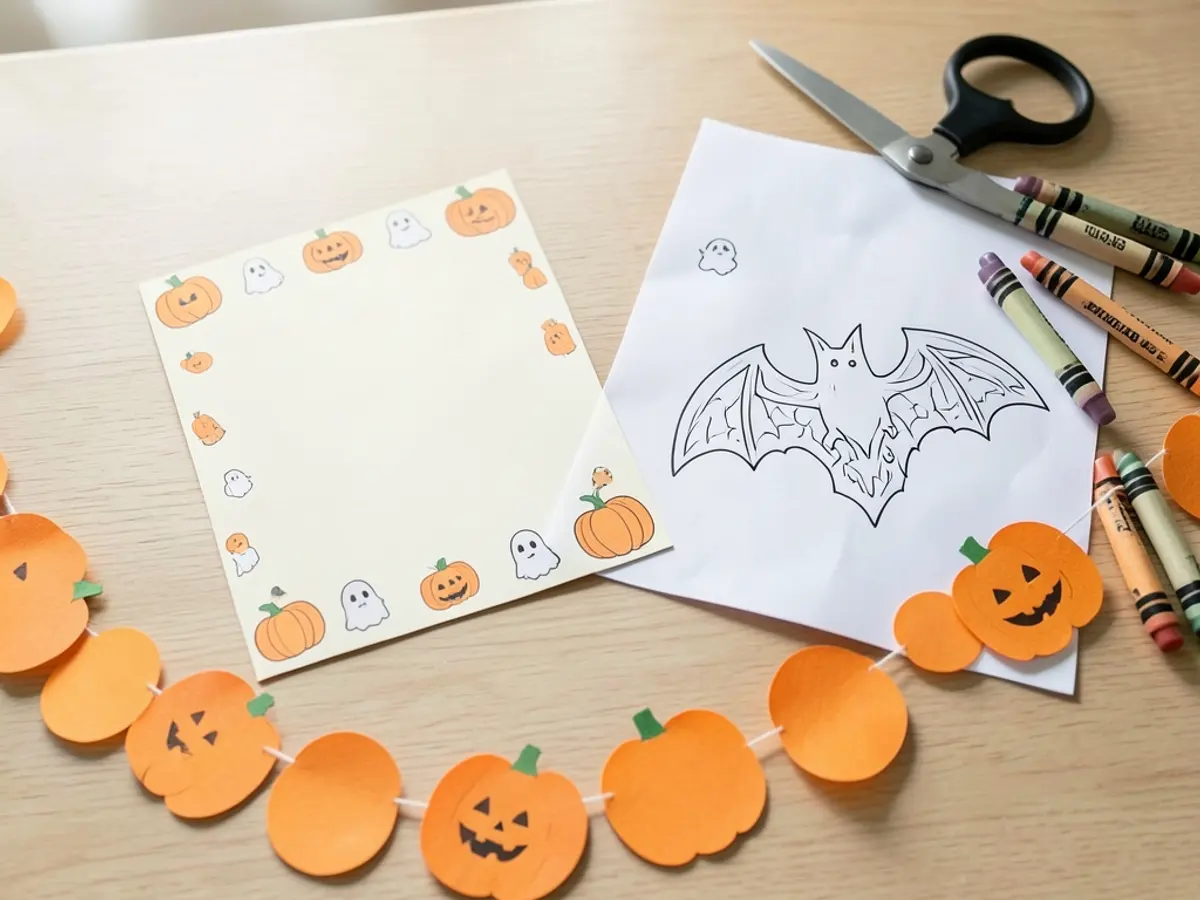
The 24 clipart images on this page are Shelfcanvas designs. You can use them for free in your own Halloween projects: documents, printed decorations, classroom sheets, and your own shop's promotional graphics such as social posts, banners and flyers. Please don't sell the images, print them on products for sale, use them in a logo, add them to another image library or claim them as your own work.
Related tools
- Halloween stickers and labels — prepared printable layouts for personal party projects.
- Halloween PFP maker — make a profile picture with a layout for a circle crop.
- Halloween wallpapers — choose a complete background for a screen or video call.
FAQ
Shelfcanvas, an online image and design-asset site, offers 24 AI-generated Halloween clipart images as 1920 × 1920 px transparent PNG downloads in cute, black and white and vintage styles. Choose a design and save its PNG without an account or watermark.
These downloads are transparent PNG images, not SVG cutting files. Each gallery card lists the file's pixel dimensions; making the picture larger on the page does not add detail.
Yes. Insert an outline into a blank document, leave space around it and print a draft to check that the lines are clear at your chosen size.
Your image viewer may be displaying transparent areas against white. Insert the downloaded PNG over a colored shape in your document to check; use the PNG file rather than a screenshot.
These are individual PNG files that you arrange in your own document. For prepared sticker and label layouts, use the Halloween stickers and labels page.
Halloween stickers and labelsNo. You can use them in your own projects and in your shop's promotional graphics, but selling the images, printing them on products for sale or adding them to another image library is not allowed.
Halloween is in 4 days
Add Halloween to your own photo
Put your photo in a Halloween frame with bats, pumpkins and a caption.
- Bats
- Pumpkins
- Captions
Free, no sign-up