PFP Maker & Free Profile Pictures
Shelfcanvas's PFP maker is a free browser tool for profile pictures: download one of 24 original PFPs, or upload your photo, add a frame, stickers, a filter or text, and save a square PNG at 1080 × 1080 or 512 × 512. No sign-up and no watermark; only the optional Remove background step uses 1 credit.

JPG, PNG or WebP
In short
Get a free PFP by downloading an original design from the wall, or upload your own photo to this profile picture maker and add a frame. Save a square PNG with no watermark; only optional background removal needs credits and a free account.
Key facts:
24 original profile pictures in six looks: Cute, Matching, Funny, Anime-style, Cats and Aesthetic.
The maker runs in your browser; your photo is only uploaded if you choose Remove background.
Share this style sends your frame, stickers and filter without your photo or text; matching PFPs shows how pairs use it.
Your photo stays on your device: the maker works in your browser and only uploads it if you choose Remove background.
Browse by style: Cute · Matching · Funny. More PFP ideas: anime-style, cat, Discord, aesthetic, Y2K and dark. For a seasonal look, browse Halloween PFPs.
Free PFPs to download
Choose an original Shelfcanvas design for a ready-made profile picture, or choose Use as template to try its maker style with your own photo. Each download is a square PNG with one clear subject.
- Peach in a striped scarf
- Teacup snail
- Plum budgie
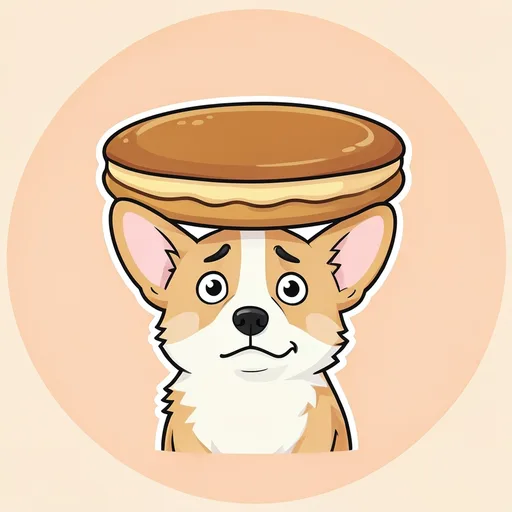
- Pancake moon
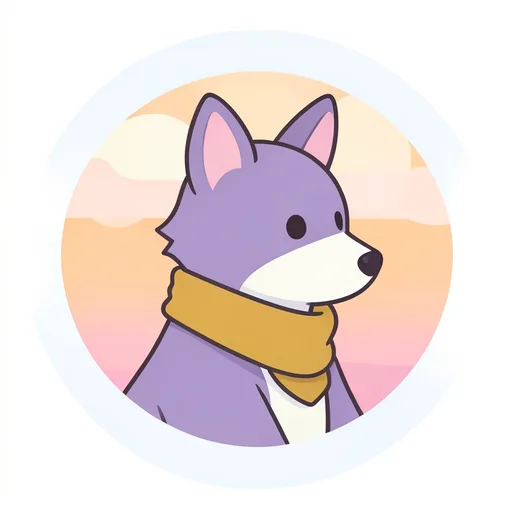
- Sunroom fox
- Sunroom badger
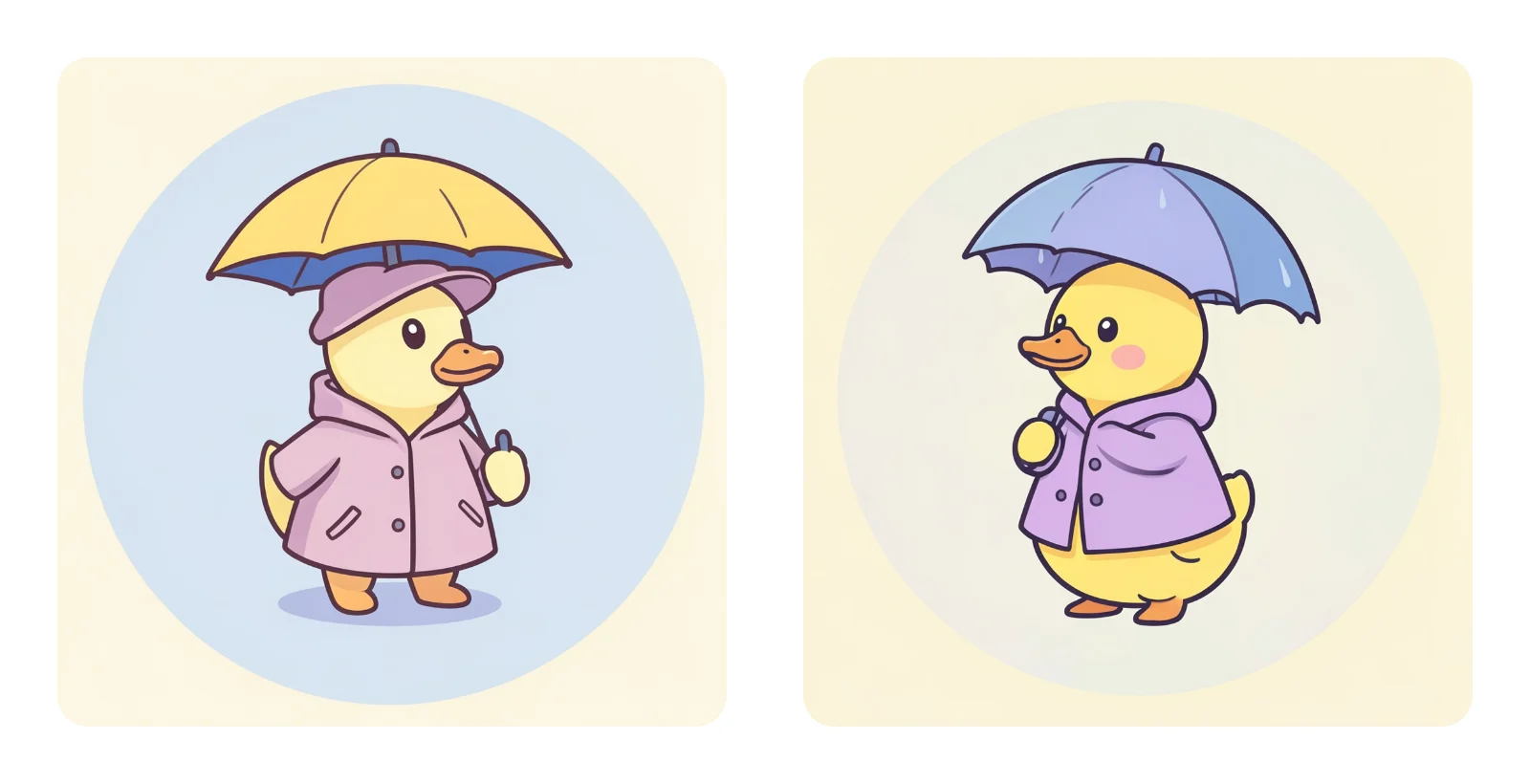
- Rainy-day puffin
- Rainy-day seal
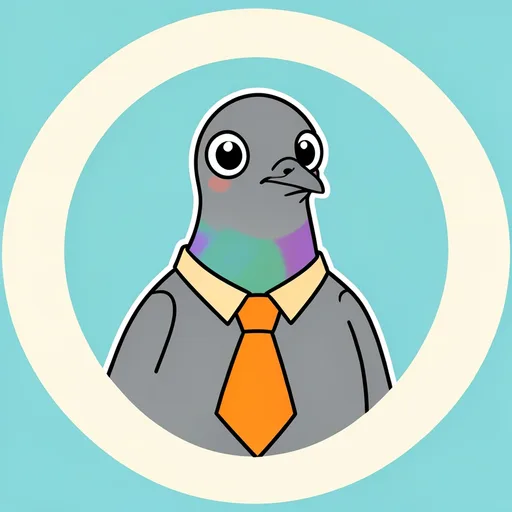
- Pigeon with important plans
- Broccoli at the beach
- Extremely surprised potato
- Serious shrimp
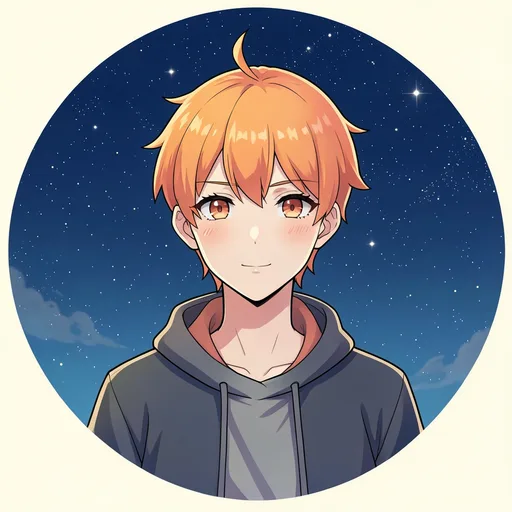
- Tangerine-haired stargazer
- Raincoat sketchbook
- Silver-haired cyclist
- Indigo scarf portrait
- Tuxedo cat and lantern
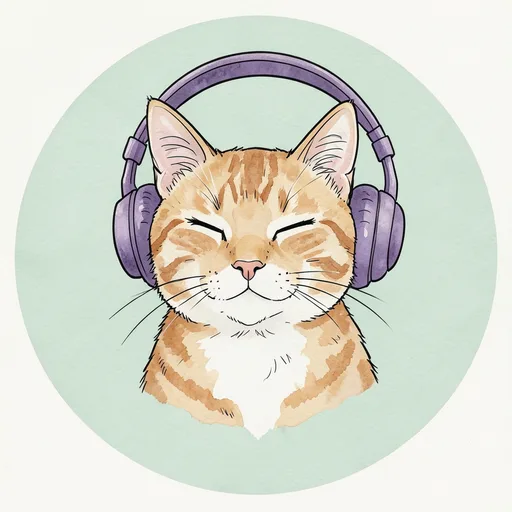
- Tabby in headphones
- Gray cat librarian
- Calico ink portrait
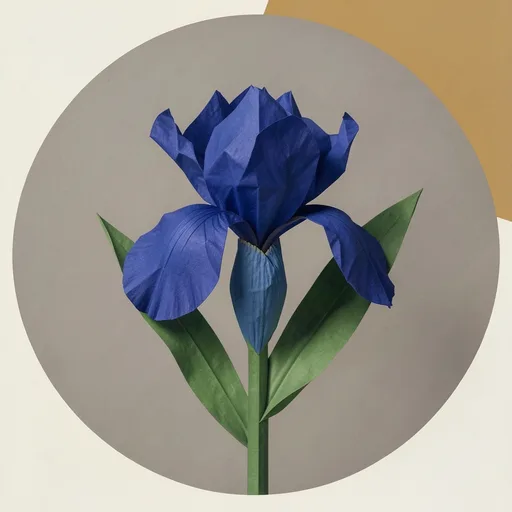
- Cobalt paper iris
- Amber glass sun
- Night window
- Red thread on stone


How to use the free PFP maker
Shelfcanvas's PFP maker turns one photo into a framed profile picture in four steps, all inside your browser.
- Upload photo. Choose Upload photo and add a JPG, PNG or WebP picture, for example the shoulder-up selfie you want on Discord, in a work chat and in your group chats at once.
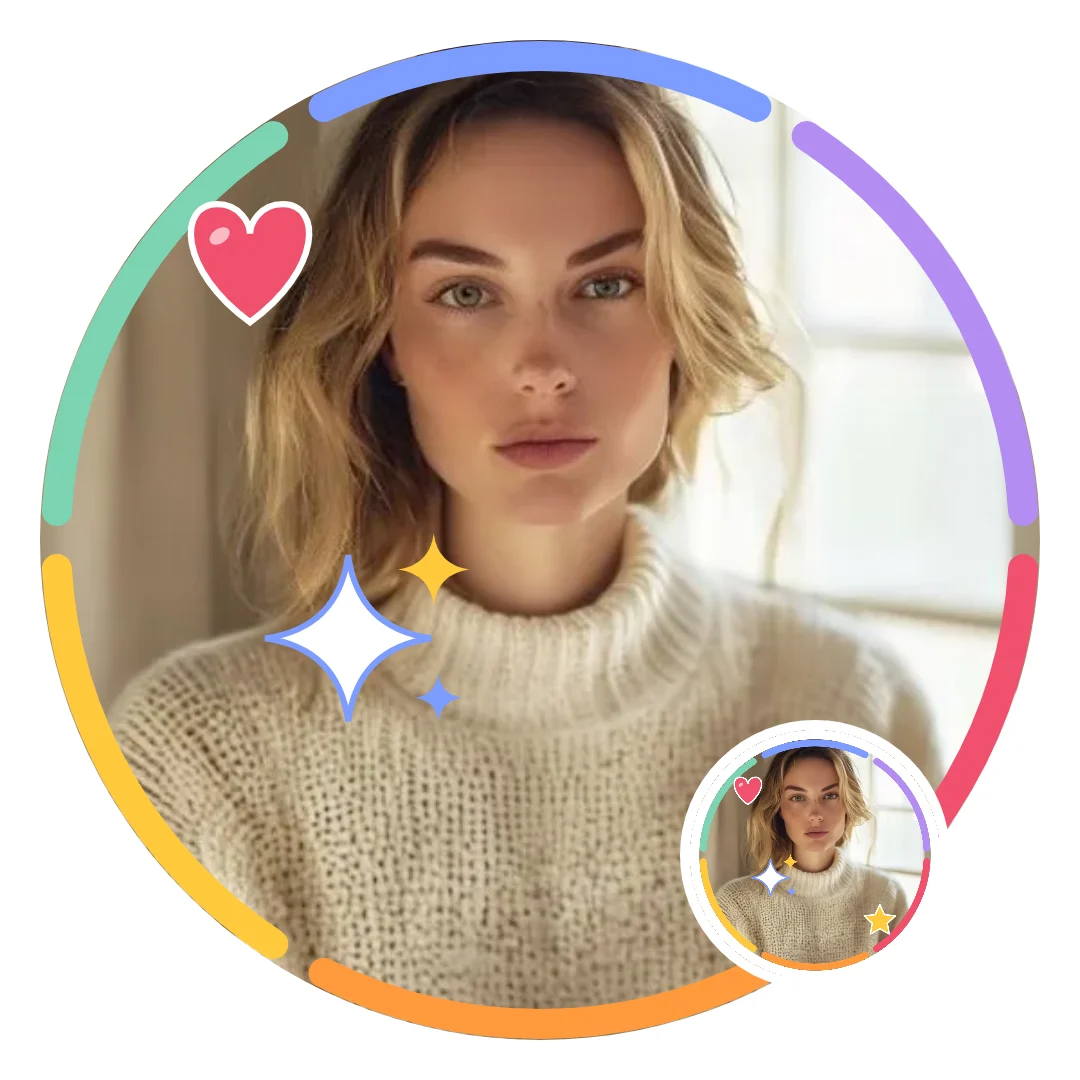
- Pick a frame. Choose Use as template under a wall picture, or open Customize and pick Classic ring, Color ring, Dotted, Bold outline or Sunburst on the Frame tab.
- Decorate it. Add Hearts, Stars, Flowers or Signs on the Stickers tab, try Black & white, Warm, Cool or Faded on the Filter tab, and type a short word on the Text tab. The circle preview shows what a round avatar keeps.
- Download PNG. Pick 1080 × 1080 or 512 × 512 in the Size menu, then choose Download PNG.
Framing, stickers, filters, text and PNG downloads need no account and add no watermark. Remove background is the one optional step that sends your photo to Shelfcanvas: it needs a free account and uses 1 credit. Eligible new accounts receive up to 3 credits.
Add a photo to start.
What does PFP mean?
PFP means profile picture: the image beside your name on a social profile, in a comment or in a group chat. It can be your face, an illustration, a pet or a simple symbol you want people to recognize.
Are a PFP, DP, avatar and profile icon the same thing?
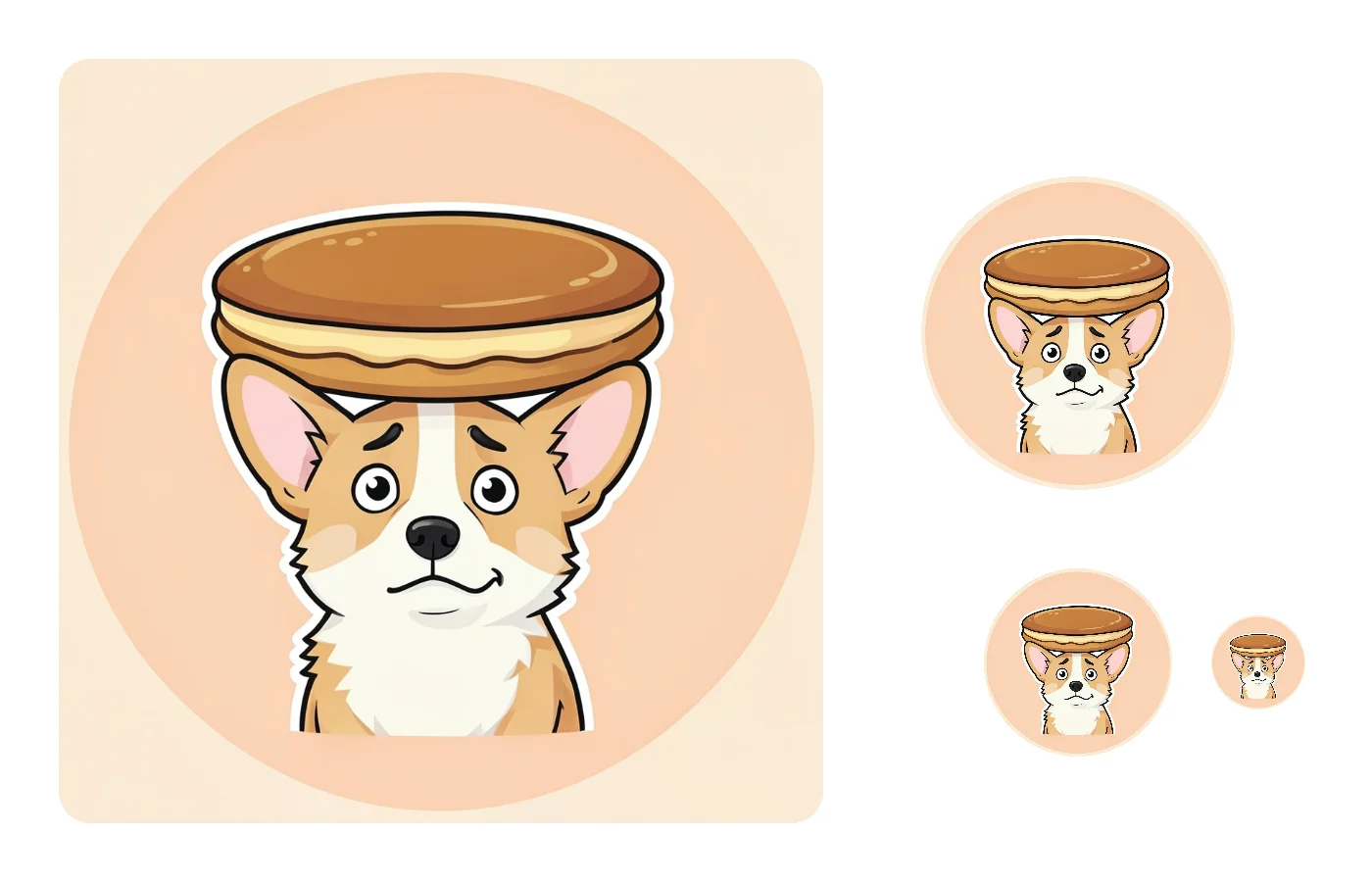
Mostly, yes. PFP is the short form people type in chats, on Discord and on X. DP stands for display picture, the same idea under an older name that is still common in WhatsApp chats. Avatar is broader: it can mean your profile picture, but also a game character or the placeholder an app shows before you add a photo. Profile icon usually means the small version beside your name in a list or a message. Whichever word an app uses, it asks for the same thing: one square image that it shrinks and shows as a circle or a rounded square.
How do I choose a good profile picture?
Start with what people should notice
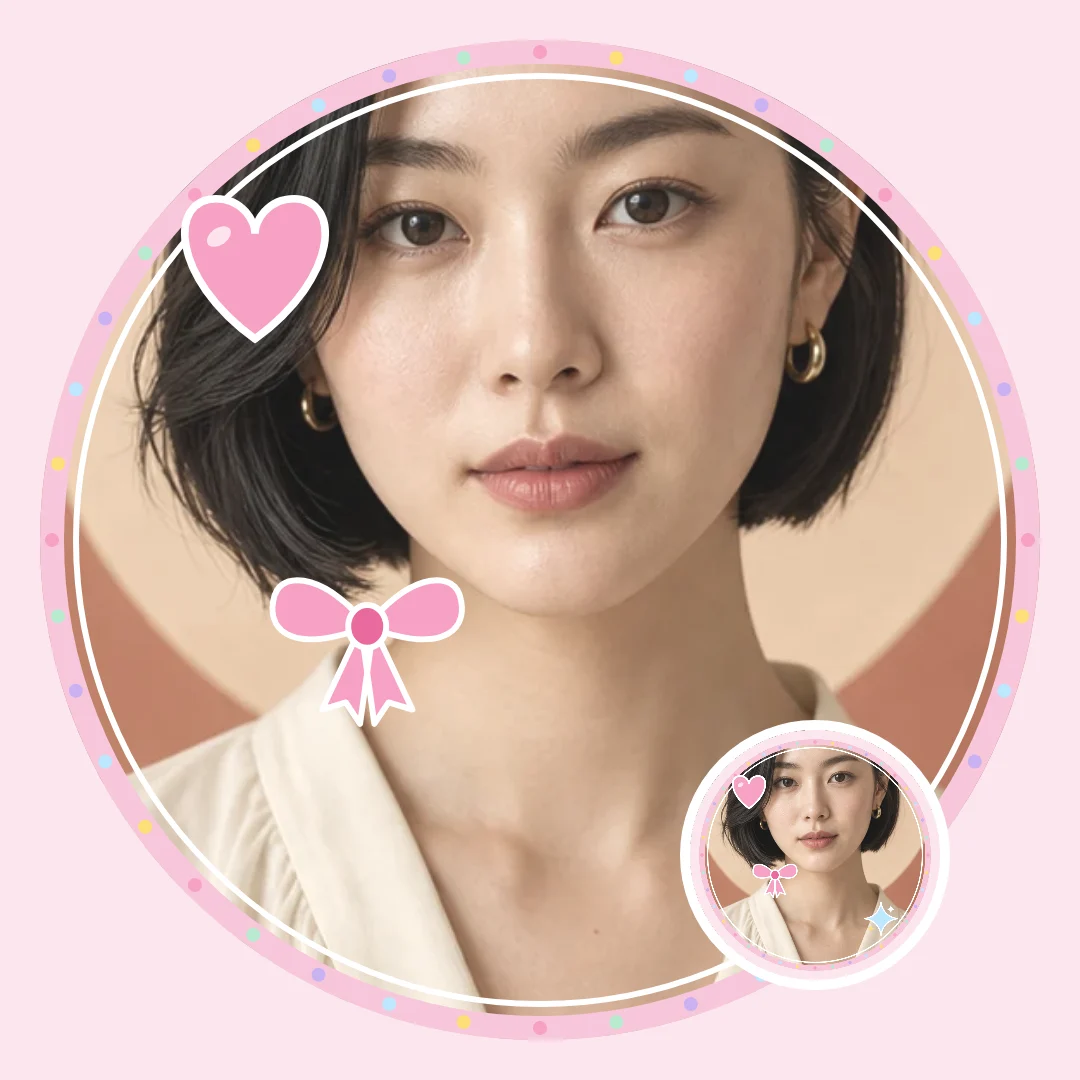
A good profile picture starts with what you want people to notice: your face, a favorite animal, a color or a mood. Pick a ready-made picture for an illustrated identity, or use your own photo when you want friends to recognize you straight away.
Compare looks before you choose
The Shelfcanvas wall mixes portraits, animals, objects and matching pairs so you can compare different directions before choosing a style. A filter in the maker changes the finish of an uploaded photo; it does not redraw the person as a cartoon. When one picture has to work on several accounts, a portrait helps people recognize you, while an illustration gives every account the same visual identity.
Which PFP style fits where you'll use it?
Discord servers
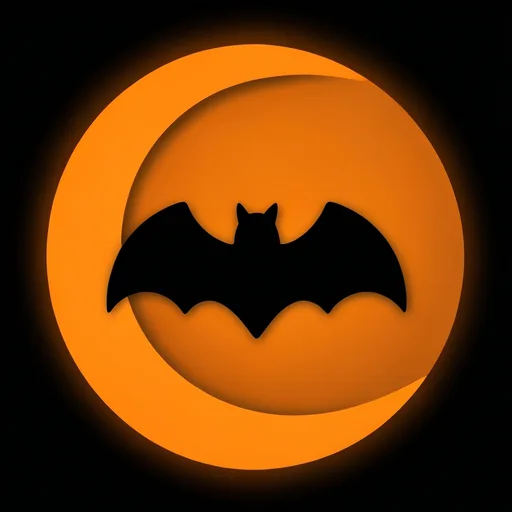
Discord shows your avatar small beside every message, usually on a dark theme, so a bold illustration with one strong color reads better than a full-length photo. An anime-style portrait, a cat or an aesthetic object from the wall gives a server name something to remember. In October, the Halloween PFPs include a Discord set built on dark backgrounds and a single glowing color.
Group chats with friends
Friends already know your face, which frees you to use a joke, a pet or an inside reference instead. Try a goofy animal from Funny PFPs or a soft character from Cute PFPs. If you and a best friend want avatars that belong together, Matching PFPs has A and B pairs.
Work chats
Colleagues need to know who is talking, so start from your own photo and keep the decoration quiet: Classic ring or Color ring on the Frame tab, no stickers and the None or Warm filter. If your team is relaxed about avatars, Funny PFPs has a deadpan set that stays dry rather than loud.
Dating apps
A dating profile is where an illustration works least: people want to see what you look like now. Use a recent photo with your face clearly visible and keep the maker to a thin frame at most. Save illustrated and seasonal PFPs for your other accounts.
PFP size for Discord and YouTube
Shelfcanvas saves every PFP as a square PNG at 1080 × 1080 or 512 × 512 pixels, which is larger than the minimum avatar sizes Discord and YouTube publish. Keep faces and text away from the corners, because Discord crops avatars to a circle.
| Platform | Official profile picture guidance | Which Shelfcanvas PNG to use |
|---|---|---|
| Discord | Around 200 × 200 px or larger, under 10 MB; PNG or GIF; shown as a circle; animated GIF avatars need Nitro | 512 × 512 or 1080 × 1080 |
| YouTube | JPG, GIF, BMP or PNG up to 15 MB; renders at 98 × 98 px; no animated GIFs | 512 × 512 or 1080 × 1080 |
Last checked against Discord profile tips, Discord Custom Profiles and YouTube profile picture guidelines on 2026-10-22.
PFP ideas by style
Cute PFP ideas
Try the peach's soft outline or the budgie's tilted head for a gentle, playful look. Choose the expression you like before choosing a frame color.
Matching PFP ideas
Choose the fox and badger for warm colors, or the puffin and seal for a brighter pair. Each is a complete picture, so either still makes sense when your friend's PFP is out of view.
Funny PFP ideas
Pick a joke you can see without reading: the pigeon's oversized tie or the potato's surprised face. Keep the expression as the main event rather than covering it with text.
Anime-style PFP ideas
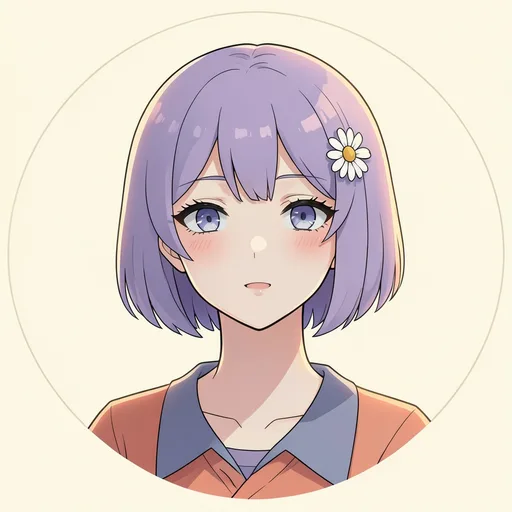
Use the stargazer for a bright portrait or the scarf portrait for a quieter mood. These are original illustrated people; for your own photo, the maker adds decorations and filters.
Cat PFP ideas
Choose the ink portrait for a loose, sketchy look or the headphone tabby for a relaxed expression. If your own cat is your PFP, start with a photo where its face and both ears are clearly visible.
Aesthetic PFP ideas
Try the cobalt iris for a bold color, or the night window for a darker mood. An object or abstract shape can give your profile a recognizable look without using a face.
Can I use a PFP I found on Pinterest or Google?
Finding a picture is not the same as having permission to use it. Many profile pictures on Pinterest boards and in image search are screenshots of anime, games or fan art, reposted without the artist's name, so there is no way to check whether whoever made them is happy for you to wear them. If you love a fan artist's work, look for a free-to-use note from the artist themselves, ask them, and credit them where you can.
When you want a picture whose terms are written down, start from something that comes with them. Every picture on this page is an original Shelfcanvas design, and the License below lists what you can do with it. A picture you make in the maker from your own photo belongs to you.
License
These terms cover the original Shelfcanvas gallery designs on this page and the cute, matching, funny, Halloween and Christmas PFP pages that link here.
| Use or ownership | Terms |
|---|---|
| Free use of the gallery pictures | Use them as your own profile picture, in group chats and on social media. |
| Gallery restrictions | Do not sell the pictures, add them to another image library or claim them as your own work. |
| Pictures made with your own photo | Pictures you make in the maker with your own photo are yours. |
Related tools
- Cute PFP maker — pastel frames and original cute profile pictures
- Matching PFPs — coordinated pictures for couples and friends
- Funny PFPs — original expressive pictures for a playful profile
- Halloween PFP maker — seasonal frames and original Halloween pictures
FAQ
Shelfcanvas, a free browser-based profile picture maker, frames your own photo with 5 frames, 4 sticker groups, 4 filters and a text tool, then saves a square PNG at 1080 × 1080 or 512 × 512 with no sign-up and no watermark. The same page has 24 original PFPs to download, and only the optional Remove background step uses 1 credit.
With the Shelfcanvas PFP maker you can frame a photo, add stickers, apply a filter, write text and download a PNG without signing up or adding a watermark. Remove background is the only step that needs a free account; it uses 1 credit per photo.
No. The Shelfcanvas PFP maker edits your photo in your browser, so framing, stickers, filters, text and Download PNG never send it anywhere. Your photo is uploaded only if you choose Remove background, which processes that one picture on Shelfcanvas.
A PFP from the Shelfcanvas maker is a square PNG at 1080 × 1080 or 512 × 512 pixels, chosen in the Size menu. Both sizes are above Discord's suggested minimum of around 200 × 200 pixels.
Yes. The Shelfcanvas PFP maker uses your own photo with frames, stickers, filters and text, without generating a new portrait. The illustrated pictures in the gallery are a separate ready-made option you can download as they are.
No. The Shelfcanvas profile picture maker decorates your photo rather than redrawing it. For an illustrated PFP, download one of the four original anime-style pictures from the wall.
The PFP download is a square PNG. The circle preview in the maker shows which parts of your picture fit inside a round avatar before you download.
Use as template opens the maker with that card's frame style, ready for your own photo. It does not turn the illustrated subject into a sticker or generate a portrait that looks like that subject.
Yes. Choose Remove background in the PFP maker to cut you or your pet out of the photo so the frame color sits behind; it needs a free account and uses 1 credit. For product photos, Shelfcanvas also has a standalone background remover.
background removerThe Shelfcanvas PFP maker exports still PNG images, which every platform in the size table accepts. Choose a static picture from the wall, or download the photo you decorated in the maker.