Free Black Friday Images for Your Store and Social Posts
30 free Black Friday photos with no words in the frame, so your discount is the only text a shopper reads. Each is a 1536 × 1024 px JPG you can crop to a square, feed or Story shape on this page, with no sign-up and no watermark.
- Free JPG downloads
- No sign-up, no watermark
- No text on the photos
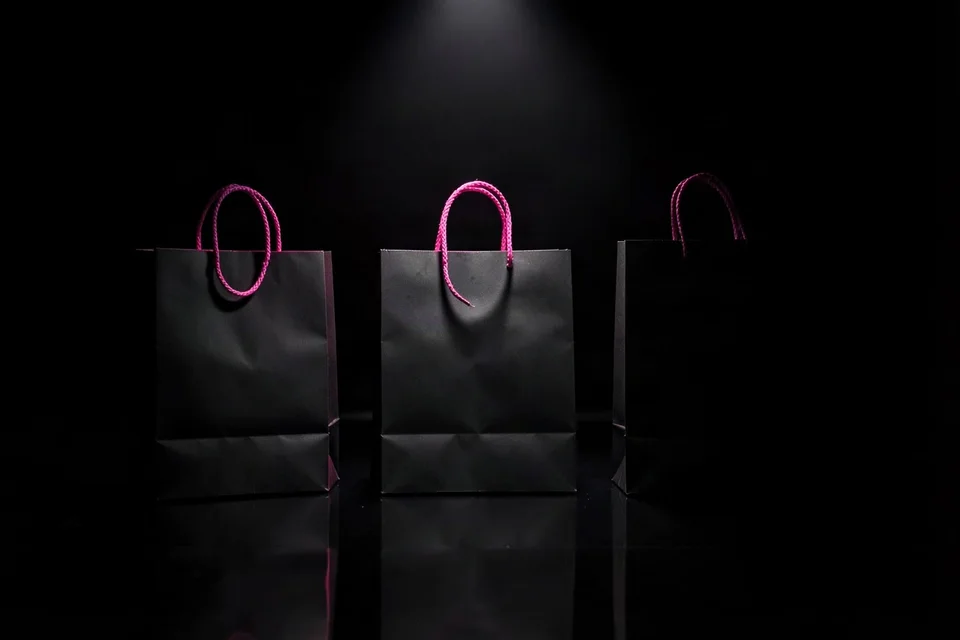
Free Black Friday photos to download
Six scene groups, five photos each, all 1536 × 1024 px landscape. These are AI-generated photos made for this collection; any people in them are AI-generated adults.
In short
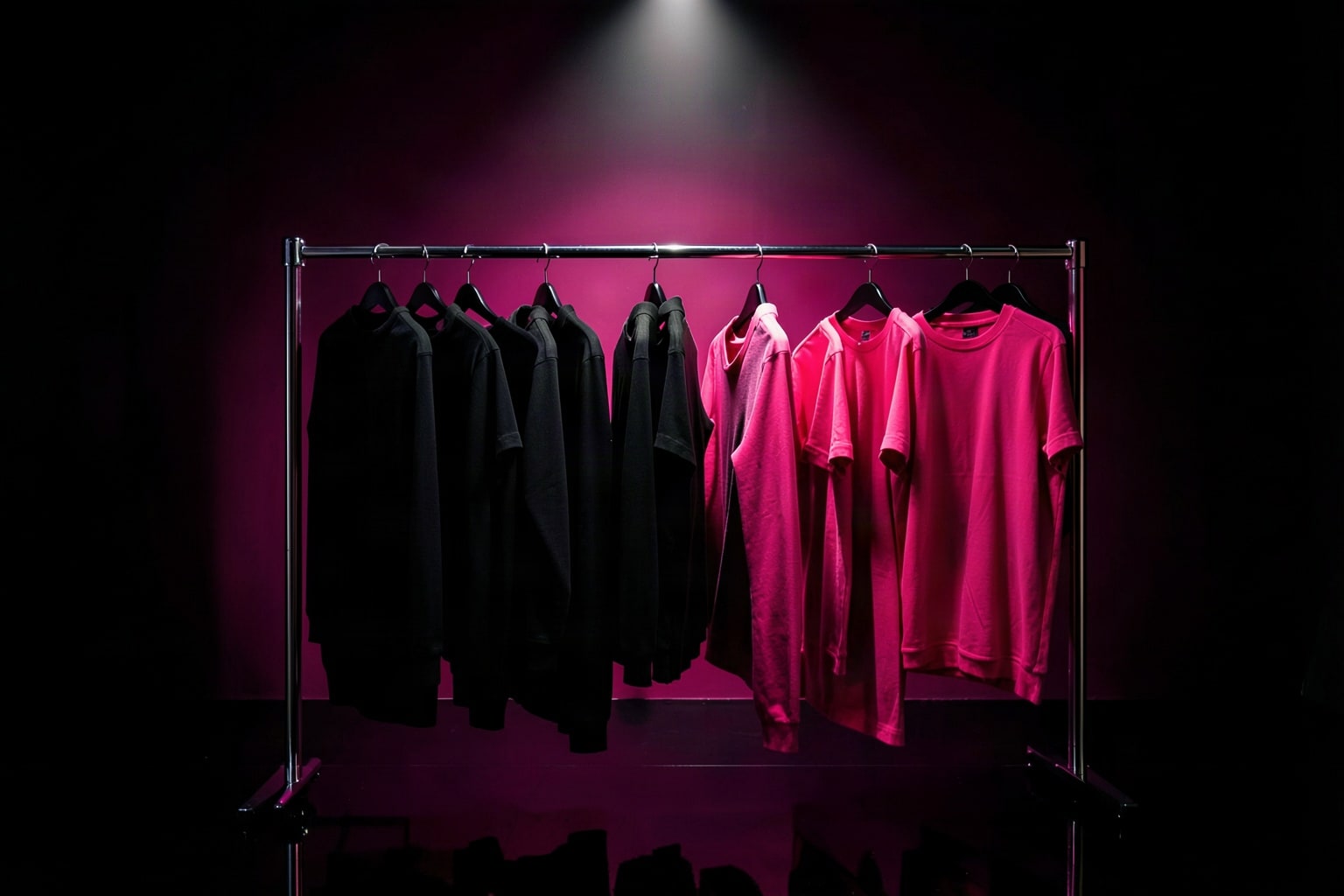
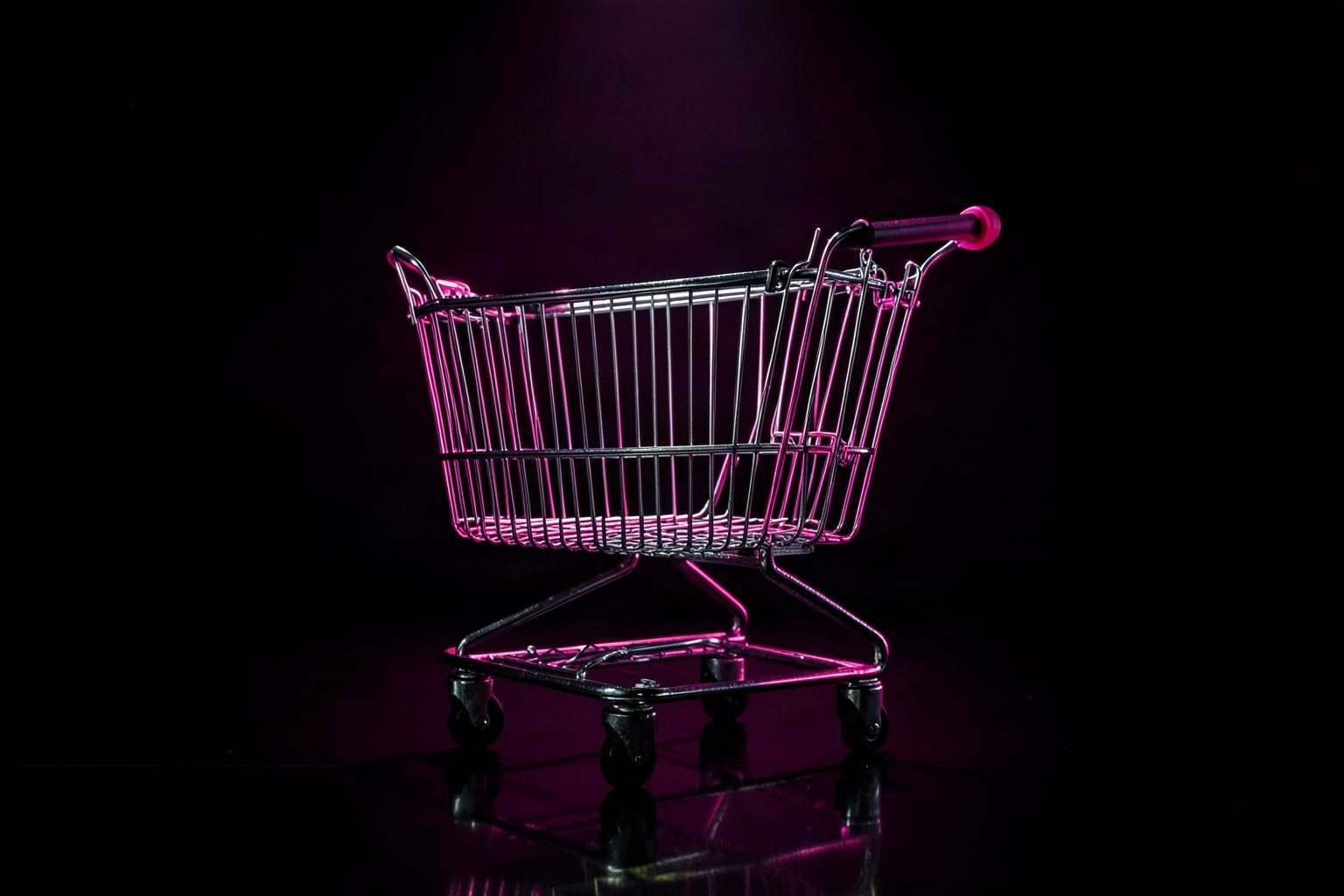
Shelfcanvas offers 30 free Black Friday images in six scene groups: bags and gifts, online shopping, store and checkout, flat lays, neon nights and Cyber Monday tech.
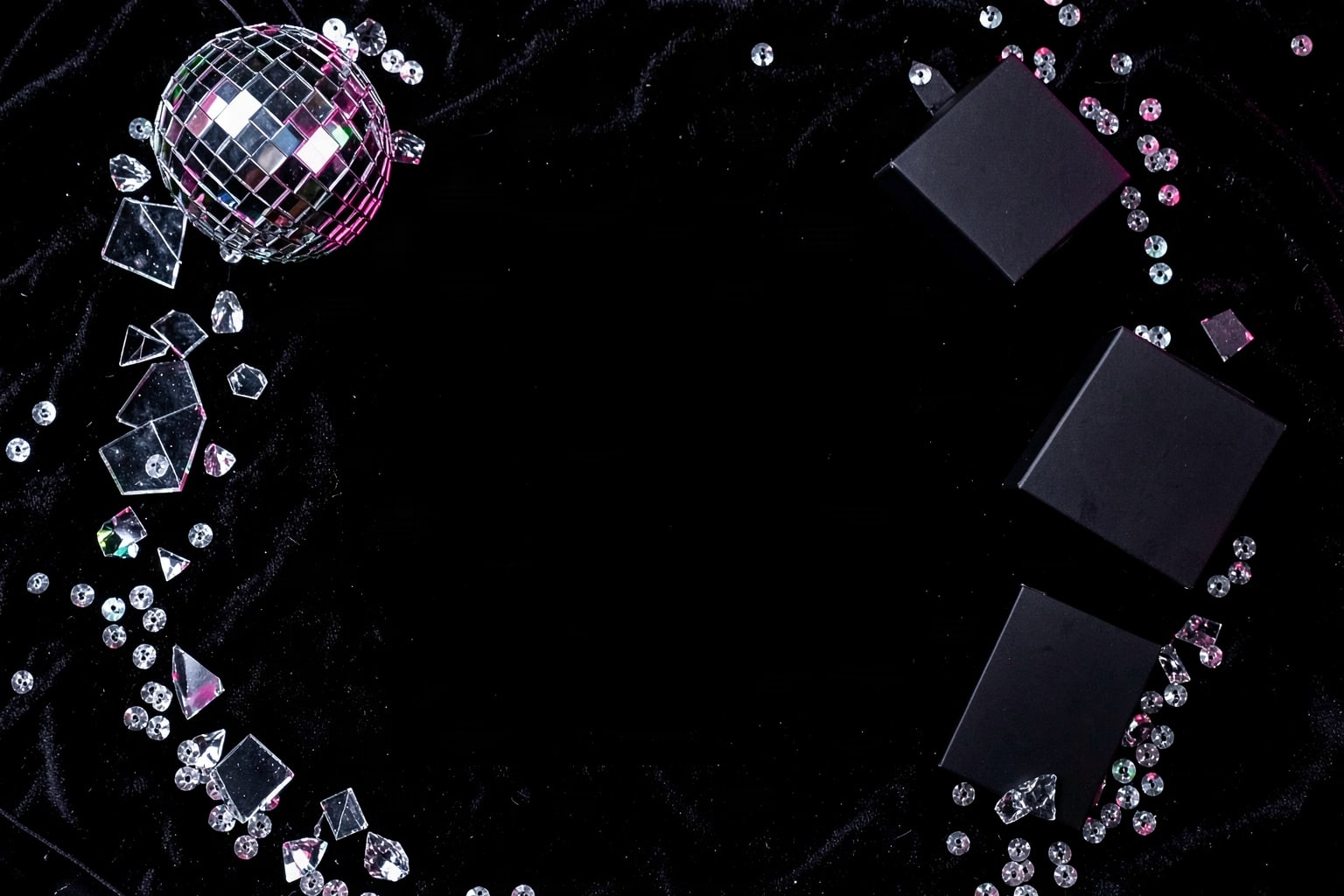
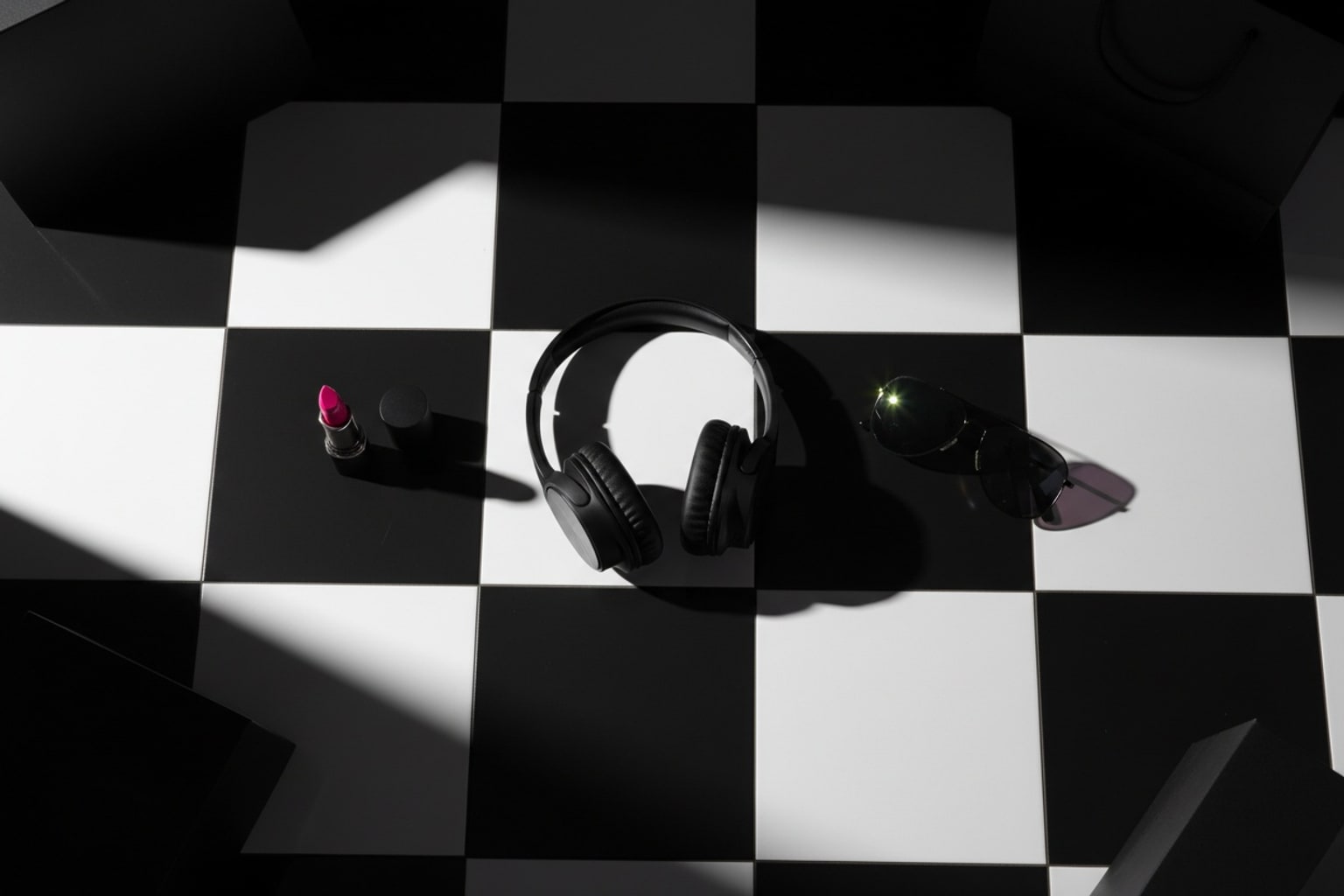
Each photo leaves a dark, calm area open for a discount, so a sale badge never has to cover the main object.
One license covers your own shop's website, ads, emails and social posts, and no credit line is needed.
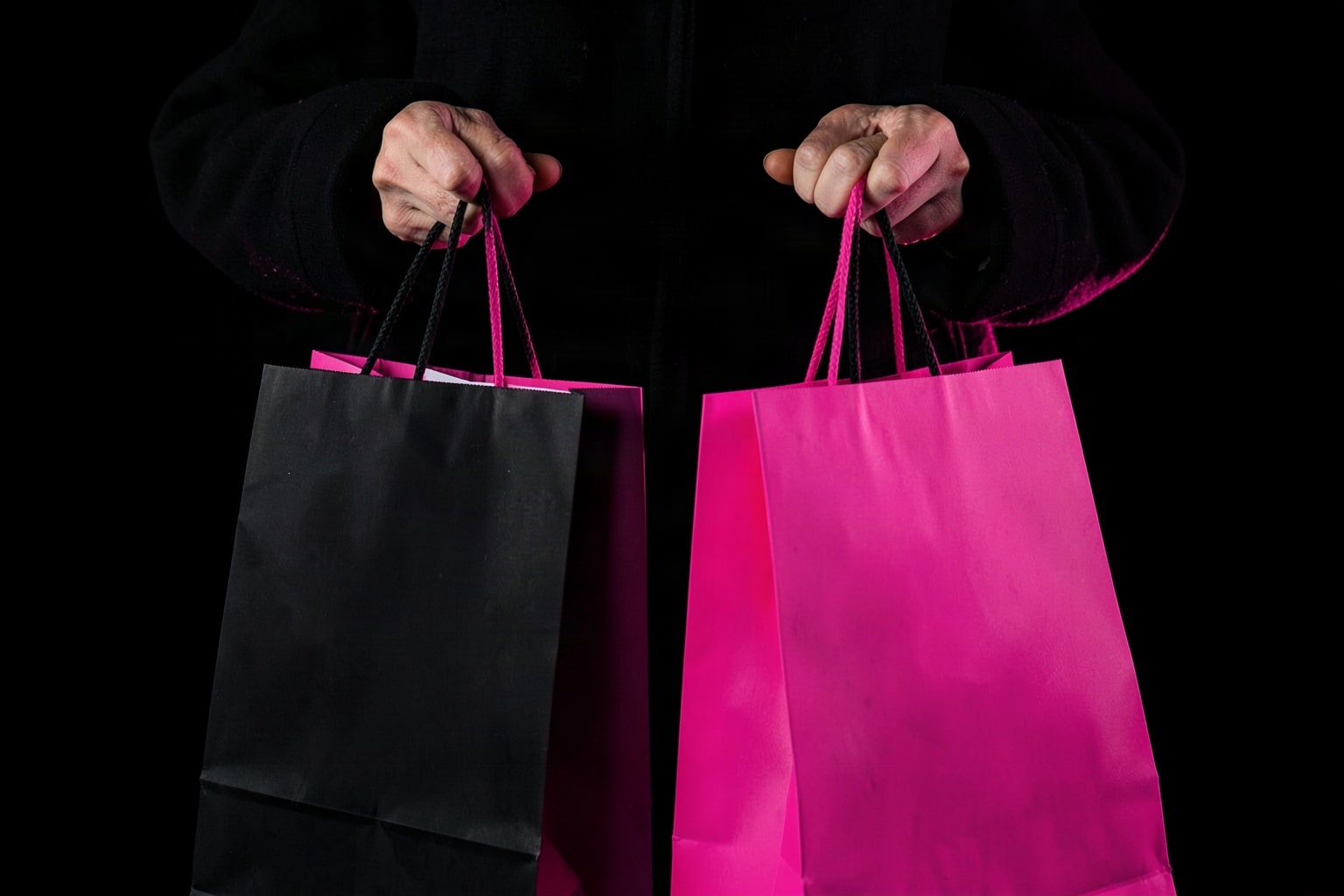
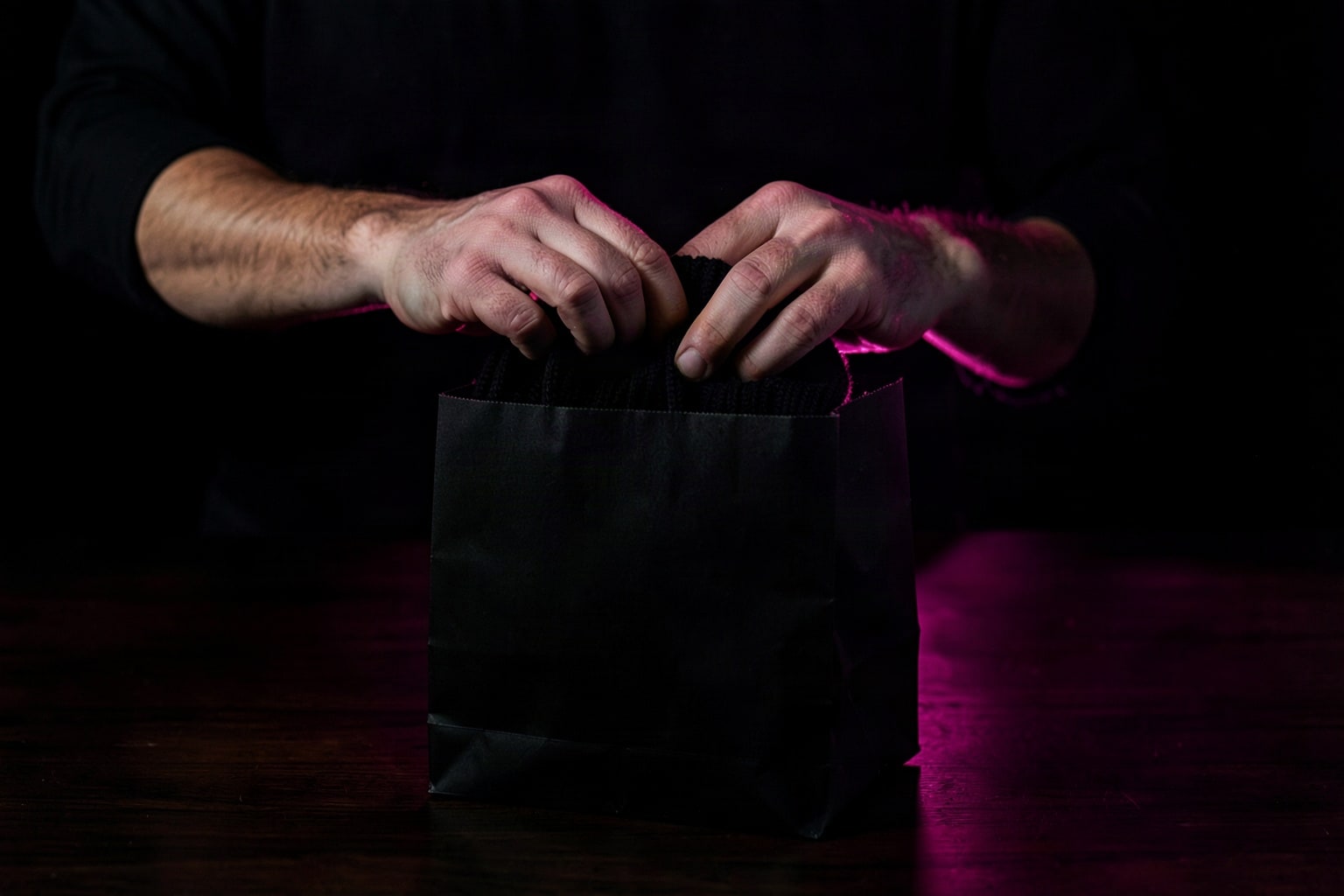
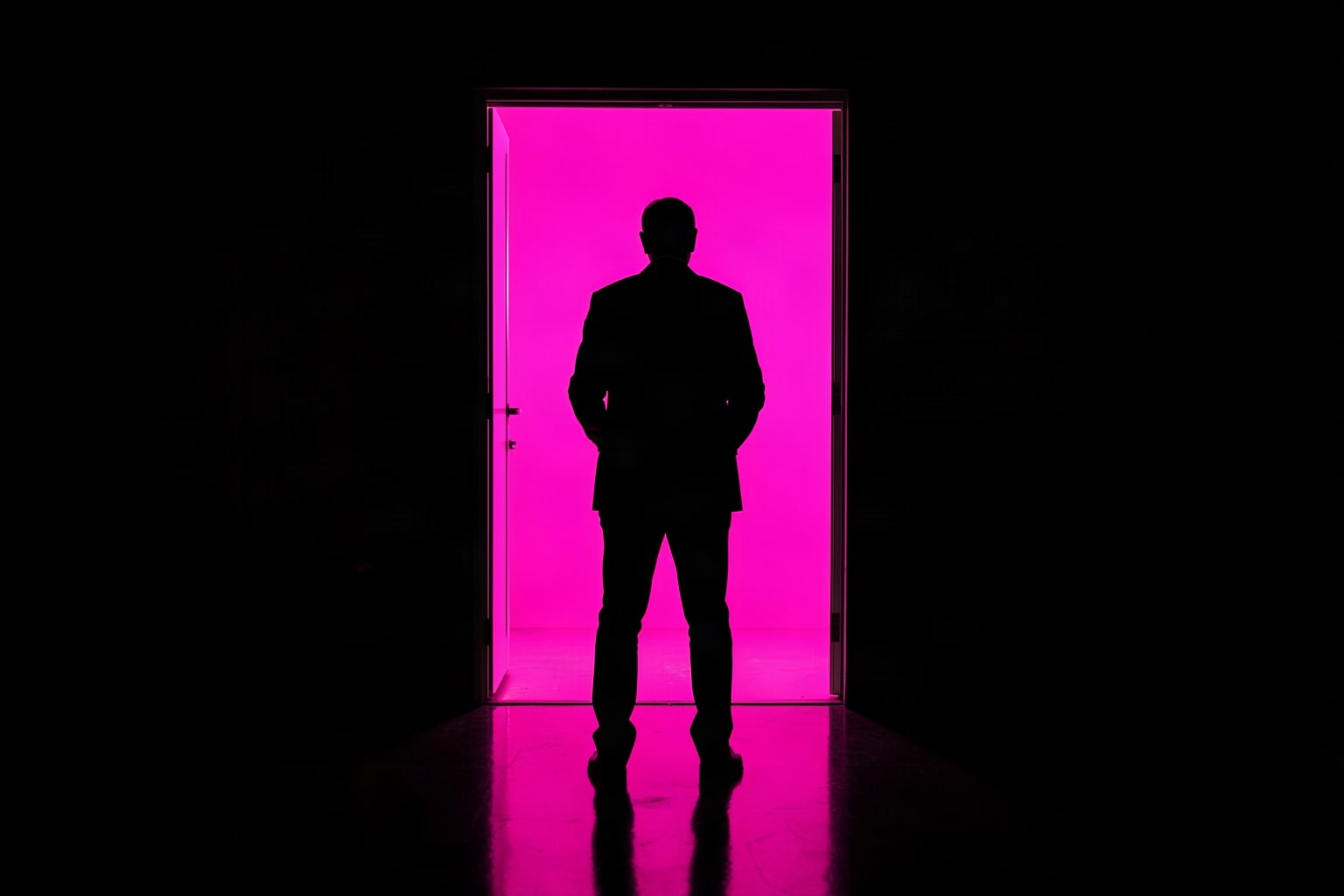
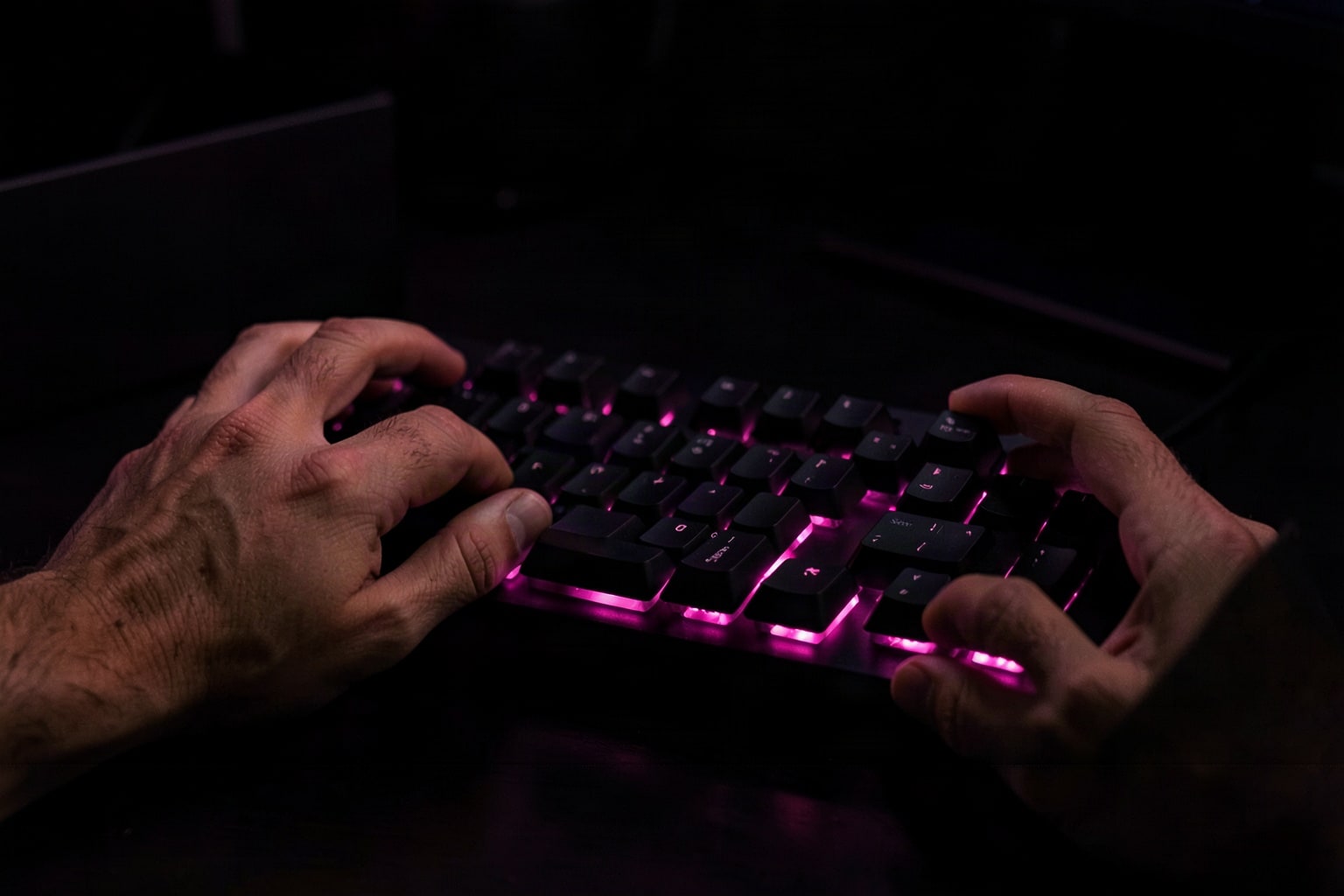
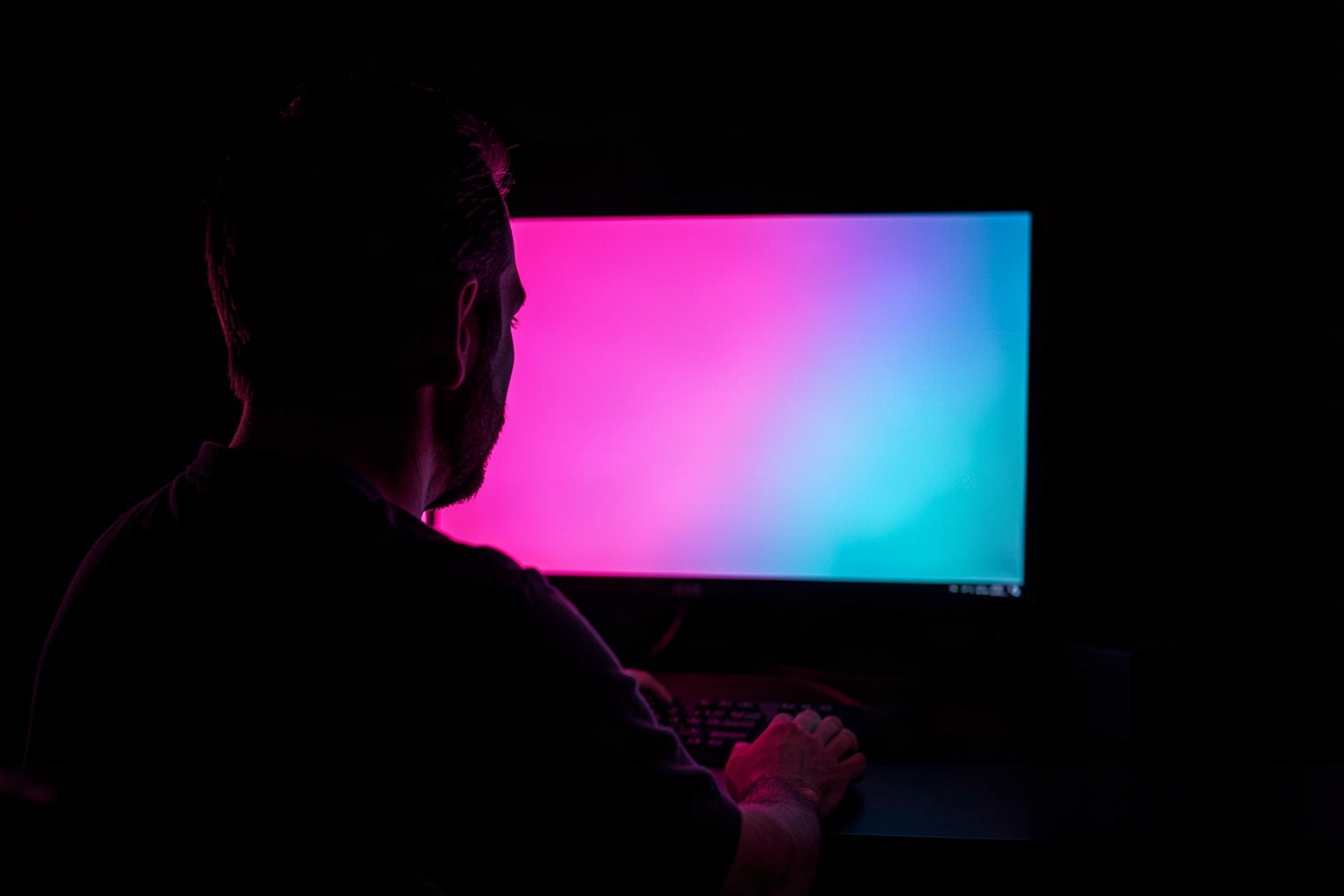
The photos are AI-generated; the people in them are AI-generated adults, shown as hands, from behind or turned away.
To show your own product instead of a stock scene, put your own product in a Black Friday scene: the AI photoshoot does it for 4 credits.
Put your own product in a Black Friday scene
A stock photo sets the mood, but shoppers buy what they can see. Shelfcanvas, an AI product photo tool for online sellers, places your real product photo into a scene like these: upload it to the AI photoshoot, pick a Black Friday scene or describe one, such as a black gloss floor with a pink rim light. Each scene costs 4 credits, and signing up is free.
Make Black Friday sale images in three steps
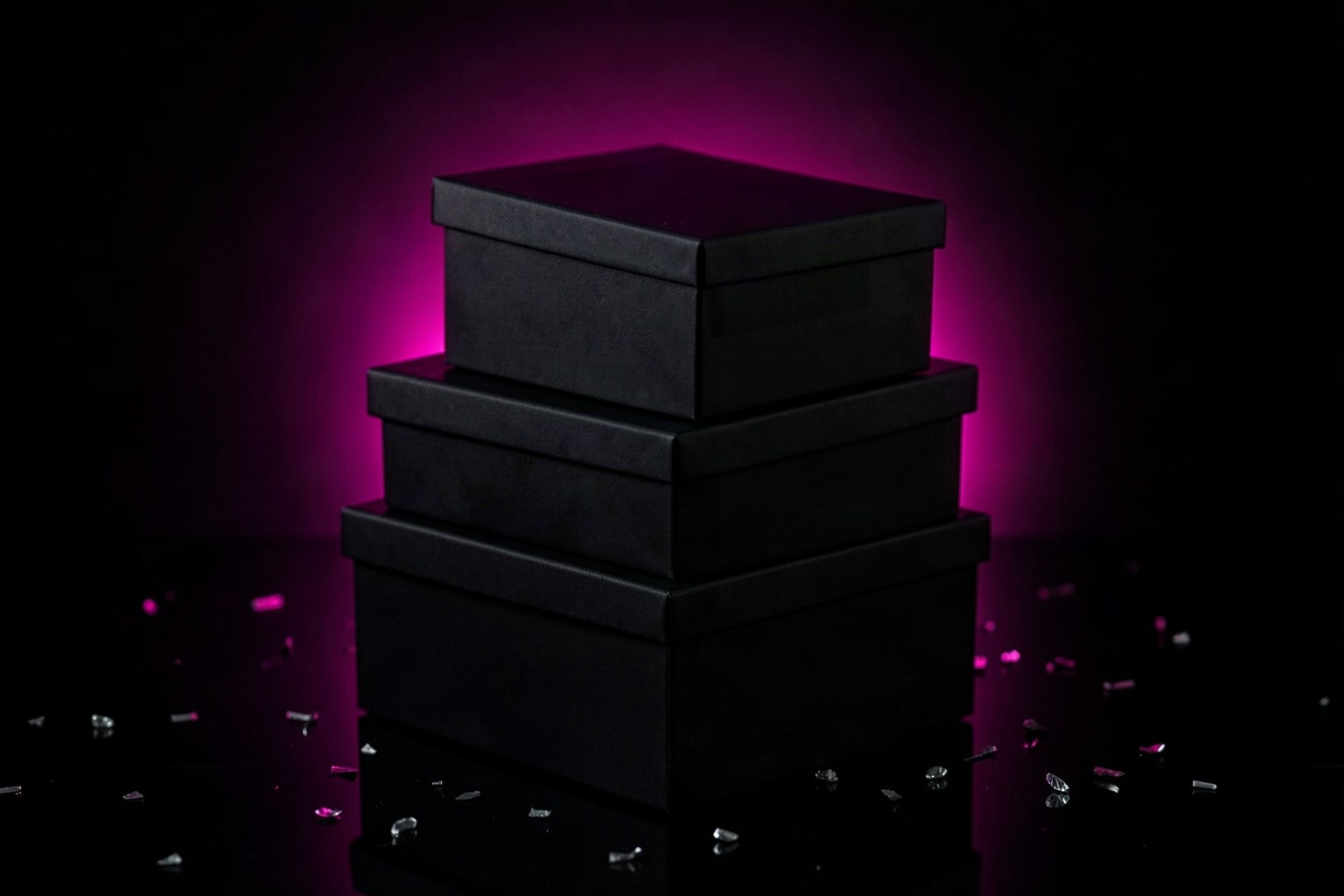
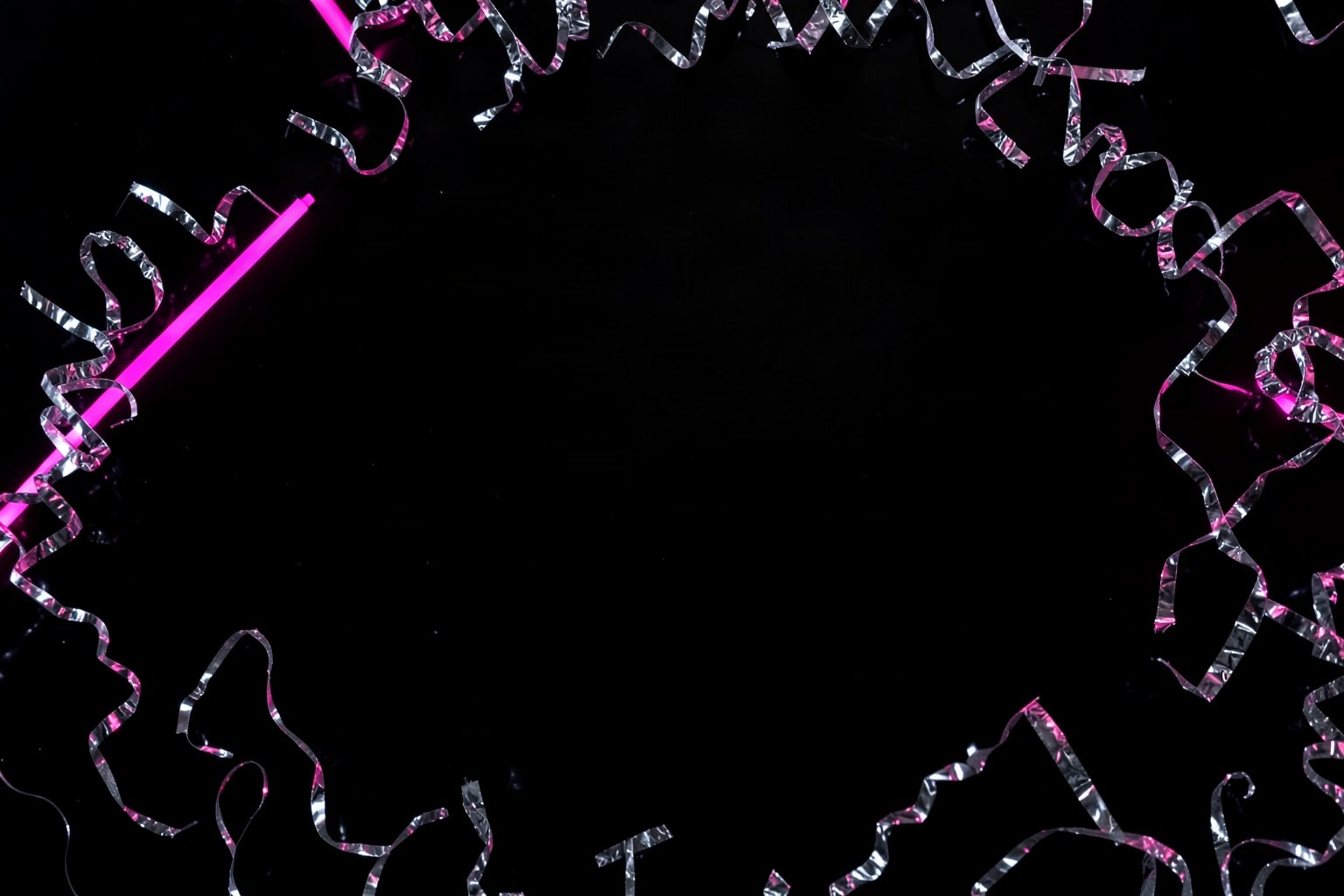
- Pick a photo with open space. The flat lays and spotlight shots leave a dark area for words. Silver confetti on black has an empty center made for a big number.
- Make a badge with your discount. On the Black Friday clipart page, Make your own sale badge puts your line, such as 40% OFF or ENDS MONDAY, on a starburst or tag in your colors. One big number and one short line read best on a phone.
- Place the badge on the photo. Add a badge to my photo, on the same page, lays the badge over this photo in your browser. Drag it to a corner away from the main object, then download the finished image.
Crop a copy for each place the image will run; the next sections give the shapes.
What each scene is good for
Shopping bags and gifts
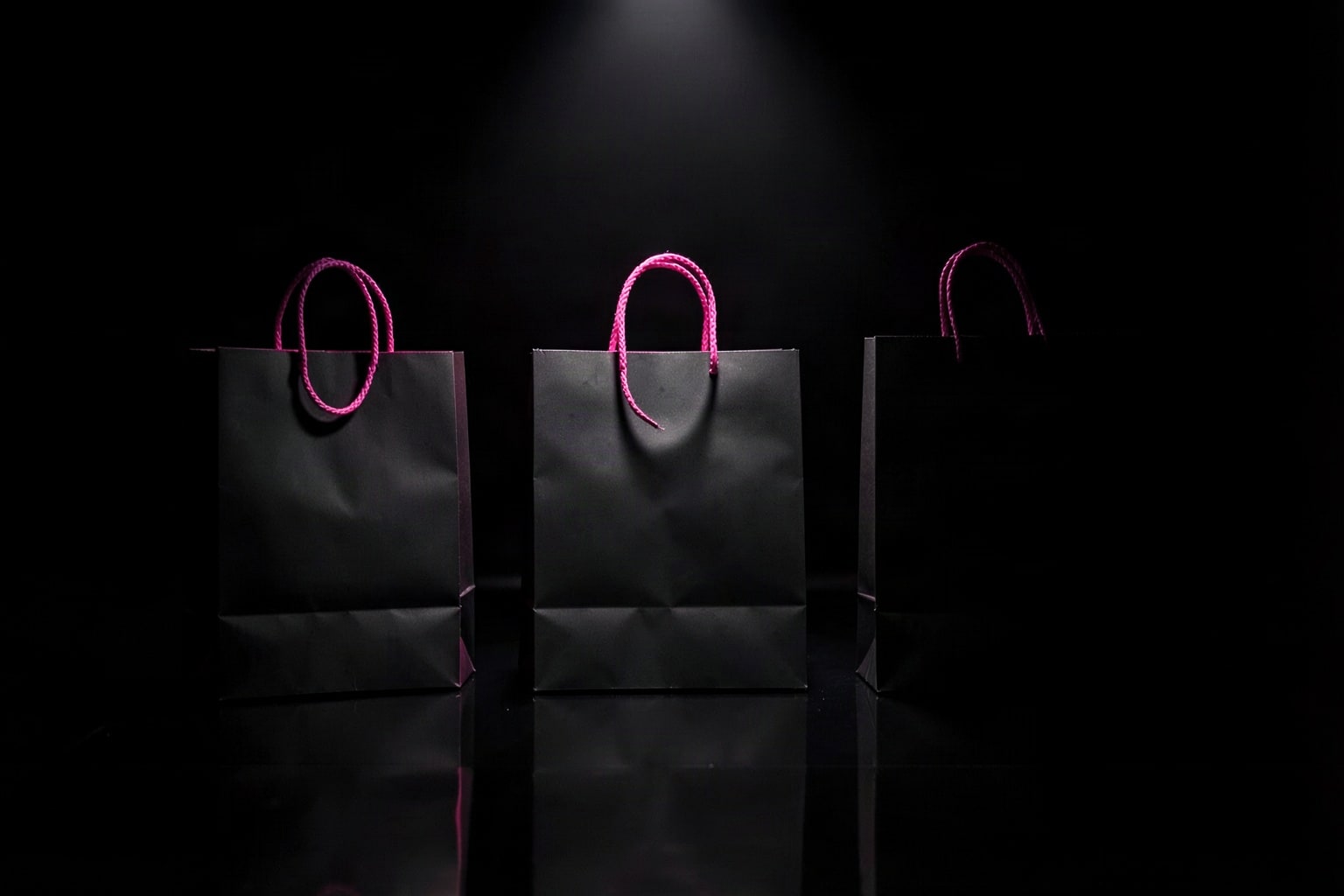
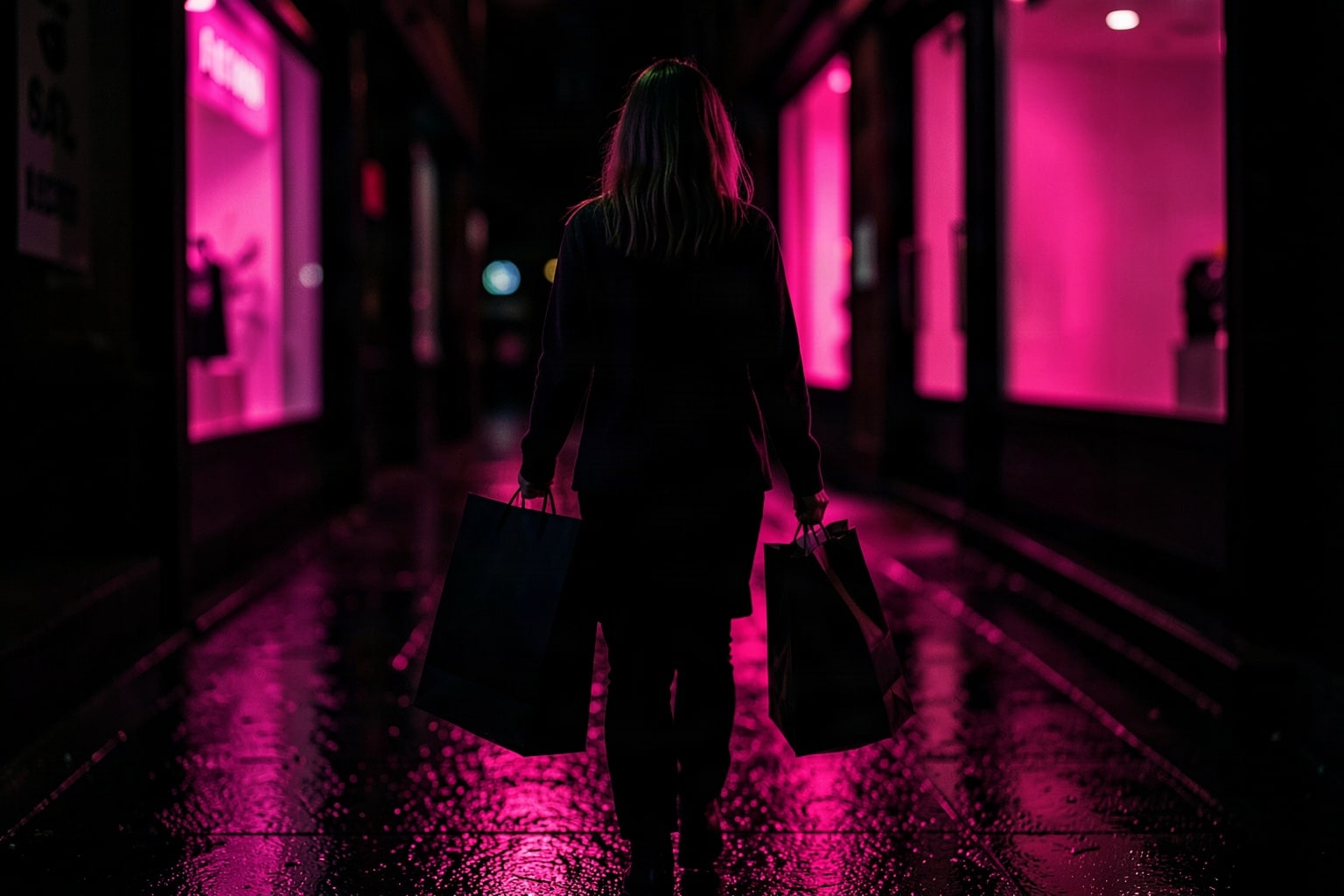
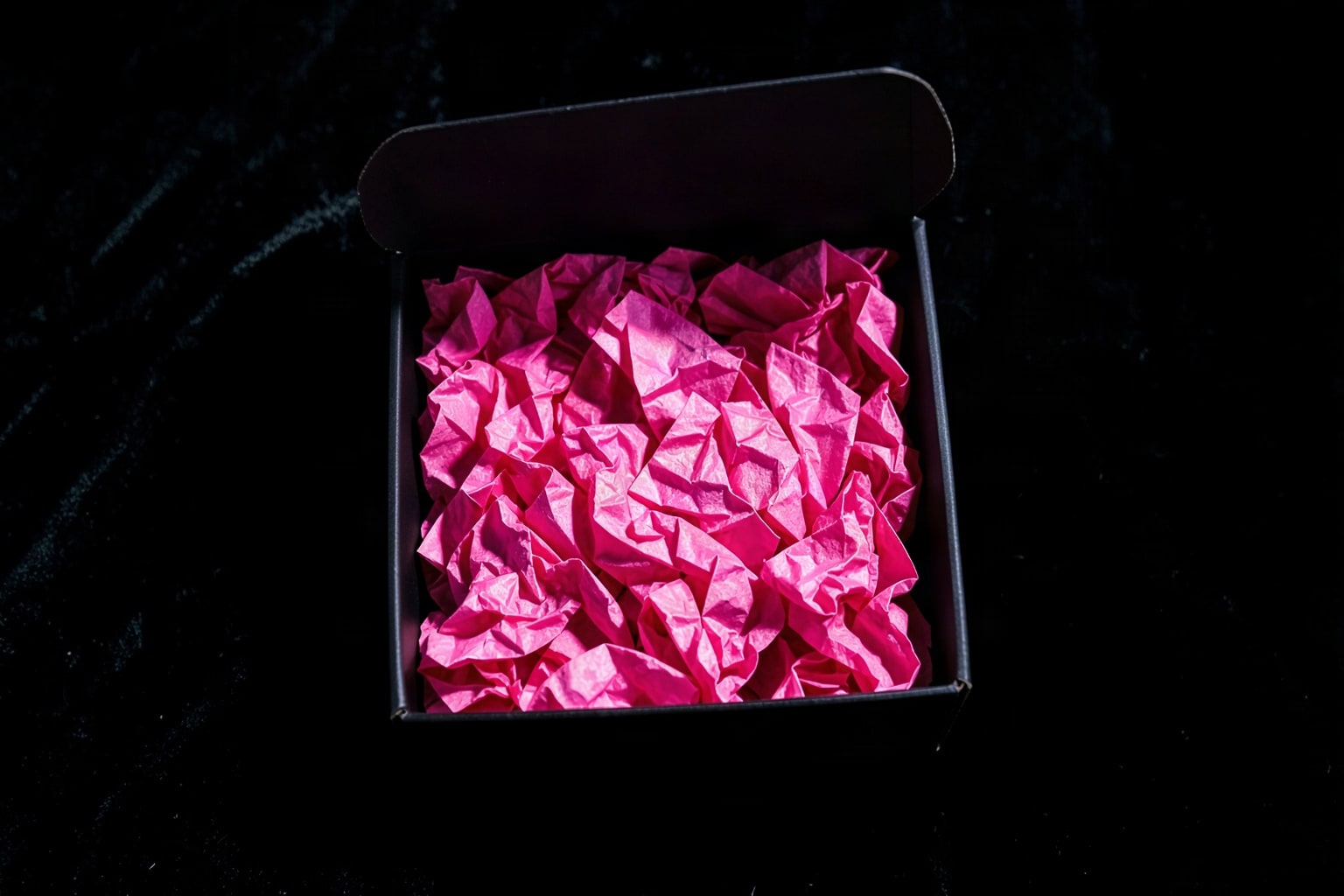
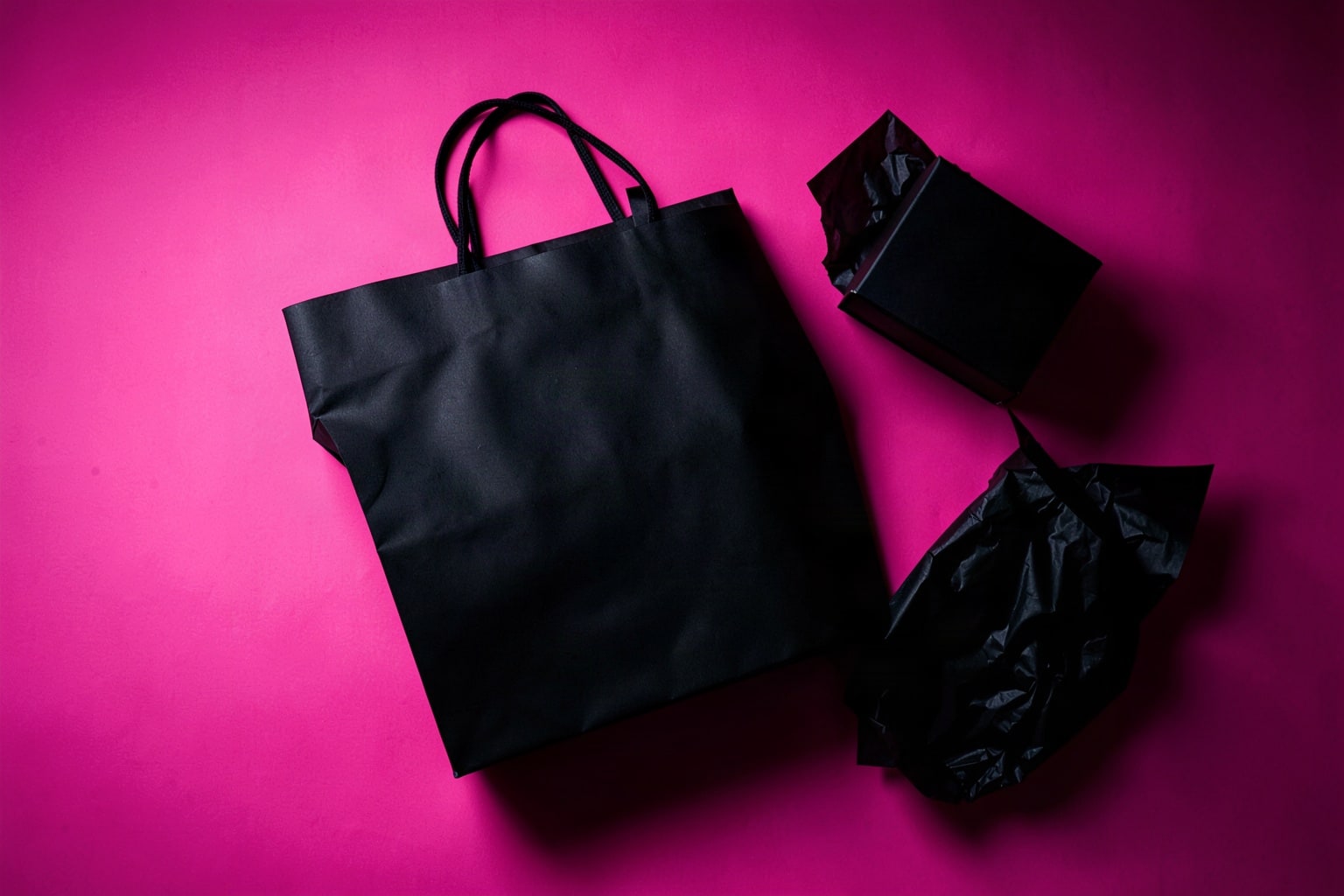
Bags and boxes say "people are buying" without a word. Use them for a store homepage hero or the header of a Black Friday gift guide.
Online shopping: phones, laptops and parcels
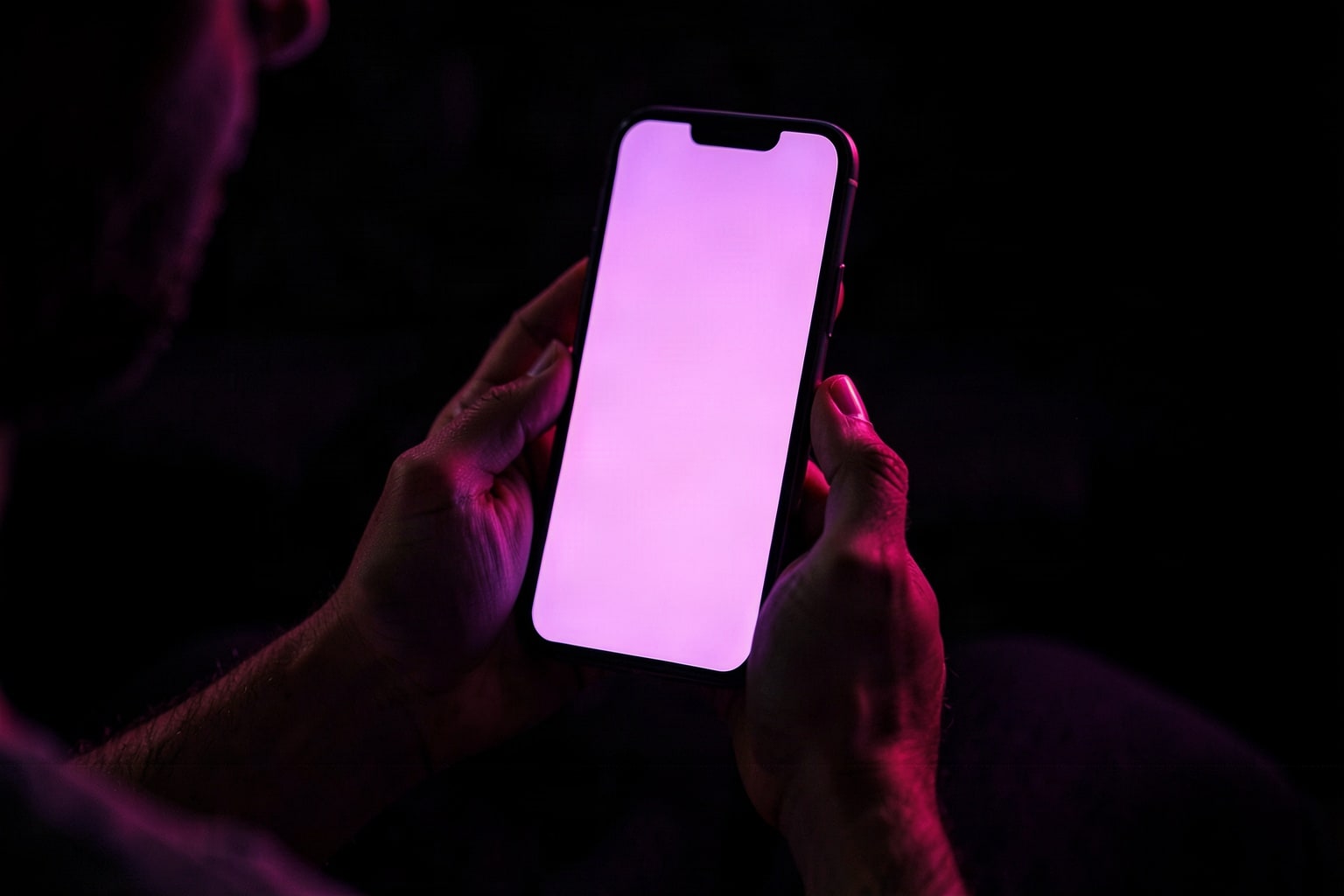
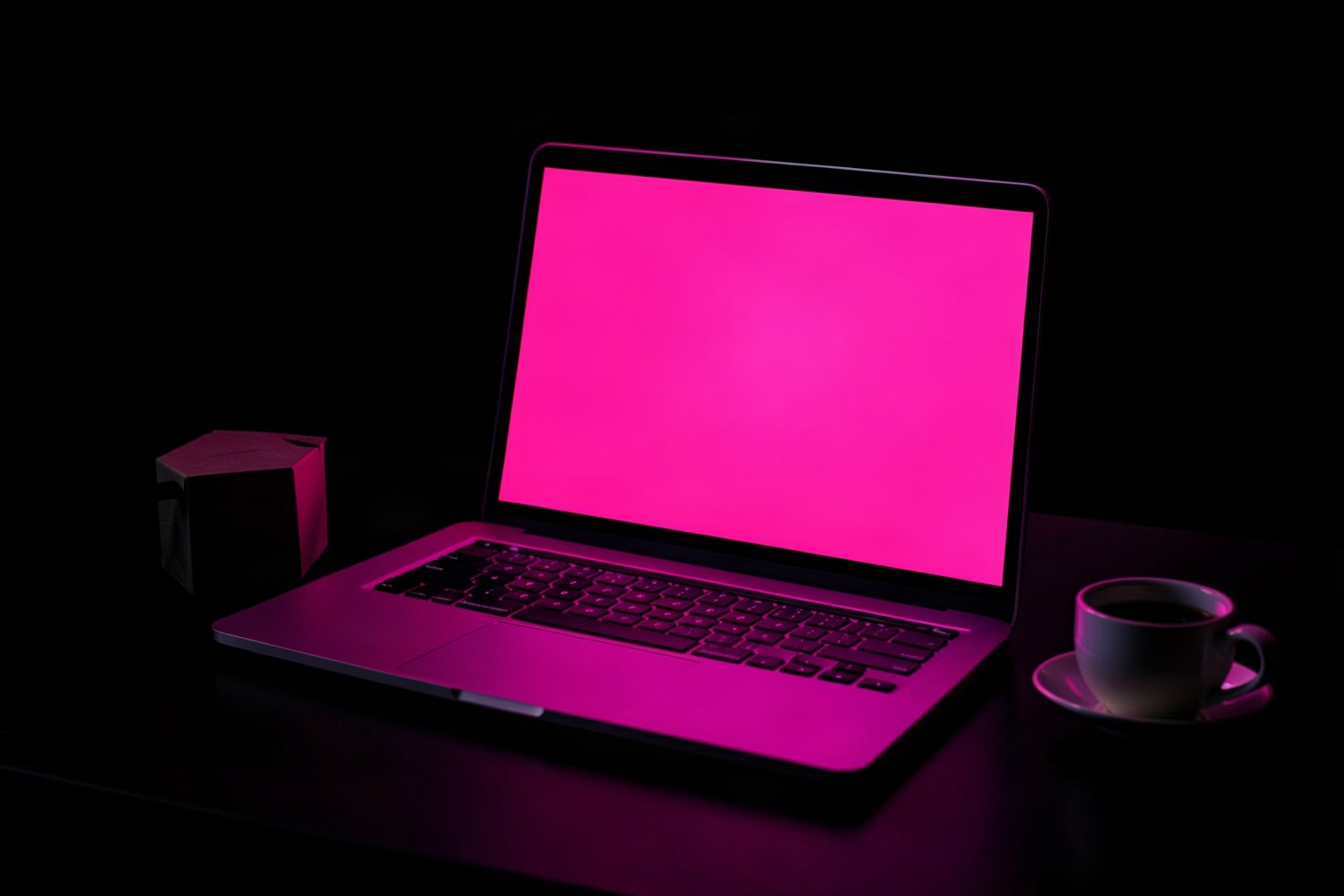
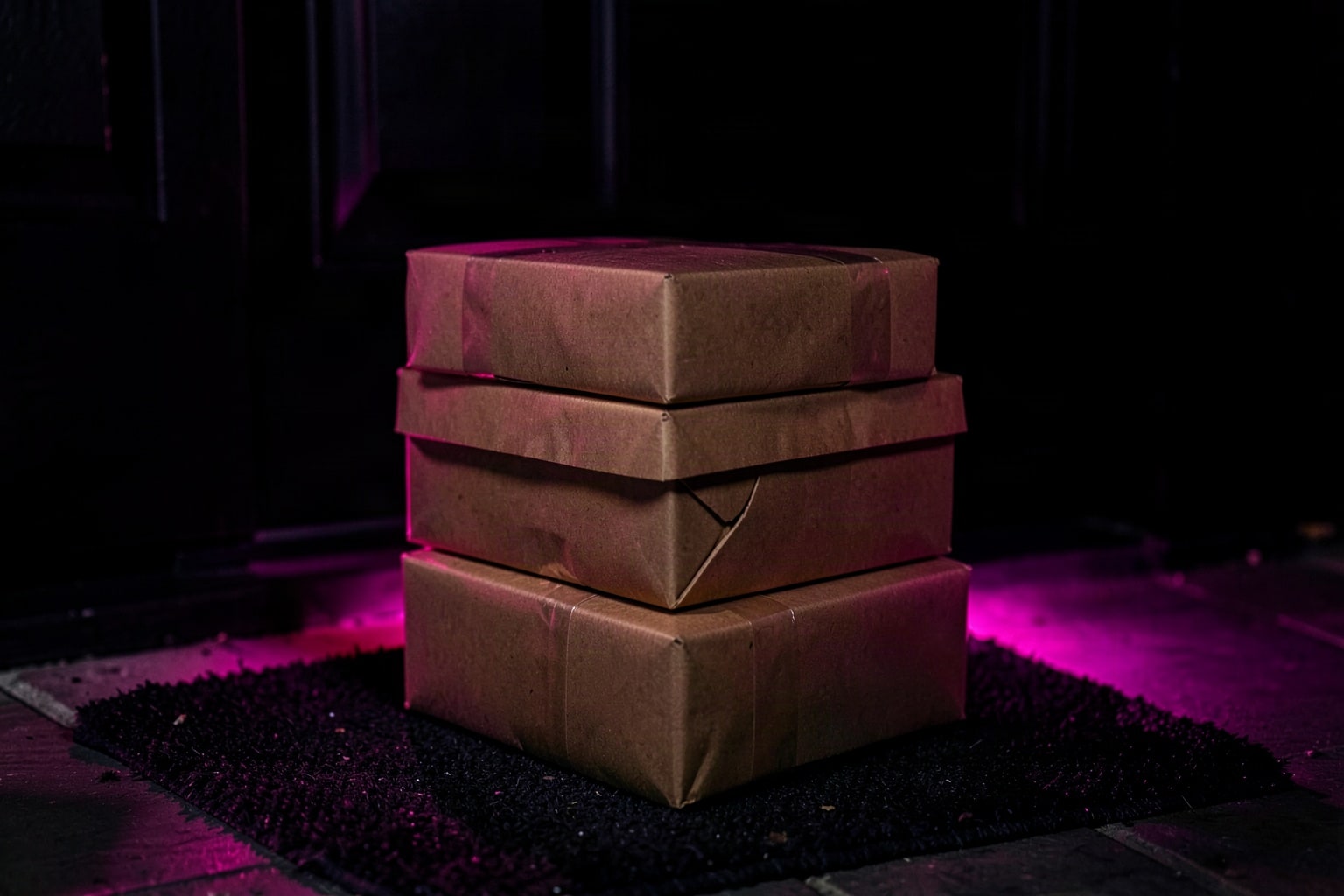
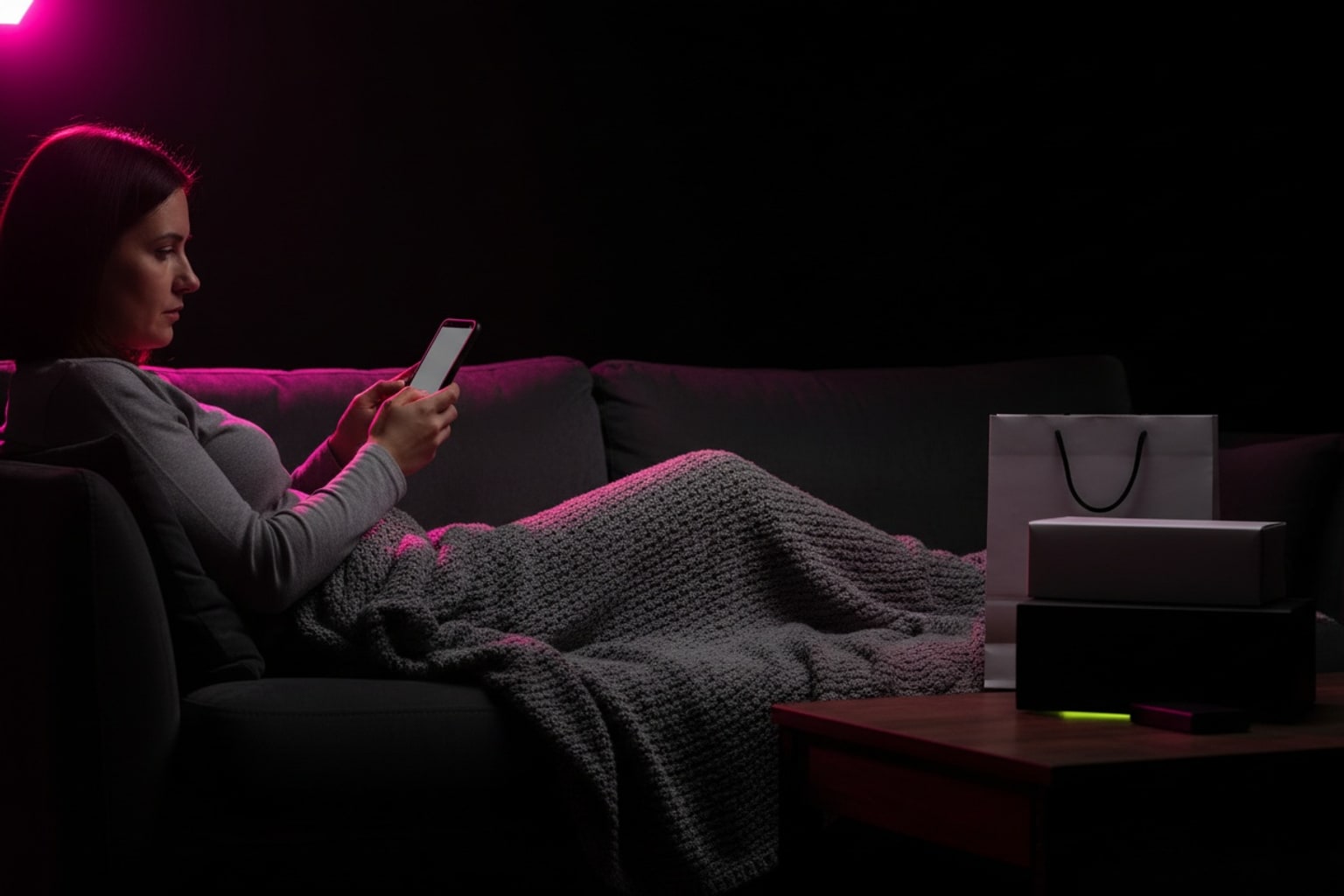
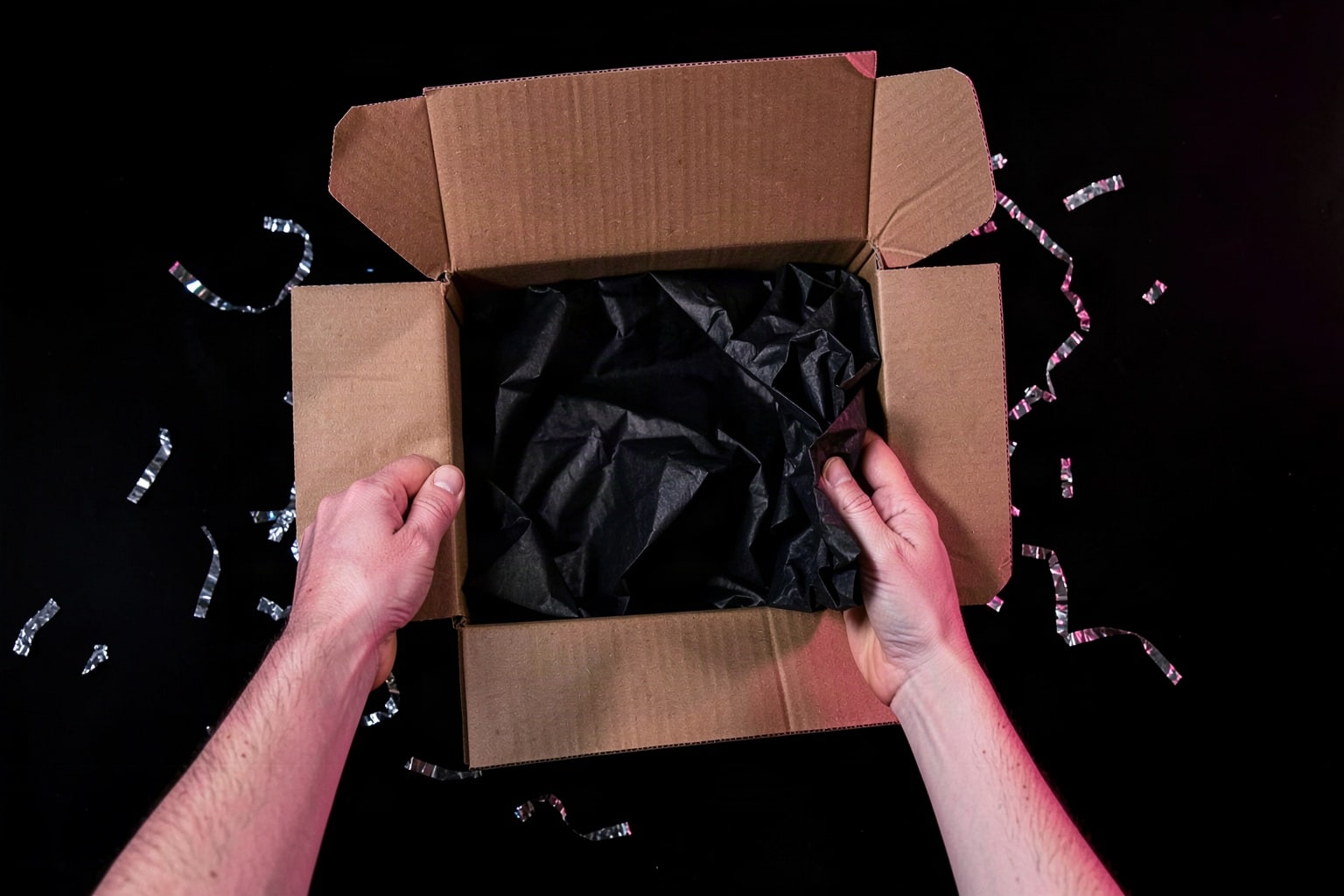
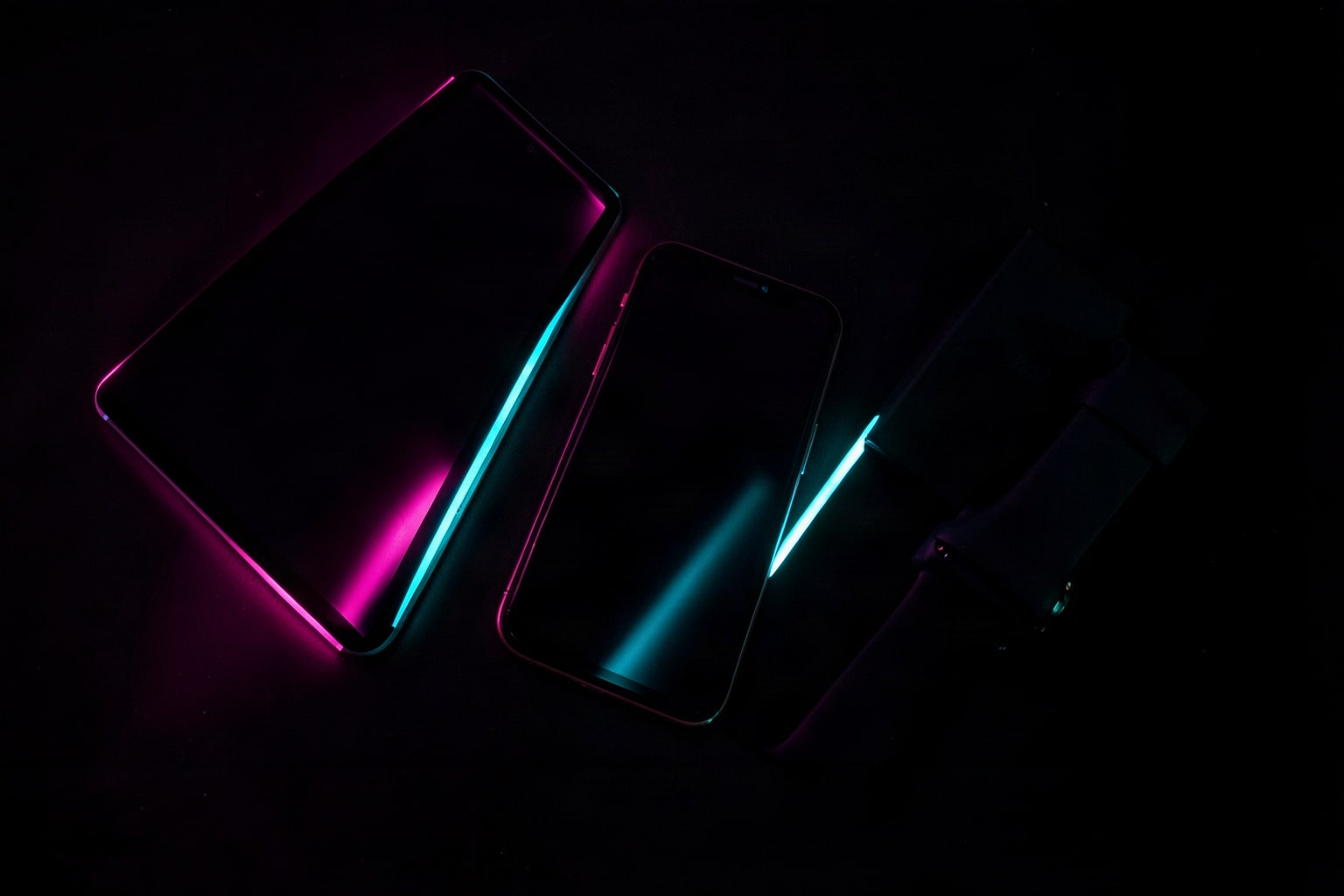
Parcels on a doorstep suit a shipping cutoff reminder: "Order by Friday for delivery before the holidays." The phone and laptop shots fit an online-only offer.
Store and checkout
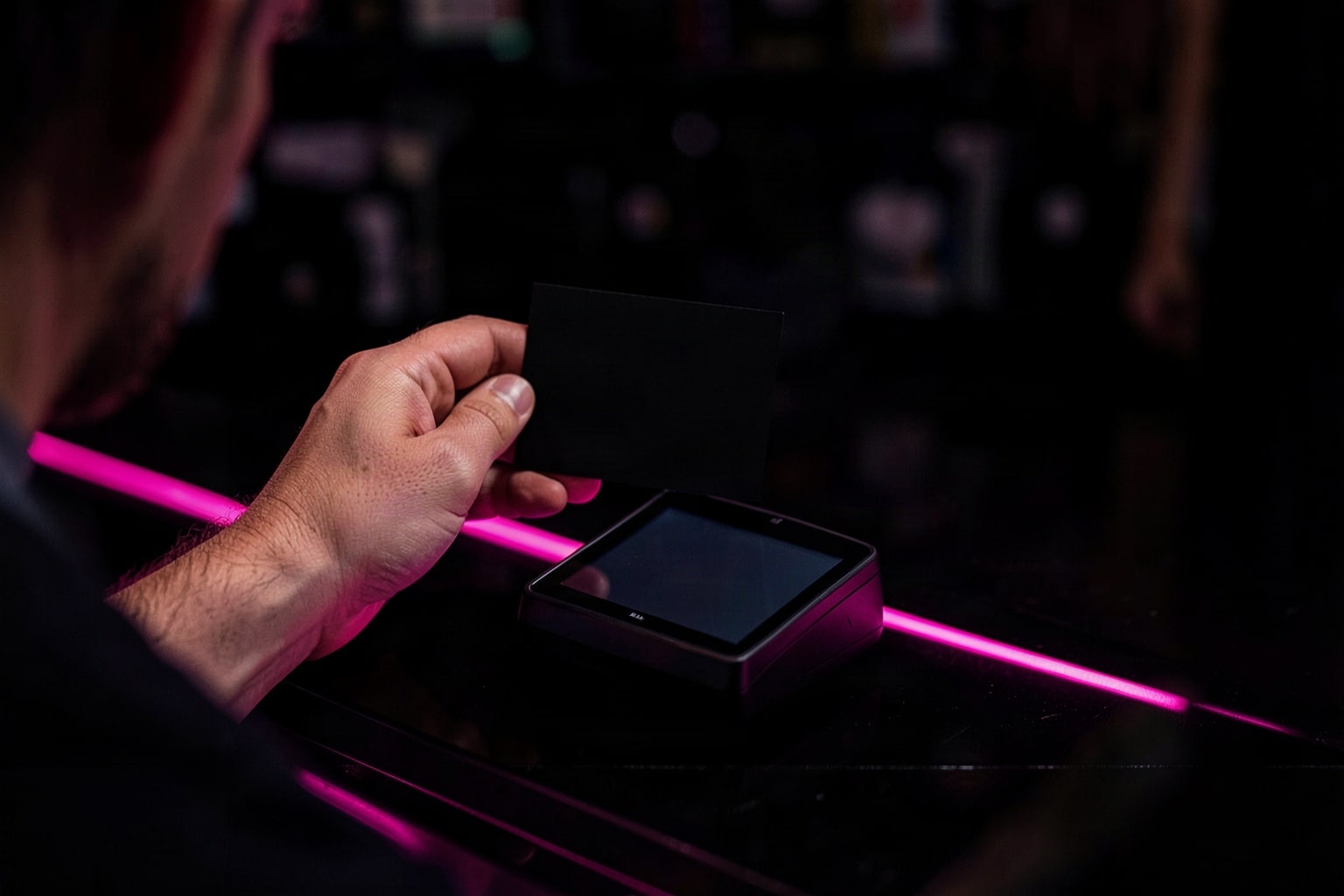
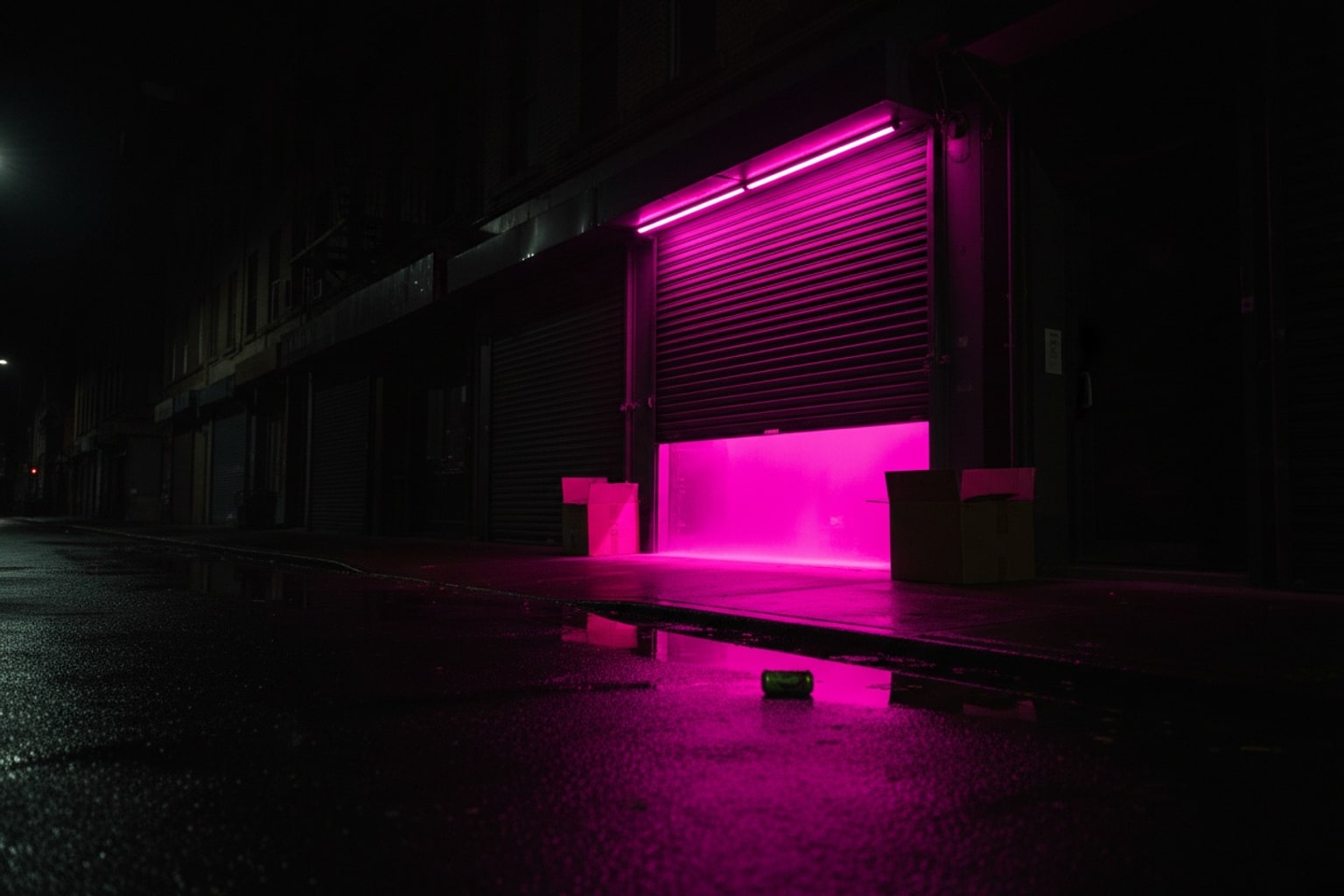
The shutter going up, the clothing rail and the checkout counter belong to shops with a door. Post them on your store's local social accounts on the morning you open.
Flat lays
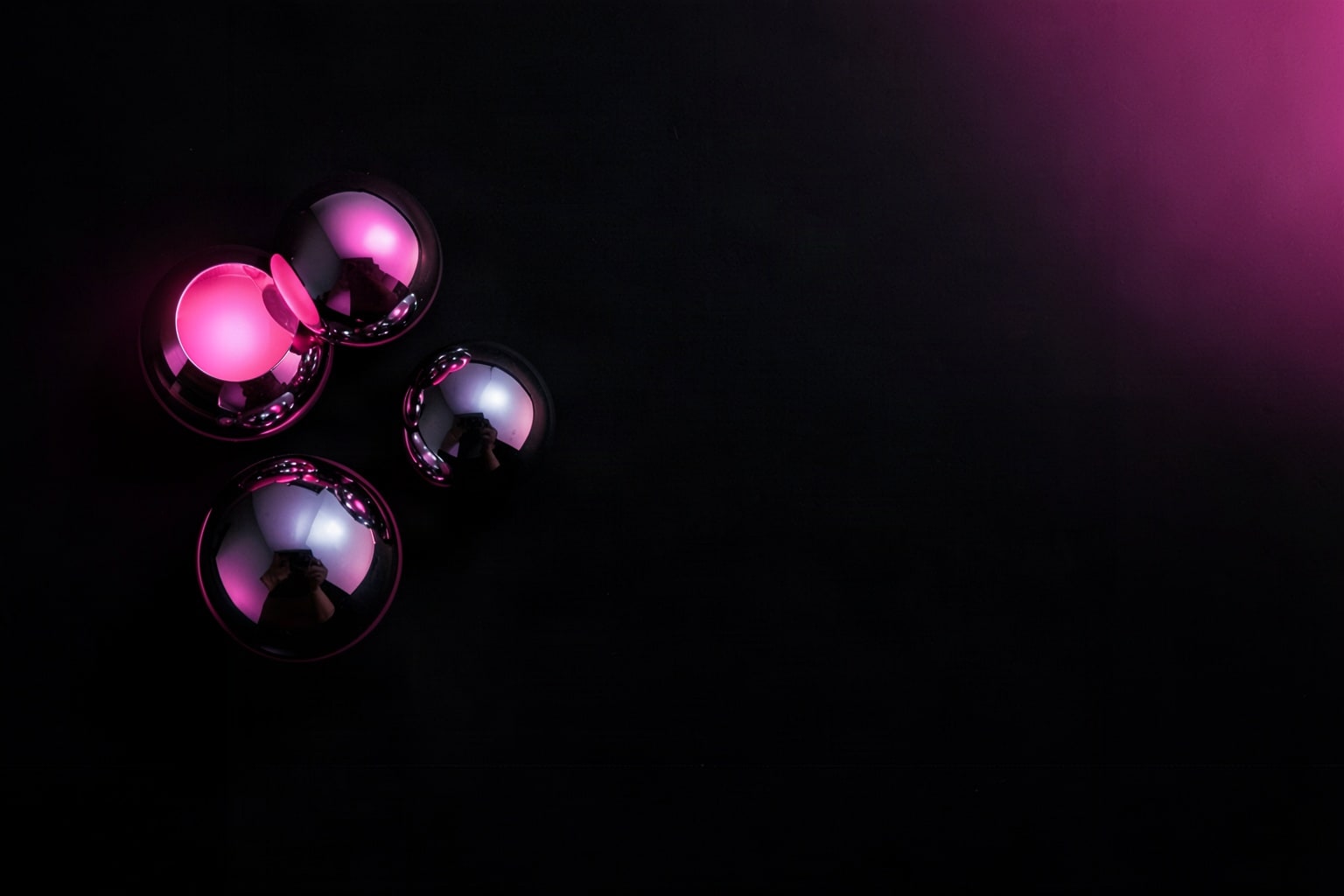
Overhead shots with a dark center make good email headers: the subject line can sit right in the middle. The hot-pink flat lay works when every other email in the inbox is black.
Neon nights
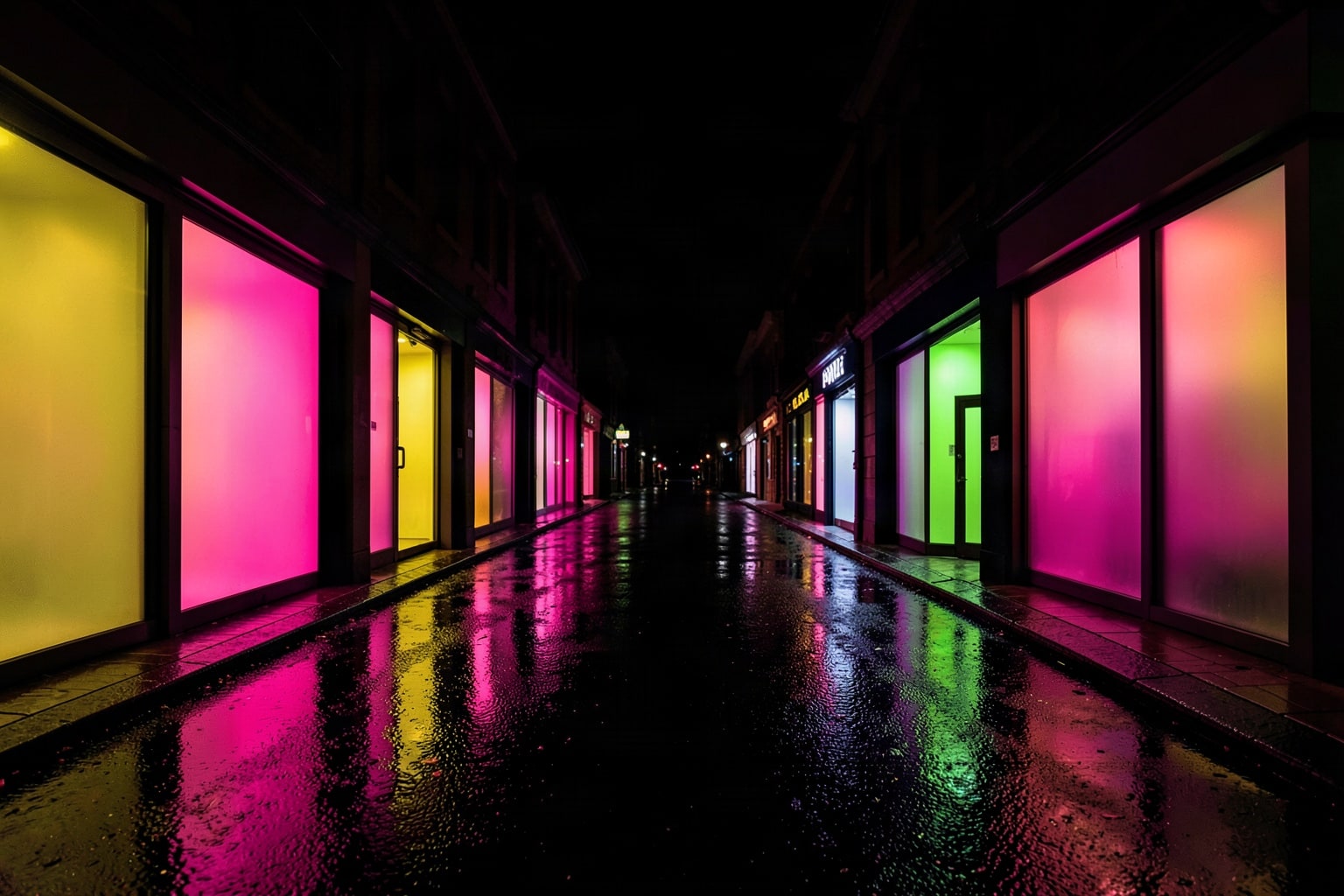
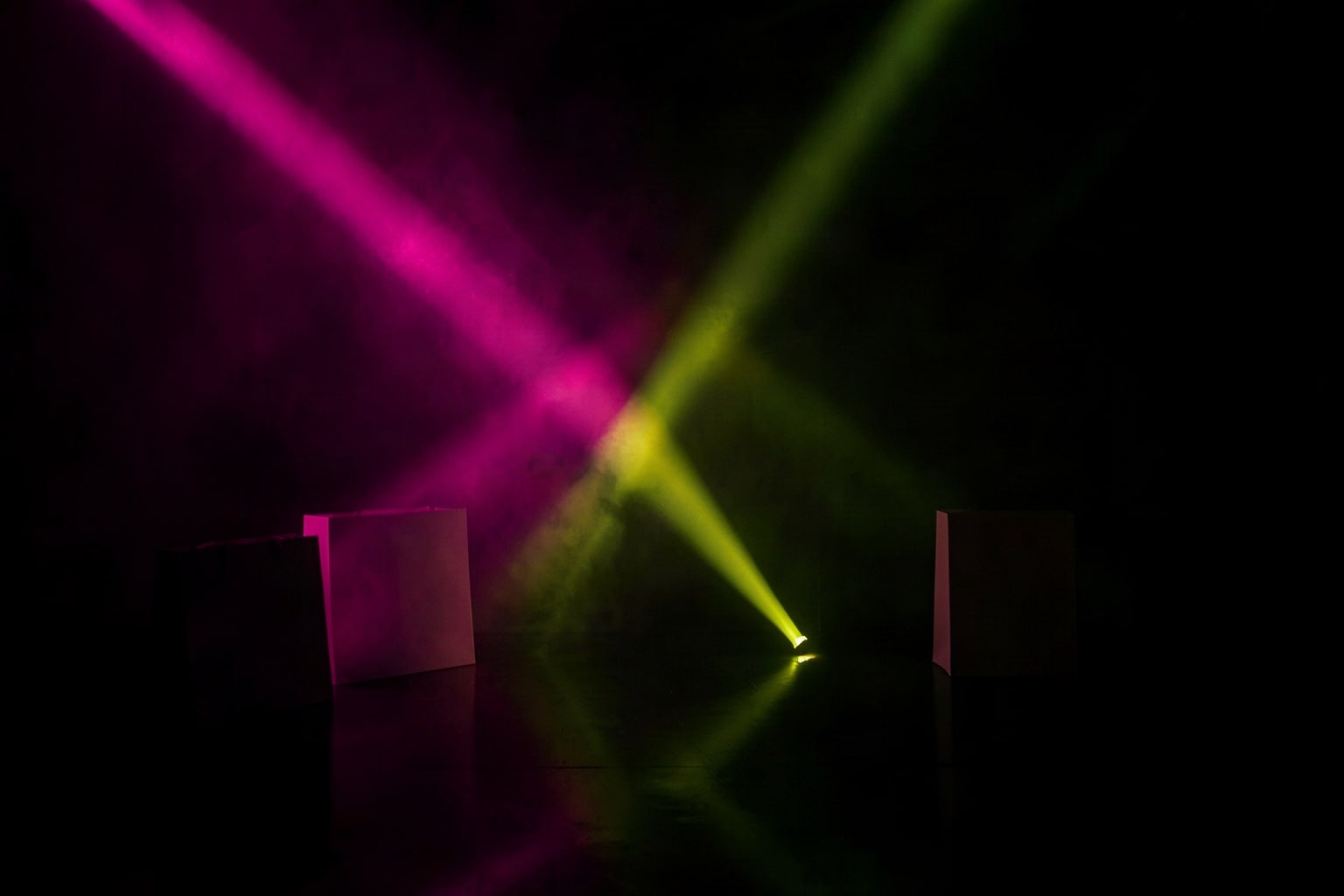
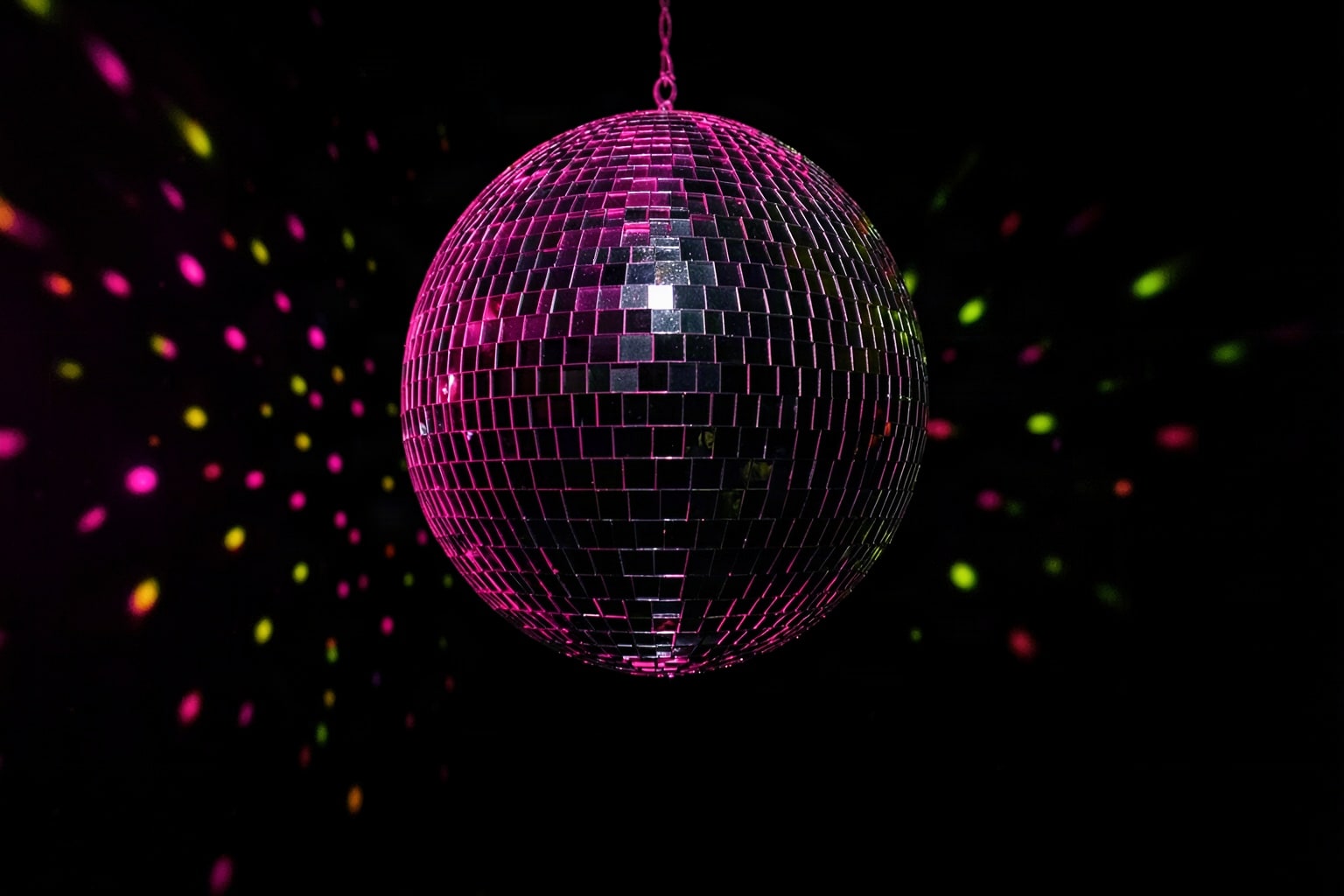
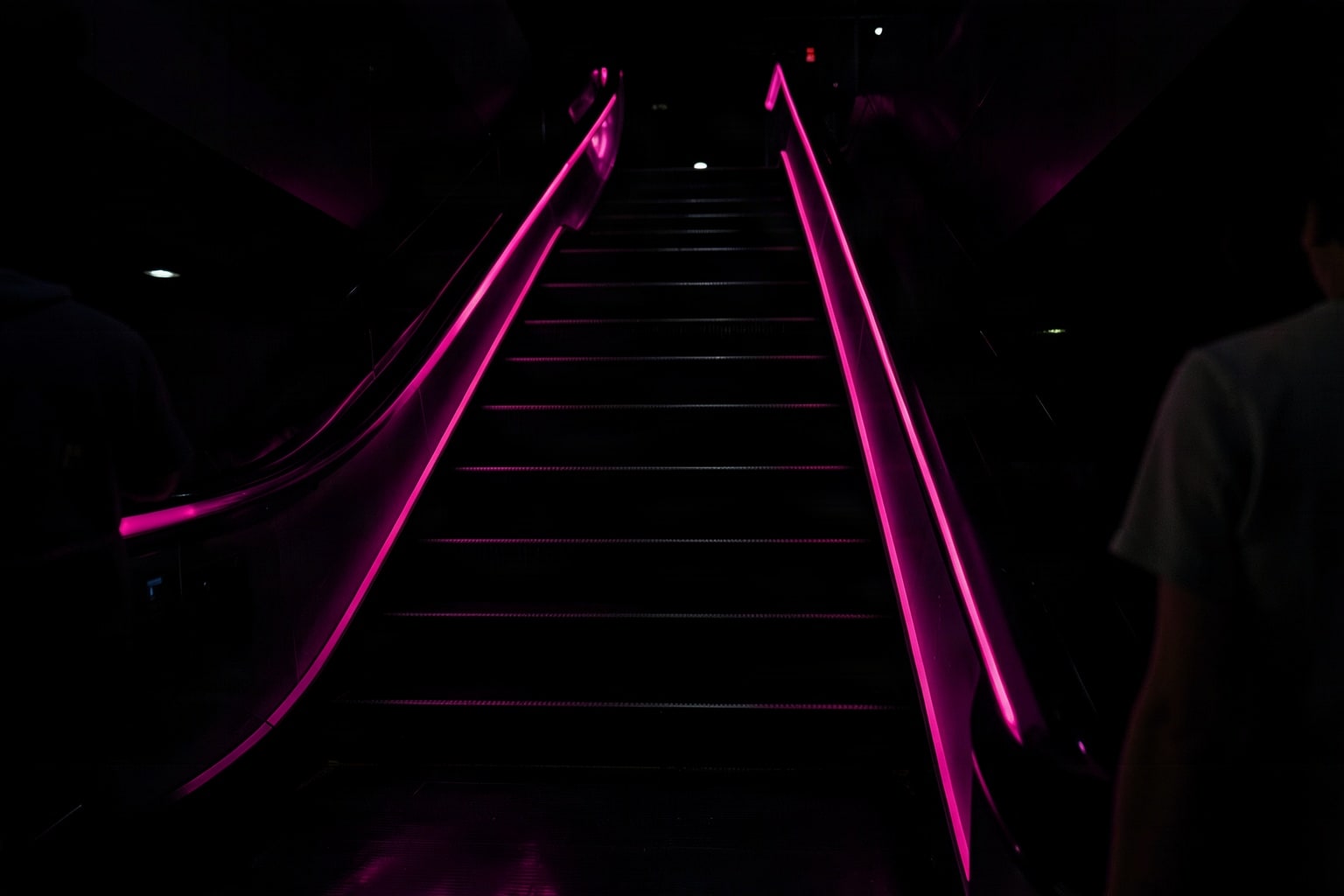
Wet streets, light beams and the disco ball are built for motion and urgency. Use them behind an Instagram Story countdown or a "last hours" post.
Cyber Monday tech
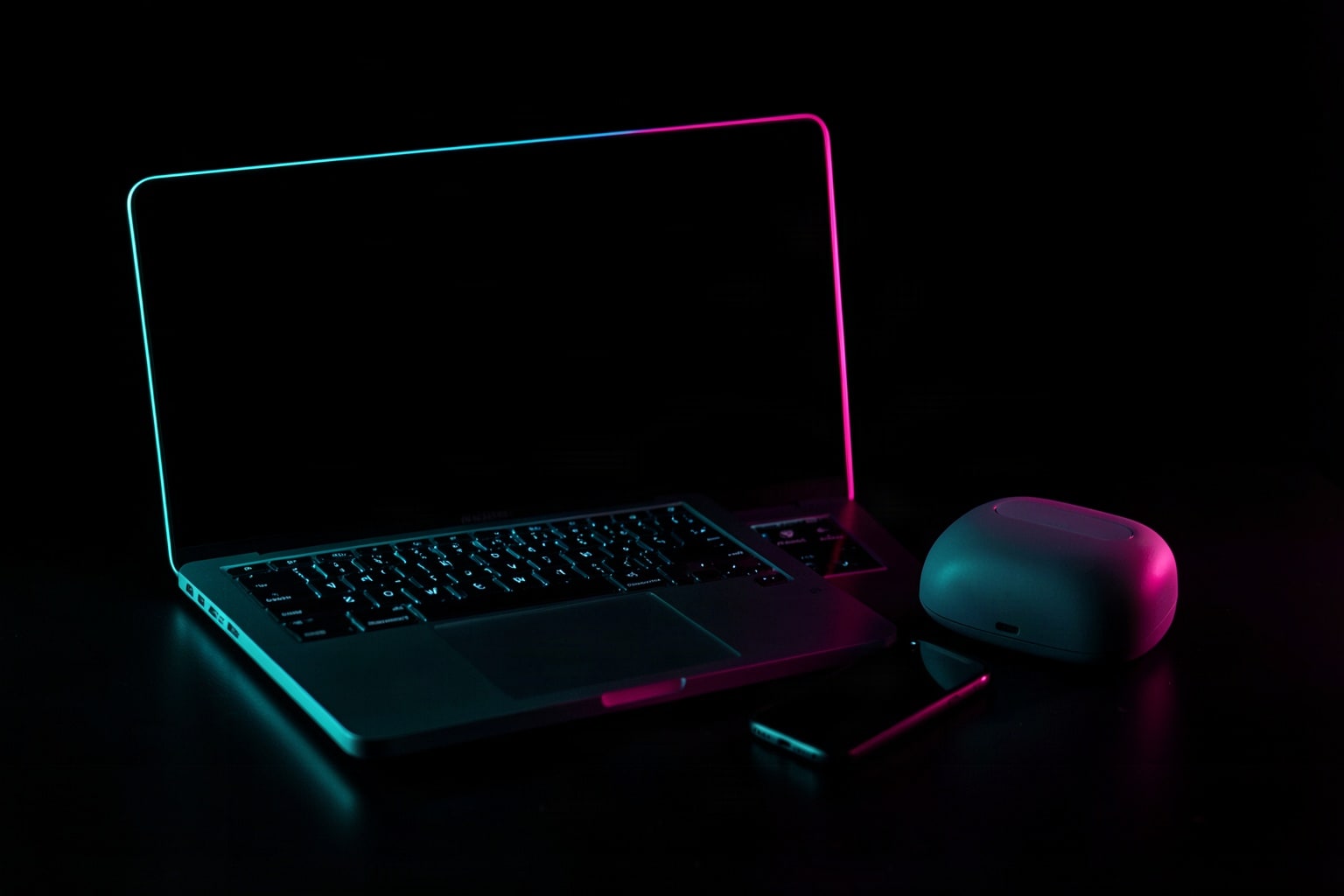
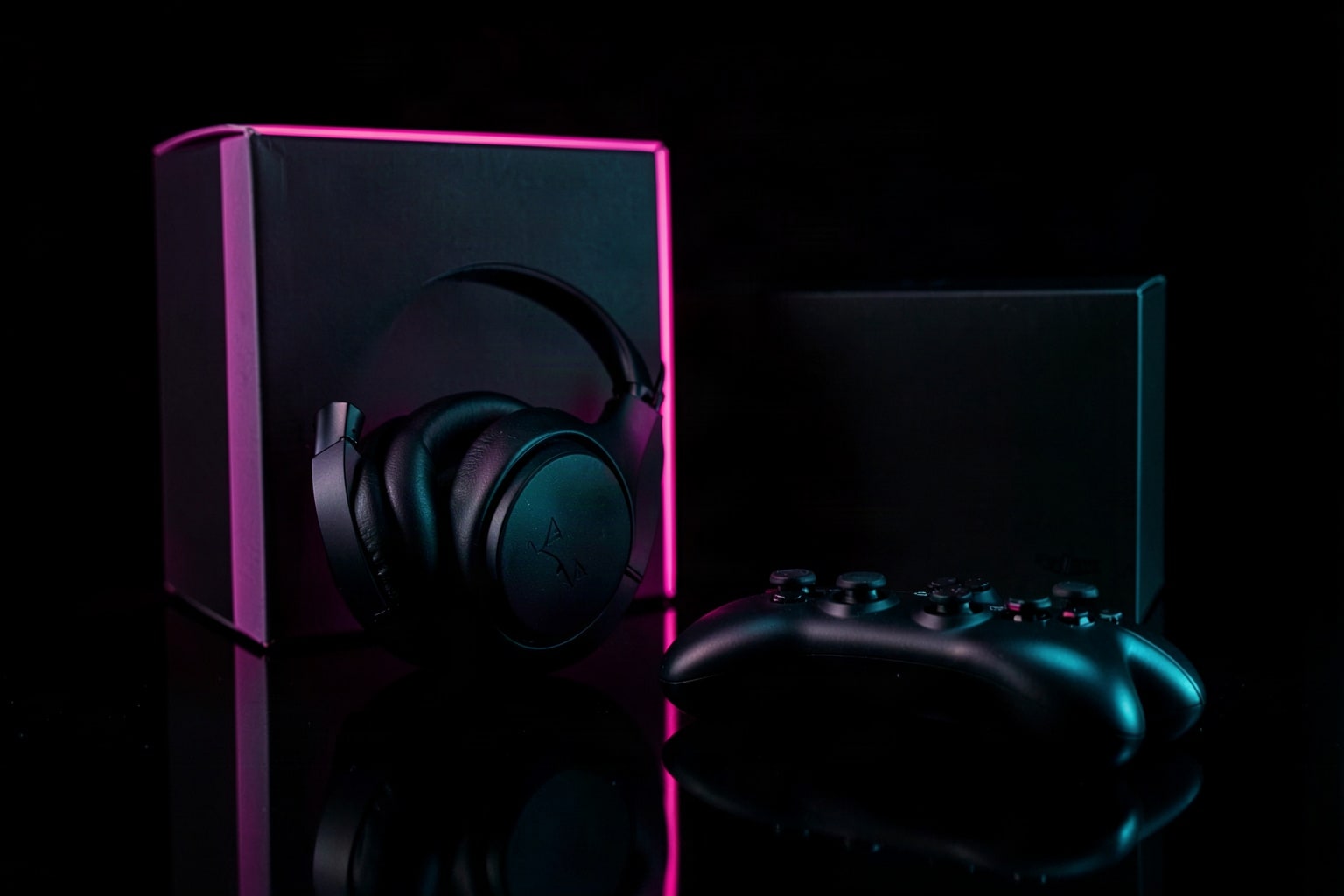
Laptops, headsets and keyboards under cyan and pink light suit an extended Monday sale or a tech product roundup.
How to choose images for Black Friday
- Match your brand color. If your brand already uses pink or black, these photos will look like yours. If it doesn't, pick the darkest photos and add your color through the badge and text.
- Leave room for words. Squint at the photo: the darkest calm area is where your discount goes. Skip a photo whose only open space sits behind the main object.
- Fit the scene to what you sell. Parcels for an online store, a clothing rail for apparel, tech on a desk for electronics. A shopper recognizes their own kind of purchase first.
- Stay in one group for one campaign. Use photos from the same group across your email, homepage and posts so the sale reads as one event from Thursday night to Monday.
Where to use Black Friday pictures
| Place | Shape to crop | Pick from |
|---|---|---|
| Store homepage hero | Wide; check your theme's preview | Bags and gifts, Store and checkout |
| Instagram feed post | 4:5 portrait or 1:1 square | Flat lays, Bags and gifts |
| Instagram or Facebook Story | 9:16 tall | Neon nights |
| Email header | Wide and short, cropped from the center | Flat lays |
| Blog header | 3:2, the original shape | Any group |
The files are 3:2, so a square or 4:5 crop keeps the middle of the photo and loses the sides. Use the free Crop image and Resize image tools to cut each copy, and Compress image before an email upload. For your theme's exact banner shape on Shopify, see the Shopify image size guide.
Cyber Monday images
Cyber Monday falls on November 30, 2026, the Monday after Black Friday on November 27. If your sale runs through both days, switch the artwork on Monday so returning shoppers see that the offer is still on.
The Cyber Monday group keeps the black background and hot pink of the Black Friday photos and adds an electric-cyan light, so Monday looks like the same campaign with a new chapter. Pair the keyboard or headset shots with your Monday price.
Paid stock sites vs free Black Friday images
Free and paid photo sites both work for a sale graphic; the traps are in the terms, not the price.
- Watermarks. A watermarked preview from a paid site is not a license. Removing the mark doesn't give you the right to use the photo.
- Credit lines. Some free licenses ask you to credit the photographer in the post or on the page. Check before an ad, where a credit line rarely fits.
- Editorial use only. Photos of real crowds, store fronts or branded products are often licensed for editorial use only (news and commentary) and can't run in an ad.
- Logos and signs. A real store photo can show someone else's brand on a bag or a sign. These photos have none: the frame holds no text or logos.
- Words already printed on. Many "Black Friday sale" images come with SALE or a percentage baked into the picture. If it isn't your offer, you can't use it. Every photo here is text-free, so the badge you make carries your real discount.
- Full size behind a form. Some libraries ask for an email or an account before the high-resolution file. Here the full 1536 × 1024 px JPG downloads with one click.
Paid stock sites have far more photos and real models with signed releases. This gallery is free and made for one job: a Black Friday photo you can write your own offer on.
License
The 30 photos on this page are Shelfcanvas images. You can use them free to promote your own shop: on your website, in ads, emails and social posts, with or without credit. Please don't sell them, print them on products for sale, add them to another image library or claim them as your own work.
FAQ
Shelfcanvas, an AI product photo tool for online sellers, has 30 free Black Friday images made for sale graphics. Every 1536 × 1024 px JPG is free of words and logos, leaves room for your discount and downloads with no sign-up or credit line. The picker on this page also crops each one to 1:1, 4:5 or 9:16 before you download.
Each photo is 1536 × 1024 px, a 3:2 landscape JPG. The picker at the top of the page cuts a copy from the center in your browser and saves it at post size: 1080 × 1080 px for 1:1, 1080 × 1350 px for a 4:5 feed post and 1080 × 1920 px for a 9:16 Story.
Make the badge first: Make your own sale badge on the clipart page puts your own line, such as 40% OFF, on a starburst or tag. Then Add a badge to my photo places it on the photo, and you download the result.
Yes, for promoting your own shop: website, ads, email and social posts. Selling the photos or printing them on products for sale is not allowed.
Yes. Add your discount and run the image as an ad, a post or an email header for your own shop. No credit line is required.
No. The frames hold no words, prices or logos, so the discount you add is the only text a shopper reads.
No. They are AI-generated adults, mostly shown as hands, from behind or with the face turned away.
Not as a main image: Amazon requires the main image to show your product on a pure white background. A Black Friday photo works better in an off-Amazon ad or a social post that links to your listing.
Yes. Crop the photo to your theme's banner shape, keep the main object in the middle and check the theme editor preview on a phone before you publish.
Not as listing photos: Etsy asks sellers to show the actual item for sale. Use them for a shop announcement image or a social post instead. See Etsy's Creativity Standards, checked October 25, 2026.
Etsy's Creativity StandardsSee the Small Business Saturday page for the Saturday after Black Friday, November 28, 2026.
More for Black Friday
Black Friday is in 31 days
Make Black Friday images with your product
Upload one product photo and get it in a Black Friday scene to use with these images.
- Black and gold studio
- Gift box stack
- Sale tag table

Free to try