Black Friday banners for your shop, sized for every spot
Make a Black Friday banner from 26 templates already at platform size, Etsy shop banner 3360 × 840 px, Etsy mini banner 1600 × 213 px, email header 1200 × 400 px, Amazon Store hero 3000 × 600 px and Shopify homepage banner 1920 × 1080 px, with your product photo, your logo and a headline.
Etsy shop banner · Teaser
Product picture
Logo
Badge
20 more Black Friday banner templates
Pick a filter to search all 26 by where it goes, campaign stage, style and colour. Pick one to load it into the editor above; every banner is drawn from the Black Friday backgrounds and clipart on this site, so there is nothing to generate or pay for.
The 6 templates at the top of the page are not repeated here.
- Etsy shop banner · After sale · script on kraft
- Etsy mini banner · Last chance · one line in yellow-green on black
- Etsy mini banner · Sale · one line on hot pink
- Email header · Sale
- Email header · Cyber Monday
- Email header · After sale
- Email header · Cyber Monday · browser window
- Email header · Last chance · yellow-green type and pink circle
- Amazon Store hero · Sale
- Amazon Store hero · Cyber Monday
- Amazon Store hero · Cyber Monday · black tape strips on white
- Amazon Store hero · Sale · echo type
- Amazon Store hero · After sale · serif on blush
- Shopify homepage banner · Sale
- Shopify homepage banner · Sale · big pink circle
- Shopify homepage banner · Small Business Saturday · script on cream with half photo
- Shopify homepage banner · After sale · instant-photo frame on black
Pick where your banner goes
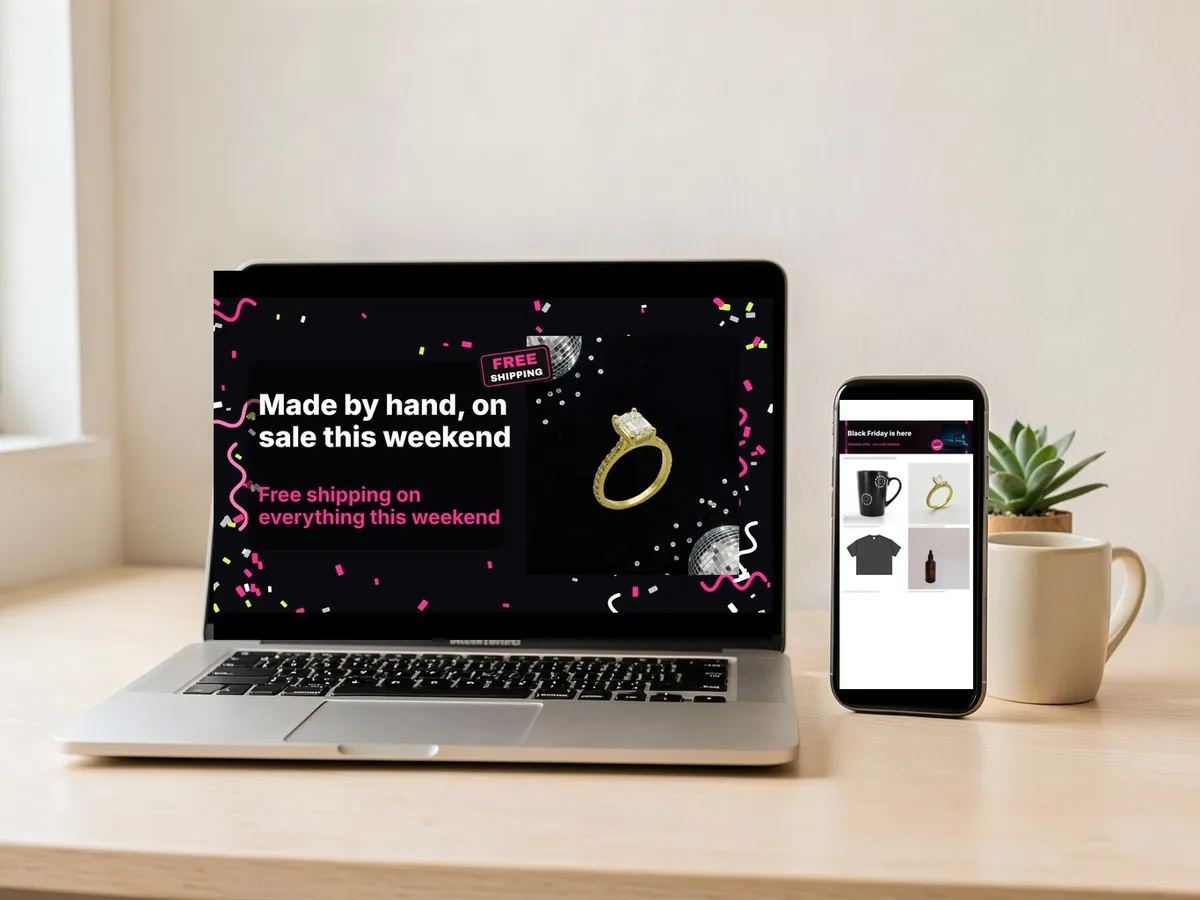
Choose the placement first, because the shape decides everything else. Each template on this page is drawn at that placement's pixel size, so the download goes straight into the platform without resizing.
Etsy shop banner
A wide 4:1 strip at the top of your shop page, exported at 3360 × 840 px. Shoppers who reach your shop from a listing see it before anything else, so tell them a sale is on with one product and one line. Seven Etsy templates cover the teaser, the sale, Cyber Monday and the after-sale thank-you, and two Etsy mini banner templates at 1600 × 213 px carry one line for the sale or the last chance.
Email header
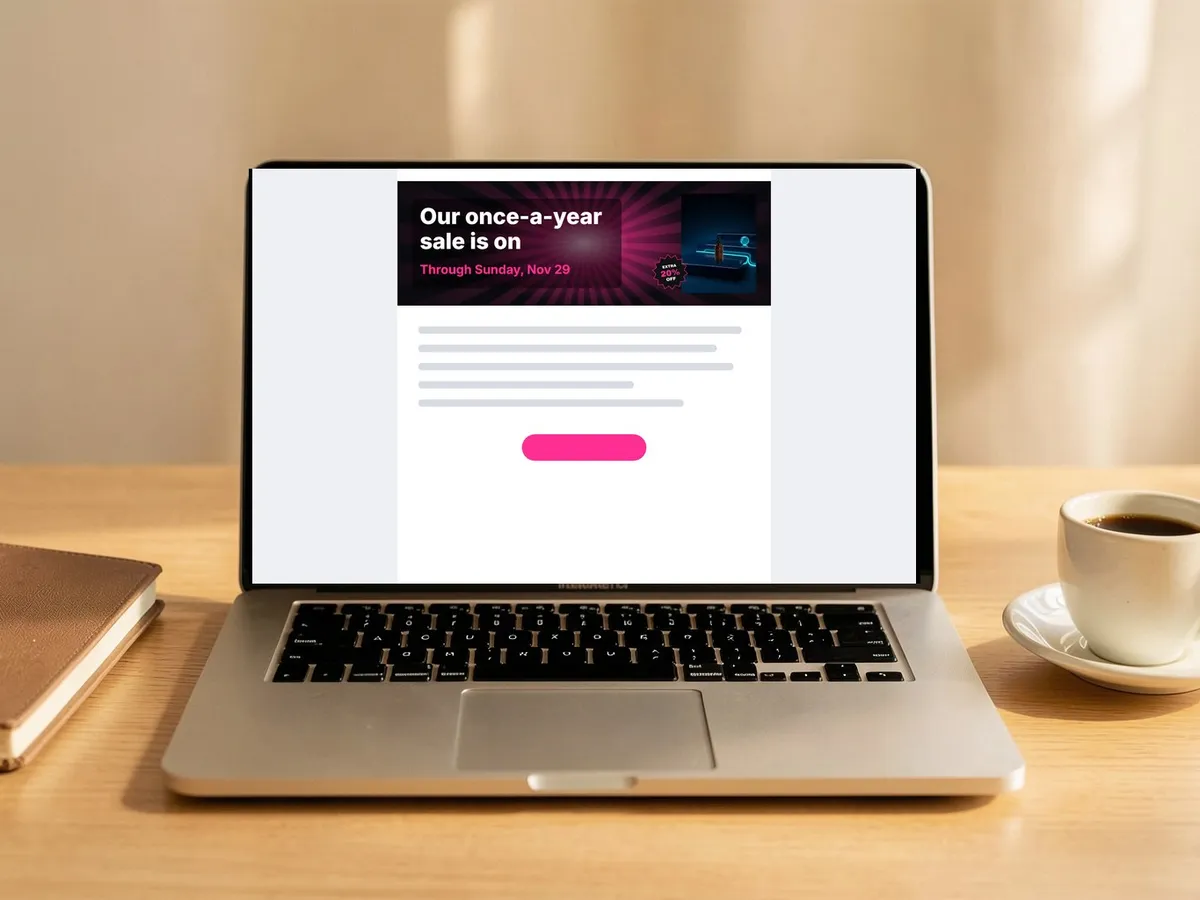
The 1200 × 400 px header sits at the top of your sale email and displays at 600 px wide in Mailchimp and Klaviyo templates. Seven email-header templates cover the same versions plus a last-chance header.
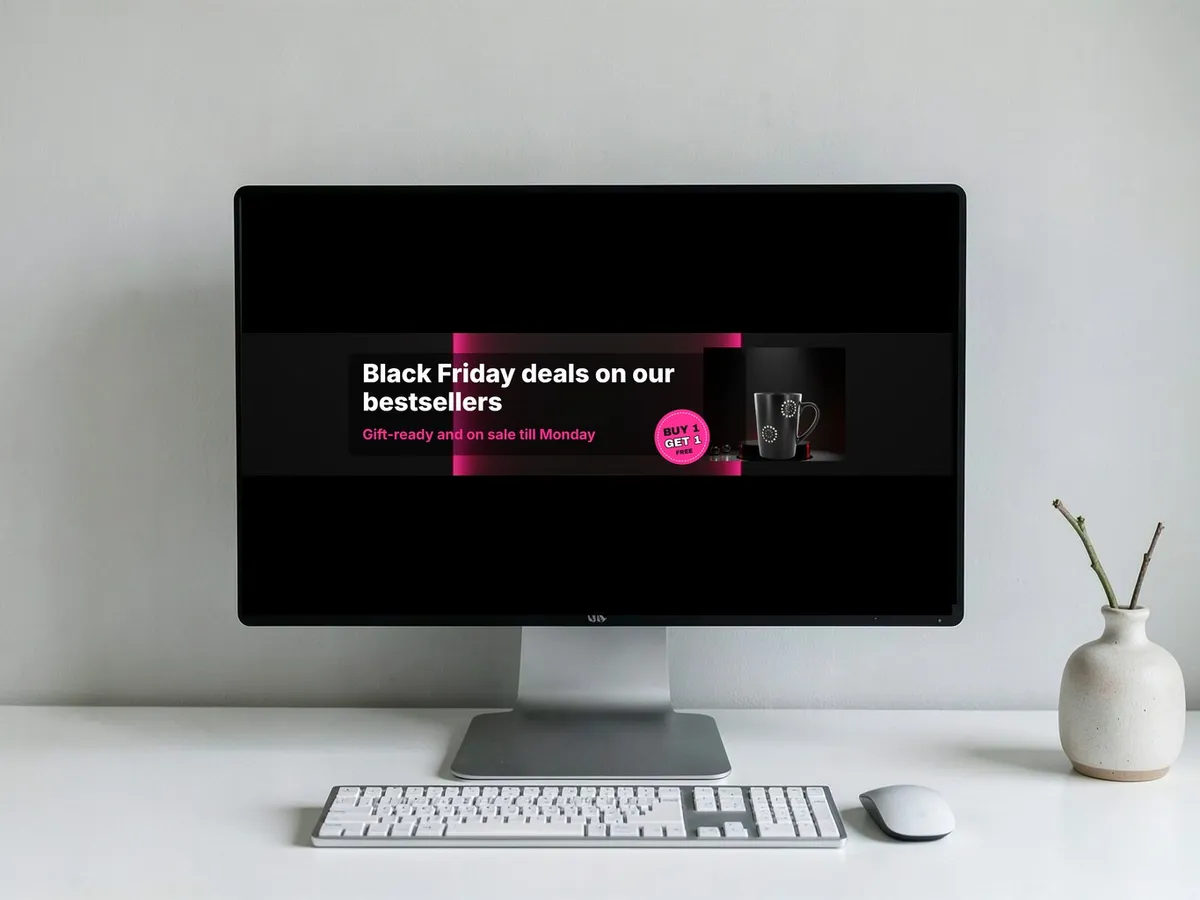
Amazon Store hero
The 5:1 header of your Amazon brand Store, exported at 3000 × 600 px. The five Amazon templates keep the product and both lines inside the centre band that survives the crop.
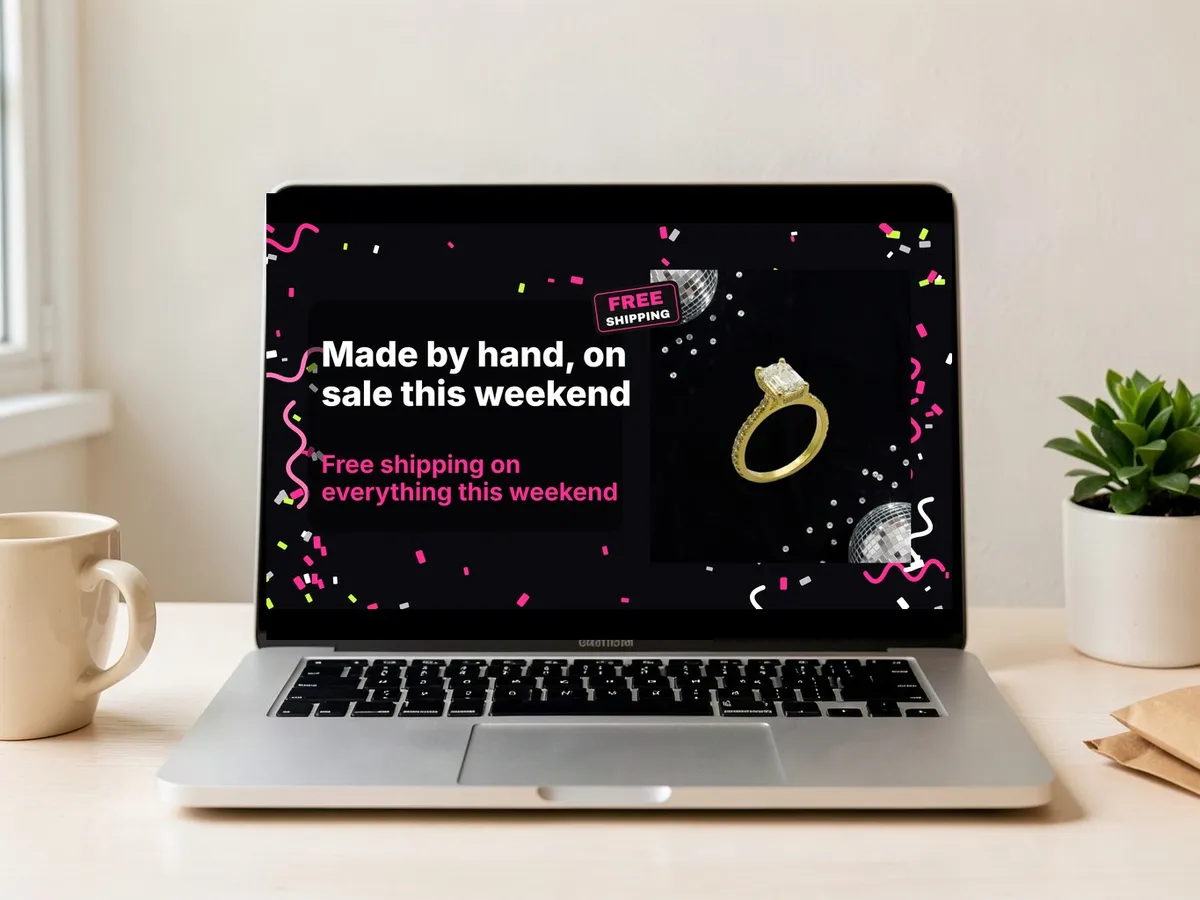
Shopify homepage banner
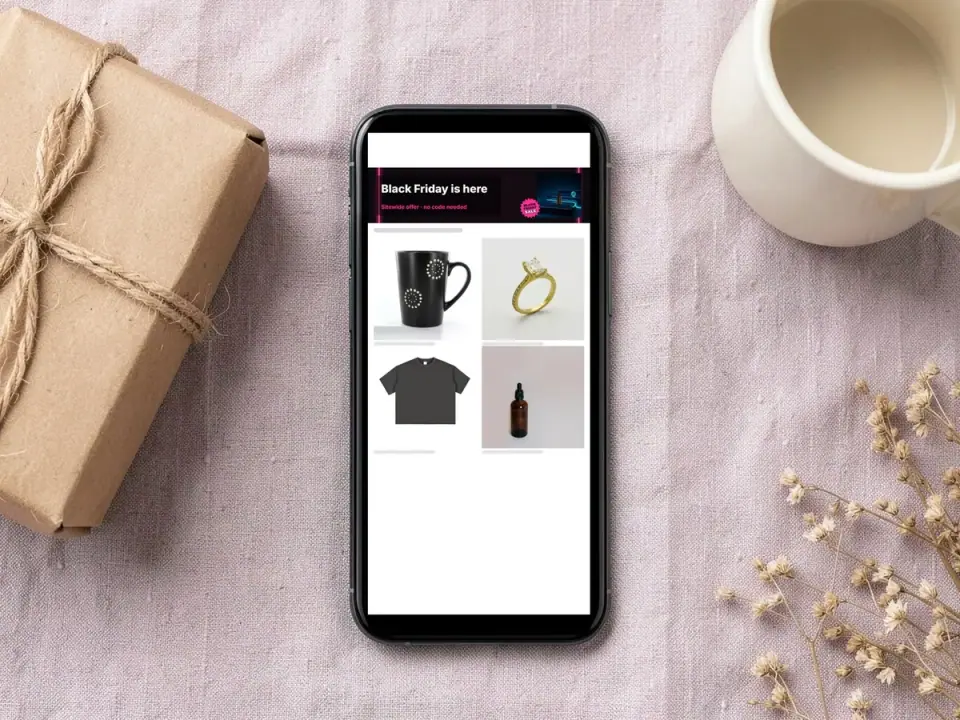
The image banner at the top of your homepage, exported at 1920 × 1080 px. Your theme crops it to the section height and the screen width, so the five Shopify templates keep the product and the words near the middle; set the focal point in the theme editor on Dawn 7.0.0 and later.
How to make a Black Friday banner that works
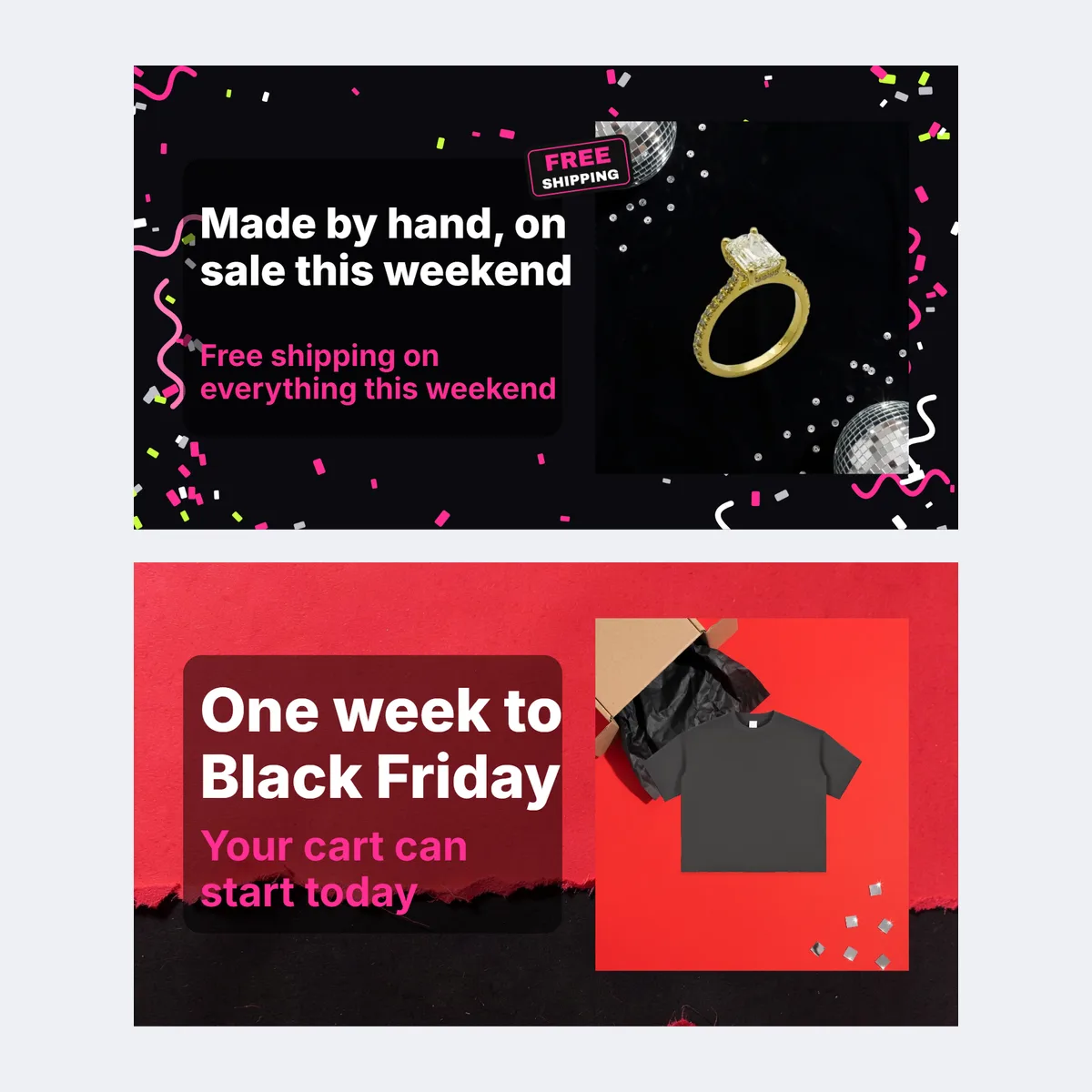
- Pick the placement template. The wall under the editor filters by placement, version, style and colour; the template loads at the right pixel size with sample words.
- Add one product and leave room for words. Upload your product photo, which stays on your device, or pick a sample. One product, large and sharp, tells a shopper what is on sale; for a clean cutout run the photo through Background remover first, or put it in a dark scene with AI photoshoot.
- Say the offer and the end date in the two lines. "20% off everything" as the headline and "Ends Monday, November 30 · Shop the sale" as the second line reads at a glance; swap the badge to match the version.
- Download and check it live. PNG or JPG at platform size, or the zip. Upload it, then open the live page on your phone to see what the crop keeps.
Four versions, four dates
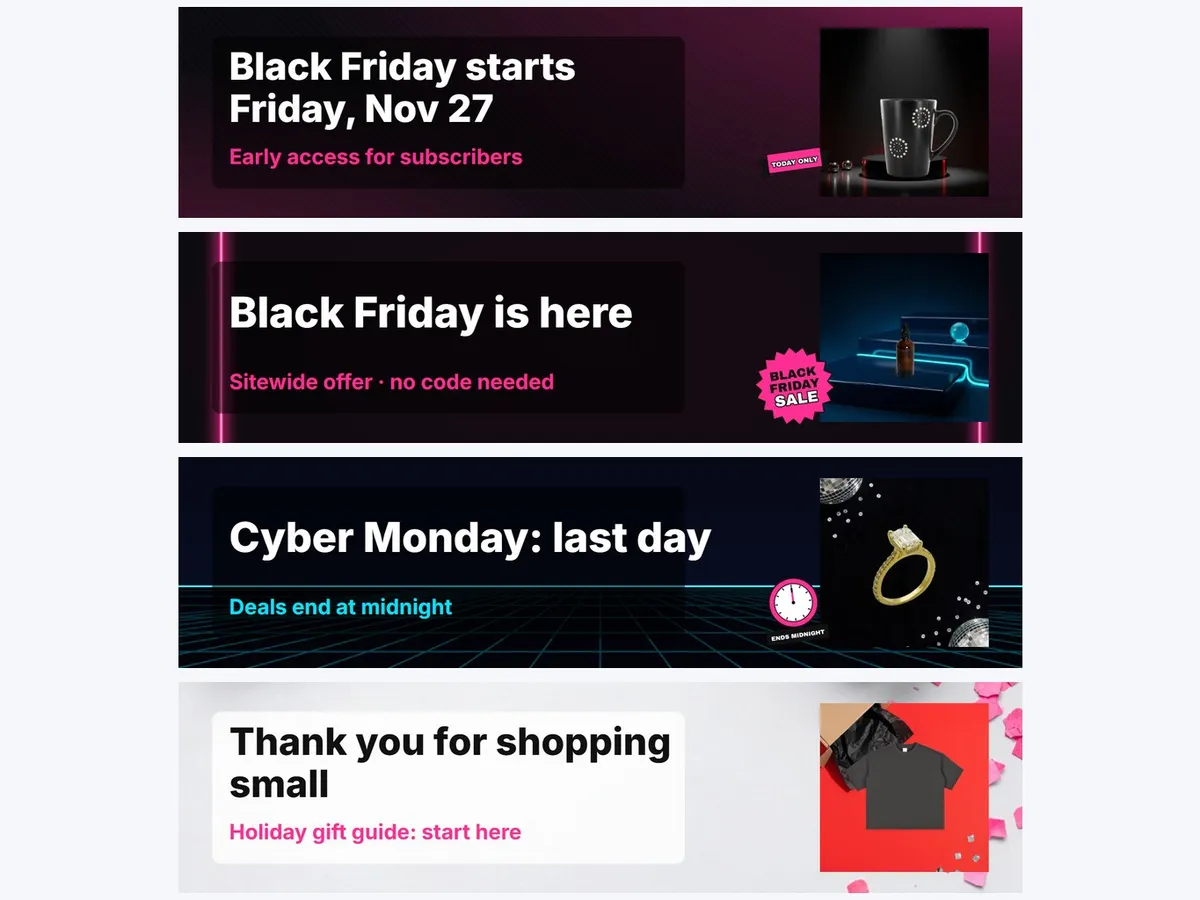
Keep the same product, scene and layout in all four and change only the headline and the badge, so a shopper who comes back on Monday recognises the same campaign, now ending. Write the four dates in your calendar so each swap happens the morning it should.
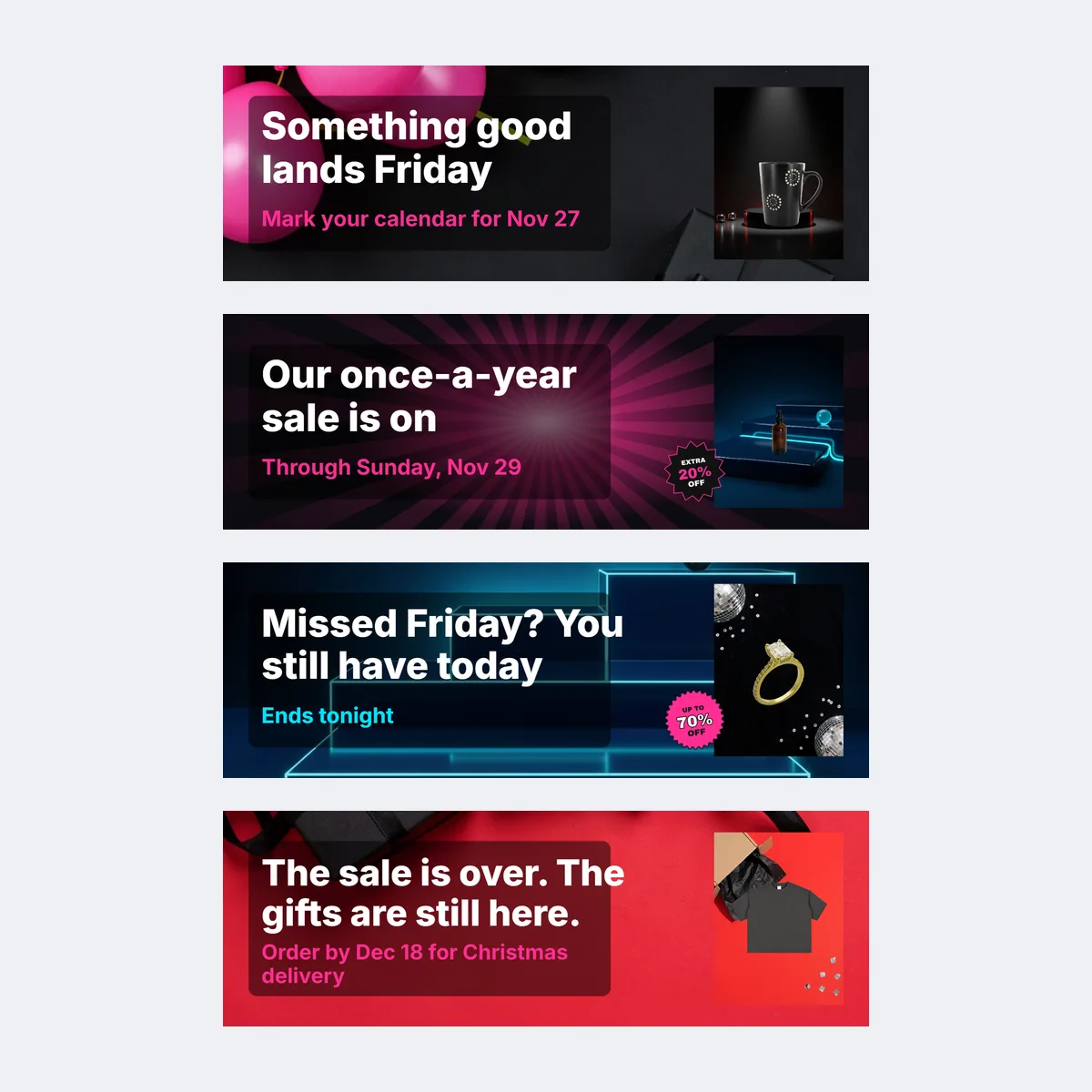
- Teaser, a week before Friday, November 27: "Black Friday starts Friday, November 27" with no offer yet; it tells people a sale is coming while their inboxes are still quiet.
- Black Friday, Friday, November 27: the full offer, end date and button word. A banner announces the sale; set the discount up in your shop first.
- Cyber Monday, Monday, November 30: the same offer with a "Last chance" or "Ends tonight" badge; only the clock is new. If your Monday offer differs, change the headline too.
- After the sale, from Tuesday, December 1: take the offer down the morning it ends and show a thank-you, a new arrival or a holiday-gifts line, so the top of the shop stays truthful through December. For Saturday, November 28, put your name or studio in the headline instead of the discount.
30 Black Friday banner lines
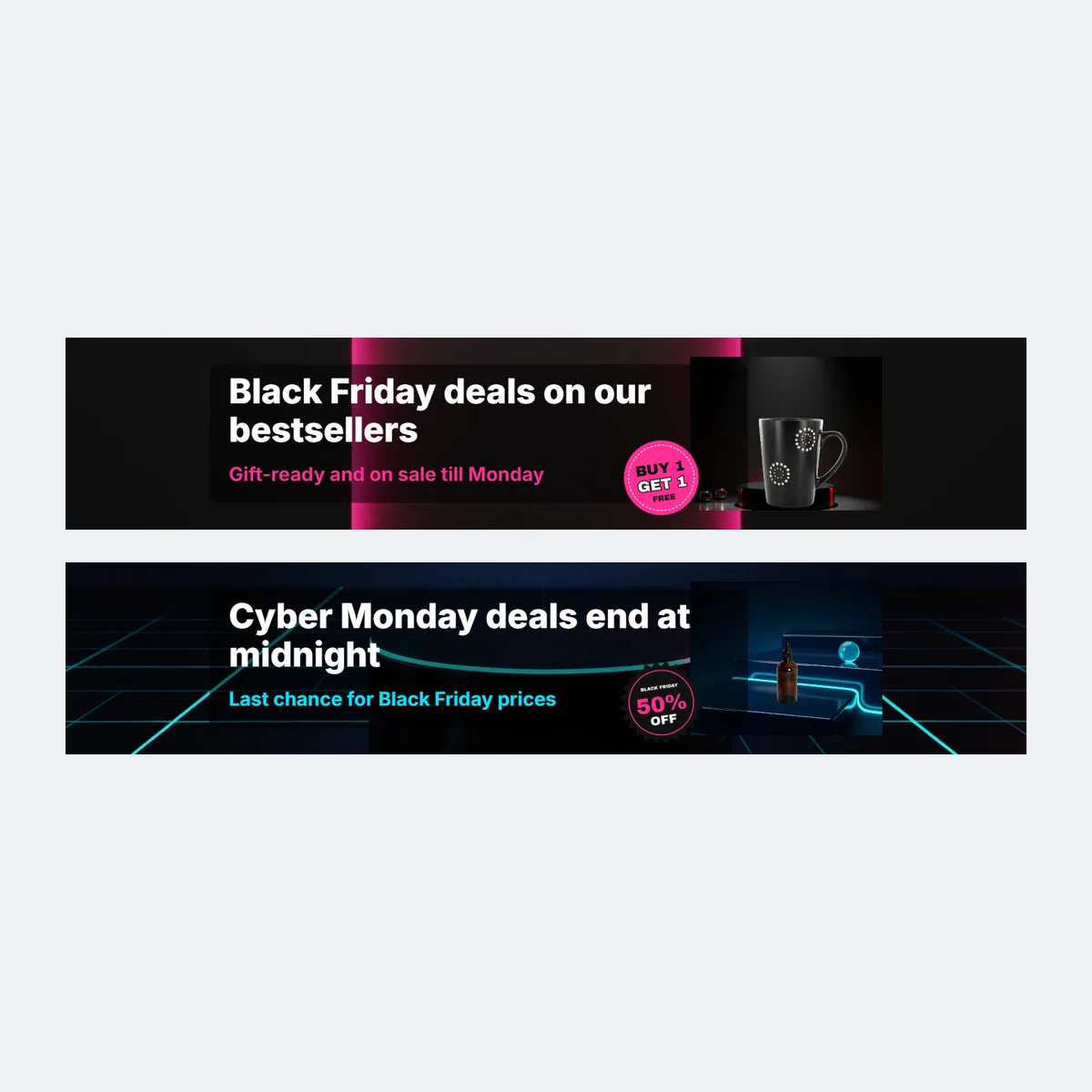
Copy a line into the headline field. Each one is short enough to read on a phone and grouped by the four versions; replace [X%], [CODE] and [amount] with an offer you are actually running, and rewrite the line in your shop's own voice if it has one.
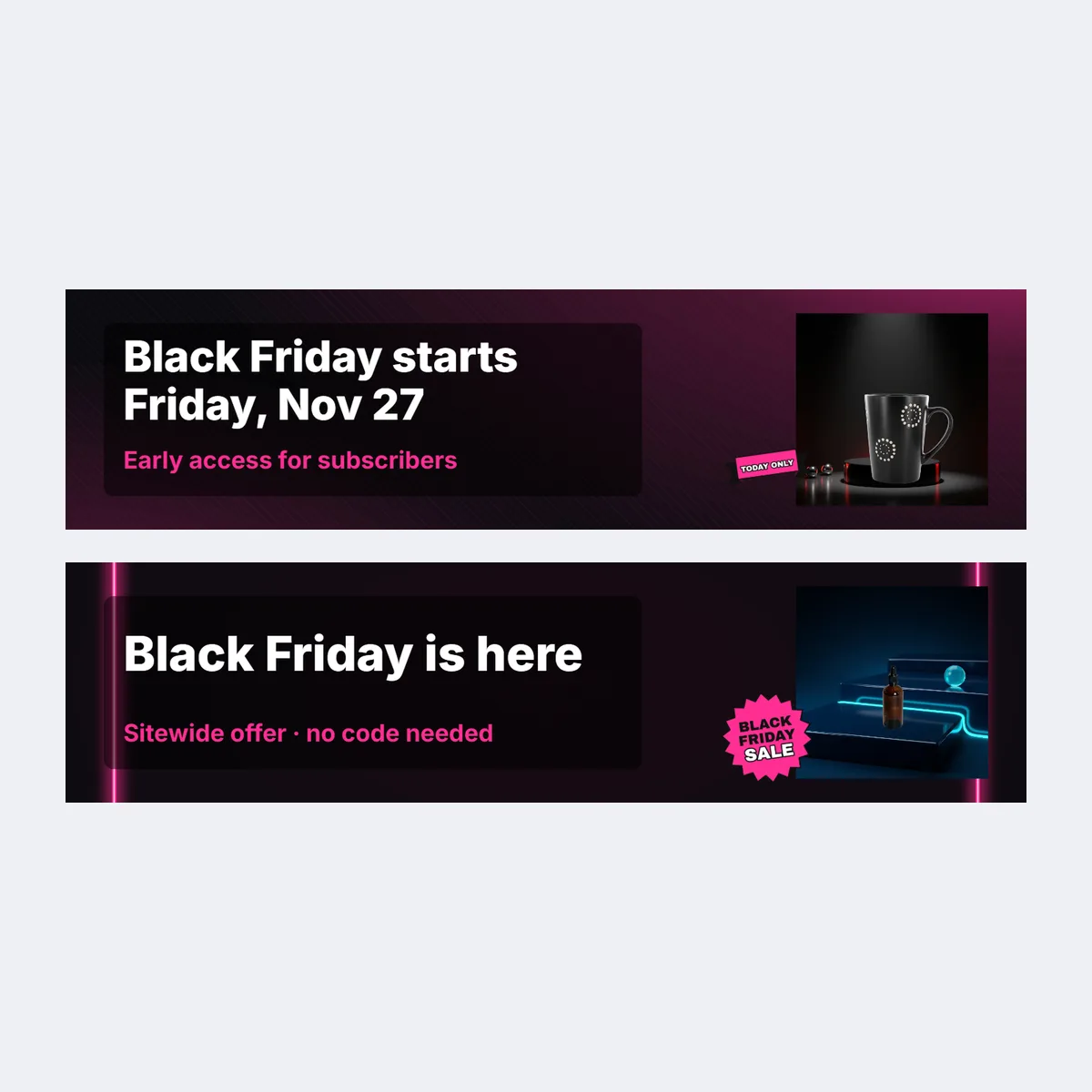
Teaser lines
- Black Friday starts Friday, November 27. You'll want to be here.
- Something good lands on Friday.
- Our biggest sale of the year opens Friday, November 27.
- Mark your calendar for Friday, November 27.
- Early access for subscribers. Sign up to get in first.
- The sale is coming. Make your wish list now.
- One week to Black Friday. Your cart can start today.
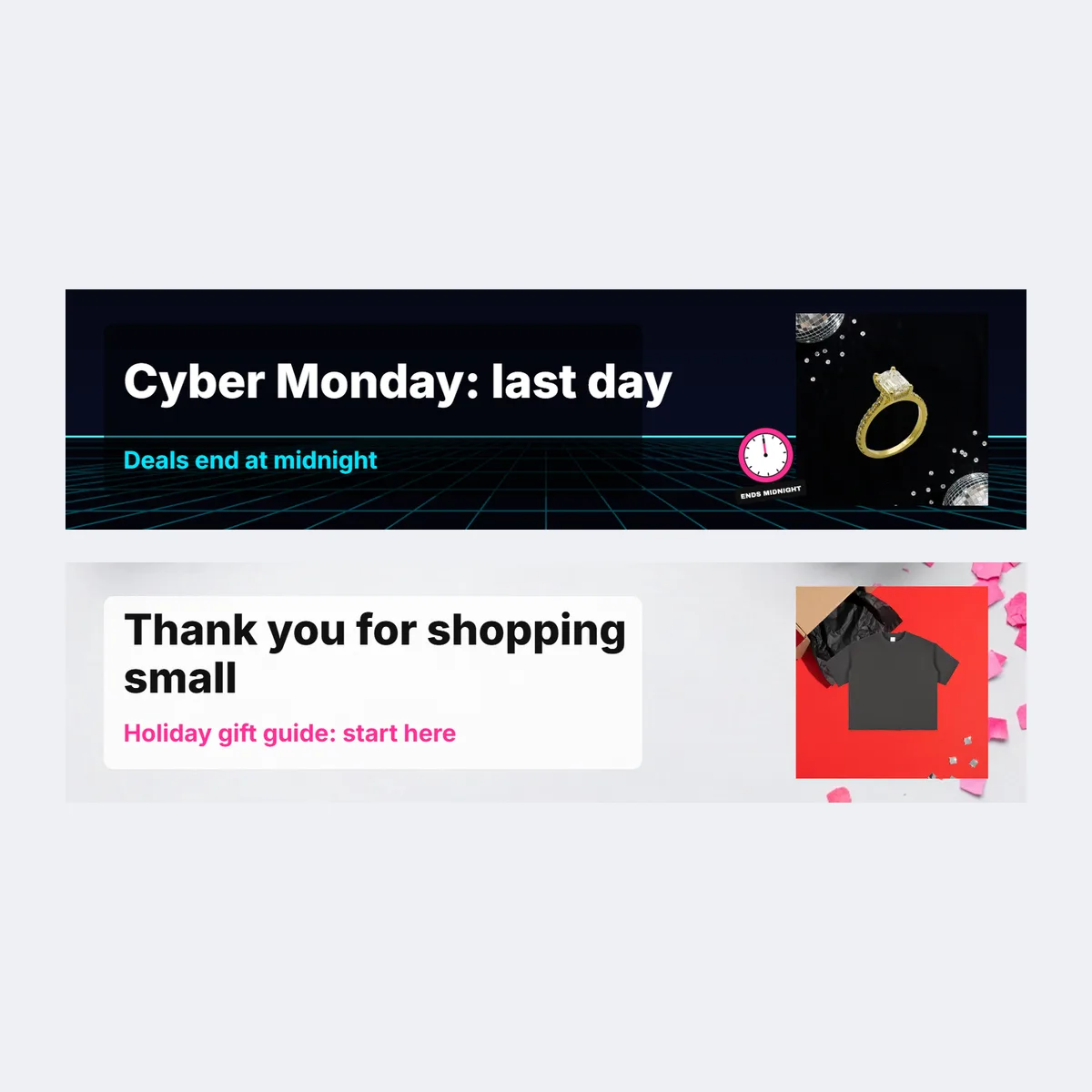
Black Friday lines
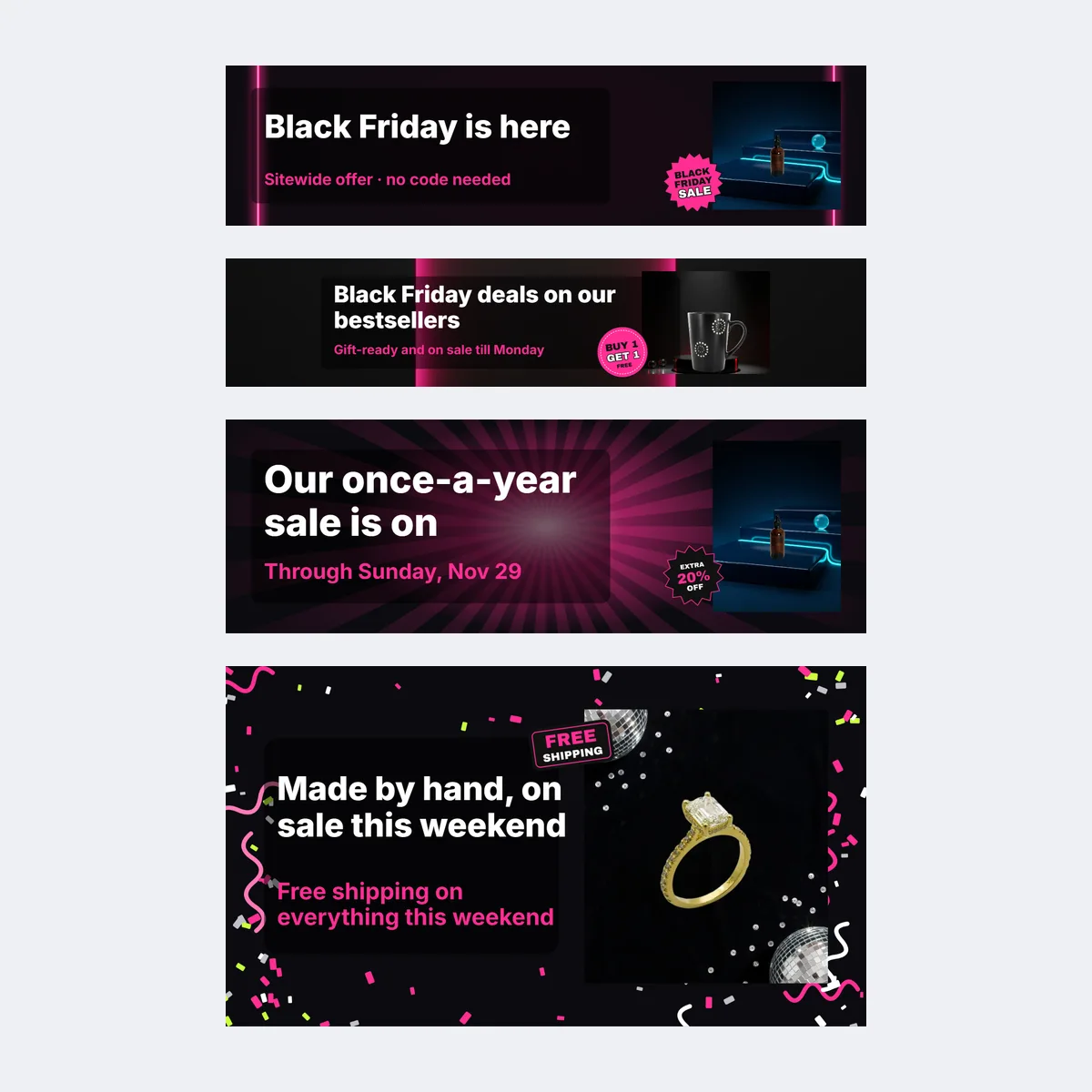
- Black Friday is here: [X%] off everything.
- [X%] off sitewide. No code needed.
- Use [CODE] for [X%] off, today only.
- Spend [amount], get a free gift. Today only.
- Our once-a-year sale is on.
- Bundles for Black Friday, made to share.
- Gift-ready and on sale till Monday.
- Black Friday deals on our bestsellers.
- Made by hand, on sale for the weekend.
- Free shipping on everything this weekend.
- Shop small this Black Friday.
Cyber Monday lines
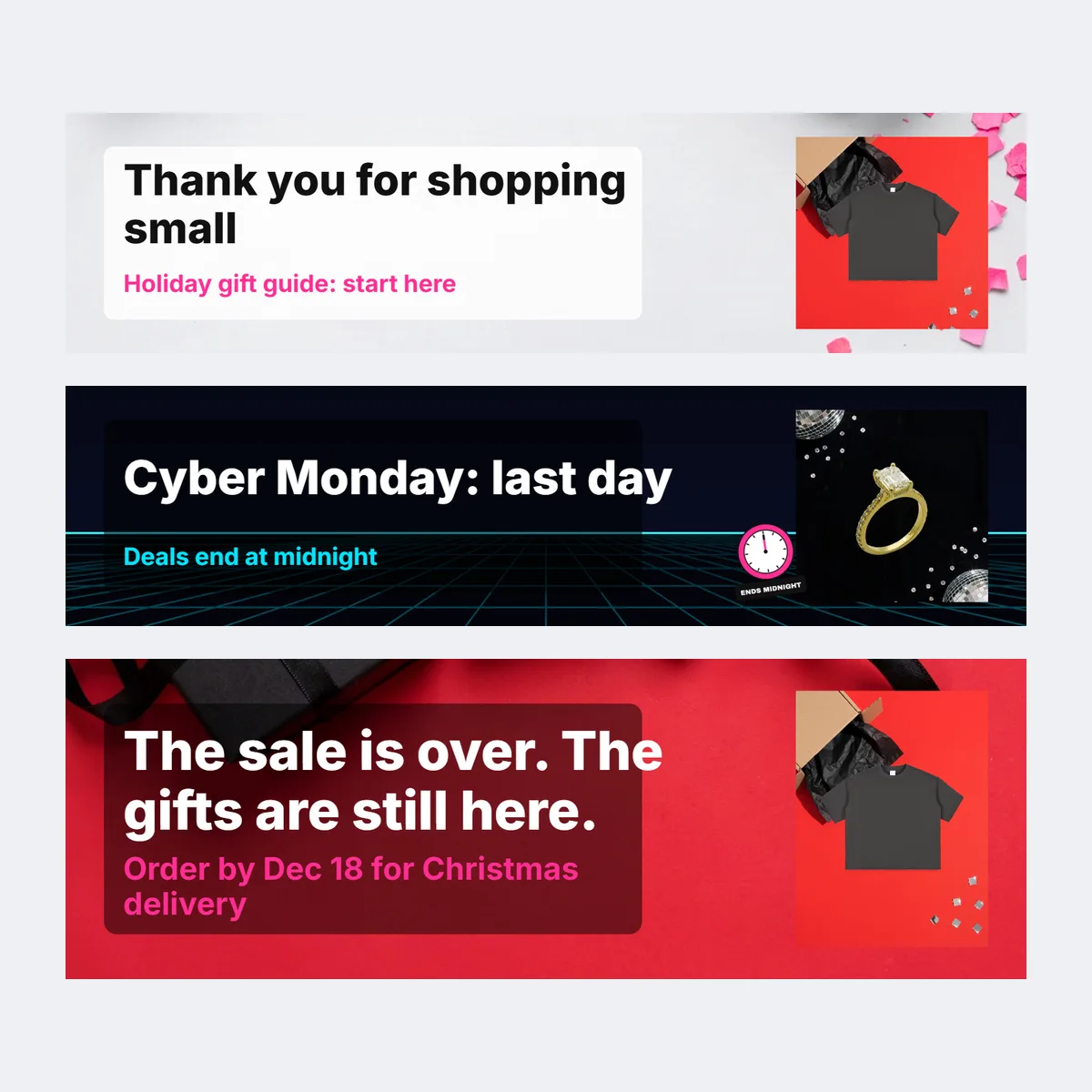
- Cyber Monday: last day for [X%] off.
- Ends tonight. [X%] off with [CODE].
- Last chance for Black Friday deals.
- Missed Friday? You still have today.
- Final hours: free gift over [amount].
- Cyber Monday deals end at midnight.
After-sale lines
- Thank you for an amazing Black Friday.
- The sale is over. The gifts are still here.
- New in: just in time for the holidays.
- Back in stock after Black Friday.
- Holiday gift guide: start here.
- Thank you for shopping small this year.
Black Friday banner sizes by platform
These are the platforms' own numbers, with the source for each; where a platform gives no fixed size, the table says so. The templates export at the size in the first column of each row. Last checked October 20, 2026.
| Placement | Official size | Crop and limits | Source |
|---|---|---|---|
| Etsy shop banner (big) | Recommended 1600 × 400 px in Etsy Help; 3360 × 840 px in the Etsy Seller Handbook. Minimum 1200 × 300 px. | 4:1 in both recommendations. | Etsy Help, Etsy Seller Handbook |
| Etsy mini banner | Recommended 1600 × 213 px. | The Seller Handbook says the mini banner does not show on mobile. | Etsy Help |
| Amazon Store hero | Minimum 3000 × 600 px, up to 5 MB. | Amazon may crop 15% from the left and right sides, so keep key content in the centre 70%. | Amazon Stores creative guidelines |
| Shopify homepage banner | No fixed size; the theme and the section settings decide the shape. The template exports 1920 × 1080 px. | Cropped to the section height and screen width; Dawn 7.0.0 and later let you set a focal point. Theme images can be up to 20 megapixels and 20 MB. | Shopify theme images |
| Email header | 600 px wide in Mailchimp's legacy templates, 660 px in its new builder; Klaviyo templates default to 600 px. The template exports 1200 × 400 px, twice the display width. | Klaviyo suggests 600–1000 px wide and under 2000 px tall for a full-width image. | Mailchimp image requirements, Klaviyo template width, Klaviyo image best practices |
Black Friday banner design tips
- Contrast before colour. Light text on a dark scene or dark text on a pale one; if the headline lands on a cluttered patch of the photo, move the product to the other side of the template.
- Size the words for a phone. A wide banner shrinks to the width of a phone screen, so the templates use one big headline and one smaller line and nothing smaller; check the live page on your phone, not your laptop.
- Show the product, not the word SALE. Inboxes and feeds are full of "BLACK FRIDAY" in giant letters that weekend; your product is the thing nobody else has, so give it more room than the words.
- Keep the same look everywhere. Use the same product, badge and offer wording on the banner, your ads and your email, so a shopper who saw one recognises the next.
FAQ
The wide sale image at the top of your Etsy shop, Shopify homepage, Amazon Store or sale email. It is not one image: each of those places gives it a different shape, and a phone crops the edges first.
It depends on where it goes. Etsy's big shop banner is 4:1, at least 1200 × 300 px, with 1600 × 400 px or 3360 × 840 px recommended; an Amazon Store hero is at least 3000 × 600 px; Shopify has no fixed banner size because the theme crops it; email headers display 600 to 660 px wide. The 26 templates on this page export at each of those sizes.
A headline, the offer, the end date and a button word: "20% off everything" plus "Ends Monday, November 30 · Shop the sale" is enough. Exclusions and shipping cut-offs belong on the sale page or in the email text.
Keep the product and all of the text near the middle, away from the edges a phone crops, with one large headline and at most one smaller line. The templates are laid out that way; open the live page on your phone before the sale starts.
Yes. Pick the Etsy and email-header templates of the same version, upload the same product photo and type the same two lines; each exports at its own size, so the product, badge and offer wording read as one sale.
Put the end date in the second line, such as "Ends Monday, November 30", and switch to the Cyber Monday template with its "Last chance" badge on the final day. After the sale, upload the after-sale version the same morning so the shop never shows an offer that has ended.
Picking a template, adding your product, typing the two lines and swapping the badge need no account. Downloading the PNG, JPG or zip needs a free account, made with Google or an email code; in most regions your banner and words come back after you sign in, but where the browser cannot store them (such as in the EU or UK, or with Global Privacy Control turned on) sign in before you edit.
Black Friday is in 30 days
Put your product in your Black Friday banner
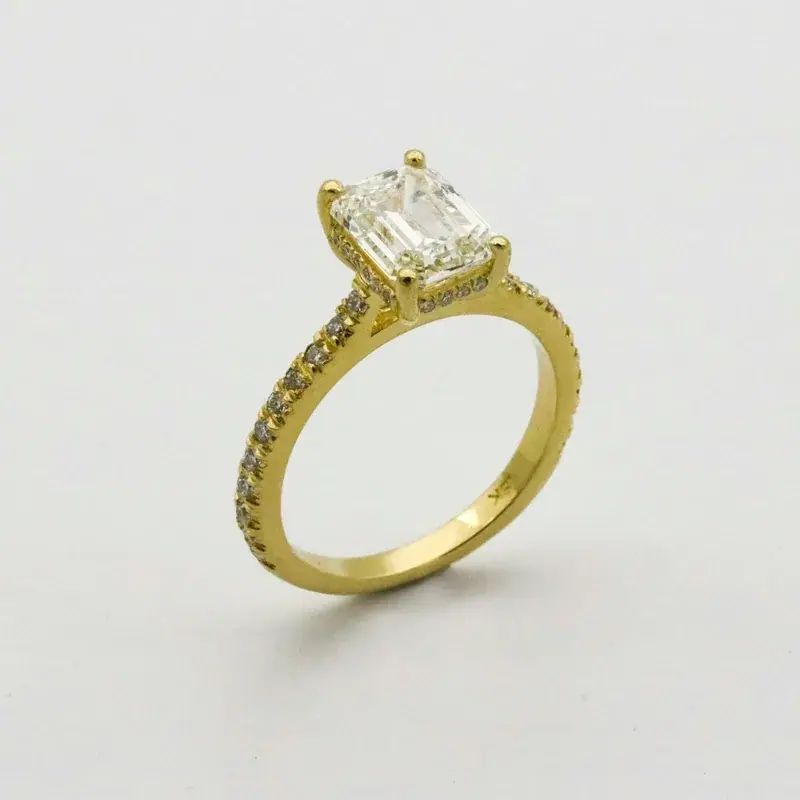
Upload one product photo and it drops into the banner in the editor at the top of this page.
- Etsy, Amazon and Shopify sizes
- Email headers
- PNG or JPG

or drop a photo here · Sign up free