Black Friday Stickers for Packaging and Shop Displays
Type your offer line into one of 12 Black Friday sticker templates, 6 round seals at 2 × 2 in and 6 labels at 2 × 1 in, then print a Letter or A4 sheet with cut lines.
Black Friday sale seal
Colours
3 more Black Friday sticker templates
Pick a filter to search all 12 by campaign stage, use and colour. Pick one to load it into the editor above; every sticker is drawn from the Black Friday backgrounds and clipart on this site, so there is nothing to generate or pay for.
The 9 templates at the top of the page are not repeated here.
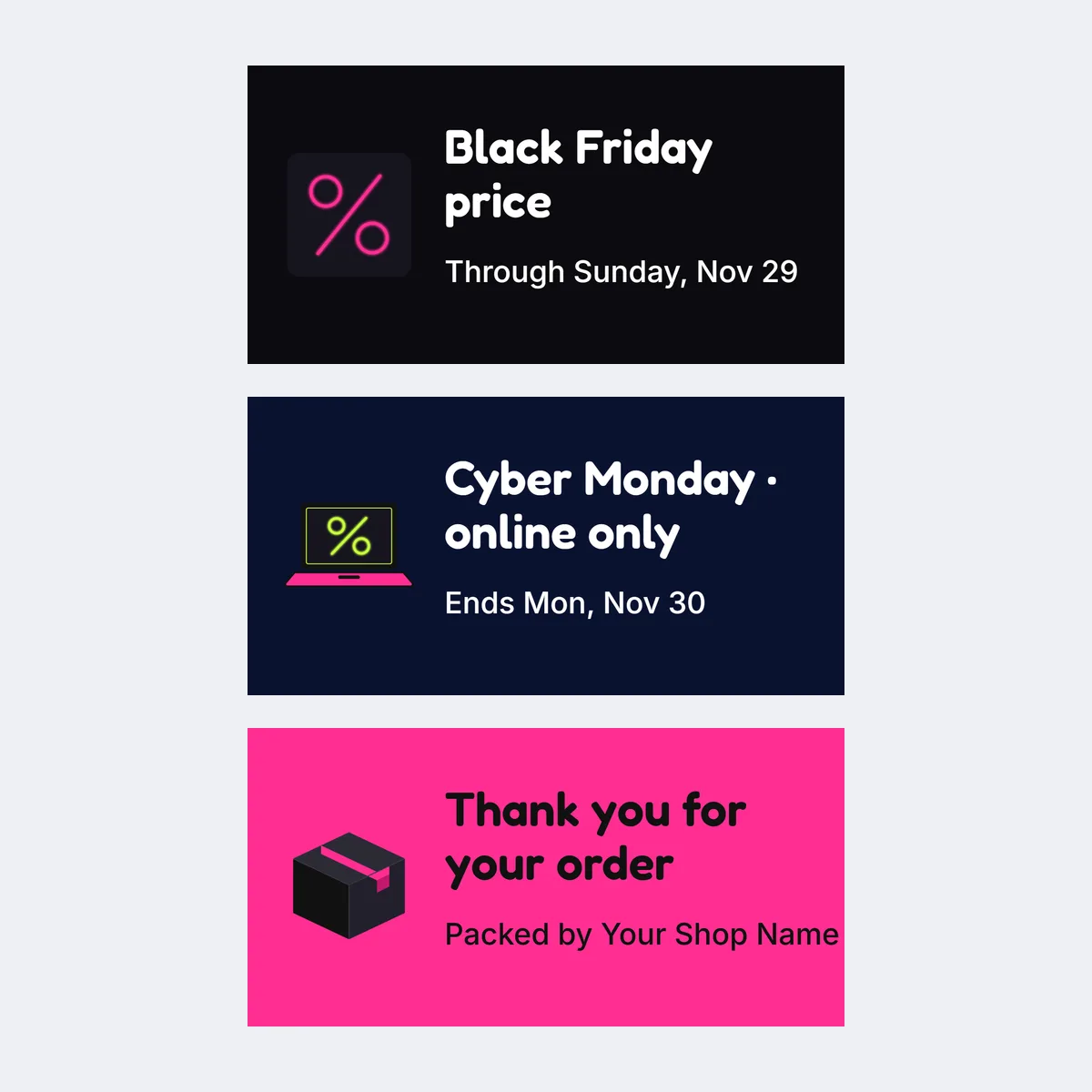
- Black Friday order label
- Sale shelf label
- Cyber Monday label
Black Friday sticker ideas by shop use
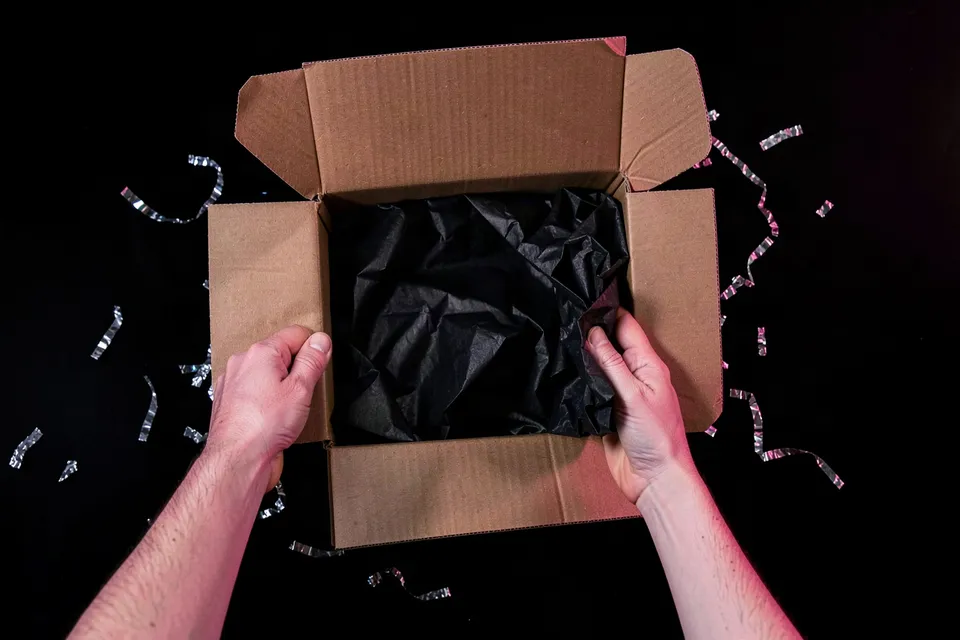
Start with where the sticker will go. A seal closes tissue or a paper bag, a label sits on a flat panel of the outer box, and a shelf label marks the eligible products on a display. For a sale badge to drop onto a different design, the Black Friday clipart has the same artwork as loose PNG files.
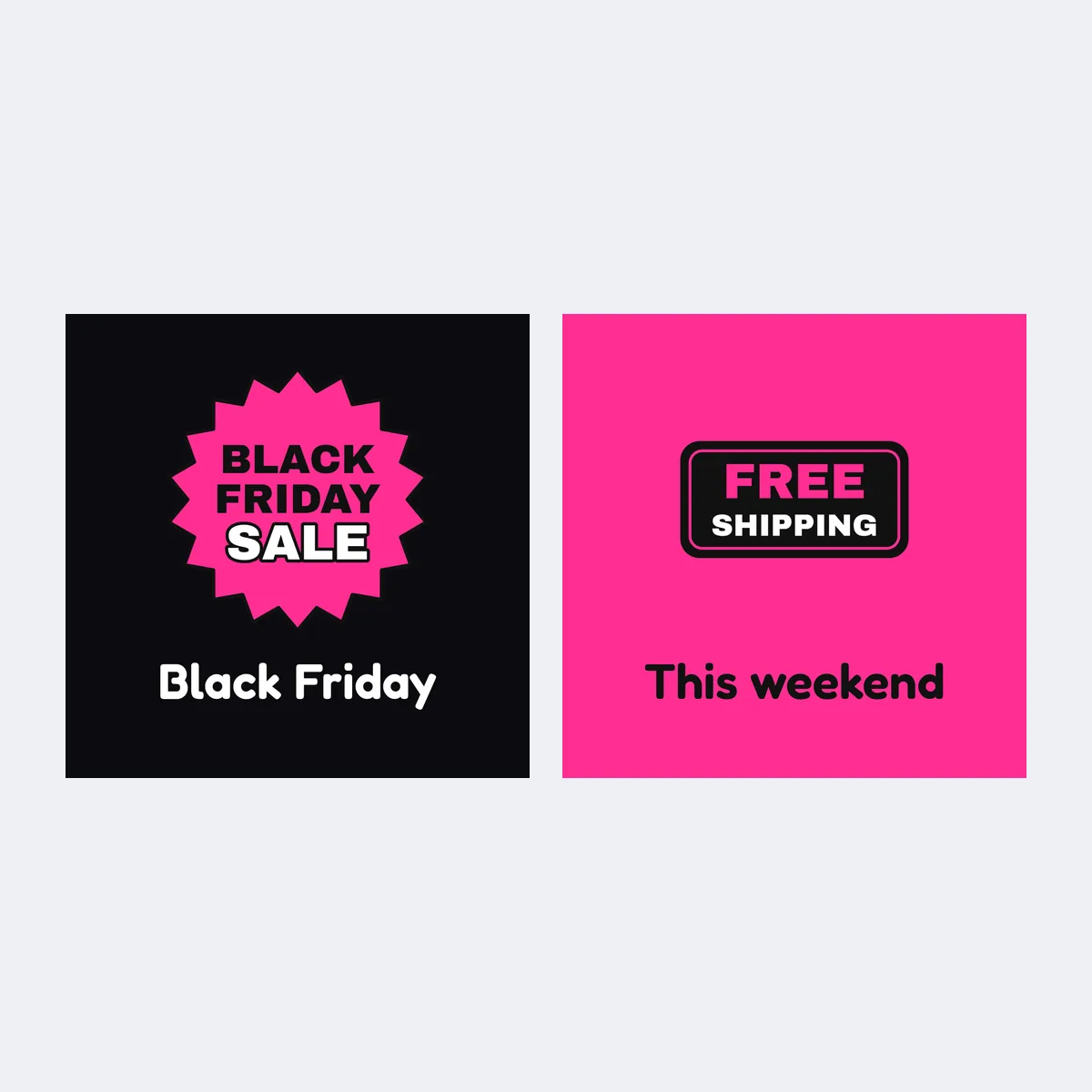
Round parcel seals
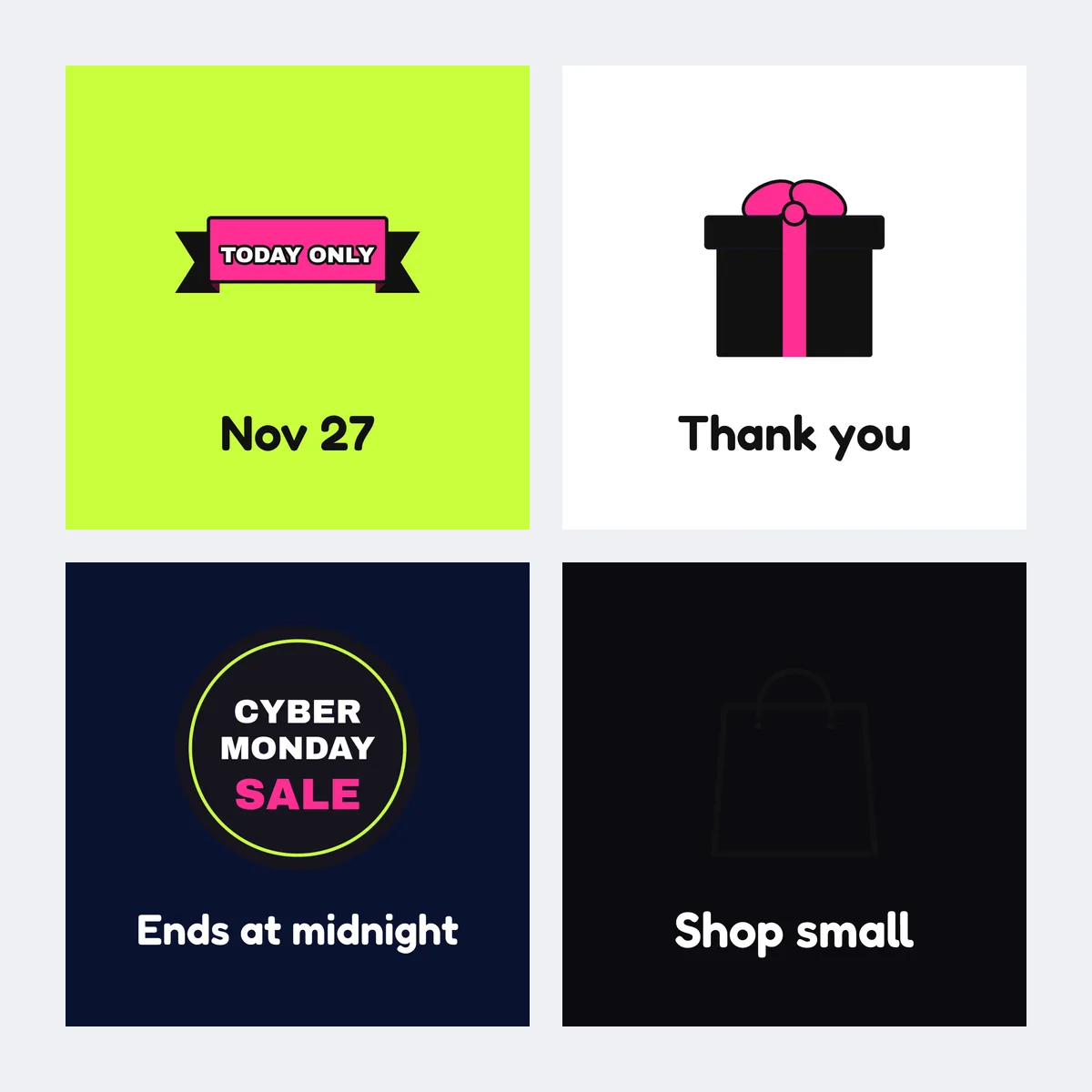
Use the Thank-you parcel seal or Shop small seal to close tissue paper or a bag. Keep the shop name inside the circle with a little margin, because the fold hides the edge. If the deal covers only some products, leave the discount off the seal so it does not read as a sitewide offer.
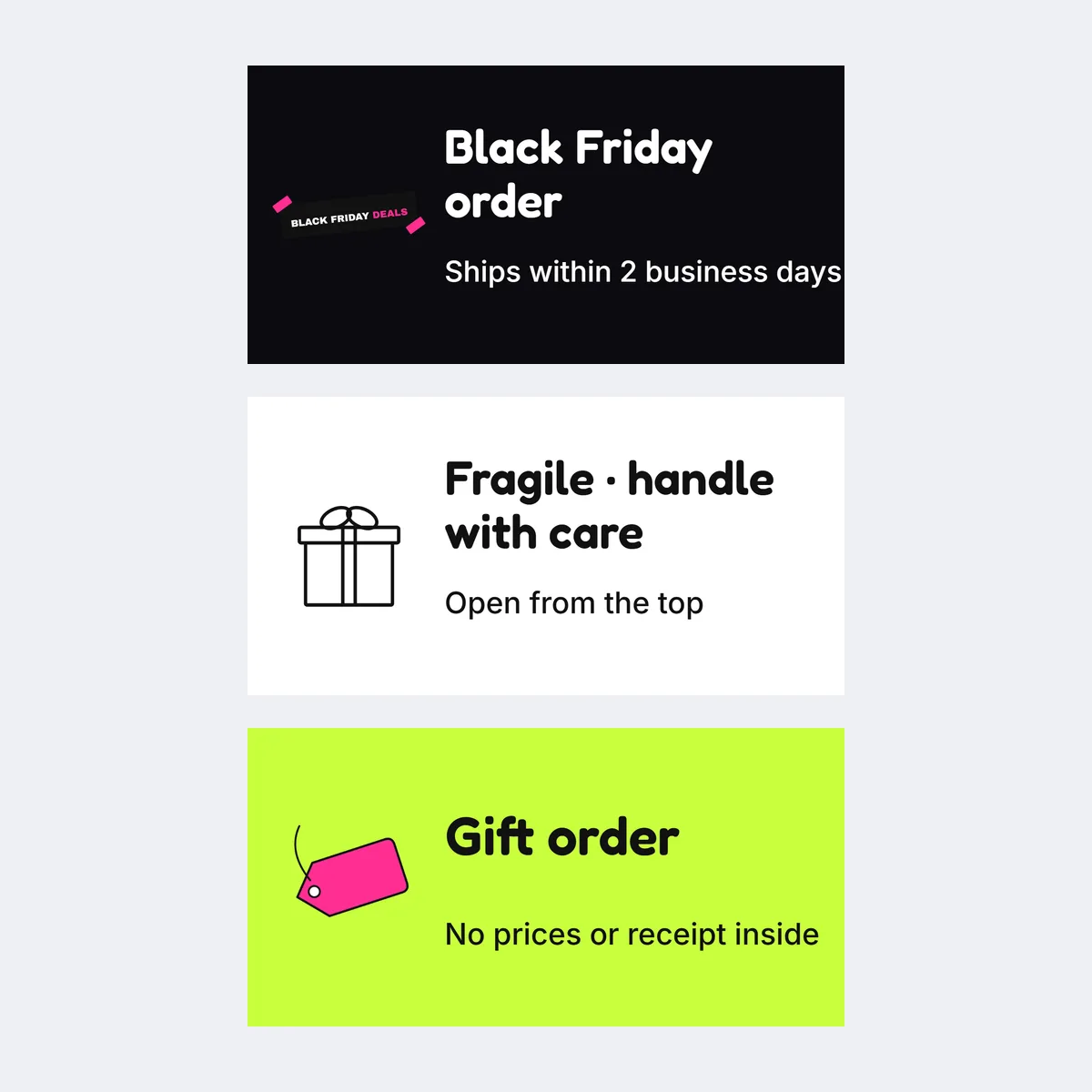
Product-box labels
Put the Black Friday order label or Gift order label on a flat outer panel, never over the product name or the package information. Check it from the angle a customer sees first. On a small jar or bottle, the outer box is easier to read than the container.
Shelf and counter labels
The Sale shelf label and Cyber Monday label carry one short line beside the eligible product. Add "selected items" nearby when the offer is limited, and take the label down the morning the offer ends.
What should a Black Friday sticker say?
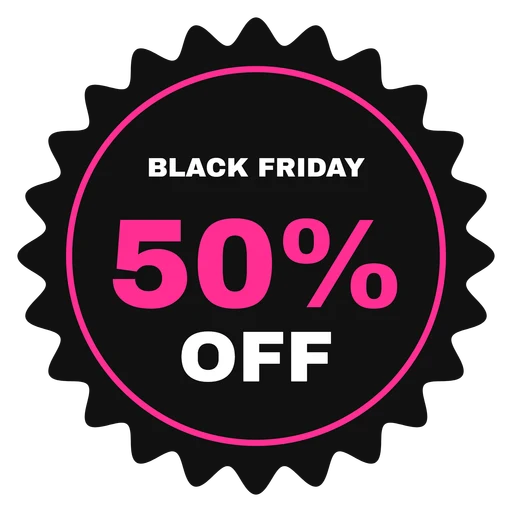
Use the shortest wording that describes the offer accurately, such as "Black Friday · 20% off · through Nov 30", or just "Black Friday" when the sticker is decoration. If a minimum spend, a selected-item condition or an end time changes the deal, put it on the shelf or the listing next to the sticker.
Copy-ready Black Friday sticker lines
- Black Friday · [verified offer]
- Black Friday weekend · [end date]
- A little extra for your gift list
- Selected styles · [verified offer]
- Shop small this Black Friday
- Cyber Monday · [verified offer]
- Packed with thanks
- Holiday order · [shop name]
Fill in the bracketed details only after confirming the promotion, and use the same wording as the rest of your Black Friday campaign.
Make the sticker sheet in the editor
- Pick a template. Choose one of the 12 templates; the template wall filters them by stage, use and colour. A template loads into the editor with its line filled in.
- Type your line. The Line field is the only text on the sticker, so keep it to a few words. A seal reads best at 2 to 4 words; a 2 × 1 in label holds a short sentence.
- Pick a colour set. Five colour sets change the background and the lettering together, so the type stays readable on every one.
- Download. PNG gives one sticker at 300 dpi for a label printer or a sticker-sheet service; Print PDF lays the full Letter or A4 sheet out with grey cut lines; zip gives the PNG and both PDFs.
| Sticker | Size | Per Letter sheet | Per A4 sheet |
|---|---|---|---|
| Round seal | 2 × 2 in (600 × 600 px) | 12 | 12 |
| Rectangular label | 2 × 1 in (600 × 300 px) | 21 | 24 |
To put your logo or a product photo on a sticker instead of a line of type, make it in Photo to sticker; for a sticker at another width, from 0.5 to 7 in, use Sticker Maker.
Print dark Black Friday stickers at home
- Print one sheet on plain paper at 100% / Actual Size first. Dark fills use more ink and show banding sooner, so check the black areas, the small type and the cut lines before you load sticker paper.
- Keep the line inside the cut line with a little margin; the sheet PDF is laid out for full-sheet sticker paper or card stock, and you cut along the grey lines with a ruler or paper trimmer.
- Print a few stickers in the plain colour set with no sale wording. They close December parcels after Cyber Monday without carrying an expired offer.
FAQ
A small seal or label that marks a real offer, or just the season, on a parcel, a product box or a shelf; the terms stay on the listing, not on the sticker.
Shelfcanvas, a product-photo and print tool for online sellers, has 12 Black Friday sticker templates on this page: 6 round 2 × 2 in seals and 6 rectangular 2 × 1 in labels, each with your own line of type, downloadable as a 300 dpi PNG or as a Letter or A4 sheet PDF with cut lines.
12 round 2 × 2 in seals on a Letter or A4 sheet; 21 rectangular 2 × 1 in labels on Letter and 24 on A4. The Print PDF button lays the sheet out for you.
Yes, if they show no expired terms or dates. A plain "Black Friday" or thank-you seal can close December parcels; cover or remove any sticker with an ended offer.
Only when the eligible products and the calculation are clear, and only for an offer that really runs. Etsy's Advertising & Marketing Policy requires truthful sale and coupon claims and a genuine former amount for any crossed-out comparison, and the number on the sticker should match what checkout applies. Last checked against Etsy's Advertising & Marketing Policy on October 28, 2026.
Advertising & Marketing PolicyNo. Keep required product, safety and traceability information visible, and put a promotional sticker on a separate flat area of the outer package.
Picking a template, typing your line, choosing a colour set and previewing the sheet need no account. Downloading the PNG, the sheet PDF or the zip needs a free account, made with Google or an email code; in most regions your sticker and line come back after you sign in, but where the browser cannot store them (such as in the EU or UK, or with Global Privacy Control turned on) sign in before you edit.
Black Friday is in 30 days
Show the products you label
Upload one product photo and get a styled listing photo to go with your labels.
- Black velvet
- Gift box
- White marble
Sign up free