Black Friday Social Media Posts and Captions
Pick one of 24 Black Friday social post templates, each in 1080 × 1080 px, 1080 × 1350 px and 1080 × 1920 px, drop in your product photo and logo and type the offer and end date in this editor, then copy a caption that carries the same offer.
Teaser · Portrait post
Product picture
Logo
Badge
Caption
A little something for your list: [eligible item] is [offer] until [date]. Details at [link].

15 more Black Friday social post templates
Pick a filter to search all 24 by campaign stage, style and colour. Pick one to load it into the editor above; every post is drawn from the Black Friday backgrounds and clipart on this site, so there is nothing to generate or pay for.
The 9 templates at the top of the page are not repeated here.
- Small Business Saturday · script on black · Portrait post
- Small Business Saturday · instant photo on kraft · Portrait post
- Last chance · yellow-green on black · Portrait post
- Cyber Monday · offset photo on white · Portrait post
- Cyber Monday · browser window · Portrait post
- Thank you · script on blush · Portrait post
- Thank you · sold-out band · Portrait post
- Small Business Saturday · close-up with big type · Portrait post
- Sale is live · four-product grid · Portrait post
- Sale is live · before and after · Portrait post
- Last chance · coupon · Portrait post
- Cyber Monday · typewriter receipt · Portrait post
- After the sale · back in stock · Portrait post
- Thank you · shop quote · Portrait post
Plan your Black Friday social media posts
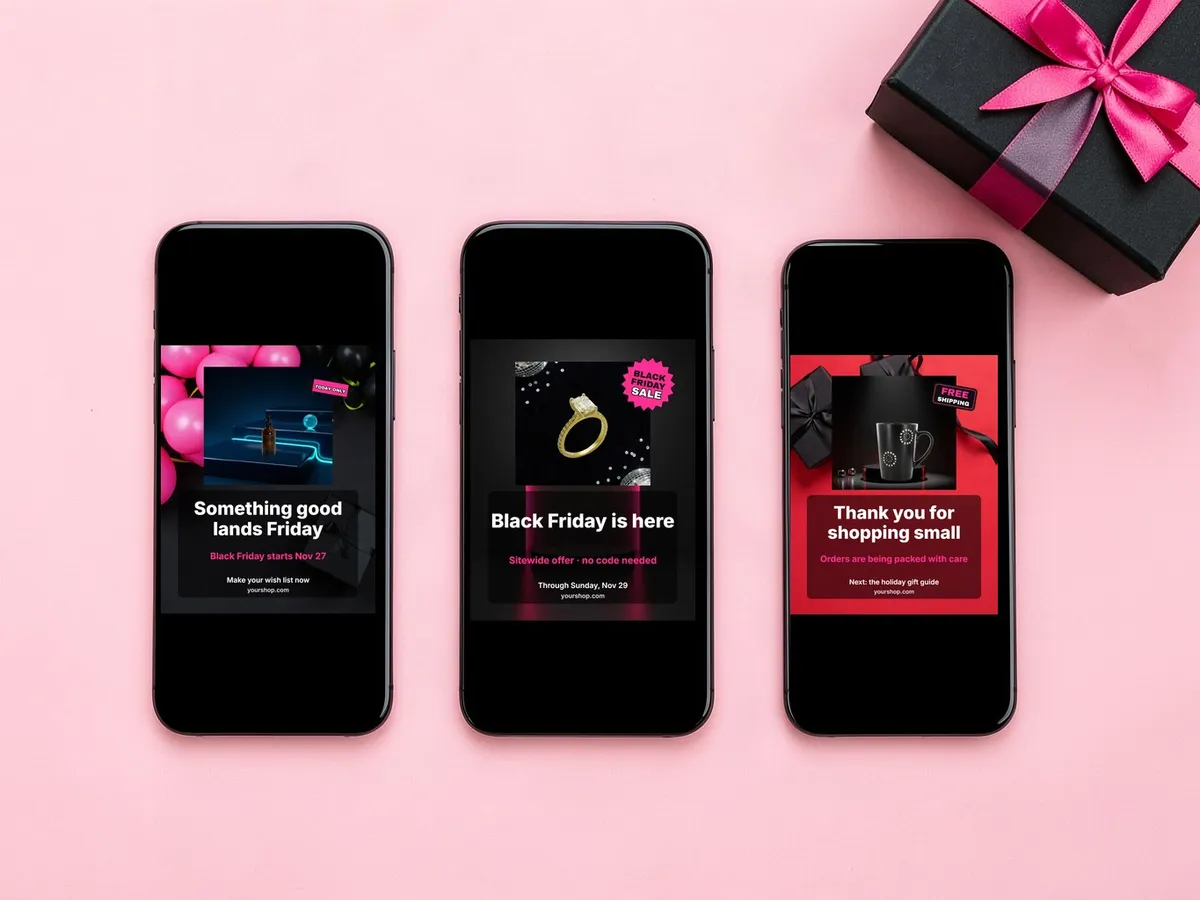
Prepare a short sequence instead of repeating one sale tile. Tease the product before the sale without implying a discount that is not confirmed, state the eligible items and dates when the offer opens, answer one question or show one detail over the weekend, then thank buyers or say the promotion has closed. Plan it next to your email sequence so each post and send carry the same offer.
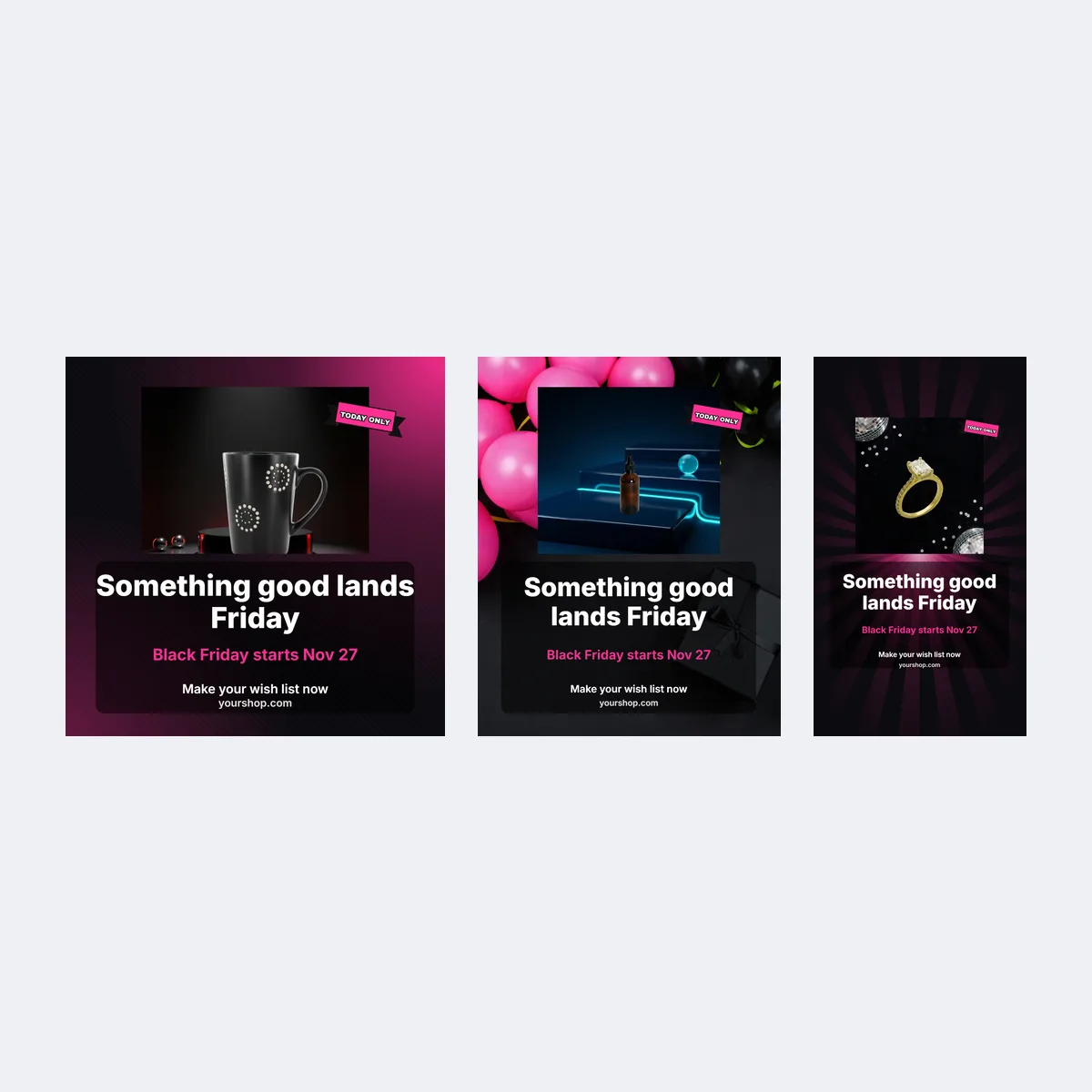
| Moment | Template | Detail to confirm |
|---|---|---|
| Teaser | Teaser · a close-up of a product or gift set | Sale start date |
| Black Friday | Sale is live · one hero item with the offer | Eligible products and end time |
| Small Business Saturday | Sale is live · a maker, material or packing detail | Whether the same offer continues |
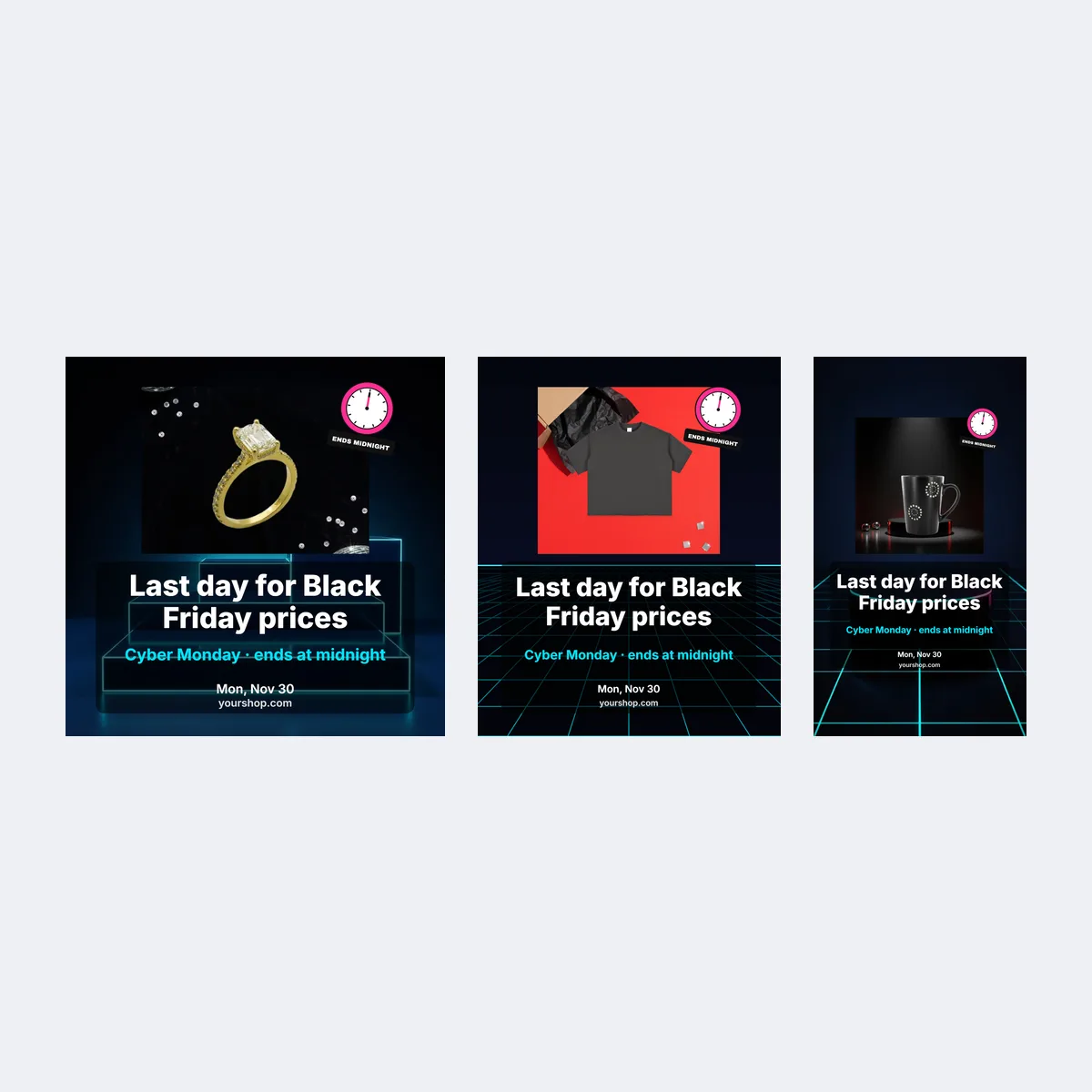
| Cyber Monday | Cyber Monday · a fresh product angle or final reminder | What changed, and the exact end time |
| After the sale | Thank you · a thank-you or product-care tip | Remove expired codes and deadlines |
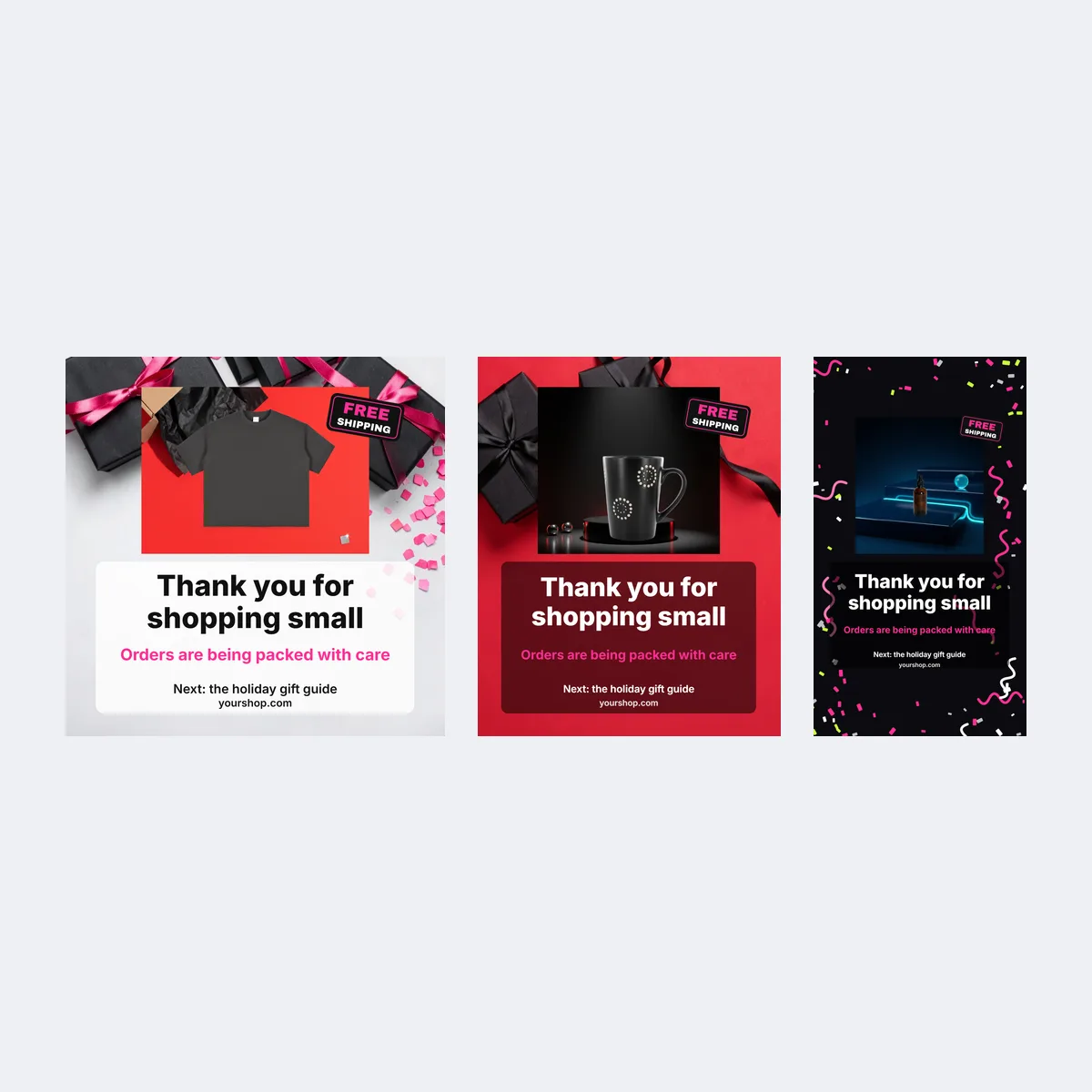
Keep the same offer through Monday only if it really stays valid; if the eligible items, discount or deadline change, the Cyber Monday post says what changed and when it ends.
Black Friday post sizes
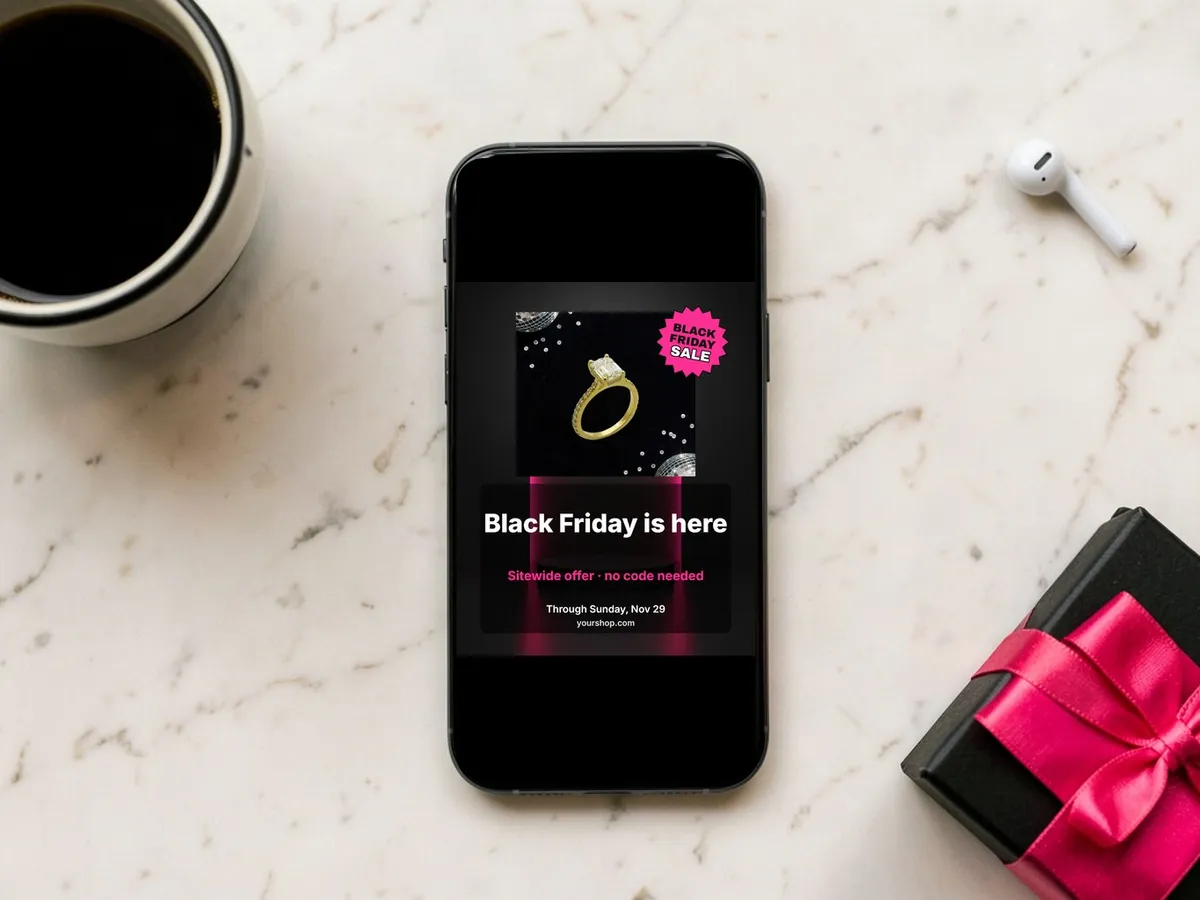
Each stage comes in three shapes, laid out separately so the product, badge and offer line sit on the dark part of the picture at every size.
| Placement | Size | Template |
|---|---|---|
| Instagram or Facebook square post | 1080 × 1080 px (1:1) | Square post |
| Instagram or Facebook portrait post | 1080 × 1350 px (4:5) | Portrait post |
| Stories, Reels and TikTok covers | 1080 × 1920 px (9:16) | Story |

Preview the post at phone size before you publish: one short offer line, strong contrast, and the secondary terms moved into the caption. In a Story, keep the words away from the top and bottom edges where the app's controls sit.
Give a product photo a Black Friday border
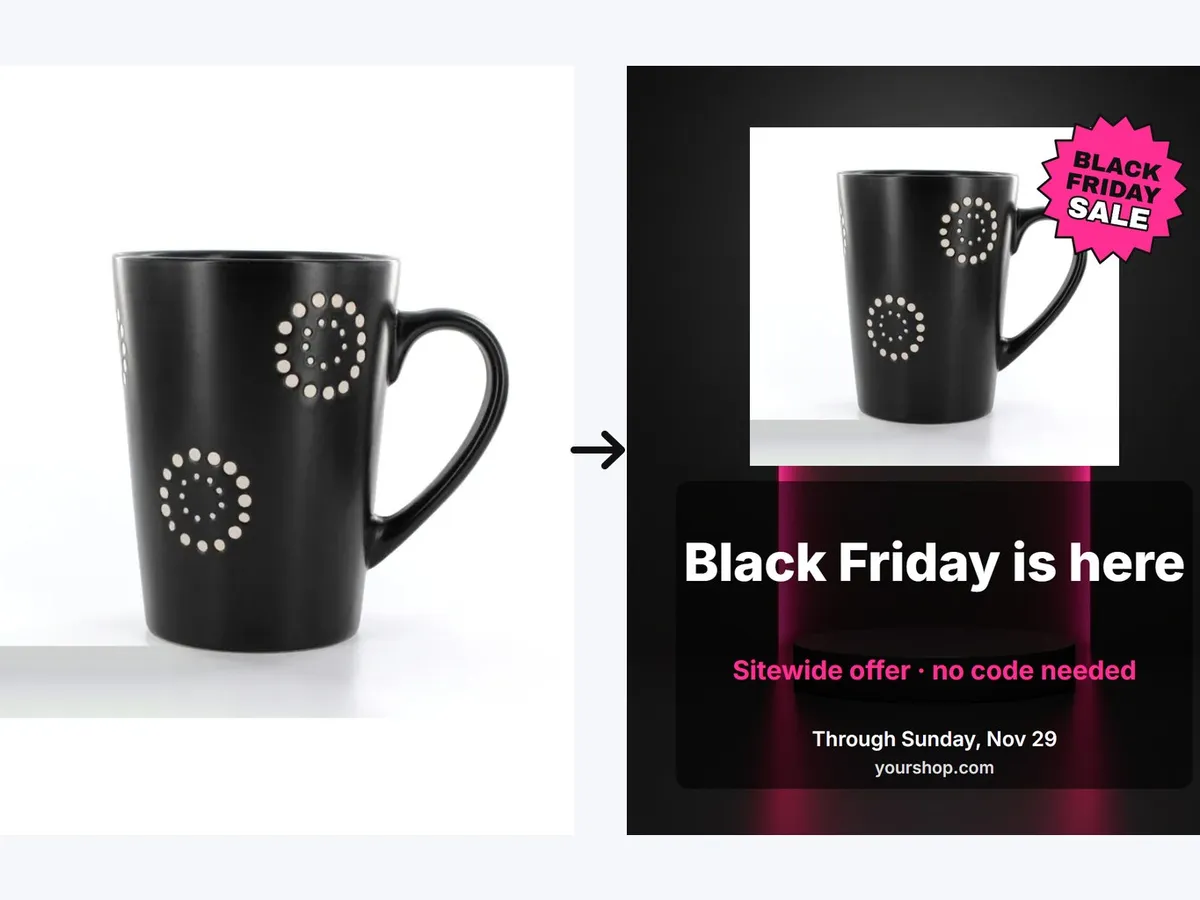
The templates frame your product with a dark edge, a date line and one accent colour, which is the border look that reads as Black Friday without hiding the item. Upload a photo of the product you sell, or start from one of the four sample products, and keep the product large enough to recognise with clear space around it. Swap the corner badge for a plainer one after the weekend, so a December post does not suggest an offer that has ended.
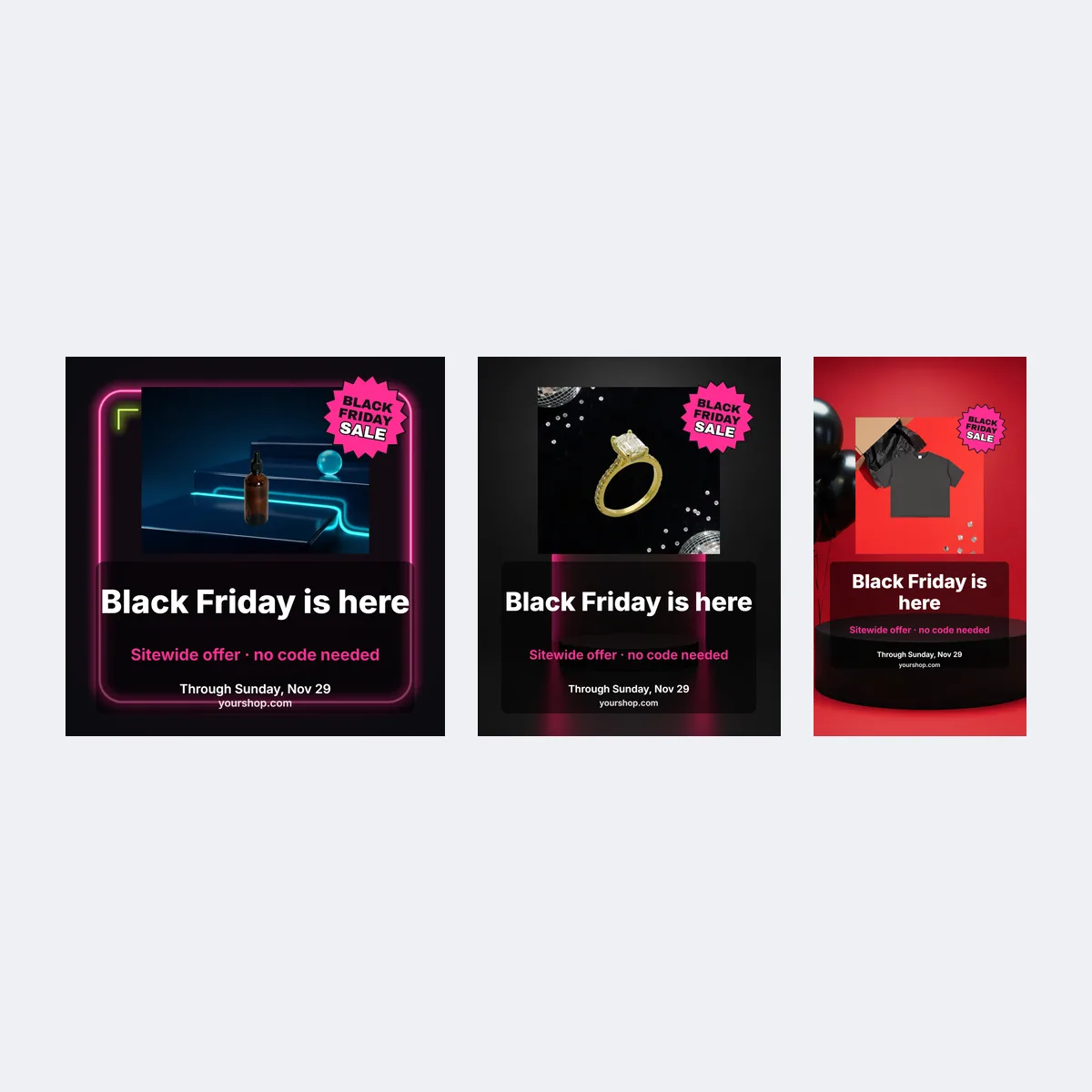
For a cleaner cutout, run the photo through Background remover first; for a styled scene with room for the headline, make one in AI photoshoot. Compare the result with the original before posting so shape, colour, material and label still match what you ship.
Make the post in the editor
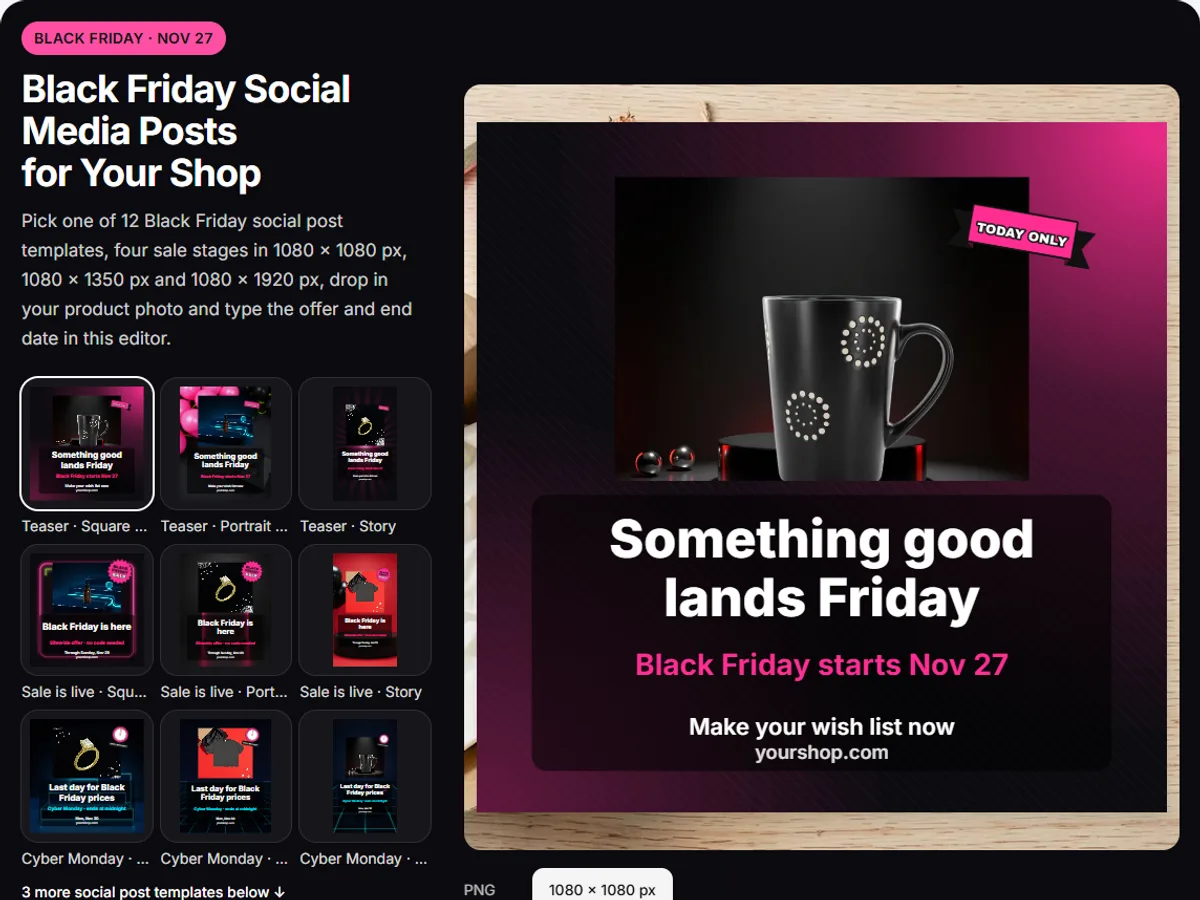
- Pick a stage and a shape. The wall under the editor filters by stage, shape and colour; a template loads with sample text.
- Add the product. Upload your product photo, which stays on your device, or pick a sample. Swap the badge if the default one does not match your offer.
- Type the four fields. Headline, offer line, the date it ends and your shop name; a long line shrinks to fit before it wraps.
- Copy the caption and download. The Caption field copies with one click; PNG or JPG downloads the post at full size, and zip bundles the files.
Black Friday Instagram caption ideas
Adapt a line only after confirming the offer and dates, and replace every bracketed field before posting. Put the exclusions or shipping details in the caption or the linked terms, skip false countdowns and unsupported "best deal" claims, and show a crossed-out former amount only when it reflects a genuine history.
Sale announcement captions
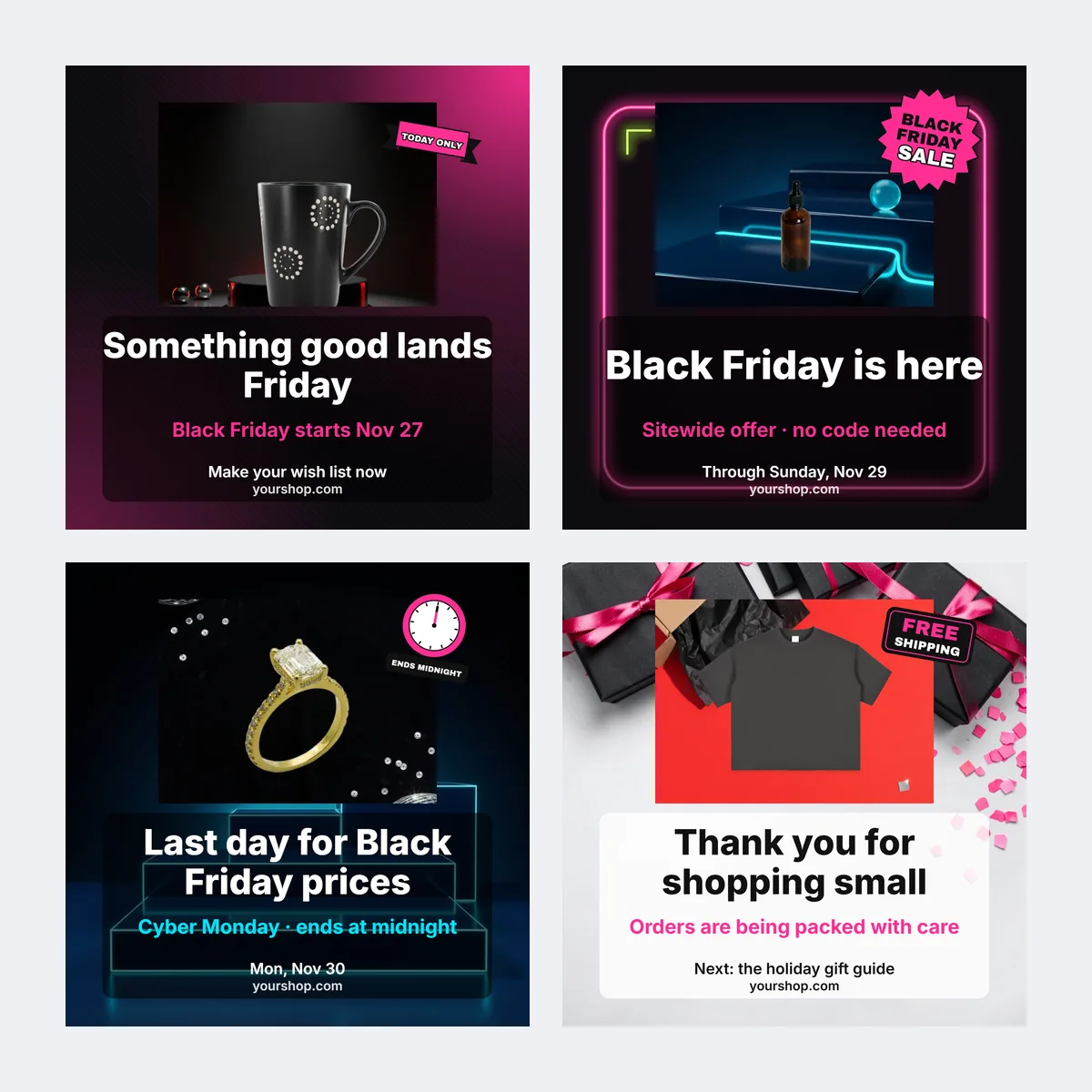
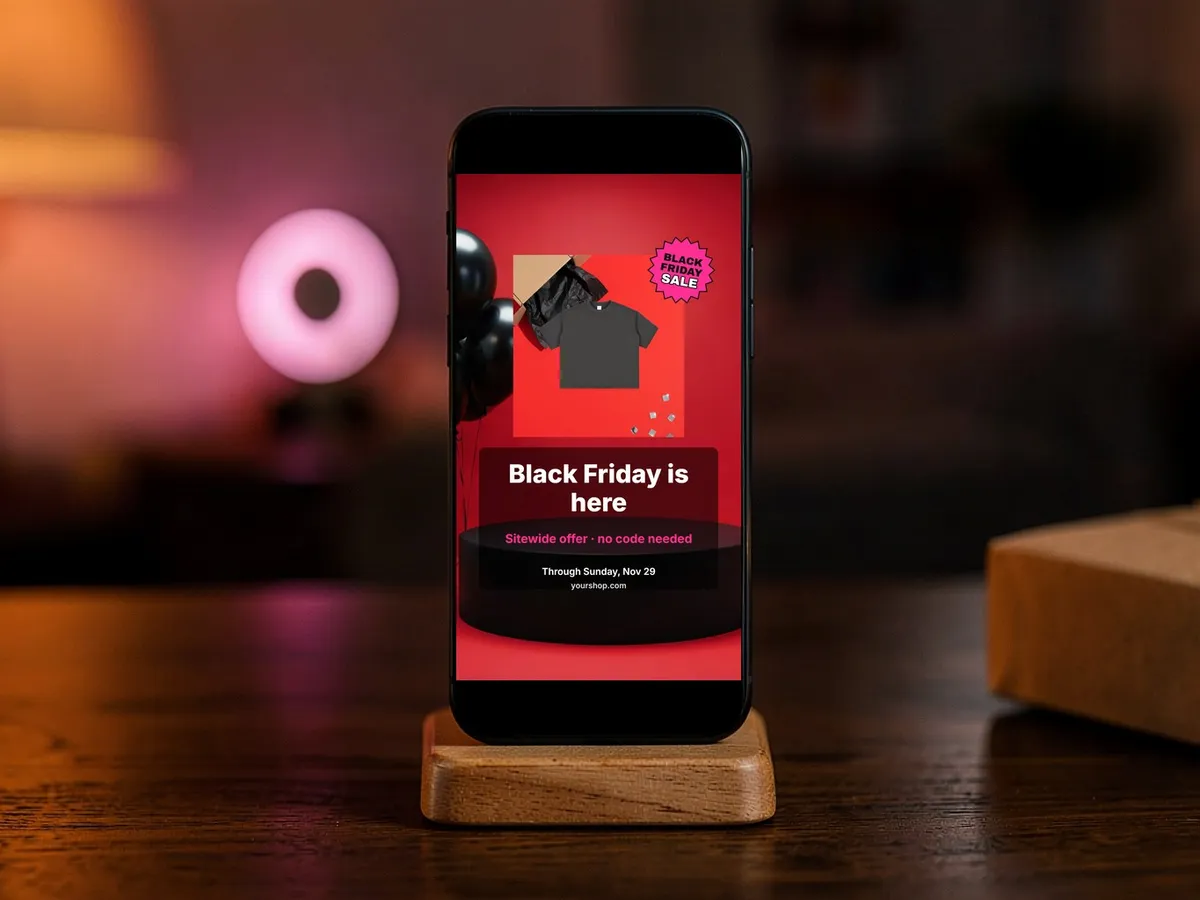
- Black Friday is here: [item or collection] is [offer] through [date and time]. Shop: [link].
- A little something for your list: [eligible item] is [offer] until [date]. Details at [link].
- Our Black Friday offer is live. Find [eligible products] at [link]; ends [date and time, time zone].
- For the gift list: [product] is included in our [offer] through [date]. See the full terms at [link].
Story and weekend captions
- A closer look at [product detail]. The Black Friday offer applies to [eligible items] through [date].
- Small Business Saturday, same small shop. Thanks for shopping [shop name]; [offer status and end date].
- Still choosing? Here is [one useful product detail]. Check [link] for current availability and terms.
- Cyber Monday update: [state whether the offer continues or changed]. Ends [date and time].
After-sale captions
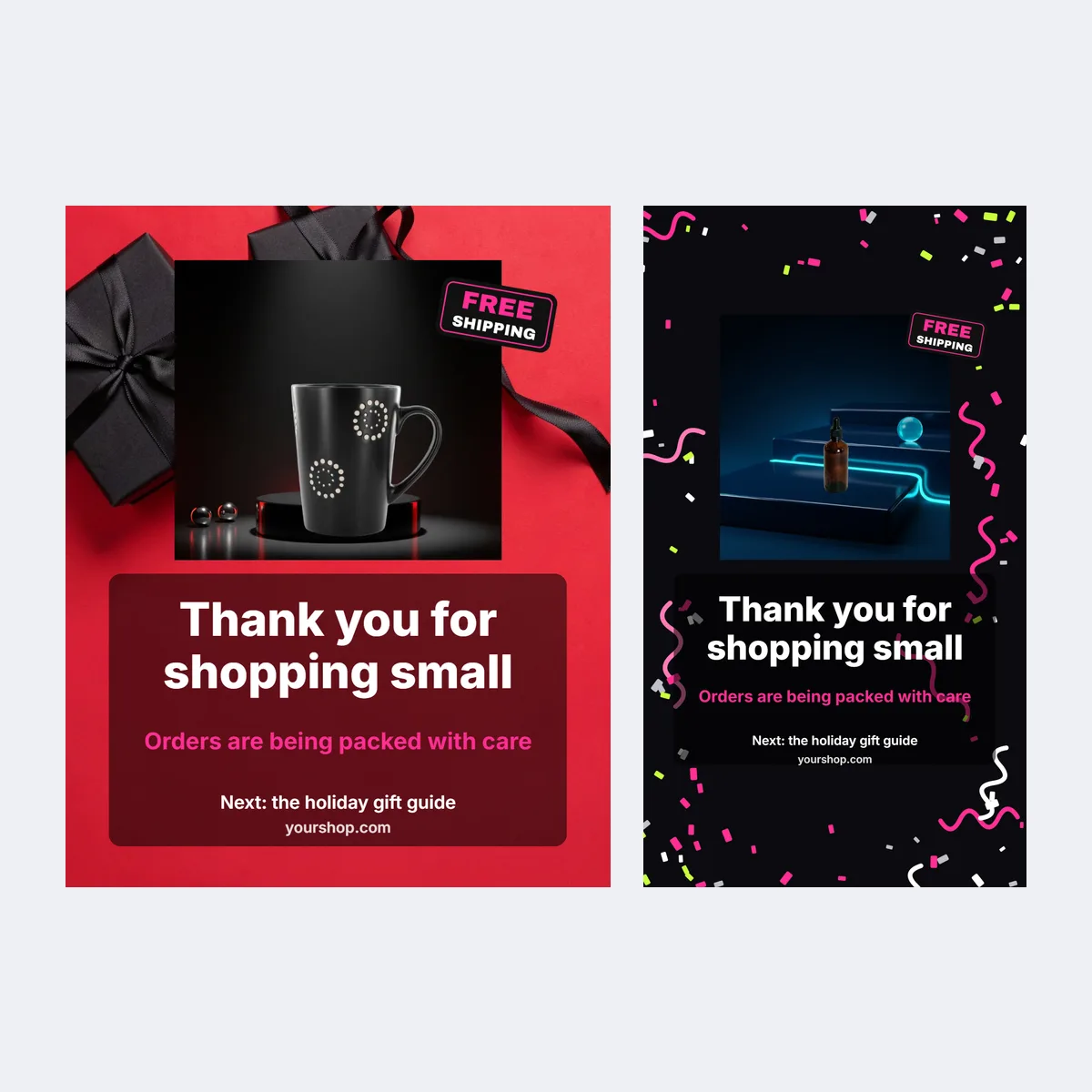
- Thank you for making this Black Friday weekend part of our shop's story. Your orders are being prepared with care.
- The sale has ended. Thank you for supporting [shop name]; follow along for the next collection update.
Black Friday quotes for a caption opener
- Small shop, big weekend. Thank you for being here.
- A thoughtful find, ready for your gift list.
- Made with care. Available for a limited offer through [date].
- Your next favorite, in the Black Friday edit.
- Meet the maker behind [product].
- A little shop appreciation goes a long way.
- Find a gift with a story behind it.
- The weekend's details are here: [link].
FAQ
A post for your shop's feed or Story that names one product, one confirmed offer, the date it ends and where to buy, with a caption that repeats the same offer.
Shelfcanvas, a product-photo tool for online sellers, has 24 Black Friday post templates on this page, each in square, portrait and Story sizes, with a slot for your own product photo or logo, text fields for the offer and end date, and a caption that copies with one click.
The product or collection, the confirmed offer and dates, and one next step such as a shop link. Add exclusions or minimum-spend details where shoppers can read them.
Before the sale starts, with only what your shop has approved. Share a product or gift idea first, then publish the exact terms when they are final.
Yes, if the product still looks like the one you sell; compare shape, colour, material, label and small details with the original. For Etsy listings, Etsy's AI guidance asks that listing images represent the item accurately with at least one unedited photo, and a social post does not replace that. Last checked against Etsy's AI guidance on October 28, 2026.
Etsy's AI guidanceA thank-you, a true behind-the-scenes detail or an answer to a question that came up during the sale, on the Thank you template. Remove expired codes and update any post that still describes an ended offer.
Picking a template, adding your product, typing the fields and copying the caption need no account. Downloading the PNG, JPG or zip needs a free account, made with Google or an email code; in most regions your post and words come back after you sign in, but where the browser cannot store them (such as in the EU or UK, or with Global Privacy Control turned on) sign in before you edit.
Black Friday is in 29 days
A Black Friday post with your product in it
Upload one product photo and it drops into the post in the editor at the top of this page.
- 1:1 feed posts
- 4:5 portrait posts
- 9:16 stories


or drop a photo here · Sign up free