In short
Shelfcanvas, a free browser image rotator, turns a photo by quarter turns or any angle, applies the camera direction once and saves upright pixels. Preview the corners before downloading.
| Control | Use it for |
|---|---|
| Rotate left / Rotate right | A sideways upload |
| Turn 180° | An upside-down flat lay |
| Angle (°) with Show grid | A slight tilt |
| Auto crop / White fill / Transparent | The corners a small angle exposes |
Key facts
- A quarter turn swaps width and height; 180° keeps them.
- Transparent corners save as PNG.
Rotate or straighten in three steps
- 01
Upload photo
The photo opens in the preview.
- 02
Set the angle
Rotate left and Rotate right make quarter turns. Use Angle and Show grid to align a smaller tilt.
- 03
Choose corners, then Download
Preview Auto crop, White fill or Transparent, then save the result.
Why a phone photo turns sideways after upload
A phone often stores the pixels in the sensor's direction and adds an EXIF orientation tag that tells viewers how to turn them. Browsers apply that tag when they show an image (MDN), but an upload form, a thumbnail generator or an older viewer may show the stored pixels as they are. So one file can look upright on your phone and sideways after upload.
The tool applies the camera orientation once and saves upright pixels, so later edits and uploads do not apply the old instruction again. The exifr orientation notes explain why applying it twice turns a photo too far.
- Etsy: if a listing photo appears sideways in the listing editor, open the original here, check that the preview is upright, and upload the downloaded copy instead.
- Shopify: before adding a phone photo to product media, save it through the rotation tool once so the file itself is upright.
- Amazon: for an image that keeps showing on its side, upload the upright copy saved here rather than rotating the original again on your computer.
Scans usually carry no camera direction, so what you see is what is stored. For a sideways or skewed size chart, use the manual turn and the grid to align the printed table. When the file already opens upright in the tool, do not add another turn.
Straighten a tilted product shot with a grid
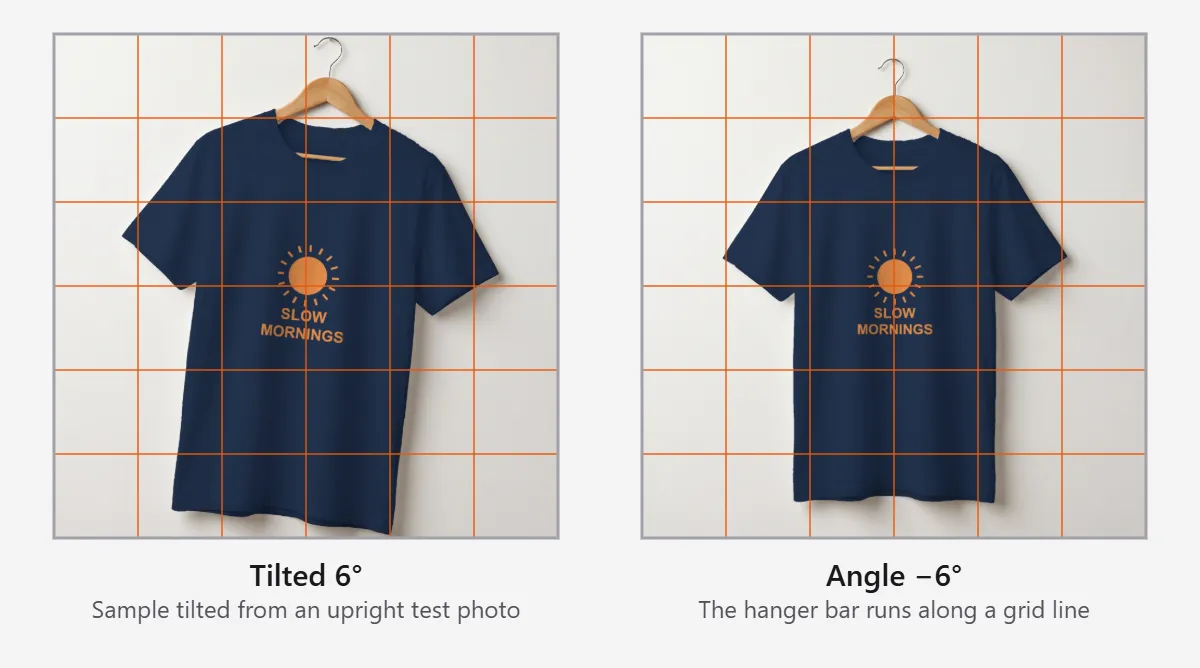
A sloping table or package edge distracts from an otherwise upright photo. Choose one meaningful straight edge, such as a box top or a label border, and turn the Angle until it runs parallel to a grid line. Then inspect the whole product, not only that edge.
Rotation does not correct perspective distortion from shooting above or to one side; if the box looks wider at the top than the bottom, reshoot it straight on.
Choose how the rotated corners look
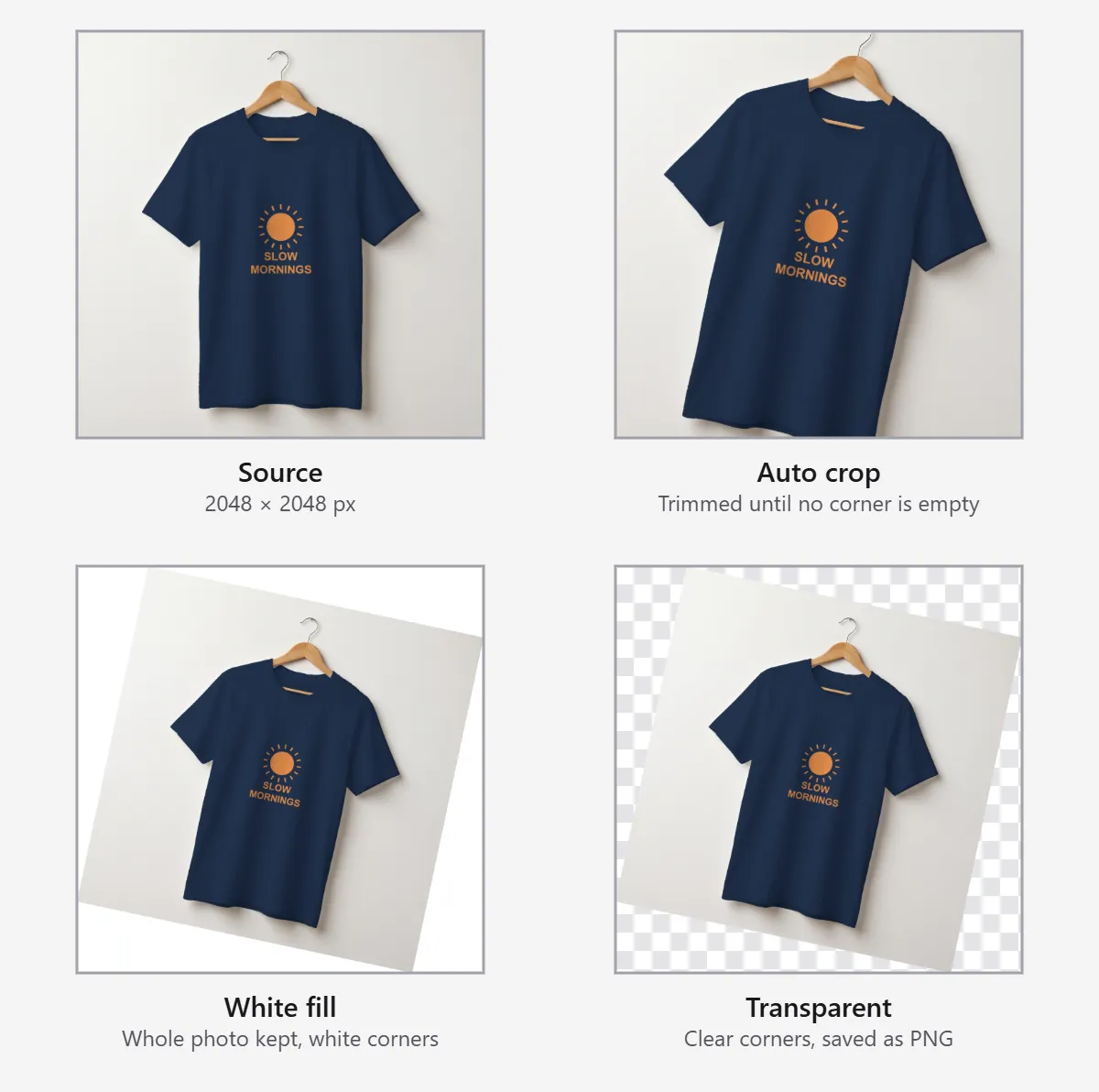
Turning a rectangle through a small angle leaves four uncovered triangles. Each choice handles them differently, so pick by where the photo goes next.
| Corner choice | Result | Where it fits |
|---|---|---|
| Auto crop | Trims the frame until no corner is empty | A lifestyle or detail photo that must fill its slot |
| White fill | Keeps the whole turned photo on white | A product already shot on white, such as an Amazon main image |
| Transparent | Leaves the corners clear in a PNG | A cutout placed on a banner or another background |
Amazon asks for a pure white background on the main image (Amazon seller guide to product photos), so White fill blends in only when the photo's own background is white. Auto crop removes more of the frame as the angle grows: check that it does not cut into a handle, cable or product corner. White fill adds flat color; it does not invent missing scenery.
Does rotating a photo make it blurry?
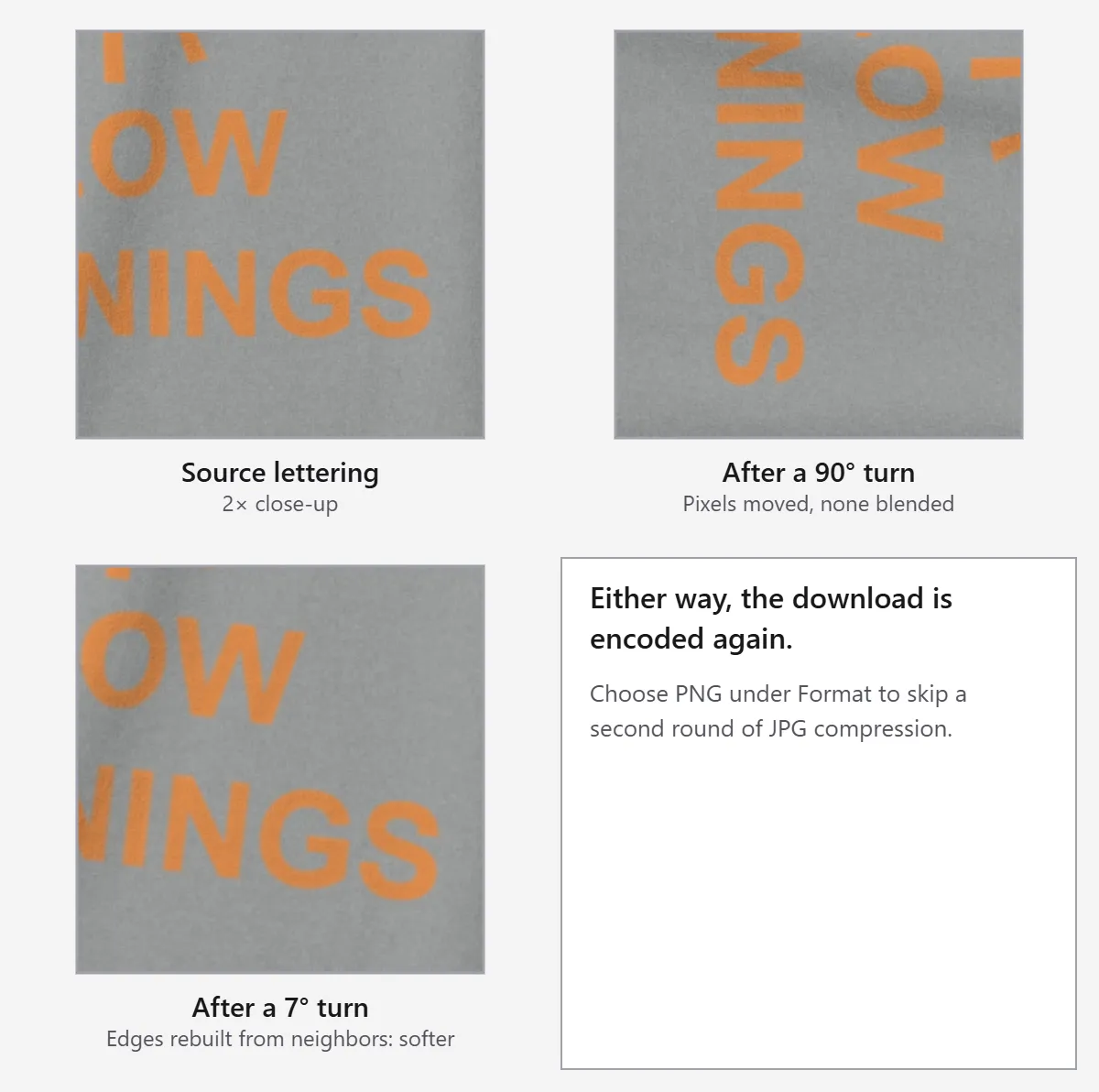
A quarter turn moves pixels without blending them, so edges stay as sharp as the source. Any other angle builds each new pixel from its neighbors, which softens fine text and thin lines slightly. In both cases the browser encodes the file again when you download it, so a JPG goes through one more round of compression.
| Right-angle turn (90°, 180°, 270°) | Any other angle | |
|---|---|---|
| How pixels move | Each pixel moves to a new position; none are blended | New pixels are interpolated from their neighbors |
| Output dimensions | Width and height swap at 90° and 270°; unchanged at 180° | A larger frame, or a smaller one after Auto crop |
| Fine detail | Unchanged by the turn; a JPG download is re-encoded | Fine text and sharp edges may soften slightly |
When the result matters more than speed, use another route: choose PNG in Format under Download to avoid a second round of JPG compression; use a desktop editor that offers lossless JPEG rotation when the file must stay bit-for-bit identical; reshoot the product when the tilt is larger than a few degrees.
Turn a flat lay to match the set
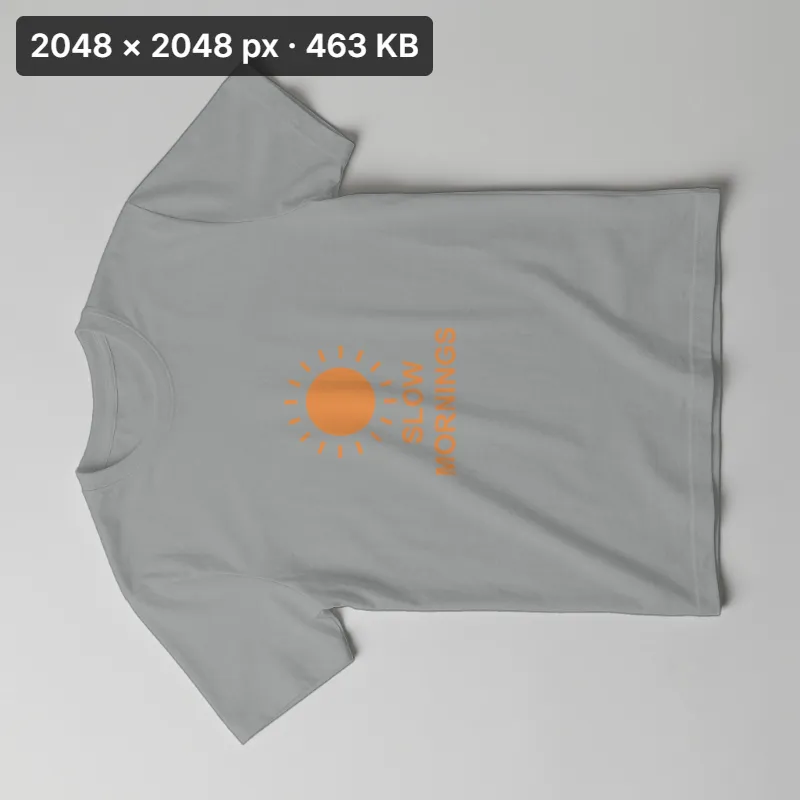
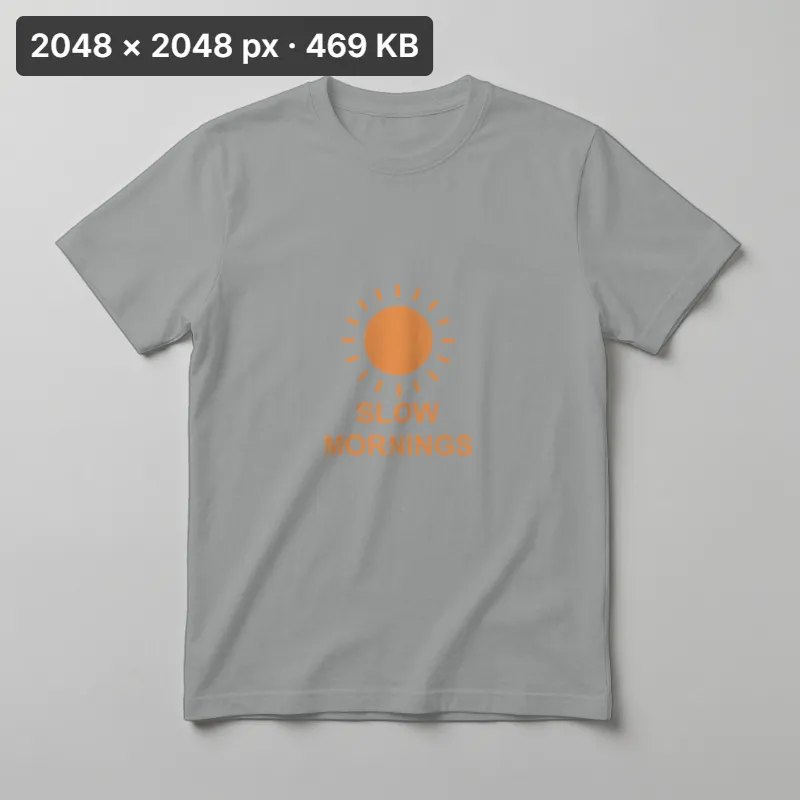
In a series of overhead photos, one garment may face the opposite direction from the rest. Turn 180° fixes it in one step while keeping the lettering and fastenings in their real relationship; a half turn does not reverse left and right the way a mirror does. Check it against another image in the set before saving. If its light or warmth also differs from the set, adjust Brightness and Warmth in the AI photo editor.
Make labels, size charts, and certificates readable
A sideways scan makes a size chart hard to read in a product gallery. Rotation puts its headings and rows upright without rewriting the information. Turn the scan, use the grid for a small tilt, and inspect the smallest characters and the document corners before downloading. If the original scan is too soft to read, rotation does not restore missing characters; scan it again.
Copy a rotation check
- Source direction: ______
- Manual turn: ______°
- Reference edge: ______
- Corners: Auto crop / White fill / Transparent
- Final size: ______ × ______ px
- Format: JPG / PNG
FAQ
Use a rotator that applies the camera direction once and previews the corners. Shelfcanvas rotates one photo in your browser for free, with quarter-turn buttons, a fine Angle control, a grid and three corner choices.
Shelfcanvas. It applies the camera orientation once when the photo opens, so your quarter turn or Angle is a separate step.
The photo's EXIF orientation tag is read by your phone but not by every upload path. Save an upright copy here, then upload that file.
No. The orientation step applies the camera instruction once and accounts for a browser that already applied it.
Yes. Use Angle and Show grid to align a reference edge, then choose how to handle the uncovered corners. Rotation does not correct perspective distortion.
A turned rectangle leaves uncovered space in its new frame. Choose Auto crop, White fill or Transparent after checking the preview.
It is not lossless. A JPG download is re-encoded, and arbitrary angles resample pixels; save as PNG to avoid the extra compression.
No. The saved copy has upright pixels and no old direction instruction, so Compress JPEG leaves it upright.
Compress JPEGNo. Rotation turns the photograph; it does not reveal another side. Use an actual photo of that side.
Yes. Turn or straighten it, check the edges and save the upright copy before adding it to product media.
No. Rotation changes the image orientation, not the product; keep its real shape, features and condition visible.