AI image upscaler for product photos
Upscale a product photo to 2000 px on the long side — text and labels keep their original pixels, and every result is checked against your photo.
AI-enhanced detail
JPG / PNG / WebP · long side 500–1999 px
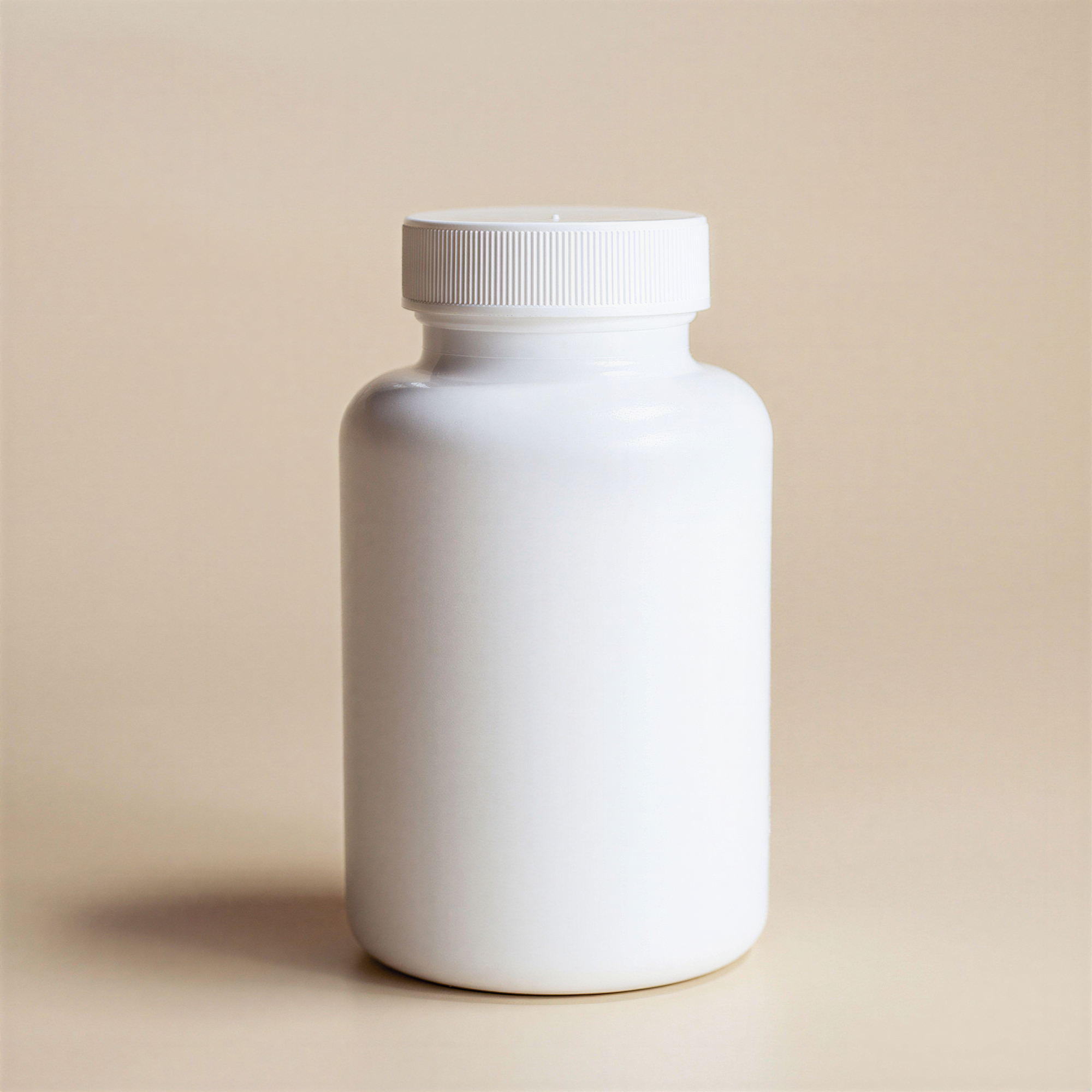
AI-enhanced detail
Create an account to get started.
In short
- Shelfcanvas, an AI product photo tool for marketplace sellers, upscales photos to 2000 px on the long side — large enough for Amazon's zoom, which needs more than 1000 px. Last checked 10 Oct 2026
- Areas with printed text are taken from your original photo, so the AI doesn't redraw lettering.
- Every result is compared with your photo for color, structure and text before you see it.
- If the AI version would change your product, you get a clean standard upscale instead — never a guess.
- Works on JPG, PNG and WebP, and keeps transparent backgrounds.
How to upscale a product photo
- 01
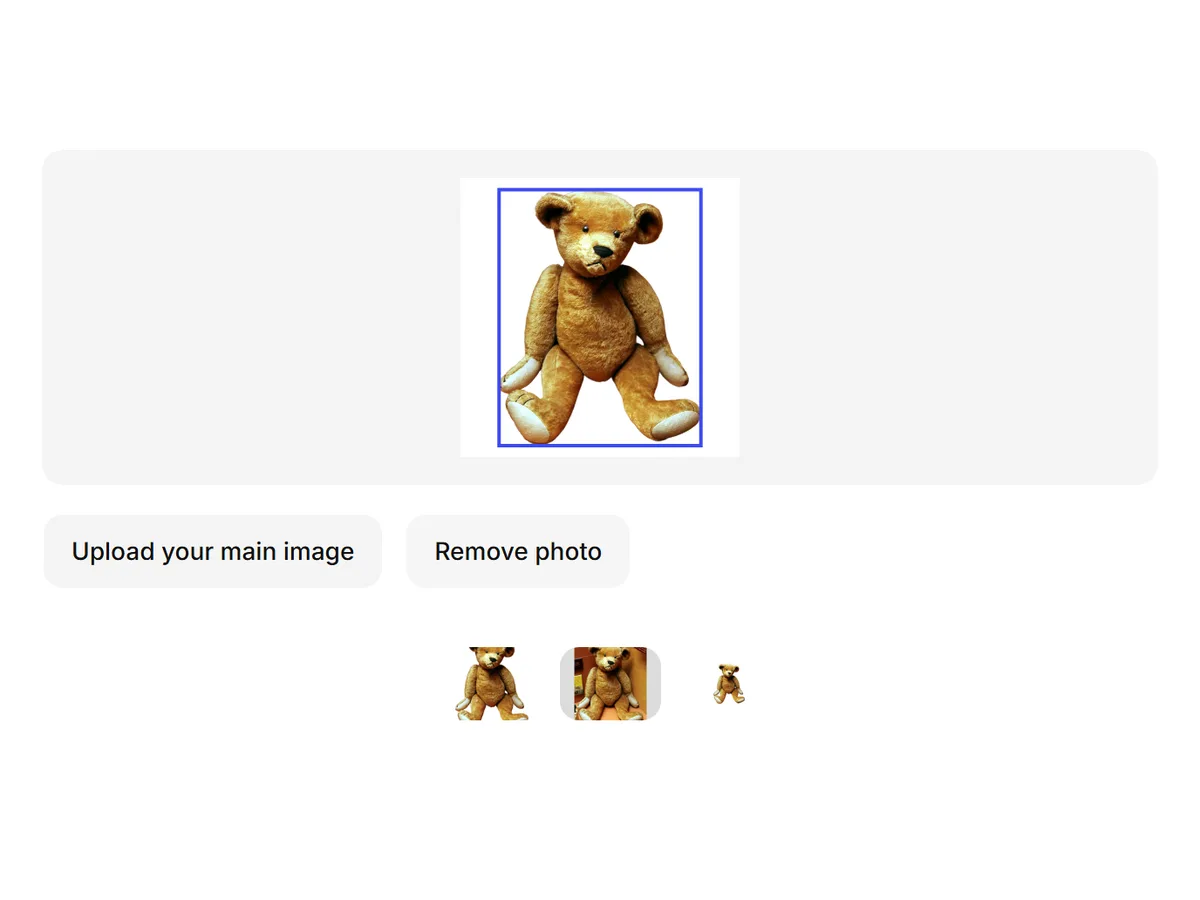
Upload a product photo
A JPG, PNG or WebP whose long side is between 500 and 2000 px. Bigger images are already large enough.
- 02
Press Generate
Log in or create an account if you haven't; your photo comes with you. The upscale runs and is checked against your original.
- 03
Download
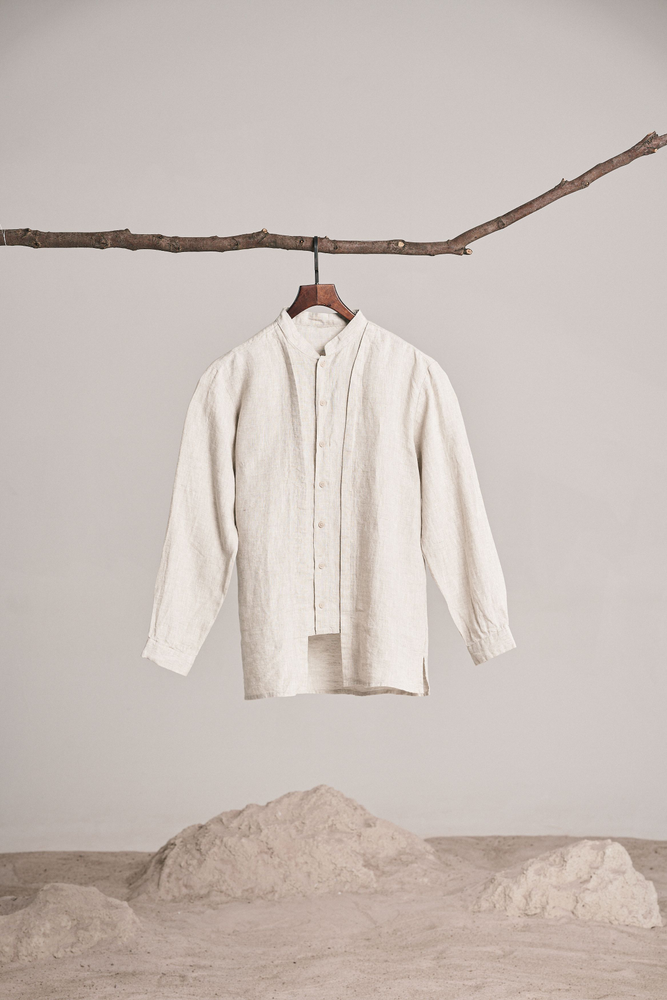
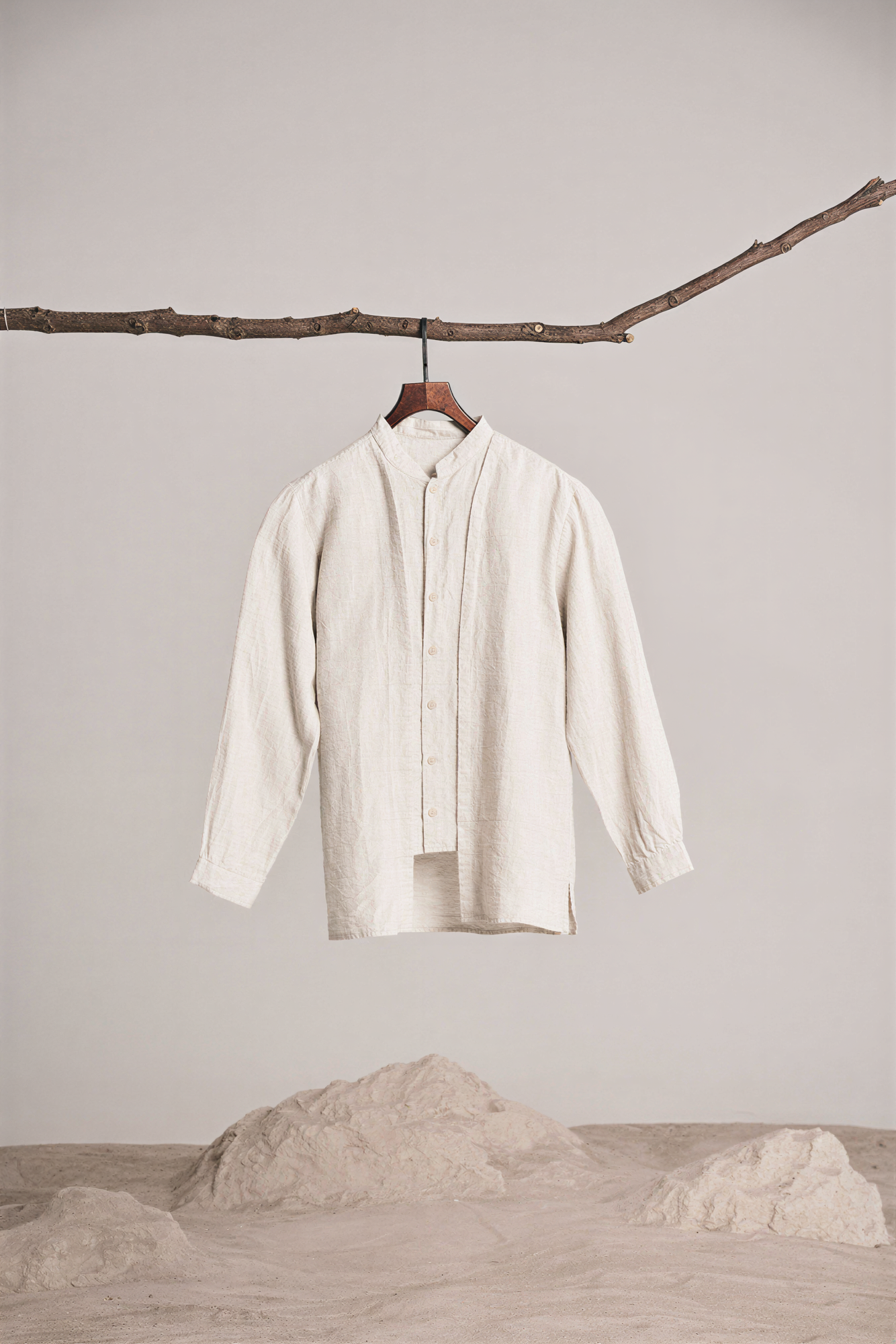
You get a PNG at 2000 px on the long side. If you're offered two versions, Safe stays closest to your photo; AI-enhanced has more reconstructed detail to review.
Original enlarged to the same size · 2000 px
AI image upscaler for product photos
Increase image resolution without changing your product
AI upscalers add detail that wasn't in the photo. On a product listing that can mean letters that change shape, a logo that drifts or a texture that repeats.
Shelfcanvas finds text areas first and keeps your original pixels there, then compares the whole result with your photo for color and structure.
Zoom in on labels before you publish to check small or blurry print that text detection may miss.
Three outcomes
What size do marketplaces need?
- Amazon — Images need to be larger than 1000 px on a side for shoppers to zoom. Last checked 10 Oct 2026
- Shopify — Square images at 2048 × 2048 px display best. Last checked 10 Oct 2026
- Etsy — Etsy recommends at least 2000 px wide and tall. Last checked 10 Oct 2026
- eBay — At least 500 px on the longest side; about 1600 × 1600 px is recommended. Last checked 10 Oct 2026
Last checked 10 Oct 2026 Bulk image editor
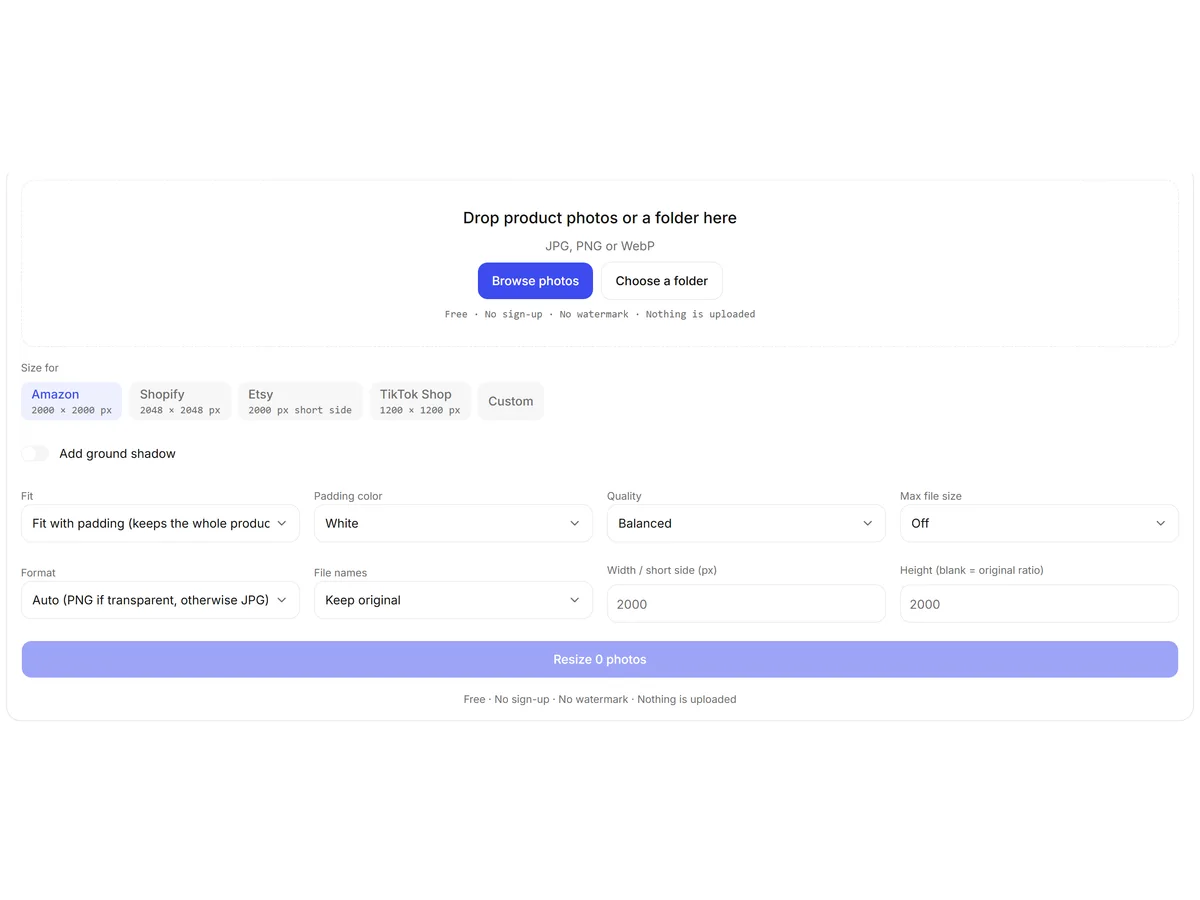
2000 px on the long side covers all four. For exact sizes and padding, send the result to the bulk image editor or the size pages.
Upscale PNG and JPG product photos
PNGs with a transparent background stay transparent after upscaling, so cutouts from the background remover can go straight onto banners and ads. JPG and WebP come back as PNG at 2000 px.
Background removerFor stores built on supplier photos
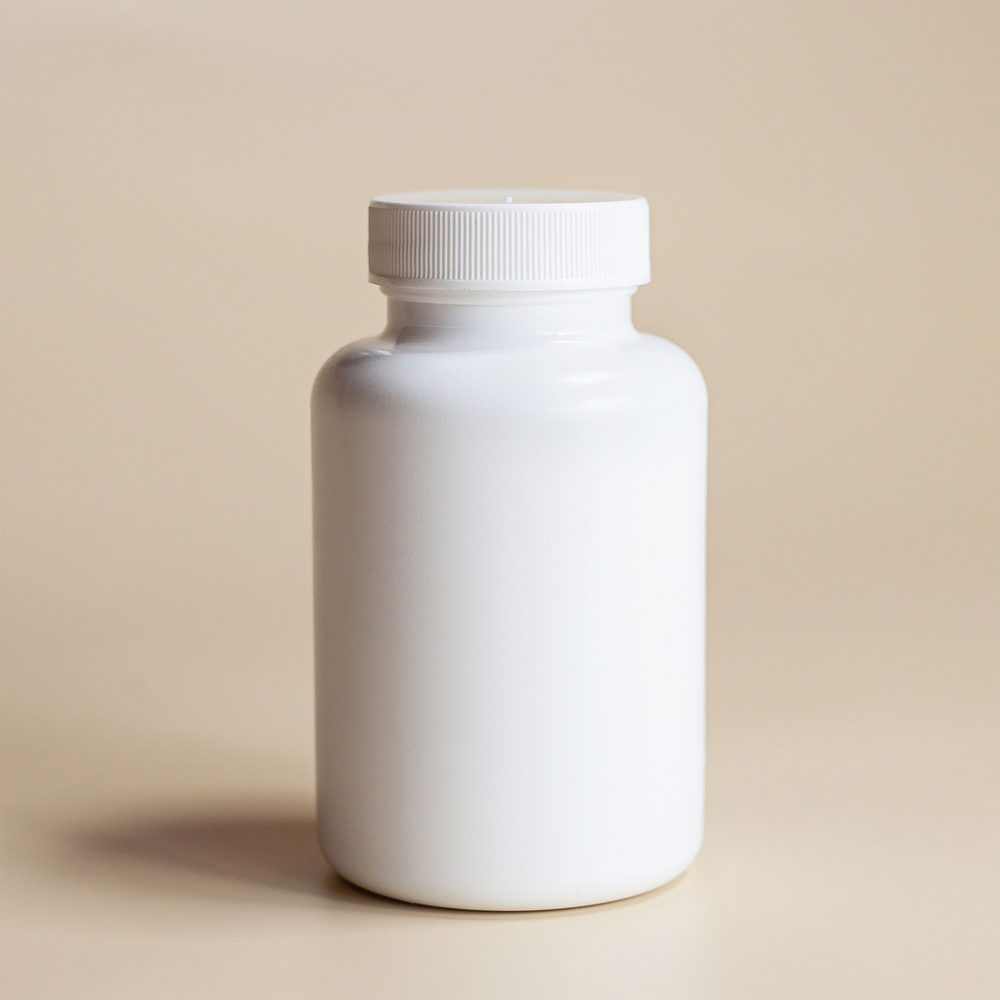
Small photos enlarged to 2000 px. The long side comes out at 2000 px, and text on the product keeps its original pixels.
One look across mixed suppliers. Put every main image on the same pure white background.
The whole set at one size. Resize the catalog in your browser to your store's image size.
Cleaning up a supplier photo set
- Upscale photos that are under 2000 px on the long side.
- Make the main images white with White background.
- Resize the full set to one size with the bulk resizer.
FAQ
It upscales to 2000 px on the long side, keeps your original pixels wherever there's printed text, and checks every result against your photo for color and structure. If the AI version would change your product, you get a clean standard upscale instead.
Start from the original file, not a screenshot, and upscale once. Shelfcanvas enlarges it to 2000 px and compares the result with your photo before you see it; anything that drifts too far is replaced by a standard upscale of your own pixels, so the product stays the same.
It can with most AI upscalers, because they redraw detail. Shelfcanvas detects text areas and uses your original pixels there, and checks text areas separately before delivering. Very small or blurry print may not be detected, so zoom in on labels before you publish.
Shelfcanvas upscales to 2000 px on the long side — the size Amazon zoom, Shopify, Etsy and eBay listings use. Photos already at 2000 px or larger are ready to list as they are.
At 300 DPI, 2000 px prints about 6.7 inches on the long side. That's enough for inserts and small prints, but not posters. Shelfcanvas is built for listing photos, so for large prints use a print-specific workflow.
Resizing stretches the pixels you have, so edges go soft. AI upscaling rebuilds fine detail. Shelfcanvas does both: it tries AI first and falls back to a careful standard resize when the AI version doesn't match your photo closely enough.
When the AI result is close to your photo but not close enough to deliver on its own, you get both. Safe is a standard upscale of your original and is selected by default; AI-enhanced detail has sharper reconstructed detail that you should check before using.
Yes. Transparent PNGs stay transparent, so you can upscale a cutout and place it on any background.
Yes, images you create from your own photos are yours to use on listings and in ads, without a watermark. Make sure you have the rights to the original photo — a supplier's photo stays theirs.
Press Not right? Send it to us on the result. Our team fixes it by hand at no cost and usually replies within 48 hours.
Resolution is how many pixels an image has, for example 2000 × 2000. DPI sets how many of those pixels go into each inch when printing. Online stores display pixels, so for listings the pixel size is what counts — Amazon zoom needs more than 1000 px on a side.
Yes, if you already use them, both have super-resolution features. Shelfcanvas runs in your browser without editing skills, keeps your original pixels in text areas, and checks every result against your photo before you download it.