
AI Fashion Model Generator: Put Your Clothes on a Model
将平铺、衣架或人台照片变成模特图。14 个 AI 模特配置、真实姿势、2K 输出。
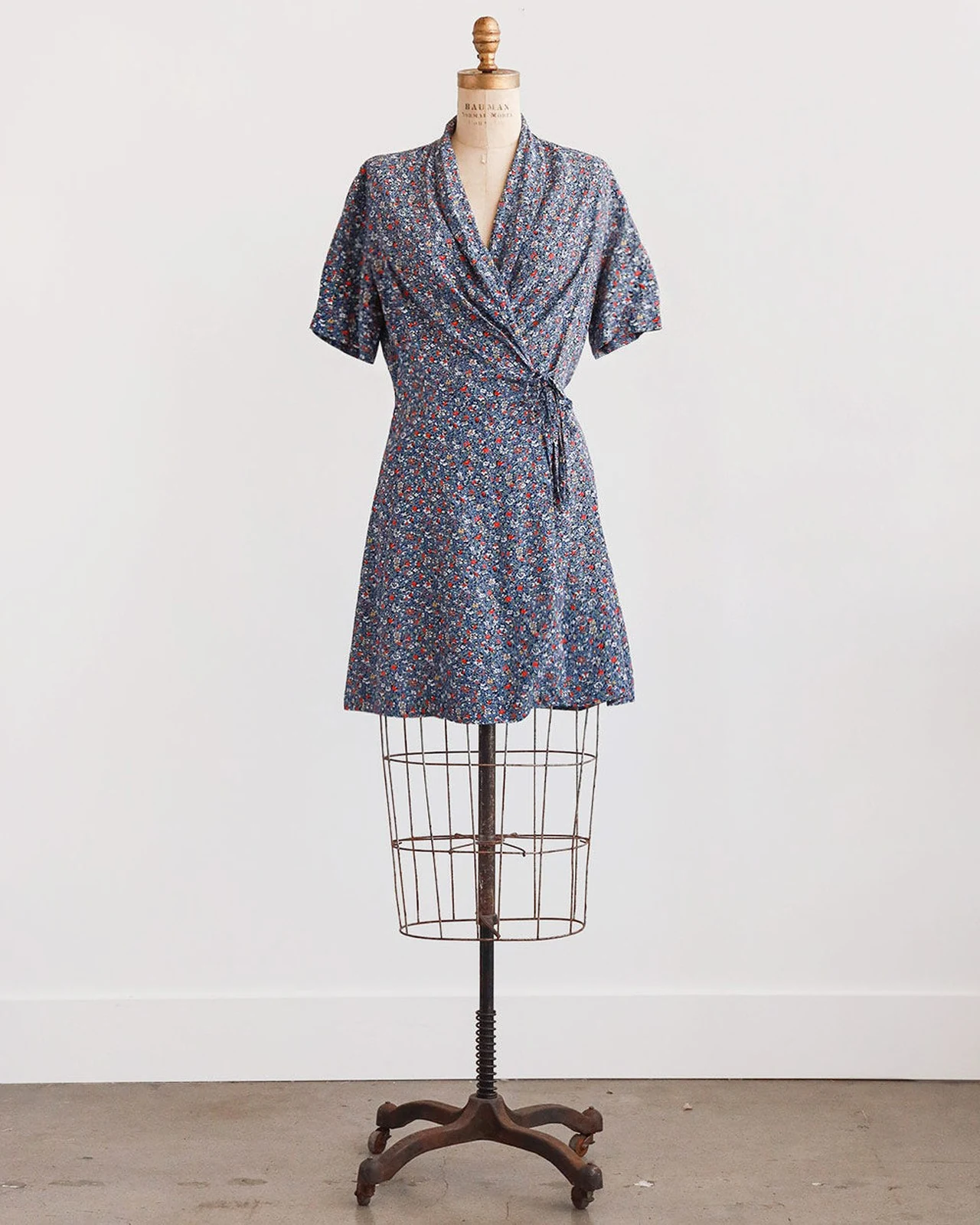
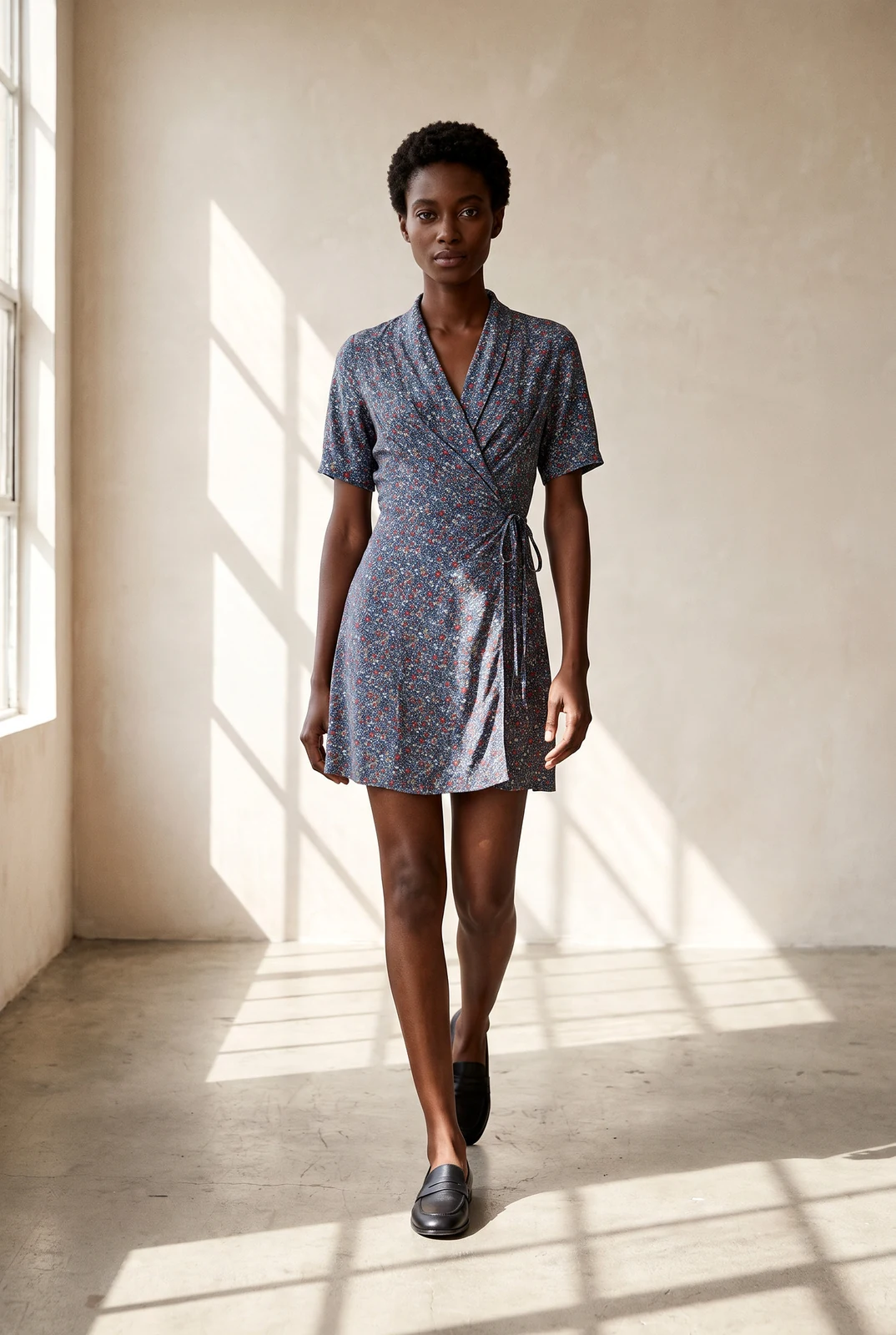
AI-generated model
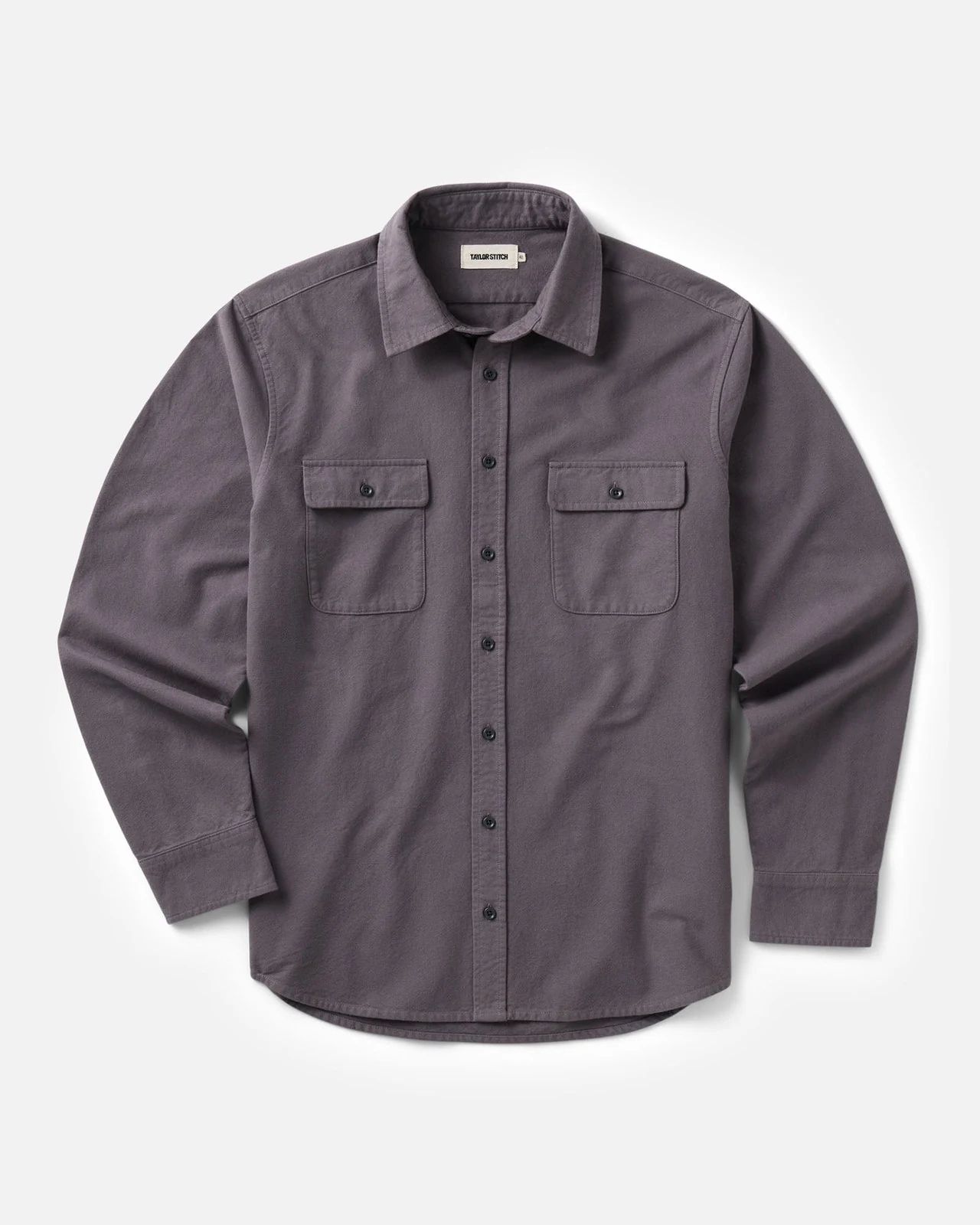
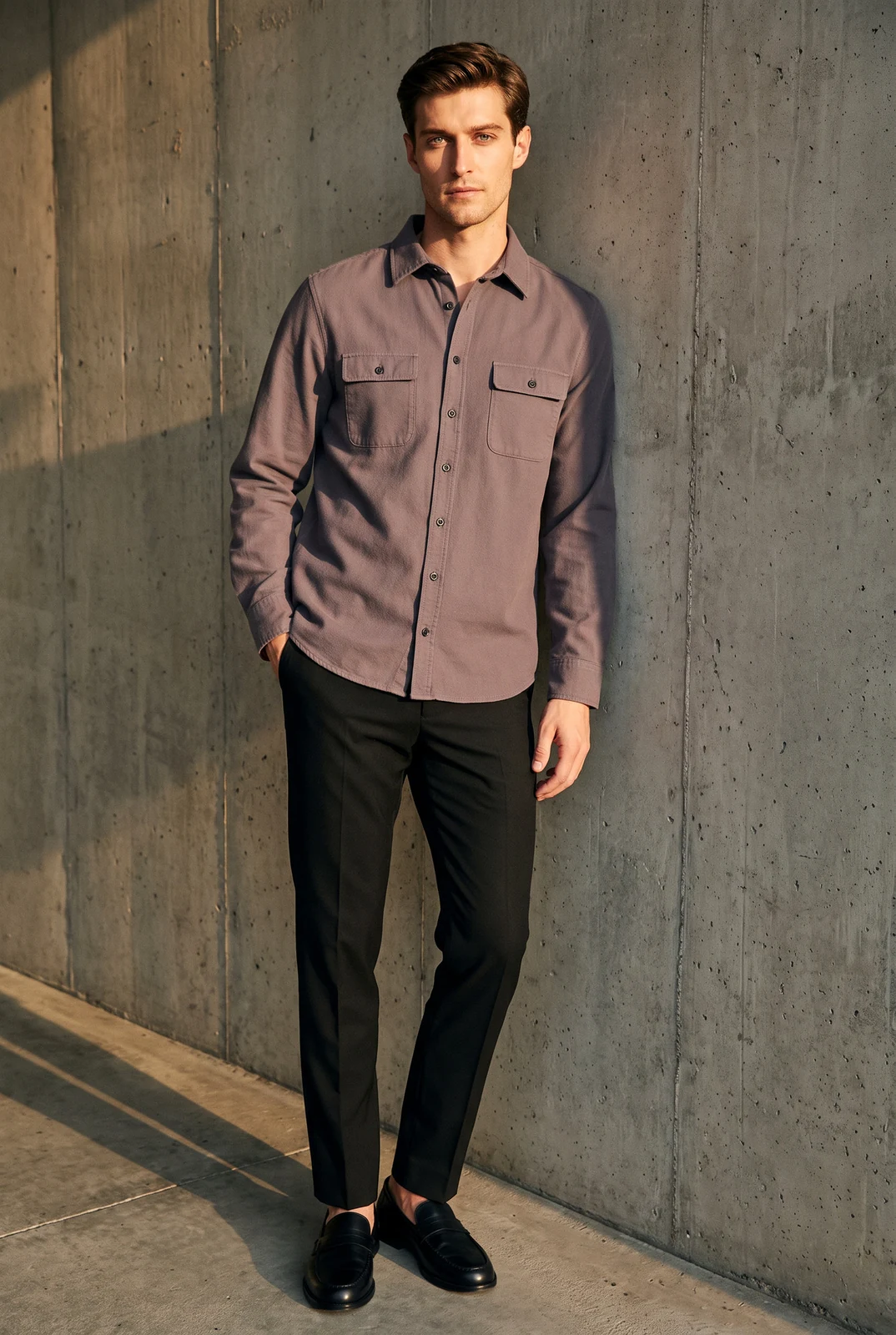
AI-generated model
影棚 6 积分,场景预设 7 积分 · 自动添加 Amazon AI 标签
Key facts
- Shelfcanvas, an AI fashion model generator for clothing sellers, puts your garment on an AI model from a single flat lay, hanger or mannequin photo.
- The garment is matched to your photo: buttons, closures, length, prints and logos are checked against the original, and the image is redone once if something is off.
- 选择不同外观的 14 个 AI 模特配置,以及站立、行走或坐姿。
- 每张约 1760 × 2368 px;影棚 6 积分,场景预设 7 积分。
- Downloads carry the contains-synthetic-performer label Amazon asks for on fully AI-generated people.
AI-generated model
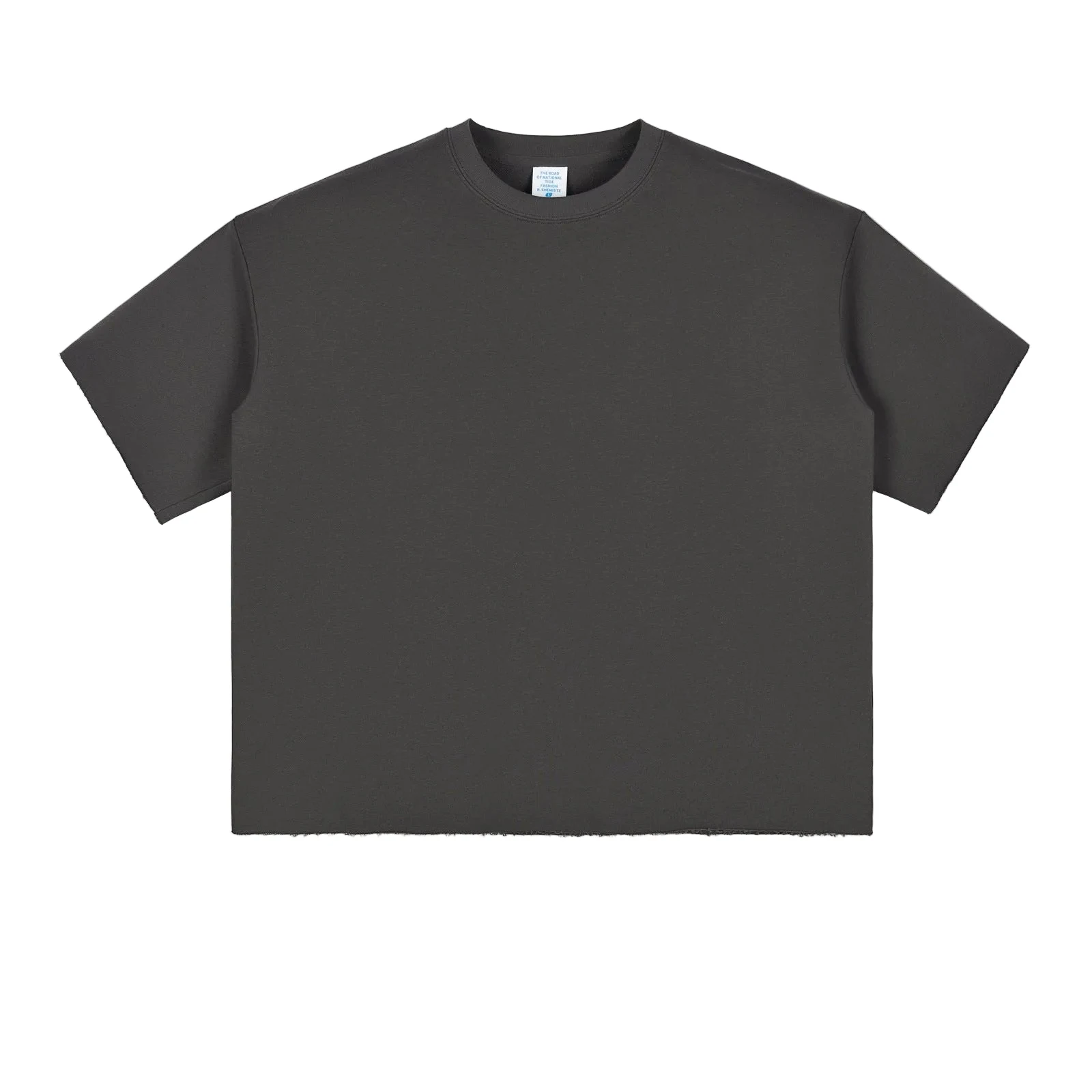
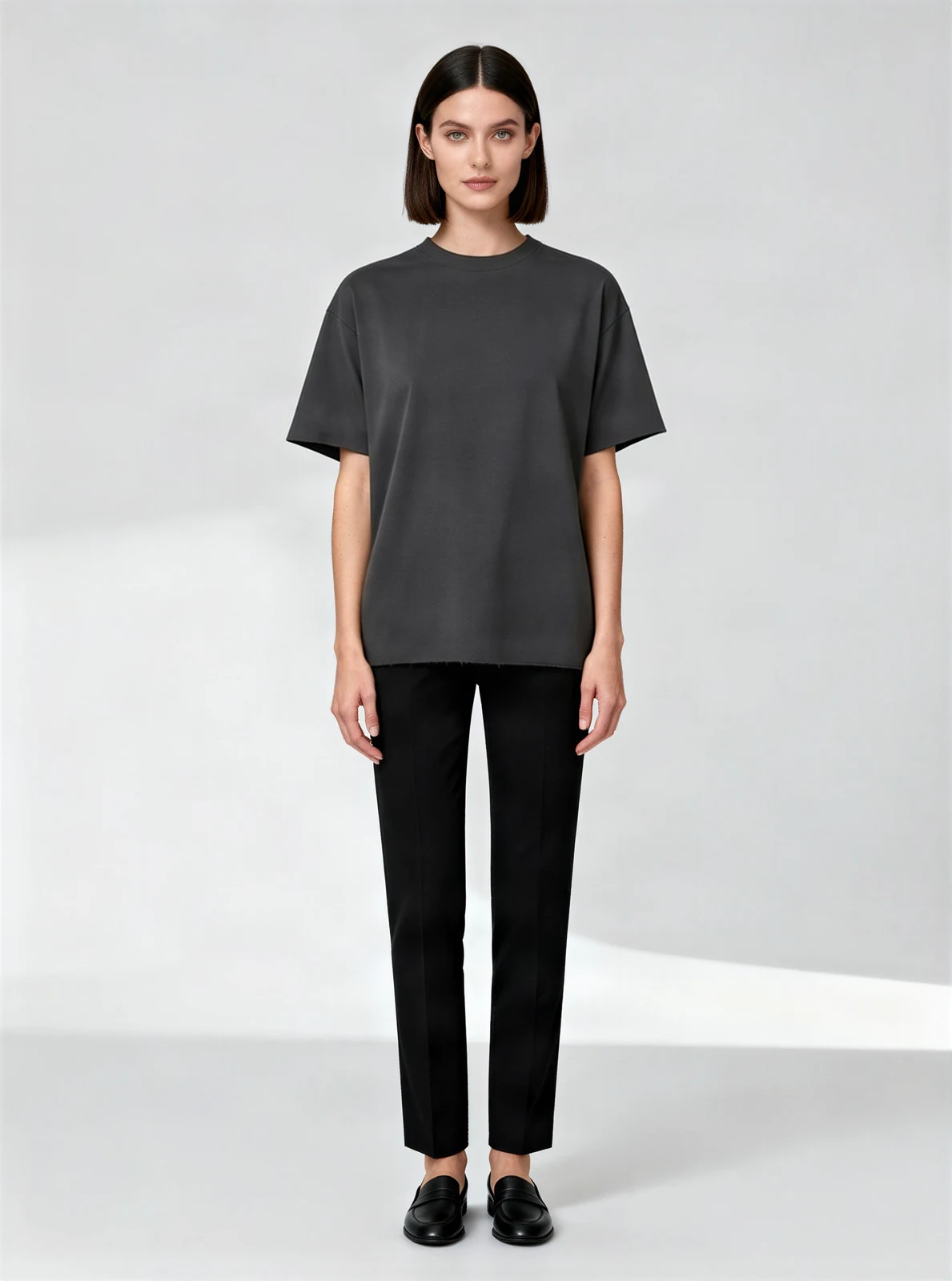
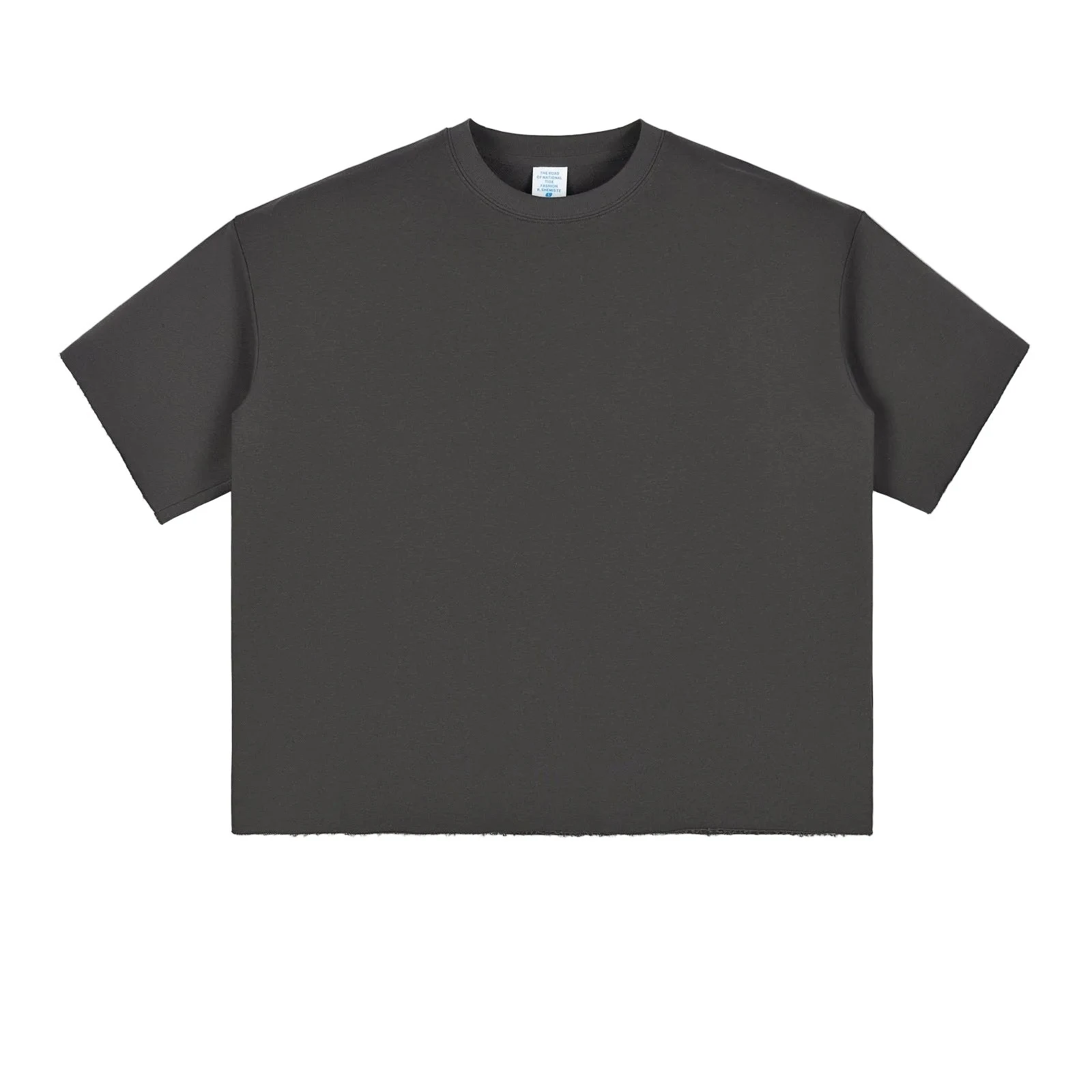
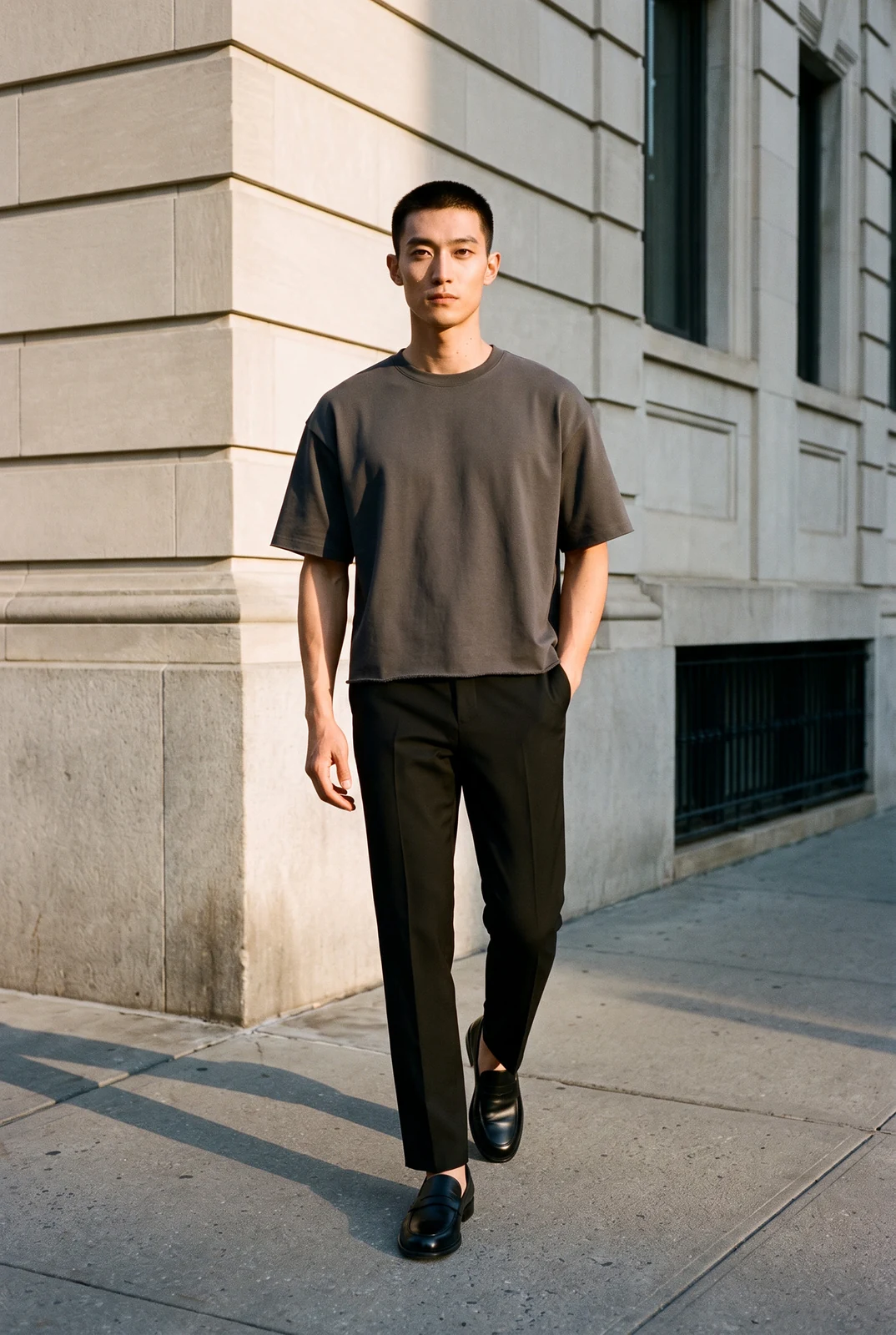
From flat lay to model
Print kept
Plain charcoal tee
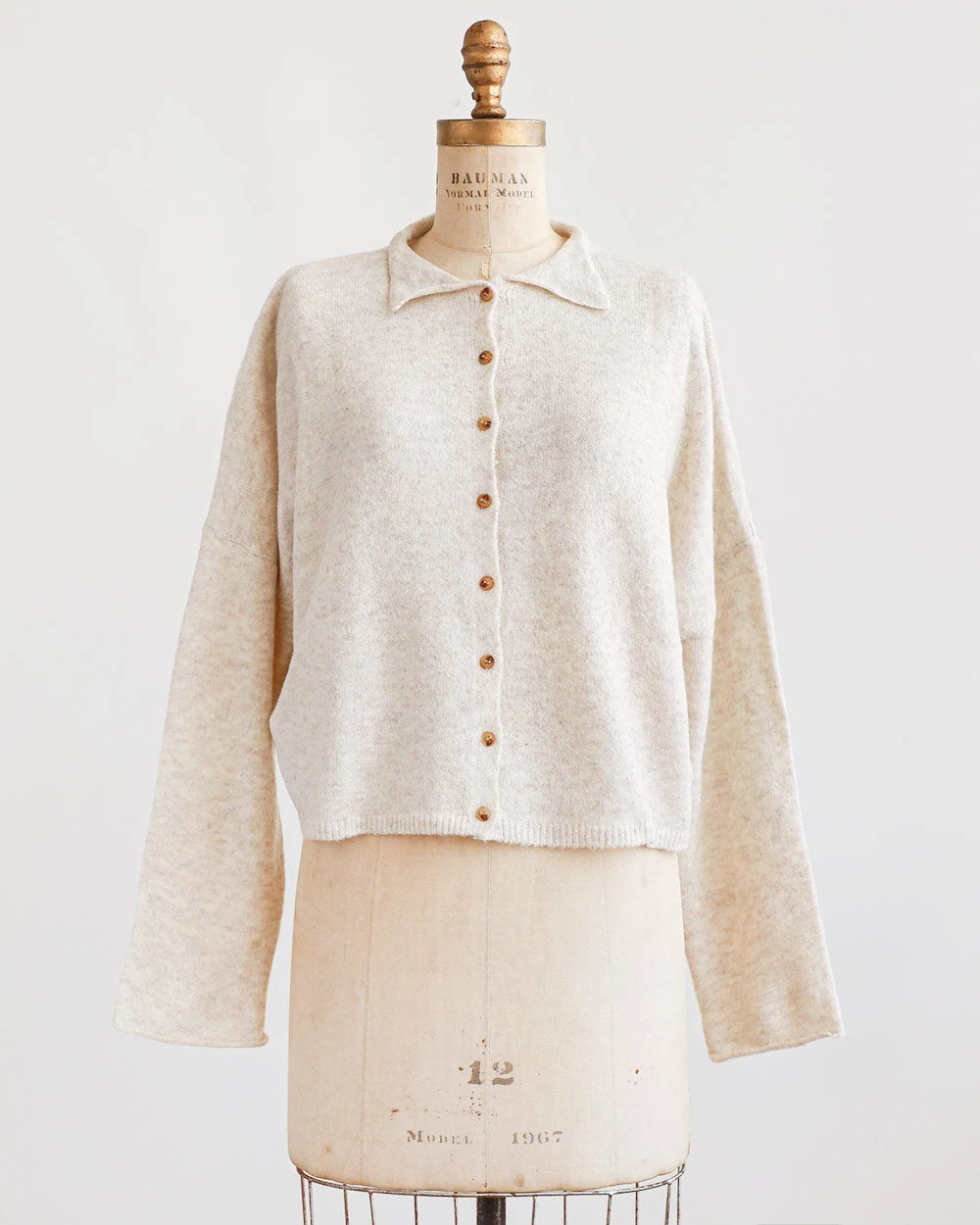
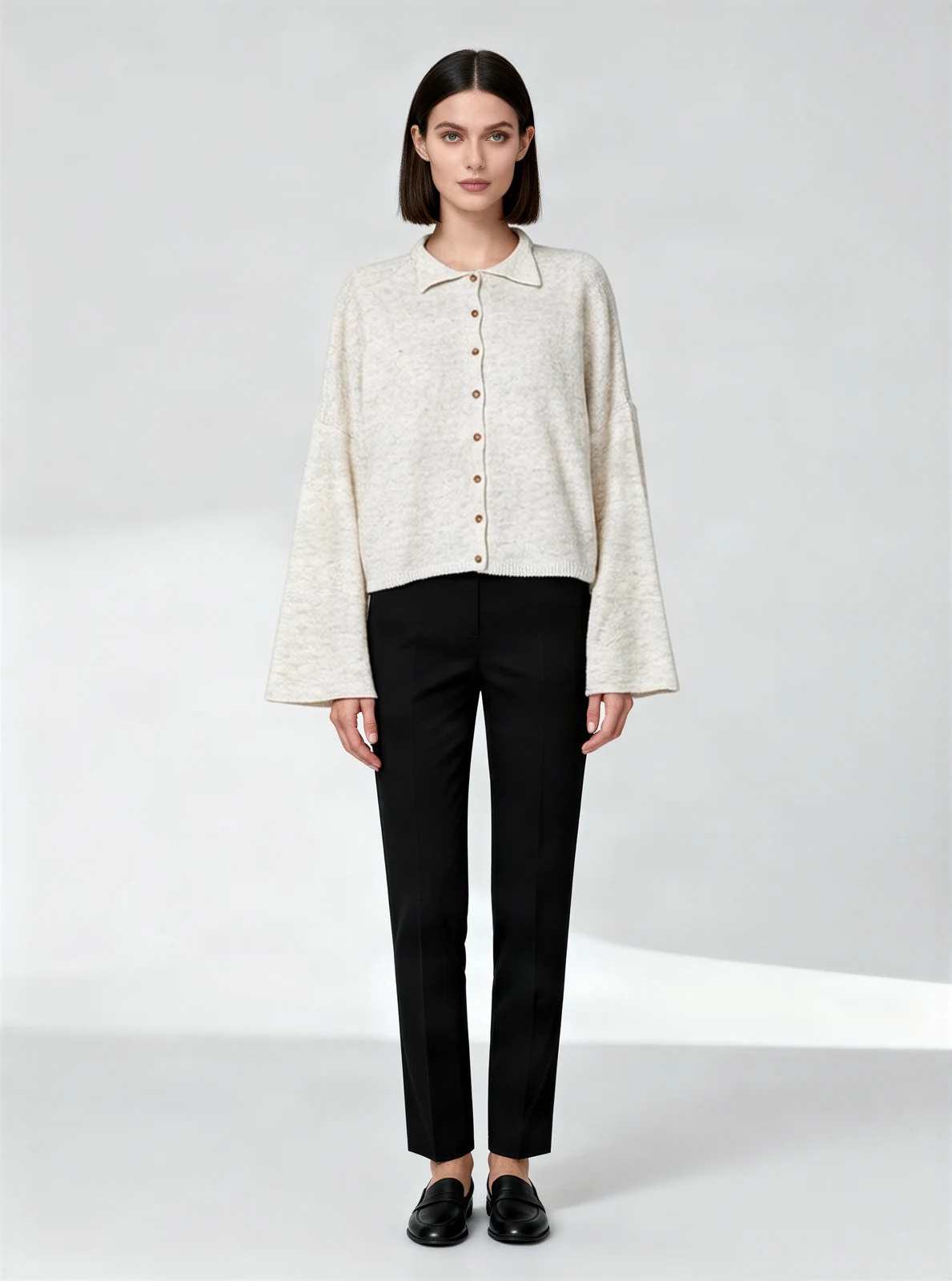
From dress form to model
Length kept
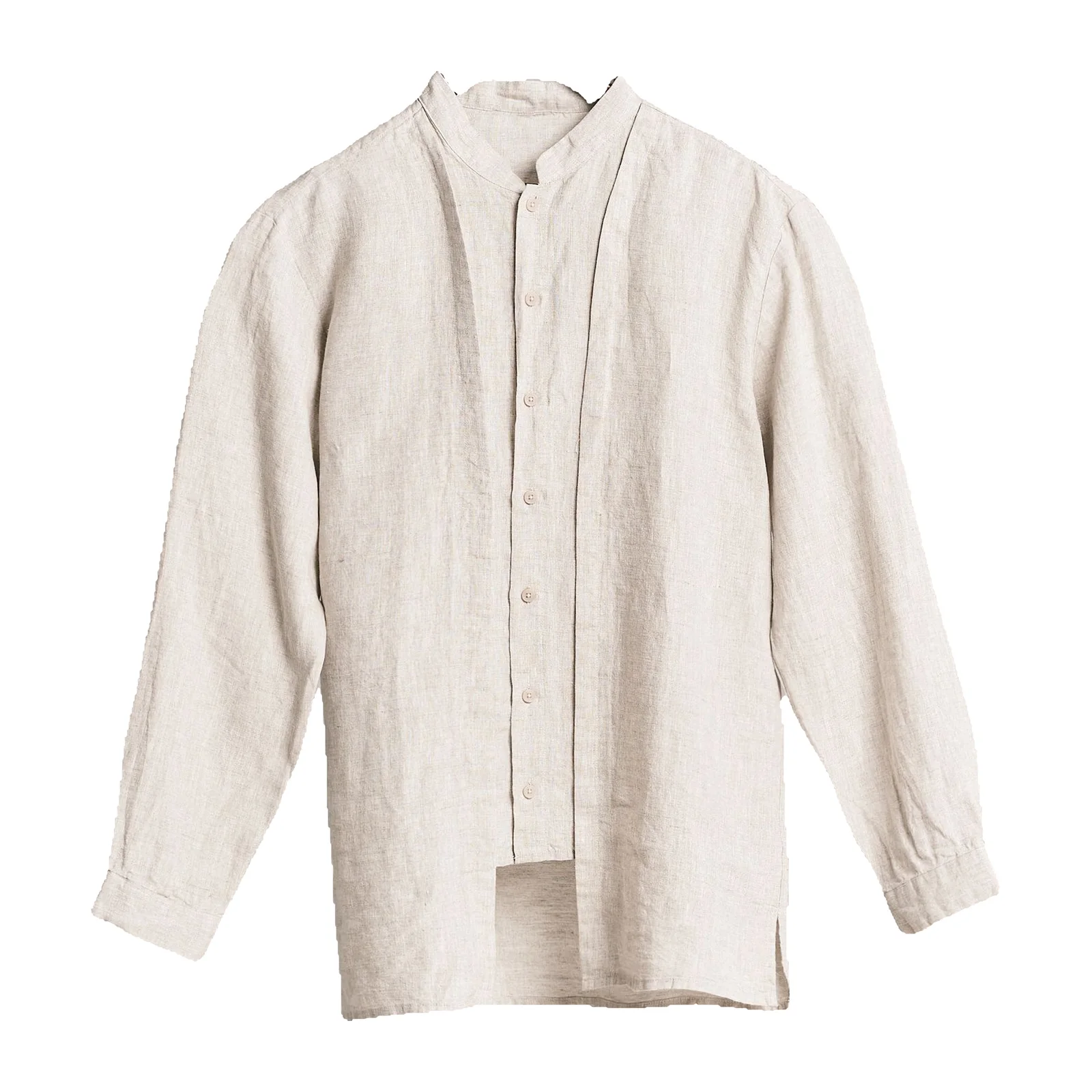
Cream buttoned cardigan
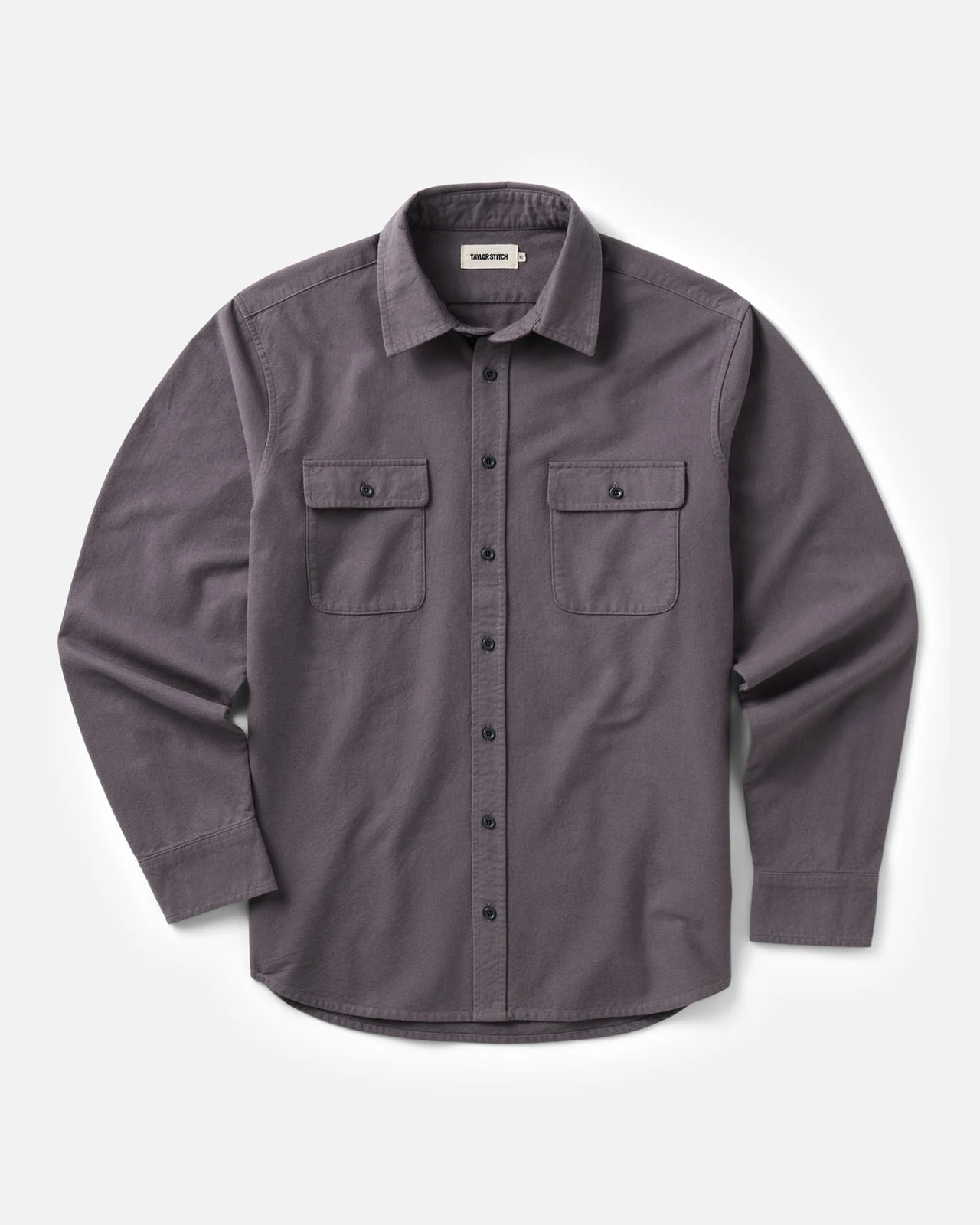
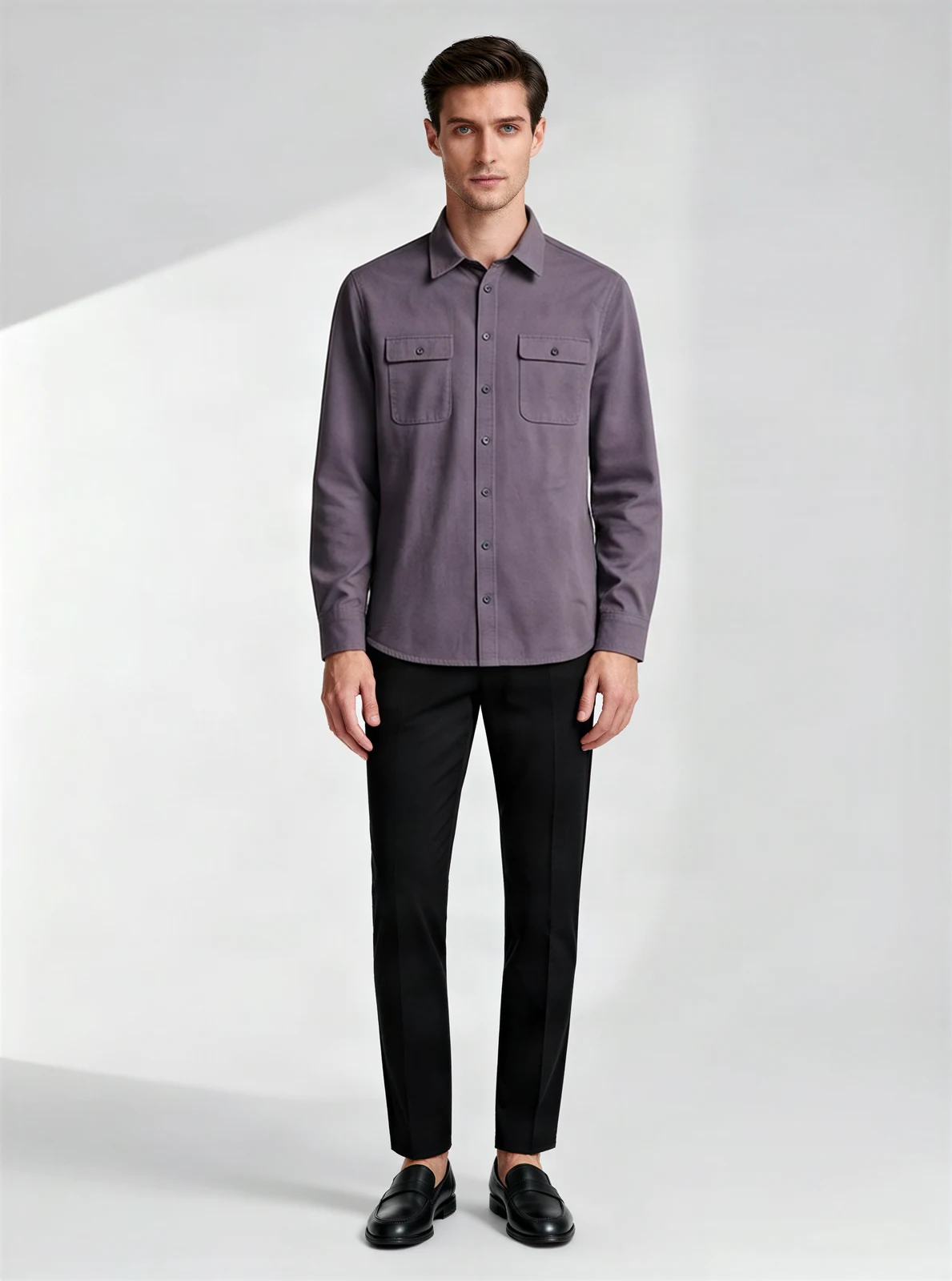
From flat lay to model
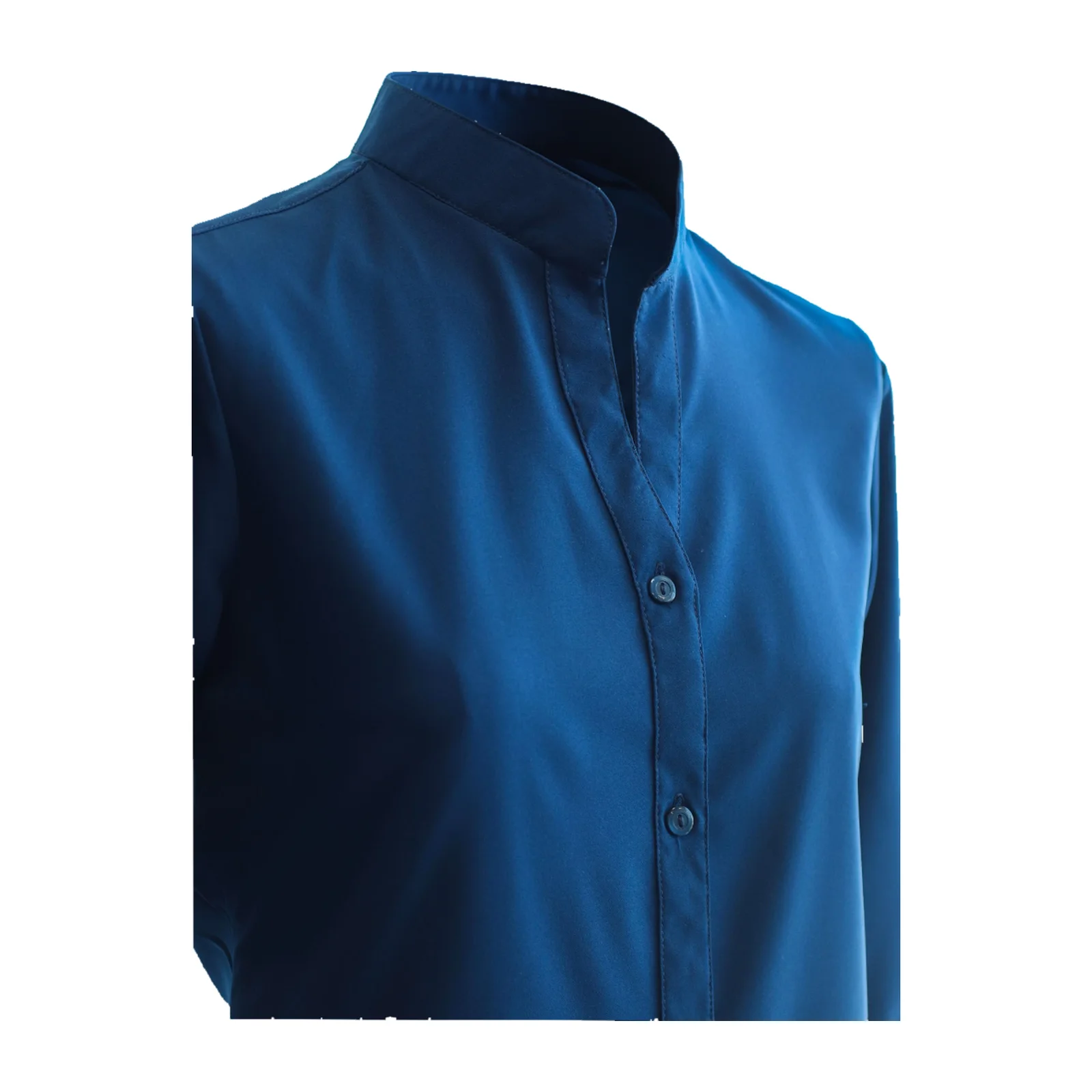
Buttons kept
Gray-purple shirt with chest pockets
Real results, not retouched. Models are AI-generated.
Choose your AI fashion model
选择 14 个 AI 模特配置。生成前选择模特、姿势和场景预设:默认影棚 6 积分,带场景一次生成 7 积分。
Four women and four men — European, East Asian, Black, Latina and South Asian — so you can match the model to who buys from you.
AI models for Amazon clothing listings
- Amazon's apparel imaging guidelines (2021) ask for adult clothing main images on a model, cropped from the nose down, on pure white — no kneeling, leaning or lying down.
- Choose Amazon main when you export: the image is cropped below the nose and placed on pure white, for 1 extra credit.
- Every AI model image is saved with the contains-synthetic-performer label in its file data, which Amazon asks for when a realistic person is fully AI-generated.
- The photo has to show your real garment accurately — that part stays your responsibility as the seller.
Last checked against Amazon's apparel imaging guidelines on October 10, 2026. How we check →
AI-generated model
How to put your clothes on an AI model
- 01
Upload a product photo
A flat lay, hanger or mannequin photo of one garment, the whole item in view, in even light.
- 02
选择模特、姿势和场景
选择 14 个模特配置之一。默认站姿;保留影棚背景,或生成前选择场景预设。
- 03
Generate and download
点击 Generate:影棚 6 积分,场景预设 7 积分。登录或注册时保留照片和设置,生成后导出。
What you can put on a model
- T-shirts, including large logo prints · sweaters and cardigans · shirts and polos · simple dresses
- Pants and skirts in beta
- Coming soon: jackets, zip-ups and hoodies — for now, try Ghost mannequin
- Children's clothing, swimwear, underwear and sheer fabrics aren't available; for kids' clothing, use a flat lay on a white background.
Most AI model tools redraw your garment. Shelfcanvas places it from your photo, then checks it. Here's what we found testing it on real product photos, and what to look at before you publish.
How accurate are AI fashion model photos?
| Garment | What we check | What to look at yourself | In our tests |
|---|---|---|---|
| T-shirts, including large logo prints | Print position, logo, length | Small text inside the print | Ready to use in 8 of 10 open-category garments |
| Sweaters and cardigans | Closure, length | Button count | 3 of 3 cardigans: buttons and length correct |
| Shirts and polos | Closure, inner label hidden | Buttons on the placket | 1 of 2 polos added a button — check the placket |
| Simple dresses | Length, hem | Gathers and ruffles | Simple cuts kept; gathered skirts in beta |
| Fine embroidery, cutwork, all-over small prints | Text flagged for review | Fine detail at 100% zoom | Beta — fine detail can soften |
| Jackets, zip-ups, hoodies | — | — | Coming soon: closures and length weren't kept reliably |
Checked automatically on every image: closures (open or done up) matched the original in 10 of 10 test garments, inner labels were hidden in 20 of 20, and printed text is flagged for you to review. If a check fails, the image is redone once and the better version is kept.
Shoot every new drop on the same model, in the same light, the same afternoon you get the samples — ready for your lookbook, line sheet and product pages.
Build an AI lookbook without a photo shoot
| Model photo shoot | Shelfcanvas | |
|---|---|---|
| Cost per image | 由摄影师报价 | 影棚 6 积分,场景预设 7 积分 |
| Booking | Model, photographer, studio | None |
| Turnaround | Days to weeks | Same day |
| Same model across the collection | 再次预约同一位模特 | Always |
| Reshoot a new color | Another booking | Upload the new photo |
What a usable photo costs
每张生成图使用积分;生成前选择影棚或场景预设。需要特定真人时,摄影拍摄仍适用。
For clothing brands launching new collections
On-model images for every launch and season. Show your new garments without booking a model.
One look across a collection. Choose the same AI model, pose and scene preset for every garment in a drop.
Clothing on AI models from a flat lay. Show fit and styling without booking a model.
Planning a launch set
- Upload a product photo: a sharp flat lay, hanger or dress form photo of each garment.
- Choose the same model, pose and scene preset for the whole collection, then press Generate.
- Download for your store, then make extra versions for social and ads.
Live model photography vs. AI fashion models
- Move from a garment photo to an on-model image in minutes, without waiting for a model's availability.
- Try one piece before preparing a full collection, with no minimum image order.
- Upload your clothing photos without sending a sample wardrobe or coordinating fittings with a crew.
- Generate a fresh version with the same model and scene preset to carry one visual style across a new drop.
A live model shoot is the better fit when the project calls for a real person's performance and collaboration with an art director, stylist and photographer on set.
FAQ
Create an account to get started.
For ecommerce, pick one that keeps the garment exactly as it is. Shelfcanvas puts your real garment on an AI model and checks buttons, closures, length, prints and logos against your photo, then exports for Amazon, Shopify and Etsy with the AI label already in the file.
Shelfcanvas, an AI fashion model generator for clothing sellers, puts your own garment on one of four AI male models — European, East Asian, Black and South Asian — straight from a flat lay or hanger photo. Each image is about 1760 × 2368 px and is checked for buttons, length and logos before you download. Every file carries an AI-generated label, so it's ready for Amazon, Shopify and Etsy listings. 6 credits per image.
用自己的服装照片选择 14 个 AI 模特配置之一;影棚 6 积分,场景预设一次生成 7 积分。图库照片无法展示你实际出售的服装。
可以。每件服装生成前选择同一个模特和场景预设;带场景一次生成每张 7 积分。
每张使用积分,无需预约模特或影棚。需要特定真人的宣传拍摄仍适合实拍。
Yes. Images you make with Shelfcanvas are yours to use in listings, ads and social posts, at full size with no watermark. Each file is labeled as containing an AI-generated person, which Amazon asks for and which keeps you transparent with shoppers.
Realistic enough for product pages: Shelfcanvas models are generated as studio photos with natural skin and light, and the garment comes from your own photo, so fabric, color and prints look like the real thing. Check fine details such as buttons before you publish.
It's placed from your photo, not redrawn, and checked for closures, length, inner labels and printed text. In our tests, 8 of 10 garments in the open categories were ready to use on the first pass; check buttons and fine print before you publish.
One garment, fully in view, in even light: a flat lay, a hanger shot or a mannequin shot. Remove tags and props, and photograph closed items closed — buttoned shirts buttoned, zipped items zipped.
It's built not to. Your garment is placed on the model from your photo, then checked for closures, length, inner labels, prints and text; if something is off, the image is redone once and the better version is kept. Check small details such as buttons on the result before you publish.
Yes, for product and lifestyle images, as long as they show the real garment accurately. Amazon asks for fully AI-generated realistic people to be labeled in the file's metadata (contains-synthetic-performer); Shelfcanvas adds this label to every AI model download, and Amazon may show a note that the image contains an AI-generated person.
Yes. Shopify has no rule against AI models. On Etsy, photos must show the actual item you sell, so the garment has to be your real product.
AI 模特展示服装穿在身上的样子。请用尺码表和尺寸数据说明具体尺码的合身情况。
Keep the image to what you sell. Extra items in a main image can make buyers think they're included; put styled outfits in gallery or social images instead.
选择 Shelfcanvas 为工具生成的 14 个 AI 模特配置。使用自己的真人模特照片,请采用独立摄影流程。
童装和婴儿服装可以用白底平铺图,符合 Amazon 对主图的要求。Shelfcanvas 的 AI 模特均为成年人。
在结果下点击 Not right? Send it to us,附上说明。我们会在 48 小时内回复;每日提交次数有限。
Put your first garment on a model
影棚 6 积分,场景预设 7 积分 · 14 个 AI 模特配置 · 自动添加 Amazon AI 标签
Upload a product photo